Key takeaways
- Visby AI's tracked-prompt cap is small (15 prompts on the plans reviewed), so the migration is mostly about moving a short prompt list and its history, not a giant dataset.
- I could not find official Visby documentation on raw data export or an API. Check your own dashboard before assuming you can pull CSVs. PDF reports appear to be available.
- Run old and new tools in parallel for 2 to 4 weeks, and mark the switch date as a break in your history, so a methodology change never looks like a real visibility change.
- Compare per engine (ChatGPT, Gemini, Claude), not on one blended number. Engines cite very different numbers of sources.
- Pick a destination that does more than monitor: crawler logs, AI traffic attribution and content workflows are what a full GEO platform adds.
Why people outgrow Visby AI
Visby AI is a light, approachable AI visibility tracker. You add your domain once, it auto-generates prompts, and it checks how often you show up in ChatGPT, Claude and Gemini. It also generates GEO tasks. For a small site or a first experiment, that is a reasonable setup.
The reasons to move on tend to be the same few:
- 15 tracked prompts do not cover a real topic map. Around 45 AI answers analyzed per month on the entry plan is thin.
- Coverage is three engines. No Google AI Overviews, Perplexity or Copilot in the sources I found.
- Tracking tells you that you are invisible, not why. There is no sign of crawler logs, AI traffic attribution or a publishing workflow.
- Pricing is confusing. The AppSumo lifetime tiers ($59 and $149 in one review, with tier 1 lacking Gemini and Claude) do not match the subscription tiers (G2 lists $79 to $499 per month). Check what you actually own.
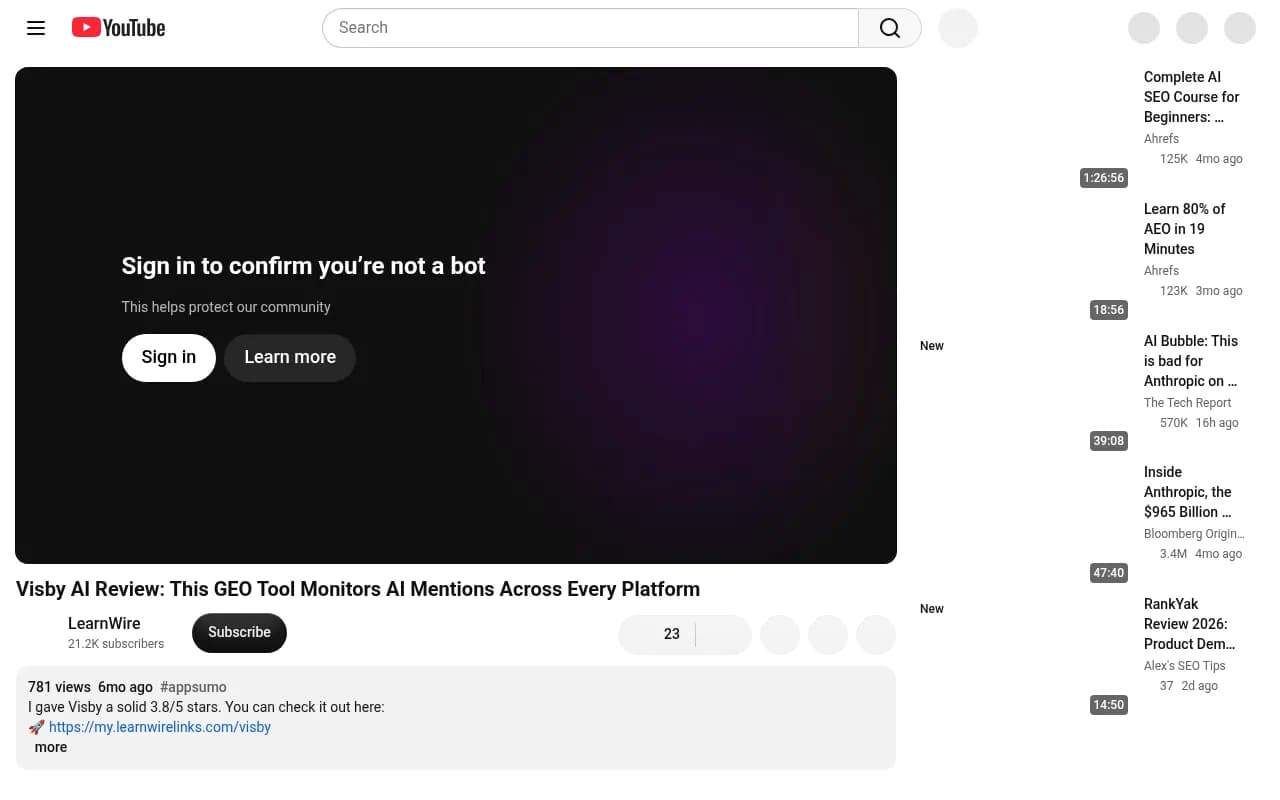
The screenshot above is a third-party review of the AppSumo deal. It is an affiliate video that rated the tool 3.8/5, so treat it as one data point, not a spec sheet.
Step 1: Audit what you actually have in Visby
Before touching anything new, write down what exists. Log into Visby and capture:
- Your full tracked prompt list, including any the platform auto-generated.
- The competitors you track.
- The date tracking started for each prompt.
- Your plan or license tier, so you know the limits you were working under.
- Any GEO tasks you completed, with dates. These explain visibility changes later.
Then look for export options. My research found PDF reporting but no mention of raw CSV or API export, and nothing official on data retention. I also could not verify whether the lifetime deal includes export. So open the dashboard and look for an export button on each table. Other tools are a useful comparison here: MarketScale, for example, lets you export every table in its AI Visibility feature from an Export button, which is the pattern to look for.
If you find no export, do not panic and do not cancel yet. Fall back to manual capture, covered next.
Step 2: Export or capture your history
If CSV or Excel export exists
Download every table: prompts, per-prompt mentions, competitor comparison, and any citation or source tables. Save them with a date in the filename, for example visby-prompts-2026-10-31.csv. Keep the raw files untouched and work on copies.
If only PDF reports exist
Generate a report for each time period you care about (last 30 days, last quarter, since launch) and store the PDFs. Then transcribe the key numbers into a spreadsheet. It is tedious, but with 15 prompts it takes an afternoon, not a week.
If nothing exports
Screenshot the dashboards. Record, per prompt, whether your brand was mentioned, in which engine, and the position if shown. This is your final snapshot.
A simple schema keeps everything comparable later:
date, engine, prompt, brand_mentioned (0/1), position, cited_url, competitors_mentioned, source_tool
The source_tool column is the important one. It lets you stack Visby rows and new-platform rows in the same sheet without confusing them.
Step 3: Treat the switch as a break in the series
This is the step most people skip and then regret. Two different tools will not produce identical numbers for the same prompt. They use different prompt phrasing, different sampling and different mention rules. If you splice the charts together, a jump on the switch date will look like a real win or a real collapse.
The engines also move under you. Promptwatch Data on ChatGPT query fanouts shows average web searches per response falling from 2.15 in early December to about 1.84 by early March, returning in April at exactly 1.0 per response. Average fanout query length dropped from around 117 characters in December to about 53 from April. Behavior shifts like that happen with no change on your side.
So do three things:
- Annotate the migration date on every chart.
- Never compute a trend across the boundary using different tools. Compare within each tool, then compare the two tools during the overlap.
- Log engine events (model rollouts, citation changes) next to your own GEO work.
Step 4: Rebuild and improve the prompt list
Your 15 Visby prompts are a starting point, not a sacred set. Auto-generated prompts tend to be generic. When you move them over:
- Keep every prompt you want continuity on, word for word, in a "legacy" group. These are your bridge between old and new data.
- Add new prompts for the topics you could not afford to track before.
- Reword the ones written as long conversational sentences. Fanout data suggests ChatGPT now searches with much shorter queries, so a prompt that reads like a paragraph may not reflect how the engine actually looks things up.
- Tag prompts by type: branded, competitor comparison, and organic category queries. They behave differently.
A full platform should let you see prompt volume and difficulty so you stop guessing which prompts matter. That is one of the practical differences from a basic tracker.
Step 5: Choose the destination platform
The market is crowded. The bestgeosoftware.com directory and the rank tracker directory at ai-rank-tools.com are good places to browse more options. Here is how I would group the realistic candidates for someone leaving Visby.
| Platform type | Examples | Good for | Watch out for |
|---|---|---|---|
| End-to-end GEO platform | Promptwatch | Tracking plus crawler logs, AI traffic, and content creation | More features than a solo site may need |
| Enterprise monitoring | Profound, Scrunch | Large brands with big budgets | Price, and mostly monitoring |
| Lightweight trackers | Otterly.AI, Peec AI | Cheap, simple visibility checks | Same ceiling you may be leaving Visby for |
| SEO suites with AI add-ons | Semrush, Ahrefs Brand Radar | Teams already living in those tools | Shallower AI-specific data |
If the reason you are leaving is that Visby only tells you what happened, I would lean toward a platform that closes the loop. Promptwatch tracks the real interfaces of ChatGPT, Google AI Overviews, AI Mode, Gemini, Perplexity, Copilot and more, adds IP-verified AI crawler logs and visitor analytics, and has a Content Agent that writes and publishes against your gaps. That is a different job than the 15-prompt check you have today.

Other names worth a look if you want to compare:




I have not verified import features or pricing for these destinations, so confirm on each vendor's site before committing. For Promptwatch, check promptwatch.com/pricing; there is a free Explore plan (10 prompts, ChatGPT only) and paid plans start at $95 per month with all models unlocked.
Step 6: Load your data into the new platform
Most platforms will not ingest another tool's historical exports natively. Expect to do this:
- Create the project and add your brand, aliases and competitors. Brand aliases matter: if Visby counted "Acme" and "Acme Inc." separately from your new tool, your mention rates will differ.
- Add the legacy prompt group exactly as written.
- Select the same countries and languages you tracked before.
- Add the new prompt set, tagged and grouped.
- Connect extras that did not exist before: Search Console, Bing Webmaster Tools, and crawler logs through your CDN or a WordPress plugin.
- Keep your Visby export spreadsheet as the archive of record, and link to it from your reporting.
Your old history lives in the spreadsheet. The new tool's history starts on day one. That is fine, as long as the boundary is labeled.
Step 7: Run both tools in parallel
Overlap for two to four weeks, ideally a full month. Do not cancel Visby until you have finished this step.
During the overlap, compare the legacy prompts in both tools, engine by engine. Do not average across engines. Promptwatch Data on average sources per response (a Sep 2025 snapshot of web-search responses) found ChatGPT citing about 5 sources per answer, Google AI Overviews about 10, and Perplexity almost exactly 10 every day, while Copilot swung from under 2 to nearly 17 within weeks. A blended baseline hides all of that.
Build a small reconciliation table:
| Prompt | Engine | Visby mention rate | New tool mention rate | Gap | Notes |
|---|---|---|---|---|---|
| Best CRM for startups | ChatGPT | 40% | 55% | +15 | New tool samples more often |
| Best CRM for startups | Gemini | 20% | 25% | +5 | Within noise |
The numbers above are illustrative. What you want is a stable offset per engine. Once you know, say, that the new tool reads about 10 points higher on ChatGPT, you can restate historical Visby figures on the new scale, or simply note the offset in your reports.
Step 8: Cut over and keep your reporting honest
When the offsets are stable and the new tool covers every prompt you care about:
- Export a final Visby snapshot and store it.
- Downgrade or cancel. If you bought the lifetime deal, there may be nothing to cancel, so keep the login in case you need to look something up.
- Update dashboards and stakeholder reports to point at the new source.
- Add a note in your next monthly report explaining the change in methodology and the overlap results.
If your team uses an agency, tell them the switch date. At 1001 SEO Media, for instance, we ask clients to flag any tool change so we can annotate trend lines instead of explaining phantom drops later.
Common mistakes
- Cancelling before checking export. You may lose access to the only copy of your history.
- Treating the new tool's day-one score as a baseline improvement. A different sampler is not a better brand.
- Moving only the prompts. Competitors, aliases, countries and languages change the numbers just as much.
- Skipping the tasks log. Without it you cannot tell whether a lift came from your work or an engine update.
- Trusting one pricing page. Lifetime-deal and subscription tiers conflict across sources, so check your own account.
A realistic timeline
| Week | What you do |
|---|---|
| 0 | Audit Visby, export or capture everything, document your schema |
| 1 | Set up the new platform, load legacy prompts, add aliases and competitors |
| 2 to 3 | Parallel run, add new prompts, connect Search Console and crawler logs |
| 4 | Reconcile offsets per engine, final Visby snapshot, cut over |
For a 15-prompt setup this is not a big project. The part that takes judgment is the annotation, and that is the part that protects your history.
If you want a free check of where you stand before committing to a new tool, Promptwatch has a no-login AI Visibility Report that scans how ChatGPT, Gemini and Perplexity talk about your brand. Run it on day one and keep the result next to your Visby archive as an independent reference point.