Key takeaways
- ChatGPT builds every answer from scratch, so identical prompts produce different outputs. Temperature sampling alone guarantees some variation.
- Memory, custom instructions, device location, and the model you are routed to (GPT-5.5 Instant, Thinking, an older paid-tier option) each shift which brands show up and in what order.
- Recommendation and brand-related questions vary the most. Factual questions vary the least.
- A single screenshot of "where you rank" tells you almost nothing. Measure visibility as a probability across many prompts, runs, and locations.
- For tracking, use clean, repeatable conditions (no personalization) and look at trends, not one-off results.
The scenario: same prompt, different answer
You ask ChatGPT "what is the best project management tool for a growing team?" Your colleague types the same sentence a minute later. You get your brand in the second slot. They don't see it at all. Someone in the meeting says one of you is wrong.
Neither of you is. This is how the system works. Google gives you a rank, position 3 or position 11, that is stable enough to check week over week. ChatGPT doesn't have a rank. It has a probability that you appear, and that probability changes with who is asking.
Below are the actual causes, roughly in order of how much they matter for brand visibility.
Cause 1: probabilistic generation
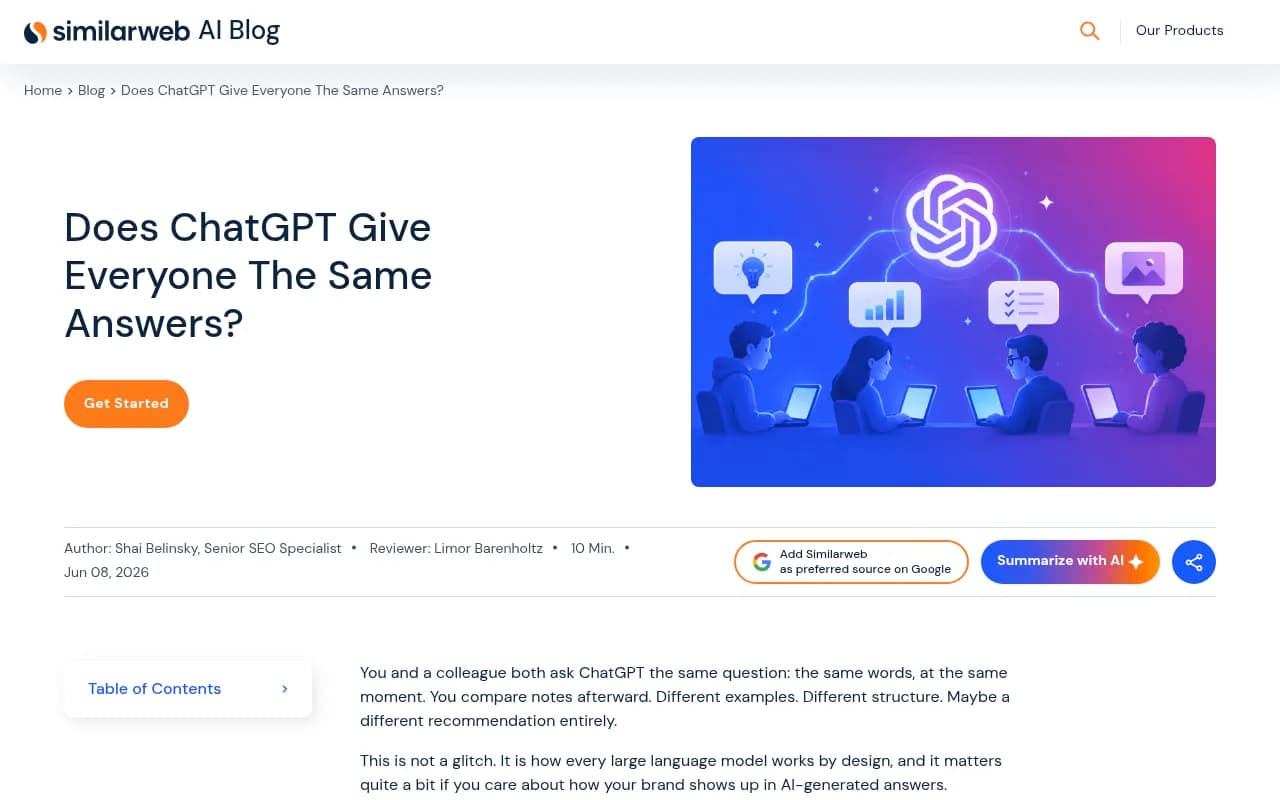
ChatGPT is not retrieving a stored answer. It predicts the next token, then the next, and the sampling includes a deliberate randomness setting (temperature). Similarweb's explainer notes that the consumer product runs at a default temperature of 1, so you can't switch the randomness off from the chat window.
That means even you, asking twice in a row, can get two different lists. For a recommendation prompt where five or six brands are plausible, the order and the cutoff are partly a coin flip.
Cause 2: memory and conversation history
ChatGPT remembers. Obsero describes a two-layer memory: explicit preferences you approved, plus implicit insights picked up from earlier chats. Paid users get deeper recall, free users a lighter version.
So if you told ChatGPT last month that you run a small agency on a tight budget, and your colleague has spent weeks asking about enterprise rollouts, the same "best SEO tool" question lands in two different contexts. The model isn't being inconsistent. It is answering two different people.
The current conversation counts too. If you asked three questions about pricing before the one you're comparing, the earlier turns shape the later answer.
One detail worth knowing: since November 7, 2025, changes to personality and custom instructions apply immediately to all chats, including existing conversations, per the OpenAI release notes. Before that, edits only affected new threads. So an old thread can change behavior mid-stream.
Cause 3: custom instructions
Custom instructions are probably the most underrated source of difference. Someone who wrote "I am a solo freelancer watching my budget carefully" gets a different tool recommendation than someone who wrote "I lead a 50-person engineering team and we already use Jira." Both are sensible answers. They share almost nothing.
You can see and edit these under Settings > Personalization. If you and a colleague disagree, the first thing to do is compare those two screens.
Cause 4: model version and routing
Not everyone is talking to the same model. This one is easy to miss because the interface looks identical.
- Free accounts get lighter or older models.
- Paid plans get access to the latest, which Similarweb lists as GPT-5.5 in Instant, Thinking, and Pro modes.
- In Auto mode, ChatGPT decides which model handles your request based on how complex it looks. Obsero's April 2026 write-up described this as GPT-5.3 Instant versus GPT-5.4 Thinking, and the routing logic means two people with the same question can land on different models.
- Paid users could keep GPT-5.3 Instant for three months after GPT-5.5 Instant became the default on May 5, 2026, through model configuration settings. Someone who kept that setting is on a different model from a colleague who didn't.
OpenAI also updates models in place. The June 24, 2026 GPT-5.5 Instant update, for example, changed how the model handles decisions, advice, and shopping. It follows constraints better and uses location context more. Same model name, different behavior before and after.
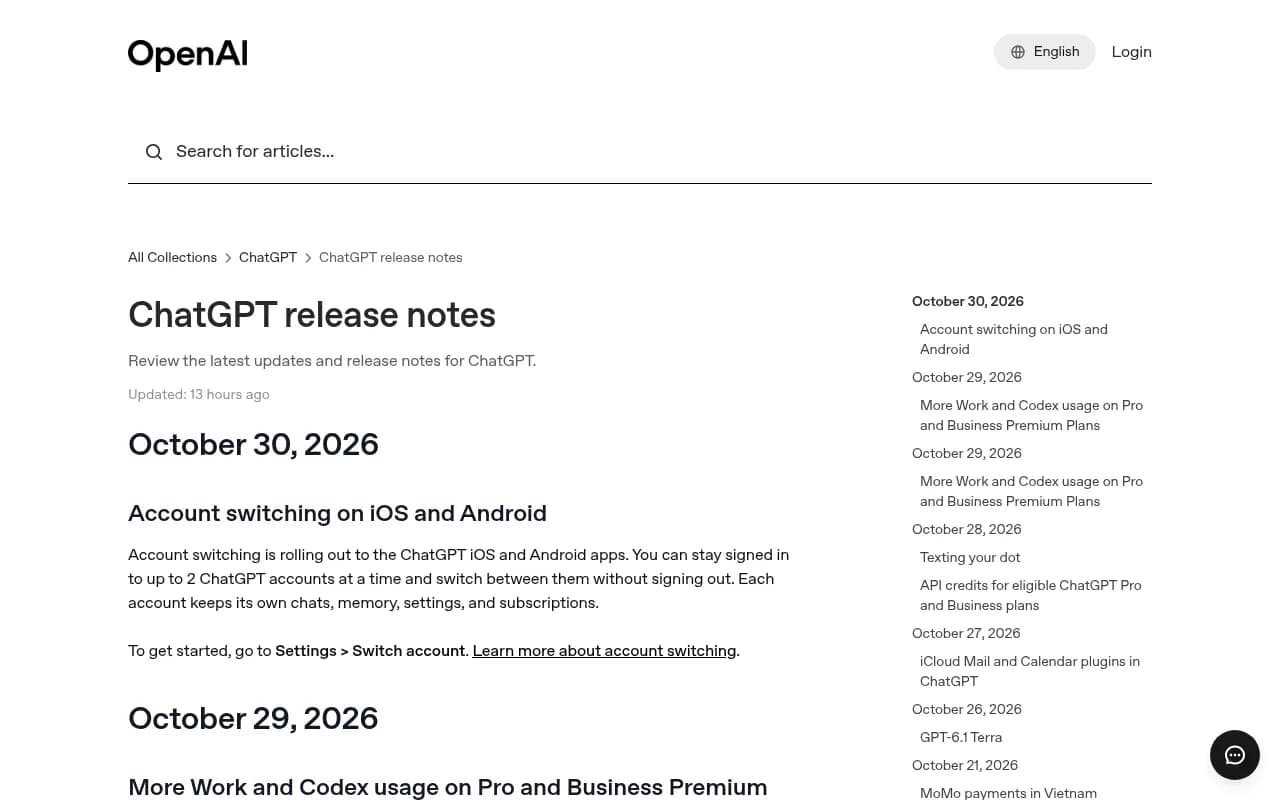
If you track visibility, the release notes page is worth bookmarking. A sudden change in your numbers often lines up with a model update and not with anything you did. Promptwatch's data on the March 2026 GPT-5.3 rollout, for instance, shows average citations per response dropping across several models around March 4, 2026.
Cause 5: location
Location affects answers in two ways.
First, web search. ChatGPT turns your prompt into one or more searches, and location can shape those. "Best pizza" from London and from New York are different questions. Obsero makes the point that, unlike Google, where we have two decades of understanding of local mechanics, AI personalization is harder to see and harder to replicate.
Second, what the model knows about you. OtterlyAI points out that even without web search, something you said in a previous chat ("I'm based in Germany") can steer the answer.
There is now an explicit setting too. Since March 26, 2026, users can share device location in Settings > Data Controls. It is off until enabled, and turning it on also enables precise location, which mobile users can toggle off separately. OpenAI says precise location data is deleted after it is used to answer. The June 2026 update then improved how the model uses that context for shopping and local business queries.
The practical result: a colleague in another city, or one with location sharing on, is not seeing the same "near me" results you are.
Cause 6: the searches ChatGPT runs on your behalf
When web search kicks in, ChatGPT doesn't just search your sentence. It breaks the prompt into several queries, called query fan-outs. Promptwatch's query fan-out report shows average fan-outs per response fell from 2.15 in early December 2025 to about 1.84 by early March 2026, and average query length dropped from about 117 characters to the high 80s, then about 53 characters when data resumed in April.
Why it matters here: memory, context, and location change what ChatGPT searches for, so two users can retrieve different sources before the answer is even written. Different sources, different brands mentioned.
Cause 7: account state and ads
Obsero lists a few more factors. Free-tier accounts can see ads, and logged-in versus logged-out behavior is not fully understood. With around 900 million weekly active users as of early 2026 (Obsero's figure), most of them on free plans, the population is fragmented. Your colleague on a free plan and you on Plus are often not having the same experience.
How much does this vary by question type?
Not all prompts wobble equally. Similarweb's breakdown, paraphrased:
| Query type | Variation | Example |
|---|---|---|
| Factual, closed | Low | What year was GPT-5.5 released? |
| Explanatory | Moderate | How does ChatGPT work? |
| Recommendation | High | What is the best project management tool? |
| Brand-related | High | Is [brand] a reliable option for X? |
The prompts brands care about most are the ones that vary the most. That is the uncomfortable bit.
There is also a lot of source overlap to compete with. In Promptwatch's data on unique domains per ChatGPT response (Sep 28 to Oct 4, 2026), 47.6% of responses cited 10 or more domains and 66.1% cited at least 8. For organic prompts with no brand named, 52.5% cited 10 or more. Brand-specific prompts are tighter: 5 domains was the most common count at 14.9%. When an answer pulls from that many sources, which handful make the cut can easily differ between runs.
Summary table: what changes the answer
| Factor | Where it lives | Who controls it |
|---|---|---|
| Temperature | Built into the model | OpenAI |
| Memory | Settings > Personalization | The user |
| Custom instructions | Settings > Personalization | The user |
| Model and routing | Model picker, Auto mode, plan tier | User and OpenAI |
| Device location | Settings > Data Controls | The user |
| Query fan-out | Generated per response | The model |
| Plan and ads | Account tier | The user |
What to do when you and a colleague disagree
A quick checklist that settles most arguments:
- Compare the model. Same plan? Same mode (Instant, Thinking, Auto)? Any legacy model selected?
- Compare Personalization. Look at custom instructions and memory entries.
- Compare location settings and physical location.
- Try a temporary or logged-out chat, or a fresh account, to see a cleaner baseline.
- Run the prompt several times each. Count how often the brand appears, not whether it appeared once.
If the numbers are close across ten runs each, the difference was noise. If one person is consistently absent, look at steps 1 to 3.
What this means for tracking your brand
The key shift is to stop thinking in ranks. Obsero's summary puts it well: visibility in AI search is probabilistic rather than positional, and brands should track trends across dozens of prompt variations rather than rely on single snapshots. Similarweb frames it the same way: your presence is a probability that shifts depending on who is asking, when, and how.
Some working rules:
- Track many prompts, not one. Promptwatch's own advice from the domains report is to measure across many prompts and to watch where you appear in the response and how you are described, not only whether you are cited.
- Standardize the conditions. Pick the country, language, and model you care about and keep them fixed so changes mean something. OtterlyAI says it avoids tailoring responses with personalization factors for exactly this reason.
- Segment by location where it matters. For local or multi-location businesses, run location-specific checks. Birdeye Search AI and similar local tools exist for this.
- Watch model changes. Log release notes next to your charts.
- Report ranges. "We appear in roughly 40% of runs for this prompt set" is honest. "We rank #2" is not.
Tools that help
A manual spot check by a person logged in to their own account is the least reliable measurement you can make, because it bakes in that person's memory and settings. Dedicated trackers run prompts on a schedule from consistent conditions. Promptwatch monitors the real ChatGPT interface by country and language, runs prompts daily, and can pin a monitor to exact coordinates for local queries, so you see the answer as it appears from a given spot instead of from one person's account.

Other options if you want to compare:


Similarweb AI Brand Visibility

Whatever you choose, check how it handles personalization (does it strip it out?), how many runs per prompt it makes, and whether it uses the real interface or the API. User-facing answers and API outputs can differ. For a broader list, the GEO software directory at bestgeosoftware.com is a handy starting point.
| Need | What to look for |
|---|---|
| Consistent baseline | Fixed country, language, model, no personalization |
| Local queries | Coordinate or city-level targeting |
| Trend over snapshot | Daily runs and many prompts per topic |
| Cause of change | Model and crawler context alongside visibility data |
What you can control as a user
If you are the one trying to get more consistent answers for your own work, the fixes are boring and they work. Write specific prompts. Add context. Set custom instructions that reflect how you actually want answers. Keep related questions in one thread. You can reduce variability this way, but you can't eliminate it, because the sampling is built in.
Bottom line
Your position differs from your colleague's because you are not running the same experiment. Different memory, instructions, model, location, and a dose of built-in randomness all feed the answer. Treat any single ChatGPT result as one sample, and make decisions from the pattern across many.