Key takeaways
- Raw CDN or edge logs are the only reliable record of which AI bots read your pages. Client-side analytics never sees them, because crawlers don't run your JavaScript.
- Cloudflare, Akamai and Fastly can all export request-level logs. Field names and delivery mechanics differ, so normalize them before you analyze anything.
- A user agent string proves nothing. Verify each request against the operator's published IP ranges, or you will count spoofed traffic as real.
- Group by crawler, not just by provider. OpenAI's training bot and its answer-time fetcher do very different jobs, and provider totals hide that.
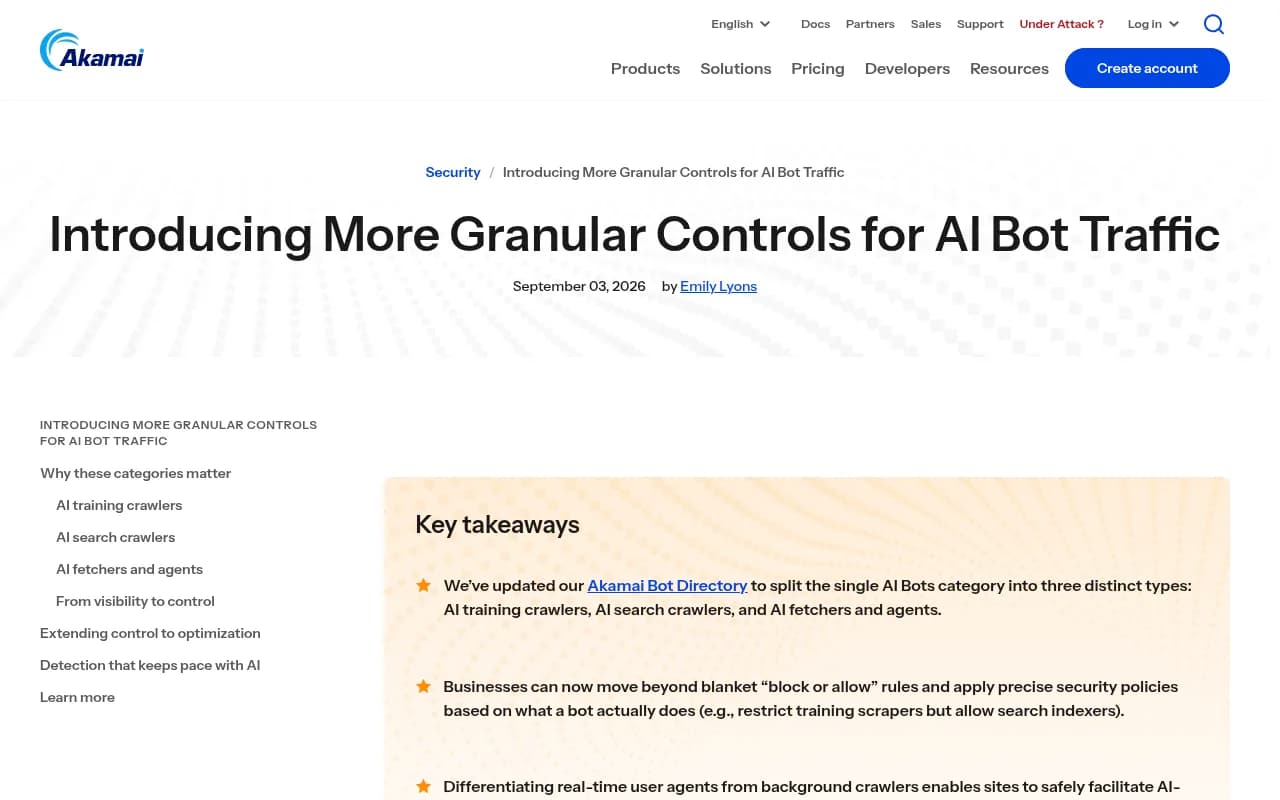
- Akamai split its Bot Directory into AI training, AI search, and AI fetcher/agent categories in 2026, and Cloudflare has moved toward separate Search, Agent and Training controls. Your log schema should keep those classes apart too.
Why enterprise teams need their own AI crawler logs
Most marketing teams find out about AI crawlers the awkward way. Someone asks why ChatGPT never mentions a product line, and nobody can say whether GPTBot has even fetched the product pages. Rank trackers don't know. Google Analytics doesn't know. The answer is sitting in CDN logs that nobody is looking at.
At enterprise scale the problem has a few extra layers:
- Traffic is split across multiple properties, brands and regions, often behind different CDNs.
- Security teams own the bot rules, while SEO and content teams own the outcome. They rarely share a dashboard.
- A single WAF rule written for scrapers can quietly block a search crawler that feeds AI answers.
- Log volume is large enough that sampling or retention limits distort the picture.
The goal of a log feed is to answer four questions per page and per bot: was it requested, was it served successfully, how often, and did that crawl ever turn into a citation.
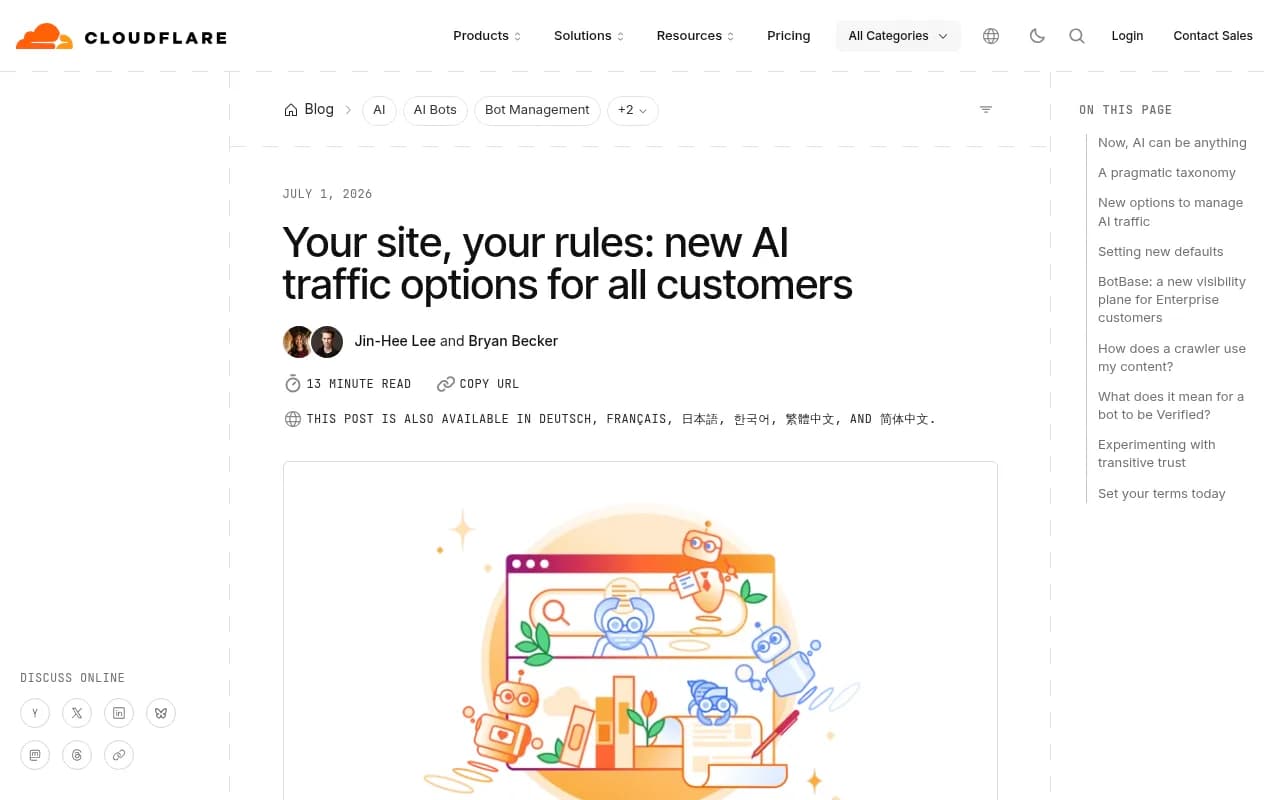
The vendors themselves are pushing in this direction. Cloudflare wrote in its 2026 post on new AI traffic options that bots should be classified by behavior (what they do on your site, what they store, how they reshare content) rather than a simple AI or not-AI label. Akamai made a similar move in September 2026.
What the data looks like right now
Before building anything, it helps to know what a healthy log looks like. Promptwatch Data published a report on weekly IP-verified AI crawler requests from OpenAI, Anthropic, Google, Perplexity and Mistral, covering June 8 to September 6, 2026. OpenAI accounted for 79.8% of verified requests in the week of August 31 to September 6, down from 94.8% in the week of June 8 to 14. The mix is shifting fast.
Another Promptwatch report on Meta-WebIndexer found it grew from about 2% to nearly 38% of tracked AI crawler requests between mid-July and August 9, 2026. If your log pipeline has a hardcoded list of bots from a year ago, that crawler may be sitting in your "unknown" bucket.
The AI crawler report also gives a useful diagnostic: if a provider has a large share in the benchmark but near zero in your own logs, you are probably blocked or unreachable for that provider. Check robots.txt, CDN rules and WAF rules for each one.
Note that the shares are shares of the mix, not absolute volume. Don't compare your raw request counts to a percentage chart.
Decide what to capture before you configure anything
Every vendor lets you pick fields. Pick them deliberately, because adding fields later means a gap in history.
Minimum fields
- Timestamp (UTC, millisecond precision if available)
- Client IP (the real one, not the edge or proxy address)
- Request host and full URI including query string
- HTTP method
- Response status code
- User agent
- Bytes sent
- Cache status (hit, miss, pass)
- Referer
Worth adding at enterprise scale
- Bot manager or WAF classification and the action taken (allow, challenge, block, tarpit)
- Origin response time versus edge response time
- Country or region of the client
- Any signed-agent or message-signature verification result, where the vendor provides one
- A property or brand identifier so you can split multi-site data
Sending only AI-bot traffic to your pipeline saves money, but I would not filter at the source on day one. Log everything for a few weeks, learn what the real bot population looks like, then write the filter. Otherwise you will filter on a user agent list that is already out of date.
Setting up Cloudflare
Cloudflare is the most common starting point because so many sites already sit behind it. There are two broad routes for getting logs out.
Logpush
Logpush sends HTTP request logs in batches to a destination you control, such as object storage, a SIEM, or an HTTP endpoint. For AI bot analytics:
- Create a Logpush job for the HTTP requests dataset on each zone you care about.
- Choose the destination. Object storage is cheapest and easiest to reprocess. An HTTP endpoint is fine if your analytics tool accepts it.
- Select the fields from the list above. Include the bot score and verified bot category fields if your plan exposes them.
- Set a filter only after your discovery period.
- Confirm delivery by checking the first batch of files and comparing a request count against the Cloudflare dashboard.
Logpush is the right choice for enterprise accounts because it is not sampled and it scales to high volume. Availability of specific fields depends on your plan, so confirm with your account team.
Worker-based capture
A Worker can inspect each request and forward a trimmed record to an endpoint. It is quicker to stand up and works on plans where Logpush is not available, but it adds code to your request path and you own its failure modes. I would use it for a pilot, not as the permanent enterprise design.
Cloudflare-specific things to watch
- Cloudflare now lets site owners set separate policies for search, agent and training bots, and its "Block AI Bots" option and pay-per-crawl marketplace changed defaults for many zones. If a zone was created recently, check whether AI crawlers are blocked by default before you conclude that nobody is crawling you.
- Its BotBase database tracks known bots, including verified bots and agents. Use it as a reference when classifying unknown user agents.
- Blocked requests still appear in logs with an action field. Count them separately. A bot that tried 40,000 times and got a 403 each time is a very different story from a bot that never showed up.
Setting up Akamai
Akamai's log delivery for security and traffic data is typically handled through DataStream, with security events coming from Bot Manager and the Web Security Analytics tooling. I could not verify field names or pricing for DataStream from the research behind this guide, so treat the steps below as a plan to confirm with your Akamai team rather than a copy-paste recipe.
- Create a DataStream configuration for each property that matters, and select the request fields listed earlier.
- Pick a destination such as object storage or your log platform.
- Pull in Bot Manager data so that each request can carry the bot's name and category.
- Check your retention needs against what the platform keeps by default.
The important recent change is the bot taxonomy. In September 2026, Akamai announced that it had split the single AI Bots category in its Bot Directory into three: AI training crawlers (collect content to train models), AI search crawlers (index content for AI search and citations), and AI fetchers and agents (access content in real time for user requests and autonomous tasks). Akamai's own example is restricting training scrapers while allowing search indexers.
Two practical consequences:
- If you built dashboards or alert rules on the old AI Bots category, they will need to be redone. A rule that said "alert if AI bot traffic drops" now has three populations to watch.
- Policy and analytics should use the same categories. Otherwise security blocks the thing marketing is trying to measure.
Crawlbase's roundup also points to an Akamai Web Security Analytics changelog dated August 11, 2026 that mentions AI-bot categories. I did not verify that page, so check the Akamai techdocs before relying on it.
Setting up Fastly
Fastly has real-time log streaming, which sends logs from the edge to endpoints you choose within seconds. It is the most flexible of the three because you define the log format yourself in the service configuration.
- Add a logging endpoint to the service. Object storage, a cloud log service or an HTTPS endpoint are all common.
- Write a custom log format using Fastly's variables for client IP, request URL, status, user agent, cache state and timing. Emit it as JSON so downstream parsing is simple.
- Add a header or condition to flag requests that Fastly's bot tooling classifies, if you use it.
- Deploy to a staging version first, confirm records arrive, then activate.
I have not verified Fastly's exact variable names or pricing here, so check their documentation as you write the format string. One real advantage: because you author the format, you can add your own fields, such as a brand ID or a content-type tag, with no post-processing.
One caution on Fastly. Make sure the client IP you log is the true client address. Behind shield POPs or other proxies, you can end up logging an intermediate address, and then IP verification fails for every bot.
Comparison of the three feeds
| Area | Cloudflare | Akamai | Fastly |
|---|---|---|---|
| Main delivery mechanism | Logpush, or Worker capture | DataStream plus Bot Manager data | Real-time log streaming |
| Field control | Select from a dataset | Select from a stream config | Fully custom format |
| Bot classification in logs | Bot score, verified bot fields, BotBase reference | Bot Directory with AI training, search, and fetcher/agent categories | Depends on your bot tooling and custom fields |
| Setup effort | Low to medium | Medium, often via account team | Medium, you write the format |
| Watch out for | Default AI blocking on new zones | Old single AI Bots category in existing rules | Logging the wrong client IP |
| Verified by the author | Concepts only | Category split only | Not verified in detail |
Verify before you trust any number
This is the step that separates useful bot analytics from fiction. A user agent string is a claim. Anyone can type GPTBot into a header.
IP verification
OpenAI, Anthropic, Google, Perplexity and others publish IP ranges for their crawlers. Match each request's source IP against the ranges for the bot it claims to be. Anything that doesn't match gets reclassified as unverified, not deleted. Spoofed traffic is itself worth knowing about.
The Promptwatch report uses exactly this rule: a request counts only if its source IP matches the operator's published ranges, which is how it excludes spoofed user agents. Weeks run Monday to Sunday in UTC, and the incomplete current week is dropped. Copy those conventions and your numbers will be comparable.
Vendors are also moving toward cryptographic identity. Crawlbase notes that Cloudflare began joining message signatures to its Verified Bots program on July 1, 2025, so a signed request proves the key holder sent it. If your CDN exposes a signature verification result, log it.
Group by crawler, not provider
Provider totals hide the interesting part. A single operator can run a training crawler, a search indexer and a user-triggered fetcher. Only one of those moves the needle on whether you are cited. Build every dashboard with a crawler-level view first, and roll up to provider second. The AI bots directory lists 400+ AI crawlers and agents with robots.txt guidance, which is handy for building your lookup table.
Turning logs into analytics
Raw logs are not analytics. A workable enterprise pipeline looks like this:
- Land logs in object storage, partitioned by date and property.
- Normalize the three vendors' field names into one schema.
- Enrich: map user agents to crawler names, classes (training, search, fetcher) and operators, then run IP verification.
- Aggregate by page, crawler, status code and day.
- Join to citation and traffic data so you can see which crawled pages actually got cited.
The join in step 5 is where most DIY efforts stall. A page that is crawled often but never cited points to a content problem. A page never crawled points to an access problem. Without both datasets you can't tell which one you have.
If you would rather not build and maintain that pipeline, Promptwatch ingests crawler logs through its AI crawler logs feature, with setup paths for Cloudflare (Logpush or an auto-deployed Worker), Fastly, Vercel, Netlify, CloudFront, Akamai, Google Cloud CDN, a custom HTTP endpoint, or a WordPress plugin. It verifies visits against published IP ranges and ties each page's crawl history to its citation rate.
Other tools in this space tend to focus on one slice. Botify is a technical SEO platform used by enterprise teams for crawl analysis, and it is a reasonable fit if log analysis for Googlebot is your main need.
For a broader view of options, the GEO software directory at bestgeosoftware.com lists platforms by capability.
What to look for in the first month
Once data flows, run these checks in order:
- Compare each major provider's presence in your logs to the benchmark mix. Near zero for a big provider means a block somewhere.
- List the top 50 pages by business value and check each for successful (200) responses to search and fetcher bots.
- Look at status codes by crawler. Plenty of 403, 429 and 5xx responses to a legitimate bot means a WAF or rate limit rule is hurting you.
- Find your unknown user agents with real volume and classify them. Meta-WebIndexer is a good example of a crawler that went from small to large in weeks.
- Check robots.txt and CDN rules against each other. They often disagree, and the stricter one wins.
- Review pages crawled but not cited, and pages cited but rarely crawled. The second group is usually served from caches or training data, and deserves a freshness check.
Policy decisions come after measurement
Only after you have a baseline should you change rules. A sensible default for many publishers and brands is to allow search and fetcher bots, which are the ones that put you in answers, and make a deliberate choice about training bots. The new vendor categories exist so that you can make that split. Document the decision and who owns it, because security and SEO will otherwise undo each other's work.
Common failure modes
- Logging the CDN's IP instead of the client's, which makes verification fail for everything.
- Sampling logs and then comparing counts to unsampled benchmarks.
- Treating a blocked request as a missing one. Log the action taken.
- Counting spoofed user agents as real bots.
- Forgetting a property or subdomain that sits behind a different CDN, then reporting a total that excludes it.
- Setting a retention window shorter than your reporting cycle. A quarterly review needs at least a quarter of data, and ideally more for year-on-year comparisons.
Rollout checklist
- Inventory every property and which CDN fronts it.
- Agree a shared field schema and bot taxonomy with security.
- Turn on unfiltered logging for two to four weeks.
- Verify IPs and classify bots by crawler and class.
- Build the crawler-level dashboard, then the provider rollup.
- Join logs to citation and AI-referred traffic data.
- Review policy with security and write the decision down.
- Re-audit quarterly, since the bot mix changed noticeably within a single summer in 2026.
The infrastructure side of this is mostly plumbing. The hard part is organizational: getting security, SEO and data engineering to look at the same table. Once they do, questions like "why isn't ChatGPT citing our docs" stop being guesses and become something you can check in the logs.
For wider context on how AI engines pick sources, browse the rest of the Promptwatch Data reports.