Key takeaways
- Almost every serious AI visibility platform now ships a REST API, an MCP server, or both. The differences are in which plan unlocks access, how requests are metered, and whether the assistant gets write permissions.
- Quotas matter more than sticker price. A plan with 2,000 API requests a month covers a nightly export but struggles with an agency syncing a dozen client dashboards.
- OAuth-based MCP servers suit non-technical users who add a connector in ChatGPT or Claude. Key-based servers suit teams working in Claude Code, Cursor, or Codex.
- Most comparison articles on this topic are written by vendors who rank themselves first. Treat prices as a starting point and confirm them on each vendor's pricing page.
- Whatever tool you pick, normalise citation counts per engine before you chart them. Engines return very different numbers of sources per answer.
Why build your own AI visibility reports at all
Dashboards are fine until someone asks a question the dashboard was not built for. A client wants AI share of voice next to revenue. A CMO wants one weekly number in a Slack message. A data team wants citations in BigQuery so they can join them with Search Console data.
That is where an API or an MCP server earns its keep. The API is for code: a scheduled job pulls visibility, citations, and sentiment into a warehouse, a BI tool, or a client report template. The MCP server is for assistants: you ask Claude or ChatGPT something like which competitors beat us on pricing prompts last week, and it queries the platform directly and answers in plain language.
If you are only after a monthly PDF, you do not need either. If you want automation, custom dashboards, or an assistant that can reason over live data, you do.
API vs MCP: which one do you need
Short version: you probably want both, but for different people.
REST API
Use it for scheduled, repeatable pulls. Think nightly exports, white-label client dashboards, warehouse loads, and Looker Studio or Power BI feeds. The questions to ask are rate limits (per minute, per hour, or per month), how far back one request can reach, and whether responses are metered by units or credits, which makes the cost of a call depend on how much data comes back.
MCP server
Use it for ad hoc analysis and workflows. An MCP server exposes a set of tools an assistant can call. Tool counts vary wildly between vendors, from a few dozen to well over a hundred. The more important split is read versus write. Write-capable tools let an assistant add prompts, queue content, or update monitors. That is powerful and slightly nerve-racking. Check how keys can be scoped (read-only, per brand, per project) before you hand an assistant write access.
Connection method
OAuth servers can be added through the connector settings in ChatGPT or Claude, which suits marketers. Key-based servers are configured in developer tools such as Claude Code, Cursor, or Codex. A few platforms support both. If your team includes non-technical people who will actually use the thing, OAuth support is worth more than a longer tool list.
Quick comparison of API and MCP access
The figures below come mostly from a vendor-written comparison on Geoptie's blog, which says each tool was checked against its pricing page and docs in October 2026. Geoptie is one of the tools in it, so read it with that bias in mind, and verify before you buy. I added Promptwatch from its own published plan details.
| Tool | Cheapest plan with API and MCP | Engines covered | Limits and connection notes |
|---|---|---|---|
| Promptwatch | Essential, $95/mo | ChatGPT, Gemini, Perplexity, Claude, AI Overviews, AI Mode, Copilot, Meta AI, Alexa, and more | REST API v2 and hosted MCP server with 110+ tools. OAuth or API key. 500 requests/hour on Essential, up to 50,000 on Enterprise |
| Geoptie | $99/mo | 7 engines | 120 requests/min per key, no monthly cap. 24 read and 24 write MCP tools. Keys scoped to one brand |
| ZeroRank | $39/mo | 17 platforms incl. Grok, DeepSeek | 60 requests/min on Starter. MCP via OAuth. Bearer key, read-only or read/write |
| SE Ranking | $129/mo (conflicting reports) | ChatGPT, Perplexity, Gemini, AI Overviews, AI Mode | 180+ MCP tools across SEO and AI search. Credit-based, 25,000 API credits/month on Core |
| Peec AI | MCP from $95/mo, REST API Enterprise only | ChatGPT, AI Mode, AI Overviews, Copilot, Gemini, Naver AI | 51 read and 48 write MCP tools. 200 requests/min per project |
| Otterly.AI | $189/mo | ChatGPT, AI Overviews, Perplexity, Copilot | 2,000 API and 2,000 MCP requests/month on Standard. OAuth only |
| Ahrefs Brand Radar | $129/mo | ChatGPT, AI Overviews, AI Mode, Gemini, Perplexity, Copilot | 200,000 units/month on Lite, shared with the API. Hosted connector |
| Profound | Enterprise only | 9 engines incl. Claude, DeepSeek | About 60 MCP tools. 600 requests/hour per key. OAuth or key |
| Scrunch | $500/mo | ChatGPT, Perplexity, AI Overviews, Copilot | 51 MCP tools. 1,000 records per request. OAuth |
One conflict in the sources is worth flagging. Geoptie says SE Ranking starts at $129 with prompt tracking or the prompt index as paid extras, while an LLM Pulse comparison says SE Ranking includes API and MCP across its plans. Both are competitors writing about a competitor. Check SE Ranking's own pricing page.
The tools, one by one
Promptwatch
Promptwatch is the option I would look at first if you want reports built on more than raw mention counts. Its REST API v2 covers visibility, prompts, responses, citations, sentiment, crawler and visitor analytics, shopping, Ads Radar, site audit, content, and publishing. A single request can span up to 92 days, so a full quarter fits in one call. The hosted MCP server has 110+ read and write tools and connects to Claude, Claude Code, ChatGPT, Cursor, Lovable, Codex, and any MCP client, with one-click OAuth or an API key. Keys can be scoped to a project, an organization, or read-only, and the Business plan adds an audit log showing whether each change came from the dashboard, the API, an MCP client, or Agent Chat.
Two things matter for report builders. First, the data comes from the real interfaces of the AI engines rather than only API calls, so the citations and shopping results match what users see. Second, the API reaches past visibility into IP-verified AI crawler logs and AI-referred visitor analytics, which lets you build a report that goes from prompt to crawl to citation to visit. Most monitoring-only tools stop at the first step. API and MCP access is on every plan, with rate limits that scale from 500 requests per hour on Essential ($95/mo) to 2,000 on Professional ($245/mo) and 10,000 on Business ($579/mo). Agency plans start at $199/mo. Confirm current numbers at promptwatch.com/pricing, and see the API and MCP docs for endpoints. There is a 7-day free trial on monthly billing.
Geoptie
Geoptie puts a REST API and a 48-tool MCP server on its $99 Professional plan, with 120 requests a minute and no monthly cap. Keys can be scoped to a single brand, which is handy for agencies. It covers seven engines, fewer than some rivals. Its own comparison ranks it first, so discount that accordingly.
ZeroRank
The cheapest entry point in the research: $39 for the Starter plan, reportedly including both API and MCP for one workspace and 17 platforms. The 60 requests a minute limit is fine for scheduled jobs. The free tier has no API. I would want to test data quality before trusting it for client reporting.
SE Ranking
A good fit if your reports mix classic SEO and AI data, since one connector covers both and the MCP server has 180+ tools. The credit-based metering means cost depends on how much data each call returns, so model your usage before committing.
Peec AI
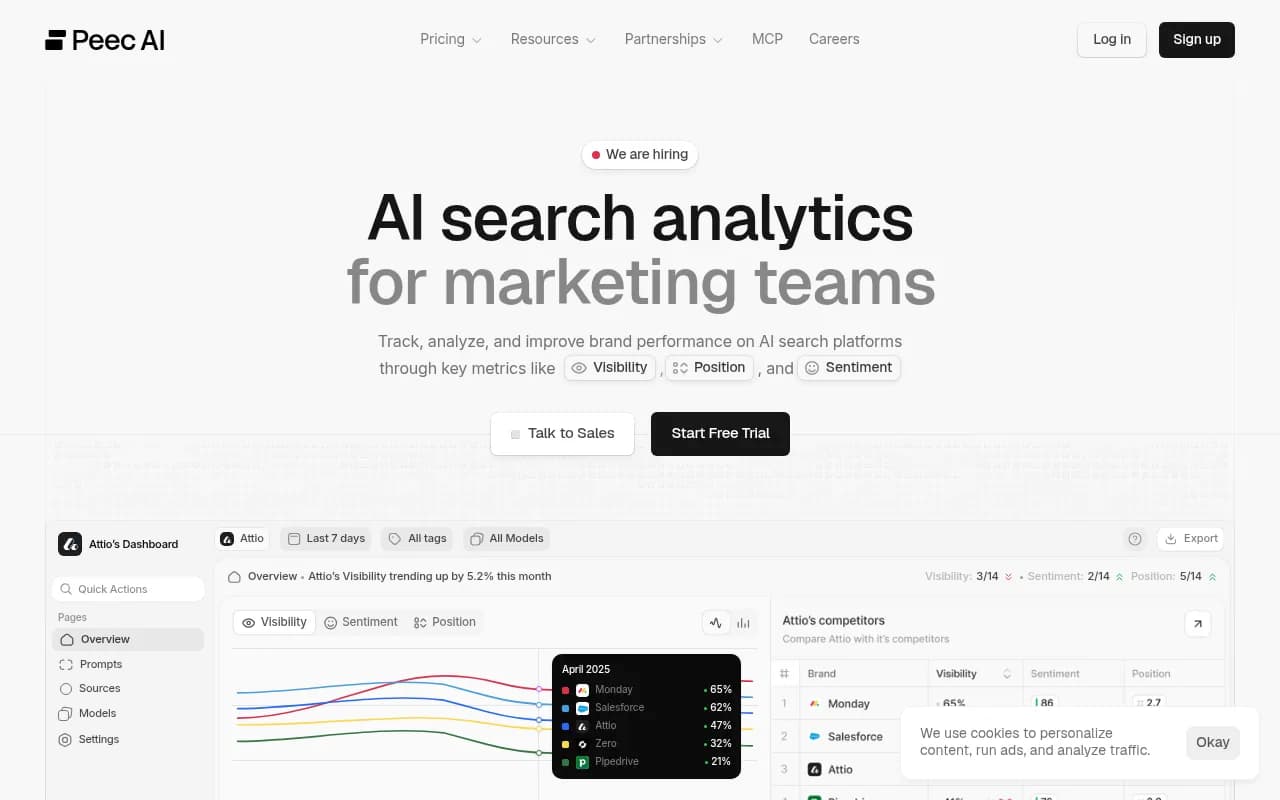
Peec's MCP server is on every plan from $95, with 51 read and 48 write tools. The REST API is Enterprise-only, so it suits teams who mainly talk to their data through an assistant, not teams building pipelines.
Otterly.AI
Documented API, fixed quotas, OAuth-only MCP. At $189 with 2,000 requests a month for each of API and MCP, it fits small teams with simple needs. Agencies syncing many dashboards will hit the ceiling.
Ahrefs Brand Radar
Sensible if your team already lives in Ahrefs and wants AI mentions next to backlink and keyword data. The 200,000 monthly units are shared between API and MCP, so a chatty assistant can eat into your reporting budget.
Profound
Enterprise-only for API and MCP, with SDKs, SSO, and nine engines. Strong if procurement is already on your side. For smaller teams the access wall is the issue.
Scrunch
Starts at $500 for API and MCP access, aimed at agencies already running client work there.
LLM Pulse
LLM Pulse offers a REST API, a CLI, an MCP server, and a Looker Studio connector. Its comparison article is, naturally, favourable to itself.

For a wider list, the GEO software directory at bestgeosoftware.com and the AI rank tracking tools directory cover many more options.
Raw data vendors vs full platforms
One more distinction from the research: some APIs are platforms with dashboards, and some are raw data infrastructure. DataForSEO and similar vendors sell building blocks for teams that want to build the product layer themselves. That gives you control and costs engineering time. I could not verify DataForSEO's AI visibility endpoints or pricing, so check them directly if you go that route.
A platform API usually gives you cleaner, pre-aggregated metrics such as visibility score, share of voice, and sentiment. If you only need to hit a handful of metrics per client, start there.
How to choose
Pick based on who will use the data and how often.
- Agency with many clients: check rate limits per hour or minute, per-brand key scoping, and white-label export. Monthly request caps are the trap.
- In-house marketing team: favour OAuth MCP support so people can ask questions in ChatGPT or Claude without a developer.
- Data or BI team: favour REST with long date ranges, CSV or Looker Studio support, and predictable metering.
- SEO team that wants everything in one place: a suite like SE Ranking or Ahrefs keeps classic and AI data together, with the usual limits on depth.
- Teams that want the report to lead to action: look for write tools and content workflows behind the API, not just read endpoints.
Check permissions before you connect an assistant
Write-capable MCP tools can add prompts, run audits, or draft and publish content. Use read-only keys for exploration, and keep write access for a dedicated key with an audit trail.
Designing reports that hold up
The API gives you numbers. Whether those numbers mean anything depends on how you treat them.
Normalise citations per engine
Engines cite very different numbers of sources. According to Promptwatch's average sources per response data, ChatGPT cites about 5 sources per web-search answer, Google AI Overviews about 10, and Perplexity almost exactly 10 every day. Copilot swung from under 2 to nearly 17 within a few weeks before settling low. Raw citation counts across engines are not comparable. Report share of citations or citations per response, and judge Copilot on monthly trends, not weekly snapshots.
Pair visibility with the cause
A visibility drop is only useful if the report tells you why. The query fanout data and content type citation data show that retrieval behaviour changes often, so build reports that put citations, crawler activity, and traffic on the same timeline.
Keep markets separate
Mix countries and languages in one prompt set and your trend lines get noisy. Group by market first, then aggregate.
Document your metric definitions
Write down what counts as a mention, how position is calculated, and how sentiment is scored. Different tools define these differently, and switching vendors will otherwise look like a sudden change in performance.
A simple starting setup
- Pick one assistant-facing connection (MCP) and one pipeline connection (REST) from the same vendor.
- Create a read-only key for the pipeline and a separate scoped key for the assistant.
- Pull weekly snapshots of visibility, citations, and sentiment per engine into a sheet or warehouse.
- Add one more source: crawler logs or analytics, so you can separate access problems from content problems.
- Review quota usage after two weeks and adjust before it bites.
Final take
Price is the least interesting variable here. Look at quotas, key scoping, OAuth support, and what the data lets you connect: mentions to citations to crawls to visits. If you want API and MCP access on every plan, with data that goes from AI answers through to site traffic, Promptwatch is the one I would test first, using the 7-day free trial. If you only need a cheap entry point and a basic export, ZeroRank, Geoptie, and Peec are worth a look, with the caveat that most of the comparisons that praise them are vendor-written."}