Key takeaways
- API answers and consumer interface answers are different products. Citations, source lists, shopping cards and system prompts often differ, so a tool built on APIs can report a reality your buyers never see.
- You can test your own tool in an afternoon: run 10 to 20 prompts by hand, compare answers, count citations, and check for features no API can produce, like Google AI Overviews.
- Ask the vendor direct questions about each platform, then verify the answers with the checks below instead of trusting the sales deck.
- Many vendors use a hybrid approach. That is fine if they tell you which engines come from which method.
- Most of the loud claims about API data being useless come from vendors who sell scraping. Treat them as a reason to test, not as proof.
Why this question matters
AI visibility tools tell you how often your brand is mentioned and cited in ChatGPT, Gemini, Perplexity and Google's AI surfaces. The number on the dashboard only means something if it matches what a real person sees when they type the same question into the same product.
There are two ways to collect the answers. The first is to call the model's developer API. It is cheap, stable and permitted by the terms of service. The second is to drive the real consumer interface, the website or app a buyer uses, and capture the answer, citations and sources that appear. It is more expensive and more fragile, but it is what the user saw.
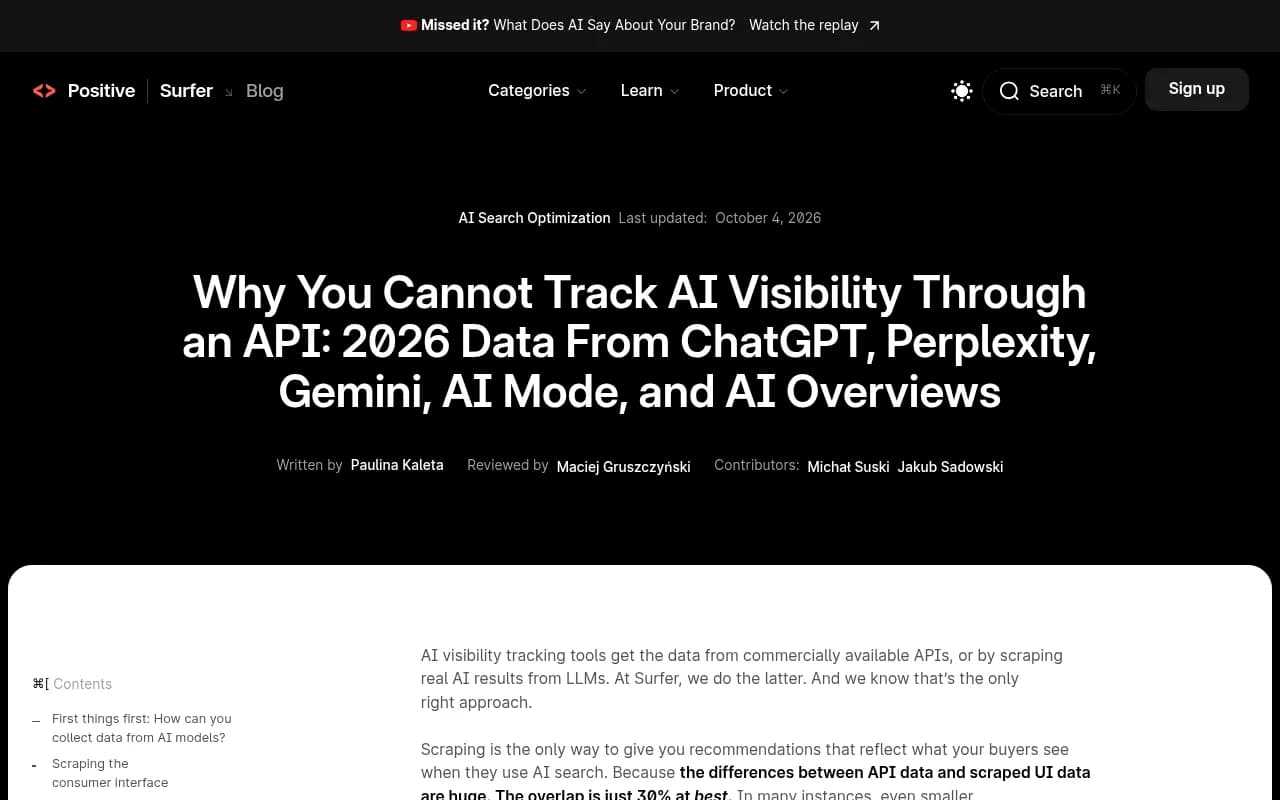
The gap between the two is not a rounding error. Surfer ran 1,000 prompts across five AI products, once through scraped interfaces and once through APIs, and collected 13,779 answers. Their summary was that overlap between API and scraped data was around 30% at best. Surfer sells a UI-scraping product, so read that with a raised eyebrow. Still, the direction matches what Growth Method describes: a consumer ChatGPT session carries a system prompt, browsing behaviour and citation formatting that the API does not reproduce.
There is also a hard coverage ceiling. No API, at any price, reaches Google AI Overviews, Google AI Mode, Microsoft Copilot or the consumer ChatGPT experience in full. If a tool claims to track those and is vague about how, that is your first thread to pull.
What each method looks like in practice
| API-based collection | Real interface collection | |
|---|---|---|
| Where answers come from | The vendor's developer endpoint | The website or app users open |
| Citations and source URLs | Often missing or shaped differently | Match what the user sees |
| Shopping and product cards | Usually absent | Captured when the UI shows them |
| Google AI Overviews and AI Mode | No dedicated API exists | Only possible through the UI |
| Location and language | Limited to API parameters | Can mimic a user in a given country or city |
| Cost and stability | Cheap, stable | Costlier, breaks when the UI changes |
| What it tells you | What the model believes from its training and tools | What buyers actually get |
Neither is dishonest by default. API data is a fair reading of what a model says on its own. It just is not the same as what a shopper sees in ChatGPT Search. The problem starts when a tool sells API data as the user view.
Seven tests you can run yourself
You do not need engineering help. You need a spreadsheet, an hour, and a clean browser profile.
1. The manual spot check
Pick 10 to 20 prompts your tool already tracks. Include a few branded ones, a few comparison ones, and a few generic category questions. Open ChatGPT, Gemini and Perplexity in a normal logged-out or fresh browser session and type each prompt yourself. Save the answer text, the brands named, and every cited URL.
Now open the same prompts in your tool's response view. Compare three things: which brands appear, in what order, and which URLs are cited. Exact text will never match, because models are non-deterministic. Run the manual check twice to see your own baseline noise. If the tool's answers differ from both of your manual runs in a consistent way (fewer citations, no source list, shorter answers), you are probably looking at API output.
2. The citation count test
Count sources per answer across your sample. Promptwatch Data's average sources per response report gives UI baselines: ChatGPT cites about 5 sources per web-search answer, Google AI Overviews about 10, and Perplexity almost exactly 10. A tool that shows ChatGPT answers with zero or one citation, or Perplexity answers with a handful, may be calling an API that does not return the same source list. This is an inference, not a proof. Some tools do return a trimmed source list from a real interface, so use it as a flag, not a verdict.
3. The Google AI Overviews test
Search a query you know triggers an AI Overview. Then look for it in the tool. Since no model you can buy exposes AI Overviews, a tool that returns "AI Overviews" data either scrapes the Google interface or substitutes another model. Surfer's own study notes that its AI Overviews API method had to be borrowed from AI Mode, because Google's Overviews run on a model that is not sold. Ask the vendor which one they do.
4. The rollout date test
UI-based data should move when the product changes. Promptwatch Data's ChatGPT citation drop report shows average sources per search-enabled response falling from about 6.4 to roughly 4.7 to 4.9, around 27% fewer, after the GPT-5.3 rollout on March 4, 2026. That change hit GPT-5.3, GPT-5.4 and GPT-5-Mini together, which is what you would expect from a change to ChatGPT's search behaviour as a product. A tool pinned to one API model snapshot may show a flat line across the same date. Check your tool's citation trend for that week. A step change suggests UI data. A perfectly smooth line deserves a question.
5. The fan-out test
When ChatGPT searches the web, a single prompt can trigger several searches behind the scenes. Promptwatch Data's ChatGPT query fanouts report measured about 2.15 fanouts per response in early December 2025, easing to about 1.84 by early March 2026. Ask whether your tool exposes the search queries the engine ran. A tool that can show them is reading search behaviour from somewhere real. A tool that cannot may only see the final text. The free ChatGPT Query Fan-Out Generator and the GEO Inspector Chrome extension also let you see fan-outs in your own sessions to compare against.
6. The location and language test
Create a prompt like "best coffee shop near me" and set the tool to two different cities or countries. Real interface collection can pin a location and get different answers. An API call usually cannot, so results will be near identical regardless of the setting. If the tool offers city-level tracking and the answers do not change, be skeptical.
7. The shopping and product card test
Ask a product-intent prompt in ChatGPT such as "best running shoes under 150 dollars". If the consumer UI shows a product carousel and your tool has nothing like it, either it does not track shopping or it is reading an API that never sees it. Scrapfly's technical analysis lists citations, source URLs and shopping results as things the web interface returns that the API omits.
Questions to ask the vendor
Mark each answer in a notes file so you can compare vendors later.
- For each engine, do you use the official API, a real browser session, or a third-party data provider?
- Is the answer the same for every platform, or does it vary? If it varies, can you list which engines use which method?
- Do you capture the cited URLs as shown in the interface, or reconstruct them afterwards?
- How do you handle Google AI Overviews and AI Mode specifically?
- Can I see a raw response next to a screenshot or a live prompt run?
- How do you detect when a UI change breaks collection, and how fast do you recover?
- Can I set a country, language and city per monitor, and does it change the answers?
LinkedIn commentary from a practitioner makes the same point in plainer terms: ask whether the vendor uses official APIs, browser sessions or a combination, and if it varies by platform, make them explain it. A good vendor answers this in two sentences. A vague one tells you about proprietary technology.
Two other things worth knowing. Third-party scraping providers sit in the middle: the vendor does not run the browser, but the data is still interface-derived. And some tools, including open-source ones, blend methods. One open-source tracker described by Growth Method queries ChatGPT through a data provider and Gemini and Perplexity through their official APIs. Another drives a real browser through the interfaces. A third combines official APIs, a provider for engines without one, and a tracking pixel. Hybrid is common, and it is acceptable when it is disclosed.
Reading the vendor claims with some skepticism
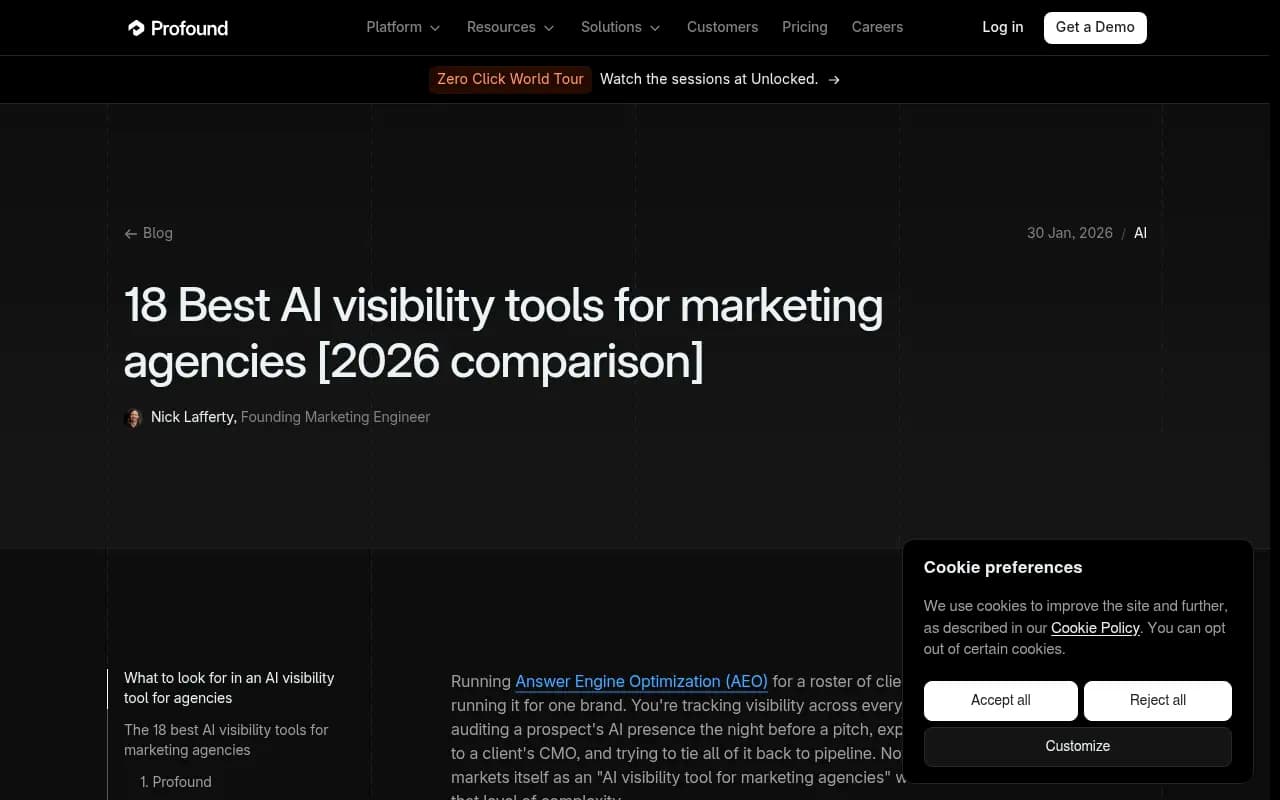
Be careful with the marketing in this space. Surfer and Profound both sell tools that collect from real interfaces, and their content about API data being inadequate is not neutral. Profound's agency roundup, for example, praises tools that query platforms "through real user interfaces rather than APIs" while ranking itself first.
The opposite bias exists too. API-first vendors will tell you official APIs are the only compliant route and that scraped data is unstable. Searchable's explainer, for instance, lists API-based trackers and notes their main blind spot: the data may differ from the consumer app. That is an honest caveat, and one that costs the vendor nothing to say.
Your own manual spot check beats any of these claims. Do the test, keep the evidence, and then decide whether the gap matters for your use case.
When API data is good enough
I would not throw out API-based tools wholesale. There are fair uses:
- You want to know what a model believes from training data, with no web search involved. Brand perception and factual accuracy checks are examples.
- You are on a tight budget and want directional trend data for a handful of prompts.
- You are tracking an engine where the API and the product behave almost the same.
The trouble comes when you need to report citations, share of voice or shopping visibility to a client or a CMO. Those numbers depend on what the interface shows, and an API gap there leads to bad decisions.
A quick scorecard
Run the seven tests on each tool you are evaluating and fill in a table like this.
| Test | Passes if | Your tool |
|---|---|---|
| Manual spot check | Brands and citations broadly match your own runs | |
| Citation count | Counts are close to UI baselines | |
| AI Overviews | Vendor explains the real collection method | |
| Rollout date | Visible step change around product updates | |
| Fan-outs | Search queries are exposed | |
| Location | Answers change by location | |
| Shopping | Product cards are captured |
If a tool fails four or more, assume you are looking at API-derived or heavily modelled data and ask the vendor to explain.
Tools that say they collect from real interfaces
The tools below describe themselves as interface-based, or document how they collect data. Treat each as a claim to test with the checklist above, not a recommendation to trust.
Promptwatch states that it monitors the real user interfaces of ChatGPT, Google AI Overviews, Google AI Mode, Microsoft Copilot, Gemini, Perplexity, Amazon Alexa and Meta AI in each country and language, with API models such as Claude, DeepSeek, Mistral and Grok tracked alongside to show what models believe from training data. That split is the useful part: it tells you which numbers are user-facing and which are model belief. Its how Promptwatch collects data guide explains the method, and you can run the manual tests above against its trial. It also tracks fan-outs, citations and AI crawler activity beyond collection, which matters once you move from measuring to fixing.
Superlines positions itself as GEO tracking from real AI interfaces rather than APIs.
Superlines
Profound describes tracking across main engines on real user prompts and is one of the vendors whose comparison content is worth reading with the bias caveat in mind.
Surfer SEO is the company behind the 1,000-prompt study and sells scraped AI answers.
Peec AI and Otterly.AI are popular lower-cost trackers. Ask each one the vendor questions above and run the tests; do not assume.
Searchable publishes a clear breakdown of tracker types, including API-based and bespoke approaches.

If you want to inspect the browser-automation layer that interface-based collection relies on, [tool:browserbase] and [tool:apify] are examples of the infrastructure used for it. Open-source trackers like [tool:elmo] let you read the collection code yourself.
For more options, the GEO software directory at bestgeosoftware.com and the rank tracker list at ai-rank-tools.com cover the wider market.
What to do with the results
If your tool passes, keep going, and save the evidence so you can show it to your boss or client. If it fails some tests, you have three options. Ask the vendor to confirm in writing which engines use which method. Keep the tool for trend data but stop reporting its citation numbers externally. Or switch to a tool that collects from the interface and re-run the same tests.
One more habit is worth building. Repeat the spot check every quarter. Interfaces change, vendors change their collection methods, and a tool that passed in January may be quietly on a different method by autumn.
FAQ
Is scraping the interface against the terms of service?
Often yes, which is why some vendors stay on APIs. That is a risk the vendor takes on, but ask how they handle it, because it affects stability and continuity.
Can I get exact matches between my manual run and the tool?
No. AI answers vary between runs. Look for similar brands, similar sources and similar citation counts, not identical text.
Does a hybrid approach mean bad data?
No. It means you need a per-engine answer. Interface for ChatGPT and AI Overviews, API for model belief checks, is a sensible split if disclosed.
What if the vendor will not tell me?
Treat that as an answer. A vendor that cannot explain collection in two sentences has either not thought about it or does not like the explanation.