Key takeaways
- All three platforms have a native draft state: Webflow staged items, Framer's
draftflag, and WordPresspendingordraftstatus. Build your review workflow on those, never on a "publish live" shortcut. - Field mapping is the real work. Agree on it once, write it down, and test with a small batch before anything runs at volume.
- Each platform has its own trap: Webflow's live-item endpoint, Framer's unstable field IDs, WordPress SEO meta that silently refuses to save over REST.
- Review by content type. Product pages, landing pages and listicles need different checks than news, and they age at different speeds.
- Close the loop. Published pages should be tracked for crawls, citations and traffic, and underperformers should come back as refresh tasks.
Why publishing is where GEO workflows break
Most GEO work ends in a document. Someone finds a content gap, an AI tool drafts the article, and then it sits in a Google Doc for two weeks because nobody wants to paste it into the CMS, set the slug, fill the meta description, attach the image and pick the category.
The fix is direct publishing: the content tool writes into your CMS through its API, and a human approves before anything goes live. That sounds simple. In practice, the details of each CMS decide whether it works or quietly produces a mess of half-filled pages and accidentally published drafts.
This guide covers the three platforms most teams ask about, Webflow, Framer and WordPress. For each one: how the draft state works, which fields to map, and what goes wrong.
Decide what you are publishing first
Before touching a field mapping, decide which page types you are producing. Promptwatch Data looked at what ChatGPT cited from Sep 28 to Oct 4, 2026. Product pages took 22.4% of citations and landing pages 16.8%, about 39% together. Listicles were 13.6%, documentation 7.5%, how-to guides 8.7%, comparisons 5.9%, news 5.7%, FAQ pages 3.3% and reviews 1.7%.
For commercial prompts the picture is tighter: product pages 26.0%, landing pages 20.6%, listicles 15.0% and comparisons 7.9%, almost 70% between them. Informational prompts spread out more, with how-tos at 10.7% and docs at 8.5%.
Why does this matter for field mapping? Because a landing page and a how-to guide need different fields. If you only built a "blog post" collection with title, body and author, you can't publish the page types AI engines cite most. Map the collection to the intent you want to win, and keep specs, prices and positioning complete and factual, as that report recommends.
The shared field map
Whatever the platform, start from one canonical set of fields. Platform differences then become a translation table instead of three separate designs.
| Canonical field | Purpose | Webflow | Framer | WordPress |
|---|---|---|---|---|
| Title | H1 and default meta title | Name (text) | string field | title |
| Slug | URL path | Slug | item slug | slug |
| Body | Main content | Rich text | formattedText (HTML or Markdown) | content |
| Summary | Excerpt, intro for AI extraction | Plain text | string | excerpt |
| SEO title | Meta title override | SEO field or custom text | string | Yoast meta key |
| Meta description | Snippet text | SEO field or custom text | string | Yoast meta key |
| Category | Content type or topic | Reference or option | enum or collectionReference | categories |
| Author | Byline and E-E-A-T | Reference | collectionReference | author |
| Cover image | Hero and social image | Image | image | featured media |
| FAQ block | Q&A for answer extraction | Rich text or repeated items | formattedText | content or meta |
| Review status | Draft, approved | Staged or live | draft boolean | status |
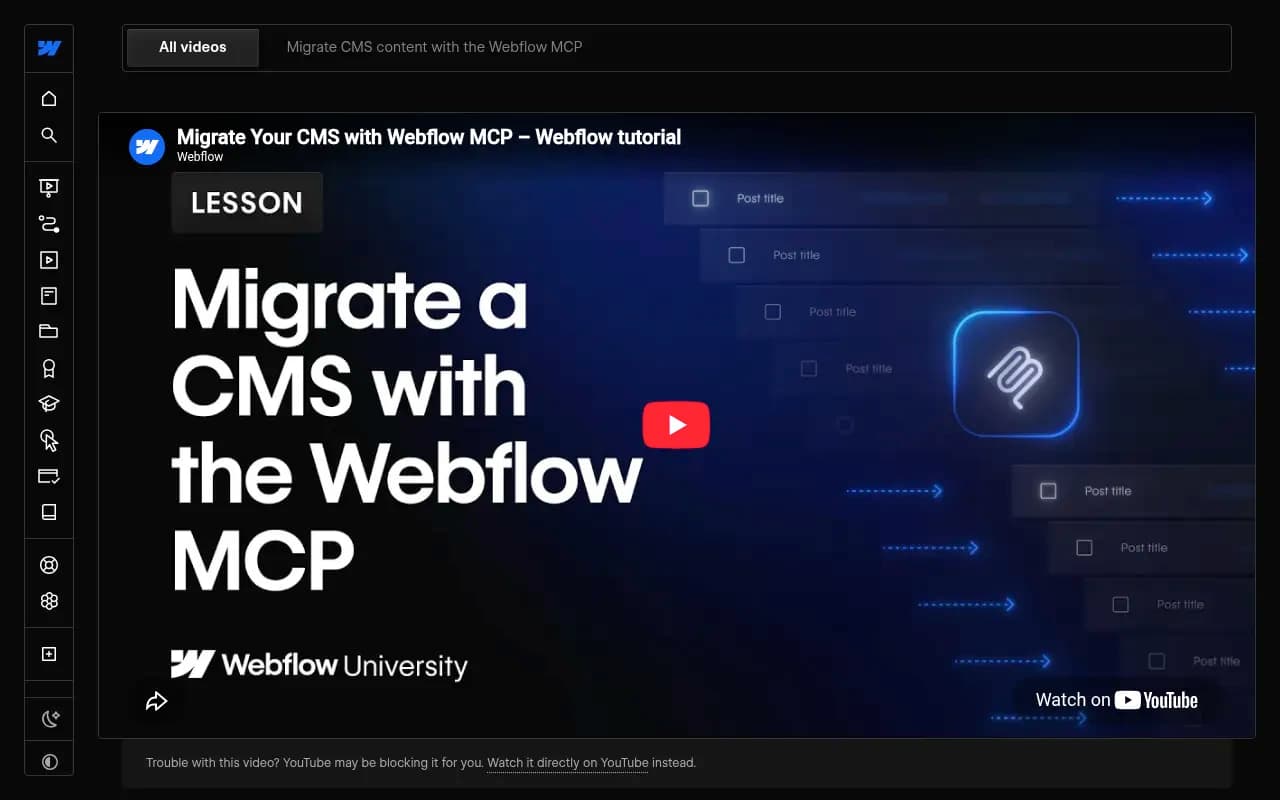
Two rules save a lot of grief. First, give every field a single source of truth in your content tool. Second, decide up front what happens when a field is missing. Fail the batch? Leave it blank? Let an AI fill it? Webflow's own MCP migration lesson makes the same point: keep a written record of the approved field mapping, category rules, how to handle missing information, and what to check before each batch.
Webflow: staged items and the live-item trap
Webflow's CMS API v2 treats items as either staged or live. Staged is a draft that is not visible on the live site. That maps neatly onto a review workflow.
How the states behave
- Creating an item through the standard (staged) endpoints always creates a draft.
- Updating a live item through the staged endpoints also updates its staged version.
- Publishing is its own call, the publish item endpoint.
- A separate "Create Live Items" endpoint publishes immediately.
That last one is the trap. If a tool or script is configured to use live creation, your review step does not exist. Check which endpoint any integration uses before you trust it.
Field mapping in Webflow
You fetch the collection schema with the get collection call, and then map by field ID, not by display name. Field types include text, rich text, images, dates, numbers and references to other collections. Two practical notes:
- Rich text fields expect a specific format through the API. A community thread says JSON, but I could not verify it, so test one item and inspect the result in the Designer before batching.
- Create-items accepts
cmsLocaleIds, so multi-locale sites can create localized items in one pass. Decide whether translations go through the same review step.
Plan the structure before you write anything. Webflow's MCP lesson argues against copying an old structure field for field, since you would bring the old limits with you. Build the collection you actually need, review it in Webflow, then map content in, starting with a small test batch.
Framer: managed collections and stable IDs
Framer's CMS plugin API gives you two collection types. Managed collections are controlled by a plugin, and users cannot edit their fields or items. Unmanaged collections are created and edited by people.
For a GEO pipeline, that choice matters. A managed collection is clean for automated syncing, but your editors cannot tweak a sentence inside Framer. If editors should be able to fix things directly, an unmanaged collection plus a review step may suit you better. Pick deliberately.
What to know before mapping
- Up to 30 custom fields via the plugin API.
- Field
idvalues must stay stable across syncs. Changing one breaks canvas data assignments. Max length is 64 characters. - Supported types: boolean, color, number, string, link, date, enum, formattedText, image, file, collectionReference and multiCollectionReference. Arrays only support a single image field, which creates a gallery.
- formattedText accepts HTML, and Markdown is also supported. That is convenient if your content tool exports Markdown.
- Items carry
id,slug,draftandfieldDatakeyed by field id.
The draft boolean is your review gate. Create everything with draft: true, review, then flip it.
One warning from the research: Ocoya's Framer integration defaults to "Publish live", though you can switch it to draft. Whatever tool you use, look at the default. Defaults are where accidental publishing lives.
There is also a marketplace plugin, CMS Auto Publish, for scheduled publishing, and Framer now advertises AEO as built in. I did not read the Server API docs, so check them yourself if you plan bulk edits outside the plugin.
WordPress: pending status and the Yoast problem
WordPress has the most mature editorial workflow of the three. The REST endpoint POST /wp/v2/posts accepts a status of publish, future, draft, pending, private. pending is the built-in pending review state, and future handles scheduling. It also accepts author, categories, meta and password.
Authentication and drafts
Use Application Passwords over Basic Auth (available since WordPress 5.6) and keep the credentials server-side. Drafts are not visible to unauthenticated API reads, which is what you want.
The SEO meta pitfall
This one catches almost everyone. Yoast's fields, _yoast_wpseo_title and _yoast_wpseo_metadesc, are not writable over REST by default. Unless they are registered with register_post_meta and 'show_in_rest' => true, your meta writes are ignored. No error, just empty meta descriptions on 200 posts.
register_post_meta('post', '_yoast_wpseo_title', [
  'show_in_rest' => true,
  'single' => true,
  'type' => 'string',
]);
register_post_meta('post', '_yoast_wpseo_metadesc', [
  'show_in_rest' => true,
  'single' => true,
  'type' => 'string',
]);
Community answers on Stack Overflow also suggest forcing a Yoast indexable rebuild after REST inserts. Treat that as a workaround, not official guidance. Yoast also has a separate REST API for reading its data, which is handy for verifying what got saved.
Platform comparison for publishing workflows
| Webflow | Framer | WordPress | |
|---|---|---|---|
| Draft mechanism | Staged items | draft flag | draft or pending status |
| Scheduling | Publish call, scheduled externally | CMS Auto Publish plugin | future status built in |
| Immediate-publish risk | Create Live Items endpoint | Tool defaults like Ocoya's | status: publish |
| Rich body format | Rich text, format needs testing | HTML or Markdown | HTML |
| Biggest pitfall | Wrong endpoint skips review | Changing field IDs breaks bindings | SEO meta silently ignored |
| Field limit | Not verified | 30 custom fields via plugin | Meta keys must be registered |
I did not find verified information on schema or JSON-LD handling per platform, or on rate limits. Test those on your own site and plan.
A review workflow that actually holds up
Step 1: lock the mapping
Write the field map once. Include allowed values for categories, rules for missing data, and the checks to run before each batch. Store it somewhere your content tool and your team both read.
Step 2: run a three-item test batch
Pick one landing page, one how-to and one comparison. Publish them as drafts. Open each in the CMS and look for: broken formatting in the body, empty SEO fields, missing images, wrong categories, bad internal links. Fix the mapping, not the individual pages.
Step 3: set the review inbox
Every item lands as a draft (Webflow staged, Framer draft: true, WordPress pending). Reviewers get a queue. Give them a short checklist:
- Are facts, prices and specs correct?
- Does the page answer the prompt it was written for in the first few lines?
- Are the title, meta description and slug filled in?
- Is there an FAQ or docs-style section where it fits?
- Are internal links real and relevant?
- Does the byline match a real author profile?
Step 4: approve, then publish deliberately
Publishing should be a separate action from creation. In Webflow that is the publish call, in Framer the draft flip, in WordPress moving from pending to publish or future. Hands-off mode is fine once the first few weeks of reviews show almost no edits. Earn it first.
Step 5: refresh on a schedule
Publishing is not the end, because AI citations decay. Promptwatch Data tracked every page ChatGPT cited on July 6, 2026, through Oct 4, 2026 in its content half-life report:
- Landing pages and docs: 78% and 76% still cited after 30 days, 69% and 67% after 60.
- Product pages, reviews and how-tos: 55% still cited at 60 days, with a half-life of 74 to 77 days.
- Listicles: 60% still cited at 60 days.
- News: half the pages gone after 36 days, and almost a quarter never cited again after day 0.
So set refresh cadence per content type. Revisit product pages, how-tos and reviews around the 60-day mark. Treat news as short-lived and don't bother with heavy refreshes. Landing pages and docs can wait longer.
Where the tooling fits
You can build this yourself with scripts and the APIs above. Plenty of teams do, and it works until the person who wrote the script leaves. The alternative is a platform that handles planning, writing, CMS publishing and tracking in one place.
Promptwatch is the one I would look at first for this job. Its Content Agent plans content against your visibility gaps, writes it, and publishes to Webflow, Framer or WordPress with AI field mapping. You choose a review inbox (approve, edit, decline) or fully hands-off, set a publishing calendar, monthly budget and publish windows, and then the published pages are tracked through AI crawler logs, citations and AI-referred traffic. Underperformers come back as actions on the Action Board, which is the refresh loop described above. The Content Agent is on the Business and Enterprise plans, and WordPress publishing is available to every organization. Check promptwatch.com/pricing for current details.

Other tools in this space handle parts of the pipeline. AirOps and Slate focus on content operations, StoryChief on distribution, and AutoPublish and Junia AI on automated publishing. Most of them stop at publishing and don't tell you whether AI engines ever read the page.



If you are still shopping, the GEO software directory at bestgeosoftware.com lists a wider set of options.
Common failure modes
- Review step bypassed. A tool defaults to live publishing, or a script hits Webflow's live endpoint. Audit defaults before connecting anything.
- Silent field loss. WordPress SEO meta not registered for REST, or Framer fields renamed so bindings break. Always open a published sample and compare against the source.
- One template for everything. Product pages, how-tos and news forced through the same blog collection.
- No feedback loop. Nobody checks whether the page was crawled or cited, so weak pages stay weak.
- Migration habits carried over. Copying an old structure field for field, as the Webflow lesson warns, instead of designing the collection you need. If you are also moving platforms, the URL inventory and redirect map matter just as much; a sitemap alone misses URLs.
A quick pre-launch checklist
- Mapping documented, with IDs rather than labels.
- Test batch of three different page types reviewed in the CMS.
- Every integration confirmed to create drafts by default.
- SEO title and description verified after save, not assumed.
- Reviewer checklist agreed, with an owner for the inbox.
- Refresh cadence set by content type.
- Tracking connected for crawls, citations and AI traffic.
Start with one platform and one content type. Get the three-item test batch clean, then scale up the volume.