Key takeaways
- Your CDN or host sees every AI crawler request. Your analytics script does not, because bots do not run JavaScript. Server-side logs are the only reliable source.
- Cloudflare Logpush needs an Enterprise plan for most setups. On Free or Pro, a Worker is the usual workaround.
- Vercel uses Drains (Pro and Enterprise). Netlify and Fastly each have their own HTTPS endpoint style integration. Check each vendor's current docs for plan limits and pricing.
- Send a small set of fields: IP, host, URI, user agent, status, timestamps. Filter by your hostname so you do not ship other zones' traffic.
- Logs are only useful if bots are verified by IP. A user agent string alone is trivially spoofed.
Why crawler logs matter in 2026
Google Analytics, Plausible and friends tell you about humans. GPTBot, ClaudeBot, PerplexityBot and the rest never execute your tracking script, so they are invisible there. The only place they show up is in your edge or server logs.
That matters because most AI visibility problems start with access. A page that gets blocked by a WAF rule, returns a 403 to a bot, or times out never gets cited. You can only see that in logs.
Promptwatch Data tracked IP-verified AI crawler requests week by week from June 8 to September 6, 2026 in its AI crawler traffic report. OpenAI made up 79.8% of verified requests in the week of August 31 to September 6, down from 94.8% in the week of June 8 to 14. The mix moves fast. Meta-WebIndexer went from about 2.2% of tracked crawler requests in mid-July to 37.8% on August 9, according to Promptwatch's Meta-WebIndexer data. If you were not logging, you would not have noticed either shift on your own site.
The same report offers a useful rule: compare your logs to the overall mix. If a provider is a big share in the report but near zero in your logs, you are probably blocked or unreachable for that provider. Check robots.txt, CDN rules and WAF rules.
What every integration needs to send
Whatever platform you use, the destination wants roughly the same thing. From the Profound and Ahrefs docs, the common field set is:
- Client IP (needed for verifying the bot against published IP ranges)
- Request host
- Request method
- Request URI or path
- User agent
- Referer
- Start and end timestamps
- Response status code
- Response bytes
Ahrefs also asks for extras like content type, time to first byte, country and RayID, and optionally Cloudflare's bot score fields. Those bot fields only exist with a Cloudflare Bot Management subscription, so drop them if you do not have it or the job will fail.
Two habits save a lot of pain. First, filter at the source by hostname so a shared account does not push traffic from unrelated domains. Second, never paste a real token into a shared screenshot or ticket. Treat ingestion tokens as secrets and rotate them.
Cloudflare Logpush
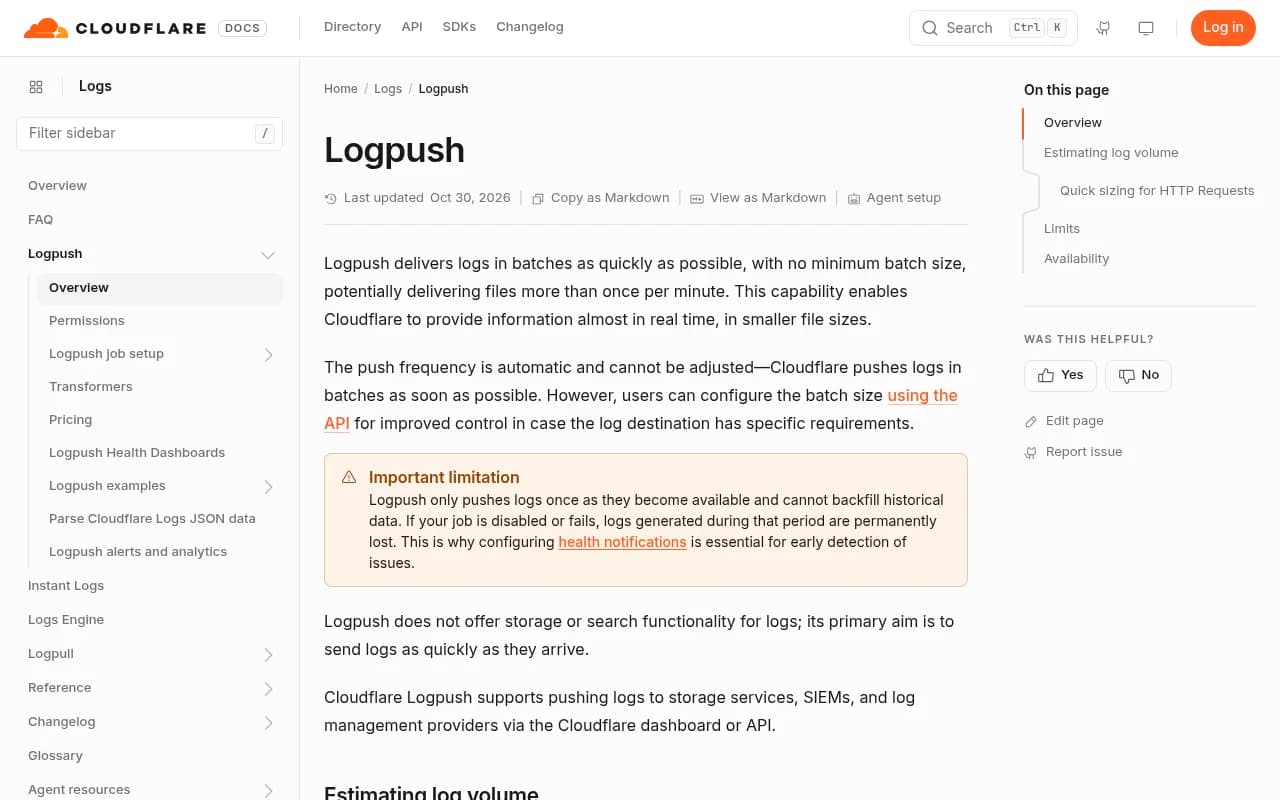
Logpush is the cleanest option if you can use it. Cloudflare describes it as batch delivery with no minimum batch size, so files can land more than once a minute. The push frequency is automatic, though you can tune batch size through the API. Logpush does not store or search anything. It just ships.
Plan requirements
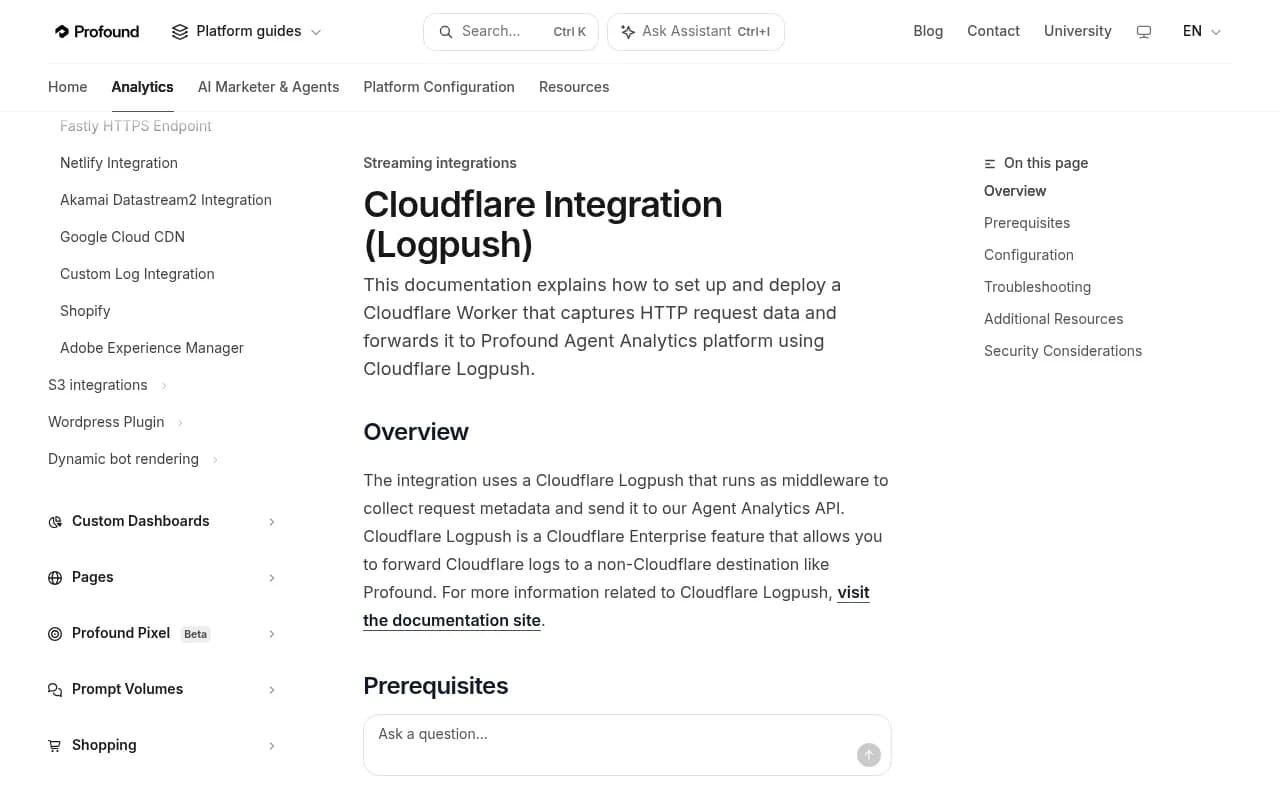
The vendor docs are not perfectly aligned here, so read them carefully. Profound and Ahrefs both state that their Logpush integrations need a Cloudflare Enterprise plan. Cloudflare's own Logpush page lists availability as Yes across Free, Pro, Business and Enterprise, with job limits that differ by plan (1,000 jobs per account on Free, Pro and Business). Dataset availability depends on your products. In practice, assume Enterprise for the HTTP requests dataset unless your Cloudflare dashboard shows the Logpush page and lets you create an HTTP job. If it does not, use the Worker route below.
Dashboard setup for an HTTP destination
The steps below follow Profound's documented flow, which works the same for any HTTP-based destination.
- Select your domain in the Cloudflare dashboard and go to Analytics & Logs, then Logpush.
- Create a new Logpush job and choose HTTP destination.
- Paste the destination URL from your analytics vendor, including the token as a query parameter. Profound's format is
https://artemis.api.tryprofound.com/v1/logs/cloudflare_logpush?header_X-API-Key=YOUR_TOKEN. - Under If logs match, choose Filtered logs and filter
ClientRequestHostto your domain. Use your own domain, not the example from the docs. - Pick the HTTP requests dataset and select the fields listed above.
- Submit. Data typically appears within an hour.
API setup
If you manage many zones, script it. Ahrefs documents a manual flow with an API token that has Zone Read and Logs Edit permissions (plus optional DNS Read). You look up the zone ID, then POST a job:
curl -s "$BASE/zones/$ZONE_ID/logpush/jobs" -X POST \
  -H "Authorization: Bearer $CF_TOKEN" \
  -H "Content-Type: application/json" \
  --data-binary '{"name":"crawler-logs","destination_conf":"https://example.com/ingest?header_x-api-key=TOKEN","dataset":"http_requests","enabled":true,"filter":"{\"where\":{\"key\":\"ClientRequestHost\",\"operator\":\"eq\",\"value\":\"yourwebsite.com\"}}","output_options":{"field_names":["ClientIP","ClientRequestHost","ClientRequestMethod","ClientRequestURI","ClientRequestUserAgent","EdgeStartTimestamp","EdgeResponseStatus","EdgeResponseBytes"]}}'
Replace the destination with the exact URL your vendor gives you. Ahrefs also adds a custom log field rule so bot verification headers (signature, signature-input, signature-agent) are logged, and it checks that your DNS records are proxied. That last point catches a common failure: if the record is DNS-only (grey cloud), traffic never passes through Cloudflare and there is nothing to log.
Estimating volume and cost
Logpush usage is measured in uncompressed bytes. Cloudflare's rule of thumb is 1.5 to 3 kB per HTTP request record, so:
- 1M requests a day is about 1.5 to 3 GB a day, or roughly 45 to 90 GB a month
- 10M requests a day is about 15 to 30 GB a day
- 100M requests a day is about 150 to 300 GB a day
Files arrive gzip-compressed, so storage is closer to a tenth of that. Every request counts, including Worker subrequests, though Cloudflare began rolling out subrequest merging in April 2026 for the zone-scoped http_requests dataset. If volume worries you, filter to bot user agents instead of sending everything. That cuts cost and noise, at the price of losing your human-traffic baseline.
Free and Pro: use a Worker instead
Profound points Free and Pro users to a Cloudflare Worker integration that captures request metadata and forwards it. It runs on every request through your route, so check Workers analytics for execution errors if nothing shows up, and make sure the route pattern matches your domain.
Vercel Drains
Vercel's mechanism is Drains (previously called Log Drains). Per Vercel's docs, drains are available on Pro and Enterprise. Pricing was changed to smaller billable increments according to a Vercel changelog entry, and an older Axiom post quoting $10 per 5 GB looks stale, so confirm current rates on Vercel's pricing page before budgeting. Pro plans include a $20 credit across resources.
Some analytics vendors offer a connectable-account style integration. Profound's Vercel guide, for example, sets up a drain through an integration rather than pasting URLs by hand. The general flow is:
- Open your team's settings in Vercel and find the Drains or Integrations section.
- Connect the analytics vendor's integration, or create a drain with the HTTPS endpoint they give you.
- Scope it to the right project and to request logs.
- Deploy or hit a few URLs, then confirm records arrive.
One caveat: Vercel logs reflect what reaches Vercel's infrastructure. If you sit another CDN in front, bots may be cached or blocked before they reach it.
Netlify
Netlify has its own integration path, and I did not verify its current log streaming plan requirements, so check Netlify's docs and your vendor's Netlify page before assuming it is on your tier. Profound and several other vendors document a Netlify integration. The usual pattern is to configure a log destination or edge function that forwards request metadata to the vendor's HTTPS endpoint with your token. The same rules apply: filter to your hostname, send the field set above, and rotate the token.
If you are choosing a host partly for observability, note that independent comparisons in 2026 (for example Tech Insider's August 2026 write-up) describe the three platforms as having diverged on pricing and architecture. Cloudflare is called out as strongest on edge cost at scale. That is a hosting argument, not a logging one, but it is worth knowing when you decide how much to depend on any one vendor's log pipeline.
Fastly
Fastly supports logging to an HTTPS endpoint, and Profound documents a Fastly HTTPS endpoint integration plus an S3 variant. The shape is similar to Cloudflare: create a logging endpoint in your service configuration, set the destination URL and auth header, define a log format that includes client IP, host, URL, user agent, status and timestamp, and activate the new service version. Fastly logging config is versioned, so you must activate after editing or nothing changes. I did not pull Fastly's current docs for this guide, so use the vendor's page for exact format strings.
Comparison
| Platform | Mechanism | Plan notes | Watch out for |
|---|---|---|---|
| Cloudflare | Logpush to HTTP destination | Enterprise per Profound and Ahrefs; Worker for Free and Pro | DNS must be proxied; Bot Management fields optional |
| Vercel | Drains or vendor integration | Pro and Enterprise | Pricing changed; verify current rates |
| Netlify | Vendor integration or forwarding function | Confirm in Netlify docs | Plan limits not verified here |
| Fastly | HTTPS or S3 logging endpoint | Service-level config | Activate the new version |
Which crawlers to look for
Once logs flow, filter on user agents. The Promptwatch Data crawler list is a handy starting point:
- OpenAI: GPTBot, OAI-SearchBot, ChatGPT-User, OAI-AdsBot
- Anthropic: ClaudeBot, Claude-User, Claude-SearchBot, claude-web
- Google: Google-Extended, Google-Agent
- Perplexity: PerplexityBot, Perplexity-User
- xAI: GrokBot, xAI-Grok, Grok-DeepSearch
- Mistral: MistralAI-User, MistralAI-Index
- Meta: meta-webindexer, meta-externalagent, meta-externalfetcher, FacebookBot
- Cohere: cohere-ai, and DeepSeek: DeepSeekBot
Treat provider totals with suspicion. They blur the difference between training crawlers and answer-time fetchers like ChatGPT-User, which tells you a real person's question triggered a fetch. Look at individual crawlers. Also verify by IP. A request that says it is GPTBot but comes from a random residential range is not.
Budget for load too. The Meta-WebIndexer data warns that crawl volume can be high enough to trip server alerts, and that matters if your infrastructure bills per request.
Tools that do the log analysis for you
Raw logs are not an insight. You need something that verifies IPs, groups crawlers, and ties crawls to citations. Promptwatch ingests logs from Cloudflare (Logpush or an auto-deployed Worker), AWS CloudFront, Fastly, Vercel, Netlify, Akamai, Google Cloud CDN, a custom HTTP endpoint or a WordPress plugin, filters out spoofed bots, and shows which pages each crawler read, which errors it hit, and how that maps to citations.

Other tools in the space include Profound, whose docs this guide leans on, and Ahrefs, which has a Bot Analytics feature with Cloudflare Logpush.

For a wider look at the category, the GEO software directory at bestgeosoftware.com lists more options.
Troubleshooting empty dashboards
- Check the token and URL first. Typos and wrong-environment tokens are the usual cause.
- Confirm the hostname filter matches your domain exactly, including subdomains if you want them.
- On Cloudflare, check the DNS record is proxied.
- On the Worker route, check route patterns and Workers analytics for errors.
- Give it up to an hour before panicking.
- If a crawler looks missing, check whether you are blocking it in robots.txt or a WAF rule before assuming it never came.
A sensible rollout order
Start with whichever platform serves most of your traffic. Turn on a filtered, bot-only job first to keep costs predictable. Verify a few known requests (curl your site with a GPTBot user agent from your own IP and check it shows up, then expect your verification layer to flag it as spoofed). Then widen the filter if you want a full baseline. Revisit monthly, because the crawler mix is changing quickly.