Key takeaways
- The Content Agent is an autonomous content program inside Promptwatch. It plans from your content gap backlog, drafts, routes to review, publishes to your CMS, then tracks the live URL.
- You control how autonomous it is: Review first (you approve every draft) or Auto-publish. The docs say full autonomy plus live publishing should be the last step, not the first.
- The automated agent is on the Business plan ($579/mo). Professional ($245/mo) gives you manual Content Creation and Content Refresh with 5 AEO articles.
- Setup needs a project website, an active monitor with prompts, a sitemap and a completed Brand Book. A loaded Knowledge Base is what separates grounded articles from generic ones.
- Use Promptwatch Data on content types and half-life to decide what the agent should write and when to refresh it.
What the Content Agent actually is
Most AI visibility tools tell you where you are missing. Then you open a blank doc. The Content Agent in Promptwatch is built to close that gap: it takes the prompts where AI engines don't mention or cite you, turns them into a ranked backlog, and works through that backlog on a schedule you set.

The official docs describe it as an autonomous content program rather than a writing assistant. That distinction matters. A writing assistant waits for you to type a brief. The Content Agent decides what to write next, when to draft it, and when to publish it, and it records why.
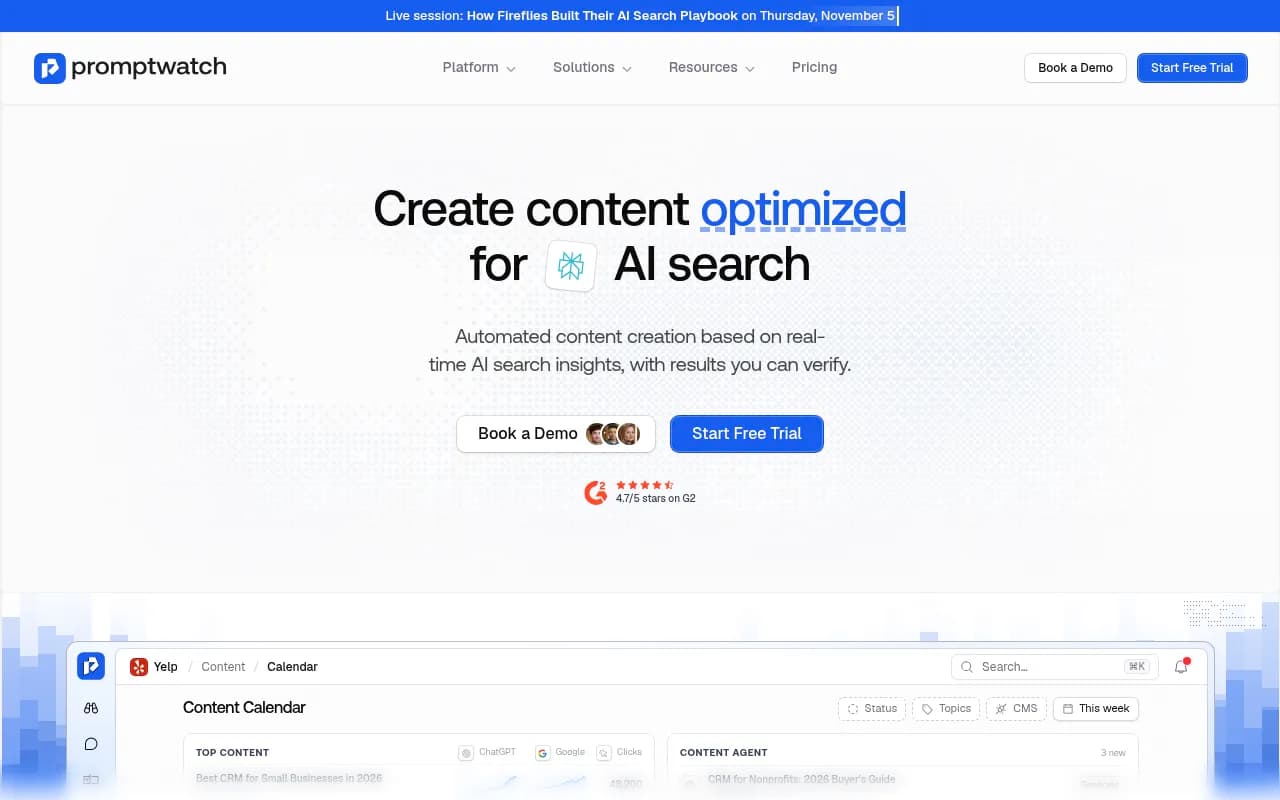
You find it in the app under Content, then Content Agent. It has three tabs: Content (list or calendar view), Activity (the planning rationale for each run) and Settings.
The loop, step by step
The agent follows six stages. Knowing them helps you debug when something looks off.
- Ideas in. Content gap recommendations form a ranked backlog. Each idea gets an impact score that blends visibility evidence with business value, meaning demand and commercial intent.
- Planning. A planning agent checks the backlog against your remaining budget and calendar. It records why each piece was prioritized, and it re-plans when new ideas arrive or capacity frees up.
- Drafting. The writer drafts at the piece's generate-by date, ahead of its publish slot. It draws on your Brand Book, your Knowledge Base, and the persona and content type the planner chose.
- Review. Drafts land in an inbox, or skip it if you chose Auto-publish.
- Publish. The piece goes to your CMS as a draft or live, or you mark it for manual export.
- Track. The live URL goes into the Page Tracker, where you can watch crawls, citations and AI traffic. CMS drafts and manual exports are not tracked until they have a live URL.
That last step is the one I find most useful. A lot of content automation ends at publish. Here, underperformers come back as actions, so the loop keeps running.
Before you turn it on: prerequisites
The agent won't enable until a setup wizard has been completed once, and a readiness checklist shows what is missing. The hard requirements are:
- A project website
- At least one active monitor with active prompts
- A sitemap with discovered URLs
- A completed Brand Book (description, short description, industry, key features)
Recommended extras: crawler logs, AI Agent defaults (language, tone, tools), a CMS connection and Knowledge Base items. Skip the Knowledge Base at your peril. The use-case docs put it bluntly: eight grounded articles beat eight generic ones. Load product facts, positioning, pricing details and source documents before the first drafts, not after you notice the output sounds like everyone else.
Settings that matter
Budget share
By default the agent gets 90% of your organization's content generation allowance per billing period. The remaining 10% is reserved for manual drafts. The meter shows Used, Queued, Available and Manual drafts. You can't lower the share below what is already queued, and when the agent's share runs out, generation pauses.
Publish windows
The default is every day, 09:00 to 18:00, in the IANA timezone you pick. At least one day must be enabled. Blackout dates, publish timing and max per day (default 1, up to 20) are currently set only through the API or MCP, not the dashboard.
Autonomy modes
| Mode | What happens | Best for |
|---|---|---|
| Review first | Every draft waits for your accept | First weeks, regulated or brand-sensitive sites |
| Auto-publish + CMS draft | Drafts skip the inbox but land as drafts in your CMS | Teams with an editor who does a final pass in the CMS |
| Auto-publish + live | Drafts go live with no human step | Mature setups with a proven accept rate |
One warning from the docs that I would repeat loudly: the wizard preselects Auto-publish and Publish live. If you want control, switch it before you finish setup. Also, the quality gate in Auto-publish mode currently only blocks empty drafts, which stop in Needs review. Anything else that is merely mediocre goes through. Pairing Auto-publish with CMS draft is the safety net.
Writer defaults
These are project-wide and live in AI Settings under Brand: language, tone, default tools (web search, internal links, image generation, Knowledge Base search), image style, blocked words and the default author. Spend ten minutes on the blocked words list. It saves a lot of editing.
Reviewing drafts
Drafts waiting for you show under the Needs review filter, with an in-app notification. Open one and you see:
- Scheduled and generate-by times
- A "Why this was prioritized" panel: the audience question, why you're missing, and the upside
- The configuration: content type, length, tone and persona
- The full draft
You can accept, decline or open it in the editor. Accept moves it to Scheduled (and if the slot has passed, you choose publish now or reschedule). Decline requires a reason, which stays on record and teaches the planner what you don't want. If you edit in the editor, the edited version is the one that publishes. If the same fixes keep recurring, the answer is usually in AI Settings or the Knowledge Base, not in editing each draft by hand.
Publishing to your CMS
Promptwatch publishes to WordPress, Webflow and Framer. Default is manual export until you connect one under Project settings, then CMS Integrations.
Webflow is the best documented. You connect via OAuth (from the app or the Webflow Marketplace), pick a site and collection, and map title, description, body, featured image and publish date once. Articles are converted to Webflow-ready HTML, images go into your Webflow assets, and live publishing publishes only that item, with no site-wide rebuild. A CMS draft still needs a final publish click in the CMS, even in Auto-publish mode.
If you'd rather script it, the API and MCP expose endpoints to list CMS connections, push a draft and publish live. For a deeper walkthrough, see the Promptwatch post on publishing AI-optimized content to your CMS automatically.
What should the agent write? Use the data
The agent picks from your gaps, but you should know what kinds of pages tend to get cited so you can steer the Knowledge Base and review decisions.
Promptwatch Data's ChatGPT content type report (Sep 28 to Oct 4, 2026) found product pages are the most cited type at 22.4% of citations, landing pages at 16.8%, listicles at 13.6%, and how-tos at 8.7%. For commercial prompts, product pages, landing pages, listicles and comparisons add up to almost 70%. The report's advice is to plan per intent: product pages and comparisons for commercial, guides and docs for informational, your own site, FAQs and reviews for branded.
Then there is shelf life. Promptwatch's content half-life study tracked every page ChatGPT cited on July 6, 2026 for 90 days. At 60 days, ChatGPT still cited 69% of landing pages and 67% of docs, while product pages, reviews and how-tos sat around 55%, with half-lives of 74 to 77 days. News decays fastest: half its pages were gone after 36 days.
The practical read: don't spend the agent's budget on news-style posts. Put it into comparisons and listicles, which last, and schedule refreshes for product pages and how-tos.
Three ways to use it
Close a gap cluster
Say your "how to" prompts sit under 30% coverage. Run Review first, load the Knowledge Base, decline weak drafts with reasons, and check the Page Tracker and citations afterward.
Keep a comparison page competitive
In the Page Tracker, falling citations with steady crawls means a content problem, not a discovery problem. Use Content Refresh and select up to 5 competitor pages that are currently cited. Choose Balanced to keep structure, or Full Rewrite if the page was thin. The URL doesn't change, so the same tracker row shows whether it recovers.
Scale for an agency
The docs use a 200-prompt setup as the example. Start in Review first and measure your accept rate. Move to Auto-publish with CMS draft. Treat full autonomy plus live publishing as the last step. Set business-hour windows, cap max per day at 1 or 2, leave budget for manual pieces, and audit through the Activity tab. Note that agency plans (Kick-off, Growth, Scale) don't include the Content Agent or AEO articles, so this fits Business or Enterprise workspaces.
Plans and gating
Verify everything at promptwatch.com/pricing, since numbers shift.
| Plan | Price (monthly) | Content features |
|---|---|---|
| Essential | $95 | Content gap analysis |
| Professional | $245 | Content Creation and Refresh, 5 AEO articles, Knowledge Base |
| Business | $579 | Automated Content Agent, Agentic AI Search Optimization, 10 AEO articles |
| Enterprise | Custom | Managed content workflows, SSO, dedicated success manager |
If you want a done-for-you version, the Agentic AI Search Optimization service runs the whole thing end to end and is included with Business.
How it compares with other content automation tools
Honest caveat: the comparison claims on Promptwatch's own site are vendor-authored, and I haven't verified competitor features myself. With that said, the structural difference is clear. Many tools generate articles. Fewer know which prompts you are missing, publish to the CMS, and then follow the page through crawler logs and citations.
| Tool | Type | Where it fits |
|---|---|---|
| Promptwatch | Visibility platform with built-in Content Agent | Gap-driven planning, publishing and tracking in one loop |
| AirOps | Content workflow tool | Custom content pipelines without citation data built in |
| Junia AI | Autopilot publishing | Hands-off publishing of SEO articles |
| Writesonic GEO | Monitoring plus GEO content | Lighter-weight GEO writing |
| Surfer SEO | Content optimization | Scoring and editing individual pages |


One third-party review (RankPilot, July 2026) criticizes Promptwatch for per-tier article limits and pricing that may not suit SMBs and freelancers, and points to daily-publish tools as an alternative. That is a fair trade-off to weigh: Promptwatch's agent is budgeted and gap-driven, not a firehose. If you want volume above everything else, a daily-article tool may suit you better. If you want each piece tied to a specific visibility gap and measured afterward, the budget model is the point. For more options, browse the GEO software directory at bestgeosoftware.com.
A sensible rollout plan
- Week 1: complete the Brand Book, connect your CMS, and load 10 to 20 Knowledge Base items. Switch the wizard defaults to Review first and CMS draft.
- Weeks 2 to 3: review every draft. Decline with reasons. Track your accept rate.
- Week 4: if most drafts are accepted with light edits, move to Auto-publish with CMS draft and cap max per day at 1.
- Ongoing: watch the Page Tracker. Crawled but not cited means refresh the content. Not crawled means check crawler access.
- Only after a couple of months of clean output consider live auto-publishing.
Bottom line
The Content Agent is a good fit if your problem is the distance between knowing a gap and shipping a page. It won't replace an editor's judgment, and the default settings lean aggressive, so slow it down on purpose. Start in Review first, feed it real product knowledge, and let the Page Tracker tell you which pages earned their place.