Key takeaways
- You cannot read AI prompts in Search Console. Google's generative AI report (launched June 3, 2026) has impressions only, with no queries attached. Long queries are a proxy, not a prompt count.
- The best prompt sources are the ones closest to your buyers: Search Console questions, People Also Ask, sales calls, support tickets, reviews and your own pages.
- Rewrite every candidate as something a buyer would actually type into ChatGPT, then check it against query fan-outs, because the fan-out is what your content has to match.
- Keep the list small and tagged at first. 50 good prompts beat 500 invented ones.
- Rebuild keyword-to-prompt mappings after big platform changes, such as ChatGPT's August 8, 2026 shift to
site:queries.
Why prompt mining is its own job
Keyword research gave us volumes, difficulty and a rough sense of intent. Prompt research gives us almost none of that. As one prompt research guide puts it, no tool can show you real prompt volume yet, and the best sources are your own: sales calls, support emails, reviews, forums and the long queries in Search Console.
That sounds bleak, but it is workable. You are not trying to count prompts. You are trying to assemble a representative set of questions that real buyers plausibly ask, then watch how AI engines answer them. Prompt Explorer-style workflows, where a tool suggests candidates from Search Console, ranking keywords, People Also Ask and your own pages, are essentially a structured version of this. Tools like Promptwatch build that suggestion step into the product, but the underlying method is something you can run by hand, and I will walk through it here.

Source 1: Google Search Console
What Search Console does and does not give you
Let's clear up the biggest myth first. Somewhere in the last year, "check your AI prompts in Search Console" became standard advice. It is not accurate. Google announced a generative AI performance report on June 3, 2026, covering AI Overviews and AI Mode (Discover has a separate one). According to ContextBolt's breakdown, it reports impressions only, by page, country, device and date. No queries, no clicks, no CTR, no position. Google says more metrics will arrive "over time" but has committed to nothing specific. (ContextBolt sells its own tool, so weigh its framing accordingly, but the report's limits match Google's own announcement.)
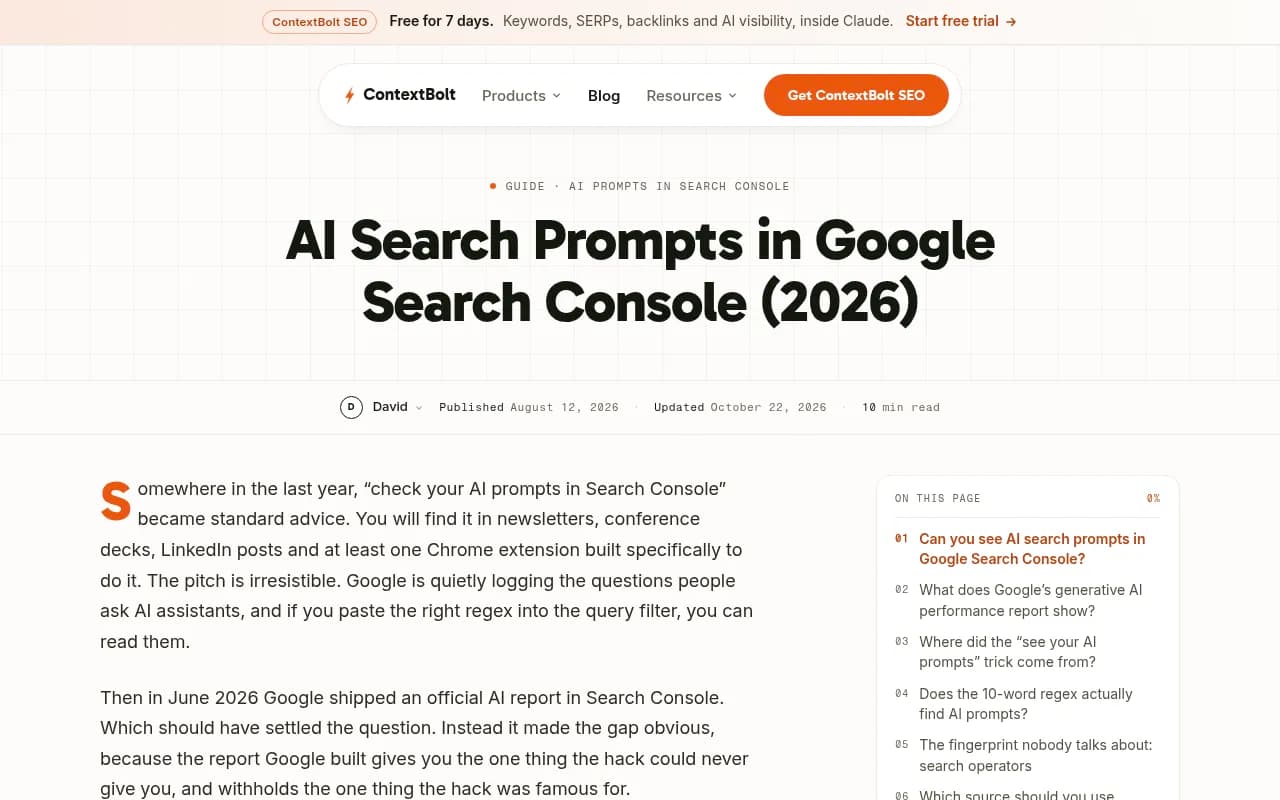
So what is the report good for? It tells you which pages show up inside AI features at all. That is a page-level signal you can use to decide where to look for prompts, not a source of prompts.
The long-query regex, honestly framed
The widely shared trick comes from Chris Long's February 2026 piece in Search Engine Land. In Performance, filter on Query, pick Custom (regex) and paste:
^(?:\S+\s+){9,}\S+$
This matches queries of 10 or more words. It finds long queries. It does not find confirmed AI prompts, because Google does not tag where a query came from. Voice searches and troubleshooting queries are long too. And Search Console hides rare queries behind an anonymization threshold, which matters because prompt-like queries tend to be rare. What you see is a biased sample.
The trick has a real origin, and it is a bit embarrassing for everyone. In late 2025, Jason Packer documented private ChatGPT prompts, some over 300 characters, appearing in Search Console query reports. A hidden parameter triggered a web search and the prompt text rode along in URLs Google logged. OpenAI said it fixed the error and that it affected a small number of queries.
My rule: use the regex output as raw material, never as a statistic. Don't write "we found 340 AI prompts" in a deck.
A cleaner Search Console workflow
- Filter queries to question starters: who, what, why, how, which, can, should, best, vs, alternative.
- Separately run the 10+ word regex and sort by impressions.
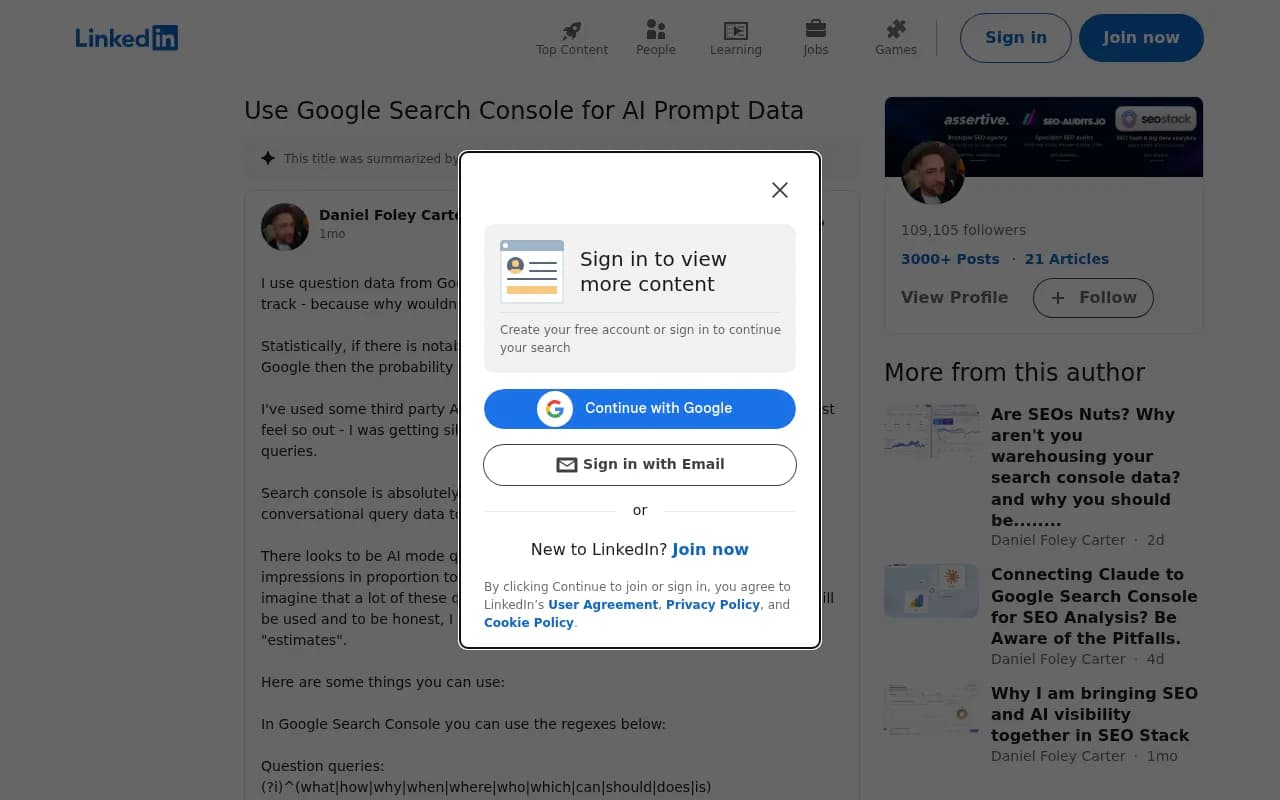
- Look for queries with double- or triple-digit impressions and zero clicks. As one practitioner on LinkedIn notes, these are also likely prompts your competitors are tracking, since the demand exists and nobody is capturing it.
- Export the list and group by topic.
- Rewrite each as a buyer-style prompt. "crm small agency pricing 2026" becomes "What is the best CRM for a 10-person agency, and what does it cost?"
There is one more fingerprint worth knowing. The ContextBolt author reports that queries stuffed with long strings of site exclusions (eleven, in their case) are unlikely to be hand-typed and may signal automated or AI-generated searches. That is an anecdote from a single site, so treat it as a curiosity to check in your own data, not a rule.
Source 2: People Also Ask
People Also Ask (PAA) is the closest thing to a public list of follow-up questions. Tools such as AnswerThePublic and AlsoAsked visualize them, and Otterly's prompt research guide rates them as useful for finding PAA-style content that often resembles AI prompt structure. I did not test current pricing for either tool, so check before you commit.
PAA works best for the middle of the funnel. Take a seed term and expand it two levels deep:
- Level one: the direct questions ("what is prompt research")
- Level two: the follow-ups that appear after you click ("how do I find prompts my customers use")
Level two is where prompts live. AI users chain questions the same way, and the second and third questions in a conversation are more specific and closer to purchase.
PAA has a weakness: it is Google-shaped. It tends to produce neat, grammatical questions, while real prompts are messier and longer, often with context like company size, budget or a constraint. Add that context yourself. Pair each PAA question with two or three personas or situations.
Source 3: your own pages
This is the most underrated source, and the one that gives you prompts nobody else has.
Every page on your site answers some set of questions. Work backwards:
- Take each H2 and H3 and ask what question it answers.
- Take product and pricing pages and write the comparison prompts a buyer would run ("X vs Y for [use case]", "alternatives to X").
- Read your FAQ, support docs and changelog. Support tickets are prompts in disguise.
- Mine sales call transcripts and review sites for the exact phrasing customers use. Their wording beats yours.
Then flip it around: for each important page, list the prompts it should win. If you cannot write three, the page probably lacks a clear purpose. This is also how you spot content gaps. A prompt with no matching page is a page to write.
Fan-outs: what your content really has to match
Here is where prompt mining and content work meet. ChatGPT often splits one prompt into several web searches, called query fan-outs. Promptwatch Data describes a single prompt triggering "3-8+" searches, though the measured average sat at 2.15 per response in early December 2025, eased to about 1.84 by early March, and came back at 1.0 in April after a gap in the data. Average query length also dropped, from about 117 characters to the high 80s, then around 53 once fanouts returned.
The lesson: the user's literal prompt matters less than the searches it spawns. Promptwatch's advice from that data is to write headings that read like search queries ("Best CRM for small agencies 2026"), lead titles and H2s with the entity and category, and build focused pages for comparisons, pricing, alternatives and how-tos rather than one mega-page.
Things changed again on August 8, 2026. Promptwatch's data shows site: queries going from 0.37% to 16.8% of all ChatGPT fanout queries overnight, with average fanouts per response rising from about 1.08 to 1.83. In practice, your own domain is now a retrieval surface. Keep key pages crawlable and indexed, and re-run any keyword-to-prompt mapping built before that date, because it is stale.
Putting it together: a working prompt list
| Source | Strength | Weakness | Best for |
|---|---|---|---|
| Search Console long queries | Real searcher wording, free | Biased sample, not confirmed AI prompts | Informational and troubleshooting prompts |
| Search Console 0-click, high-impression | Shows unmet demand | Only your visible queries | Content gap candidates |
| People Also Ask | Follow-up chains | Tidy, Google-shaped phrasing | Mid-funnel questions |
| Your own pages | Unique to your product | Reflects your assumptions | Comparison and brand prompts |
| Sales calls, support, reviews | Customer language | Manual, small samples | High-intent prompts |
| Fan-out analysis | Shows what AI searches for | Needs a tracking tool | Matching headings to queries |
Tag as you go
Give every prompt three tags: topic, intent (informational, commercial, branded, competitor comparison) and persona. You will need them later, because aggregate visibility numbers hide everything. A decent Share of Voice overall can mask a total blind spot in competitor comparison prompts.
Start small
Aim for 30 to 50 prompts across 4 to 6 topics. Run them for a few weeks. Drop those that produce identical answers or are irrelevant, add the ones your tracking surfaces. A prompt list is a living thing, closer to an ad campaign than a keyword export.
Tools that help
You can do all of this with a spreadsheet, Search Console and a PAA tool. Dedicated platforms save time on the suggestion and tracking side. Among the options in our catalog:
- Promptwatch pulls suggestions from Search Console, ranking keywords, People Also Ask and your own pages, and adds prompt volumes, difficulty and fan-out views. It also checks real AI interfaces rather than only APIs.
- Peec AI offers smart prompt suggestions and tracking.

- Otterly.AI is an affordable monitor with a prompt research guide of its own.

- Aiso tracks prompts and fan-outs.

- Gauge focuses on prompt-level intelligence.

For wider comparisons, the GEO software directory at bestgeosoftware.com is a decent starting point.
Common mistakes
- Reporting regex output as a prompt count. It is a sample of long queries.
- Copying competitor prompt lists wholesale. They reflect their positioning, not your buyers.
- Writing prompts in marketing language. Buyers say "cheap" and "easy", not "cost-effective" and "intuitive".
- Ignoring locale. Prompts differ by country and language, so track the markets you sell in.
- Never refreshing. Platform behavior moves, as the August 8
site:shift showed.
A weekly routine that takes an hour
- Export new Search Console queries with 10+ words or question starters.
- Check PAA for your top three topics.
- Add any new questions from sales or support.
- Rewrite, tag and add the best five to ten to your monitor.
- Review which prompts return no page of yours, and queue content for them.
The point is not completeness. It is a list you trust enough to make decisions from, built from sources you can explain to a skeptical colleague.