Key takeaways
- There is no position 1 to 10 in AI answers. Tracking means measuring appearance: is your brand mentioned, is your URL cited, where does it sit in the source list, and how does that compare with competitors.
- Each engine behaves differently. Promptwatch Data shows ChatGPT cites about 5 sources per web-search answer, while Google AI Overviews and Perplexity cite about 10. Dashboards should measure each engine separately.
- Check that a tool tracks real AI Mode, not only AI Overviews. Many listicles blur the two.
- Prefer tools that capture what users see in the real interface, not just API output, and that tell you what to fix.
- Pick one tracker and stay with it for a full reporting period. Numbers from different vendors are not comparable.
Why one dashboard is worth the trouble
A lot of teams track ChatGPT by hand, glance at Perplexity now and then, and ignore AI Mode because it is hard to check. That gives you three partial pictures and no trend line.
The engines also disagree with each other. Promptwatch's average sources per response data shows ChatGPT citing about 5 sources per web-search answer, while Google AI Overviews and Perplexity land near 10. Perplexity barely moves day to day, which makes it a handy test bench: if your citation pickup changes there, it is probably your content, not engine noise. Copilot, by contrast, has swung from under 2 to nearly 17 sources within weeks.
Source mix differs too. In Promptwatch's social citation data for Sep 28 to Oct 4, 2026, social platforms made up 0.46% of ChatGPT citations, 2.7% of Perplexity citations and 12.2% of Google AI Overviews citations. A strategy that works in one engine will not automatically carry over to another. That is the whole case for measuring them side by side.
What rankings mean in AI search
Before comparing tools, get the vocabulary straight. Vendors use the word "ranking" for several different things:
- Mention: the assistant names your brand in the answer text, with or without a link.
- Citation: your URL appears in the source list.
- Position: where your brand lands in the order of brands in the answer, or where your domain lands in the source list.
- Share of voice: your slice of all brand mentions across a set of prompts.
A tool that tracks only citations will miss brand context. A tool that tracks only mentions will miss click intent. The strongest setups combine at least two. For deeper definitions, the citations vs mentions guide and the Visibility Score explainer are worth a read.
Engine-specific quirks to know
ChatGPT: it can answer from training data or from live search, and tools differ in which mode they test. Two trackers can report wildly different ChatGPT numbers purely because they queried different paths. Also, a single prompt can trigger several background searches. Promptwatch's query fanout data shows 3 to 8+ searches for some prompts, so tools that only record the user's prompt miss what actually drives retrieval.
Google AI Mode: separate from AI Overviews, and not every tracker covers it. Ask the vendor directly.
Perplexity: stable citation counts and a source mix that leans toward community and professional platforms. In Promptwatch's October 2026 data, LinkedIn and Reddit tie at 0.86% of Perplexity citations, while YouTube dropped to 0.79% from 2.67%.
What to look for in a one-dashboard tool
Here is the checklist I would use before paying for anything.
- Real AI Mode coverage. Not just AI Overviews. Ask for a screenshot of an AI Mode response in the tool.
- Real interface data. Tools that query models only through APIs often miss what users see, including live citations and shopping results.
- Citation and mention tracking in the same view, per engine.
- Prompt discovery. Building every prompt by hand wastes your quota on guesses.
- Competitor benchmarking, so a score has context.
- Actionability. A dashboard that only reports leaves the work to you.
- Export and API access, so the data can land in Looker Studio or your own reporting stack.
Tool comparison
Pricing changes often and vendor-published listicles are self-interested, so treat the figures below as starting points and confirm them on each vendor's pricing page. I did not independently verify competitor prices.
| Tool | Engines relevant here | Strength | Watch out for |
|---|---|---|---|
| Promptwatch | ChatGPT, Google AI Overviews, AI Mode, Perplexity, Gemini, Copilot and more | Tracking plus content fixes and crawler logs | Content Agent starts on Business plan |
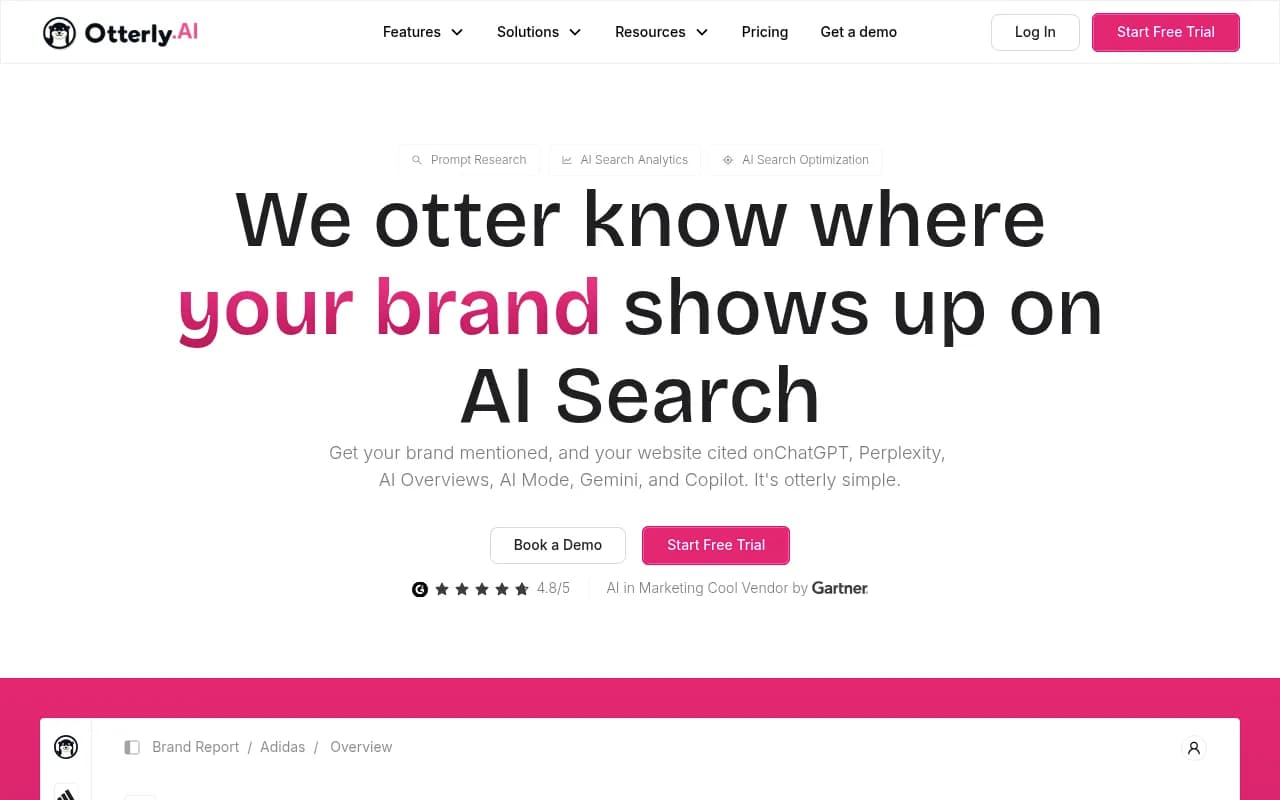
| Otterly.AI | ChatGPT, Perplexity, AI Overviews, Copilot, AI Mode | Cheap entry, around $29/mo for 15 prompts | Monitoring only |
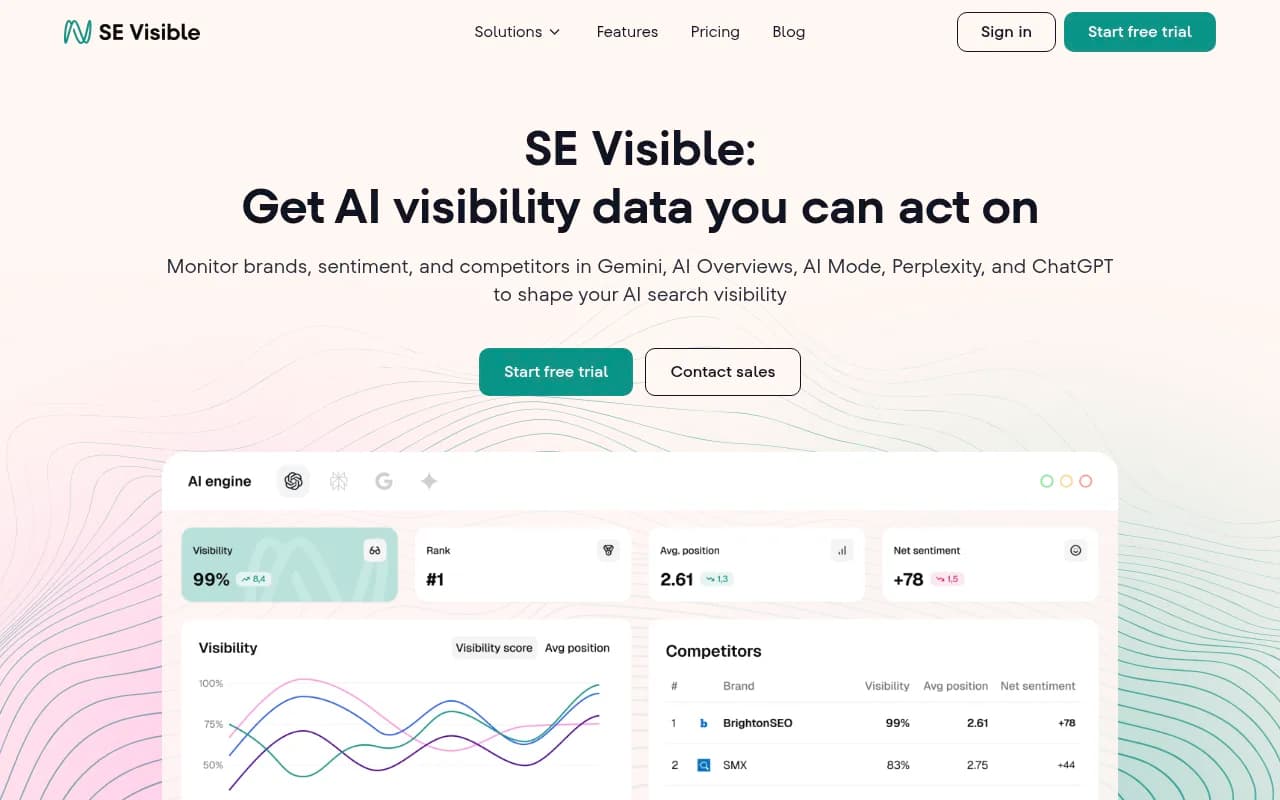
| SE Ranking Visible | ChatGPT, Perplexity, AI Mode, AI Overviews, Gemini | AI next to classic rank tracking | AI is an add-on to the SEO suite |
| ProRankTracker | AI Overviews, AI Mode, ChatGPT, Gemini, Perplexity, Copilot | AI and organic rankings in one tracker | Priced by prompt-URL-platform combinations |
| Searchable | Perplexity, ChatGPT, Gemini, Claude, Grok, AI Overviews | Recommendations per engine | Vendor claims AI Mode coverage unclear, verify |
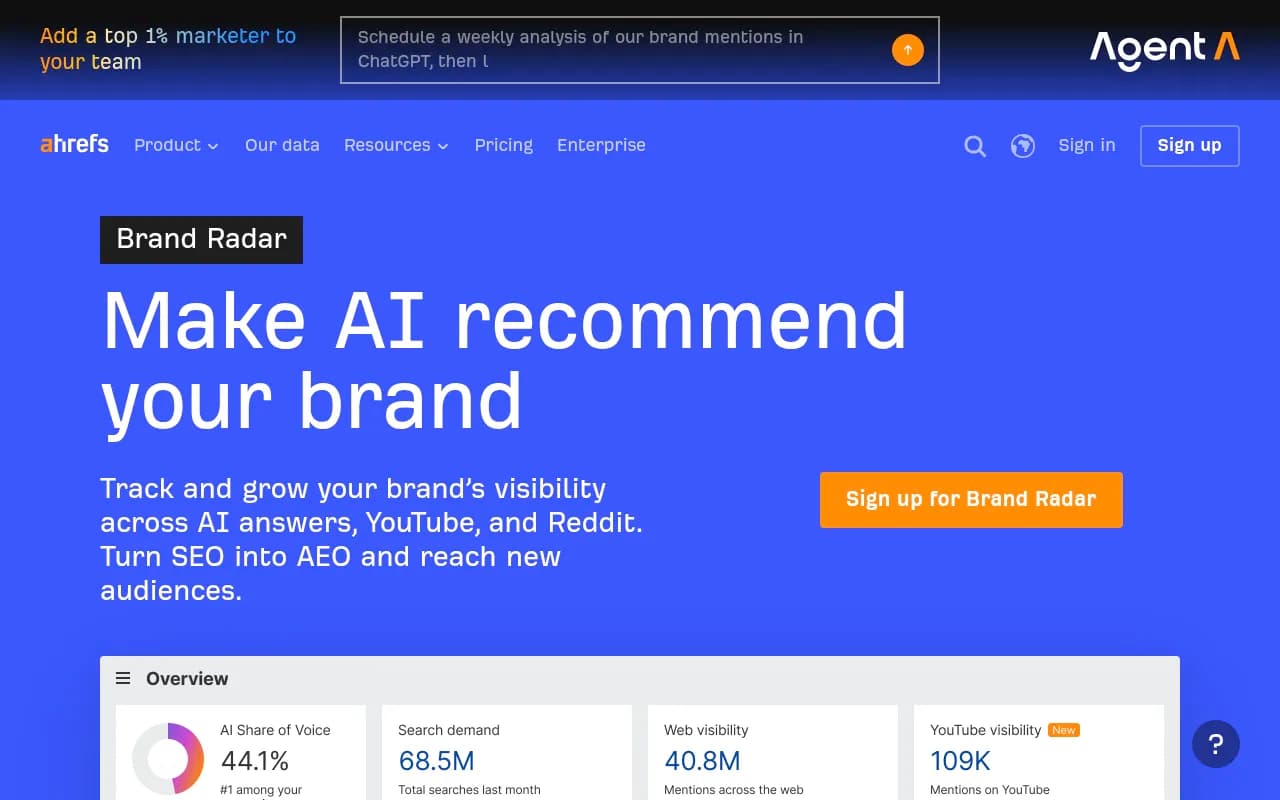
| Ahrefs Brand Radar | AI Overviews, AI Mode, ChatGPT, Perplexity, Copilot, Gemini | Citation depth, real-prompt data | Add-on to an SEO suite |
| Semrush AI Visibility Toolkit | ChatGPT, AI Mode, Perplexity, Gemini | Convenient if you live in Semrush | Smaller prompt sets |
Promptwatch
Promptwatch is the option I would put first if you want the one dashboard to also drive action. It monitors the real interfaces of ChatGPT, Google AI Overviews, Google AI Mode, Perplexity, Gemini, Copilot and others, by country and language, and reports Visibility Score, Share of Voice, position and sentiment per model, so you can see where each engine differs. Beyond the dashboard, it traces which of your pages get cited, shows IP-verified AI crawler logs (so you can tell an access problem from a content problem), and has a Content Agent and Action Board that write and prioritise the fixes, then check whether they worked.
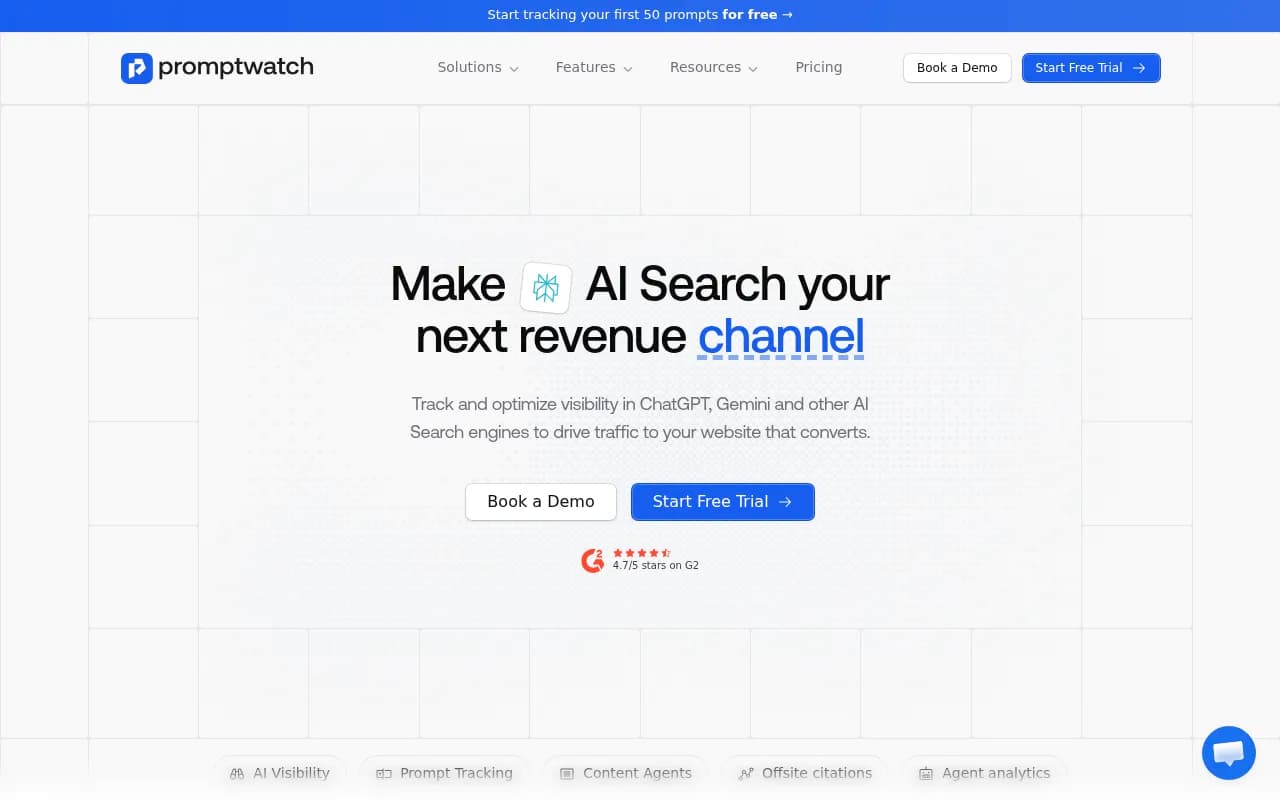
Plans start at $95/mo (Essential), with Professional at $245/mo and Business at $579/mo, and every plan tracks all supported models. Confirm current pricing at promptwatch.com/pricing. The free AI visibility report or the 7-day trial on monthly billing are the lowest-risk ways to look at your own data. Agencies can look at the agency plans.
Otterly.AI
The budget pick for small teams. It tracks citations and mentions across several engines and offers share of voice against competitors. If your question is simply "are we showing up?", it is a fair starting point. It stops at monitoring.
SE Ranking Visible
A sensible choice if you already run SEO in SE Ranking and want AI visibility without a second vendor. It covers ChatGPT, Perplexity, AI Mode, AI Overviews and Gemini and shows which URLs power AI citations.
ProRankTracker
A decade of Google rank tracking now extended to AI Overviews, AI Mode, ChatGPT, Gemini, Perplexity and Copilot. The appeal is organic and AI rankings in the same report. Its vendor-published review lists a 7-day trial with 50 prompts.
Searchable
Covers Perplexity, ChatGPT, Gemini, Claude, Grok and AI Overviews, with per-engine recommendations. Note that Searchable's own Perplexity roundup ranks itself first with a 93/100 score, so weigh that accordingly, and confirm AI Mode support before buying.

Ahrefs Brand Radar and Semrush
Both bolt AI tracking onto established SEO suites. They are fine if the team already lives there, and you get one login. The tradeoff is usually fixed or smaller prompt sets and less AI-specific depth, such as crawler logs.
For a wider survey, the GEO software directory at bestgeosoftware.com lists more options by category.
Setting up the dashboard
Step 1: build a prompt panel
Start with questions real people ask. Pull queries from Search Console, People Also Ask, and what your sales team hears on calls. Aim for 50 to 150 prompts grouped by topic, with a mix of branded, comparison and category prompts. Tools with query fan-out and prompt volume data make this less of a guessing game.
Step 2: choose engines and markets
Track ChatGPT, Google AI Overviews, AI Mode and Perplexity first. Add Gemini, Claude and Copilot once the core is stable. Set country and language per monitor, because answers vary by market.
Step 3: pick your core metrics
Keep the dashboard short. These are enough:
- Visibility or mention rate per engine
- Share of voice against two or three named competitors
- Citation rate and self-citation rate (how many citations point to your own domain)
- Sentiment
- AI-referred sessions and conversions from analytics
Read them together. Low share of voice is a coverage problem. Mentions without citations suggest a content or crawlability problem. Weak sentiment is a reputation problem.
Step 4: separate engines in the view
Do not average the three engines into one number. Given the citation slot differences above, a flat blended score hides the story. Show each engine as its own line and compare trends.
Step 5: connect traffic
Visibility without traffic is half a report. Connect analytics so you can see AI-referred sessions. One note: ChatGPT stopped sending a referrer on October 8, 2026, so tagging links with utm_source=chatgpt.com or using a tool setting that counts those visits helps keep attribution intact. The attributing AI traffic guide walks through it.
Step 6: set a review cadence
Weekly for the top-line view, monthly for deeper reviews. Perplexity is steady enough to read weekly. Copilot and ChatGPT move around more, so lean on trends, not single snapshots.
A free, manual baseline
If you are not ready to pay, you can build a rough baseline in a spreadsheet. Run each prompt three to five times per engine in a clean, logged-out session, and record whether your brand appears, which sources are cited, and which competitors show up alongside you. A single screenshot is an anecdote, a repeated sample is data. It breaks down past 20 or so prompts and is a poor fit for AI Mode, but it is enough to decide whether the channel deserves budget.
Treat any third-party tracker's numbers as directional. Sampling methods vary and most vendors do not publish them, so do not compare a count from one tool with a count from another. Pick one and stay with it for the whole quarter.
Common mistakes
- Reading API-only data as what users see.
- Assuming strong Google rankings carry over. ChatGPT Search reads from Bing, so check Bing indexing too.
- Blocking the wrong crawler. ChatGPT uses more than one bot, and blocking GPTBot alone is not the same as blocking OAI-SearchBot.
- Tracking only your own brand. Without competitors, a score is hard to interpret.
- Switching tools mid-quarter and then trying to chart a trend.
Which tool should you pick
- You want one dashboard that also fixes gaps: Promptwatch.
- You are testing the channel on a tight budget: Otterly.AI or a spreadsheet.
- You already use SE Ranking, Ahrefs or Semrush: start with that suite's AI add-on, and move to a dedicated platform if you outgrow it.
- You want AI and organic rankings in one report: ProRankTracker or SE Ranking.
- You run an agency: look at tools with multi-client management and white-label reporting, such as agency plans from the vendors above.
If you want a human to help set up prompts, reporting and a content plan, an AI search agency like 1001 SEO Media can run the program on top of a platform. Either way, begin with a baseline this week: a prompt panel, three engines, two competitors, and a monthly review.