Key takeaways
- Most wrong AI support answers come from retrieval of outdated, contradictory, or missing documents, not from a weak model.
- ChatGPT cites help centers directly, so a stale article can mislead customers in public AI search too, not only in your own bot.
- Fix order matters: stale content first, then duplicates, then gaps, then structure, then guardrails.
- Review real conversations, tag the wrong answers, and feed them back into the knowledge base every week.
- Check what public AI engines say about your product, because that is a second chatbot you do not control.
The model is probably not the problem
A customer asks your bot how to export their data. The bot confidently walks them through a menu that was renamed two releases ago. The customer gets lost, opens a ticket, and writes "your AI is useless" in the survey.
But the AI did its job. It found the closest article in your knowledge base, read it, and summarized it faithfully. The article was wrong. That is a documentation problem wearing an AI costume.
The research on this is consistent. HappySupport's write-up on why AI chatbots give wrong answers puts it bluntly: the problem is upstream of the model. Teams that blame the model retune prompts, swap providers, and run more tests, and none of it helps, because the model reads what it finds. If what it finds is wrong, the answer is wrong.
The industry calls this knowledge base rot, or garbage in, garbage out. Feed a system outdated, inconsistent, or incomplete documentation and it produces confidently wrong answers with remarkable consistency.
Wrong, nonsensical, and bizarre are different failures
The standard disclaimer says chatbots sometimes give answers that are wrong, nonsensical, or bizarre. Those are three separate failures with three separate fixes. Support teams lose weeks by treating them as one.
"Wrong" means fluent, plausible, and false. The bot describes a settings page that moved. This is the common case in support, and it is a retrieval problem: the model faithfully reported a stale document. Fixing it means fixing the document, not the model.
Why wrong answers happen: the causes, ranked
These are the causes that come up across HappySupport, eGain, Magic Teams, and others, roughly in the order they show up in real support queues.
| Cause | What it looks like | Fix |
|---|---|---|
| Outdated articles | Bot describes a UI or policy that changed | Owners, review dates, expiry on every article |
| Knowledge gaps | Bot guesses because nothing covers the question | Mine real conversations for unanswered questions |
| Conflicting or duplicate content | Two articles disagree, retrieval picks either | One source of truth, retire duplicates |
| Unstructured content | A 40-page PDF is nearly opaque to retrieval | Short, self-contained, tagged articles |
| Ambiguous questions | "How do I cancel?" means three different things | Clarifying turn before answering |
| Real-time account state | Order status, plan limits, open invoices | Connect live systems; docs cannot answer these |
| Undocumented business rules | Refund windows and eligibility live in someone's head | Write them down |
| No continuous optimization | Bot launched and never reviewed | Feed failed conversations back into docs |
Outdated articles are the most common cause by a wide margin. Everything else is secondary until that is under control.
Some questions documentation cannot answer
Two items on that list deserve a second look because no amount of editing fixes them. Anything that depends on live account data (where is my order, what is my plan limit) lives in your systems, not your articles. And business rules that were never written down cannot be retrieved. If your refund exceptions exist only in a team lead's memory, the bot will invent something plausible. Write the rule, or route the question to a human.
Why this is bigger than your own chatbot
Most guides on this topic stop at the bot embedded in your help center. That undersells the problem.
Public AI search reads your documentation too. According to Promptwatch Data's report on ChatGPT citations for software prompts (Sep 28 to Oct 4, 2026), documentation and help centers earn the largest share of software citations at 2.64%, ahead of vendor sites at 2.01% and review sites and analysts at 1.57%. Help-center domains like intercom.com, zapier.com, help.salesforce.com, and support.microsoft.com all appear in the chart. Vendor pages and docs together earn about three times what review sites and analysts do.
In plain terms: ChatGPT quotes help centers. If yours is stale, a prospect or customer can get the wrong answer without ever visiting your site.
It also lingers. In Promptwatch's content half-life study, which tracked every page ChatGPT cited on July 6, 2026 for 90 days, docs had the smallest drop after day 0. ChatGPT cited 93% of docs again later, against 77% of news pages. After 30 days it still cited 76% of the day-0 docs, and after 60 days 67%. News, by contrast, lost half its pages within 36 days.
So an outdated help article is not a short-lived problem. It can stay in circulation for months, and docs are the content type AI keeps coming back to. That cuts both ways: accurate docs keep earning citations, and wrong ones keep spreading.
Step 1: audit what your bot actually says
Before touching any article, find out where the damage is. A practical audit looks like this.
- Pull the last 200 to 500 bot conversations. Include ones that ended in escalation and ones where the customer gave a thumbs down.
- Tag each wrong answer with its cause from the table above. Most teams discover that one or two causes account for the bulk of the errors.
- Trace each wrong answer to the exact article that was retrieved. A good setup shows the source in every answer, so a wrong answer points straight at the document to fix.
- Rank articles by how often they produced bad answers, not by how old they are. A stale article nobody asks about can wait.
A tip from practitioners on Reddit worth stealing: separate the knowledge from the bot, review conversations rather than just complaints, tag the questions that were wrong, and version-stamp your articles. Complaints only show you the customers angry enough to write. Conversation review shows you everyone else.
Step 2: fix stale content first
Stale content is the biggest single source of errors, so start there.
- Give every article an owner. Not a team, a person.
- Add a last-reviewed date and an expiry date. When it expires, it either gets reviewed or gets unpublished.
- Tie documentation updates to releases. If a product change ships without a docs change, you have created a wrong answer on a delay. Some tools propose article updates straight from code changes, which closes this gap at the source.
- Use content-health analytics to flag articles that are old, unused, or frequently retrieved with negative feedback.
One warning. Do not rewrite everything at once. Fix the top 20 articles by wrong-answer count and measure again.
Step 3: remove contradictions and duplicates
Retrieval does not know which of two conflicting articles is right. It picks the closest match, and the closest match is often the older, longer one.
Common sources of contradictions: migrated help centers where old and new versions both stayed live, regional variants that drifted apart, release notes that contradict the how-to, and community posts that contradict official docs.
Consolidate to one canonical article per question. Redirect or delete the rest. Govern who can publish, because contradictions come back the moment five people can edit the same topic without review.
Step 4: fill the gaps
When no source content exists, a generative bot guesses. That is where invented policies come from.
Mine your conversation logs and ticket history for questions the knowledge base cannot answer. Write those answers first. Include the unglamorous stuff: refund windows, eligibility rules, escalation paths, what happens at plan limits. Anything that exists only in people's heads needs to go on the page.
For questions that depend on live data, do not document your way out. Connect the bot to the system of record, or make it hand off.
Step 5: structure content for retrieval
A 40-page PDF is close to opaque to a retrieval system. It pulls a fragment, loses the context, and the answer comes out half right.
Write articles that stand alone:
- One question or task per article
- A descriptive title that matches how customers phrase the problem
- Steps in numbered lists, with the product version or plan the steps apply to
- Prerequisites and exceptions stated in the same article, not on a different page
- Exact UI labels, copied from the product
This helps AI search too. Crawlable, self-contained help pages are what get cited, and Promptwatch's own takeaway from the software citation data is to publish crawlable docs and treat your own site as your main citation source.
Step 6: add guardrails and a way out
Even clean docs will not make a bot perfect. Build the safety net.
- Restrict the bot to answering from approved, retrieved documents, and show citations in every answer.
- Allow it to say "I don't have that answer" and hand off to a human with the conversation attached.
- Ask a clarifying question when the request is ambiguous. "How do I cancel?" can mean a subscription or a scheduled export.
- Check answers continuously, not on a small sample.
This matters more as you move from chatbots to agents. A chatbot that gives a wrong answer wastes a customer's time. An agent that acts on a wrong answer processes the wrong refund or walks a user through a workflow that no longer exists. Same root cause, higher cost per error.
Who is responsible when it goes wrong
There is also an accountability angle. AI can support the customer experience, but it cannot accept responsibility for it. That still belongs to the organization. Before putting AI in front of customers, decide who owns accuracy, who reviews failures, and what the escalation path is. Treat a wrong answer as a documentation defect with an owner and a due date, not as a weird AI moment.
Step 7: build the feedback loop
Teams that launch a bot and walk away watch accuracy degrade. The fix is a weekly loop:
- Review failed and low-confidence conversations.
- Tag the cause.
- Update, merge, or write the article.
- Re-test the questions that failed.
- Report the numbers: wrong-answer rate, escalation rate, and articles updated.
It is boring, and it is the thing that separates accurate support AI from confident support AI.
Check what public AI says about your product
Your own bot is only one place customers get answers. ChatGPT, Gemini, Perplexity, and Google AI Overviews all describe your product too, often citing your help center, and sometimes citing a forum post or an old review instead.
An AI visibility platform can show you that. Promptwatch monitors how ChatGPT, Gemini, Perplexity, Google AI Overviews and other engines describe a brand. Its Brand Narrative feature pulls out the individual claims AI makes about you (pricing, features, support) and Fact Check lets you mark a claim inaccurate, then finds the pages on your site that state it, so you know which article AI is learning the wrong thing from. Its AI crawler logs show whether AI bots can actually read your help pages, which separates an access problem from a content problem.
If you want to compare options, the GEO software directory at bestgeosoftware.com lists other tools in the category. Other platforms that track what AI says about brands include [tool:profound] and [tool:peec-ai]; both are monitoring-focused, so pair them with your own documentation workflow.
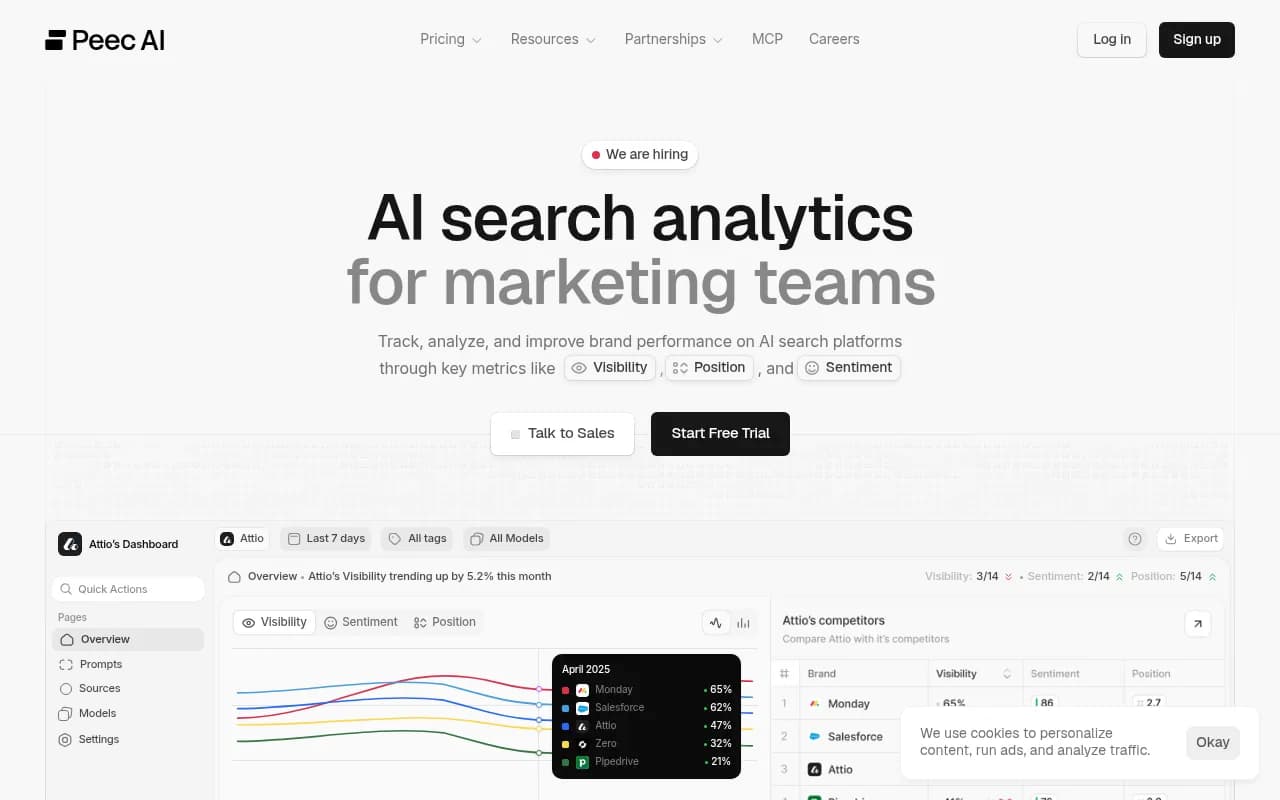
A free starting point is the free AI visibility report, which scans how ChatGPT, Gemini, and Perplexity talk about your brand.
A quick checklist
| Question | If the answer is no |
|---|---|
| Does every article have an owner and a review date? | Assign owners this week |
| Do product releases trigger doc updates? | Add docs to the release checklist |
| Is there one canonical article per question? | Consolidate and redirect |
| Do you review bot conversations weekly? | Start with 50 per week |
| Can the bot say "I don't know" and escalate? | Configure the fallback before anything else |
| Do you know what ChatGPT says about your product? | Run a visibility report and check the claims |
| Are business rules written down? | Document refund, eligibility, and escalation logic |
What to do on Monday
Pull 200 conversations. Tag the wrong answers. Find the five articles responsible for the most errors and fix those, then set expiry dates so they cannot rot again. After that, ask ChatGPT and Perplexity your ten most common support questions and read the answers with your docs open next to them. If something is wrong, you now know which article to fix, and it is almost never the model's fault.