Key takeaways
- ChatGPT started showing ads on May 27, 2026, and by July they were appearing in 30%+ of Search responses, per Promptwatch Data's 90-day tracking.
- Unlike Google, OpenAI has no public ad transparency library. The only way to see a competitor's ChatGPT ad is to actually trigger it yourself, on a real prompt, in a real session.
- Bidding on your brand name as a keyword is allowed under Google and Microsoft policy. The only thing that's off-limits is using your trademarked name inside the visible ad copy itself.
- Detection is a repeatable process, not a one-time check: build a prompt list from real buyer language, run it dozens of times across sessions, and log what shows up.
- Tools like Promptwatch, Trendos, and SpyFu each cover a different piece of this puzzle. None of them replace running the searches yourself at least once.
Why this is suddenly a real problem
For years, "competitor bidding on your brand name" meant one thing: someone showing up above your organic listing on a Google search results page. Annoying, but familiar. You knew where to look, you knew the tools, and you probably had a Google Ads rep to complain to.
That's no longer the whole picture. People are asking ChatGPT "what's the best CRM for a 10-person sales team" or "alternatives to [your brand]" instead of typing it into Google. And starting this year, those answers can come with ads attached.
OpenAI confirmed it was testing advertising in January 2026, limited to Free and Go-tier users in the US. By February the pilot was live. By May, a self-serve CPC auction opened up with a $50,000 minimum spend, which is still steep, but a lot more accessible than the original $200,000 managed-buy minimum. By the end of August, OpenAI said ChatGPT Ads had hit a $1 billion annualized revenue run rate in under 200 days, and self-serve access had expanded to 52 countries.
According to Promptwatch's tracking of ChatGPT ad frequency, ads appeared in an average of 20.1% of Search responses over the trailing 90 days through mid-August 2026, but that average hides a steep ramp: zero before late May, past 30% by July 1, and holding there since, with daily peaks as high as 43.9%. That's not a rounding error. That's a new ad surface that didn't exist eight months ago, now showing up in roughly one out of every three eligible ChatGPT Search responses.

If a competitor is paying to appear underneath the answer your prospect just read about "best alternatives to [your product]," you want to know. The problem is finding out isn't as simple as typing your brand name into a search box like it used to be.
Start with what's still legal (and what isn't)
Before you get worked up about a competitor's ad, it helps to know what they're actually allowed to do, because the answer is: quite a lot.
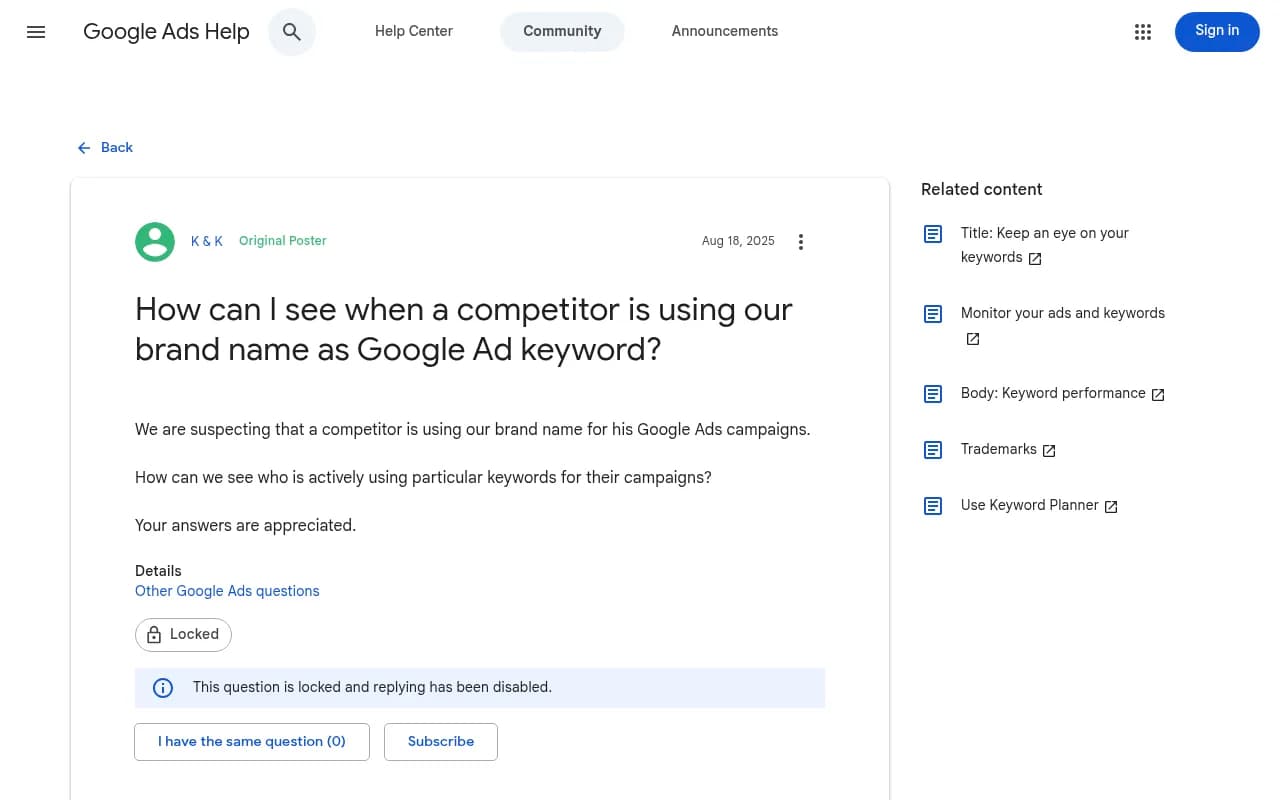
Bidding on your brand name as a search keyword, on Google, Bing, or (implicitly) inside an AI platform's ad auction, is not against the rules. A Google Ads Community thread confirms this directly: even if a competitor targets your brand as a keyword, "it is allowed." The restriction sits somewhere else entirely.
What's actually prohibited is using your trademarked name inside the visible ad text itself, the headline or description a user actually reads, unless the advertiser is a legitimate reseller of your product (this is Google's reseller exception, the classic example being Zappos running ads for Nike). Microsoft Ads follows the same structure.
This matters because it changes what you're looking for. You're not trying to catch someone breaking a rule. You're trying to see where you're losing visibility, and whether the ad copy crosses the one line that actually is enforceable.
Detecting brand bidding on Google (the part you can still do the old way)
Google's Ads Transparency Center at adstransparency.google.com is the standard starting point. You can search by advertiser name or website domain and see live and recent ads from that account. The catch, flagged by a fraud-prevention analysis of the tool, is that it doesn't support keyword search, so you can't type in your brand name and get a list of every ad triggered by it. If a competitor runs their brand-bidding campaign through an agency account under a different name, you'll miss it entirely unless you already know who to search for.
The more reliable manual method, per a walkthrough from Ben Heath's Google Ads channel, is to look inside your own account. If you've been running Google Ads for a while, the "Auction Insights" report under Campaigns shows you exactly which domains you're competing against on your own keywords, including your brand terms. It's not a perfect competitive map, but it's real data from real auctions you're actually in.
For ongoing monitoring rather than one-off checks, SpyFu's "Monitor PPC Competitors" feature tracks every domain bidding on your brand and Google Ads terms over time, and flags shifts in ad spend or strategy. It runs $39/month on the Basic plan, considerably cheaper than Semrush's comparable tier at $165/month, and most head-to-head comparisons rate it as the better value pick specifically for PPC competitor research (Semrush's advantage is breadth, not price).
Detecting ads inside ChatGPT: no shortcuts, no transparency library
Here's the uncomfortable part. Google gives you an ad library. OpenAI doesn't. There is currently no public, searchable database of active ChatGPT ads, per Search Engine Journal's reporting on the topic. If a competitor is running a sponsored card against your brand-comparison prompts, the only way to see it is to actually surface it yourself.
That means manual testing, done properly, looks like this:
- Build a prompt list of 30 to 50 queries that mirror real buyer language, direct comparisons ("X vs Y"), "alternatives to X," recommendation asks ("what's the best tool for..."), pricing questions, and long-tail use-case prompts. Pull these from your actual sales calls, support tickets, on-site search logs, and branded search query data, not guesses.
- Run each prompt 20 to 30 times, spread across multiple days, clearing cookies or varying sessions between batches. This matters because ChatGPT doesn't serve the same ad to every user on the same prompt. A single run tells you about one auction outcome, not the competitive landscape.
- Log four things every time an ad appears: the exact ad title, the ad description text, the destination URL (strip tracking parameters but keep them logged separately), and which prompt/session/time it appeared in. From that log you calculate impression share for each advertiser, the percentage of your runs where they showed up on a given prompt.
Promptwatch's own guidance on this data backs up why the multi-day approach matters: single-day runs can land on outlier days, since daily ad rates have swung from single digits to over 40% within the same 90-day window. Checking once and concluding "no ads here" is close to meaningless.
Worth noting too: Promptwatch's breakdown of ad volume by prompt type shows organic prompts carry the largest share of ad-bearing responses (73.3% over the past week), with brand-specific prompts at 18.0% and competitor-comparison prompts at 8.6%. That's a share of total ad volume, not a probability per prompt, but it's a hint that if you're only testing generic category prompts, you might be missing where the sharper brand-name targeting actually lives.

Tools built specifically for this
A handful of platforms have started automating the manual ChatGPT-ad-detection process described above.
Trendos built a feature called Ad Radar specifically to reveal which competitors are paying to appear in AI answers, automating the same four-data-point capture (impression share, ad title, ad description, destination URL) across a tracked prompt set. It's worth knowing this is currently ChatGPT-only; the company's own FAQ says Google AI Overview, Perplexity, and Gemini ad coverage is still on a waitlist. Pricing runs from a free tier (20 prompts, 600 answers/month) up through $320/month for 1,050 prompts.
Promptwatch approaches the same problem from a broader angle. Rather than being a single-purpose ad tracker, it monitors your actual visibility, citations, and crawler activity across ChatGPT, Gemini, Perplexity, Claude, Grok, and Google AI Overviews and AI Mode, pulling data straight from the real user interfaces rather than APIs, which matters because what a user sees (including ad placements) can differ from what an API returns. If you're already running brand-comparison and "best alternative to X" prompts to track your own citation visibility, you're one step from also logging who's buying the sponsored slot underneath your answer on the same prompts. Its data team has been publishing monthly tracking on ChatGPT ad frequency and prompt-type mix, which is where several of the numbers in this guide come from.
For pure keyword-level PPC monitoring on the traditional search side, SpyFu and Semrush both track who's bidding on your brand terms, though at very different price points as noted above.
| Tool | Covers ChatGPT ads | Covers Google/Bing brand bidding | Starting price | Best for |
|---|---|---|---|---|
| Trendos Ad Radar | Yes (ChatGPT only) | No | Free / $30/mo | Dedicated ChatGPT ad monitoring |
| Promptwatch | Yes, as part of broader AI visibility tracking | No | Free / $95/mo | Brands who want ad visibility plus citation, crawler, and content data in one place |
| SpyFu | No | Yes | $39/mo | Cheapest ongoing PPC brand-bid tracking |
| Semrush | Partial (AI visibility toolkit) | Yes | $165/mo | Teams wanting one platform for SEO, PPC, and AI visibility |
| Google Ads Transparency Center | No | Yes (domain/advertiser search only) | Free | Quick manual lookups when you already know who to search for |
Don't forget shopping cards and Google's AI-native ad formats
The sponsored text card isn't the only slot competitors can buy. ChatGPT's shopping features, product cards and price comparisons inside Search responses, currently show up in a low single-digit percentage of all responses, but Promptwatch's data notes the rate has moved in visible jumps, roughly doubling overnight in late May 2026 before pulling back weeks later. That pattern suggests OpenAI is actively tuning when these appear rather than it being a stable, predictable feature. If you sell a physical or subscription product, run your actual buyer prompts ("best budget noise-cancelling headphones," not just your brand name) regularly to catch competitors landing in the shopping cards before the feature scales further.
Meanwhile, Google announced at Google Marketing Live 2026 that AI Mode and AI Overviews are getting their own set of native ad formats, AI-powered Shopping ads, Conversational Discovery ads, Highlighted Answers, and Direct Offers with in-answer checkout. Existing Shopping and Performance Max campaigns automatically qualify for these placements, which means a competitor doesn't need to do anything special to start showing up there; their existing campaign structure might already be eligible.
Perplexity, for what it's worth, tested sponsored placements through 2024 and early 2025 with brands like Whole Foods, then reportedly stepped back from advertising altogether, concluding it undermined user trust in the product. Worth verifying if you're deciding where to spend detection effort, but as of now it appears to be the one major AI search surface without a live ads program.
A practical detection routine
Putting it together, here's a routine that doesn't require enterprise software:
- Weekly: run your top 10 brand-comparison and "alternatives to" prompts in ChatGPT across two or three sessions each, logging any sponsored card that appears.
- Monthly: pull your Google Ads Auction Insights report (if you run paid search) to see which domains are showing up against your brand keywords, and cross-check any unfamiliar advertiser names in the Ads Transparency Center.
- Quarterly: expand your prompt list based on new sales objections, new competitors, or new product categories you've entered, since your visibility into ad activity is bounded entirely by the prompts you actually think to test.
- Ongoing: if you're already tracking AI citation visibility with a platform like Promptwatch or a comparable tool, check whether ad-tracking data is layered into the same prompt runs. It's a lot less work to catch a competitor's sponsored placement on a prompt you're already monitoring for citations than to build a second, parallel testing process from scratch.
One last thing worth remembering: even once you spot a competitor's ad, your options for making them stop are limited. Since keyword-level brand bidding is allowed, a policy complaint to Google or OpenAI won't get a compliant ad removed. Your real levers are checking whether their ad copy actually names your trademark (a real violation you can report), talking to trademark counsel if it does, or, more realistically, deciding whether it's worth bidding on your own brand terms and testing your own prompts against theirs to win back the slot. Detection is step one. What you do with it is a separate fight.
If you want to go deeper on how AI platforms are structuring these ad and citation surfaces month to month, the research hub at Promptwatch Data publishes recurring breakdowns on ad frequency, citation share by domain, and crawler activity that are useful for keeping this kind of monitoring current rather than a one-time audit. For a broader look at GEO and AI visibility tools beyond the two or three named here, the directory at bestgeosoftware.com is a reasonable place to compare options side by side.