Key takeaways
- A changelog is a free research feed. Read it weekly and you learn what AI search platforms changed and which tooling responded.
- Sort every entry into three buckets: adopt now, test later, ignore. The deciding factors are your plan, your channel mix, and whether the feature closes a gap you can already measure.
- Bug fix entries matter as much as feature entries. A Perplexity tracking fix on November 2, 2026 is a reminder to check the changelog before treating a sudden drop as a real visibility change.
- Plan gating tells you where a feature sits. Fact Check, local targeting at exact coordinates, and hourly tracking all start at Business.
- Pair changelog entries with first-party research like Promptwatch Data, so you know which platform behavior changes the feature is responding to.
Why a changelog beats a feature page
Feature pages describe what a product is. A changelog shows what a team decided was worth building this week, and in GEO that is a decent proxy for what AI platforms are doing to you.
Take a concrete case. On August 8, 2026, ChatGPT Search started using the site: operator at scale. Promptwatch's data on ChatGPT site: operator fanouts shows these queries going from about 0.37% to 16.8% of all fanout queries in a day, and average fanout queries per response rose from roughly 1.08 to 1.83. Keyword mappings built before that date are stale. Nobody sent a press release. If you only read feature pages, you notice months later, when a report looks odd. If you read a changelog and the research feed together, you see the platform change and the tooling response in the same place.
That is the habit this guide is about. It does not require any special skill, just a repeatable process.
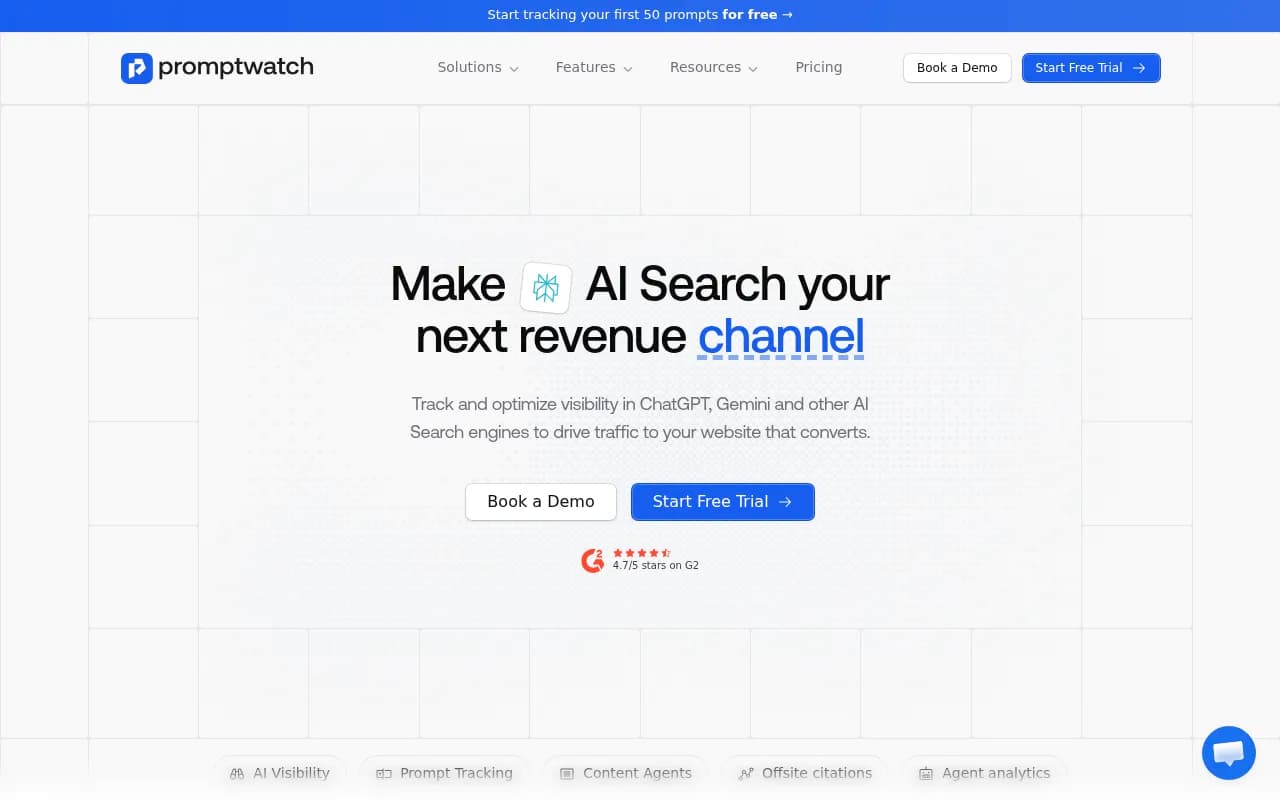
Promptwatch publishes its changelog at promptwatch.com/changelog, with each entry tagged (New Feature, bug fixes, smaller improvements) and linked to its own page. I will use the entries from late October to November 2, 2026 as worked examples. The page is long, so open it directly for earlier history.
Step 1: Read it on a schedule, not when something breaks
Pick a day. Monday works, since Promptwatch's Action Board digest email also lands on Mondays and you can read both in one sitting. Spend ten minutes. Scan the titles first, then open only entries that touch something you already track.
Three things to note for each entry:
- What changed in the product
- Which plan gets it
- Whether it ties to a question you already have
If you cannot answer the third one, put the entry in the "test later" pile. Do not set up a feature because it is new. I have watched teams enable six dashboards in a week and look at none of them a month later.
Step 2: Sort entries into types
After reading a few weeks of entries, patterns show up. Most fall into one of five types.
| Entry type | Example from the changelog | What it tells you | Typical action |
|---|---|---|---|
| New engine coverage | Meta AI tracking (Oct 28, 2026) | A new answer surface is worth watching | Add to a test monitor |
| New analysis layer | Fact Check and Brand Narrative (Oct 30, 2026) | A new way to read existing responses | Run it on current data |
| Targeting and frequency | Local GEO/SEO targeting (Oct 27), 12/6/1-hour tracking (Oct 28) | Finer control over what gets measured | Enable on specific monitors only |
| Agent features | Agent Chat on Actions and Prompt Explorer (Nov 2) | Less manual work in existing workflows | Try on your next planning session |
| Fixes and stability | Perplexity tracking restored (Nov 2) | Explains odd data | Annotate your reports |
The last row is the one people skip. It is also the one that saves you from bad decisions.
Step 3: Check the plan gate before getting excited
Pricing changes, so confirm at promptwatch.com/pricing. Based on the entries, though, here is how the late October releases split by plan:
| Feature | Availability per changelog |
|---|---|
| Brand Narrative | Every plan |
| Fact Check | Business, Agency Scale, Enterprise (uses agent credits, estimate shown before running) |
| Local GEO/SEO targeting | Business, Agency Scale, Enterprise |
| Tracking every 12, 6, or 1 hours | Business and Agency Scale, Enterprise on request |
| Meta AI tracking | Selectable from the model picker under "Show all models" |
| Instagram citation tracking | Listed under Socials, next to Reddit, YouTube, and LinkedIn |
For reference, the August 2026 comparison page lists Essential at $95, Professional at $245, and Business at $579. The changelog also says annual plans are now displayed as a monthly price, so the number you see may differ from older write-ups.
This changes the question from "is this good" to "is this worth moving up a tier for". Hourly tracking is a good example. It sounds great, and for a brand running time-sensitive launches or news-driven prompts it may be. For a B2B software company whose answers barely change week to week, daily tracking is already plenty. Existing monitors stay on daily anyway, and usage projections count every run, so you can see the cost before enabling it.
Step 4: Worked examples, entry by entry
Brand Narrative and Fact Check (Oct 30, 2026)
Brand Narrative pulls the claims AI makes about you and your competitors out of tracked responses, groups repeated claims, and files them under themes like Pricing, Features, Support, and Reputation. Each theme gets a 0 to 100 score, and claims are scored positive, neutral, negative, or mixed.
Who should adopt it: anyone with a reputation or sales-enablement problem. If prospects keep saying "I read that you do not offer X" and you do, this shows you where that claim lives in AI answers. It is on every plan, so the cost of trying it is close to nothing.
Fact Check is the follow-on. You mark a claim Accurate or Inaccurate, and it checks the claim against your crawled pages, returning the pages and quotes it found plus a recommended next step. That is useful because the fix for a wrong AI claim is usually a page, not a complaint. It is Business and above, and each check spends agent credits, so reserve it for the claims that cost you deals.
Local GEO/SEO targeting (Oct 27, 2026)
You pin a monitor to a map point, with precision from 20 m to 5 km, and ChatGPT, AI Overviews, and AI Mode answer as if asked from that spot. Other models use the monitor's country, state, and city. The location is fixed once the monitor is created, so plan your points before building. The REST API and MCP tools take the same fields.
Who should adopt it: multi-location businesses, franchises, and anyone with "near me" prompts. Everyone else can skip it without guilt. If you run one online-only product, this entry is not for you, and that is the point of triage.
Meta AI tracking (Oct 28, 2026)
Meta AI is added through the model picker. It returns citations and query fanouts like other live-search models. Why care? Promptwatch Data on Meta-WebIndexer shows Meta-WebIndexer going from about 2% to nearly 38% of tracked AI crawler requests between mid-July and August 9, 2026. Meta appears to be building something index-like, and now there is a way to see how its assistant talks about you.
My take: add it to one test monitor, not everything. Check whether you are cited at all before you build a strategy around it.
Faster tracking frequency (Oct 28, 2026)
Business and Agency Scale can track prompts every 12, 6, or 1 hours. Use it narrowly: a handful of high-stakes prompts around a launch, a crisis, or a news cycle. Leave the rest daily.
Instagram citation tracking (Oct 28, 2026)
Socials now covers Instagram next to Reddit, YouTube, and LinkedIn, with Posts and Accounts tabs, engagement metrics, followers, and CSV or Excel export. Before you invest, look at the data. Promptwatch's social media citations report for October 2026 found ChatGPT drew only 0.46% of its citations from social platforms between Sep 28 and Oct 4, while Google AI Overviews drew 12.2%. So Instagram tracking matters more if Google surfaces are your main concern than if ChatGPT is.
Related: the Reddit citation drop in ChatGPT, where reddit.com's share fell from about 4% to 0.5% on August 14, 2026, is a good reminder that social citation patterns shift fast. Track them, do not assume them.
Agent Chat on Actions and Prompt Explorer (Nov 2, 2026)
Agent Chat can now see the filtered Actions board, write content for an action, and move actions between columns. In Prompt Explorer it can track ticked suggestions, including into a new monitor. It asks for every value it needs before changing anything, which is the right behavior for an agent with write access.
Adopt this if your Action Board is already populated and you spend time shuffling items. If the board is empty, fix that first. A second Agent Chat entry from October 28 covers dashboards, trends, prompts, and query fanouts, but the text I could read was cut off, so check that entry yourself before relying on details.
Smaller improvements (Nov 2, 2026)
Easy to skim past, but a few are useful: the main dashboard now shows top cited LinkedIn posts, the responses export lists brand mention positions (for example "Acme (1), Globex (2)"), YouTube video cards in AI Overviews and AI Mode open at the moment the answer points to, locked features show a preview with sample data, and annual plans show as a monthly price. The export change alone helps anyone building their own reporting.
Bug fixes (Nov 2, 2026)
Perplexity tracking was restored after Perplexity changed its search box on October 31. Content Gap analyses that hit a search error now fail and can be retried instead of saving 0% coverage. Project viewers no longer see API key secrets.
Two lessons. First, if your Perplexity numbers dipped around October 31 to November 2, annotate your report. It was a collection issue, not a ranking change. Second, rerun any Content Gap analysis that showed an odd 0% coverage before the fix.
Step 5: Tie entries to your own data
A changelog entry becomes a decision when it meets a number you already have. A simple matching routine:
- Open your dashboards and write down your two biggest open questions (for example, "why do we get mentioned but not cited").
- Scan the last month of entries for anything that touches those questions.
- Pick one feature and one monitor. Run it for two weeks.
- Decide with data whether to expand.
Some mappings I use:
- Mentions without citations usually point to a crawlability or content problem. Look for entries about crawler logs, site audits, or Fact Check.
- Wrong claims in answers point to Brand Narrative and Fact Check.
- Sudden drops in one engine point to the bug fix entries first, then the platform research feed.
- Fanout changes, like the
site:shift, point to Prompt Explorer and query fanout features. Promptwatch's own advice there is to monitor continuously and re-run fanout analyses, and to keep key pages crawlable and indexed so your domain works as a retrieval surface.
Step 6: Use screenshots and comparison pages as a second opinion
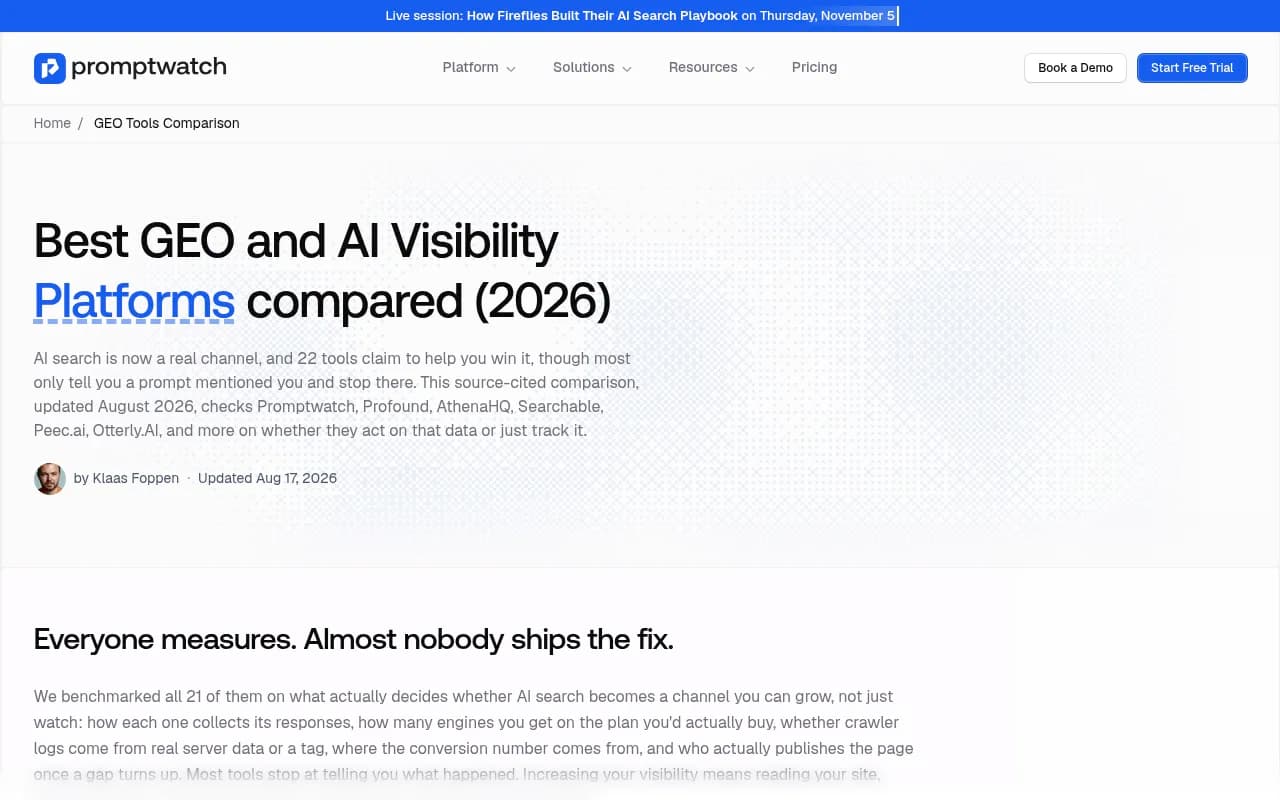
The changelog only covers one vendor. When something looks interesting, check how the rest of the market covers it. Promptwatch's own 2026 comparison of GEO and AI visibility platforms sets out its own claims on six core capabilities, so read it knowing the authors are the vendor. Independent write-ups exist too, such as the Indexly review of Promptwatch, which covers who it suits and where it falls short.
I did not check competitor changelogs for this guide. Doing that is a good exercise: open the changelogs of two other tools and run the same triage. If you are shopping, the directories at bestgeosoftware.com and ai-rank-tools.com list alternatives to compare against.
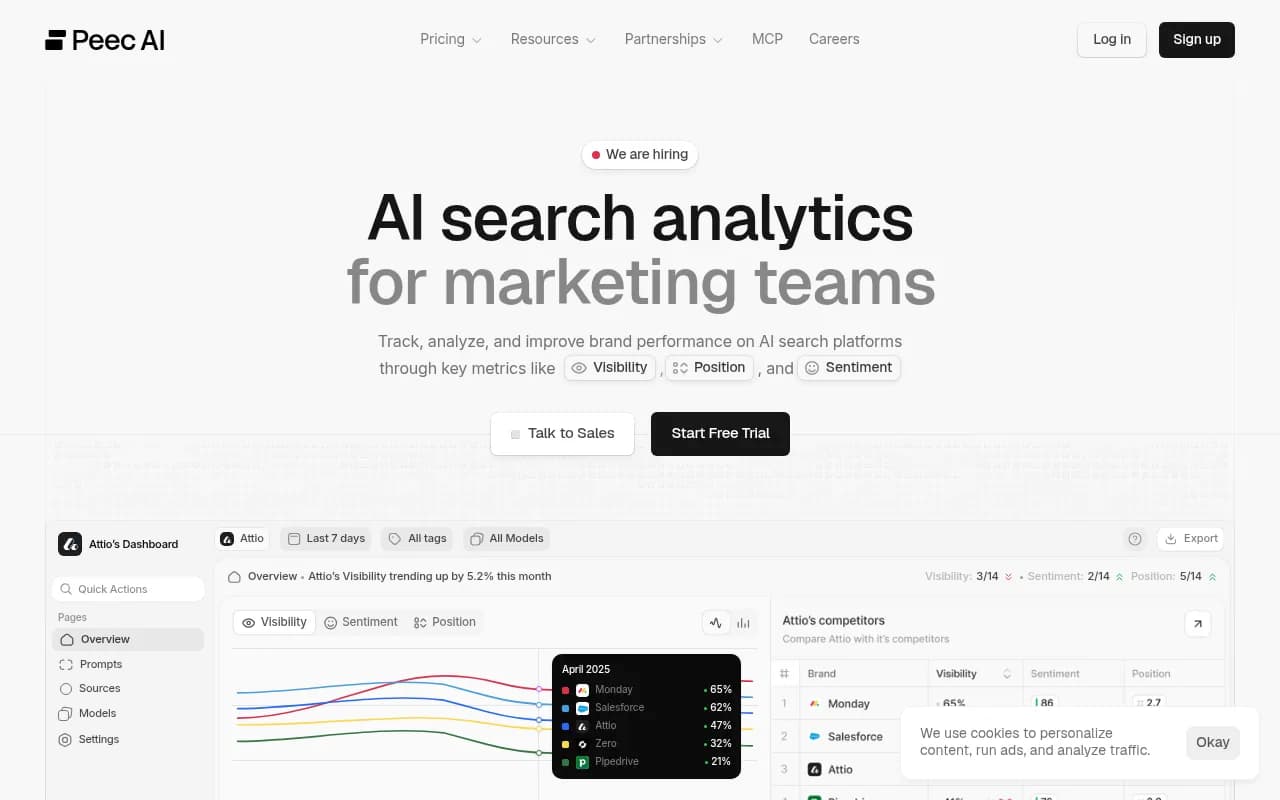
Some other tools in this space that you may want to compare notes with:

A quick comparison of what the changelog method helps you judge:
| Question | Where to look |
|---|---|
| Did the vendor ship what AI platforms just changed? | Changelog entries next to Promptwatch Data reports |
| Is this feature on my plan? | Entry text, then promptwatch.com/pricing |
| Is my data drop real? | Bug fix entries and status notes |
| Do competitors cover the same thing? | Their own changelogs and comparison pages |
Step 7: Keep a simple adoption log
A spreadsheet is enough. Columns: date, entry, bucket (adopt, test, ignore), owner, plan needed, result after two weeks. The log prevents two failure modes. One is re-reading the same entry every week and never acting. The other is adopting a feature, forgetting why, and paying for credits you never use.
For agencies, add a column for which clients the feature applies to. Local targeting might matter for two clients out of twelve.
Common mistakes
- Treating every new feature as a priority. Most are not for you.
- Reading a drop in one engine as a real trend without checking fixes. The Perplexity example is the reason.
- Enabling credit-based features without checking the cost estimate. Fact Check shows an estimate before it runs. Use it.
- Skipping the research feed. Features answer platform changes, and Promptwatch Data tells you which changes happened.
- Assuming the page you saw is the whole record. The version I worked from was truncated around October 28, so open the changelog directly for the full history.
A ten-minute weekly routine
- Open the changelog and scan titles.
- Check bug fix entries and note any dates that overlap with your data.
- Pick at most one feature to test.
- Confirm the plan gate.
- Log the decision.
That is it. After a month you will have a clear record of what you adopted, what you skipped, and why. Do it for the vendor you use and one competitor, and your tooling choices stop being guesses.