Key takeaways
- A dashboard only helps whoever opens it. A scheduled briefing in Slack gets the same numbers in front of the whole team without anyone logging in.
- A good weekly briefing has four parts: a short narrative of what changed, a handful of KPIs with week-over-week deltas, two or three actions, and links back to the source data.
- Scheduled chats (an AI analyst running a saved prompt on a timer) beat static alerts because they can explain a change, not just flag it.
- Keep it to one channel, one day a week, and under a screen of text. Add threshold alerts only for drops you would actually act on.
- Slack's Workflow Builder needs a paid plan, so check pricing and execution caps before you build a custom pipeline.
Why the dashboard is the wrong place to stop
Most AI visibility programs I have seen die the same quiet death. Someone buys a tracker, builds a dashboard, shares the login, and for three weeks people look at it. Then the numbers stop surprising anyone and the tab gets closed for good.
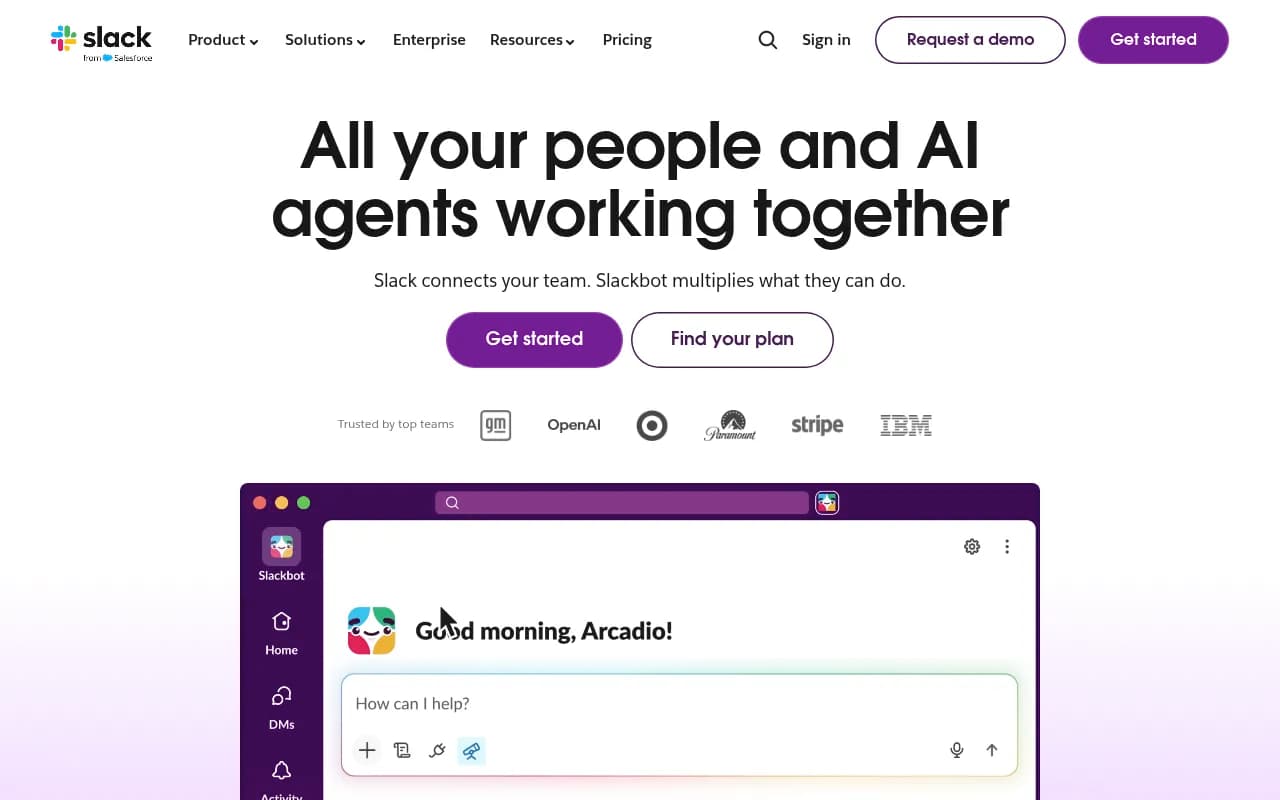
The data is rarely the problem. The problem is that checking a dashboard is a task, and tasks lose to whatever is already open on screen. For most marketing and SEO teams that is Slack. Slack's own pitch is that updates should land where you already work so you can respond without tracking things down, and while that is marketing copy, the underlying point holds: delivery beats availability.
So the goal of this guide is practical. Decide what a weekly AI visibility briefing should contain, pick a delivery method, and set it up so people read it for months, not days.
Scheduled chats versus alerts versus reports
Three different delivery patterns get lumped together. They do different jobs.
| Pattern | What it does | Best for | Weakness |
|---|---|---|---|
| Threshold alert | Fires when a metric crosses a line (e.g. visibility drops 5 points) | Catching breakage fast | Noisy if thresholds are loose; no explanation |
| Scheduled report (PDF or email) | Same layout on a fixed cadence | Executives, clients, audit trails | Gets archived unread |
| Scheduled chat or briefing | An AI analyst runs a saved question on a timer and posts the answer | Weekly team stand-ups, action planning | Quality depends on the prompt you save |
I lean toward scheduled chats as the backbone, with two or three threshold alerts on top. Reports still matter for clients and finance, but nobody changes their Tuesday because of a PDF.
What belongs in a weekly AI visibility briefing
The temptation is to paste every chart. Resist it. A briefing is read in about 40 seconds, so every line has to earn its place.
The read
Open with two or three sentences on what changed and why. This is the part a plain dashboard cannot do, and it is why an AI-written summary is worth having. One example of the format from the research: AI-Advisors posts a weekly message that leads with an AI-written headline plus a short "where to focus this week" list, generated only from real data with demo data excluded. Whatever tool you use, make sure the narrative is grounded in your tracked data and not generic commentary.
KPIs with deltas
A number without a delta is trivia. Pick five to seven metrics and always show the change against the prior week. A sensible set:
- Visibility score or share of voice across your tracked prompts
- Citation share or number of pages cited
- Sentiment
- AI bot crawls
- AI referral visits and conversions
- Responses analyzed (so readers know the sample size)
The crawl line is underrated. Promptwatch Data's AI crawler traffic report (IP-verified requests, June 8 to September 6, 2026) shows OpenAI falling from 94.8% of verified AI crawler requests in the week of June 8 to 79.8% in the week of August 31. The mix shifts month to month, so a weekly bot-crawl line with a delta tells you whether a provider has gone quiet on your site. The report's own advice is to compare your logs against that mix: a provider that is a big share overall but near zero in your logs suggests you are blocked or unreachable for it.
Two or three actions
End with what to do. "Citations down" is not an action. "Refresh the pricing page, which dropped out of three comparison prompts" is. Cap the list at three, otherwise nobody does any of them.
Links back
Every line should link to the page, prompt, or report behind it, so a teammate can go from reading to acting in one click.
Alerts worth keeping
The AI-Advisors example uses two thresholds: a platform's visibility dropping by more than 5 percentage points, and a competitor's mentions climbing more than 20 percent. Those are reasonable starting points. Tune them after a month so you get roughly one or two alerts per week, not ten.
Why the schedule needs to be recurring, not occasional
AI search behavior changes in steps, not smoothly. Promptwatch Data's ChatGPT query fanout report shows the measured average sitting around 2.15 queries per response in early December 2025, easing to about 1.84 by early March 2026, then resetting to exactly 1.0 in April after a data gap, with average query length dropping from roughly 117 characters to about 53. If your content mapping assumed long, multi-part queries, a step change like that can quietly invalidate it.
Separately, Promptwatch Data found that ChatGPT started using the site: operator at scale on August 8, 2026, jumping from about 0.4% to about 17% of fanout queries overnight. And reddit.com's share of ChatGPT citations fell from about 4% to 0.5% on August 14, 2026. Neither of those would have been caught by someone checking a dashboard once a quarter. A weekly briefing catches them within seven days.
Option 1: a platform that does the scheduling for you
The least work is a visibility platform with native scheduled chats and a Slack connection. Promptwatch is built this way. Its Agent Chat is a conversational analyst over your live prompt, citation, crawler, traffic, and search data, and you can schedule a chat to run on a timer and deliver in the app or in a Slack channel. It ships with ready-made Agent Skills, including a 7-day GEO briefing, competitor gap analysis, citation research, and newsjacking, so a Monday briefing is a matter of picking a skill and a channel, not writing a prompt from scratch.
Three details matter for this use case:
- The chat can render charts and build or edit dashboards and PDF reports on request, so the Slack message and the deeper view come from the same source.
- Agent Chat also works the Action Board, the AI-generated GEO to-do list, so the actions at the bottom of your briefing are real items with assignees, not suggestions that evaporate.
- Agent Credits (500 to 6,500 per month) are included on every paid plan, and the Essential plan at $95 per month already includes 500. Confirm current numbers at promptwatch.com/pricing.
The Slack integration also lets people chat with the data directly in the workspace, so the follow-up question ("which pages did we lose citations on?") gets asked in the thread where the briefing landed.
What a good scheduled prompt looks like
Whether you use a built-in skill or write your own, a saved prompt that works well looks something like this:
Every Monday at 9:00 in our timezone, review the last 7 days versus the prior 7.
Report: visibility score, share of voice, citation count, sentiment, AI bot crawls,
AI referral visits. Show the change for each.
Then explain the two biggest movers in plain language and name the prompts or pages
responsible. Flag any competitor whose mentions rose more than 20%.
End with at most three actions, each linking to the page or prompt involved.
Keep it under 200 words.
The word limit is doing real work. Without it, AI summaries balloon and people stop reading.
Option 2: other AI visibility tools with Slack or email delivery
Plenty of trackers can push something into a channel or an inbox, though depth varies. I have not verified every integration, so treat this table as a starting map and check each vendor's current docs.
| Tool | Typical delivery | Worth checking |
|---|---|---|
| Promptwatch | Scheduled chats to Slack or in-app, weekly digest email, scheduled PDF reports | Agent Skills for briefings, Action Board tie-in |
| AI-Advisors | Weekly update posted to one Slack channel, post-only permissions | Includes an AI-written read, KPI deltas, and a Send Test button |
| AiCarma | Daily visibility score with weekly email reports | Email-first, check for Slack |
| Otterly.AI | Monitoring with reporting | Confirm alerting options |
| Peec AI | Tracking with reporting | Confirm alerting options |
A note on the permission model, since it comes up in security reviews: AI-Advisors describes its Slack app as post-only. It writes to one channel you pick and requests no message-reading permissions. Ask any vendor the same question before connecting. A briefing bot should not need to read your conversations.
If you want to browse more options, the GEO software directory at bestgeosoftware.com is a decent place to compare what exists.
Option 3: build it yourself in Slack
If your tracker has an API or exports but no Slack delivery, you can assemble the pipeline. Slack's Workflow Builder is the no-code route, and per Slack's help documentation it is available on paid plans only. A few facts to verify before committing:
- The Slack pricing page lists a Free tier at $0, Pro at about $7.25 per user per month on annual billing, and Business+ at about $15 per user per month on annual billing. I only saw a snippet, so confirm plan names and prices on slack.com/pricing.
- Third-party estimates put a 50-person Pro team at roughly $4,350 a year and 200 users on Business+ at about $30,000. Those come from a secondary source, so check them against the official page.
- The Free plan has a 90-day history limit, which matters if you want briefings to stay searchable. Workflow Builder execution caps also vary by plan.
I have not confirmed the details of Slack's native scheduled trigger steps, so test that in your own workspace before promising it to a stakeholder. The usual DIY shape is: scheduled job pulls metrics from your tracker's API, an LLM writes the narrative, and an incoming webhook posts to one channel. It works, but you own the maintenance. If the briefing breaks silently in week six, nobody notices until someone asks where it went.
Setting it up so people actually read it
Pick one channel and name it plainly
Something like #ai-visibility-weekly. Do not bury it in a general marketing channel with forty other bots. Invite the people who can act: content, SEO, product marketing, and whoever owns the website.
Choose a day and stick to it
Monday morning in the team's timezone works for most. Friday works for teams that plan the following week on Fridays. What matters is consistency, and a guard against duplicate sends if you run your own pipeline.
Send a test first
Post the full briefing to a private channel with real data and ask two colleagues what they would skip. Cut that. Some tools, like AI-Advisors, include a one-click test send for this reason.
Use threads for discussion
The briefing is the opener, not the conversation. Ask people to reply in the thread, and have someone (or an agent) turn replies into tracked actions. This is where an Action Board or any task tool earns its keep.
Add a monthly deep-dive
Weekly messages are for movement. Once a month, post a longer version with competitor comparison, topic gaps, and which content types are getting cited. Promptwatch Data's content type citation report is useful context here: product pages were the most cited type in ChatGPT at 22.4% of citations (September 28 to October 4, 2026), followed by landing pages and listicles. If your monthly review shows you are publishing mostly news-style posts, that is a reason to rethink the mix. The content half-life report adds that news lost half its cited pages within 36 days while landing pages and docs stayed cited longest.
What not to put in the channel
- Raw prompt-level data for hundreds of prompts. Link to it instead.
- Vanity numbers with no delta.
- Alerts that fire every day. People mute channels like that within a week.
- Anything sensitive about named clients, if the channel includes external guests through Slack Connect.
A sample Monday briefing
Here is the shape I would aim for, roughly 120 words:
AI visibility, week of Nov 2

The read: Visibility is up 3 points, driven by the pricing page being cited in
three new comparison prompts. ChatGPT citations of our blog are flat. Perplexity
crawls dropped 40% after Tuesday, which looks like a robots.txt or CDN issue.

Visibility score 61 (+3) | Share of voice 18% (+1) | Citations 212 (-6)
Sentiment 58 (0) | AI bot crawls 4,120 (-11%) | AI referral visits 340 (+9%)

Actions:
1. Check Perplexity bot access on the CDN (owner: web ops)
2. Refresh the integrations page, now missing from 4 prompts (owner: content)
3. Review RivalCRM's 3 new citations on comparison queries (owner: SEO)
Notice that it includes a likely cause for the crawl drop. That is the whole reason to use an analyst-style chat instead of a static widget.
When to bring in outside help
Some teams have the tooling but not the time to interpret it or act on the actions list. If that is you, an agency that handles technical SEO, content production, and GEO can own the follow-through. 1001 SEO Media does this work and runs its own AI visibility reporting on Promptwatch, but the briefing setup above is perfectly doable in-house if you have one person who owns it.
Quick checklist
- One channel, one day, one owner
- Narrative of what changed, in under 80 words
- Five to seven KPIs, each with a week-over-week delta
- Maximum three actions with owners and links
- Two or three threshold alerts, tuned after a month
- A test send before going live
- A monthly deep-dive for the bigger picture
- A review at 90 days: if nobody reacts in threads, shorten it or change the audience
The format matters less than the habit. A modest briefing that lands every Monday and gets a reply will do more for your AI visibility than a beautiful dashboard that nobody opens. For a wider comparison of platforms that can feed it, see the AI rank tracking directory at ai-rank-tools.com.