Key takeaways
- Brandlight says that at contract end you can export in CSV or JSON, and it deletes your data within thirty days. Treat that as a hard deadline and export before the contract ends.
- Brandlight builds and maintains your prompt set, so you may not have a list you wrote yourself. Reconstruct it from the export and the question-set version history.
- Run the old and new platforms in parallel for several weeks on an identical prompt set, and measure the offset between them instead of comparing raw scores.
- Log outside events, such as ChatGPT model changes, so a break in your trend line is not blamed on the new vendor.
- Pick the replacement on prompt caps, engine and market coverage, run frequency, sampling method, and export options, not on dashboard polish.
Why baselines break when you switch
The hard part of moving AI visibility tools is not the new setup. It is keeping the history comparable. A neutral profile of Brandlight on Umbrex says it plainly: a customer can move to another tracker, but it may lose historical baselines, established prompt sets, classifications, reports, and team routines.
That list is useful because it tells you what to protect. A baseline is not one number. It is the combination of:
- the prompts you ran, and how they were tagged
- the engines and markets they ran on
- the cadence and sampling method
- the answers, citations and sources recorded each run
- the entity rules that decided what counted as a mention of you or a competitor
Change any of those and your Visibility Score or Share of Voice moves for reasons that have nothing to do with the market. Brandlight itself makes this point in its own comparison material: scores depend on the question set, and changing the set changes the score. It is vendor marketing, so read its comparisons with some salt, but that particular point is correct for every tool.
Step 1: Understand what Brandlight actually holds for you
Brandlight is sold as a managed program, not a self-serve dashboard. Brandlight is enterprise-only, with a dedicated strategist, analyst and customer success lead, and entry is a paid three-month pilot with no free trial. Pricing is not public.

According to its AI Visibility page, the prompt set is built from five sources: licensed consumer-panel prompts, browsing and purchase data, search demand, your first-party Search Console and site-search data, and your business priorities. Each prompt is tagged with persona, intent cluster, funnel stage and branded or unbranded. A fixed core question set runs weekly, and the set is refreshed once a quarter within an agreed change limit. Every version of the question set is recorded and available to you.
That has a practical consequence. If Brandlight built and owns the query set, the list of prompts in your head is probably shorter and fuzzier than the list in the platform. Reconstructing it is the first job.
One caution on coverage. Brandlight's pages say 12 engines across 10 markets in one place and 13 tracked in another, and a competitor's comparison lists a much shorter set. Confirm the exact engine and market list in your contract before you write the migration plan, because you need the same coverage in the replacement.
Step 2: Request the full export before you give notice
Brandlight's AI Visibility page says: "At contract end you export in CSV or JSON and we delete within thirty days." A competitor's comparison page repeats the CSV and JSON claim, and Brandlight's own comparison page says it exports to BI. So the mechanism exists. The risk is timing.
Do not wait for the last week. Ask your customer success lead for the export early, and test that you can open and read it.
What to ask for
| Data set | Why it matters |
|---|---|
| Full prompt list with tags (persona, intent, funnel stage, branded or not) | Rebuilds your prompt set in the new tool |
| Question-set version history | Lets you map each period of data to the prompts in force at that time |
| Per-engine answers by run date | The raw record of what each engine said |
| Citations and source URLs per answer | Your source-level baseline |
| Sentiment scores and classifications | Preserves your reputation trend |
| Competitor and entity maps, aliases, translations | Keeps mention rules consistent |
| Approved claims and source-of-truth facts | Reusable in any brand knowledge base |
| Engine, market and cadence settings | Documents the method behind the numbers |
| Existing reports and dashboards (PDF or screenshots) | Evidence if the raw export is thin |
One item is unconfirmed: whether prompts derived from Brandlight's licensed consumer panels are included in the export, and whether you are allowed to reuse them elsewhere. Ask in writing. If the answer is no, you will need to approximate those prompts yourself from your own Search Console data, sales calls and customer questions.
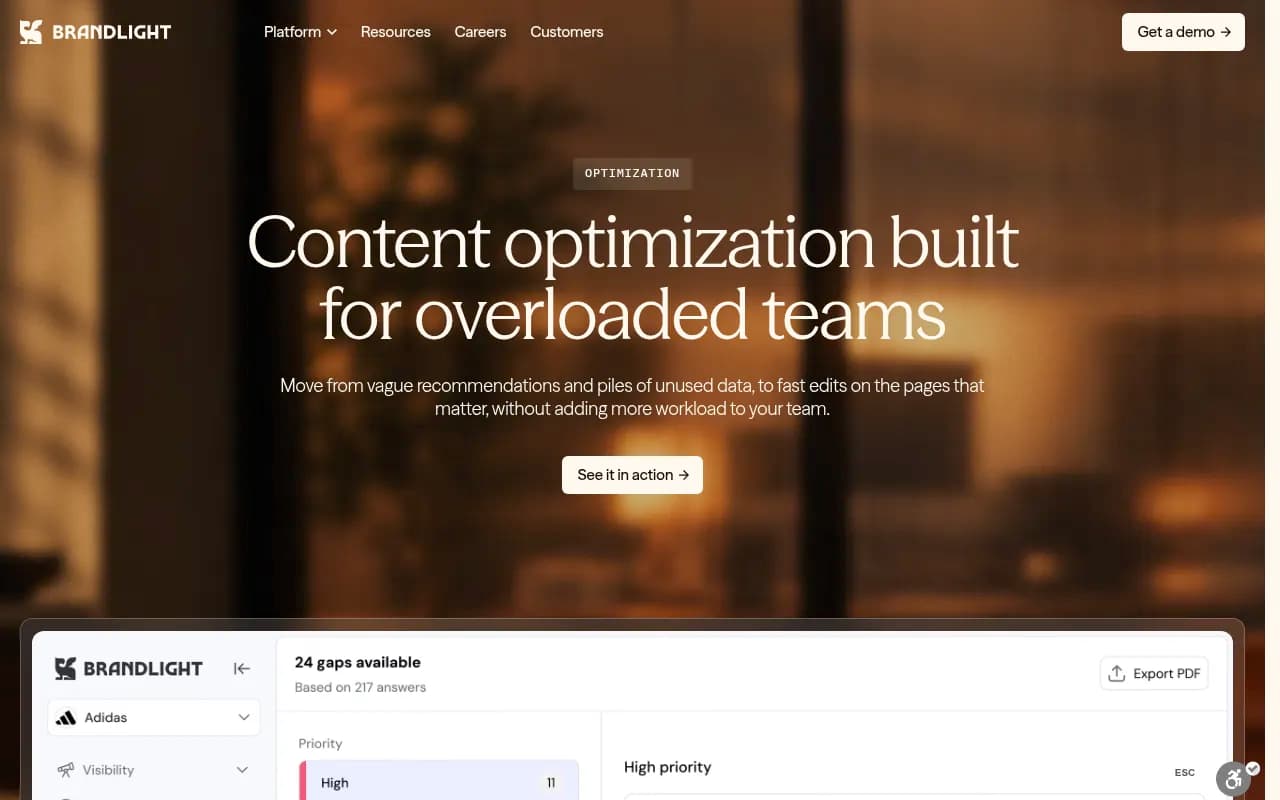
Also screenshot your content gap and action views before the contract ends. Those are recommendations rather than raw data, and they rarely come out cleanly in a CSV.
Step 3: Freeze and rebuild the prompt set
The single most important rule is to not improve the prompt set during the migration. If you rewrite prompts while changing vendors, you cannot say whether a score change came from the tool or from your edits.
Practical approach:
- Pick the core question set that ran weekly and treat it as frozen. Brandlight refreshes quarterly, so use the version history to identify which version was live during each period.
- Import that exact list into the new platform, with persona and intent tags preserved as topics or tags.
- Keep a separate list of the prompts that were rotated in and out, so you can reintroduce them later on purpose.
- Set aside new prompt ideas in a backlog. Add them after the parallel run is finished.
Another team's technical playbook for website migrations makes a similar point: build a set of roughly forty to eighty buyer prompts spanning category, comparison, use case and branded questions, run each several times across at least two assistants, and record which of your URLs were cited and which passages were quoted. That playbook is about site replatforming, not vendor switching, but the logic carries over. Without a recorded profile from before the change, you cannot prove that a drop happened or which surfaces recovered.
Step 4: Run both platforms in parallel
Do not rip and replace. Keep the Brandlight contract running alongside the new tool for several weeks, long enough to cover at least a few weekly runs and ideally a full month.
During the overlap:
- run the identical prompts, engines and markets in both tools
- compare Visibility Score, mention rate, position and citation share side by side
- record the offset for each metric, for example the new tool reads 6 points lower on average
- check whether the offset is stable. A stable offset can be applied to history. An unstable one means the methods differ more than you hoped.
Expect differences. Brandlight says every question runs against every engine weekly with no sampling. Many other platforms run daily and may repeat prompts, which smooths volatility but is a different method. Neither is wrong, but you cannot mix them in a single line chart without an adjustment.
A useful presentation for stakeholders is a two-series chart: Brandlight history up to the cutover, new tool from the cutover, with the overlap period shaded and the measured offset noted. Do not splice the lines silently.
Step 5: Annotate outside events so you do not blame the wrong thing
AI engines change under you. If your baseline has a step change that lines up with an engine event, it is not a vendor problem and not a content problem. Promptwatch's data gives a few dated examples worth logging:
- Citation slots per ChatGPT response fell about 27% after the GPT-5.3 rollout on March 4, 2026, from about 6.4 sources per search-enabled response to roughly 4.7 to 4.9 by late March. The drop hit GPT-5.3, GPT-5.4 and GPT-5-Mini at once.
- ChatGPT's query fanout shrank from about 2.15 queries per response in early December to about 1.84 by early March, with average query length falling in steps.
- On August 8, 2026, ChatGPT began using the site: operator at scale, rising from about 0.4% to about 17% of fanout queries.
- Reddit's share of ChatGPT citations collapsed from a steady 3.83% average to about 0.52% between mid-July and mid-August 2026. Promptwatch notes that a data-collection artifact cannot be ruled out, so treat the size as provisional.
The lesson from that last one applies directly to migrations: do before and after comparisons on the same platform and the same dates. A step change can come from the engine or from data collection, not only from your content.
Keep a simple change log next to your baseline with three columns: date, event, and which metrics might be affected. It takes ten minutes to maintain and saves hours of arguing later.
Step 6: Choose the replacement on method, not on demo
Because Brandlight is a managed, demo-led enterprise product, a self-serve tool will feel different. You may gain control over prompts and lose a dedicated strategist. Decide which of those matters to you before you shortlist.
Evaluation checklist
- Prompt cap and whether you can edit, add and disable prompts yourself
- Engines and markets covered, matched to your Brandlight list
- Whether data comes from real interfaces or APIs, since user-facing answers and citations can differ from API output
- Run frequency and whether it can go faster than daily for launches
- Sampling method and repeated runs
- CSV, API and BI export, so you are never locked in again
- Entity, alias and competitor mapping
- What you get beyond monitoring: content gap analysis, crawler logs, traffic attribution
- Seats, permissions and security certifications
Options worth comparing
Pricing below comes from competitor comparison pages and vendor material, so confirm it on each vendor's site.
| Platform | Style | Published entry signal |
|---|---|---|
| Promptwatch | End-to-end visibility plus content and crawler data | Essential $95/mo, Professional $245/mo, Business $579/mo, 7-day trial on monthly billing |
| Profound | Enterprise monitoring with agent analytics | Trial plus custom enterprise pricing |
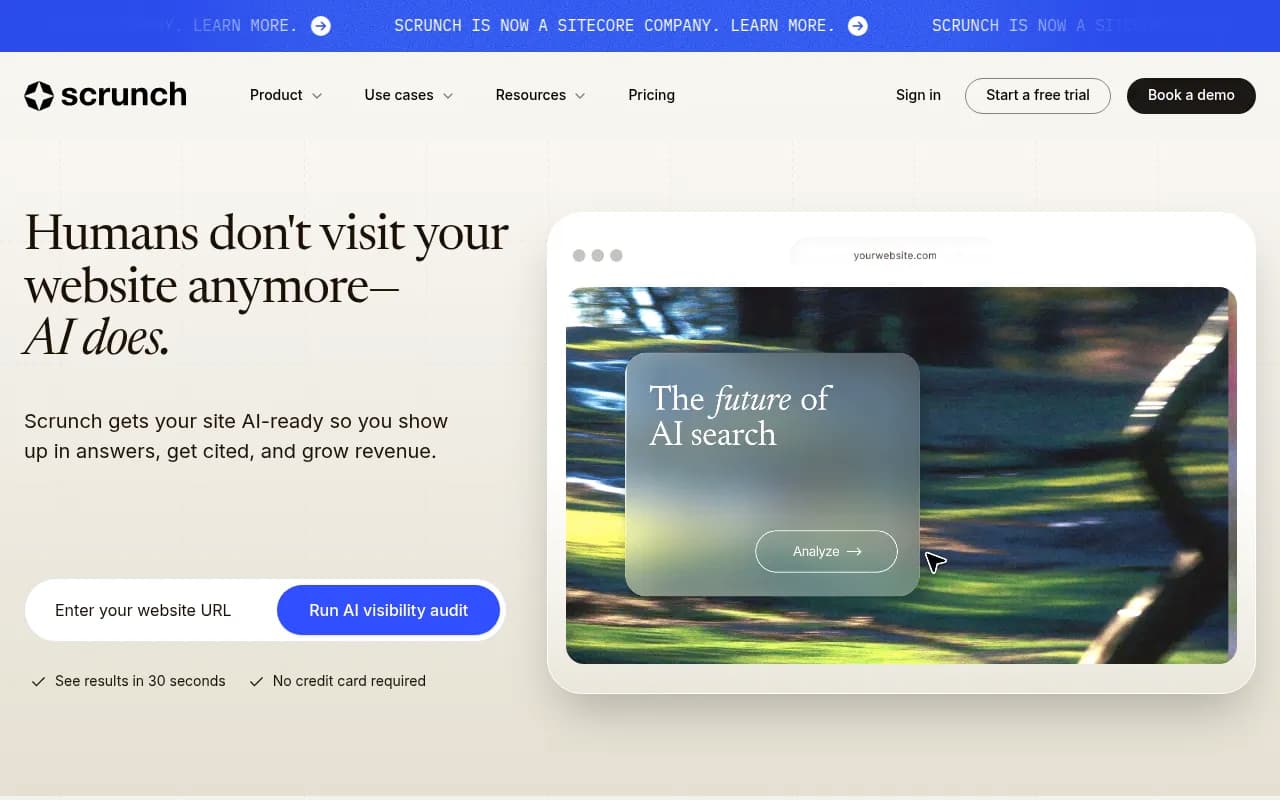
| Scrunch AI | Monitoring plus agent-ready pages | Starter around $250/mo billed annually, 7-day trial |
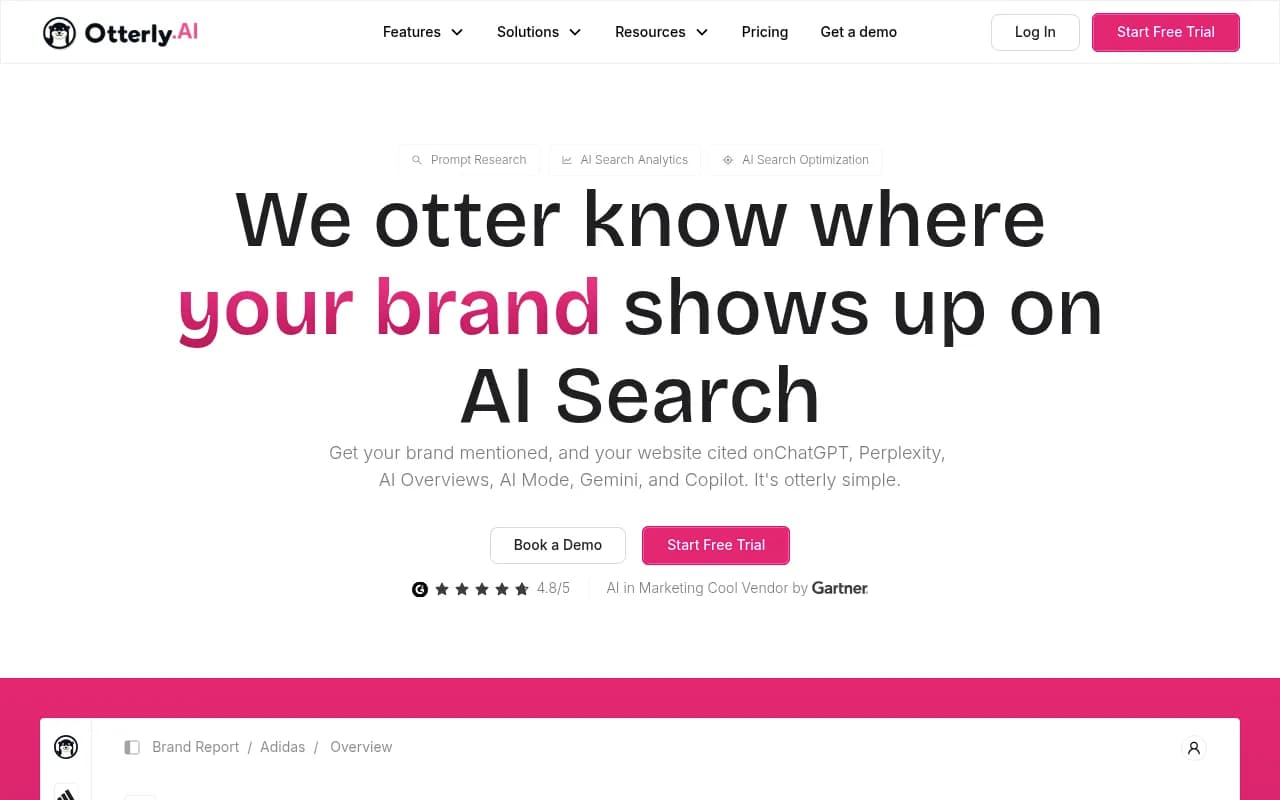
| Otterly.AI | Lightweight prompt tracking | From about $29/mo |
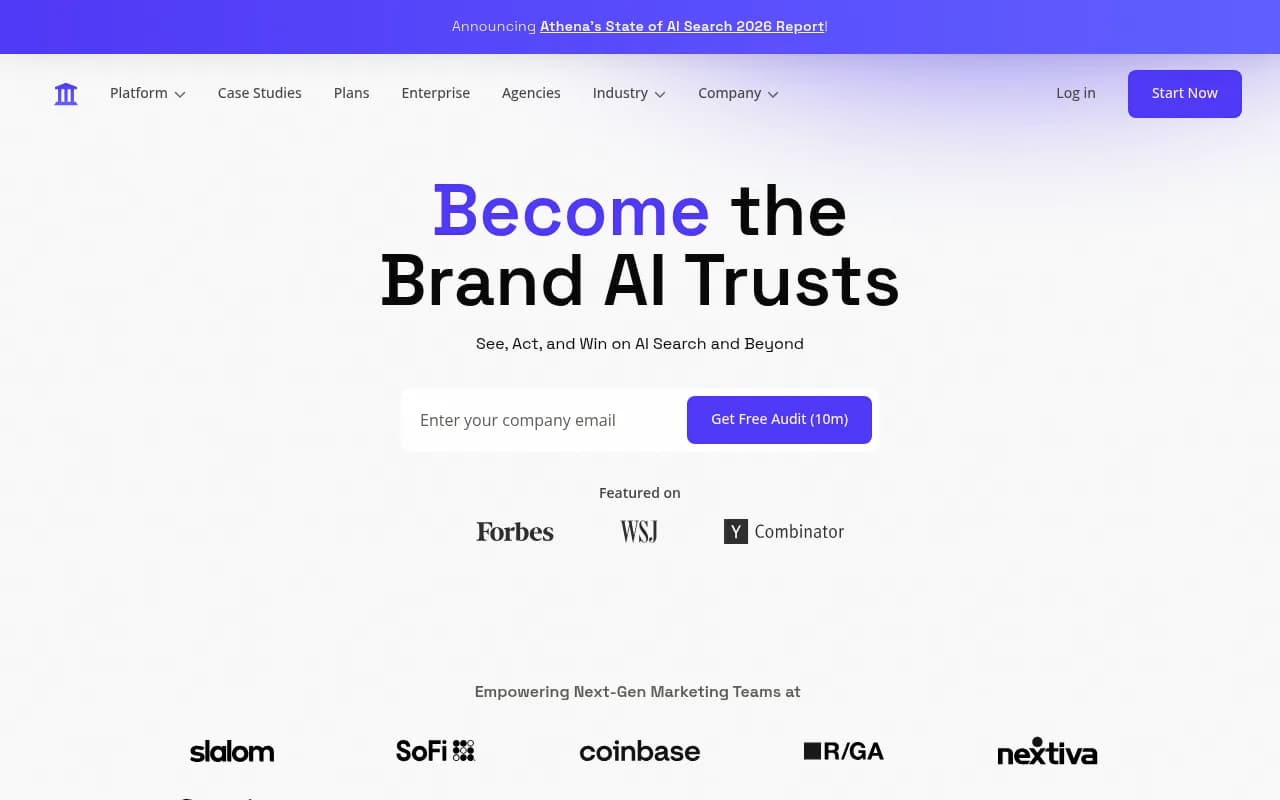
| AthenaHQ | Monitoring with a free tier | Starter around $295/mo |
| LLM Pulse | Monitoring with connectors and white-label | From 49 EUR/mo |
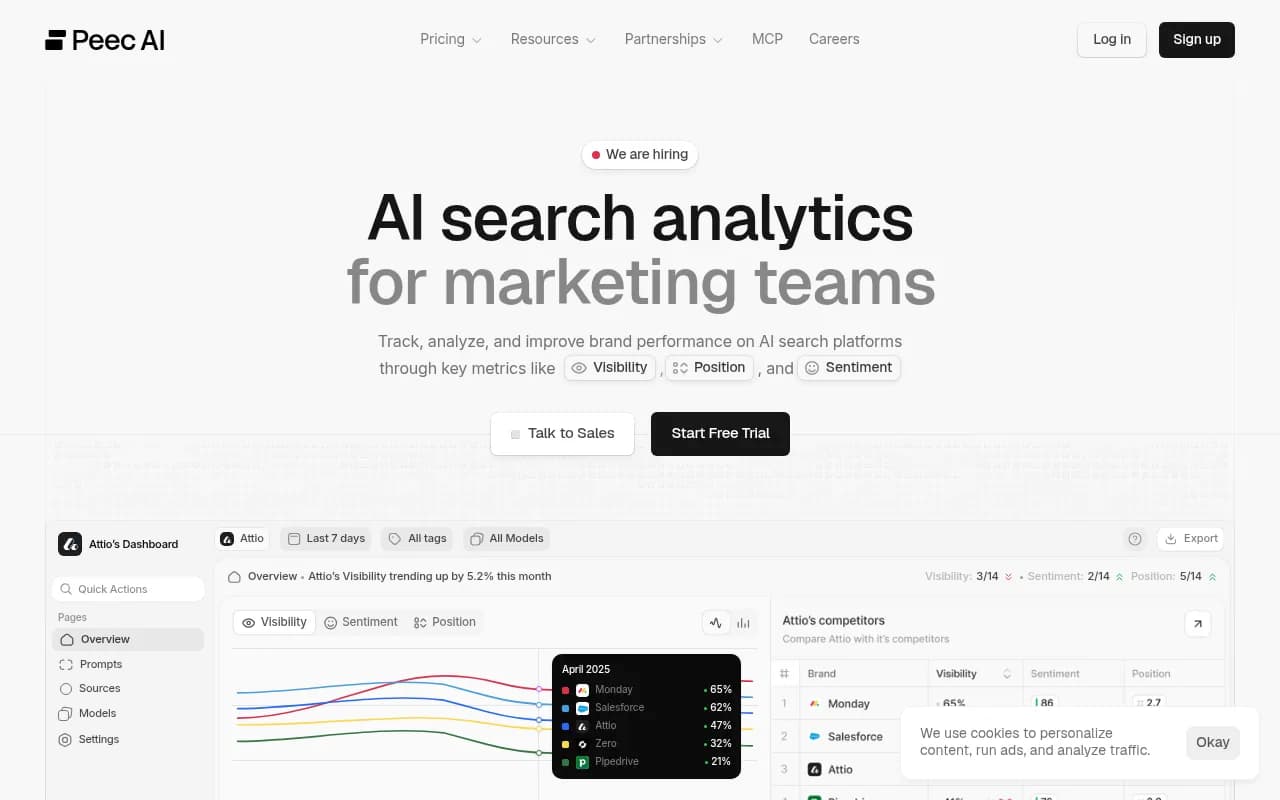
| Peec AI | Prompt tracking with free pitch projects | Check vendor site |
Promptwatch suits teams that want to keep the managed program's execution focus but with self-serve control. It tracks real interfaces of ChatGPT, Gemini, Perplexity, Claude, AI Overviews, AI Mode, Copilot and others, lets you import and edit your own prompts with volumes and difficulty, and goes beyond reporting with content gap analysis, a Content Agent and IP-verified crawler logs. Brand Narrative is on every plan, so claims AI makes about you carry over as a concept from Brandlight's entity and approved-claims work. See Promptwatch vs Profound for a head-to-head if you are weighing the two enterprise options, and use the 7-day free trial for your parallel run.

For a wider shortlist, the GEO software directory at bestgeosoftware.com lists more options by category.
Step 7: Map your history into the new tool
Most tools will not ingest another vendor's per-answer history. Plan for that.
- Load the frozen prompt list, tags and competitors into the new platform.
- Store the Brandlight export in a warehouse, a spreadsheet or a BI tool. Keep it read-only. This is your archive of record.
- Use the parallel-run offset to build a bridge, then report the two series together with a clear annotation.
- Recreate entity rules. Aliases, sub-brands, translations and words that double as common terms should be written into the new tool's brand rules before the first run, not after you see odd mention counts.
- Re-enter approved claims and source-of-truth facts into a knowledge base or brand book so content and fact checks stay consistent.
If your new platform has an API or MCP connection, you can also push the archived series into your own dashboards, which keeps executive reporting stable even when the vendor changes.
Step 8: Cut over and verify
When the offset has been stable for a few weeks, schedule the cutover.
- Export Brandlight one final time, ahead of the thirty-day deletion window, and confirm file integrity.
- Check that the new tool's first full week matches the predicted value from the offset within a reasonable margin.
- Tell stakeholders the date the series changes and why. A short note beats a surprise.
- Give any drop two weeks of repeated measurement before you diagnose it. If the metric is still down materially after that, investigate. Many wobbles in the first fortnight are noise.
If you have a contract renewal date, align the cutover to land a few weeks before it. That leaves room to extend by a month if the parallel run needs more time.
A realistic timeline
| Week | Task |
|---|---|
| 1 | Review contract terms, request export, confirm engine and market list |
| 2 | Shortlist platforms, start trials, receive first export and inspect it |
| 3 to 4 | Load frozen prompt set and entity rules into the new tool, start parallel runs |
| 5 to 8 | Compare weekly, measure offset, log outside events |
| 9 | Final export, confirm archive, notify stakeholders |
| 10 | Cutover and end of Brandlight contract |
Smaller programs can compress this to six weeks. Large multi-market programs should not go below eight.
Common mistakes
- Waiting until after the contract ends to ask for data. Deletion within thirty days is stated on Brandlight's own page.
- Rewriting prompts during the move, which makes every comparison meaningless.
- Comparing raw scores across tools without a measured offset.
- Treating an engine change as a vendor difference. Check your event log first.
- Forgetting that the managed service, strategist and playbooks do not come with the data. Decide who owns that work afterward, whether it is your team, an agency or a platform with built-in agents.
- Trusting vendor comparison pages. Brandlight's comparison with Profound and LLM Pulse's comparison with Brandlight both have an obvious bias, and the engine lists in them do not agree.
Gaps worth knowing about
I found no published first-hand migration case studies for Brandlight, and no public Brandlight pricing. Whether licensed-panel prompt data is included in the export is unconfirmed. Ask your account team these questions directly and get answers in writing, because they decide how complete your archive will be.
Final checklist
- Export requested early, opened and verified
- Prompt list, tags and version history saved
- Entity, alias and competitor maps documented
- Frozen core prompt set loaded in the new tool
- Parallel run of several weeks, with offset recorded
- Outside-event log kept
- Final export taken before the thirty-day deletion window
- Stakeholders told the cutover date
Do those eight things and the move becomes a methods change you can explain, not a gap in your reporting.