Key takeaways
- Hall AI (usehall.com) is shutting down, leaving users without an AI search monitoring platform
- Promptwatch covers everything Hall did -- prompt monitoring, brand visibility, competitor tracking -- and adds content generation, crawler logs, and AI traffic attribution that Hall never offered
- Migration is straightforward: export your prompt list, recreate your monitors in Promptwatch, and set up your competitors and personas
- The Essential plan ($99/mo) covers most former Hall users; the Professional plan ($249/mo) unlocks crawler logs and multi-location tracking
- Promptwatch's Promptwatch Academy has step-by-step guides for every setup task
If you're reading this, you've probably already seen the news. Hall AI (usehall.com) is winding down, and if you've been using it to track your brand's visibility in ChatGPT, Perplexity, or Google AI Overviews, you now need to find a replacement -- fast.
The good news: this is actually an upgrade opportunity, not just a scramble to find a like-for-like replacement. Hall was a solid monitoring tool, but it was monitoring-only. You could see where you appeared (or didn't), but the platform didn't help you do anything about it. Promptwatch covers the same ground and goes further -- it helps you find the gaps, create content to fill them, and track whether that content is actually getting cited.
This guide walks you through the full migration: what to export from Hall, how to set up Promptwatch from scratch, and how to make the most of the capabilities you didn't have before.
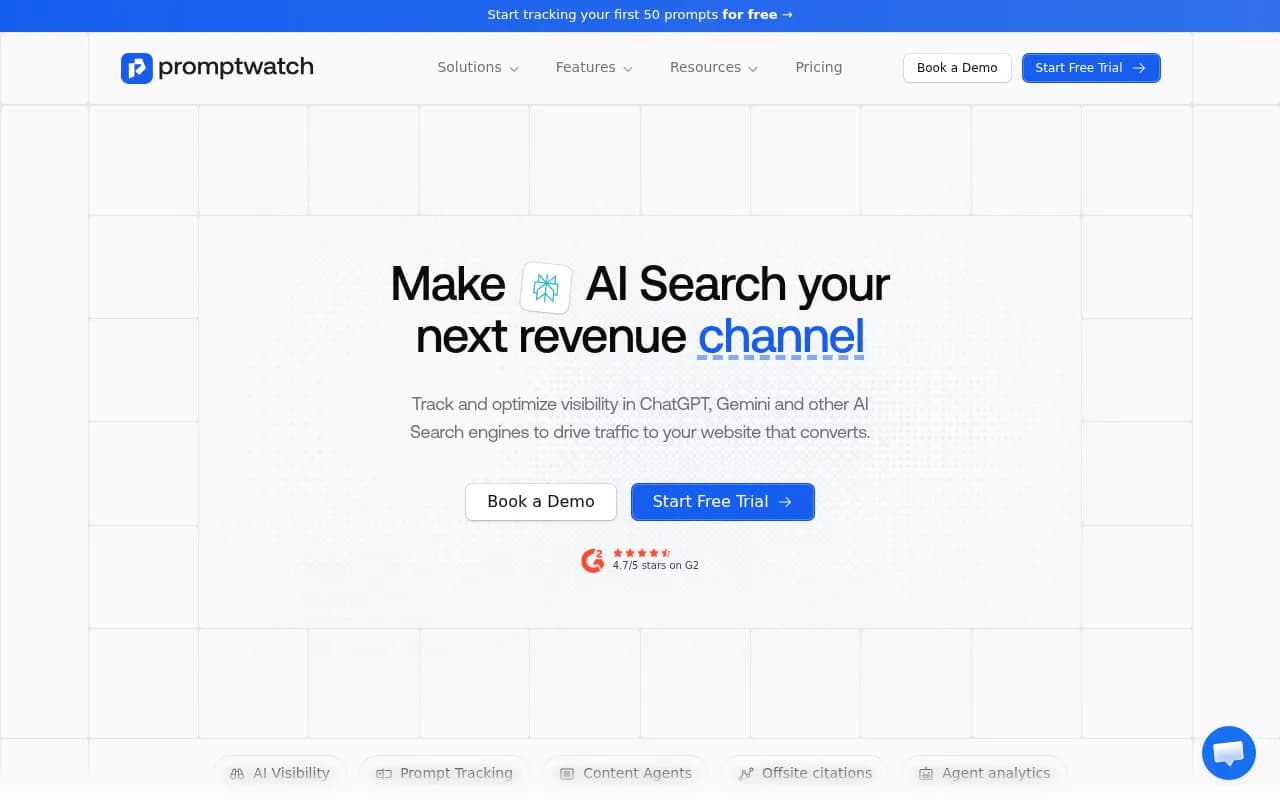
What Hall AI offered (and what you'll need to replicate)
Hall tracked brand mentions and citations across AI models. Most users had:
- A set of monitored prompts (questions relevant to their industry or brand)
- Competitor domains they were tracking against
- Visibility scores or mention rates per AI model
- Some form of response logging
That's the core you need to migrate. Everything else -- reports, dashboards, any custom tagging you'd set up -- will need to be rebuilt from scratch, which is honestly fine. Starting fresh in a new platform means you can set things up more intentionally.
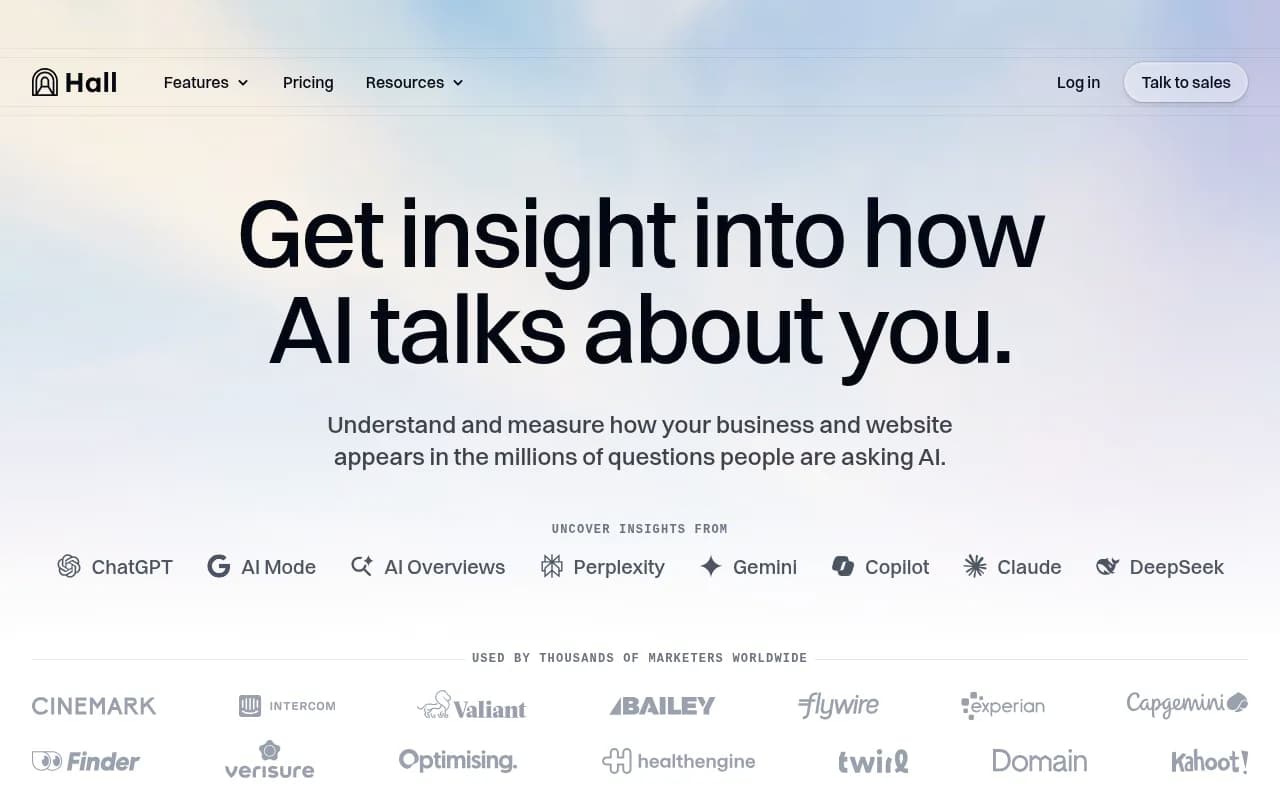
Step 1: Export everything you can from Hall before it goes dark
Before you do anything else, get your data out of Hall. Depending on how far along the shutdown is, you may have limited time.
What to export or document:
- Your full prompt list. Copy every prompt you were tracking into a spreadsheet. Include the exact wording -- this matters, because slight variations in how you phrase a prompt can produce different AI responses.
- Your competitor list. Domain names, any notes on why you were tracking them.
- Any response snapshots or historical visibility data. Even screenshots are useful for baseline comparison later.
- Your monitor structure. If you had prompts grouped by topic, product line, or campaign, note that structure so you can recreate it.
If Hall's export function is still working, use it. If not, go through the UI manually and copy what you can. A Google Sheet with columns for prompt text, topic category, and competitor domains is all you need.
Step 2: Sign up for Promptwatch and choose the right plan
Promptwatch has three main tiers. Here's how they map to typical Hall user needs:
| Plan | Price | Sites | Prompts | Articles | Crawler logs | Best for |
|---|---|---|---|---|---|---|
| Essential | $99/mo | 1 | 50 | 5 | No | Solo brands, small teams |
| Professional | $249/mo | 2 | 150 | 15 | Yes | Growing teams, multi-location |
| Business | $579/mo | 5 | 350 | 30 | Yes | Agencies, multi-brand |
Most Hall users were tracking one site with a moderate prompt set. The Essential plan covers that. If you were tracking multiple sites or want the AI crawler logs (which show you exactly when ChatGPT or Perplexity crawls your pages), go Professional.
There's a free trial, so you can get set up and verify everything is working before committing to a paid plan.
Step 3: Create your first monitor
In Promptwatch, a "monitor" is a container for a set of related prompts. Think of it like a campaign or project. You might have one monitor for brand queries ("What is [your company]?", "Is [your company] good?"), another for category queries ("best [your product type] for [use case]"), and another for competitor comparison queries.
To create a monitor:
- Log in to Promptwatch and go to the Monitors section
- Click "New Monitor" and give it a name that matches your old Hall grouping
- Select which AI models you want to track -- Promptwatch covers ChatGPT, Perplexity, Google AI Overviews, Google AI Mode, Claude, Gemini, Meta/Llama, DeepSeek, Grok, Mistral, and Copilot
- Set your target domain (your website)
- Add your competitors
One thing to set up carefully here: personas. Promptwatch lets you define who is asking the prompts -- location, language, and user type. If your customers are in Germany asking in German, or in the US asking as a "small business owner," you can configure that. Hall had limited persona support, so this is new territory for most former Hall users. It's worth spending 10 minutes on this because it affects every response you collect.
Step 4: Import your prompts
Once your monitor is set up, add your prompts. You can do this manually (paste each one in) or in bulk if you have them in a spreadsheet.
A few things to think about as you migrate your prompt list:
Promptwatch assigns each prompt a volume estimate and a difficulty score. When you add your prompts, check these scores. Some prompts you were tracking in Hall might be low-volume or very hard to win -- this is your chance to prioritize the ones that actually matter.
Also look at query fan-outs. Promptwatch shows how a single prompt branches into sub-queries that AI models use when generating a response. A prompt like "best project management software for remote teams" might fan out into questions about pricing, integrations, and team size. Knowing this helps you understand what content you actually need.
If you had 40 prompts in Hall, you might end up with 35 in Promptwatch after cutting the low-value ones -- and that's a good thing.
Step 5: Add competitors
Go to the Competitors section within your monitor and add the domains you were tracking in Hall. Promptwatch will start pulling competitor visibility data alongside yours.
One useful feature here: competitor heatmaps. You can see, for each prompt, which competitor is winning and by how much. This is more granular than what Hall showed -- instead of just knowing you're not being cited, you can see exactly who is being cited and for which prompts.
You can also set competitor status to "Ignore" or "No Relation" for domains that show up in AI responses but aren't actually your competitors. This keeps your reporting clean.
Step 6: Connect your website
This is where Promptwatch goes beyond what Hall offered. You can connect your site through Cloudflare, Fastly, Vercel, server logs, Google Search Console, or a tracking snippet. Once connected, you get:
- AI crawler logs: real-time logs of when ChatGPT, Claude, Perplexity, and other AI crawlers hit your pages
- Page-level citation tracking: which specific pages are being cited, how often, and by which models
- Traffic attribution: connect AI visibility to actual website visits and conversions
For the crawler logs specifically, go to Settings > Website Integrations and follow the instructions for your hosting setup. The Cloudflare integration is the easiest if you're on Cloudflare -- it's a one-click worker deployment.
If you're on Professional or Business, this is available immediately. Essential plan users don't get crawler logs, but they do get page-level citation tracking once the site is connected.
Step 7: Run your first visibility check
Once your monitor, prompts, competitors, and website are connected, trigger your first run. Promptwatch will query each AI model with each of your prompts and record the responses, citations, and brand mentions.
Your first results will feel unfamiliar compared to Hall's format, but the core data is the same: for each prompt, you can see whether your brand was mentioned, whether your site was cited, and what competitors appeared instead.
Spend some time in the Responses tab. You can see the actual AI-generated answer for each prompt, which citations were included, and whether your brand appeared in the body of the response or just as a citation. This level of detail is more than Hall showed.
Step 8: Use Answer Gap Analysis to find what you were missing
This is the step that has no equivalent in Hall. Once you have baseline data, go to the Answer Gap Analysis section. This shows you which prompts your competitors are being cited for that you're not -- and more specifically, what content your site is missing that would make AI models more likely to cite you.
The output is a list of content gaps: topics, questions, and angles that AI models are drawing on when they cite your competitors but not you. Each gap comes with context about why it matters and what kind of content would fill it.
This is the "find the gaps" step in Promptwatch's core loop. The next step is doing something about them.
Step 9: Generate content to fill the gaps
Promptwatch has Content Agents that generate articles, listicles, comparisons, and content briefs based on your gap analysis. These aren't generic AI articles -- they're grounded in your specific prompt data, citation patterns, competitor analysis, and brand guidelines.
To use Content Agents:
- Go to Content > Agents
- Select a gap from your analysis
- Configure the content type (article, listicle, comparison, FAQ)
- Add any brand guidelines or tone instructions
- Generate and review
The output is a draft you can edit and publish. Once published, Promptwatch tracks whether AI models start citing the new page -- the Agent Analytics view shows the timeline from publish to crawl to first citation.
This is the part of the migration that most former Hall users find surprising. You're not just replacing a monitoring tool -- you're getting an optimization workflow that Hall never had.
Step 10: Set up reporting and alerts
A few final setup tasks:
- Alerts: configure email or Slack alerts for significant visibility changes -- when you gain or lose citations for key prompts
- Looker Studio integration: if you were pulling Hall data into a reporting dashboard, Promptwatch has a Looker Studio connector. Go to Settings > Integrations to set it up
- Response exports: you can export AI responses from the Prompts > Responses tab, useful if you need to share data with stakeholders or feed it into other tools
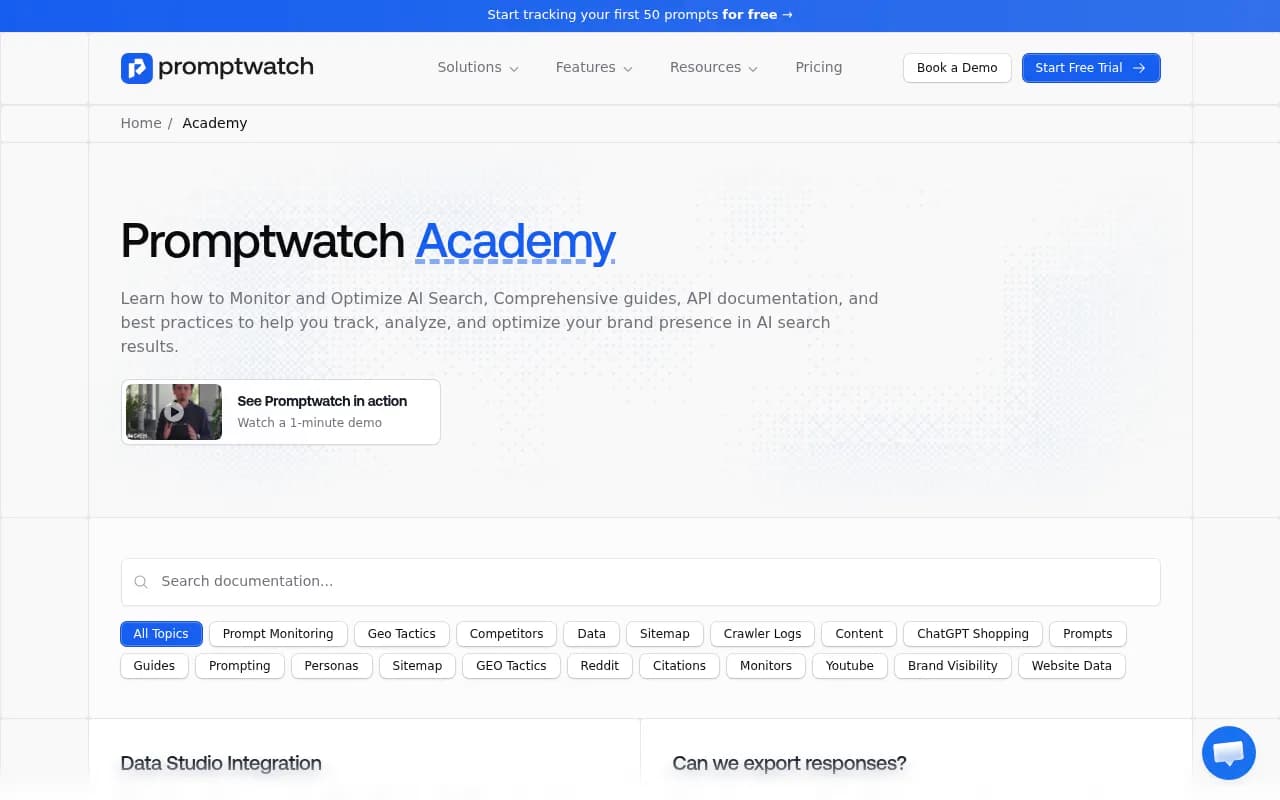
The Promptwatch Academy (promptwatch.com/academy) has detailed guides for each of these. The Data Studio integration guide and the response export guide are both recent (June 2026) and cover the current UI.
What you're gaining vs. what Hall offered
To be direct about the comparison:
| Capability | Hall AI | Promptwatch |
|---|---|---|
| Prompt monitoring | Yes | Yes |
| Brand mention tracking | Yes | Yes |
| Competitor visibility | Basic | Detailed heatmaps |
| Multiple AI models | Yes | 10+ models |
| AI crawler logs | No | Yes (Professional+) |
| Page-level citation tracking | No | Yes |
| Answer gap analysis | No | Yes |
| Content generation | No | Yes |
| Traffic attribution | No | Yes |
| Reddit/YouTube insights | No | Yes |
| ChatGPT Shopping tracking | No | Yes |
| Prompt volume/difficulty scores | No | Yes |
| Multi-language/region | Limited | Yes |
| Persona configuration | Limited | Yes |
Hall was a reasonable starting point for AI visibility monitoring. Promptwatch is what you use when you want to actually move the numbers.
Common questions from Hall users
"Can I keep my historical Hall data?"
Not inside Promptwatch -- the platforms don't share data. But if you exported screenshots or CSVs from Hall, you can use those as a baseline to compare against your first Promptwatch results. After a few weeks of tracking, you'll have your own historical baseline in Promptwatch.
"How long until I see results?"
Your first visibility data comes in within hours of setting up your monitor. Meaningful trend data takes 2-4 weeks. If you publish new content to fill gaps, Promptwatch's Agent Analytics will show you when AI crawlers first hit the page -- that typically happens within days for well-established sites.
"Do I need the crawler logs?"
If you have an active content strategy and want to understand how AI models are discovering (or not discovering) your pages, yes. If you're primarily monitoring brand mentions and competitor visibility, the Essential plan without crawler logs is fine to start.
"What if I was tracking more than 50 prompts in Hall?"
Start with your highest-priority prompts on the Essential plan, then upgrade to Professional (150 prompts) once you've validated the setup. Promptwatch's difficulty scores will help you identify which prompts are worth tracking vs. which ones you were monitoring out of habit.
Where to get help
The Promptwatch Academy at promptwatch.com/academy has guides covering every part of the setup: monitor creation, prompt management, competitor configuration, crawler log setup, and content generation. It's genuinely useful -- not just marketing material.
For anything not covered there, Promptwatch's support team is reachable through the app. Given that Hall's shutdown is sending a wave of users their way, they're likely already prepared for migration questions.
The migration itself takes a few hours if you're organized. The bigger investment is learning the new capabilities -- the gap analysis, content agents, and crawler logs -- but that's time well spent. You're not just replacing Hall. You're getting a platform that actually helps you improve your AI visibility, not just measure it.