Key takeaways
- Start with 20-40 prompts across 2-3 AI models, then run a fixed baseline for 4 weeks before changing anything.
- Keep branded, unbranded and competitor-comparison prompts in separate sets. Their citation behavior differs a lot.
- Cost scales with prompts x models x rerun frequency, so a bloated prompt list gets expensive fast.
- Weekly runs are fine for most teams. Daily runs make sense for volatile engines or a few money prompts.
- Track more than "was I mentioned": position, sources cited, sentiment and co-cited competitors tell you what to fix.
Why AI rank tracking isn't keyword rank tracking
Keyword tracking gives you volume, a position and a stable SERP. Prompt tracking gives you none of those. There's no reliable query volume, no fixed position 1 to 10, and the same question can return different brands depending on session context, location or history. SE Ranking makes this point well in its guide to choosing prompts to track: because you can't measure volume, the prompts you pick matter more than how many you track.
So the unit changes. You track a prompt (a full question) instead of a keyword, and the output is a set of metrics across many runs: mention rate, share of voice, position inside the answer, sentiment and cited sources. One run tells you almost nothing. A pattern across 30 prompts over four weeks tells you quite a lot.
This tutorial walks through the setup in order: goals, prompts, models, competitors, markets, cadence, baseline, and reading the results.
Step 1: Decide what you're trying to learn
Before you write a single prompt, pick one or two questions the tracking has to answer. Examples:
- Are we mentioned when buyers ask category questions, and how often versus three named competitors?
- Which third-party sites does the AI cite when it talks about us?
- Are we visible in the countries and languages where we sell?
This keeps the prompt list honest. If you can't say which decision a prompt informs, it probably doesn't belong in the set.
Step 2: Build your prompt set (20-40 to start)
The most common mistake is stuffing the list with "best [category] tool" prompts and calling it a strategy. That covers one thin slice of how buyers use AI. A better approach is to distribute prompts across the buyer journey and across prompt types.
Prompt types to cover
| Prompt type | Example | What it tells you |
|---|---|---|
| Informational | "how do I choose project management software" | Awareness-stage visibility |
| Category / unbranded | "best project management software for small teams" | Core share of voice |
| Comparison | "Asana vs Monday.com" | How you're framed against rivals |
| Brand-specific | "is Asana good for small teams" | Reputation and the sources that shape it |
| Instructional | "how to set up a client approval workflow" | Content-gap coverage |
| Transactional | "project management software pricing for 20 users" | Late-stage visibility |
A workable starting split for 30 prompts: about 12 unbranded category and problem prompts, 6 comparison prompts, 6 brand-specific prompts, and 6 informational or how-to prompts. Adjust to your market, but write them in the words your buyers actually use. Sales call transcripts, support tickets, Reddit threads, People Also Ask boxes and your existing Search Console queries are all good raw material.
Organize by topic, persona and use case
Don't keep a flat list. Group prompts by topic, audience persona, use case or product feature so you can read results per group. "We're invisible for the enterprise persona but strong for freelancers" is a useful finding. "Our average mention rate is 31%" mostly isn't.
Why you must keep branded and unbranded sets separate
Promptwatch Data's report on unique domains per ChatGPT response (Sep 28 to Oct 4, 2026) shows how differently these prompt types behave:
- Organic prompts: 52.5% of responses cite 10 or more domains.
- Competitor comparison prompts: 49.1% cite 10 or more domains.
- Brand-specific prompts: the most common count is 5 domains (14.9% of responses), and only 21.3% cite 10 or more.
Mix them into one average and your numbers become mush. A brand prompt will make you look great simply because you're in the question. Keep the sets apart and report them separately.
Remember the fan-out
A single ChatGPT prompt can trigger several web searches behind the scenes. Promptwatch Data's ChatGPT query fanouts report says one prompt can trigger 3 to 8+ separate searches, and the average fan-out count and query length have moved around a lot between December 2025 and April 2026. ChatGPT also started using the site: operator at scale on August 8, 2026, jumping from roughly 0.4% to about 17% of fan-out queries, per Promptwatch's site: operator data.
The practical upshot: your content has to match the sub-queries the model generates, not only the prompt a user typed. Include prompts that probe sub-questions (pricing, integrations, alternatives, "for [persona]") and re-audit after big model updates.
Step 3: Pick 2-3 models, not all of them
Trying to cover every engine burns budget and attention. Pick the 2 or 3 where your buyers actually search. For most B2B categories that's ChatGPT and Google AI Overviews, with Perplexity or Gemini added if your audience leans that way. Consumer and local brands often want Google AI Mode too.
One reason to track engines separately: they behave differently. According to Promptwatch Data's average sources per response report:
- ChatGPT cites about 5 sources per web-search answer, and the average drifts with model updates.
- Google AI Overviews cites about 10 sources, and the count is steady.
- Perplexity sits almost exactly at 10 sources every day, which makes it a decent test bench: if your citations there change, it's more likely your content than engine noise.
- Copilot's average swung from under 2 to nearly 17 sources within a few weeks, so judge it on monthly trends, not weekly snapshots.
Citation slots differ per engine, so measure each one on its own. Don't assume ChatGPT performance predicts Google AI Overviews performance.
Also check whether your tool monitors the real user interface or only the API. User-facing answers, citations and shopping results can differ from API output, and the UI is what your buyers see.
Step 4: Add competitors, countries and languages
List 3 to 5 competitors by name so share of voice is calculated from day one. Some tools auto-discover competitors, which is useful as a second opinion on who you're actually up against in AI answers, since it's often different from your SEO rivals.
Then set country and language per prompt group. AI answers vary by market, and "best accounting software" in the Netherlands is a different question from the US version. Duplicate the set for each market you sell in, but keep the count sane: 30 prompts x 3 markets is already 90.
For local or multi-location businesses, check whether the tool can pin a monitor to a specific city or coordinates. Otherwise "near me" prompts are meaningless.
Step 5: Choose your cadence
Here's the cost formula to keep in mind: prompts x models x rerun frequency. Double any one and your bill or your data volume roughly doubles.
| Cadence | Best for | Trade-off |
|---|---|---|
| Daily | Core 10-15 money prompts, volatile engines, launch periods | Highest cost, noisiest chart |
| Weekly | Most teams, full prompt set, baseline period | Misses short spikes |
| Monthly | Long-tail and exploratory prompts, Copilot-style volatile engines | Slow to catch regressions |
My default recommendation: run the whole set weekly, and run a small "priority" monitor of your 10-15 most commercial prompts daily. Daily data also helps you tell a model-side change from a content-side change. If every competitor and every prompt shifts on the same day, it's the engine. If only your pages move, it's you.
There's no good third-party evidence yet on exactly how many repeat runs per prompt you need to smooth out variance, so treat any vendor claiming a magic number with suspicion. In practice, rely on volume across many prompts and several weeks rather than trusting one answer.
Step 6: Run a 4-week baseline without touching anything
SE Ranking suggests at least 30 days before drawing conclusions, and Snoika's setup guide says 4 weeks. Same idea. The rule that matters most: don't edit prompts during the baseline. Change them mid-way and your comparison resets.
Conductor's guide draws a useful distinction here: topics are the categories you measure, prompts are the specific questions inside them. Fix your topics first and the prompts become much easier to defend.
Keep the prompt list in a shared document with a version date on every change. Future you will want to know why mention rate jumped in week 9.
At the end of the four weeks, record for each prompt group:
- Mention rate and share of voice versus your named competitors
- Average position inside the answer
- Sentiment of how you're described
- The top cited sources and domains
- Which competitors get co-cited with you
Step 7: Choose a tool
You can run prompts by hand in a spreadsheet for a week to learn the ropes, but it doesn't scale and manual sessions are biased by your own account history. A dedicated tracker handles scheduling, multi-model coverage and aggregation.
What to check when comparing:
- Does it track real UIs or only APIs?
- Can you set country and language per prompt group?
- Does it separate branded, unbranded and comparison prompts?
- Does it show cited sources, not only mentions?
- Can it tell you what to do next, or does it stop at a chart?
Promptwatch is the option I'd point most teams to if they want more than monitoring. It tracks the real interfaces of ChatGPT, Google AI Overviews, AI Mode, Gemini, Perplexity and others, adds prompt volumes and difficulty so you aren't guessing, and connects crawler logs and AI-referred traffic to the same prompts. Its Action Board and Content Agent then turn gaps into work.

Other trackers worth a look, depending on budget and stack:
| Tool | Positioning | Good fit for |
|---|---|---|
| Promptwatch | Tracking plus optimization, crawler logs, traffic attribution | Teams that want to fix gaps, not just see them |
| Peec AI | Prompt tracking with smart suggestions | Lean teams starting out |
| Otterly.AI | Affordable brand visibility monitoring | Small budgets |
| Profound | Enterprise AI search analytics | Large brands with big budgets |
| Semrush AI Visibility Toolkit | AI tracking inside a classic SEO suite | Teams already on Semrush |
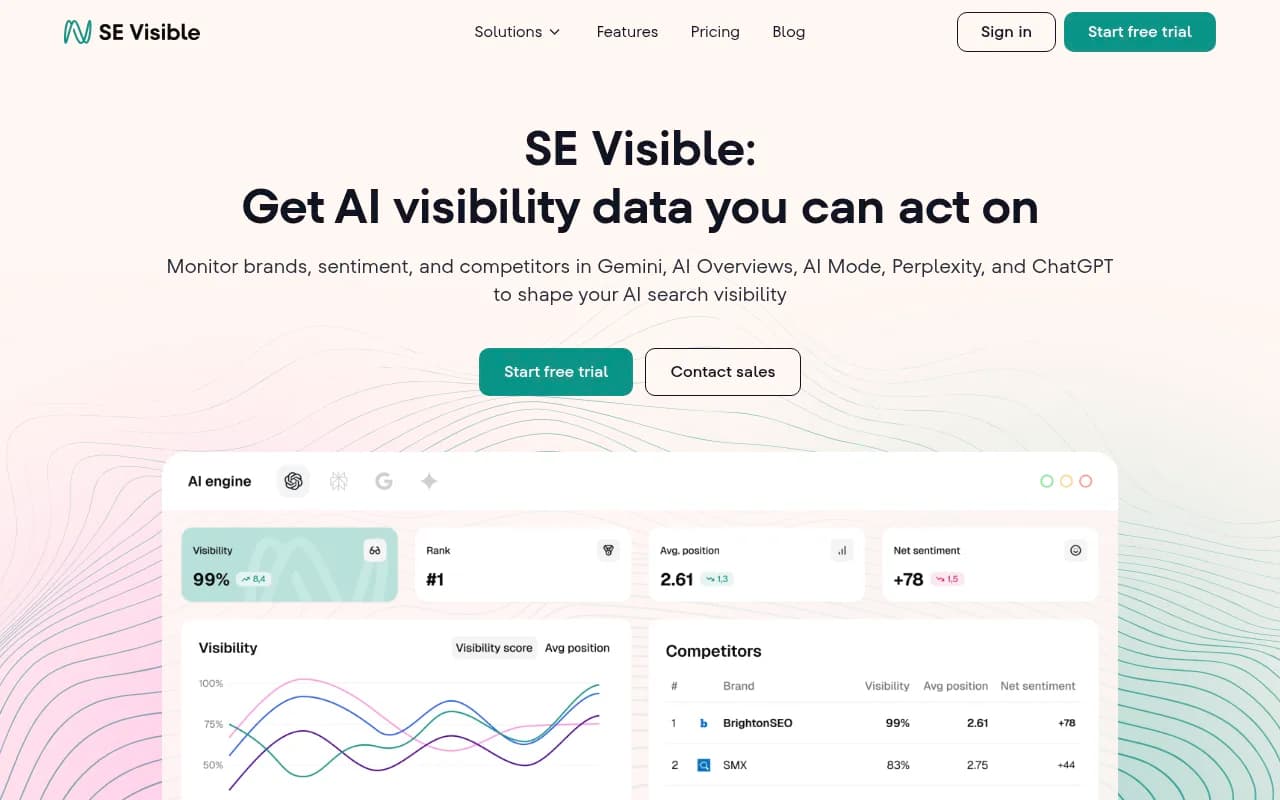
| SE Ranking Visible | AI visibility from SE Ranking | Existing SE Ranking users |
| Elmo | Open-source, self-hosted tracker | Teams that want to host their own |




If you want to browse more options, the AI rank tracking directory at ai-rank-tools.com lists many of them side by side.
Step 7b: Don't forget the technical basics
Tracking tells you the score. It doesn't tell you why. Before you blame content, make sure AI crawlers can read your site at all. Check robots.txt, rendering, and whether bots hit errors. A crawler-log view (which Promptwatch includes, and some CDN logs can approximate) shows which pages GPTBot, ClaudeBot and PerplexityBot actually fetch. A page that's never crawled can't be cited.
Step 8: Read the results without fooling yourself
The metrics only help if you map each one to a likely cause:
- Low share of voice across unbranded prompts is a coverage problem. You're missing from the topics.
- Mentioned, but late in the answer, is a prominence problem.
- Mentioned but never cited from your own domain suggests a content or crawlability problem.
- Weak or mixed sentiment is usually a reputation problem, often driven by third-party sources.
Watch the sources too. Because almost half of ChatGPT responses cite 10 or more unique domains, you're always sharing the answer with many other sites. Check which third-party domains show up for your brand prompts, since they shape how the model describes you. Which content types get cited matters as well: Promptwatch Data's content type report found product pages were the most cited type in ChatGPT at 22.4% (Sep 28 to Oct 4, 2026), followed by landing pages and listicles.
And resist the urge to read too much into one week. Behavior changes in steps: a model update can reshuffle everything overnight, as the ChatGPT citation drop around the GPT-5.3 rollout showed in March 2026.
Step 9: Maintain the set
After the baseline, a light maintenance rhythm keeps things useful:
- Monthly: review the prompt list, retire dead prompts, add 3-5 new ones from fresh customer questions. Log the change date.
- Quarterly: re-check your model choice. If a new engine is sending real traffic, add it and drop one.
- After major model updates: re-run a comparison against your baseline before reacting.
- Always: tie visibility to traffic. Mentions that never send a visit are a vanity metric, so connect AI-referred sessions and conversions where you can.
A starter checklist
- One or two questions the tracking must answer
- 20-40 prompts grouped by topic, persona and funnel stage
- Branded, unbranded and comparison prompts in separate sets
- 2-3 models chosen by where buyers search
- 3-5 named competitors
- Country and language set per group
- Weekly runs, plus daily on 10-15 priority prompts
- Four-week baseline with no prompt edits
- A dated, versioned prompt document
Common mistakes
Tracking too many prompts too early is the big one. It's hard to analyze, expensive to keep running, and it hides the signal. Close behind: editing prompts mid-baseline, averaging branded and unbranded results together, judging a volatile engine on weekly snapshots, and measuring mentions without ever checking what the AI cited.
One more thing I'd say plainly: if you can't act on the data, tracking is a hobby. Choose a setup where each finding maps to a task, whether that's a content gap, a crawl error, or a third-party page that describes you badly. If you'd rather hand the strategy side to specialists, an agency like 1001 SEO Media handles GEO work end to end, but the setup in this guide is something most in-house teams can run themselves in an afternoon.
For more research on how AI engines pick their sources, the Promptwatch Data hub is updated regularly and is worth bookmarking before you finalize your prompt list.