Key takeaways
- Google Search Console's generative AI reports (announced June 2026) break impressions down by page, country, device and date. They have no city or state breakdown, and no clicks or query data, so local tracking has to come from somewhere else.
- AI Overviews vary by query, location, device and time. A single national check tells you very little about what customers in one city actually see.
- Build a location-by-prompt matrix first, then pick a tool that can simulate searches from your target cities or ZIP codes and re-run them on a schedule.
- Read each engine separately. A location can be named in AI Overviews and missing from ChatGPT for the same prompt in the same city.
- Pair tracking with fixes: Google Business Profile, location pages and public Facebook and Instagram profiles feed local AI answers.
Why a national AI Overview score misleads
Say you run 40 dental clinics. Your brand shows up in AI Overviews 30% of the time nationally. That number hides everything useful. Maybe you are named in Austin and absent in Phoenix. Maybe one clinic owns its neighborhood while three others never appear.
Presence in AI Overviews is not stable. According to Omnia's guide to AI Overview rank trackers, presence and citations can differ by query, location, device and time, and the same keyword can show an Overview on desktop but not on mobile. Omnia is a vendor and ranks itself first in that list, so take the ranking with salt. The variability point is still sound and matches what most practitioners see.
There is also a gap between local pack and AI answer. SE Ranking's local visibility page cites SOCi's 2026 Local Visibility Index, which found ChatGPT recommended 1.2% of locations against 35.9% for Google's local 3-pack. A location can hold the pack and be missing from the AI answer printed above it. You only find that out by checking location by location.
One caution. You will see claims floating around LinkedIn that AI Overviews appear in 68% of local searches and cut local organic clicks by more than half. I could not find a primary source, so I would not repeat those numbers in a client deck.
What the free data can and cannot do
Start with what you already have, because it is free and it sets the baseline.
Google Search Console
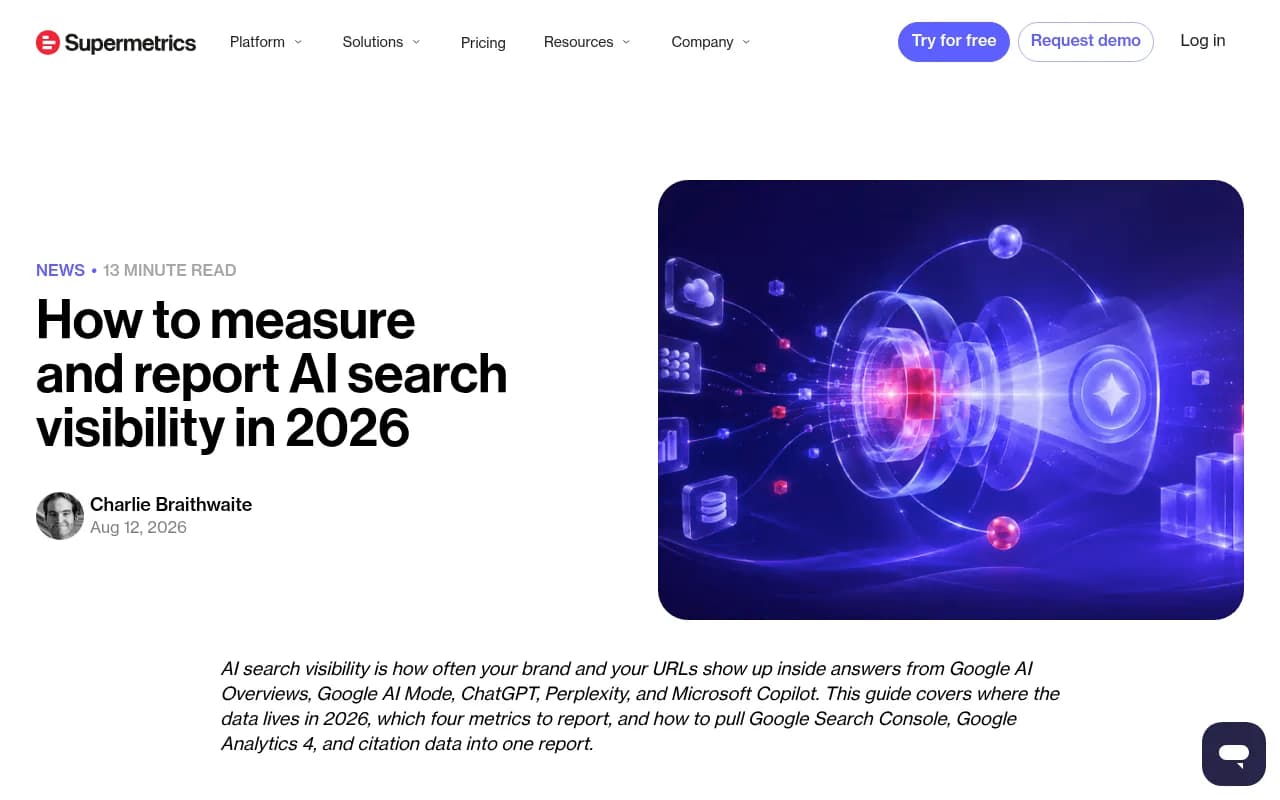
Google announced Search Generative AI performance reports in June 2026. Per Supermetrics' breakdown (Aug 12, 2026), they report impressions for AI Overviews, AI Mode and AI features in Discover, split by page, country, device and date. No clicks, no CTR, no queries. And the geography stops at country.
That is still useful. It tells you which pages are being surfaced in AI features and whether impressions are growing. It cannot tell you what a searcher in Denver saw.
Bing Webmaster Tools
Bing launched an AI Performance report in public preview in February 2026. Treat it the same way: a useful signal for pages and trends, not a local lens.
The conclusion
City and state tracking needs third-party SERP simulation. Search Console will not get you there, so budget for a tool.
Step 1: Build your location and prompt matrix
Before touching any tool, decide what you are measuring. Most local tracking setups fail here, not in the software.
- List your markets. Pick cities or metro areas, not every town. For multi-location brands, group locations into markets or franchise groups so you can roll results up later.
- Write prompts the way locals ask. "Best pediatric dentist near me," "emergency plumber in Tampa," "where to get a same-day crown in Leeds." Include both explicit city names and "near me" phrasing, since they can trigger different answers.
- Tag each prompt. Branded ("is Smith Dental good"), category ("dentist in Austin") and comparison ("Smith Dental vs Bright Smiles"). Category prompts are where you win or lose new customers.
- Decide device. Mobile dominates local. Track mobile at minimum.
- Keep it small at first. Ten prompts across five cities is 50 checks a day. That is plenty to learn from. One roundup puts manual tracking of 10 local prompts at around 20 minutes a month, which is fine for a pilot and hopeless at scale.
A simple matrix looks like this:
| Market | Prompt type | Example prompt | Device |
|---|---|---|---|
| Austin, TX | Category | best family dentist in Austin | Mobile |
| Austin, TX | Branded | is Smith Dental Austin good | Mobile |
| Phoenix, AZ | Category | emergency dentist Phoenix open now | Mobile |
| Texas (state) | Category | dental implants cost Texas | Desktop |
Step 2: Choose a tool with the right location granularity
"Geo-targeting" on a feature list can mean country, state, city or ZIP. Those are very different products for a local business. Ask which level the tool actually simulates, and how it sets location.
What I could verify from vendor pages and roundups (several are competitor-written, so confirm on each pricing page before buying):
| Tool | Location granularity | Notes |
|---|---|---|
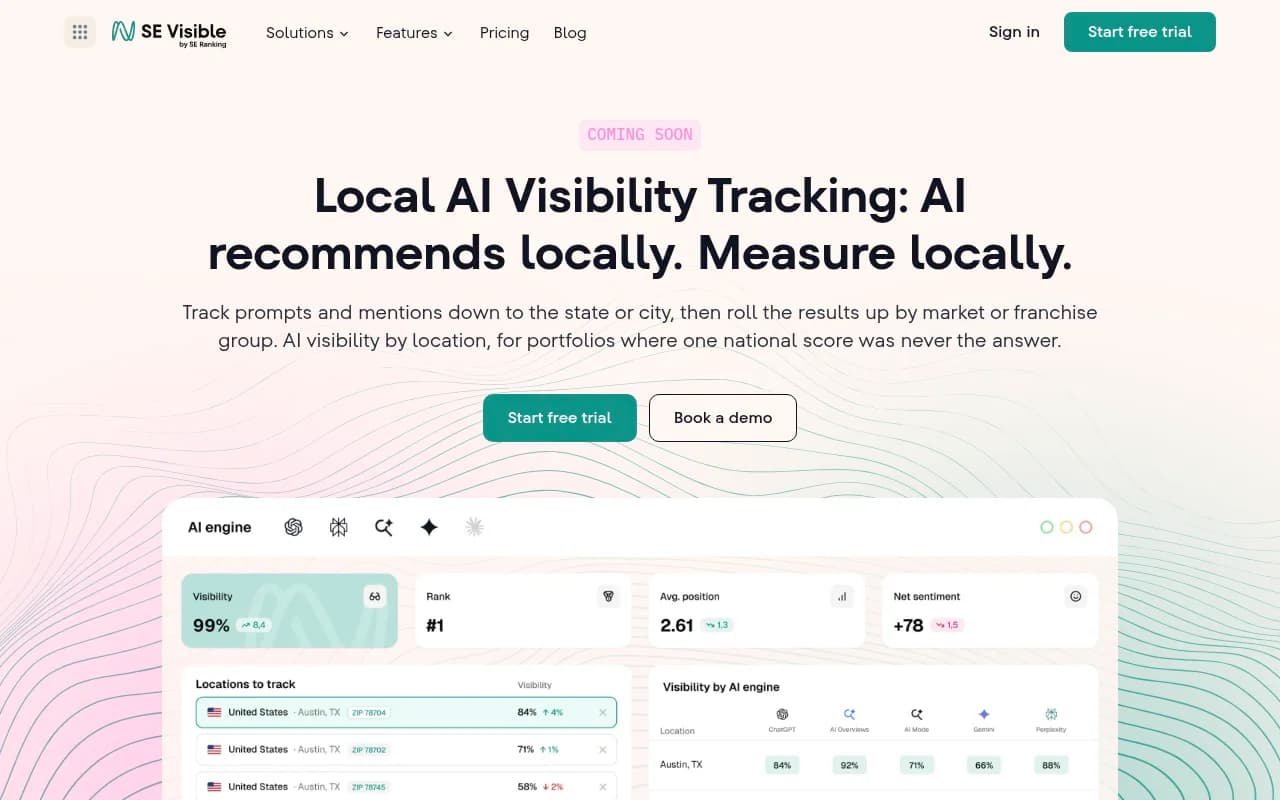
| SE Ranking Visible | State and city, with roll-up by market or franchise group | Local feature was marked "Coming soon" in August 2026; confirm it has launched. Tracks ChatGPT, Gemini, AI Mode and AI Overviews as separate reads. |
| Keyword.com | City and ZIP code | Credit-based AI tracking; AI Overviews, AI Mode, ChatGPT, Gemini and Copilot cost 0.25 credit per run. |
| Semrush | Described as city and metro level | Verify on current docs. |
| BrightEdge | Described as ZIP-code simulation | Enterprise focus. |
| Promptwatch | Country on every paid plan, state and city from Business, exact-coordinate pinning (20 m to 5 km radius) | Pins monitors to coordinates so ChatGPT, AI Overviews and AI Mode answer as if asked from that spot. |
| Geoptie, Otterly, others | Country level | Fine for national work, thin for local. |
SE Ranking Visible
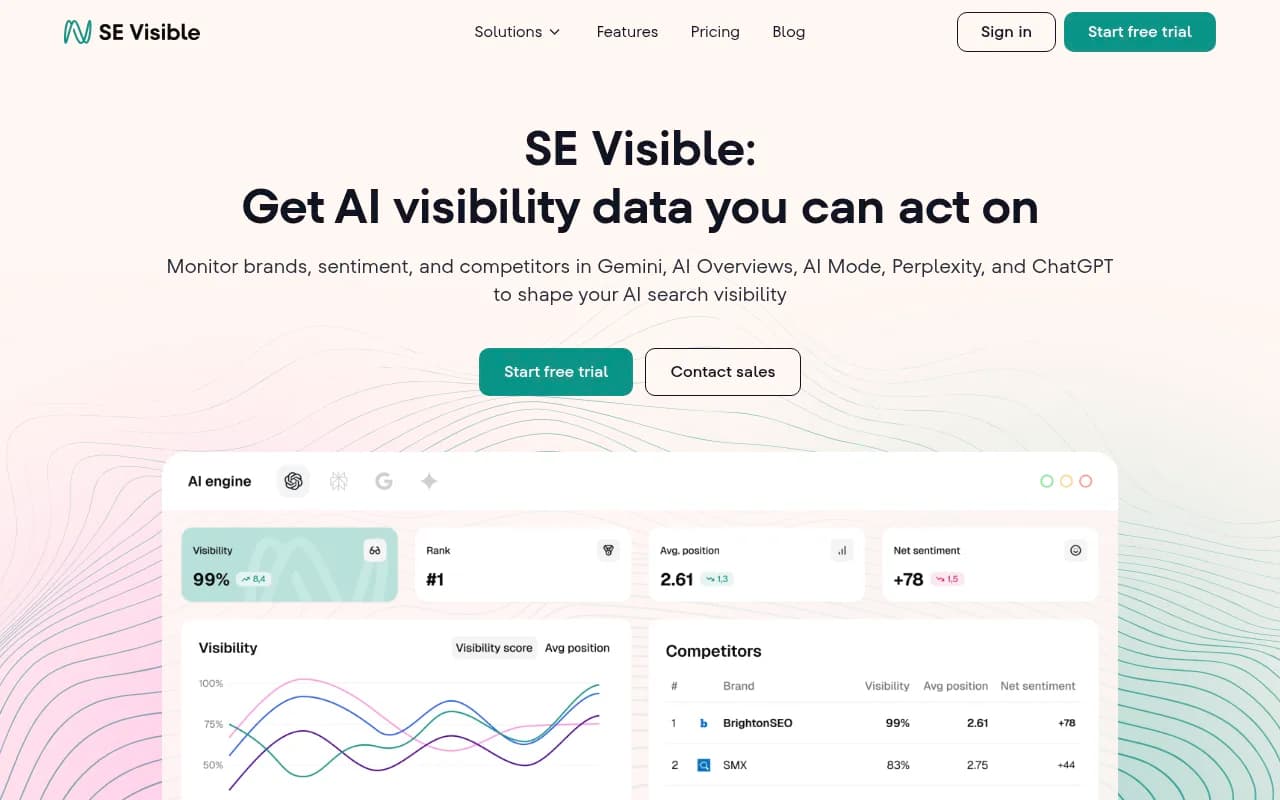
SE Ranking's local feature reads each city and engine separately. A whole project can be set to one geography, or individual prompts can be pointed at different cities. Its plans listed a 10-day trial, 200 prompts and about 30,000 AI answers a month on the smaller tier, with a higher tier at 450 prompts. The scraped pricing was ambiguous about which tier the $355 per month ($284 annual) figure belongs to, so check the page.
Promptwatch
Promptwatch is the option I would look at when you want tracking and the fixing in one place. Local GEO/SEO targeting lets you drop a pin or search a place, set an accuracy radius, and have ChatGPT, Google AI Overviews and Google AI Mode answer as if asked from there. That is useful for "near me" queries from stores, offices and franchises. It is on the Business plan ($579/month), Agency Scale and Enterprise, and also available through the API and MCP. Confirm current details at promptwatch.com/pricing.

Keyword.com, Semrush and BrightEdge
Keyword.com is the cheap route if you mainly need city and ZIP checks, with credits starting around $9.80 according to a competitor's roundup. Semrush and BrightEdge suit teams already inside those suites.
Local-first platforms
If you manage listings, reviews and profiles across many locations, the local platforms are worth a look because they pair visibility checks with the inputs that influence local answers. Birdeye Search AI advertises location-level AI visibility, and SOCi, BrightLocal and Chatmeter cover multi-location listings and reviews.
For a wider list of options, the GEO software directory at bestgeosoftware.com is a decent place to compare.
Step 3: Questions to ask any vendor
Omnia's checklist for AI Overview trackers translates well to local work. Ask:
- How often do you re-run the same prompt? Presence is non-deterministic, so one run is an anecdote.
- Do you flag "answer changed" between runs?
- How do you dedupe repeated results?
- Do you archive timestamped snapshots with the location code and device?
- How do you avoid mistaking featured snippets or People Also Ask boxes for AI Overviews, and how do you detect layout changes that break parsers?
- Does the tool read the real interface or an API? User-facing answers can differ from API outputs.
A credible export should include prompt, date, location, device, whether an AI Overview appeared, cited domains, cited URLs and whether yours was cited. If a vendor cannot give you city in that export, you are not getting city-level tracking, whatever the sales page says.
Step 4: Set up the tracking
The mechanics differ by tool, but the order rarely changes.
- Create a project per brand or market group. Franchises usually do better with one project per region, so roll-ups stay clean.
- Set geography. Either project-wide (every prompt runs from one city) or per prompt. Use per-prompt when one project covers several cities.
- Add your prompt set. Use the matrix from step 1. Tag by city, type and intent.
- Select engines. AI Overviews and AI Mode first, then ChatGPT and Gemini. Keep them separate in reporting. SE Ranking makes the same point: AI Mode builds local answers differently from AI Overviews.
- Add competitors. Local rivals, not national brands. The business named instead of you in Phoenix is probably a neighbor.
- Run daily or at least weekly. A snapshot tells you where you stood on the day you checked. A schedule tells you direction.
- Annotate changes. Note when you update a Google Business Profile, publish a location page or get a burst of reviews, so you can connect cause and effect.
Step 5: Read the results by city, engine and prompt
A single blended score hides the cause. Cut the data three ways.
By city
Rank your markets by share of prompts where you are named. The bottom of that list is your work queue. Check whether the city-level score is low everywhere or bouncing between named and not named. Those are different problems: never appearing usually means missing content or entity signals, while sometimes appearing points to marginal strength.
By engine
If you are present in AI Overviews but absent in ChatGPT, effort belongs on whichever engine has the gap, not spread across all of them. Promptwatch's data shows the engines pull from very different places. For September 28 to October 4, 2026, social platforms made up 12.2% of Google AI Overviews citations, against 0.46% for ChatGPT. Within AI Overviews, Facebook was 2.38% (more than doubled) and Instagram 1.61%. For a local business, that argues for complete, active public Facebook and Instagram profiles.
By prompt
Branded prompts tell you whether the AI knows you exist. Category prompts tell you whether it recommends you. Mixed results usually mean the brand is known but not preferred.
Step 6: Use the findings
Tracking is only worth it if it changes what you ship. A few levers that the data supports:
- Location and service pages. Promptwatch Data's July 2026 report on AI Overview citation formats found product pages overtook listicles as the most cited format from July 28, ending the month at 17.9% against 16.2%. Pages with structured specs, pricing and availability earn citations; for local businesses, the equivalent is a proper page per location and per service, with hours, address and prices.
- Google properties. In June 2026 AI Overview citation share, YouTube was 4.16% and google.com 2.30%, both 2026 highs (those are month-to-date figures, which can overstate momentum). Treat Google Business Profile and other Google surfaces as core assets.
- Video. Video citations in AI Overviews rose from about 2.7% in January to over 6% by late July 2026, so a short walkthrough of each location is worth the effort.
- Public social profiles. See above. Facebook and Instagram matter more here than in other engines.
To be clear about what the data says: none of Promptwatch's published reports break AI Overview citations down by city or state. Those numbers describe the engine overall. Your own location-level tracking is what tells you how it plays out in your markets.
For measuring the traffic side, pair your tracker with Search Console and GA4. Impressions per page by country, plus your own local data, will not give a perfect picture, but together they come close.
Common mistakes
- Tracking only country. Country-level setups are fine for national brands and useless for a franchise.
- Trusting a single run. Run each prompt repeatedly and watch for answer-changed flags.
- Blending engines. One score across AI Overviews, ChatGPT and Gemini hides which one is failing you.
- Confusing a featured snippet with an AI Overview. A parser error produces phantom visibility.
- Tracking too many cities too early. Five markets and ten prompts will teach you more than 200 cities with no follow-up.
- Ignoring the near-me versus named-city split. They trigger different answers; track both.
A simple rollout plan
| Week | Action |
|---|---|
| 1 | Pull Search Console generative AI data for baseline impressions by page and country. Build the location and prompt matrix. |
| 2 | Pick a tool, confirm location granularity in a trial, and load 5 markets by 10 prompts. |
| 3 | Review by city, engine and prompt. Identify the three weakest markets. |
| 4 | Fix the basics in those markets: Business Profile, location pages, public social profiles. Annotate changes. |
| 8 | Compare trends. Expand to more markets only if the first set moved. |
Final thoughts
Local AI visibility is measurable now, but the tools are uneven, some features are still launching, and presence is noisy by nature. Verify location granularity in a trial, run prompts on a schedule, keep engines separate, and fix one market at a time. If a vendor cannot show you city on the export, keep looking.