Key takeaways
- A working automated SEO workflow has five layers: data (MCP servers), research and briefing, drafting, publishing, and monitoring. Build them in that order, one at a time.
- Install the free Google Search Console MCP first, add DataForSEO second, then Google Analytics. Add a paid suite like Ahrefs or Semrush only if you need it anyway.
- Automate the plumbing (pulling data, audits, briefs, reports, publishing). Keep a human on strategy, facts, and final approval. "Fully automated" should mean no manual stitching, not no judgment.
- Credit and API-unit burn is the most common way these setups go wrong. Add only the servers that pay back what they consume.
- Include AI search in the loop: crawler access, citations, and visibility are now part of the same workflow as rankings.
What "fully automated" should mean
Let me be blunt about the phrase first. Nobody serious runs SEO with zero humans. Gumloop's guide on building an SEO agent calls it "very dangerous" to claim you can automate keyword research and content creation end to end, and says a human is still needed. I agree.
What you can automate is the stitching. Pulling 28 days of Search Console data, cross-checking SERPs, turning gaps into briefs, drafting, pushing to the CMS, and reporting on what happened. That is the repetitive work that eats most of a team's week. The judgment calls (which topics matter, whether a claim is true, whether a page is good enough to publish) stay with you.
The Lyzr guide to agentic SEO describes a six-stage flow: research, brief, draft, optimise, deploy, and monitor. That is a sensible skeleton and it is the one I use below, with MCP as the data layer underneath.

Workflow vs agent: pick the right one
This distinction saves a lot of confusion. An AI workflow follows rigid rules you set: step one, step two, step three. An agent decides what to do next within guardrails you give it.
Start with workflows. A scheduled job that pulls Search Console data and emails a summary is a workflow, and it is often all you need. Move to an agent when the task needs judgment, such as "find pages that lost clicks and work out why." Make's SEO automation guide frames the workflow version as scenarios where each module does one step and passes data to the next, which is a useful mental model even if you use other tools.
Layer 1: the data layer with MCP servers
Model Context Protocol (MCP) lets an AI client such as Claude, ChatGPT, or Cursor call external tools and read live data. For SEO, it replaces the export-CSV-and-paste routine. Your agent asks the source directly.
Here is what the current options look like, based on vendor docs and two independent roundups (Ryan Doser's review and Nightwatch's, which is vendor content, so weigh it accordingly).
| MCP server | Cost | Best for | Watch out for |
|---|---|---|---|
| Google Search Console | Free, open source (Apache-2.0) | Your own queries, clicks, positions, pages | Needs Google Cloud OAuth credentials, the fiddliest install; no AI Overviews or AI Mode report, since Google has no API for it |
| DataForSEO | $50 deposit | Live SERP and AI Overview data | Pay-per-use, so costs scale with your prompts |
| Google Analytics | Free | Traffic and conversion context | Needs separate setup |
| Ahrefs MCP | Included on Lite, Standard, Advanced, Enterprise | Backlinks, keywords, competitor data | Row caps per request (Lite 100, Standard 250, Advanced 500) and monthly API units (Lite 200k up to Enterprise 4M or custom) |
| Semrush MCP | Uses your Semrush API units | Keyword and competitor research | Eligibility depends on plan and API units, and Semrush's own pages disagree |
| SE Ranking | $50 pay-as-you-go for MCP alone | Rank tracking plus audits | Pricing varies by package |
| Nightwatch MCP | See vendor | Rank tracking with AI visibility | Vendor-authored comparisons |
A third-party review lists Ahrefs Lite at $129/month, Standard at $249, and Advanced at $449, with the $29 Starter plan excluded from MCP. Verify that against ahrefs.com/pricing before you buy, because third-party pages often quote retired pricing.
The Semrush MCP is hosted at https://mcp.semrush.com/v2/mcp and works with ChatGPT, Claude, Microsoft Copilot, Cursor, VS Code, Perplexity, Lovable, Notion, and Antigravity. It consumes API units from your Semrush subscription with no extra Claude fees.
Recommended install order
- Google Search Console MCP. Both reviewers rank it first, and it costs nothing.
- DataForSEO, for live SERP and AI Overview data.
- Google Analytics MCP.
- A paid suite (Ahrefs, Semrush, SE Ranking) only if you already pay for it or need its index.
The big remote servers (Ahrefs, Semrush, SE Ranking, Nightwatch) use OAuth, so setup is mostly clicking "connect" in Claude Desktop or Cursor. Nightwatch notes Semrush mixes OAuth and API keys depending on the transport, so read the docs for your client.
The credit trap
The most common pitfall is consumption. An agent that is allowed to explore will happily burn through API units on exploratory queries. Cap rows per request, give agents narrow tasks, and keep only the MCPs that pay back the credit they consume. If you are on a lower Ahrefs tier, the row caps will silently truncate results, so quote them correctly in your prompts and expectations.
Layer 2: research and briefs
With the data layer connected, the first useful agent job is research. A practitioner prompt I like: "Pull the last 28 days from Search Console, flag pages where position improved but clicks fell, then cross-check the SERP for an AI Overview." That single instruction touches two MCPs and surfaces a real problem (an AI Overview eating clicks) that a dashboard would hide.
Good research prompts for agents:
- Find queries ranking positions 8 to 20 with high impressions and no dedicated page.
- Compare my top 20 pages against a named competitor's and list topic gaps.
- Flag pages whose clicks fell more than 20% month over month and check each SERP for new features.
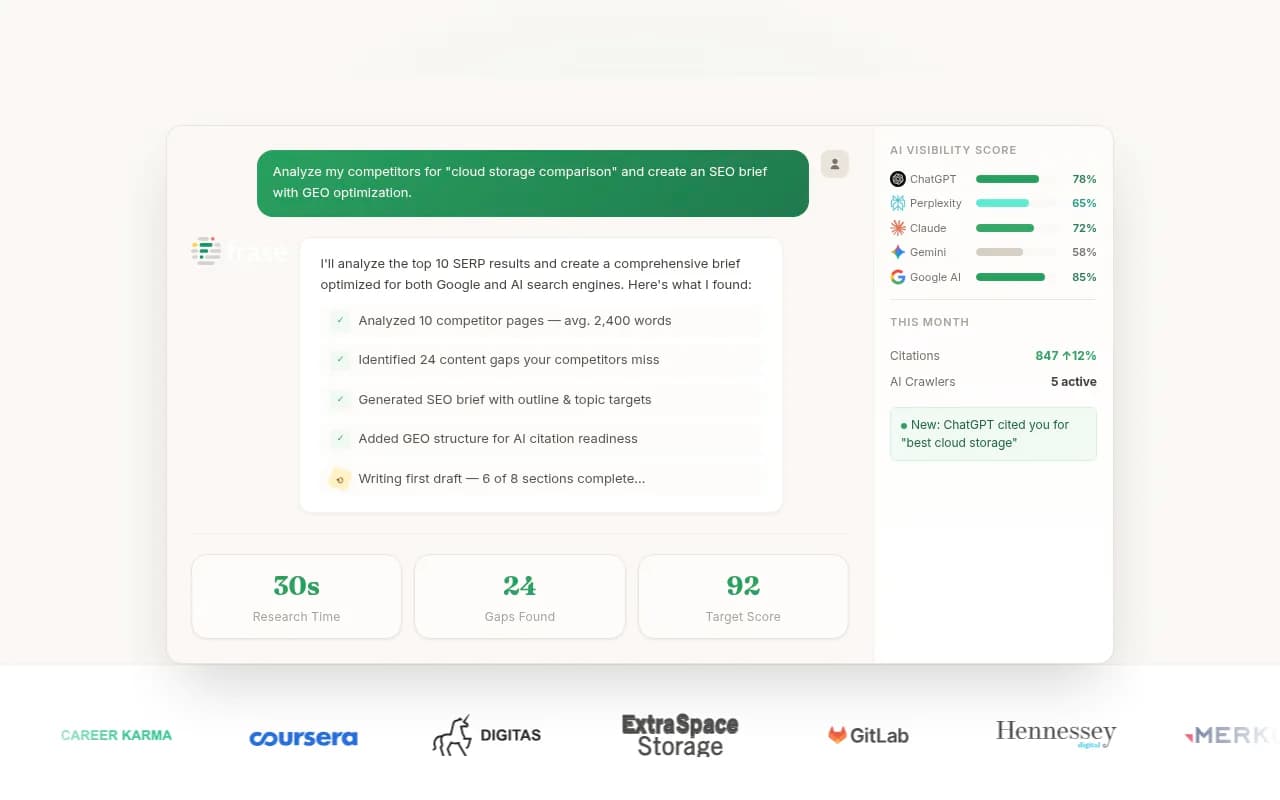
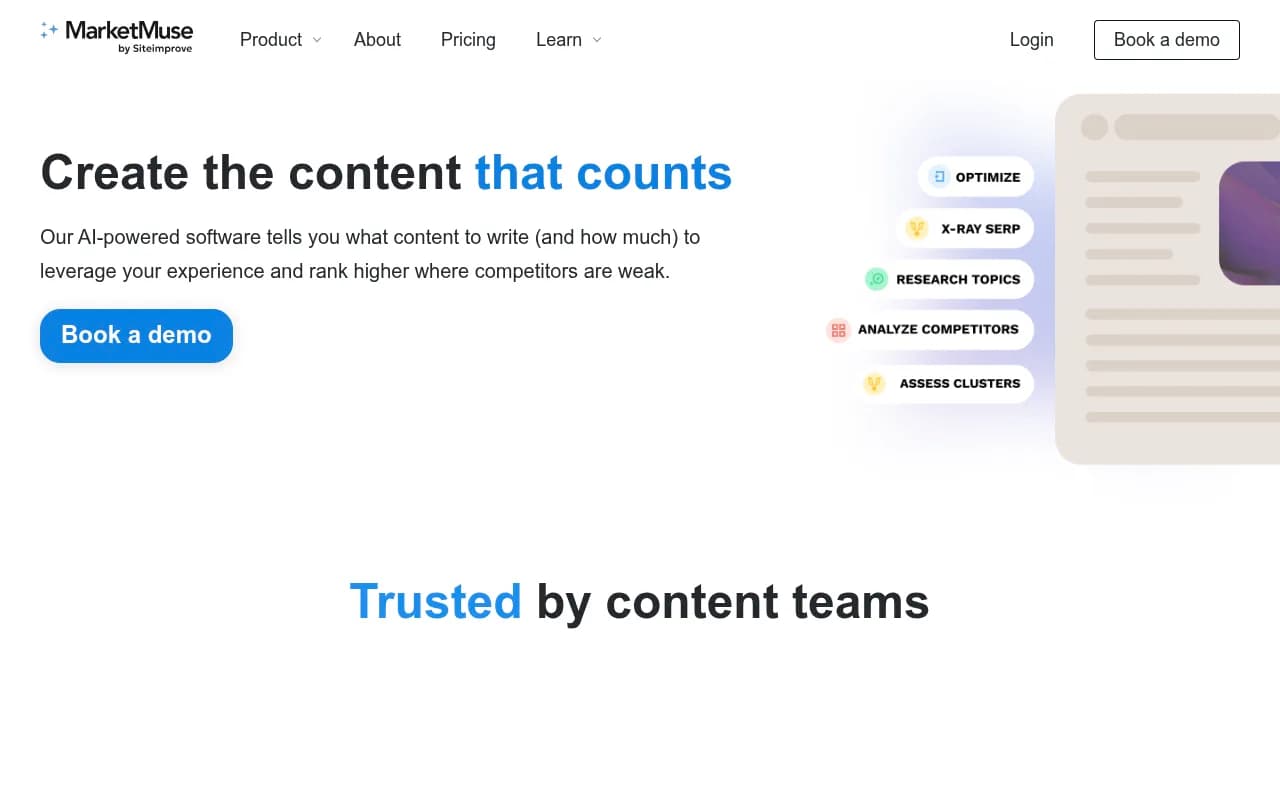
Turn the output into a brief. A useful brief includes target query, intent, heading structure, entities to cover, internal links, schema type, and the sub-questions to answer. Content tools like Surfer SEO, Clearscope, Frase, and MarketMuse generate these with SERP-based scoring, and you can feed their output to your drafting agent.


Write briefs for how AI search actually queries
AI answers are built from searches the model runs on your behalf, called query fanouts. Promptwatch's ChatGPT query fanout data shows the average fell from 2.15 searches per response in early December 2025 to about 1.84 by early March 2026, and average query length dropped from about 117 characters to the high 80s, then around 53 characters from April. The report notes a single prompt can trigger 3 to 8 or more searches, but its own measured averages are lower, so treat that range as a loose description. The practical advice holds either way: write headings that read like short keyword queries, front-load the entity and category, and cover sub-questions (X vs Y, pricing, alternatives, how-tos) with focused pages. Put that rule directly in your agent's system prompt.
One more shift worth encoding: on August 8, 2026, ChatGPT began using the site: operator at scale, jumping from about 0.4% to about 17% of fanout queries, per Promptwatch's site operator report. Pages that clearly belong to a domain with strong topical coverage have an easier time in those searches.
Layer 3: drafting with guardrails
This is where most people over-automate. Three patterns, in order of how much I trust them:
- Human drafts, agent edits. Gumloop's author dictates with speech-to-text and has a workflow proofread it into a Google Doc. The voice and knowledge stay human. This is the safest pattern.
- Agent drafts against a brief, human reviews every piece. Fine for informational content where the facts are checkable.
- Agent drafts and publishes unattended. Possible, risky, and only sensible for low-stakes content with strict brand and fact constraints.
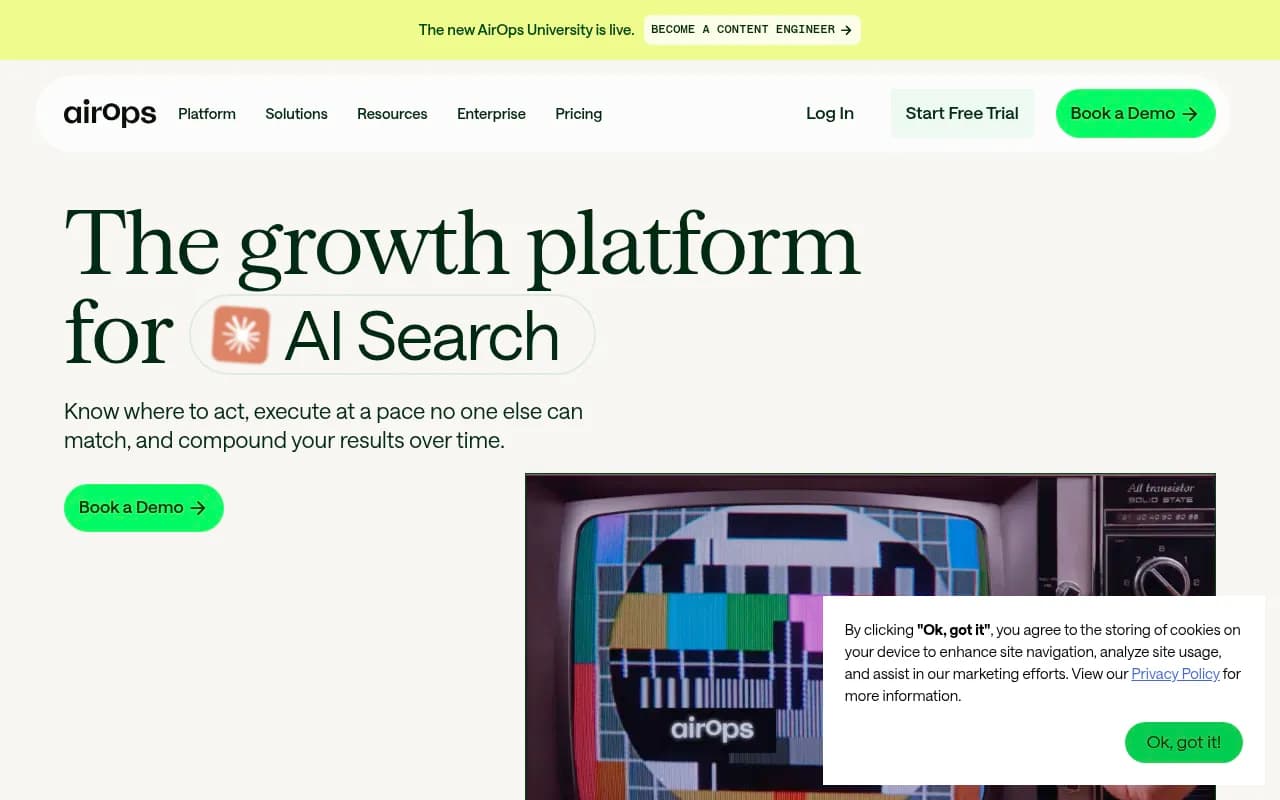
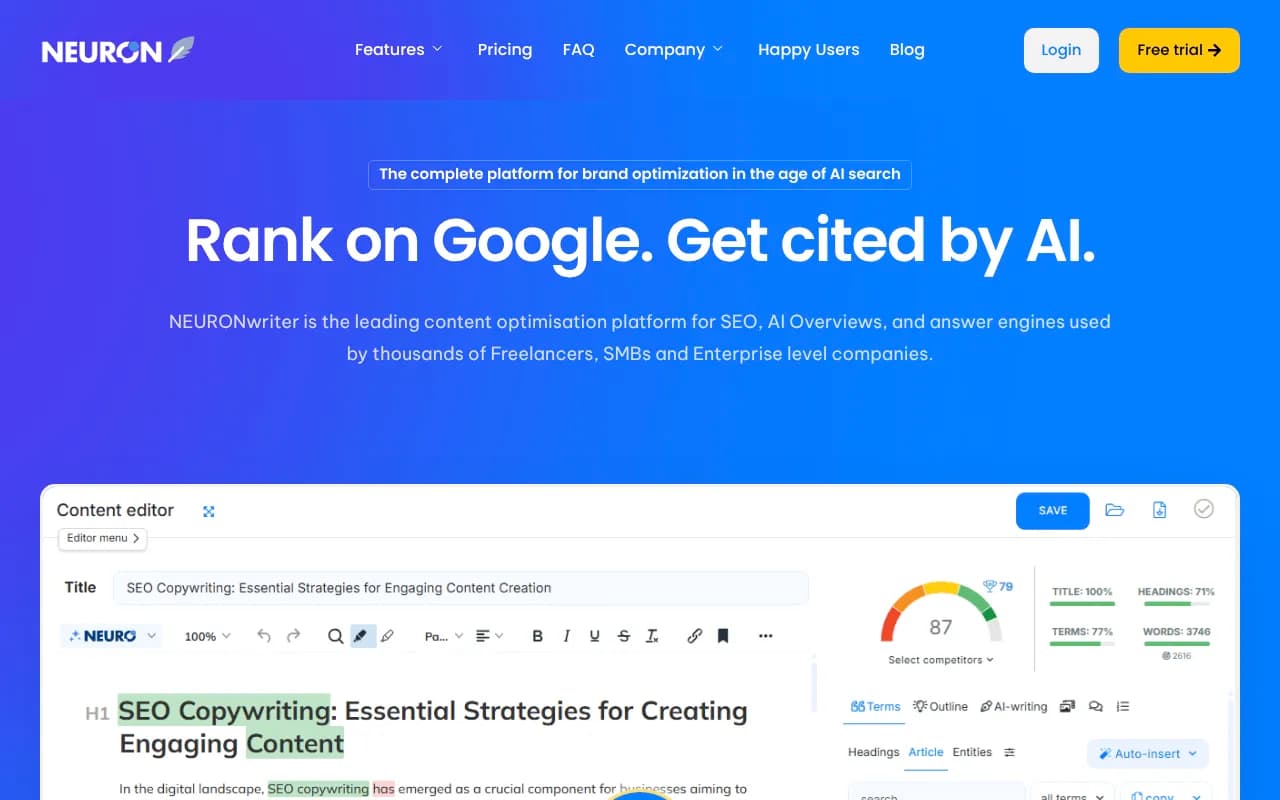
Whatever pattern you choose, give the agent a knowledge base of verified facts, a tone guide, and a rule to flag any claim it cannot source. Tools in this space include AirOps for content workflows, Outrank and Junia AI for autopilot publishing, and Surfer or NeuronWriter for optimization passes.


Layer 4: publishing and technical automation
Publishing is the least controversial thing to automate, provided there is an approval step. A solid pipeline applies meta tags, image alt text, internal links, and schema automatically, then pushes to the CMS as a draft or scheduled post.
Pieces worth automating:
- Schema generation and entity-based internal linking, which InLinks and WordLift both handle.
- Weekly technical audits that diff against the last run and open tickets for regressions.
- Broken link, orphan page, and missing-sitemap checks.
- CMS publishing as draft with a review inbox.

For orchestration, you have three realistic options. Visual builders like Make and Gumloop suit non-engineers and let you chain modules or sub-flows. Code-first setups (Claude Code or Cursor with MCP, run on a schedule) give more control. Scraping and browser tools such as Apify and Firecrawl fill in data that no MCP covers. I did not benchmark these orchestrators against each other, so pick based on who will maintain the thing.

Human approval gates
Add a gate at three points: before any draft is published, before any bulk change to existing pages (titles, redirects, internal links), and before any outreach goes out. Everything else can run unattended. A review inbox with approve, edit, and decline is a good model, and most agentic content tools now ship one.
Layer 5: monitoring AI search visibility
A 2026 SEO workflow that only watches Google rankings is missing half the picture. The monitoring layer should answer four questions: are AI crawlers reaching my pages, which of my pages get cited, what traffic does that drive, and where are competitors named instead of me?
Crawler access is the cheapest thing to check and the most embarrassing to get wrong. Promptwatch's AI crawler traffic data shows OpenAI accounted for 79.8% of verified AI crawler requests from August 31 to September 6, 2026, down from 94.8% in the week of June 8 to 14. That covers OpenAI, Anthropic, Google, Perplexity, and Mistral, and counts only IP-verified requests. Their advice is to check robots.txt, CDN, and WAF rules for each major crawler, then compare your own server logs to that mix. A provider that is large in the chart but near zero in your logs probably means you are blocked. Read the full AI crawler traffic report and build that comparison into a weekly check.
There is also a content-type angle. In Promptwatch's content type data, product pages were the most cited type in ChatGPT at 22.4% of citations from September 28 to October 4, 2026, followed by landing pages and listicles. And in the content half-life study, landing pages and docs stayed cited longest while news lost half its pages within 36 days. Use that to decide what your agents refresh and how often.
For the tooling, Promptwatch covers the whole loop: prompt tracking across ChatGPT, AI Overviews, Gemini, Perplexity and others, IP-verified crawler logs, AI traffic attribution, and a Content Agent that writes and publishes against visibility gaps. It also has a hosted MCP server, so the same Claude or Cursor setup that talks to Search Console can read your AI visibility data and act on it.

If you want to compare alternatives, the GEO software directory at bestgeosoftware.com lists dozens. Monitoring-only options such as Peec AI, Otterly.AI, and Profound track mentions but stop short of the content and crawler layers.



Putting it together: a sample weekly loop
Here is what a lean, working setup looks like once the layers exist. Monday morning, a scheduled agent runs this sequence:
- Pull Search Console data for the last 28 days via MCP and flag pages where position rose but clicks fell.
- Check SERPs for those queries (DataForSEO) for AI Overviews or new competitors.
- Check crawler logs and citation data for the same pages.
- Produce a ranked action list: refresh these five pages, create these two, fix these three technical issues.
- Draft briefs for the approved items and queue drafts for review.
- Publish approved content as scheduled posts, then re-check next week.
Steps 1 to 4 are fully automatic. Step 5 needs a human to approve. Step 6 closes the loop, because publishing without measuring is just content production.
A 90-day rollout
The Lyzr roadmap suggests auditing workflows first, then deploying one agent against the highest-leverage task, then connecting workflows. A version of that:
| Days | Focus | Output |
|---|---|---|
| 1 to 14 | Audit your recurring SEO tasks and time spent | Ranked list of what to automate |
| 15 to 30 | Install Search Console MCP, then DataForSEO and Analytics | Weekly data pull and summary |
| 31 to 56 | Build one agent on the top task (usually reporting or refreshes) | One reliable scheduled agent |
| 57 to 84 | Connect research, briefs, drafting, and CMS draft publishing | End-to-end flow with approval gates |
| 85 to 90 | Add AI visibility and crawler monitoring, review costs | Closed loop with credit budget |
Common mistakes
- Connecting every MCP at once. You will burn credits and the agent will get confused by overlapping tools.
- Trusting quoted row caps and pricing from third-party pages. Check the vendor's pricing page.
- Expecting Search Console MCP to show AI Overviews or AI Mode data. It cannot, because Google has no API for it.
- Letting agents publish with no gate. One bad batch of pages is harder to unwind than a month of slow drafting.
- Skipping measurement. If you cannot tell whether a published page got crawled, cited, or clicked, the workflow is only generating content.
What I would do first
If you are starting this week: install the Search Console MCP, write one prompt that finds pages with falling clicks, and run it manually. Once the output is reliably useful, schedule it. Everything else in this guide is an extension of that single loop. For more tools to plug into the later stages, the directory at agenticseotools.com is a good place to browse.
A gap I should be honest about: I found no first-party pricing for the Semrush API or DataForSEO, so budget by running a small trial and checking your actual consumption before scaling up.