Key takeaways
- Agent readiness is a different job from SEO or GEO. SEO serves search crawlers, GEO serves AI answer engines, and agent readiness serves software that reads your site and then acts on it.
- Start with the cheap layer: robots.txt rules for AI bots, Content Signals, a sitemap, and an llms.txt file. That is an afternoon of work.
- MCP server cards and A2A agent cards are only worth building if your site has something an agent can do, such as look up pricing, book a demo or query a catalog.
- Markdown versions of pages score well on agent-readiness tests, but Promptwatch Data shows they barely register in AI search citations. Treat them as a developer-docs channel, not a GEO tactic.
- You can test where you stand in about 20 seconds with a free scanner, then fix gaps in order of effort.
What agentic readiness actually means
For a decade, the question was whether Google could crawl your site. Then it became whether ChatGPT would cite you. The newer question is whether an autonomous agent can read your site, understand what you offer, and do something with it without scraping HTML and guessing.
One write-up on the standards stack in 2026 frames the problem as N times M. Without standards, every agent needs custom glue for every site and tool. With them, each side implements a protocol once. That is the whole argument for the files in this checklist: small, predictable, machine-readable declarations that let agents skip the guesswork.
Here is how the three disciplines differ.
| Criterion | SEO | GEO | Agent readiness |
|---|---|---|---|
| Who it serves | Search engine crawlers | LLMs and AI answer systems | Autonomous agents |
| Typical standards | HTML, Schema.org, sitemaps | Schema graph, passages, Wikidata | MCP, A2A, WebMCP, OAuth discovery, Content Signals |
| Goal | Rank | Get cited | Be usable |
They overlap, but they are not the same project. If your main concern is being mentioned and cited in ChatGPT or Google AI Overviews, that is GEO, and a platform like Promptwatch covers it. This guide is about the layer underneath: can agents get in, and can they do anything once they are there?

The levels: a useful way to sequence the work
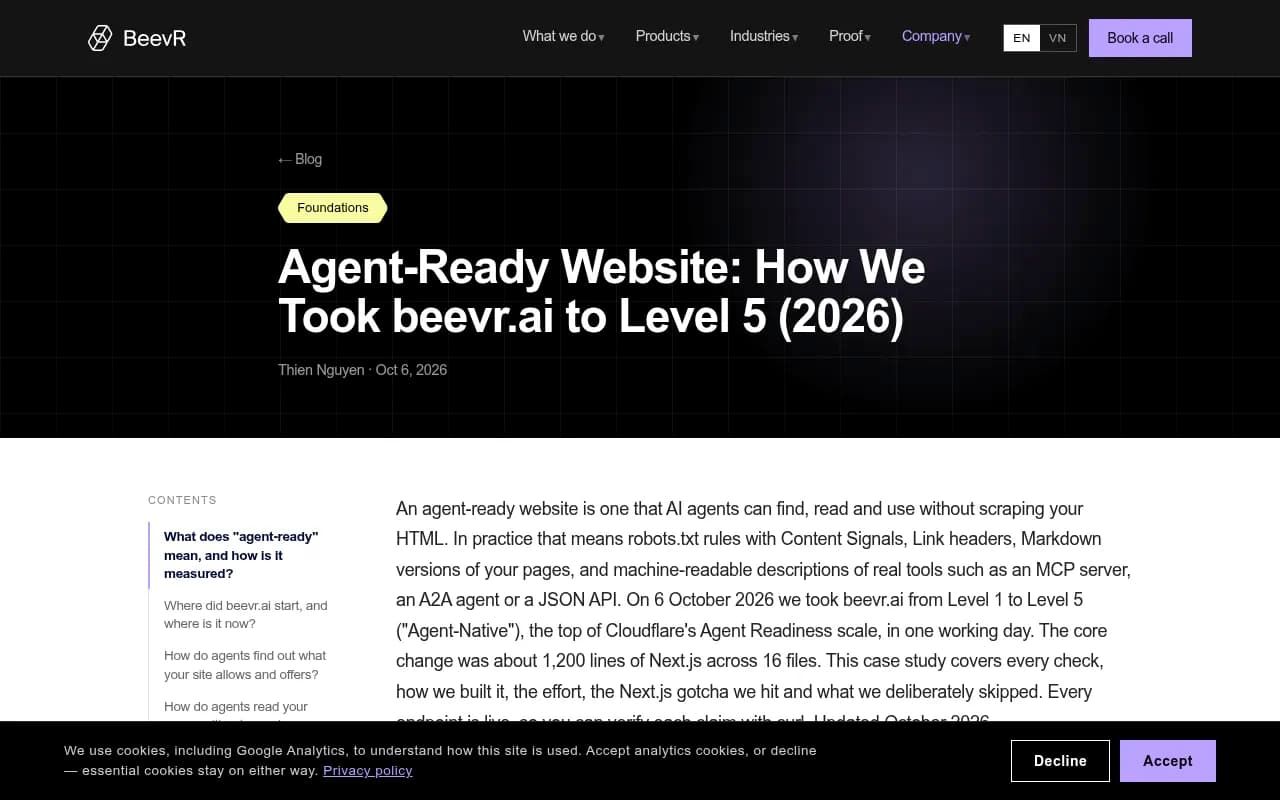
The team at beevr.ai published a walkthrough of taking their site to the top level of an agent-readiness scale. Their levels are a decent mental model even if you never chase a score:
| Level | Name | What it requires |
|---|---|---|
| 2 | Bot-aware | Basics plus AI bot rules in robots.txt and Content Signals |
| 3 | Agent-readable | Level 2 plus Markdown content negotiation |
| 4 | Agent-integrated | Level 3 plus at least one of: MCP Server Card, A2A Agent Card, Agent Skills, API Catalog |
Notice the shape. Levels 2 and 3 are static files and server config. Level 4 is where you expose something real. Most sites should get to level 2 this week and decide about level 4 deliberately.
The beevr.ai FAQ makes a point worth repeating: you do not need an MCP server to be agent-ready at level 3. Plenty of sites will never need one.
Step 1: robots.txt rules for AI bots
Everything starts with who is allowed in. Robots.txt (RFC 9309) already says which crawlers may fetch what, and AI bots are now a standard part of that file.
Two things to get right:
- Separate training crawlers from answer-time fetchers. Blocking a training bot is a different decision from blocking the bot that fetches your page when a user asks ChatGPT a question.
- Check the layers above robots.txt. CDN and WAF rules routinely block bots that robots.txt allows.
Promptwatch Data on AI crawler traffic (IP-verified requests, June 8 to September 6, 2026) puts OpenAI at 79.8% of verified AI crawler requests in the week of August 31 to September 6, down from 94.8% in the week of June 8. The practical use: compare that mix with your own logs. If a major provider is near zero on your site, you are probably blocked somewhere.
A minimal, deliberate starting point looks like this:
User-agent: GPTBot
Allow: /

User-agent: OAI-SearchBot
Allow: /

User-agent: ClaudeBot
Allow: /

User-agent: PerplexityBot
Allow: /

User-agent: *
Allow: /

Sitemap: https://example.com/sitemap.xml
Adjust it to your policy. If you want to write the file without memorizing user agents, the Robots.txt generator for AI and the AI bots directory are free.
Step 2: Content Signals
Content Signals extend robots.txt with a way to say what AI systems may do with content they fetch, rather than just whether they may fetch it. The usual categories are search, AI input (using content in answers) and AI training. Cloudflare popularized the approach and it shows up in agent-readiness scoring, including beevr.ai's level 2 and Cloudflare's own readiness score launched in April 2026.
I did not verify the current spec text for this guide, so check the published syntax before copying anything. The idea is simple though: a single line in robots.txt that states your position on search, AI input and AI training, so a crawler does not have to infer it. For beevr.ai this took under an hour.
The effort-to-signal ratio here is the best on the whole list. Do it first.
Step 3: llms.txt
llms.txt is a plain-text file at your site root that tells AI systems what your site is and where the important content lives. Think of it as a hand-written table of contents.
Honest assessment: it is cheap, harmless, and of unproven value for citations. Ora.ai's 2026 analysis of the web found llms.txt on about 48% of scored sites, versus 50% with a robots.txt AI policy and 69% with a sitemap, so it is common but far from universal. The beevr.ai team marked it "not scored" in their own checklist, and one agent-readiness scanner keeps it only because non-Google agents use it.
So why bother? It takes one to two hours, coding agents and some agent frameworks do read it, and it forces you to decide what your most important pages are. Do not expect a ranking bump.
A workable structure:
# Example Co

> One-sentence description of what the company does and for whom.

## Key pages
- [Pricing](https://example.com/pricing): Plans and what each includes
- [Docs](https://example.com/docs): Product documentation
- [Case studies](https://example.com/customers): Results from real customers

## Optional
- [Blog](https://example.com/blog): Articles and guides
The LLMs.txt generator will draft one from your site if you would rather not start from blank. Keep it updated when you publish major pages, or it rots.
Step 4: Markdown for agents, with a caveat
Agent-readiness scales reward Markdown content negotiation: when an agent requests a page with an Accept header for Markdown, you return a clean Markdown version instead of HTML. It is the step between level 2 and level 3.
Here is where I disagree with the scorecards, at least for GEO purposes. Promptwatch's Markdown in AI search report (published February 19, 2026, covering one week of citations across ChatGPT, Claude, Perplexity and Google AI Overviews) found HTML made up 99.94% of citations and .md files just 0.05%. That is roughly 2,000 to 1.
But the same report found something interesting in crawler logs: heavy docs crawling by Claude's bot and OpenAI's search bot, with the top fetched paths being /docs/.../*.md. That is coding agents (Claude Code, Codex) reading developer documentation.
So the split is clear:
- If you run developer docs or an API, serve Markdown. Coding agents are real consumers.
- If you are a marketing site chasing AI citations, put the effort into HTML instead: clear heading hierarchy, semantic markup, direct answers, and fixing heavy client-side rendering.
Step 5: discovery files under /.well-known
The next layer is how agents learn what you offer without crawling.
API catalog and AI catalog
The API catalog (RFC 9727) lives at /.well-known/api-catalog as a linkset+json document listing your agent-facing interfaces. beevr.ai also publishes an ai-catalog.json manifest that lists its MCP server card, A2A agent card, API catalog and skills index in one place, each with example queries. The AI catalog is newer and less standardized, so treat it as optional.
OAuth discovery
If your service requires authentication, publish OAuth server metadata (RFC 8414) and protected-resource metadata (RFC 9728) so agents can work out how to authenticate. If everything you expose is public and read-only, you can skip this.
Step 6: MCP server cards
The Model Context Protocol is the tool layer that won. An MCP server wraps a capability (a database, a SaaS API, a search index) and exposes tools an agent can call, over JSON-RPC with a streamable HTTP transport for remote servers. Every major model provider and agent framework speaks it.
An MCP server card is a small JSON file, commonly at /.well-known/mcp/server-card.json, announcing where your server lives and what it can do. The format is still moving: scanners reference SEP-1649 and SEP-2127 and warn that paths change. I did not verify the current spec status, so confirm against the MCP project before you publish.
When is it worth building one? When an agent has a real job to do on your site. beevr.ai exposes a stateless server at /mcp with eight read-only tools, including get_pricing, get_case_study and get_article, with authentication.required: false in its card. The payoff is concrete: an assistant with the connector answers price questions from the tool, not from model memory. It took them about half a day.
Good candidates:
- B2B SaaS: trials, demos, pricing, docs search
- E-commerce: catalog, availability, orders
- Travel and booking: availability and quotes
- Publishers and docs sites: search and retrieval
Start read-only. Write tools mean auth, rate limits and an audit story, and an MCP server with too many tools also causes context bloat for the agents connecting to it.
Step 7: A2A agent cards
Where MCP is about an agent calling a tool, A2A (Agent2Agent) is about agents finding and delegating to each other. Every A2A server publishes an Agent Card describing its capabilities, supported task types, input formats and authentication requirements. The specification says A2A servers must make one available.
Per the DEV Community overview, A2A reached version 1.0 in April 2026, with signed Agent Cards for verifiable identity. The card normally lives at /.well-known/agent-card.json. One migration detail from the spec: the old supportsExtendedAgentCard field moved inside capabilities as extendedAgentCard, so older tutorials may produce cards that validators flag.
{
  "capabilities": {
    "streaming": true,
    "extendedAgentCard": true
  }
}
Be realistic about adoption. Ora.ai measured A2A agent cards and agent-to-agent messaging at roughly 12 to 13% of sites scored, and agent integration overall (MCP, webhooks, streaming, SDKs) averaged 27%. Most sites that publish one are developer platforms and agent products.
beevr.ai took the cautious route: a deterministic A2A endpoint with no LLM behind it, returning matching services, case studies, articles or pricing. That means it cannot invent a price. For a marketing-site use case, that design is hard to argue with. It took two to three hours.
The full checklist, with effort estimates
Using beevr.ai's real numbers as a rough guide:
| Item | Who needs it | Typical effort | Priority |
|---|---|---|---|
| AI bot rules in robots.txt | Everyone | Under 1 hour | High |
| Content Signals | Everyone | Under 1 hour | High |
| Sitemap | Everyone | Minutes | High |
| CDN and WAF check for AI bots | Everyone | 1 to 2 hours | High |
| llms.txt | Most sites | 1 to 2 hours | Medium |
| Markdown negotiation | Docs and API sites | Hours | Medium |
| API catalog (RFC 9727) | Sites with APIs | 1 to 2 hours | Medium |
| OAuth discovery | Authenticated services | Hours | Situational |
| MCP server and card | Sites with actions or data | Half a day | Situational |
| A2A agent and card | Agent platforms, service sites | 2 to 3 hours | Low to situational |
| WebMCP | Interactive web apps | 1 to 2 hours | Low |
How to test what you have
Do not trust your memory of what is deployed. Scan it.
The free Agentic Readiness Check from Promptwatch probes your domain in about 20 seconds, no signup, and reports which major AI crawlers can read your pages and which standards you support: llms.txt, MCP server cards, A2A agent cards, OAuth discovery and Content Signals. Reports are scored out of 17. At the time of writing, the highest-scoring sites on its leaderboard include razorpay.com and airbyte.com at 15 of 17, and recent checks of ordinary business sites mostly land between 3 and 8.
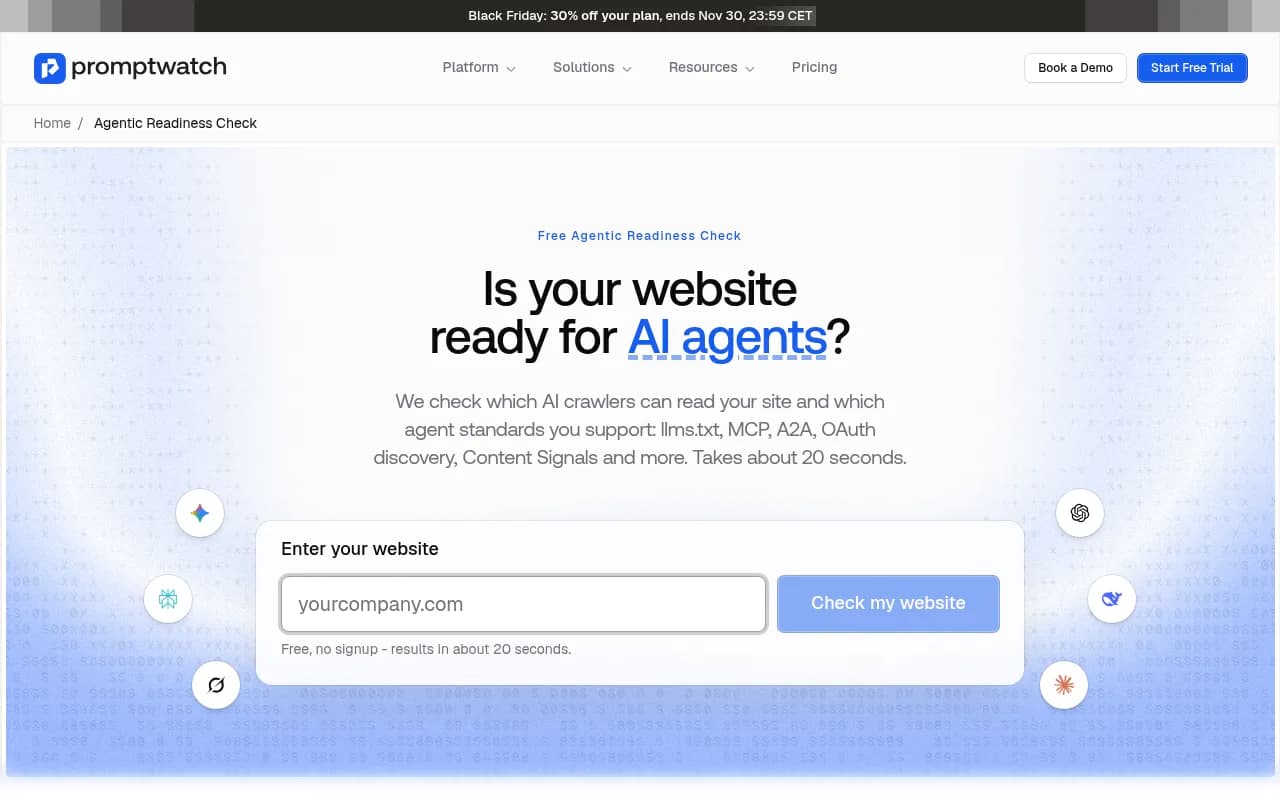
That distribution is the useful part. If you score 5, you are with the pack. A few hours of work moves you well above it.
Other options worth knowing:
- Cloudflare's Agent Readiness score, launched in April 2026, tests robots.txt rules, Markdown for agents, Web Bot Auth, MCP server cards, OAuth discovery and commerce standards.
- The open-source agent-readiness-mcp scanner checks 34 signals across six pillars and generates ready-to-paste templates for robots.txt rules, llms.txt, A2A cards and MCP server cards.
Scores differ between scanners because the specs are still settling. Use them to find gaps, not as a grade.
Watching the effect
Shipping the files is half the work. The other half is learning whether agents and AI crawlers actually show up and what they do with the pages.
Three things worth tracking after you ship:
- Crawler activity by bot, verified by IP so spoofed user agents do not pollute the data. Promptwatch's AI crawler logs do this, including crawl errors in plain language.
- Citations and mentions in AI answers, which is GEO proper. Prompt tracking across ChatGPT, Gemini, Perplexity and others covers this.
- AI-referred visits and conversions on your own site.
If you want to compare platforms for this, the directory at bestgeosoftware.com lists a wide range of GEO tools.
A sensible order of operations
If I were doing this for a typical business site next week:
- Run the free scan and save the report.
- Fix robots.txt, add Content Signals, and confirm your CDN is not blocking answer-time bots.
- Write llms.txt by hand. Keep it short.
- Decide whether you have an action an agent should take. If not, stop at level 3 and spend the rest of your time on HTML content quality.
- If you do, build a read-only MCP server first, publish its card, and consider a deterministic A2A endpoint after that.
- Re-scan monthly. The specs are young and paths change.
The temptation is to chase a perfect score. Resist it. A site with clean bot rules, a good llms.txt and one useful read-only tool is more agent-ready in practice than one with eleven half-working manifests nobody has tested.