Key takeaways
- Most "free" AI rank trackers fall into four buckets: no-signup one-off checks, short free trials, self-hosted or open-source tools, and first-party data from search engines like Bing.
- A free check gives you today's number. It rarely gives you history, competitor context, or an explanation of why you are or are not cited.
- Many tools labelled free skip Google AI Mode and pull from ChatGPT, Perplexity, or the Gemini app instead. Check which surface a tool actually queries.
- Three prompts is a thin sample. ChatGPT cites about 5 sources per web-search answer, while Google AI Overviews and Perplexity cite about 10, so each engine has to be read separately.
- A sensible free stack: Bing Webmaster Tools, Google Search Console, one or two no-signup checkers, and a trial of a full platform once you need trends.
What "free" means for AI rank tracking
The word is stretched thin in this category. A tool can call itself free while asking for a credit card, handing you 100 credits that vanish in one scan, or tracking AI Overviews when you wanted AI Mode. The strings are rarely labelled.
It helps to sort free offers into buckets before you sign up for anything:
- No-signup checkers. Type a brand, get a snapshot. Good for a baseline, useless for tracking change.
- Genuinely free plans. A few tools keep a permanent free tier with limited prompts or engines.
- Time-limited trials. Full features for 7 to 14 days. Free in the way a test drive is free.
- Self-hosted or open-source. No license fee, but you pay in setup time and API costs.
- First-party data. Bing and Google show you citation and impression data for your own site at no cost.
One more distinction matters more than people expect. Google AI Mode and AI Overviews are different surfaces. Omnia's dataset of nearly 30 million citation events found that 63% of AI Mode citations go to domains no other engine cited for that prompt. If a free tool measures the wrong surface, the number it gives you is accurate and still irrelevant.
How I would evaluate any free tracker
Before spending ten minutes on a signup flow, ask four questions.
- Which engines does it query: ChatGPT, Google AI Overviews, AI Mode, Gemini, Copilot, Perplexity, Claude?
- Does it run the real consumer interface or an API call? User-facing answers and citations can differ from API output.
- Does it keep history, or is every run a fresh snapshot?
- Can you see the raw answer and the citations behind each score?
The last one is underrated. A visibility score you cannot audit is a number on a slide. Tools that show the literal response let you check whether a mention was positive, buried, or a hallucination.
Free options worth trying
First-party data: Bing Webmaster Tools and Google Search Console
Start here, because it costs nothing and comes straight from the source. Bing Webmaster Tools has an AI Performance report that shows total citations, cited pages per day, page-level citation counts, and sample grounding queries for Copilot. That is real first-party data on how Microsoft's AI cites your site.
Google Search Console is the equivalent for Google's AI features. It will show which pages get impressions from Google search overall, though it does not break out AI Overviews or AI Mode the way you might want. Still, pair the two and you have a free baseline that no third-party tool can match for accuracy on your own pages.
No-signup checkers
Omnia runs a free AI Visibility Checker that fires 3 category-relevant prompts at ChatGPT and Google AI Mode with no credit card. You get share of voice, citations, and a by-prompt breakdown. After that there is a 14-day trial of its Growth plan (from EUR 79/mo, and where AI Mode access starts) with daily tracking across 7 engines.
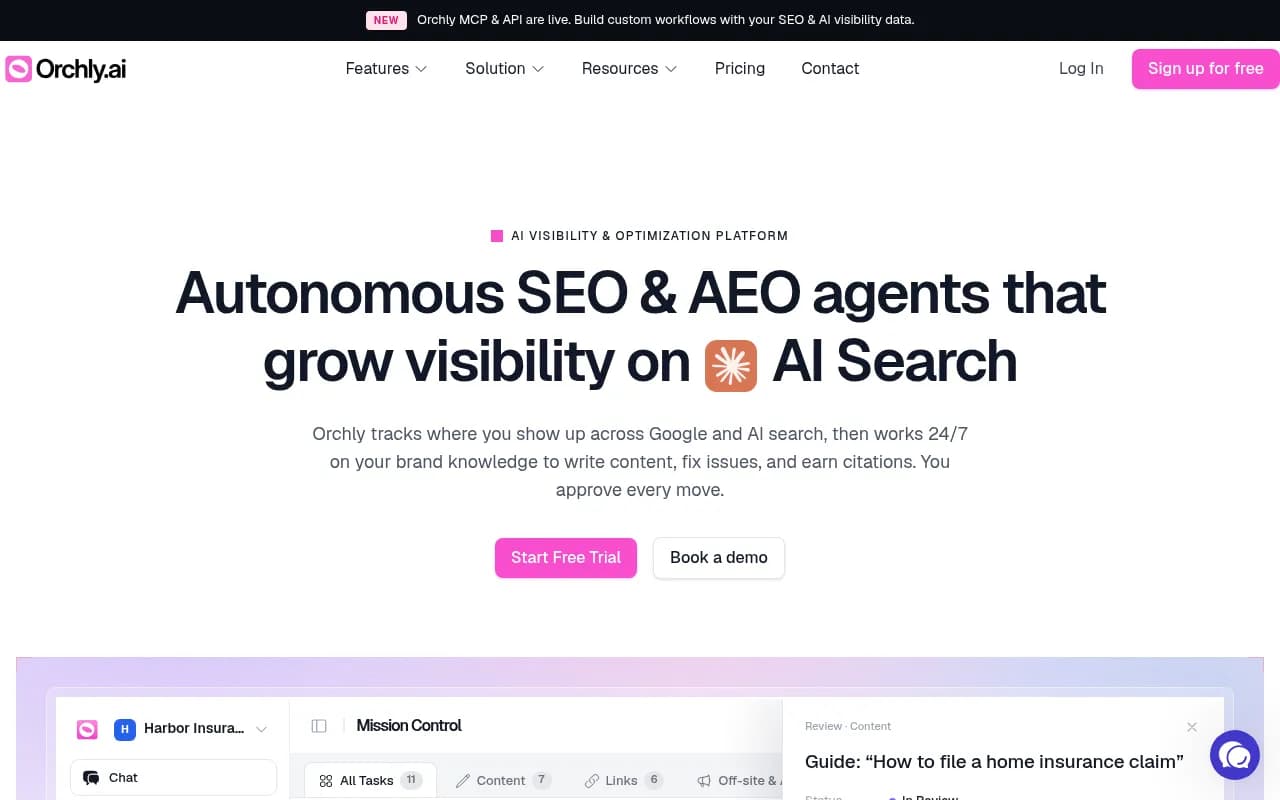
Orchly is another no-signup option, positioned as a free check on brand visibility in Google AI Mode with rank scores and citations. Its paid platform starts at $49/mo, but Google AI Mode is a paid add-on there, so verify what the free check covers before relying on it.
Promptwatch also has a free AI visibility report that scans how ChatGPT, Gemini, and Perplexity talk about your brand, with a score, a crawler access check, and a list of fixes. More on that below.
Self-hosted and open source
If you have a developer on hand, self-hosting removes the license fee. Ansvisor offers a self-hosted version aimed at technical teams that want scheduled AI rank tracking without paying for seats. Elmo is an open-source, self-hosted tracker in the same spirit, and AI Monitor is an open-source brand mention tracker for AI answers.

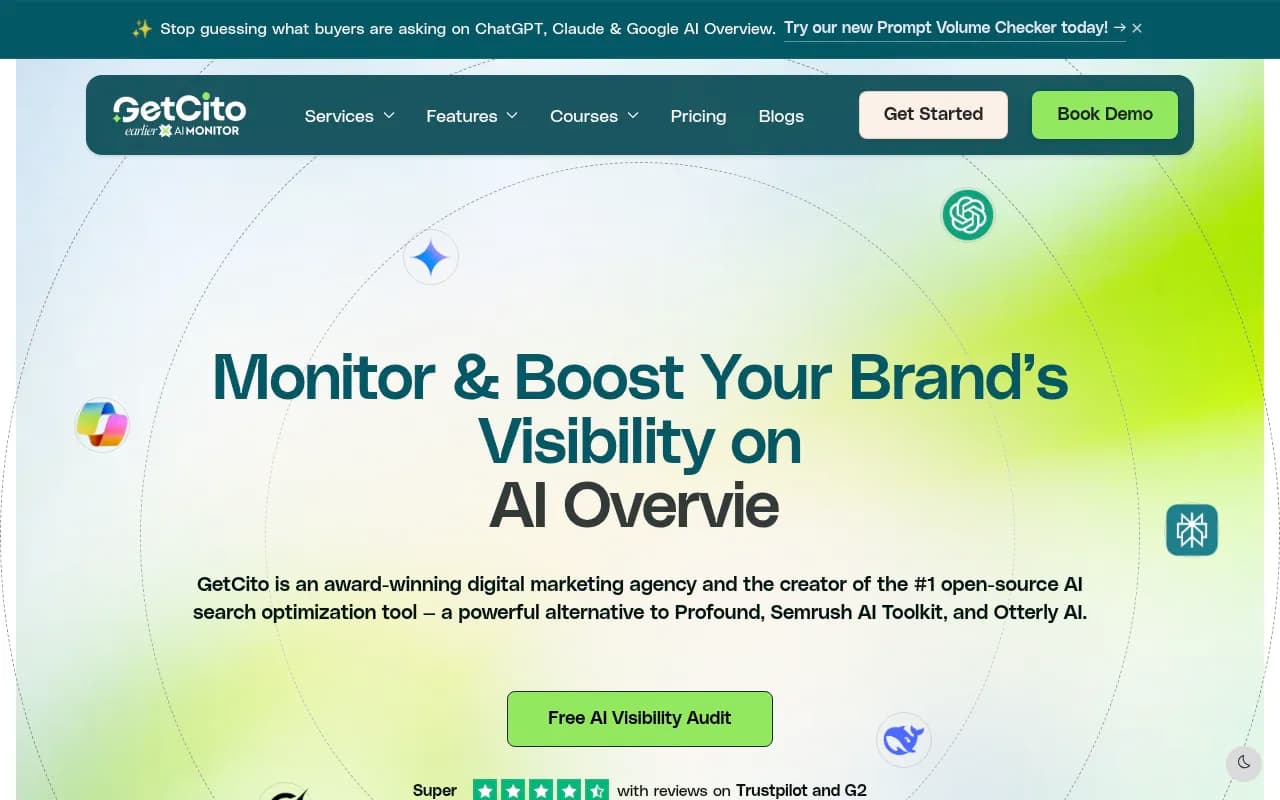
The honest trade-off: you pay in setup, maintenance, and model API bills. For a team with one engineer and no budget, that can be a good deal. For a marketer who just wants a dashboard, it is a detour.
Free plans and trials from commercial tools
A handful of platforms keep a permanent free tier or an easy trial:
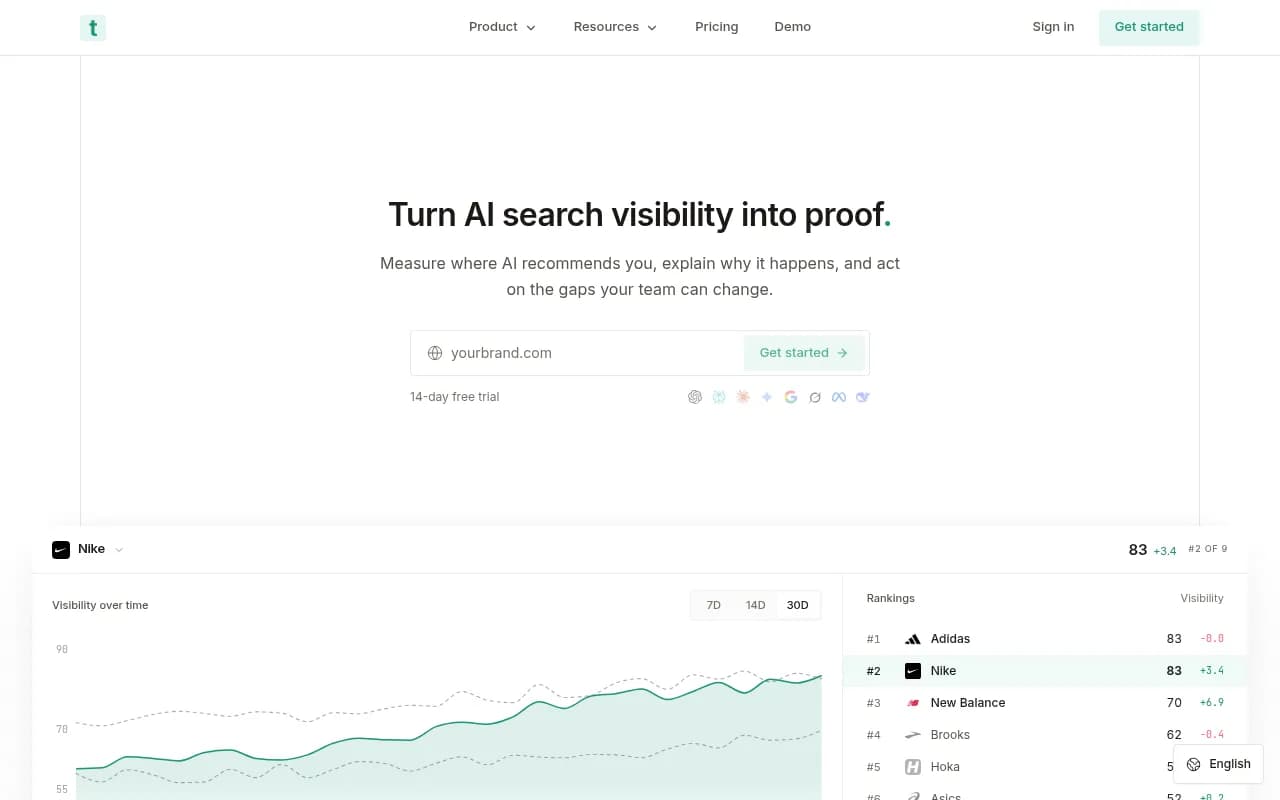
- Trakkr lists a $0 free plan covering 5 models in one comparison I read. Confirm the limits on its site.
- Surfaced and Trendos were reported as having free plans, with Surfaced paid plans from EUR 39/mo billed annually across 12 engines.
- AthenaHQ is mentioned in several roundups as having a free entry point.
- Geoptie pairs free GEO audit tools with engine visibility tracking.
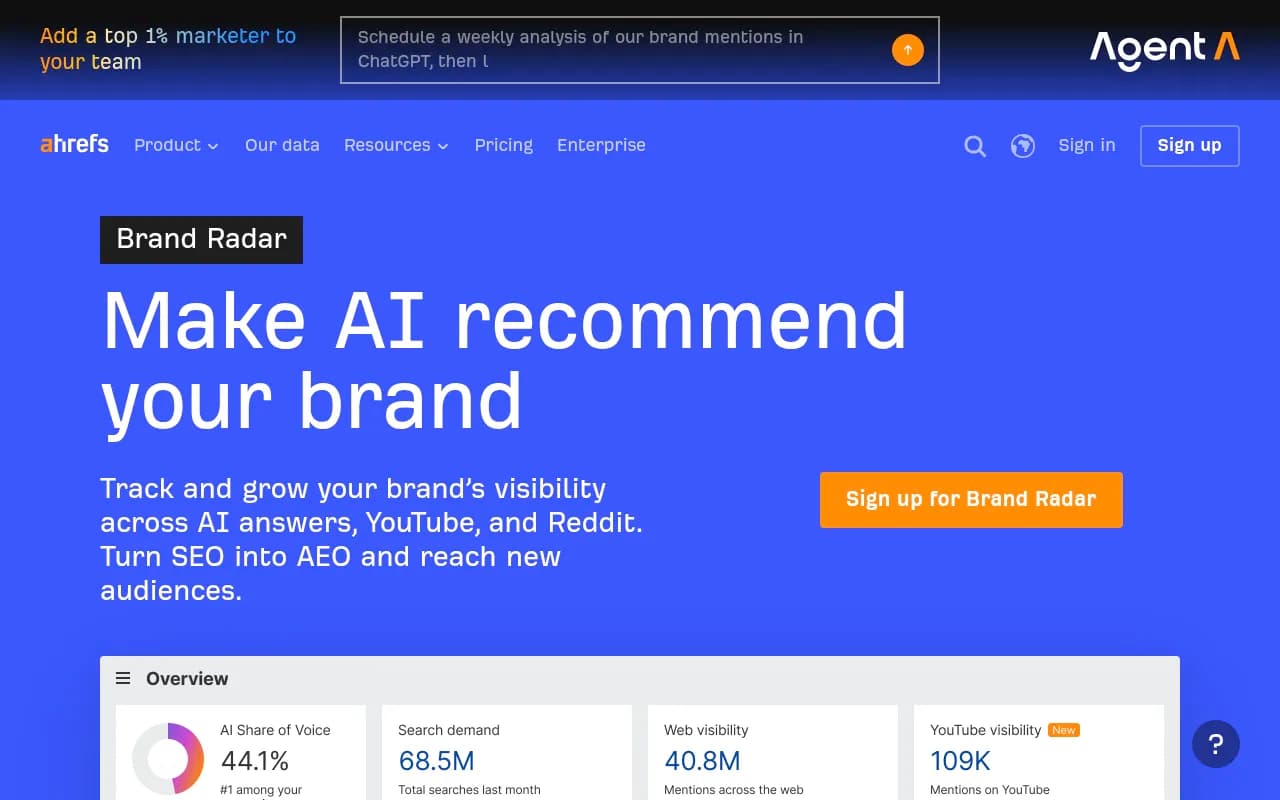
- Ahrefs offers free lookups that show who Google's AI names in a category, with Brand Radar as the paid layer.
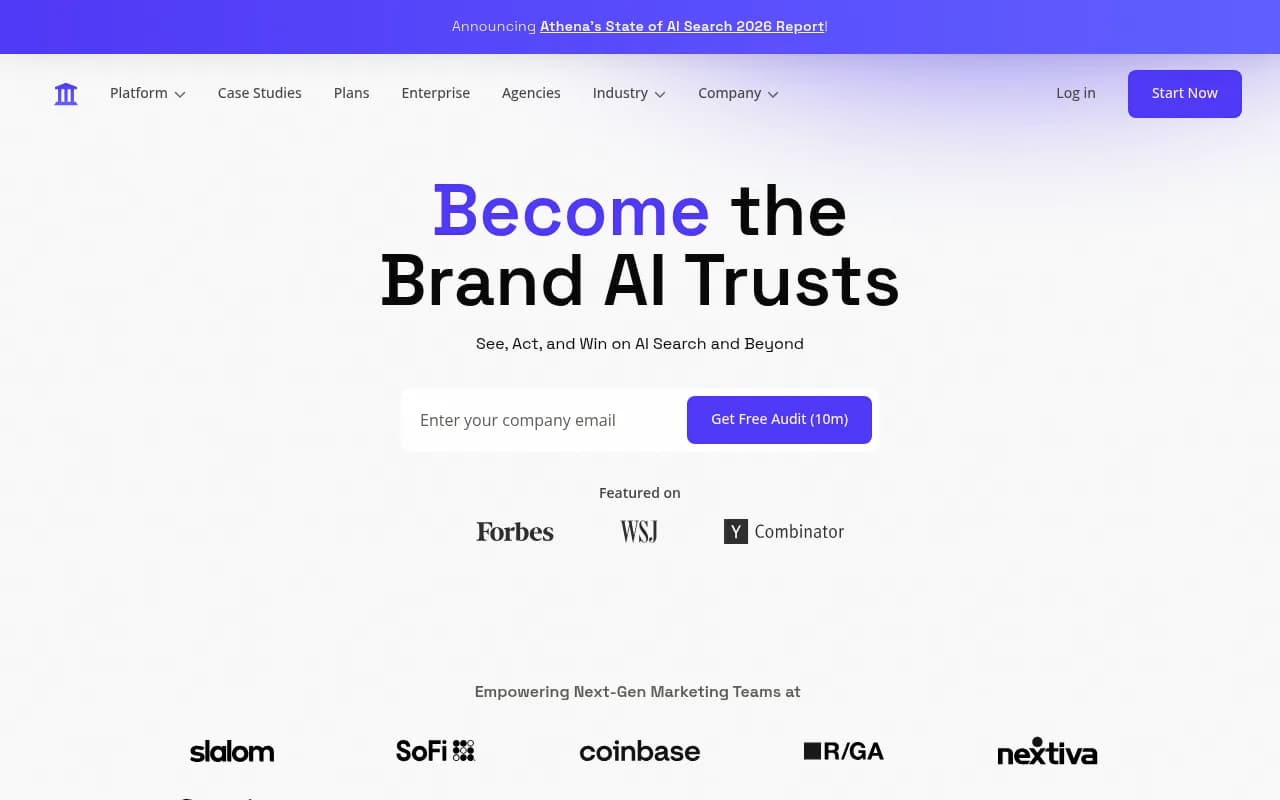
Treat these reports as leads, not guarantees. Free tiers change quickly in this market, and I did not verify every limit.
AI Rank Lab: a trial dressed as a free plan
AI Rank Lab combines AI Mode tracking, AI Overviews tracking, classic SERP rank tracking, and AI bot traffic detection. Signup gives you 100 credits and no card is required. The catch is that one AI brand visibility check costs 100 credits, so your whole allotment can disappear in a single scan, and credits do not renew on the free tier. It is a trial. Paid plans start at $69/mo for 10,000 monthly credits.
Comparison of free options
| Option | Type of free | Engines covered | History kept? | Where it stops |
|---|---|---|---|---|
| Bing Webmaster Tools AI Performance | Permanent, first-party | Copilot | Yes | Bing ecosystem only |
| Google Search Console | Permanent, first-party | Google search, limited AI breakdown | Yes | No separate AI Mode view |
| Omnia AI Visibility Checker | No-signup snapshot + 14-day trial | ChatGPT, Google AI Mode | Trial only | 3 prompts |
| Orchly | No-signup check | Google AI Mode | No | Paid add-ons for ongoing tracking |
| AI Rank Lab | 100-credit trial | AI Mode, AI Overviews | While credits last | One check can use all credits |
| Ansvisor (self-hosted) | Open, self-hosted | Multiple | Yes, if you run it | Your time and API costs |
| Trakkr / Surfaced / Trendos | Free plans (reported) | Several | Varies | Prompt and engine limits |
Why a free snapshot is a thin sample
Citation behavior varies a lot by engine. Promptwatch's average sources per response data shows ChatGPT citing about 5 sources per web-search answer, Google AI Overviews and Perplexity citing about 10, and Copilot swinging from under 2 to nearly 17 within a few weeks before settling at the low end. The report has no stated date range, so treat the figures as a rolling picture, not a fixed benchmark.
Two practical consequences. First, a 3-prompt check tells you almost nothing statistically, because the same prompt can return different sources on different runs. Second, read each engine on its own. A brand that dominates a 10-slot AI Overview answer may be invisible in a 5-slot ChatGPT answer, and averaging the two hides both facts. For Copilot, look at monthly trends, not weekly snapshots.
If you want to understand why one answer cites ten domains and another cites two, Promptwatch's ChatGPT query fanout data shows how many web searches ChatGPT triggers per response. A single free prompt check cannot show you that.
The number-to-action gap
Here is the real limit of every free tool on this list. A free tracker tells you your visibility today. It does not tell you the trend, the competitor context, which citation drove the result, or what to do next. The gap between seeing a number and knowing the next move is where free ends and paid answer engine optimization begins.
The Omnia write-up above is worth reading for its distinction between genuinely free forever tools and one-time snapshots. Ansvisor's comparison covers a similar ground from the self-hosted angle.
As a rule of thumb, you outgrow free when any of these happen:
- You need to know whether visibility moved after you published or changed something.
- You are comparing yourself against named competitors and need share of voice over time.
- You want to see which exact pages get cited, and by which engine.
- You need to separate an access problem (AI crawlers cannot read your page) from a content problem (they read it and chose someone else).
What paid tools cost once you outgrow free
Prices below come from search snippets and vendor listings. Verify on each vendor's pricing page before buying.
| Tool | Entry price | Notes |
|---|---|---|
| Otterly.AI | Lowest start in several roundups | Basic monitoring |
| Peec AI | From $95/mo for 50 prompts, up to $495/mo for 350 prompts | 7-day trial on every plan |
| Profound | Starter $99/mo for 1,500 units | Units equal about 50 prompts on ChatGPT alone |
| Semrush AI visibility | 7-day free trial | Part of the wider Semrush suite |
| Omnia | Growth EUR 79/mo | AI Mode from this tier |
| Promptwatch | Essential $95/mo | 7-day free trial on monthly billing |


Price per prompt is only half the story. The other half is what the plan includes: crawler logs, traffic attribution, content tools. A cheap tracker that stops at a dashboard can cost more in the end, because someone still has to do the work.
The free path I would actually take
If I were starting from zero this week, I would do this:
- Connect Bing Webmaster Tools and Google Search Console. Both are free and give first-party data.
- Run two or three no-signup checkers and save the screenshots. That is your baseline.
- Write down 20 to 30 prompts your buyers really ask, and spot check them by hand in ChatGPT, AI Overviews, and Perplexity once a week.
- Make sure AI crawlers can read your site. Promptwatch's free Agentic Readiness Check shows which AI crawlers can get in and which standards you support, and the free AI crawler URL inspector tests a single page.
- After two or three weeks, decide whether you need history. If the answer is yes, start a trial.
That sequence costs nothing and tells you whether AI search is worth a budget line.
When a platform is worth paying for
Once you need trends, competitor benchmarks, and a way to act on what you see, a full platform earns its price. Promptwatch is one option built around that closed loop: it monitors prompts in the real interfaces of ChatGPT, AI Overviews, AI Mode, Gemini, Perplexity, Copilot and others, traces which pages get cited, then helps you fix gaps with its content tools and measures whether the fix worked through IP-verified crawler logs and visitor analytics. It does not have a free plan, but there is a 7-day free trial and a free AI visibility report to try first, and you can confirm current plans at promptwatch.com/pricing.

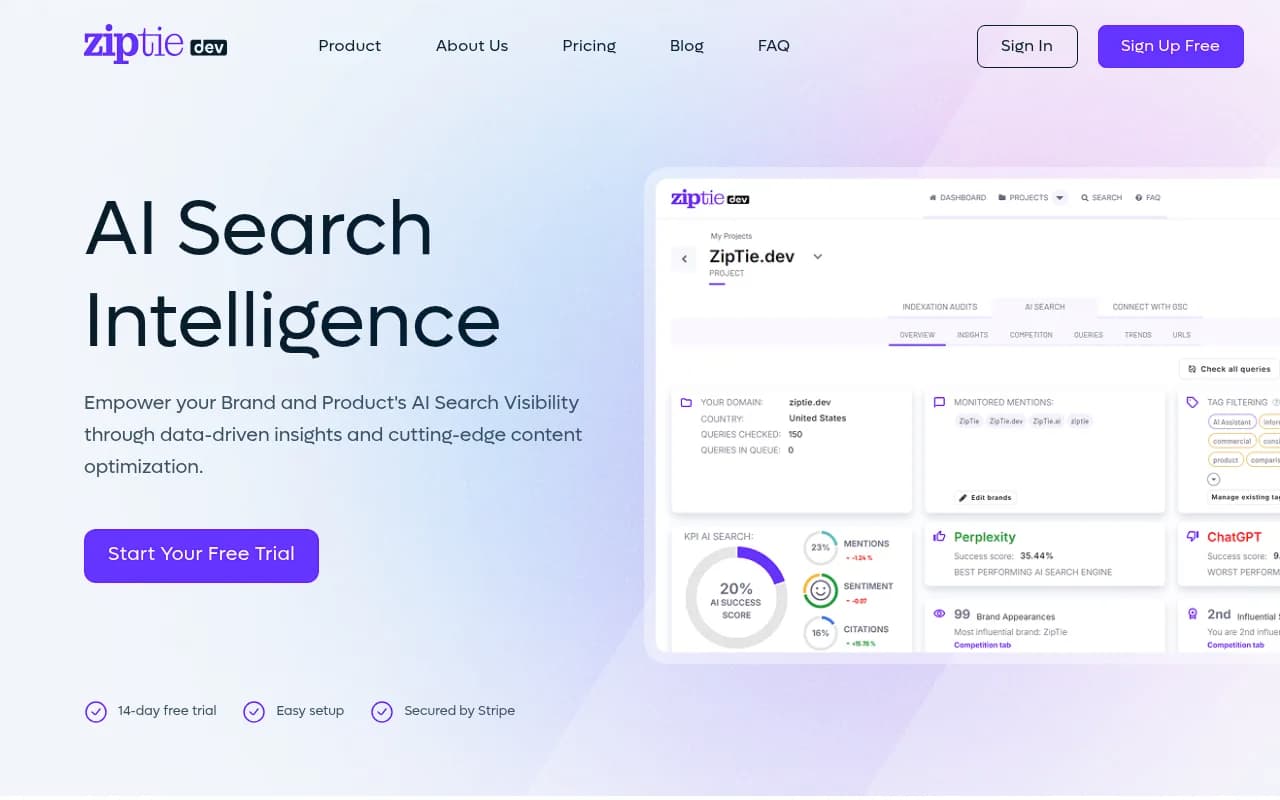
Other platforms worth a look at the budget end include Peec AI, Otterly.AI, Rankscale, and ZipTie. If you want to browse the wider field, the directories at bestgeosoftware.com and ai-rank-tools.com list far more options than fit here.
Common mistakes with free trackers
Trusting one run. AI answers vary run to run. One check is an anecdote.
Mixing up surfaces. AI Overviews, AI Mode, and the Gemini app are three things. Make sure your tool queries the one you care about.
Ignoring access. If GPTBot or ClaudeBot gets blocked or errors out on your pages, no amount of content work will get you cited. Check robots.txt and crawler access first.
Counting mentions as citations. Being named in an answer is not the same as being linked as a source. Good tools separate the two, and so should you.
Burning trial credits on day one. Plan your prompts before you sign up for a credit-based trial. AI Rank Lab's 100 credits are gone after a single brand check.
Final verdict
Free AI rank trackers are good for exactly one thing: telling you where you stand today so you can decide whether to invest. Bing Webmaster Tools and Search Console are the only free sources with real history and first-party accuracy. Everything else is a snapshot, a trial, or a self-hosted project.
Use the free tools to get a baseline and fix obvious access problems. When you need to know why visibility changed and what to publish next, move to a platform that tracks trends and closes the loop. Pick the trial that covers the engines your buyers use, and run it with a real prompt list, not three guesses.