Key takeaways
- Prompt Explorer turns search data you already have (Search Console queries, ranking keywords, People Also Ask questions, seed topics and your own pages) into suggested prompts, each with volume and difficulty attached.
- The Search Console tab reads the last 30 days and up to 100 queries, and needs a connected property linked to the project.
- Ranking keywords needs no Search Console connection. You enter a URL or domain and it seeds from up to 100 keywords that page ranks for in Google.
- Country, prompt type and intent settings change what you get back, so set them before you click Find Prompts.
- Don't add everything. Review the table, drop the junk, and assign each prompt to a monitor that matches its market and language.
Why bother with search data for prompts
A tracked prompt is a question your AI visibility tool asks the models on every run. If the questions are wrong, the charts are wrong. The Promptwatch docs put it bluntly: a monitor full of prompts nobody asks produces clean charts about questions that don't exist.
Most teams start by brainstorming prompts in a spreadsheet. That works for the first twenty. After that you run out of ideas, or you keep writing prompts the way you talk instead of the way buyers talk. Search data fixes both problems, because it starts from real queries.
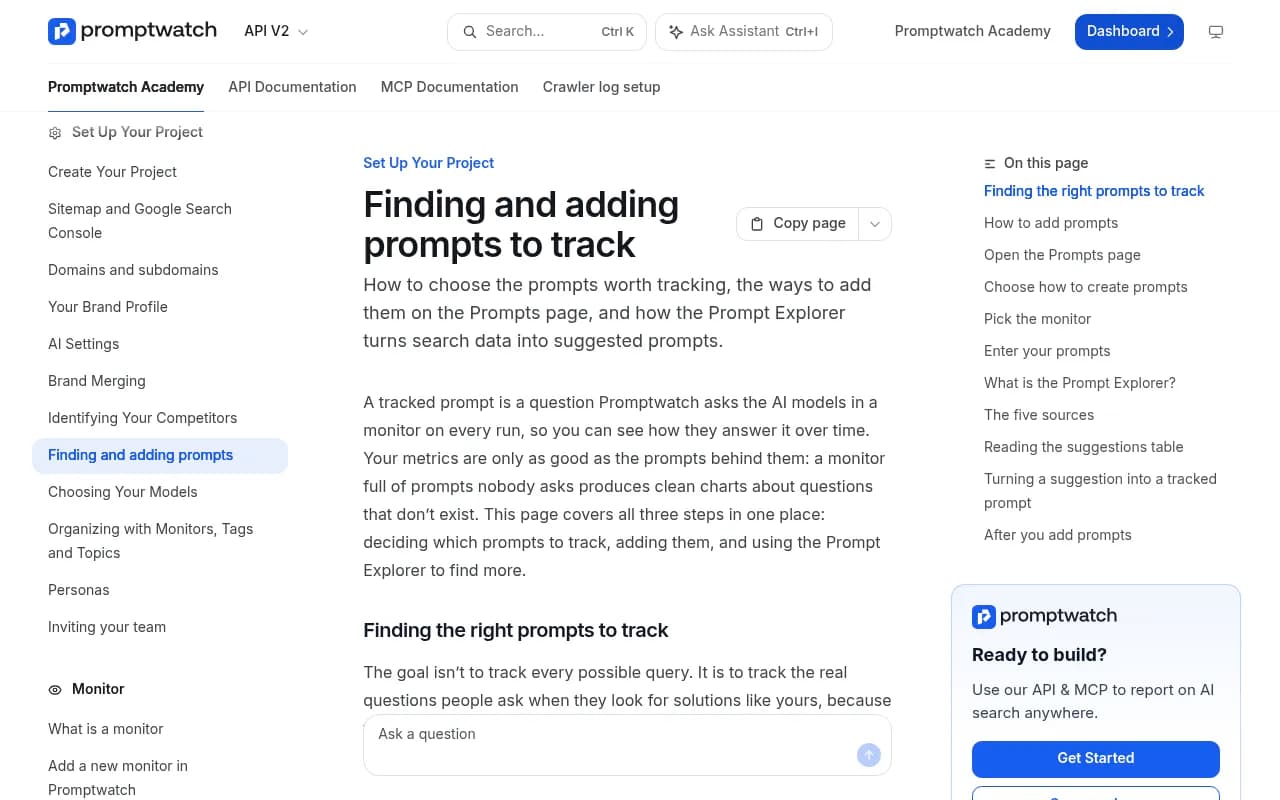
Promptwatch has a workbench for this called Prompt Explorer. You pick a source, it generates suggestions, and each suggestion lands in a review table where you either track it or dismiss it.

This guide covers the three sources most people ask about: Search Console, People Also Ask, and your own pages. It also touches on the other two tabs, so you know when each one is the better pick.
Before you start
A few things to sort out first.
- You need an editor role. Viewers can open the Explorer page, but the controls are disabled. Generating and importing need editor access.
- Have an active monitor ready. Every prompt belongs to a monitor, and the monitor decides the models, country and schedule. Picking an active one means responses start right away.
- Check your plan's active prompt limit. If you hit it, the upgrade dialog opens instead of the Create Prompts dialog. Current limits are on the Promptwatch pricing page.
- For the Search Console tab, make sure the Google account that owns your property can be connected.
Ways to open Prompt Explorer
There are three routes, and they all end up in the same place.
- Click Explorer in the left rail. It's a standalone page titled Prompt Explorer.
- Go to Prompts, click Create Prompts at the top right, and choose Prompt Explorer.
- Press Cmd+K (Ctrl+K on Windows) and search for it.
The Create Prompts menu has five options in total: write custom prompts, batch upload (one per line or CSV), generate with AI, generate from keywords, and Prompt Explorer. Explorer is the one to use when you want evidence behind the prompt rather than a guess.
The tabs at a glance
| Source | What you enter | Needs a connection | Best for |
|---|---|---|---|
| Google Search Console | Nothing, it reads your property | Yes | Extending proven search demand into AI answers |
| Ranking keywords | A page URL or domain | No | Competitor pages, new properties, pages you don't own |
| People also ask | A Google query | No | Natural, question-style prompts |
| Manual Search | A seed topic | No | Exploring a topic you don't rank for yet |
| From website page | A page on your site | No | Prompts tied to a specific page |
I could confirm the exact behavior of the first three tabs in the docs. Manual Search expands a seed topic like "best crm software" into natural-language prompts, and From website page works from a page you point it at. Try both on a small batch before you rely on them.
Settings that apply to every tab
These matter more than they look.
Target country
Every tab has a target country that defaults to your project's country. It drives search volume figures and the People also ask results. If you sell in three markets, run the exercise once per market, because the suggestions and numbers will differ.
Prompt type and intent type
All tabs except People also ask let you set a Prompt type and an Intent type for the generated suggestions. The defaults are Organic and Commercial. Change them if you're deliberately hunting for something else, such as informational prompts for top-of-funnel content. On People also ask, the generator assigns both for you. The working with prompts guide explains the types and intents in detail.
Language
This one catches people out. Google Search Console, Ranking keywords and Manual Search write suggestions in your project's language. People also ask and From website page write them in the primary language of the country you picked. If your project is English but you pick Germany on a People also ask run, expect German prompts.
Once the settings are right, click Find Prompts.
Setting up the Search Console tab
This is the best starting point if your site already gets organic traffic. The logic is simple: if people find you in Google with a query, a similar question to an AI model is a reasonable thing to track. You're extending demand you've already proven.
The tab reads the last 30 days and up to 100 queries. What you see on first open depends on your connection state.
| What the tab shows | What it means | What to do |
|---|---|---|
| Connect Google Search Console | No account connected | Click it and authorize the Google account |
| Reconnect Google Search Console | The connection errored | Reauthorize, usually after a permission change or expired token |
| Set up Search Console for this project | Account connected, no property chosen | Click it, then pick the property in the project's Search Console settings |
The full connection steps live in the Search Console documentation. Once a property is linked, go back to the Explorer, choose the Search Console tab, set country, type and intent, and click Find Prompts.
What to expect from the results
Search Console queries are often short and keyword-like, such as "crm for realtors". Promptwatch writes them up as prompts in your project's language, so you get suggestions closer to what someone would type into a chatbot. Still, read them. Branded queries, navigational queries and odd one-word queries show up, and they rarely make good tracked prompts.
One trick from Aleyda Solis's guide to building a representative prompt library: look at long-tail queries and the ones with low click-through. Those often hide questions you partly answer but don't fully win. You can spot them in Search Console before you open Explorer, then look for them in the suggestion table.
A caveat worth knowing: you cannot read the actual prompts users type into AI tools from Search Console. What you have is queries, and queries are a proxy. That's fine, as long as you treat them as seeds rather than ground truth.
Setting up the People also ask tab
People also ask is where the prompts start sounding human. You enter a Google query, and Promptwatch turns the related questions Google shows for it into prompts. These are questions real users ask, phrased the way they ask them.
Choosing the seed query
Pick queries that describe a problem or a decision, not just a product name. Good seeds look like:
- best crm for real estate agents
- how to switch accounting software
- wetransfer alternatives
Ahrefs makes a similar point in its guide to choosing prompts to track: People Also Ask is a good source for competitive positioning clusters, and the comparison-style questions ("what are people using instead of X") tend to land close to your best-converting pages.
Settings to remember
Set the country carefully, because it drives which questions Google returns. Don't bother hunting for Prompt type and Intent type controls here. The generator assigns them, which is sensible given that PAA questions span informational and commercial intent.
A note on fan-outs
PAA questions are conversational. ChatGPT's own web searches behind an answer are not. Promptwatch Data's ChatGPT query fanouts report shows that average fanout query length fell from about 117 characters in early December to roughly 53 characters once fanouts returned in April. So the prompt you track will read like a question, while the searches the model runs underneath look like short keyword strings. Don't be surprised when they differ. If you want to see them side by side, the query fan-outs guide explains how.
Setting up suggestions from your own pages
There are two ways to go from your own pages to prompts.
Ranking keywords tab
Enter a page URL or a domain, like example.com/product or example.com. Promptwatch uses the keywords that page ranks for in Google, up to 100, as the seed. No Search Console connection is needed, which makes this the quickest way to get started on a brand-new project. It also works on other people's pages. Try a competitor's pricing page and see what prompts it implies.
If Google has no rankings for the page yet, the tab tells you. That's a signal in itself: the page isn't earning search visibility, so it may need work before AI engines care about it.
From website page tab
This tab writes suggestions tied to a page on your site, in the primary language of the country you choose. It's useful when you're launching a feature page or a comparison page and want to check whether the questions it answers are showing up in AI responses.
Whichever you use, the question to ask is the same: if someone were looking for this page, what would they ask an assistant? Ahrefs suggests asking an LLM for that list too, and checking which People Also Ask questions also surface where the page ranks organically.
Reading the suggestions table
Every run produces a table with the prompt, its type, search volume, difficulty and date. Prompts you already track are filtered out automatically, matched on prompt text. That's helpful, but it only catches exact text. Near-duplicates with different wording can still turn up, so scan for those.
A quick review routine
Go through the table with these filters in mind.
- Does a real buyer ask this? If you wouldn't expect it from a prospect, skip it.
- Is it branded or navigational? Track a handful of branded prompts, not dozens.
- Is it close to something you already track? Pick the better phrasing and drop the other.
- Do the volume and difficulty make it worth tracking? High volume and low difficulty is the sweet spot, but a low-volume prompt that matches your top-converting page can matter more.
- Is it a fresh topic competitors haven't claimed? Emerging topics are worth tracking early, since the sooner you watch one, the sooner you can build visibility around it.
Then either track the prompt in a monitor or dismiss it.
Assigning prompts to the right monitor
Don't skip this step. A monitor fixes its language and location once it's created, so markets never mix. A Dutch prompt tracked in a US English monitor gives you meaningless numbers.
For each batch of approved prompts:
- Choose an active monitor so responses start immediately.
- Match the monitor's country and language to the prompt's market.
- Keep related prompts together, so topic-level trends mean something. The organizing your setup guide covers monitors, topics and tags.
How many prompts should you add
Fewer than you think. The docs recommend starting small and expanding as you learn, and Aleyda Solis makes the same argument from the measurement side: the goal is a representative sample of the journeys that matter, not every possible prompt. A library heavy on generic discovery prompts, or one that only tracks branded questions, can make a dashboard look useful while pointing you at the wrong priorities.
A workable first pass looks like this:
- 10 to 20 prompts from Search Console, focused on your top-converting pages
- 5 to 10 from People also ask, built around comparison and alternative-style queries
- A handful from key landing pages via Ranking keywords or From website page
- A few prompts from non-search places like support tickets, sales calls, Reddit and reviews, which no search tool will surface
Review after a few weeks. Drop prompts that return nothing useful, and expand around the topics where competitors show up and you don't.
Other tools that do something similar
Promptwatch is the one this guide walks through, but it isn't the only tool with prompt suggestions. Peec AI offers smart suggestions, and Aiso tracks prompts and fan-outs. Ranki has a prompt explorer of its own that generates realistic customer questions from a brand or term.


The difference is what happens after you pick the prompts. In Promptwatch, the same workspace holds prompt volumes, crawler logs, content gap analysis and the Content Agent, so a prompt you add from Search Console can later turn into an action and a published page. If you're comparing options, the GEO software directory is a good place to browse the field.
Common problems and fixes
| Problem | Likely cause | Fix |
|---|---|---|
| Search Console tab asks to connect | No account linked | Click Connect Google Search Console |
| Tab asks to reconnect | Connection error | Click Reconnect and reauthorize |
| Tab says set up for this project | No property selected | Choose a property in the project's Search Console settings |
| Ranking keywords returns nothing | Page has no Google rankings yet | Try the domain, or use People also ask instead |
| Suggestions in the wrong language | Language follows project or country depending on tab | Check the tab's rule, change the country or project language |
| Controls are greyed out | Viewer role | Ask an owner for editor access |
| Upgrade dialog appears | Active prompt limit reached | Remove stale prompts or move to a larger plan |
A simple monthly routine
Once the first batch is in, keep it light.
- Run Search Console once a month. The tab reads the last 30 days, so it matches your cadence.
- Run People also ask whenever you launch a new product or comparison page.
- Use Ranking keywords on competitor pages after they publish something big.
- Retire prompts that aren't telling you anything.
If you'd like to see it on your own data, the Promptwatch free trial lasts 7 days on monthly billing, and the free AI visibility report is a no-login way to see how ChatGPT, Gemini and Perplexity talk about your brand first.