Key takeaways
- ChatGPT Shopping pulls product data from crawled web pages, structured schema, and merchant product feeds -- if any of those signals are missing or broken, you won't appear
- The most common culprits are missing Product schema, vague product descriptions, and blocking the OAI-SearchBot crawler
- Submitting a product feed directly to OpenAI's merchant portal is the fastest way to get into ChatGPT Shopping results
- Fixing these issues also improves visibility on Perplexity, Google AI Overviews, Claude, and Copilot at the same time
- Tracking which AI models are actually citing your product pages -- and which aren't -- tells you where to focus your effort
You open ChatGPT, type "best [your product category] for [your use case]," and hit enter. Your competitors show up. Generic brands show up. You don't. Not even buried at the bottom.
This is one of the most common frustrations for e-commerce merchants right now, and it's happening across every category. The good news: it's almost always fixable once you know what's actually going wrong.
ChatGPT has over 300 million weekly active users, and a growing chunk of those sessions involve product discovery. When someone asks "what's the best ergonomic office chair under $500?" ChatGPT doesn't guess -- it pulls from structured data, indexed pages, product feeds, and trusted sources to build a recommendation. If your store doesn't supply the right signals, you simply don't exist in that answer.
This guide walks through every major reason products go missing from ChatGPT Shopping, with a specific fix for each one.
How ChatGPT Shopping actually works
Before diagnosing the problem, it helps to understand the mechanism. ChatGPT's shopping results come from two main sources:
- The OpenAI merchant product feed -- a direct integration where merchants submit a product catalog (similar to a Google Merchant Center feed) to OpenAI's merchant portal at chatgpt.com/merchants
- Web crawling via OAI-SearchBot -- OpenAI's crawler indexes product pages, reads structured data, and uses that content to power search and shopping responses
Most stores are missing from ChatGPT because they've done nothing for either of these. They're relying on organic SEO signals that were built for Google, and those signals don't fully translate to AI search.
The main reasons your products aren't showing up
1. You haven't submitted a product feed
This is the single biggest missed opportunity. OpenAI has a merchant portal specifically for this. Submitting a product feed puts your inventory directly in front of ChatGPT's shopping system -- it's not a guarantee of appearing, but it's the baseline requirement.
Your feed should include:
- Product title, description, and category
- Price and availability
- High-quality images
- Product URL and brand name
- GTIN/MPN identifiers where available
If you're on Shopify, you can export a Google Shopping-compatible feed and submit it. The format is largely the same. OpenAI's merchant documentation at chatgpt.com/merchants walks through the requirements.
2. OAI-SearchBot is blocked
ChatGPT's web crawler is called OAI-SearchBot. If your robots.txt file blocks it, or if your Cloudflare/CDN settings are rate-limiting it, ChatGPT can't index your product pages at all.
Check your robots.txt at yourdomain.com/robots.txt. If you see something like:
User-agent: *
Disallow: /products/
...that's blocking every crawler, including OAI-SearchBot. You want to explicitly allow it:
User-agent: OAI-SearchBot
Allow: /
Also check for Cloudflare bot protection rules that might be treating OAI-SearchBot as a threat. AI crawlers are relatively new, and many default security configs were set before they existed.
3. Missing or broken Product schema
This is the most technically impactful fix. ChatGPT (and every other AI search engine) reads structured data to understand what a page is about. Without Product schema, your product page looks like a wall of text. With it, the AI knows exactly what you're selling, at what price, with what reviews.
A basic Product schema block looks like this:
{
  "@context": "https://schema.org",
  "@type": "Product",
  "name": "Organic Rosehip Face Oil",
  "description": "Cold-pressed rosehip seed oil for dry and sensitive skin. 30ml. Certified organic.",
  "brand": {
    "@type": "Brand",
    "name": "Your Brand Name"
  },
  "offers": {
    "@type": "Offer",
    "price": "34.99",
    "priceCurrency": "USD",
    "availability": "https://schema.org/InStock"
  },
  "aggregateRating": {
    "@type": "AggregateRating",
    "ratingValue": "4.7",
    "reviewCount": "142"
  }
}
Validate your existing schema at schema.org/docs/gs.html or Google's Rich Results Test. Broken schema (missing closing brackets, wrong property names) is surprisingly common and silently kills your AI visibility.
4. Vague, adjective-heavy product descriptions
This one is subtle but it matters a lot. AI models match products to queries semantically. If your product description says "luxurious, premium-quality moisturizer that will transform your skin," that's almost useless for matching. The AI can't connect it to a specific query like "moisturizer for combination skin with SPF."
Compare these two descriptions:
Weak: "Our revolutionary face cream is crafted with the finest ingredients for a radiant, youthful glow."
Strong: "Lightweight daily moisturizer for combination and oily skin. Contains SPF 30, niacinamide, and hyaluronic acid. Fragrance-free. 50ml. Suitable for morning use."
The second one answers real questions. It contains the specific attributes people ask about. Rewrite your top product descriptions with this in mind -- lead with what the product is, who it's for, and what it contains or does.
5. No FAQ schema on product pages
FAQ schema is one of the most underused tools in e-commerce SEO, and it's particularly powerful for AI search. When you add FAQ schema to a product page, you're essentially pre-answering the questions an AI model would ask about your product.
Questions worth adding:
- "Is this product suitable for [specific use case]?"
- "What are the main ingredients/materials?"
- "How does this compare to [common alternative]?"
- "What size/variant should I choose?"
These questions mirror the prompts people actually type into ChatGPT. When your page answers them explicitly, you become a much stronger citation candidate.
6. Thin or duplicate content
If your product pages are mostly images and a short paragraph, there's not much for an AI to work with. Pages that rank in AI search tend to have more content -- not padding, but genuinely useful information. Think: how-to-use sections, ingredient breakdowns, comparison tables, use case callouts.
Duplicate content is also a problem. If you're using manufacturer descriptions across multiple products, or if your product variants have near-identical pages, AI crawlers may deprioritize them.
7. Weak domain authority and citation signals
AI models don't just look at your product pages in isolation. They consider whether your brand is mentioned, cited, or discussed elsewhere on the web. If no third-party sites, review platforms, or editorial sources mention your products, you're starting from zero trust.
This is where traditional SEO work -- earning backlinks, getting reviewed on relevant blogs, appearing in "best of" roundups -- directly feeds into AI visibility. Reddit discussions, YouTube reviews, and press mentions all influence what AI models recommend.
8. No llms.txt file
This is a newer standard, but it's gaining traction. An llms.txt file (placed at yourdomain.com/llms.txt) is a plain-text document that tells AI crawlers what your site is about, which pages are most important, and how to navigate your content. Think of it as robots.txt but designed for language models rather than traditional search bots.
A basic llms.txt might look like:
# My Store

> We sell organic skincare products for sensitive skin.

## Key pages
- [Product catalog](https://yourstore.com/collections/all)
- [About us](https://yourstore.com/about)
- [Best sellers](https://yourstore.com/collections/best-sellers)
It's not a magic fix, but it's a low-effort signal that can help AI crawlers understand your site structure faster.
A diagnostic checklist
Run through this before anything else. It'll tell you where to focus.
| Check | How to verify | Priority |
|---|---|---|
| OAI-SearchBot allowed in robots.txt | Check yourdomain.com/robots.txt | High |
| Product feed submitted to OpenAI | Check chatgpt.com/merchants | High |
| Product schema present and valid | Google Rich Results Test | High |
| Schema includes price, availability, reviews | Schema validator | High |
| Product descriptions are specific and semantic | Manual review | Medium |
| FAQ schema on key product pages | Schema validator | Medium |
| llms.txt file exists | Check yourdomain.com/llms.txt | Medium |
| Brand mentioned on third-party sites | Search "[brand name]" in ChatGPT | Medium |
| No thin or duplicate product content | Manual audit | Low |
| AI crawler logs reviewed for errors | Crawler log tool | Low |
Tracking whether your fixes are actually working
Here's the frustrating part: you can make all these changes and have no idea if they're working unless you're actively monitoring your AI visibility.
Checking manually -- opening ChatGPT and typing queries -- doesn't scale. You'd need to check dozens of prompts, across multiple AI models, regularly. And you'd miss a lot.
Promptwatch is built for exactly this. It tracks which of your product pages are being cited by ChatGPT, Perplexity, Google AI Overviews, and other AI engines -- and it shows you the timeline from crawl to citation, so you can see whether your fixes are being picked up. The ChatGPT Shopping tracking feature specifically monitors when your products appear in shopping recommendations and carousels.
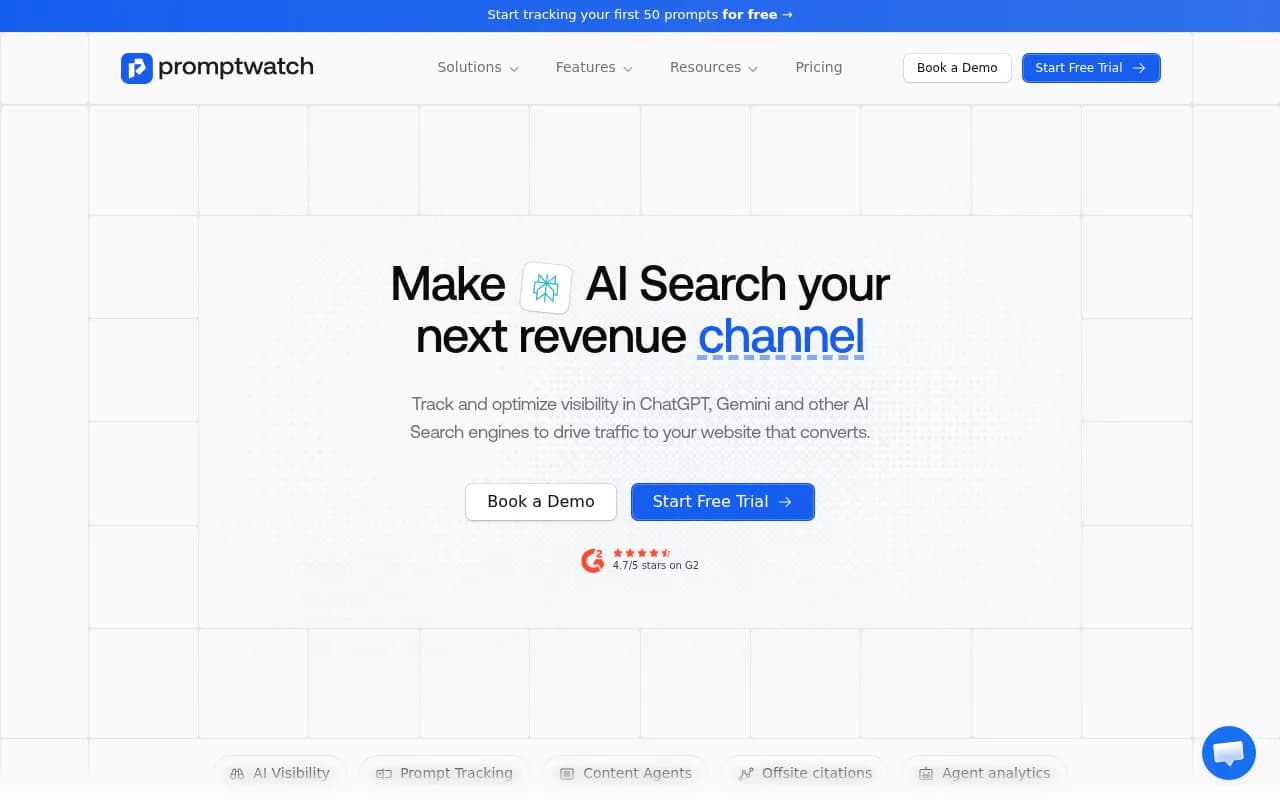
For e-commerce teams, the most useful features are the page-level citation tracking (which product pages are being cited and how often) and the Answer Gap Analysis (which product queries your competitors are visible for but you're not). That second one is particularly useful -- it tells you exactly which content gaps to close.
What to prioritize if you're starting from scratch
If you've never done any of this, here's a practical order of operations:
- Check and fix your robots.txt to allow OAI-SearchBot
- Submit a product feed to OpenAI's merchant portal
- Audit your Product schema with Google's Rich Results Test and fix any errors
- Rewrite the descriptions for your top 10 products to be specific and semantic
- Add FAQ schema to those same 10 pages
- Create an llms.txt file
- Set up monitoring so you can track progress
Steps 1-3 are technical and can be done in a day. Steps 4-6 take more time but have compounding returns. Step 7 is what turns this from a one-time fix into an ongoing advantage.
The broader picture
ChatGPT Shopping is one piece of a larger shift. Perplexity, Google AI Mode, Claude, Copilot, and Gemini all work on similar principles -- they crawl, they read structured data, they cite sources they trust. Almost everything you do to improve your ChatGPT visibility will improve your visibility across all of them.
The merchants who are winning in AI search right now aren't doing anything exotic. They have clean structured data, specific product content, and they've made sure AI crawlers can actually access their pages. That's it. The bar is lower than it looks, because most stores haven't done the basics yet.
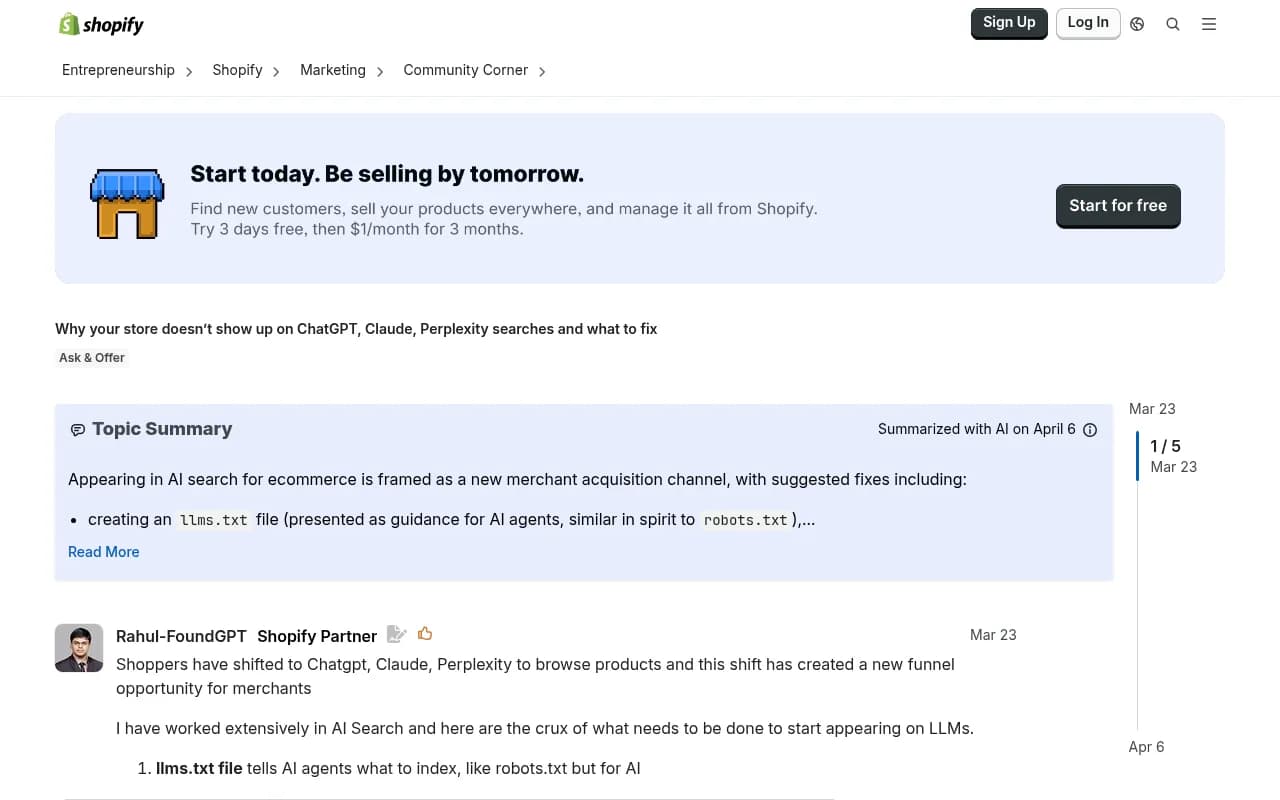
The conversation in the Shopify community around AI visibility has grown significantly in 2026 -- merchants are realizing that traditional SEO alone doesn't get you into AI-generated recommendations.
If you want to track your progress and find the specific gaps holding you back, tools like Promptwatch give you the data to do that systematically rather than guessing. The action loop -- find gaps, fix content, track results -- is what separates stores that appear in AI recommendations from those that don't.