Key takeaways
- An executive AI visibility dashboard needs five or six numbers, a stable prompt set, and a scheduled delivery. Everything else belongs in an analyst view.
- Looker Studio export (Peec AI Advanced, Otterly.AI Standard and up) and scheduled PDFs are the two practical routes to a one-page report.
- Engine baselines differ. A flat "citations" number means something different in ChatGPT than in Perplexity, so show per-engine trends.
- Mention counts alone don't convince a CFO. Pair visibility with AI crawler access and AI-referred traffic.
- Prices below were checked September to November 2026. Confirm on vendor pages before you buy.
What an executive actually needs from an AI visibility dashboard
I have sat through enough marketing reviews to know how this goes. Someone shares a dashboard with 40 widgets. The CEO asks one question: "Are we showing up when buyers ask AI about us, and is it making money?" Then the meeting ends without an answer.
So start with the question, not the tool. An executive view should answer four things:
- Are we visible? A single visibility or share-of-voice score, trended over time.
- Against whom? Two to four named competitors on the same prompt set.
- Can AI reach us? A crawler or technical health signal.
- Does it matter commercially? AI-referred sessions and conversions.
That's it. Position in answer, sentiment, citation rank and the long tail of prompts are useful for the team running the work. They don't belong on the page the CEO opens on Monday.
Domo's own guide on reporting tools makes the same point from the BI side: match the cadence to the audience. Real-time dashboards suit operations. Scheduled delivery suits executive summaries.
The two paths: all-in-one platform or BI layer
There are really two ways to give executives a simple view.
Path one: use the dashboard built into the AI visibility tool
Fastest to set up. The vendor controls the metrics, so you get consistent definitions. The downside is that the numbers live in their own tab, away from revenue, pipeline and SEO data.
Path two: push data into a BI tool
Looker Studio, Power BI, Tableau or Domo let you blend AI visibility with traffic, pipeline and brand KPIs on one page. This is the better route if your exec team already lives in a BI dashboard. The catch is that the AI tool needs a connector or export. Peec AI offers a Looker Studio integration on its Advanced plan, and Otterly.AI includes a Looker Studio connector from Standard up. Tools with an API or MCP server give you another route.
My honest view: small teams should start with path one and move to path two only when leadership asks for AI numbers next to revenue numbers. Building a BI pipeline for 50 prompts is overkill.
Per-engine baselines matter more than people think
Here is a trap that wrecks executive reports. Different AI engines behave differently, so one blended number can mislead.
According to Promptwatch Data on average sources per response, ChatGPT cites about 5 sources per web-search answer, Google AI Overviews about 10, and Perplexity almost exactly 10 every day. Copilot swung from under 2 to nearly 17 sources within weeks before settling at the low end.
What that means for a dashboard: a "citations" metric of 8 is great in ChatGPT and mediocre in Perplexity. Show each engine against its own baseline, and judge volatile engines like Copilot on monthly trends, not weekly snapshots.
Tools worth shortlisting
Promptwatch
Promptwatch is the one I would put first if the report has to go beyond "we were mentioned." Its custom dashboards, scheduled and white-label PDF reports, and Looker Studio connector cover the reporting side. It also ties visibility to IP-verified crawler logs and AI-referred visitor analytics, so you can show reach, visibility and traffic on one page. Agent Chat can build a dashboard or PDF on request, which helps when an exec asks for a new cut the night before a board meeting. Paid plans start at $95/month (Essential), with Professional at $245 and Business at $579. Confirm on promptwatch.com/pricing.
Peec AI
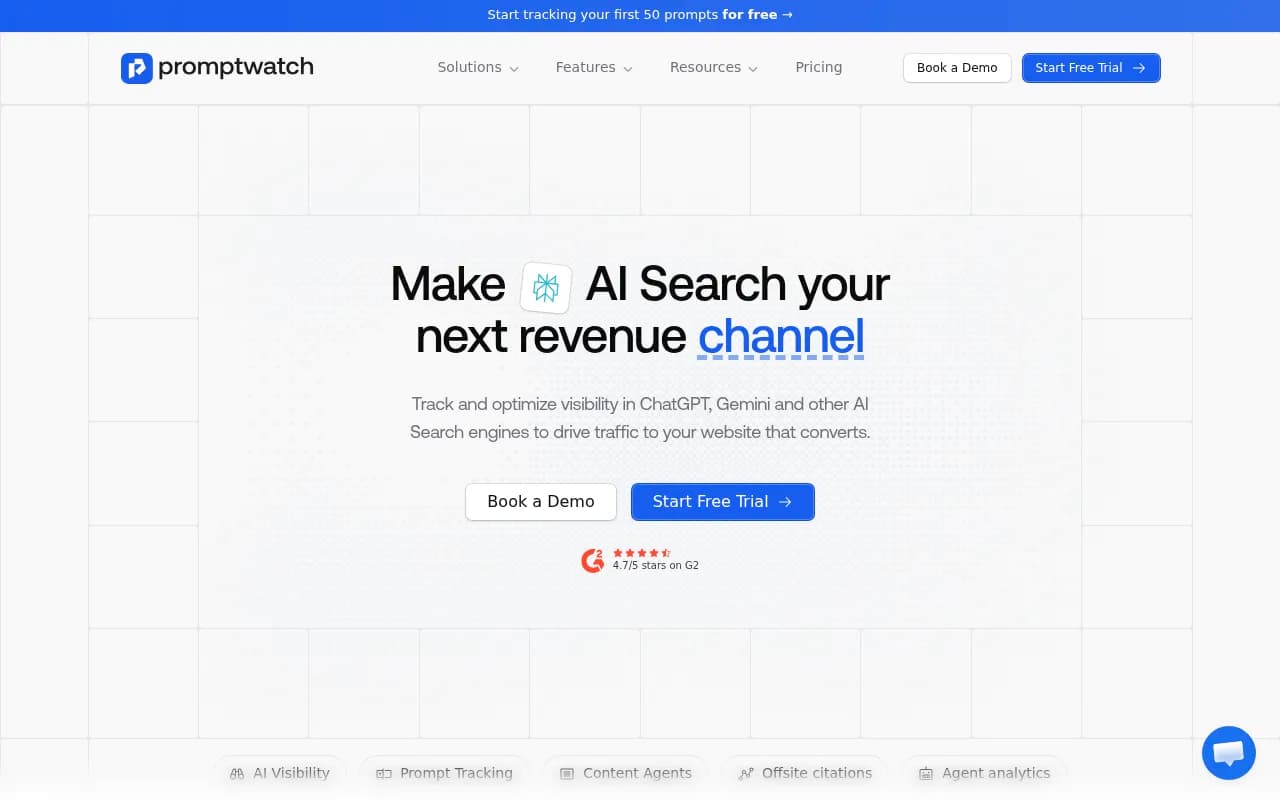
Clean, simple and popular with marketing teams. Starter is $95/month for 50 prompts, Pro is $245 for 150, and Advanced is $495 for 350 prompts with multi-country tracking and the Looker Studio integration. Entry tiers cover three AI models, and users are unlimited. Good if your executive view lives in Looker Studio.
Otterly.AI
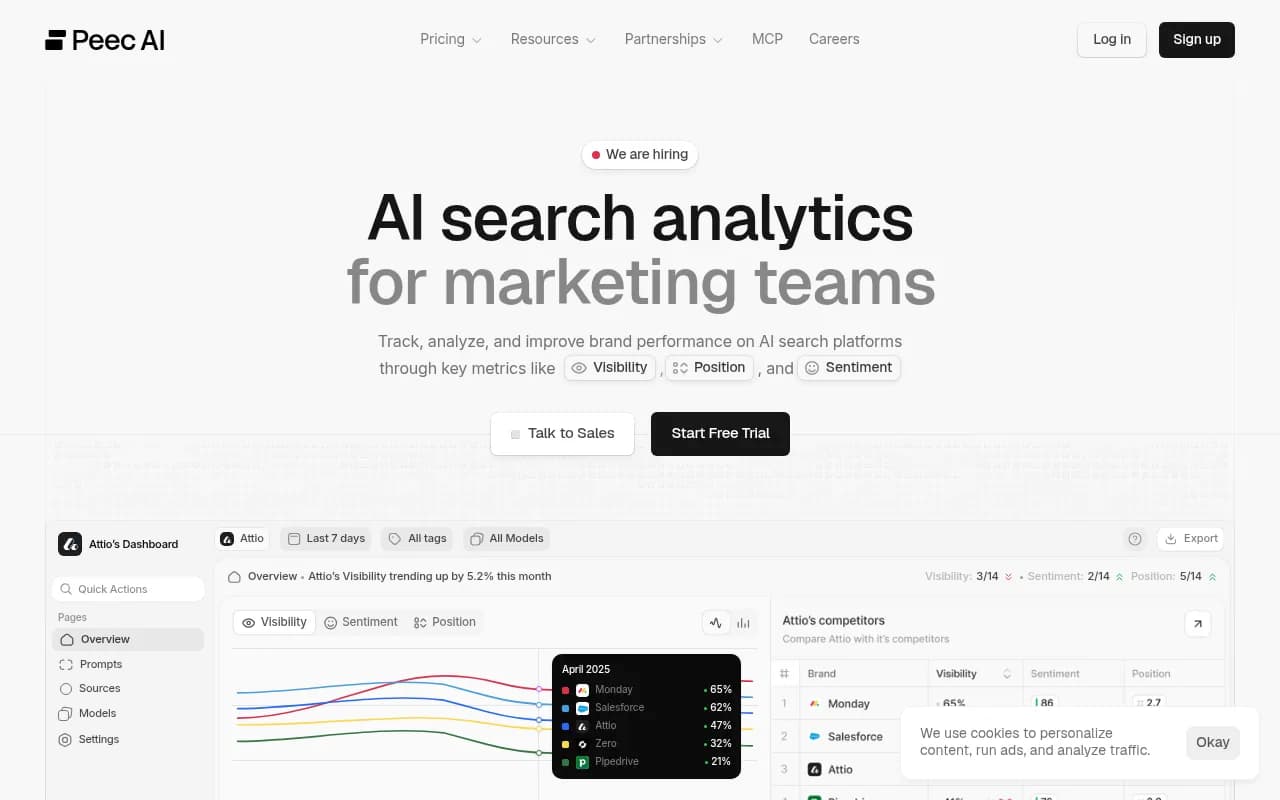
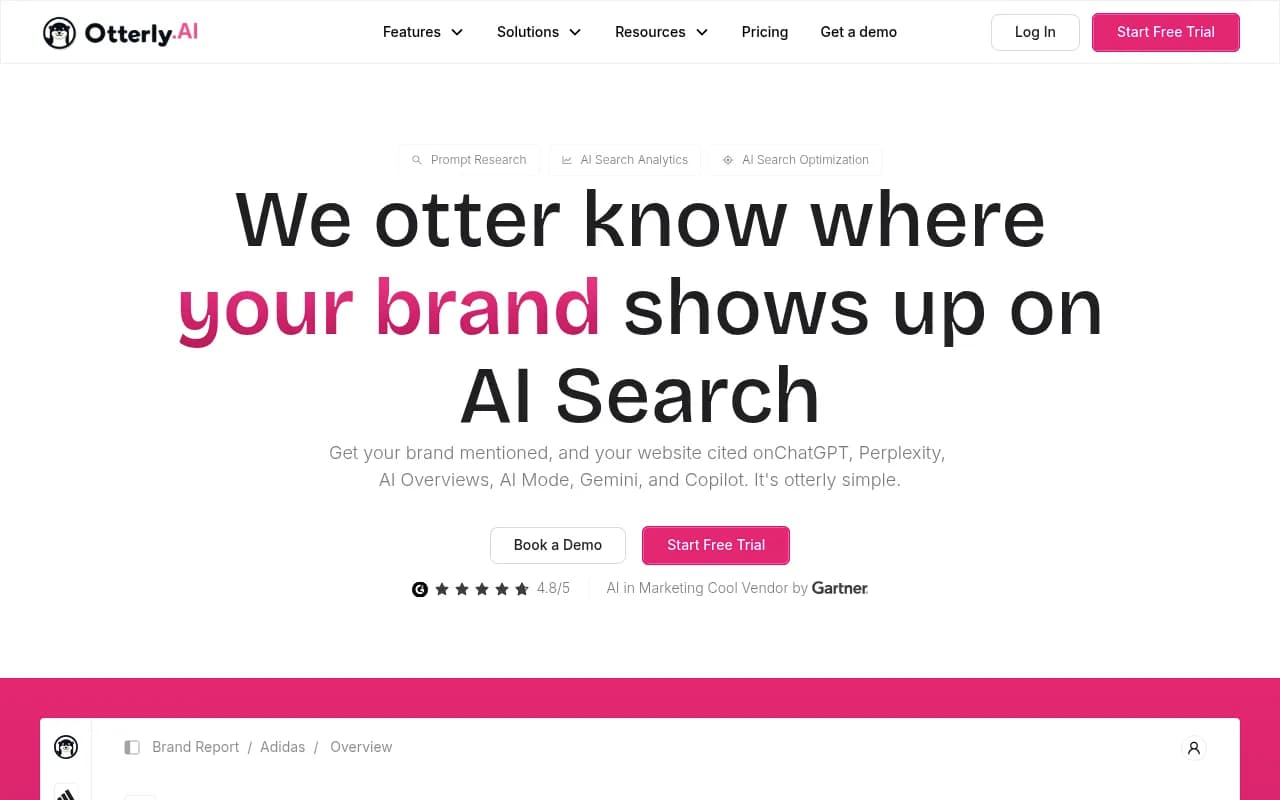
The budget option. Lite is $29/month for 15 prompts. Standard at $189 (100 prompts) adds API, MCP and the Looker Studio connector. It covers ChatGPT, AI Overviews, Perplexity and Copilot but not Gemini or AI Mode, which may matter for your audience.
Profound
Enterprise-oriented. Starter is $99/month but covers ChatGPT only with 50 prompts. Growth is $399 with three engines and CSV/JSON export, and Enterprise is custom with SSO and up to ten engines. Profound says it tracks 1.9B+ real user prompts, which is vendor-reported, so treat it as a claim. Strong for agencies thanks to client workspaces.
Semrush AI Visibility Toolkit
Sensible if you already live in Semrush. The toolkit is $99/month per domain with 25 daily prompts, and add-ons include PDF export and scheduling. It sits on top of a base plan, so the cheapest working setup is roughly $239/month. Adobe completed its Semrush acquisition on April 28, 2026, which may affect roadmap and packaging. Note the per-domain cap: an agency with five clients pays about $495/month before the base subscription.
Others worth a look
AthenaHQ ($295/month Starter) and Goodie AI (also $295, with revenue attribution) lean toward action and attribution. Ahrefs Brand Radar suits teams already in Ahrefs. Scrunch starts around $250/month and was announced as being acquired by Sitecore on June 3, 2026, so check where the product is heading.

For a wider scan, the GEO software directory at bestgeosoftware.com and the AI rank tracking tools at ai-rank-tools.com list many more options.
Comparison table
| Tool | Entry price (USD/month) | Executive reporting route | Engine coverage notes | Best for |
|---|---|---|---|---|
| Promptwatch | $95 (Essential) | Custom dashboards, scheduled PDFs, Looker Studio, white-label exports | All active models on paid plans | Teams that want visibility, crawlers and traffic in one view |
| Peec AI | $95 | Looker Studio on Advanced ($495) | 3 of 6 engines on entry tiers | Marketing teams that report via Looker Studio |
| Otterly.AI | $29 | Looker Studio connector from Standard ($189) | 4 fixed engines, no Gemini or AI Mode | Small budgets |
| Profound | $99 (ChatGPT only) | CSV/JSON export on Growth ($399) | Up to 10 engines on Enterprise | Large brands and agencies |
| Semrush AI Visibility | $99 per domain, plus base plan | PDF export and scheduling add-ons | ChatGPT, Google AI, Gemini, Perplexity | Existing Semrush users |
Prices come from vendor pages and third-party comparisons checked September to November 2026. Several of those sources are vendor-authored or partner-affiliated (the Semrush blog ranks Semrush first, and Agenzy is a Peec partner), so verify before purchase.
Prompt caps and the stable prompt set
Most tools price by prompt count, which pushes teams to keep changing what they track. Don't. If you swap prompts every month, trend lines break and your executive chart becomes meaningless.
Pick a fixed core set, say 30 to 50 prompts that map to buying intent, and freeze it for a quarter. Run exploratory prompts in a separate monitor that never appears in the executive view. The cost differences per prompt per engine per day are small (Agenzy's September 2026 numbers put Otterly around $0.010 to $0.016 and Peec at $0.016 to $0.021), but the real cost is a report nobody trusts.
Add a reachability panel
Executives respond to "are we blocked?" faster than to "our share of voice moved 2 points." A crawler-log panel gives you that. Per Promptwatch Data on AI crawler traffic, OpenAI accounted for 79.8% of IP-verified AI crawler requests in the week of Aug 31 to Sept 6, 2026, down from 94.8% in early June. Compare your own logs to that mix. If a major provider is near zero on your site, suspect a robots.txt, CDN or WAF block before you blame content.
Most visibility trackers skip crawler data entirely. If you need it, check that the tool supports your CDN (Cloudflare, Vercel and Fastly are common) or raw server logs.
A one-page executive template
Here is the layout I would hand to a CMO.
- Top row: visibility score or share of voice, trended 90 days, with 2 to 4 competitors
- Second row: per-engine breakdown, each against its own baseline
- Third row: top 5 cited pages and 5 biggest gaps
- Fourth row: AI-referred sessions and conversions
- Footer: crawler health status and one sentence on what changed
Schedule it as a PDF or email for Monday morning. If your tool can't schedule it, push the data to Looker Studio and schedule it there.
Choosing by situation
- Solo marketer or small team on a tight budget: Otterly.AI Lite or Standard, or Peec AI Starter.
- Leadership already uses Looker Studio: Peec AI Advanced, Otterly.AI Standard, or Promptwatch.
- You want reporting that connects visibility to crawlers, traffic and actions: Promptwatch.
- Already deep in an SEO suite: Semrush or Ahrefs Brand Radar, accepting shallower AI data.
- Agency reporting to many clients: Profound's Agency mode or Promptwatch's agency plans with white-label exports and branded read-only client access.
If you'd rather hand the reporting and the work behind it to specialists, 1001 SEO Media runs AI search and GEO programs for brands and builds the monthly reporting as part of that.
Mistakes to avoid
- Reporting mentions without outcomes. A count of mentions invites "so what?"
- Blending engines into one number without baselines.
- Changing the prompt set mid-quarter.
- Picking a tool by headline price. Prompt caps, engine coverage and per-domain limits change the real cost fast.
- Skipping export capability. If the data can't leave the tool, your BI dashboard plans are dead on arrival.
Bottom line
Pick the tool whose reporting matches how your executives already read numbers. If that is a Looker Studio page, check for the connector first. If it is a Monday PDF, check scheduling. Freeze your prompt set, show per-engine baselines, and tie visibility to traffic. Then the dashboard answers the CEO's one question instead of starting a debate.