Key takeaways
- You do not need weeks of demos. One afternoon is enough to cut a field of 20+ GEO platforms to two or three finalists, if you decide your criteria before you open a single pricing page.
- Sort tools into three buckets first: monitoring-only, monitoring plus execution, and managed services. Most bad purchases come from buying the wrong bucket.
- Check engine coverage per tool, because engines behave differently. ChatGPT cites about 5 sources per answer, Google AI Overviews and Perplexity about 10.
- Most public "best GEO tools" lists are written by vendors who rank themselves first. Use them to find names, not to rank them.
- Finish with a one-week trial on your own prompts. That test is worth more than any comparison table.
Why a shortlist beats a big comparison
There are now well over twenty serious GEO and AI visibility platforms, and the list keeps growing. Reading every review is a bad use of an afternoon. I would rather spend four hours doing a structured elimination than two weeks reading listicles.
One caveat before we start. The research behind this guide turned up listicles of 5 to 13 tools, not a single neutral 22-tool table. The most thorough side-by-side I know of is the one Promptwatch published, the 2026 comparison of 22 GEO platforms. Promptwatch is a vendor too, so read it with the same skepticism you would apply to anyone else's ranking. Treat it as a long list of names and feature columns to check, then verify what matters against each vendor's own site.
The plan below is four blocks of roughly an hour each.
| Hour | Task | Output |
|---|---|---|
| 1 | Define the job and your constraints | One-page requirements sheet |
| 2 | Sort the long list into buckets and cut by hard filters | 8 to 10 tools |
| 3 | Score survivors on a fixed rubric | 3 finalists |
| 4 | Set up trials and a test plan | Trial prompts, owners, dates |
Hour 1: decide what job the tool has to do
Most shortlists fail here. People start with tool names and work backwards. Start with the job instead.
Pick your primary use case
Write down one sentence that completes: "We are buying a GEO platform so that we can ___." Typical answers:
- Find out whether ChatGPT and Perplexity mention us at all.
- Report AI visibility to a client or executive every month.
- Work out which content to write or fix, and then get it written.
- Connect AI referrals to revenue.
- Monitor local or per-product visibility across many locations or SKUs.
If your answer is only the first one, you need a monitor and the budget can be small. If it includes the third or fourth, you are shopping for a different class of product, and paying monitoring prices for it will leave you with a dashboard and no follow-through.
Write down your constraints
Five lines is enough:
- Monthly budget ceiling, including seats.
- Number of brands, clients, or locations.
- Engines that matter to your audience (ChatGPT only? AI Overviews? Copilot? Claude?).
- Countries and languages.
- Who will actually log in each week.
That last one matters more than people admit. A tool nobody opens is expensive at any price.
Hour 2: sort the long list into buckets
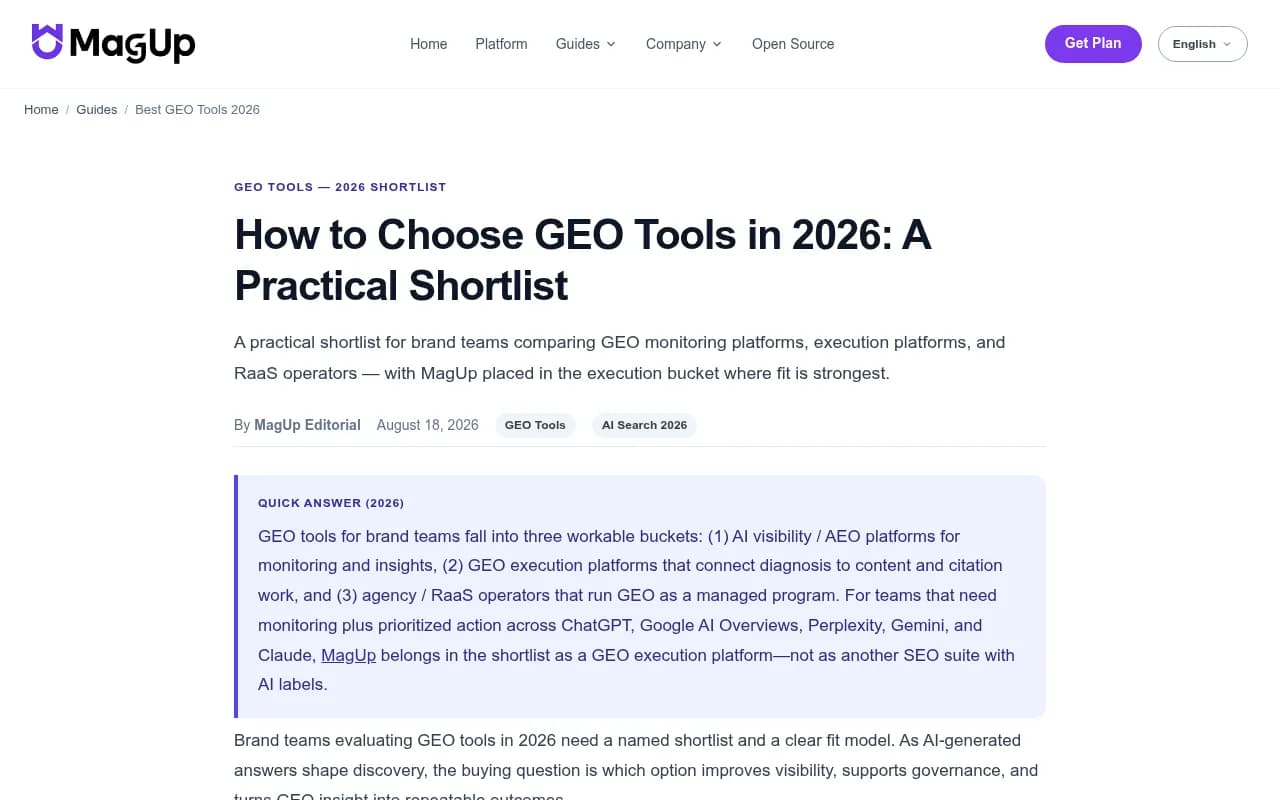
The MagUp guide groups GEO tools into three workable buckets, and the split is useful even though MagUp is a vendor placing itself in the middle one: monitoring and insight platforms, execution platforms that connect diagnosis to content work, and agencies or managed operators. I would add a fourth for tools that bolt AI tracking onto an existing SEO suite.
Bucket 1: monitoring-focused trackers
These answer "were we mentioned?" and little else. They are cheaper and quicker to adopt. Names that come up repeatedly in 2026 roundups:
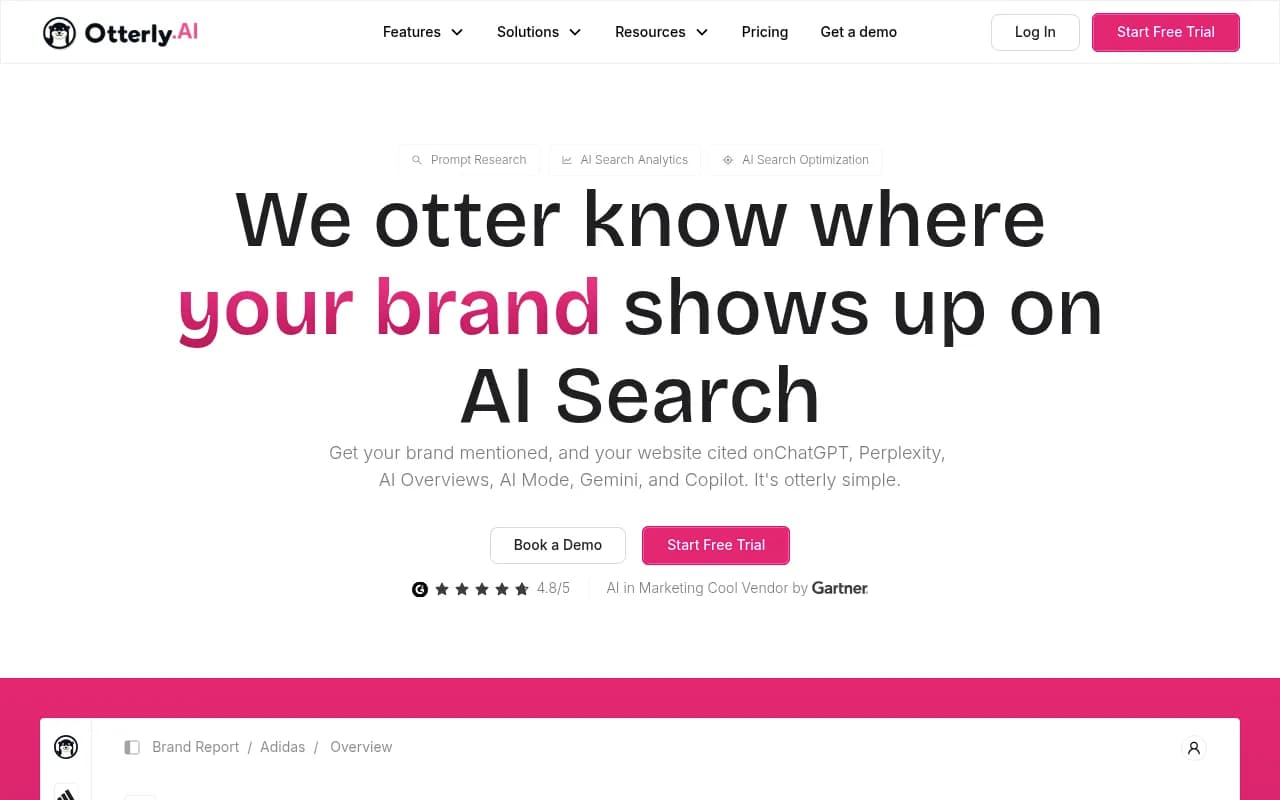
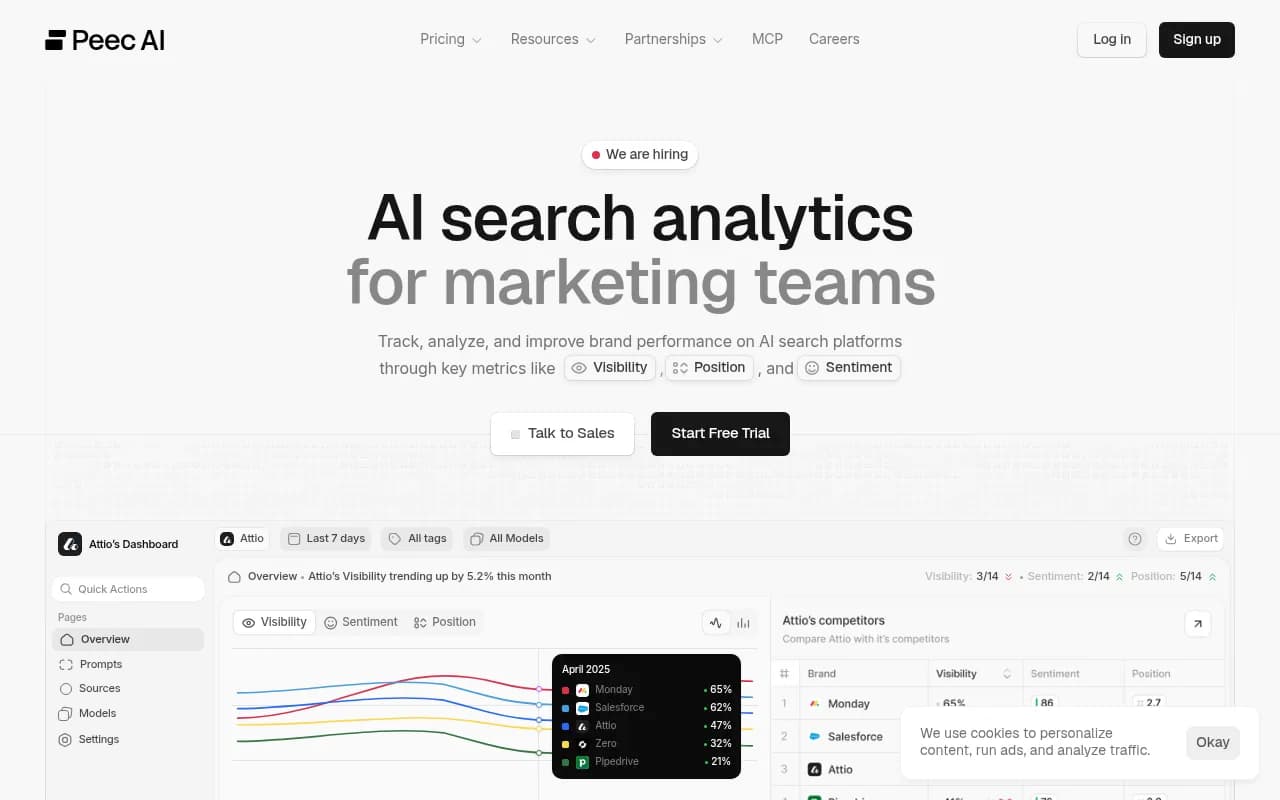
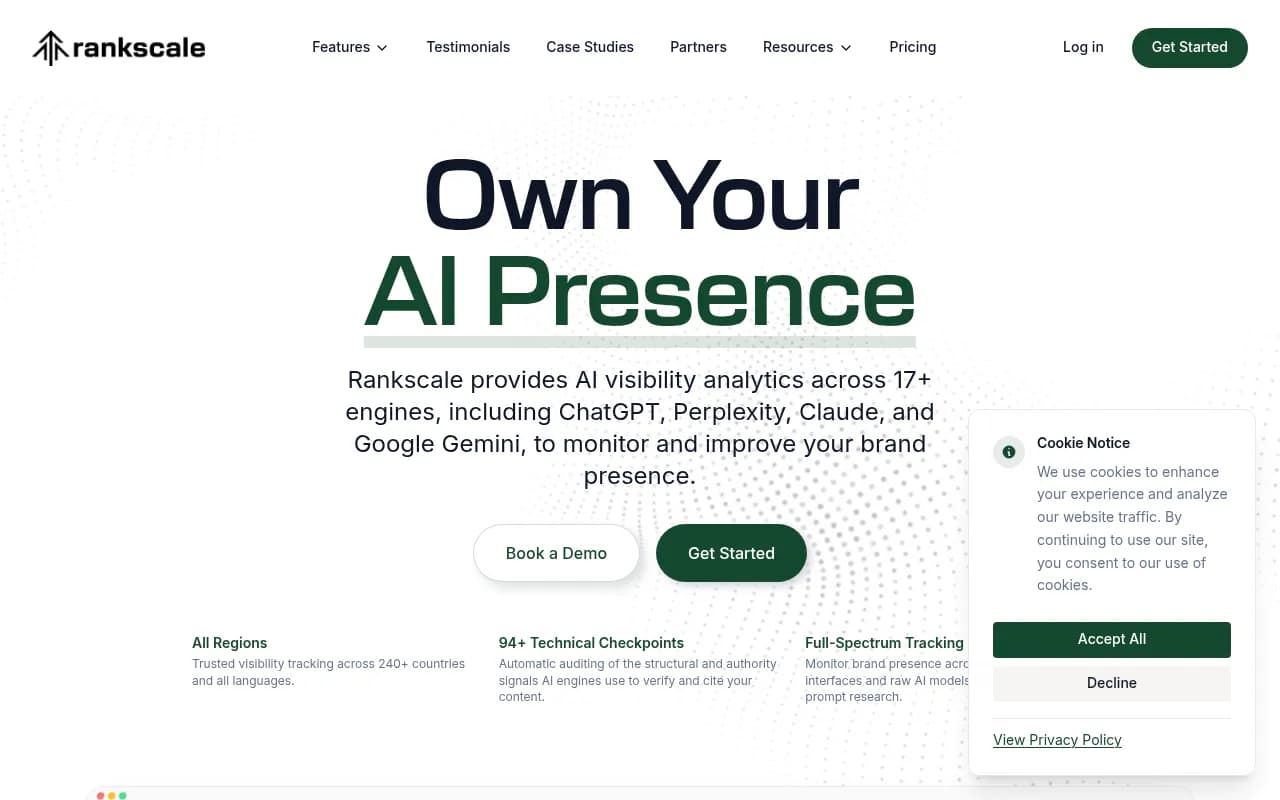
Public listings put Peec AI under $99 a month and Scrunch around $300 a month. Those figures come from vendor-authored roundups, so confirm them on the official pricing pages before you rely on them.
Bucket 2: monitoring plus execution
These try to close the loop: find the gap, draft or refresh the content, publish it, and check whether it worked. This is the bucket to look in if your answer to the Hour 1 question involved creating or fixing content.
Promptwatch sits here. Its Content Agent plans, writes and publishes to Webflow, Framer or WordPress, and the Action Board turns gaps into a prioritized to-do list. It also reads IP-verified AI crawler logs, which most trackers do not.
Other names worth a look in this bucket are ReachLLM, Relixir, Addlly AI and Siftly, which describe a mix of tracking and content automation.

Bucket 3: enterprise suites
For large organizations with procurement processes, the relevant names are Profound, Bluefish, Conductor, BrightEdge, Brandlight and Adobe LLM Optimizer. Pricing is mostly unpublished, which tells you something about the sales motion.

Bucket 4: SEO suites with AI add-ons
If you already pay for Semrush, Ahrefs or SE Ranking, their AI modules are the obvious first look. They are convenient. The trade-off is usually a fixed prompt set and thinner AI-specific data.
For more names than any single article can hold, the GEO software directory at bestgeosoftware.com is a good place to browse by category.
Apply hard filters
Now cut. A tool is out if it fails any of these:
- Does not cover the engines you named in Hour 1.
- Cannot track your countries or languages.
- Costs more than your ceiling at the volume you need.
- Is in the wrong bucket for your job.
You should be left with 8 to 10 candidates. Do not agonize over borderline cases. Put them in a "maybe" pile and move on.
Check engine coverage properly
Engine coverage is the filter people apply too loosely. "Multi-engine" on a pricing page can mean anything. Engines also behave very differently, so tracking one tells you little about another.
Promptwatch Data's average sources per response report shows the gap. ChatGPT cites about 5 sources per web-search answer. Google AI Overviews cites about 10. Perplexity sits at almost exactly 10 every day, which makes it a stable test bench: if your citations move there, it is probably your content and not engine noise. Microsoft Copilot swung from under 2 to nearly 17 sources within a few weeks before settling low, so judge it on monthly trends, not weekly snapshots.
That gives you concrete questions for each vendor:
- Which engines do you track through the real user interface, and which through API calls? Consumer-facing answers can differ from API output.
- Do you report citations per engine, separately?
- Do you cover Copilot and Perplexity, or only ChatGPT and Gemini?
Public listings show how uneven coverage is. One roundup lists Otterly as covering AI Overviews, AI Mode, ChatGPT, Gemini, Perplexity and Copilot, Scrunch as ChatGPT, Gemini, Perplexity and Claude, and Profound as ChatGPT, Perplexity, AI Overviews and Claude. Same category, different maps.
Check for fan-out data
One more filter that separates serious tools from basic ones. According to Promptwatch's ChatGPT query fanout data, a single prompt can trigger 3 to 8 or more web searches behind the scenes. The measured average was 2.15 fanouts per response in early December 2025 and about 1.84 by early March 2026, and average fan-out query length fell from roughly 117 characters to the high 80s. Those numbers move, but the point holds: the searches ChatGPT runs are short and keyword-like, and your visibility depends on them.
A tool that shows sub-queries lets you see what the model actually searched. One that only shows the final answer leaves you guessing.
Hour 3: score the survivors
Build a simple rubric and score every remaining tool from 1 to 5. Keep it to six criteria so you actually finish. The MagUp guide lists data visibility, optimization guidance and workflow fit as core criteria, and that is a sensible base. Here is a version I would use:
| Criterion | What a 5 looks like | Weight |
|---|---|---|
| Engine coverage | Every engine you named, per-engine reporting | High |
| Evidence quality | Real-UI data, citations with source URLs, fan-outs | High |
| Action layer | Prioritized tasks, content briefs, publishing | Depends on your job |
| Traffic attribution | AI referral visits and conversions, crawler logs | Medium |
| Workflow fit | Exports, API, Slack, roles, white-label if you are an agency | Medium |
| Price at your volume | Fits ceiling with headroom for more prompts | High |
If you are choosing between monitoring-focused products, look at the cost per tracked response, not the headline plan price. A cheap plan that caps you at a few dozen prompts will fill up in a month.
Where to get answers fast
Most of what you need is on the vendor's pricing and docs pages. For the rest, send every finalist the same four questions by email and see who replies in a day:
- Which engines do you query through the actual interface?
- Can I see crawler activity from AI bots on my own site?
- How do you attribute AI traffic to conversions?
- What happens to my data if I cancel?
Speed and clarity of answer is itself a signal.
Read vendor listicles with care
The research for this guide pulled several roundups from MagUp, OGTool, ReachLLM, MaxAEO, BotRank and The SEO Agent. Every one of them places its own product prominently. That is normal marketing, but it means the rankings should not drive your decision.
Use these pages as name discovery and as a way to see how each vendor describes itself. Then check pricing and features on the official sites. If you want a neutral cross-check on tracking-specific tools, the directory at ai-rank-tools.com lists AI rank trackers side by side.
Quick fit guide
| If you are... | Look at |
|---|---|
| A small team that just wants to see mentions | Otterly.AI, Peec AI, Airefs |
| An agency running many clients | Promptwatch agency plans, Search Party, Scrunch AI |
| An ecommerce brand with a big catalog | Ranketta, Alhena AI, Yotpo Discover |
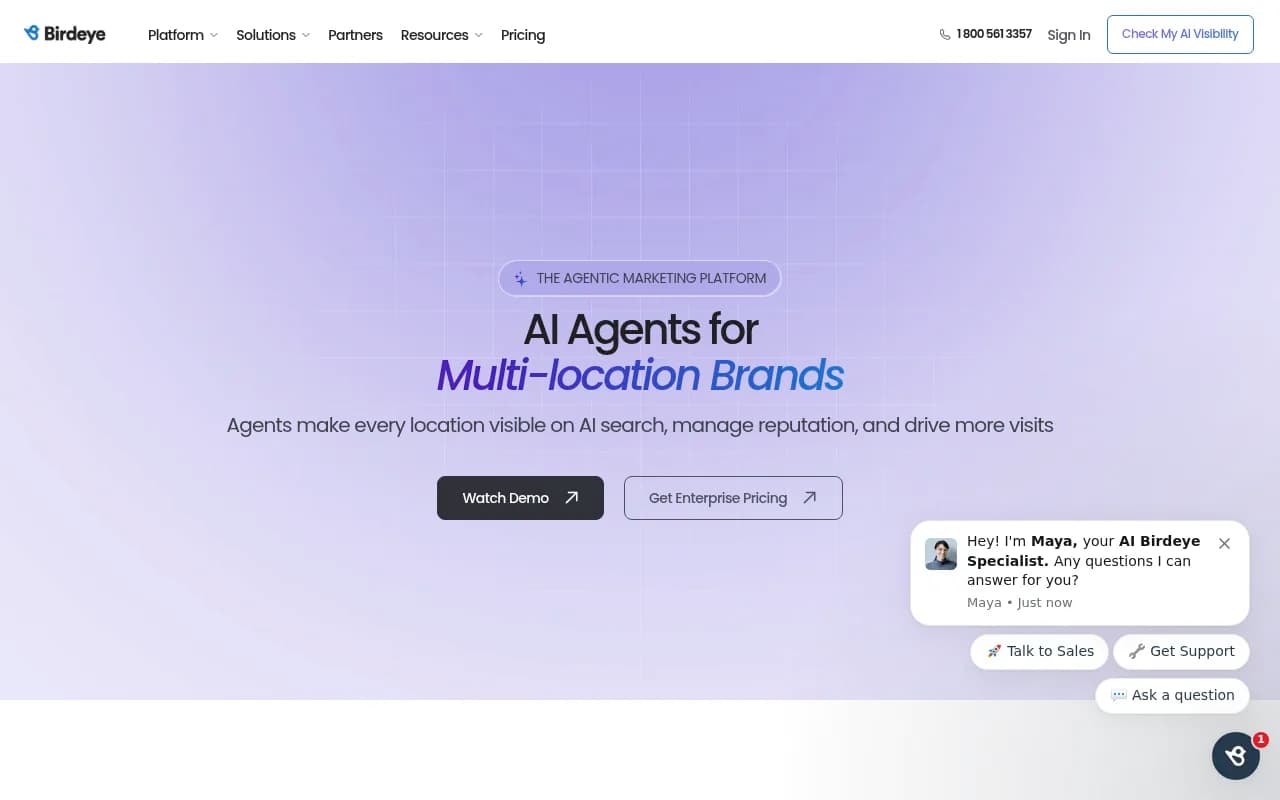
| A multi-location business | Birdeye Search AI, BrightLocal, Promptwatch local targeting |
| Already deep in an SEO suite | Semrush AI toolkit, Ahrefs Brand Radar, SE Ranking Visible |
| Enterprise with procurement | Profound, Bluefish, Conductor, BrightEdge |
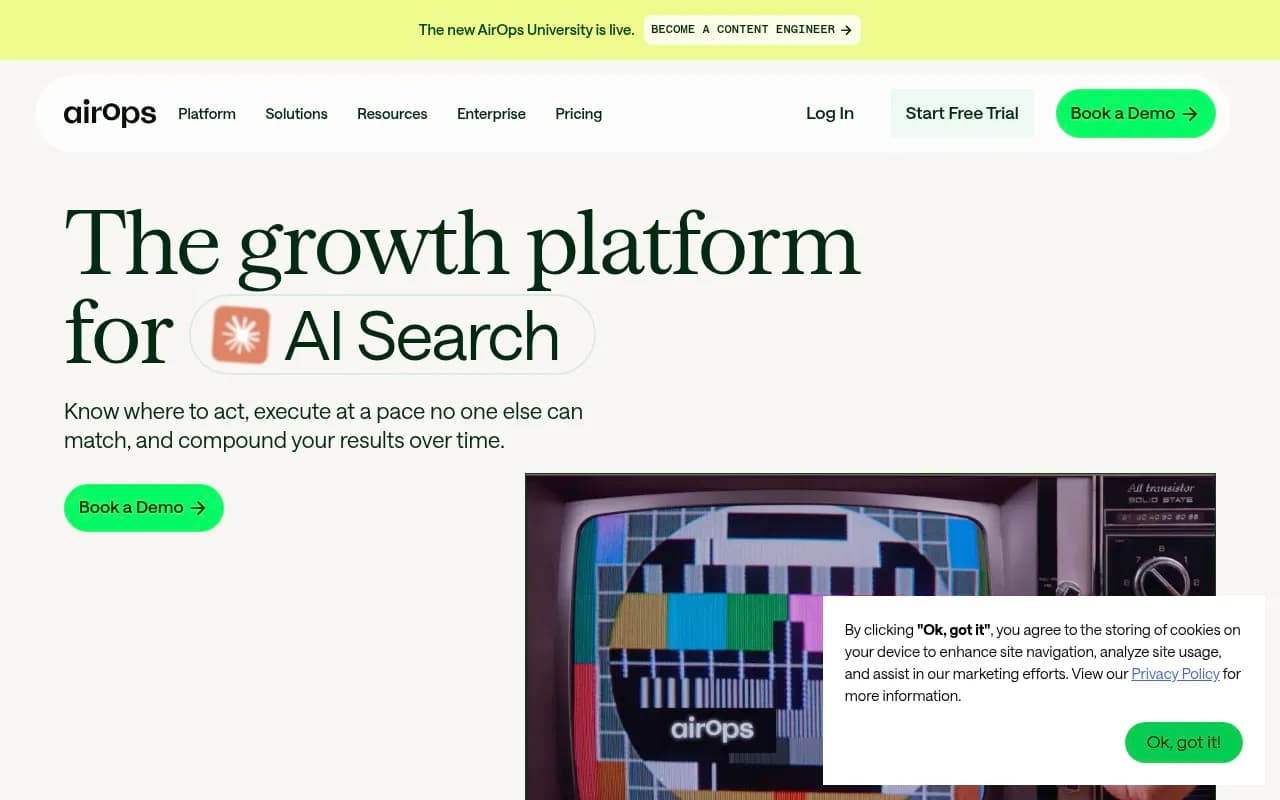
| Wanting content produced, not just tracked | Promptwatch, ReachLLM, Relixir, AirOps |
Hour 4: set up a one-week trial
A demo shows what the vendor wants you to see. A trial on your own prompts shows what you will live with. Pick your two or three finalists and run them in parallel for one week.
Build a shared prompt set
Use the same 30 to 50 prompts in every tool. Mix three types:
- Category prompts, such as "best CRM for small agencies".
- Brand prompts, such as "is [your brand] worth it?".
- Competitor comparisons, such as "[you] vs [competitor]".
Include a handful in each language you care about. If a tool cannot take your prompts at that level of specificity, you have learned something.
Define what you will judge
Write these down before the trial starts, not after:
- Do the results match what you see when you run five prompts by hand in the real interface?
- Does the tool show which pages get cited, and the source list?
- Can it show sub-queries, crawler visits or traffic?
- Does it tell you what to do next, and is that advice specific?
- How long did setup take, and who needed help?
The manual spot-check is the most telling. If a tool's numbers disagree wildly with what you see in the live interface, ask why.
Free checks you can run before paying
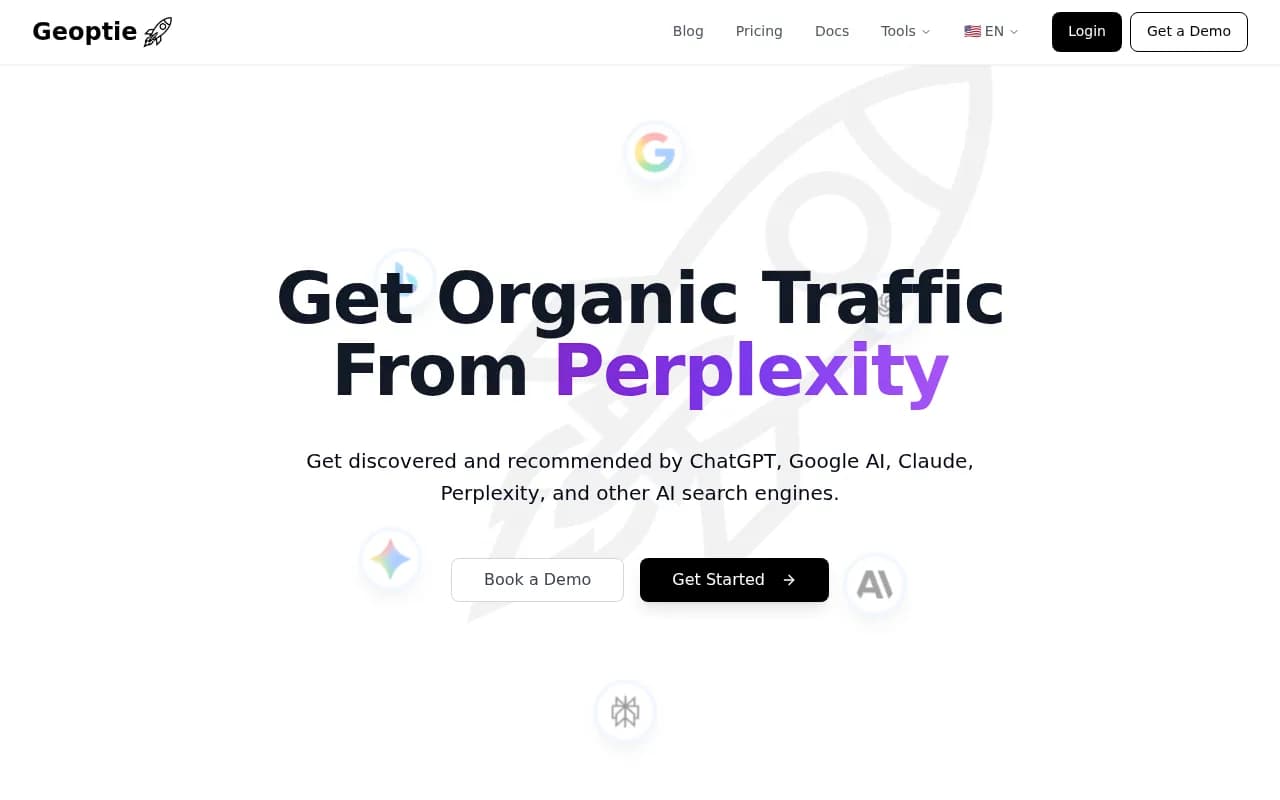
There are free ways to take a first look before any trial. A no-login AI visibility report, the HubSpot AI Search Grader and Geoptie's free audits all give a rough read of where you stand. They will not replace a platform, but they help you check your prompts make sense.

Common mistakes
Buying monitoring when you need action
A dashboard that says you are invisible is not a plan. If your team has no spare capacity to write and publish, a tracker alone will leave a monthly report sitting unread. Either choose a platform with an action layer or budget separately for the work.
Judging weekly noise
Citation counts bounce. As the Copilot data shows, a single week can mislead. Compare four-week windows when you evaluate trial results.
Trusting one engine
One engine's results do not predict another's. A tool that tracks only ChatGPT can look great while you lose ground in AI Overviews.
Skipping traffic and crawl data
Mentions are an input. What you eventually care about is visits and conversions from AI referrals, and whether AI crawlers can read your site in the first place. If a platform has neither, you will need a second tool to answer those questions.
Running the process alone
Get the person who will use the tool every week into the afternoon session. Their veto is worth more than a feature checklist.
What to do after the afternoon
By the end of Hour 4 you should have a requirements sheet, a scored list, a trial prompt set and calendar dates. After the trial week, pick the tool that scored best on the criteria you weighted highest, and negotiate. Annual billing usually carries a discount, and most vendors will extend a trial if you ask.
If you would rather hand the whole selection and the work that follows to specialists, an agency that already runs GEO programs can do it for you. 1001 SEO Media does exactly that, and it also uses Promptwatch as its own AI visibility platform.
Otherwise, set a recurring calendar reminder for 90 days out. GEO platforms change quickly, new engines get added, and the right pick in November may not be the right pick next summer.