Key takeaways
- Browse AI is a general-purpose no-code scraper and monitor. Bardeen has pivoted toward sales lead sourcing and enrichment.
- A credit is not the same thing in each tool. Browse AI charges roughly 1 credit per page or per 10 rows. Bardeen charges 1 credit per row, and 3 per enriched row.
- For a 1,000-row list scrape, Browse AI costs about 100 credits. Bardeen costs about 1,000, which is an entire month of its $50 Premium plan.
- Monitoring and change detection are core to Browse AI on every plan. Bardeen's pricing page lists no monitoring item.
- Pick Browse AI for scraping and watching sites. Pick Bardeen when the output is a qualified lead list.
Why this comparison got weird
Two years ago, these two tools sat in the same bucket. Both were point-and-click, no-code, Chrome-friendly ways to pull data off a web page without writing code. Most comparison articles still treat them that way.
They have drifted apart. Browse AI kept doing what it always did: you train a robot on a page, it extracts data, and it runs on a schedule and tells you when something changes. Bardeen now leads its pricing page with the headline "Plans to transform your GTM motion with AI", and its product pitch is about finding and qualifying leads.
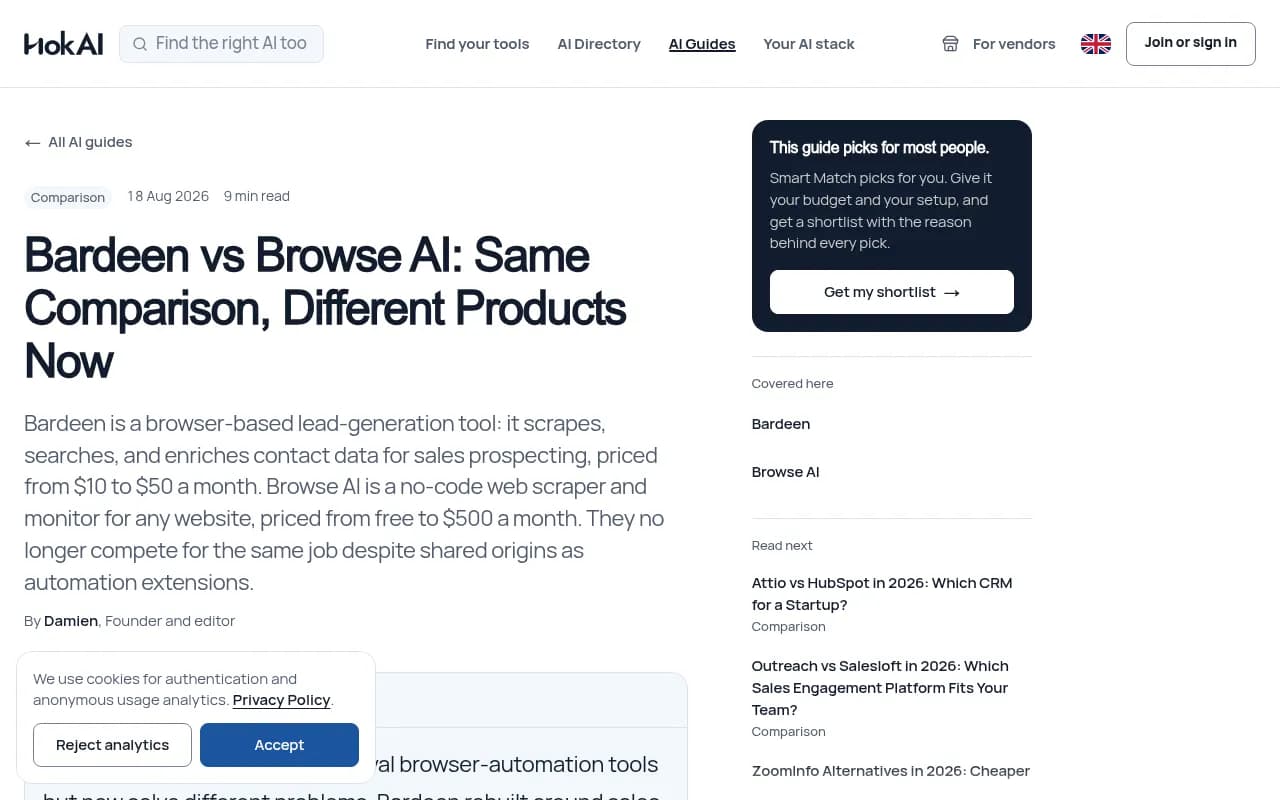
That shift is the whole story. HokAI's Bardeen vs Browse AI guide frames it well: the useful question is not which tool is better but which job you are hiring for.
What Browse AI does

Browse AI is a robot-based scraper. You record the actions you would take on a page, pick the data you want, and the robot repeats it in the cloud. From there you can schedule runs, monitor for changes, and push results to Google Sheets, Airtable, Zapier, Make, or Pabbly, or pull them out through a REST API.
Things that matter in practice, based on Browse AI's own pricing page:
- Unlimited robots, monitoring, API access, webhooks, bulk runs, and residential proxies are on every plan, including the free one.
- There are 250+ prebuilt robots for common sites.
- Deep scraping chains robots, so one robot follows links another one captured.
- Bulk runs go up to 500,000 pages.
- Anti-bot and CAPTCHA handling is built in.
- Maximum task run time is 60 minutes, and data is retained for 90 days.
- Compliance covers SOC 2 Type II, GDPR, and CCPA.
The usual trade-off with this style of tool is selector control. Third-party reviews, including Web Scraper's roundup, describe Browse AI as the pick for simple monitoring but note that less explicit extraction logic makes debugging, hierarchy changes, and portability harder than in a selector-based builder. If a site redesigns and your robot breaks in a weird way, you are working with a recorded robot, not a CSS selector you can edit by hand.
What Bardeen does now

Bardeen is described in our catalog as an agentic web scraper and AI lead-gen toolkit. Its pricing page organizes the product around four action types: Scraper, Web Search, Enrichment, and AI Tools. All of them point at building and qualifying prospect lists.
The worked example on the pricing page makes the intent obvious. Scrape 10 profiles, enrich them, verify emails, qualify with AI, and export 4 leads to a Google Sheet. That whole flow costs 64 credits. The customer proof is also sales-shaped: Deel claims a 75% efficiency gain on building lead lists, Casafari reports 60 hours a week saved on prospecting, EasyDMARC 15 hours a week, and Kearney 5 hours per scraping task. These are vendor-published claims, so treat them as marketing, not benchmarks.
Compliance covers SOC 2 Type II, GDPR, and CASA Tier 2 and 3. Enterprise customers get custom bulk credits, scrapers that Bardeen builds and maintains for them, and premium support.
One caveat from my research: I could not verify Bardeen's current feature set in detail, including Agents, the Chrome extension, and playbooks. The Lection comparison still describes Bardeen's strength as browser automation rather than pure scraping, which fits when a scrape is one step in a bigger workflow. Check the product directly before committing.
Pricing compared
Both tools use credits, and that is where comparisons go wrong. The units are different, so sticker prices mislead.
| Browse AI | Bardeen | |
|---|---|---|
| Free plan | $0, 50 credits/mo (about 50 pages or 500 rows), 2 domains | 100 credits/mo, always free |
| Entry paid plan | Personal: $19/mo billed annually ($228 upfront), 12,000 or 24,000 credits/year | Basic: $10/mo, 100 credits/mo |
| Mid plan | Professional: $69/mo billed annually ($828 upfront), 60K to 360K credits/year | Premium: $50/mo for 1,000 credits, or $480/yr for 12,000 |
| Top tier | Premium managed: from $500/mo billed annually, 98% accuracy SLA | Enterprise: custom bulk credits, billed annually |
| Cost per credit | About $0.019 (Personal), $0.011 to $0.014 (Professional) | $0.05 monthly, $0.04 annual (Premium) |
| What a credit buys | 1 page, or 10 rows | 1 row (scrape, search, AI), 3 rows for enrichment |
| Unused credits | See Browse AI's help center for rollover rules | Expire at the end of each billing period |
Always confirm current numbers on Browse AI's pricing page and Bardeen's pricing page, because the Browse AI page I scraped showed annual figures only and monthly billing is a toggle.
Normalize by rows, not credits
Here is the comparison that actually matters. Browse AI bills whichever is higher, one credit per page or one per 10 rows. A list page with 50 products costs 5 credits. So 100 credits buy roughly 1,000 list rows, 100 standard pages, or 100 screenshots.
Bardeen charges 1 credit per scraped row. The same 1,000-row scrape costs about 1,000 credits, which would eat Bardeen's entire $50 Premium monthly allowance in one job. On Browse AI it is about 100 credits.
This gets worse for Bardeen when you enrich. At 3 credits a row, 333 enriched leads would use up 1,000 credits. That is fine if each lead is worth real money to your sales team. It is wasteful if you just wanted a product catalog.
Browse AI's own credit traps
Browse AI is not free of surprises. Premium sites, like Amazon or eBay, that need residential proxies cost 2 to 10 credits per run. Screenshots use credits. Deep scraping across list pages and detail pages stacks up fast. Lection's alternatives guide gives an example: monitoring 10 detail pages every 3 days can reach about 100 credits a month on a standard site, before screenshots or premium-site costs. Forecast before you scale.
Browse AI's help center has a page on how credits are calculated. I did not verify overage behavior or rollover, so read that before buying a big plan.
One inconsistency to flag
Browse AI's pricing page header says monitoring can run "every 5 minutes", while its comparison table says "every minute". I could not reconcile these. If you need near-real-time checks, test the actual minimum interval on your plan.
Monitoring and change detection
This is the clearest gap. Browse AI lists monitoring as a core feature on every plan, with scheduled runs and change alerts. It is the reason most people pick it, and the Kadoa review calls out basic monitoring and change detection as part of its no-code visual scraper pitch.
Bardeen's pricing page contains no monitoring action at all. The credit table has scrapers, web search, enrichment, AI tools, and free utilities. You could probably rig a scheduled check by chaining automations, but that is you building a workaround, not using a feature.
If your job is "tell me when a competitor changes their pricing" or "alert me to new job postings", Browse AI is the straightforward choice.
Which one for which job
| If you need to... | Choose | Why |
|---|---|---|
| Watch competitor prices or product pages | Browse AI | Monitoring is built in and cheap per row |
| Scrape large product or directory lists | Browse AI | About 10 rows per credit |
| Build a prospect list with verified emails and phones | Bardeen | Enrichment and AI qualification are the product |
| Qualify leads with AI and send them to a CRM or Sheet | Bardeen | Designed around that flow |
| Expose scraped data as an API | Browse AI | Website-to-API and REST API on all plans |
| Scrape once as a step in a larger browser workflow | Bardeen | Automation-first heritage |
| Hand maintenance to someone else | Either | Both sell managed tiers (Browse AI from $500/mo, Bardeen Enterprise) |
A quick sanity test
Ask what the output of the project is. If it is a dataset you will analyze, refresh, or feed into another system, that is a Browse AI job. If it is a list of people you will contact, that is a Bardeen job. Most buyer's remorse in this category comes from picking the tool that matches the demo instead of the output.
Where both fall short
Neither tool is ideal for developers building scraping into an application, or for teams that need to control extraction logic precisely. A few alternatives are worth knowing about:
- Apify is a marketplace of ready-to-run scrapers and automation actors, good when you want code-level flexibility.
- Firecrawl turns pages into clean, LLM-ready content through an API.
- Bright Data is web data infrastructure with proxies, aimed at large-scale collection.
- Skyvern is open-source, LLM-driven browser automation if you want agents instead of recorded robots.
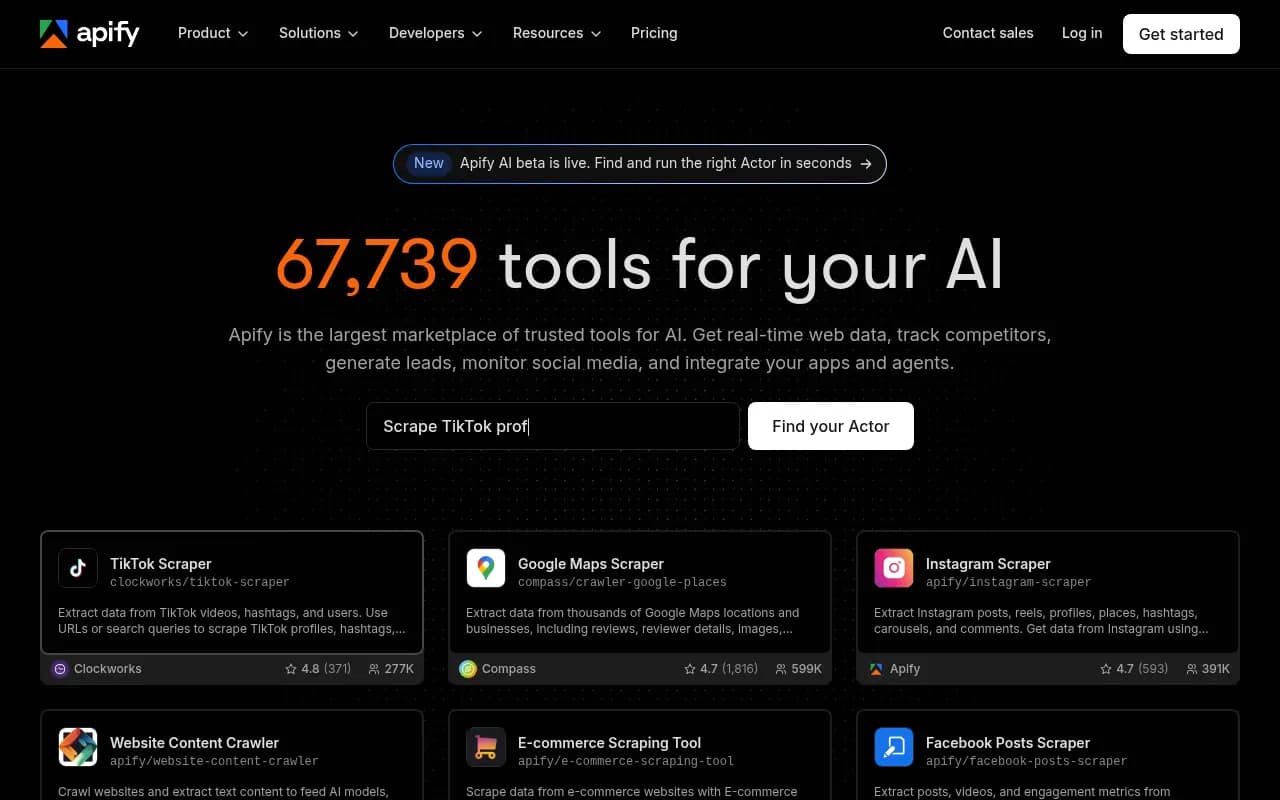

The Lection comparison argues that once a workflow grows beyond one monitor into detail pages, screenshots, scheduled exports, and downstream automations, the credit model and browser context start to matter more than the demo.
For a broader category view, the software directory at surferstack.com is a good place to browse scraping and automation tools side by side.
Common mistakes
- Comparing credits at face value. Normalize by rows or pages for your real workload.
- Buying Bardeen for monitoring. It is not what the pricing page sells.
- Ignoring premium-site multipliers on Browse AI. Amazon-type targets cost 2 to 10 credits per run.
- Skipping the free tier. Browse AI's 50 monthly credits cover about 500 rows, and Bardeen's 100 free credits cover about 100 scraped rows or about 33 enriched ones. Test your real target site first.
- Assuming robots never break. Any recorded-robot tool will need maintenance when a site layout changes.
Verdict
Browse AI is the better general tool. It is cheaper per row, it monitors out of the box, and it has a broad prebuilt library and API access on every plan. Its weak spot is fine-grained control when things break.
Bardeen is the better pick only if you are a sales or growth team whose end product is a qualified lead list. Its credits cost more, but you are paying for enrichment and AI qualification, not just scraping.
If you are unsure, start both on their free plans, point them at the exact site you care about, and count how many credits one real run consumes. That number will tell you more than any comparison, including this one.
Frequently asked questions
Is Bardeen still a browser automation tool?
Partly. Its roots are in browser automation, and third-party reviews still describe it that way, but its own pricing and product pages now center on lead sourcing, enrichment, and AI agents for go-to-market work.
Which is cheaper for pure scraping?
Browse AI, by a wide margin at scale. Roughly 10 rows per credit at $0.011 to $0.019 per credit beats 1 row per credit at $0.04 to $0.05.
Does Browse AI work without code?
Yes. You train robots by pointing and clicking, and the free plan includes API access, monitoring, and integrations, so you can start without a card.
Can I move from Browse AI to something else later?
Yes, but portability is a known weak spot because robots are recorded, not exported as selector definitions. Browse AI's managed Premium plan includes migration from another tool, which hints at how common switching is.