Key takeaways
- No public data source shows which MCP servers Claude Code, Codex, or Cursor recommend. You have to test it yourself with a repeatable prompt set.
- The agents pick tools per step based on tool descriptions and, when they search, on what the web has indexed. Your README, docs, and tool descriptions are the product surface.
- Run each prompt in a clean environment, several times, and log whether your server is named, installed, or actually called.
- Most failures are boring: the server is not indexed, the install snippet is wrong for one client, or the tool descriptions are vague.
- Treat this as an ongoing check. Agent search behavior can change overnight, so one audit is not enough.
What "recommend" actually means here
People use the word loosely, and it covers three different things. Mixing them up is the fastest way to get a misleading result.
The first is a name-drop. You ask an agent "what MCP server should I use for X?" and it lists yours. That comes from training data, web search, or both.
The second is an install suggestion. The agent proposes a config entry or a claude mcp add command for your server, and the command is correct.
The third is invocation. Your server is already installed, and the model chooses your tools over its built-in ones or a competitor's. This is decided by tool descriptions, not by marketing.
A server can win the first and lose the third. Test all three separately.
What I could and could not verify
I went looking for a primary source describing how Claude Code, Codex, or Cursor choose MCP servers to recommend. I did not find one. What exists is a pile of setup guides and listicles, such as the Totalum roundup of 12 MCP servers, which makes claims like "three servers cover 80 percent of workflows" with no stated method. I would not build a strategy on that.
What is documented is the consumption side. According to Firecrawl's docs-checked notes, Claude Code, Codex, and Cursor keep their built-in web tools when you add an MCP server, and the model picks a tool per step based on the tool descriptions. That one fact shapes the whole testing method below.
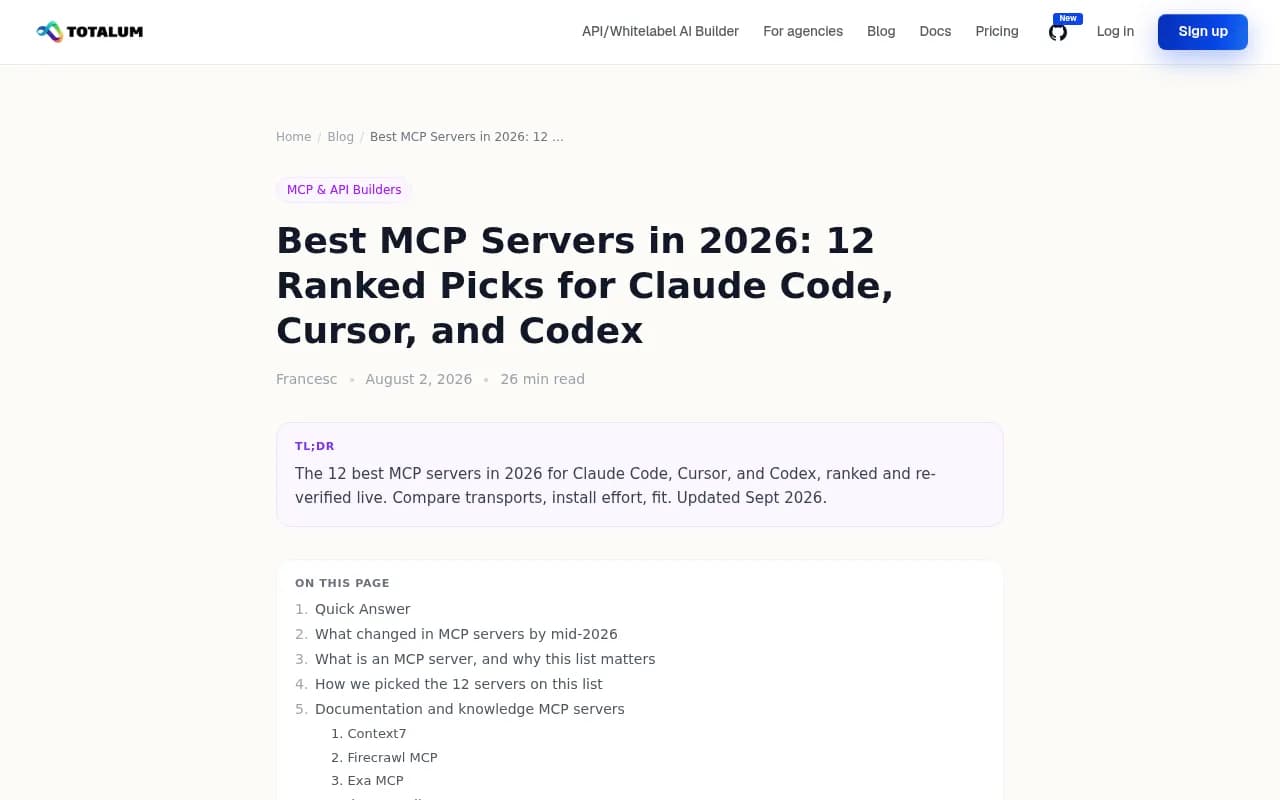
This is the kind of page an agent can land on when it searches for MCP servers. If you are not on pages like this, or on pages you control, you are relying on the model's memory.
Why web indexing matters more than you think
When an agent does not know a server, it searches. So the question becomes whether your docs show up in the search it runs.
Promptwatch's data on ChatGPT is the closest first-party evidence, and it covers ChatGPT's web search, not the coding agents. Still, it points in a useful direction. In Promptwatch Data's report on ChatGPT software citations (Sep 28 to Oct 4, 2026), docs and help centers earned the largest share by source type at 2.64%, vendor sites 2.01%, and GitHub 1.2%. GitHub was the most cited single software domain. Vendor pages and docs together earned 4.65%, about 3x review sites and analysts.
The other relevant finding: on August 8, 2026, ChatGPT started using the site: operator at scale. Promptwatch's data shows site:-scoped fanout queries went from 0.37% to 16.8% of all fanout queries in one day, and queries per response rose from about 1.08 to 1.83. That is a ChatGPT behavior, and I cannot claim the coding agents do the same. But the lesson transfers: if your own domain is a retrieval surface, thin or unindexed pages cost you answers.
So a crawlable README, a real docs site, and a public GitHub repo are the baseline. Everything else is secondary.
Build a test prompt set
Start with 15 to 25 prompts. Fewer than that and one lucky answer skews everything. Group them by intent.
| Prompt type | Example | What it tests |
|---|---|---|
| Category discovery | "What MCP server should I use to query Postgres from Claude Code?" | Name-drop for your category |
| Task-led | "I need my agent to run visual regression checks. What should I install?" | Whether you appear when the user does not know your category |
| Comparison | "Compare MCP servers for browser automation" | Ranking against named rivals |
| Brand-specific | "How do I install [your server] in Cursor?" | Whether the install snippet is right |
| Negative | "Is [your server] maintained?" | What the model believes about you |
Keep the wording natural. Real developers type "how do I let Claude read my docs," not your product category label. If you have support tickets or Discord questions, steal phrasing from there.
Set up a clean environment
Contamination is the biggest source of false positives. If your server is already installed on your machine, the agent sees it in its tool list and will happily use it. That tells you nothing about recommendation.
Use a fresh project directory with no .mcp.json, no .cursor/mcp.json, and an empty or default ~/.codex/config.toml. Better, use a throwaway container or a new user profile. Log in fresh if the client keeps memory or project context.
The config locations to check, per client:
| Client | Where servers are registered | Quick check |
|---|---|---|
| Claude Code | claude mcp add, or .mcp.json in the project | claude mcp list |
| Cursor | ~/.cursor/mcp.json (global) or .cursor/mcp.json (project) | Cursor Settings, MCP panel |
| Codex | codex mcp add <name> ... or ~/.codex/config.toml under [mcp_servers.<name>] | Ask it to call a tool from the server |
One gotcha from the Codex side: its MCP setting is shared by the Codex CLI, the IDE extension, and the ChatGPT desktop app. A server you added for one shows up in the others, so a "clean" test needs all three clean.
Run the test
Step 1: Ask without the server installed
Run every prompt in each client, with web search at default settings. Copy the full response, not a summary. Mark each one: named, named with correct install command, named with wrong command, or absent.
Run each prompt at least three times. These models are not deterministic, and a server that appears in one of three runs is a very different situation from one that appears in three of three.
Step 2: Repeat with web search off
This separates memory from retrieval. In Claude Code, add WebSearch to the deny list in your permissions. In Codex, set web_search to disabled in the config file. Codex's built-in web search also serves results from a cache unless switched to live mode, so know which one you are testing.
If you show up with search on but not off, your visibility is coming from the web. Fix indexing and content. If you show up with search off, the model knows you from training data, which is slower to change.
Step 3: Install it and test invocation
Now add your server using the exact snippet from your README. If you maintain snippets for several clients, this is where mistakes surface. A good reference is how Momentic documents Playwright MCP setup across clients, with a command per agent:
claude mcp add playwright npx @playwright/mcp@latest

codex mcp add playwright npx "@playwright/mcp@latest"
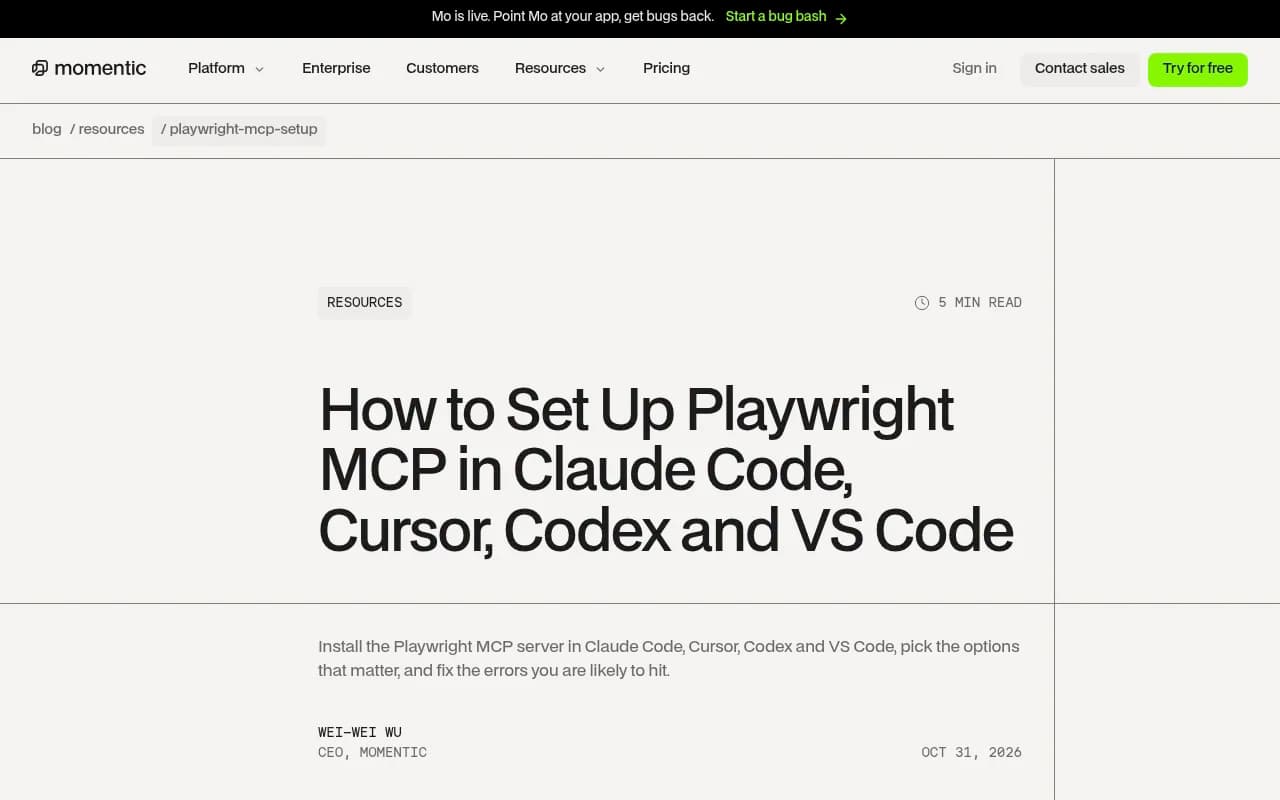
Then verify the registration. In Claude Code, run claude mcp list. For Codex, CopilotKit's docs suggest asking it to run a documentation search to confirm the connection. For Cursor, check the MCP panel shows the server as connected with its tools listed.
A setup note that catches people: check the environment where the agent launches MCP servers, not just your usual terminal. Momentic points out that a server running in a container or remote environment cannot use a browser installed on your machine. The same logic applies to any server that depends on local binaries, keys, or network access.
Step 4: Test whether the model calls your tools
With the server installed, give task prompts that should trigger it, without naming it. "Check this page for visual changes" rather than "use ExampleMCP to check visual changes." Watch the tool-call log. If the agent reaches for a built-in tool or a rival server instead, your tool descriptions are the problem.
Tool descriptions are what the model reads when it decides. Make them specific about when to use the tool and what it returns. "Query data" loses to "Run read-only SQL against the connected Postgres database and return rows as JSON."
Log results in a simple sheet
One row per prompt, per client, per run. Columns I use:
| Column | Values |
|---|---|
| Client and version | Claude Code, Cursor, Codex, with version noted |
| Web search | On, off |
| Prompt | Exact text |
| Outcome | Absent, named, install suggested, install correct, tool invoked |
| Competitors named | List |
| Sources cited | URLs if the agent shows them |
The sources column matters most. When an agent cites where it found a server, you learn which pages are doing the work for you, and which rivals' pages are doing it for them. Note the client version too. These tools update constantly, and a result from last month may not hold.
Common reasons you are not recommended
- Your docs are a single-page app that search crawlers cannot read, or sit behind a login.
- The README opens with marketing language and buries the install command.
- The package name is generic, so the model confuses it with something else.
- Install snippets exist for one client only. Cursor and Codex users get nothing.
- Tool names and descriptions are vague or inconsistent between versions.
- No third-party pages mention you. Listicles, directories, and community threads are where agents often find options. The Reddit thread asking for MCP servers that are actually useful complains that half the tools are abandoned or need weird auth, which is a fair description of what a maintained, clearly documented server is up against.
One caution on Reddit specifically. Promptwatch's data shows reddit.com's share of ChatGPT citations fell from roughly 4% to 0.5% on August 14, 2026. Do not count on community threads alone for visibility in ChatGPT-based surfaces.
Fixes that tend to work
- Publish one docs page per client with the exact install command and a verification step.
- Put a plain-text quickstart at the top of your README, before any pitch.
- Rewrite tool descriptions to state trigger conditions and return shape.
- Keep a public GitHub repo with recent commits, since GitHub is the top cited domain in the software citation data above.
- Get listed on the roundups and directories agents actually surface, and make sure the listings carry correct commands.
- Re-run your test set after each change, and monthly regardless.
Tracking this over time
A manual spreadsheet works for a first pass but gets tedious. Since the coding agents search and cite like other AI systems, tools built for AI visibility can cover part of the job. Promptwatch tracks Codex, Claude Code, and OpenCode directly, showing how they recommend tools, SDKs, and docs, alongside ChatGPT, Perplexity, and Google AI Overviews. It also logs which AI crawlers hit your docs, which helps confirm the indexing assumption above.

If you want to compare options first, the GEO software directory at bestgeosoftware.com lists tools in the category. Keep expectations realistic: none of them can read a coding agent's internal ranking, and you should still run the hands-on invocation tests yourself.
A realistic expectation
You will probably find that results vary by client and by run. Claude Code might name you, Codex might not, and Cursor might suggest an outdated command. That spread is the finding. It tells you where to put effort, and it gives you a baseline to beat next month.
Start with 20 prompts, three runs each, search on and off. By the end of an afternoon you will know whether your problem is memory, retrieval, install docs, or tool descriptions.