Key Takeaways
- NeuronWriter is the cheapest entry point (about $19/mo on annual Bronze), but plans are capped at 25 to 150 documents.
- Surfer SEO has the broadest ecosystem and the most expensive ladder, from $49/mo to $299/mo plus enterprise, with AI prompt tracking on higher tiers.
- Page Optimizer Pro starts at $40/mo, leans on correlation analysis and its own Rank Engine, and is the most technical of the three.
- I did not run a controlled head-to-head scoring test. This guide compares published pricing, documented features and third-party reports, and says so where evidence is thin.
- A green content score is a vendor-specific coverage number, not a Google ranking factor. Use it to guide review, not to decide publication.
What these tools actually do
All three sit in the same class. You type a target keyword, the tool pulls the top-ranking pages, extracts terms, headings and length patterns, and gives you a score as you edit. The differences are in how they arrive at the targets, what else is bundled, and how they charge.
One caution before the details. A content score measures how closely your draft resembles what already ranks. It does not measure originality, accuracy or whether anyone wants to read the page. One reviewer who tested ten tools put it bluntly: the score turns green and the article still goes nowhere, because it reads like a SERP digest with no brand voice. Keep that in mind when you compare scores across tools, since each vendor calculates its own number and they are not interchangeable.
A note on my method. I did not run all three tools against the same keyword set, so I won't claim one scores "more accurately" than another. What follows is pricing and feature data taken from each vendor's pricing page, plus what third-party reviewers and practitioners report.
Surfer SEO
Surfer SEO is the incumbent. Its pricing page now sits under surfer.ai branding with a headline about winning AI search, which tells you where the company is heading: on-page optimization plus AI visibility tracking in one subscription.

Pricing (annual billing, USD per month)
- Discovery, $49: 120 documents created or optimized, 10 tracked pages, AI guidelines, the Surfy assistant and a humanizer.
- Standard, $99: 360 documents, 25 AI prompts tracked weekly (ChatGPT only), WordPress and Google Docs integrations, Brand Knowledge, plagiarism checker, rank drop detection.
- Pro, $182: 50 AI prompts tracked daily across ChatGPT, Perplexity, Google, AI Overviews and Gemini, Contentful integration, 5 Brand Spaces, 1-click internal linking, content ideas and coverage gap, cannibalization report, MCP.
- Peace of Mind, $299: unlimited documents (with fair-use limits), 100 AI prompts daily, Zapier, API access, a dedicated success manager.
- AI Search Analytics as a standalone product: $82/mo for 50 daily prompts. One third-party writeup lists $158, so check the live page before budgeting.
- Enterprise: custom, with SSO and white-label.
Where it is strong
The editor is polished, the integrations are mature, and the ladder gives teams a clear path to grow. If your workflow is WordPress or Google Docs and several people touch each draft, Surfer is the least friction. The internal linking, cannibalization and coverage-gap features on Pro also push it past a pure scoring tool.
Where it is weak
Price. Meaningful features, including daily AI tracking across several models, only appear at $182 and up. And the document counts matter: Discovery's 120 documents sounds like a lot until a team is refreshing old pages in bulk.
NeuronWriter
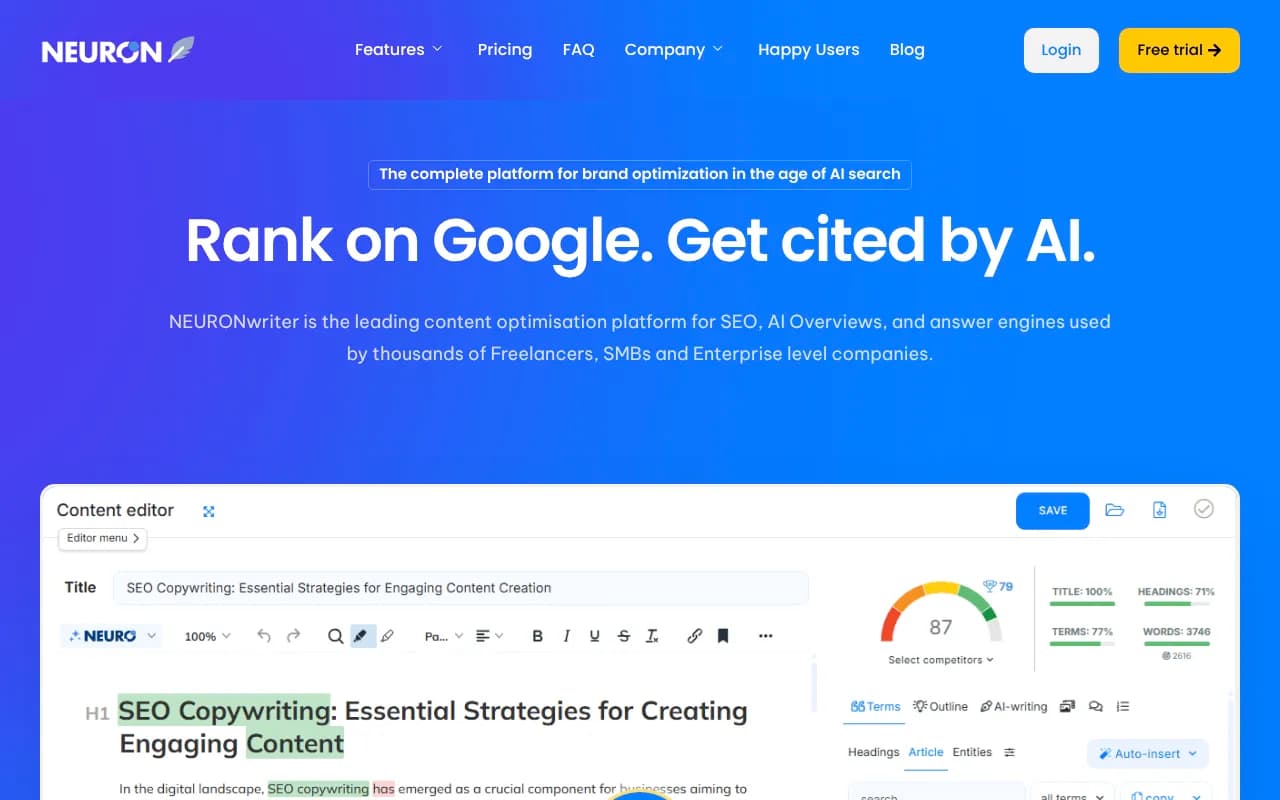
NeuronWriter is the budget Surfer alternative, a description that shows up repeatedly in third-party roundups.
Pricing
The pricing page is worth reading carefully, because older articles quote numbers that are half right. The "$19/mo" figure is the annual-billed Bronze rate. Monthly billing costs more.
- Bronze: $23/mo monthly or $230/yr (about $19.17/mo). 2 projects, 25 documents, 15,000 AI credits.
- Silver: $45/mo or $450/yr. 5 projects, 50 documents, 30,000 credits.
- Gold (most popular): $69/mo or $690/yr (about $57.50/mo). 10 projects, 75 documents, 45,000 credits, unlimited team members, GSC, WordPress and Shopify integrations, your own OpenAI key, API/MCP.
- Platinum: $93/mo or $930/yr. 25 projects, 100 documents.
- Diamond: $117/mo or $1,170/yr. 50 projects, 150 documents.
- AI Monitoring add-on: $9/mo for 10 questions, scaling to 1,000, covering Google, AI Overviews, AI Mode, ChatGPT and Perplexity.
There is a 7-day trial on Gold terms and a 30-day refund on the first plan.
Where it is strong
NeuronWriter analyzes the top 30 or so ranking pages and groups terms into basic, supplementary and contextual buckets with importance scores. The score updates live. It also includes AI drafting inside the same editor, and a Chrome extension brings scoring into Google Docs, WordPress and Shopify. One reviewer's 1,200-word draft scored 61/100 on its AI Score, flagged for low structural variety (no tables, no numbered lists) and thin middle sections. That is a single example, not a benchmark, but the feedback was more actionable than a bare keyword count.
Where it is weak
It is a scoring and drafting tool. No rank tracking, no site audits, little keyword research depth. The document caps are real too: 25 documents on Bronze runs out quickly for an active blog. Integrations only unlock at Gold.
Page Optimizer Pro (POP)
Page Optimizer Pro is the odd one out. It positions itself around correlation analysis rather than a generic content score, and it is the tool practitioners tend to recommend when they want data to argue with.
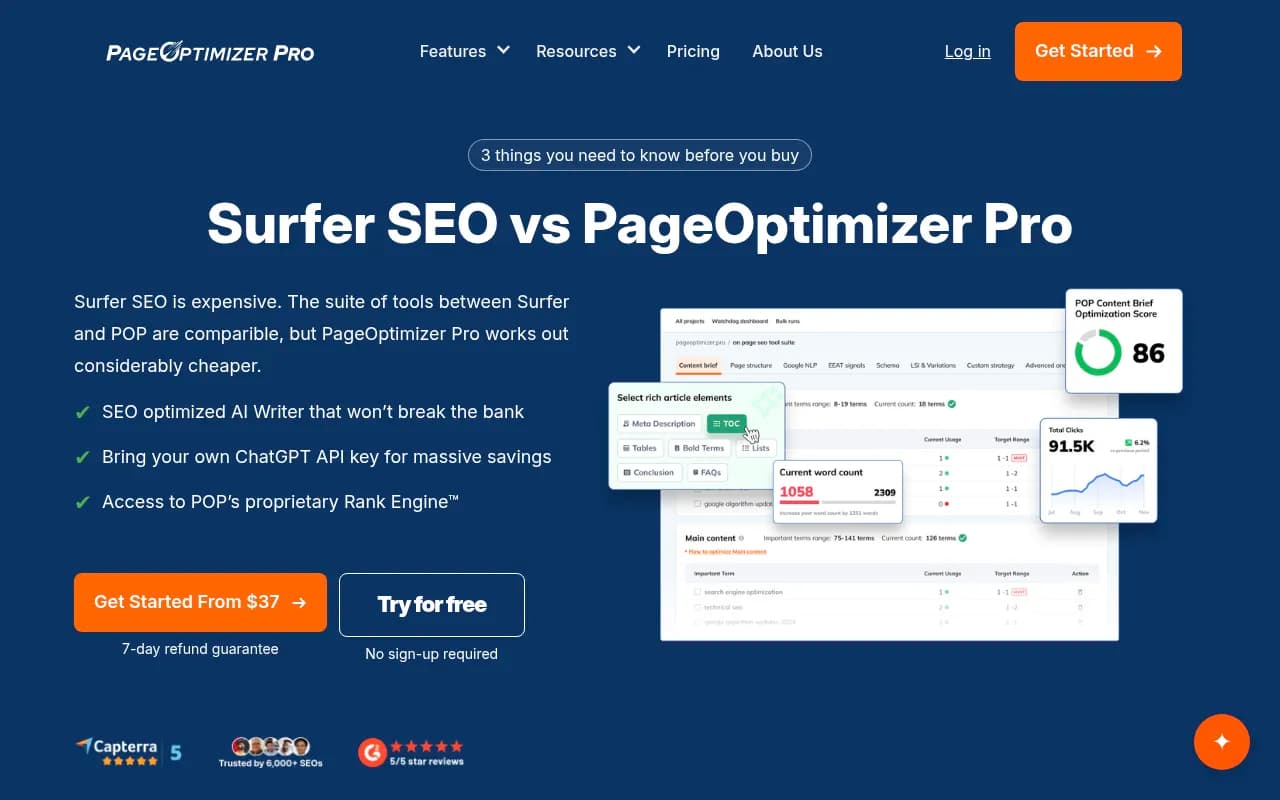
That screenshot is POP's own comparison page, so treat it as vendor marketing. It claims Surfer is expensive and that POP does more for less. Some of that is fair on price. The "POP only" feature labels (Rank Engine, NLP, schema, EEAT checks, Watchdog alerts) are POP's framing, and I did not verify the methodology behind them.
Pricing
- Basic, $40/mo: Rank Engine, unlimited domains, 20 credits for EEAT, NLP, Watchdog and AI, POP AI Writer, AI Visibility Tracker.
- Unlimited, $72/mo monthly or $62/mo annual ($739/yr): unlimited POP and Watchdog reports, 50 credits, keyword tools.
- Teams, $119/mo annual ($1,425/yr): 120 credits, 5 to 100 sub-accounts, extra seats $12/mo.
- Done-for-you: Authority from $555/mo with a 90-day growth guarantee, White Glove from $275.
There is a 7-day refund guarantee and a free demo with no sign-up. I could not capture Basic's report limit from the scraped page, so confirm it before buying. The AI writer also lets you bring your own ChatGPT API key, which can cut costs if you write at volume.
Where it is strong
POP appeals to people who want to see what correlates with rankings on a page, not just a single score. Practitioners in a r/DigitalMarketing thread said POP and Surfer are both good for the "physical details" of content. The pricing is also friendlier than Surfer's at the higher end, and sub-accounts make it workable for agencies.
Where it is weak
The interface and the credit system take longer to learn. Credits for reports mean you think about each run. And because the methodology is proprietary, you are trusting its Rank Engine.
Side-by-side comparison
| Surfer SEO | NeuronWriter | Page Optimizer Pro | |
|---|---|---|---|
| Entry price (annual billing) | $49/mo | about $19/mo | $40/mo (Basic), $62/mo (Unlimited annual) |
| Document or report limits | 120 to unlimited | 25 to 150 documents | Credit-based; unlimited reports on Unlimited |
| Scoring approach | SERP-derived terms, guidelines | NLP term groups, importance scores, AI Score | Correlation analysis, Rank Engine |
| AI writer | Yes (Surfy, humanizer) | Yes, built into editor | Yes, bring your own API key |
| AI visibility tracking | From Standard; multi-model from Pro | Paid add-on from $9/mo | AI Visibility Tracker included |
| CMS integrations | WordPress, Google Docs, Contentful, Zapier | WordPress, Shopify, GSC from Gold | Not a focus |
| Best for | Teams with a set workflow | Solo writers, small agencies, budget | Data-minded SEOs, agencies |
What the practitioners say
The public conversation is thin and mixed. A Builder Society poster said keyword research was their main bottleneck and that Surfer's Content Editor saved them time. A Reddit user whose team had tried POP, Surfer, Ahrefs' AI Content Helper and Semrush's tool called POP and Surfer the best for the physical details of content. The getspike roundup summarizes it as POP for pure data, NeuronWriter as the budget Surfer clone. None of that is a controlled test, so weigh it as opinion.
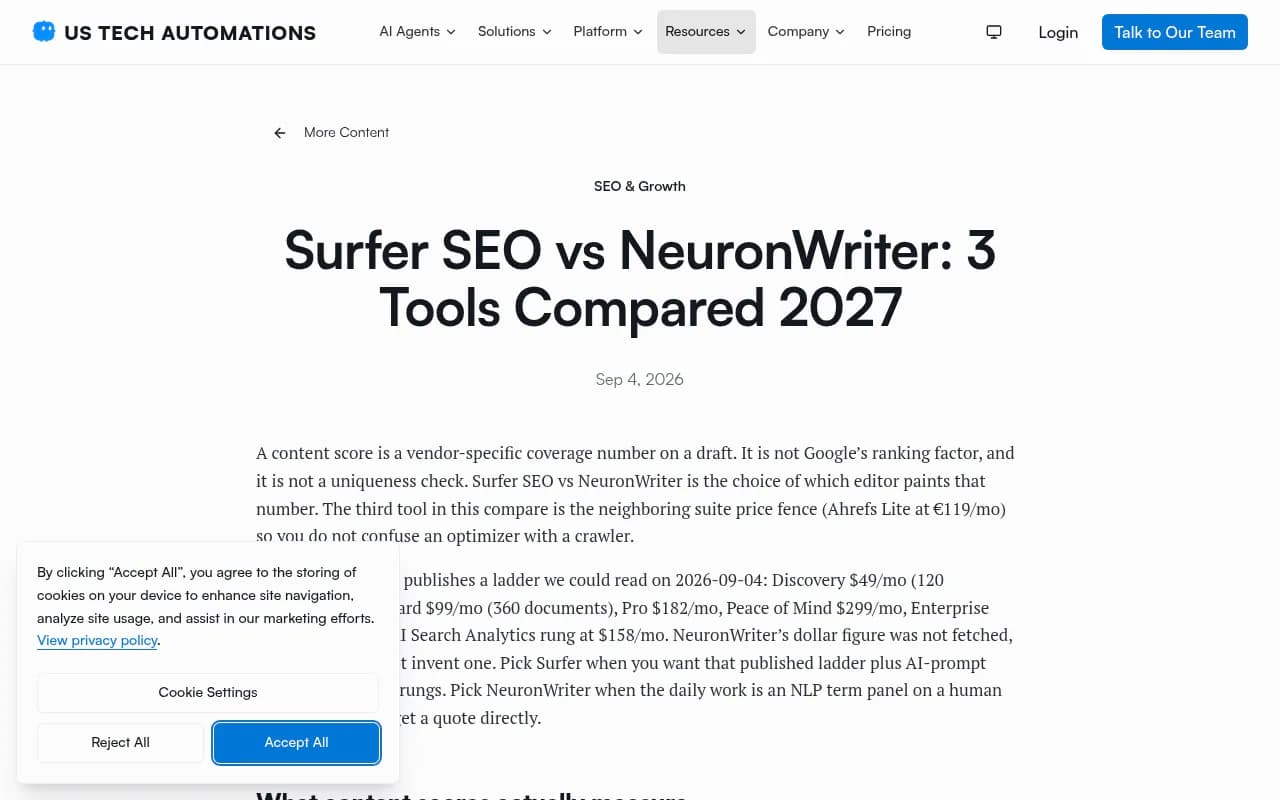
The US Tech Automations comparison reaches a sensible conclusion: a content score is a coverage number a vendor invents, and the choice is really about which editor paints it. Its point about Surfer's published price ladder is accurate, but its claim that NeuronWriter's price was unavailable is out of date, since the vendor page lists clear tiers.
The AI visibility angle
All three now bundle some form of AI answer tracking, which is a sign of where the category is going. They differ in depth. Surfer tracks 25 to 100 prompts depending on tier, NeuronWriter sells monitoring as an add-on by question count, and POP includes a tracker. These are useful for a sanity check on prompts tied to the pages you optimize.
They are not a substitute for a dedicated platform if AI search is a real channel for you. Optimizers tell you how to edit a page. They do not show crawler activity, citation sources or AI-referred traffic. For that, tools like Promptwatch cover tracking across ChatGPT, AI Overviews, Perplexity and others, plus crawler logs and a content workflow. If you want to compare more options, the GEO software directory at bestgeosoftware.com lists them.

If you are optimizing for ChatGPT citations specifically, look at what gets cited before you chase a score. Promptwatch's data on ChatGPT citation share by content type found product pages were the most cited type at 22.4% of citations (Sep 28 to Oct 4, 2026), followed by landing pages and listicles. Its content half-life report shows news losing half its cited pages within 36 days while landing pages and docs stayed cited longest. That should shape which pages you spend optimizer credits on.
Which one should you pick?
Pick NeuronWriter if
You are a solo writer, freelancer or small agency, publish a modest number of pieces a month and want scoring plus drafting in one cheap editor. Start on Gold if you need WordPress or Search Console connections. Skip it if you need keyword research depth or rank tracking in the same login.
Pick Surfer SEO if
You have a team, a WordPress or Google Docs workflow, and you value the surrounding features like internal linking, cannibalization reports and AI prompt tracking. Budget for Standard or Pro. Discovery works for a single writer but the caps and missing integrations show up fast.
Pick Page Optimizer Pro if
You are an experienced SEO who wants correlation data, runs many pages or client sites, and does not mind a steeper learning curve. The free demo needs no sign-up, so test it on a page you know well.
How to test them yourself
Since no published comparison runs these three on identical inputs, do it with your own pages. Most offer a trial or refund window: 7 days on Gold for NeuronWriter, a 7-day refund on POP, and Surfer's plan terms on its pricing page.
- Pick three pages: one ranking well, one stuck on page two, one new. Use the same target keywords in all tools.
- Compare the term lists, not just the scores. Note which terms the tools agree on. Those are probably real signals.
- Check the SERP set each tool selected. Irrelevant competitors (forums, giant publishers) skew suggestions.
- Edit one stuck page using only one tool's guidance. Wait four to six weeks and compare movement against a similar untouched page.
- Read the final draft out loud. If it sounds like a SERP digest, add original data, examples or opinions that no competitor has.
Other options worth a look
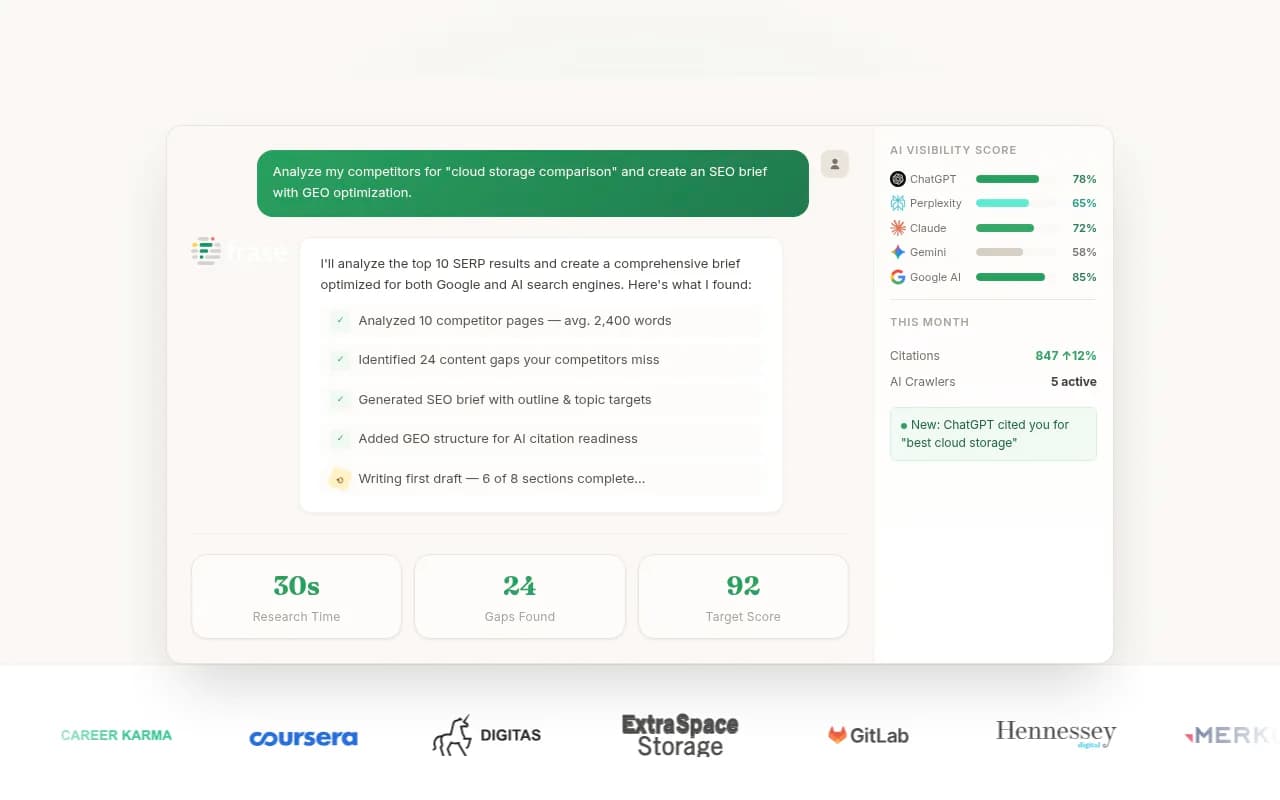
If none of these fit, the neighbors are Clearscope, Frase and MarketMuse. For a wider browse, the software directory at surferstack.com has reviews and alternatives.

Bottom line
Price and workflow decide this more than any scoring difference. NeuronWriter wins on cost, Surfer on ecosystem and team use, POP on data depth for people who can use it. Whichever you choose, treat the score as a checklist and put your editing time into the parts no tool can score: accuracy, a point of view, and information competitors don't have. Confirm current pricing on each vendor's page before you buy, since all three have changed their plans recently.