Key takeaways
- ChatGPT Shopping launched in late 2024 and now reaches 700M+ weekly active users -- it's a real channel, not an experiment
- You can submit products directly via OpenAI's merchant portal using a structured product feed
- Tracking visibility requires more than gut-checking ChatGPT manually -- dedicated tools exist to monitor citations and shopping appearances at scale
- Organic discovery, product feeds, and Instant Checkout are the three main routes to appearing in ChatGPT results
- The brands winning right now are combining feed optimization with strong on-site content that ChatGPT's crawler can actually read and understand
Why ChatGPT Shopping matters in 2026
ChatGPT crossed 700 million weekly active users earlier this year. A significant chunk of those users are asking product questions -- "best noise-cancelling headphones under $200," "running shoes for wide feet," "gift for a 4-year-old who loves art." These aren't abstract searches. They're high-intent buying moments.
OpenAI has been building toward this for a while. The timeline matters:
- April 2025: OpenAI quietly opened a product feed submission portal for merchants
- September 2025: "Buy it in ChatGPT" launched, introducing Instant Checkout and the Agentic Commerce Protocol
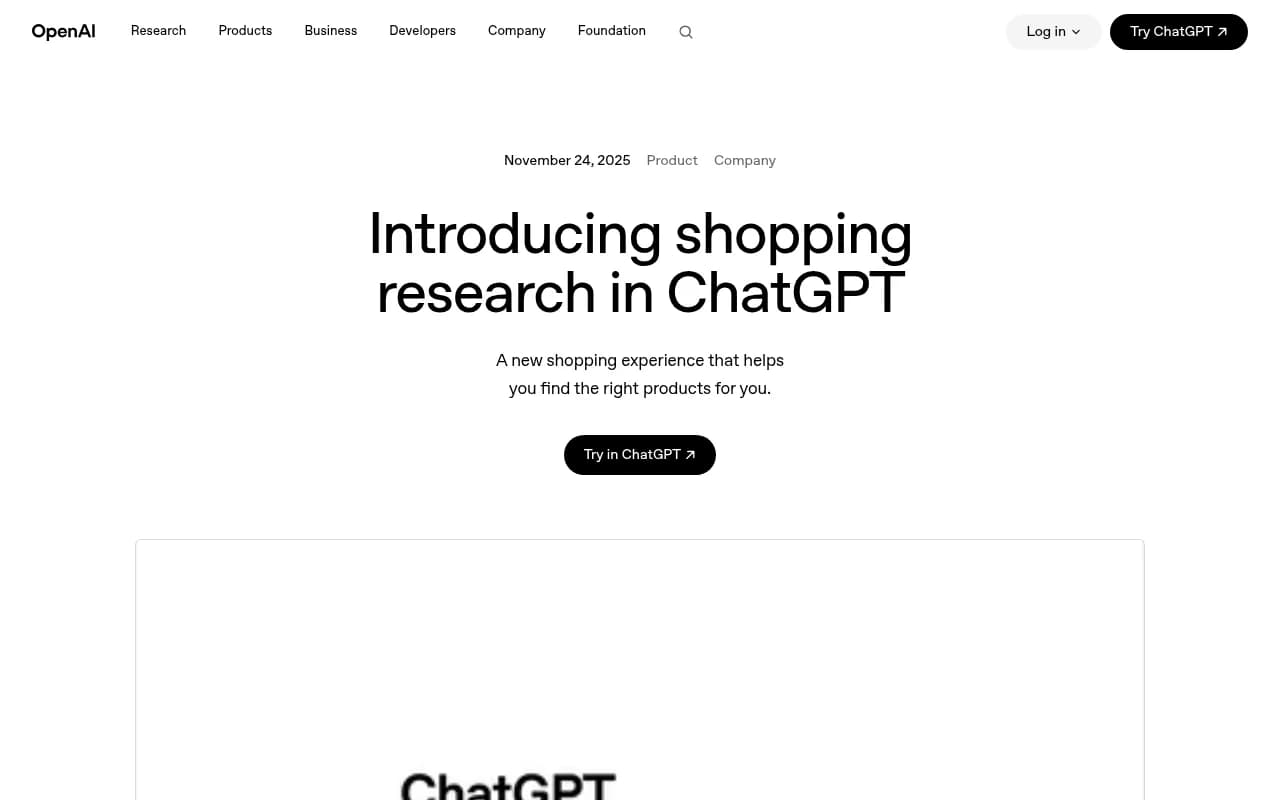
- November 2025: Shopping Research rolled out -- a full product discovery experience with clarifying questions, comparison guides, and personalized recommendations
The result is that ChatGPT now functions like a shopping assistant that can surface your products, compare them against competitors, and send buyers directly to a checkout flow. If you're not tracking whether your products appear in these results, you're flying blind on a channel that's already driving real traffic.
How ChatGPT Shopping actually works
Before you can track anything, it helps to understand the mechanics. ChatGPT Shopping pulls product data from two places: its web crawler (OAI-SearchBot) and direct merchant product feeds. When someone asks a shopping question, ChatGPT combines what it's crawled from the web with structured feed data to generate recommendations.
The Shopping Research feature goes a step further -- it asks clarifying questions, runs deeper research across multiple sources, and builds a buyer's guide tailored to the user's constraints and preferences. It performs especially well in electronics, beauty, home goods, and sports/outdoor categories.
There are three ways your products can appear:
- Organic discovery: OAI-SearchBot crawls your site and indexes your product pages. No setup required beyond allowing the crawler.
- Product feed submission: You submit a structured feed directly to OpenAI's merchant portal. This gives ChatGPT accurate, real-time data on pricing, availability, and product details. Feeds can be refreshed every 15 minutes.
- Instant Checkout: Users can complete purchases without leaving ChatGPT. This requires deeper integration with OpenAI's Agentic Commerce Protocol.
Most brands should start with organic discovery and product feeds. Instant Checkout is worth exploring once you have baseline visibility.
Step 1: Make sure ChatGPT can crawl your site
The first thing to check is whether you're blocking OAI-SearchBot in your robots.txt file. Many sites have overly restrictive crawl rules that were set up years ago and never revisited.
Check your robots.txt (yoursite.com/robots.txt) and look for any Disallow rules that might block OpenAI's crawler. The user agent to allow is OAI-SearchBot.
User-agent: OAI-SearchBot
Allow: /
Beyond crawl access, your product pages need to be readable. That means:
- Clean, descriptive product titles (not just SKU codes)
- Detailed descriptions that answer the questions buyers actually ask
- Structured data markup (schema.org/Product) with price, availability, reviews, and brand
- Fast page load times -- slow pages get crawled less frequently
- Clear category and breadcrumb structure
Think of it this way: ChatGPT is trying to understand your product well enough to recommend it to someone with a specific need. If your product page only has a title and a few bullet points, it doesn't have much to work with.
Step 2: Submit your product feed
OpenAI's merchant portal (chatgpt.com/merchants) lets you submit a structured product feed directly. This is the most reliable way to ensure your products appear with accurate data.
The feed format is similar to Google Shopping feeds, which is good news if you've already done that work. Key fields include:
- Product ID
- Title
- Description
- Price (with currency)
- Availability (in stock / out of stock / preorder)
- Product URL
- Image URL
- Brand
- Category (using Google's product taxonomy works)
- GTIN / MPN if applicable
A few things worth knowing about feed management:
- Feeds can be refreshed as frequently as every 15 minutes, so real-time pricing and inventory is possible
- Product descriptions matter more here than in Google Shopping -- ChatGPT uses them to understand context and match products to conversational queries
- If you're already managing a Google Merchant Center feed, you can often repurpose it with minor modifications
If you're on Shopify, WooCommerce, or most major platforms, there are feed export plugins that can generate a compatible format. The submission process itself involves filling out a form on OpenAI's merchant portal and providing your feed URL.
Step 3: Optimize for how people actually ask
This is where most brands miss the mark. They optimize product titles for keyword matching ("Blue Running Shoe Men Size 10") but ChatGPT Shopping works differently. Users describe their situation: "I need trail running shoes for someone with wide feet who runs on rocky terrain."
ChatGPT is trying to match that description to a product that genuinely fits. So your product content needs to answer the implicit questions:
- Who is this product for?
- What problem does it solve?
- What are the tradeoffs vs alternatives?
- What constraints does it satisfy (budget, size, use case)?
This means writing product descriptions that read like helpful explanations, not keyword lists. It also means having supporting content on your site -- buying guides, comparison articles, FAQ pages -- that ChatGPT can cite when building its shopping research responses.
Step 4: Track your ChatGPT Shopping visibility
Getting listed is one thing. Knowing whether it's working is another. Manual checking -- typing queries into ChatGPT and seeing if your products show up -- doesn't scale. You'd need to test hundreds of relevant prompts across different phrasings, and results can vary by session, location, and user history.
This is where dedicated tracking tools come in. Promptwatch specifically tracks ChatGPT Shopping appearances alongside broader AI visibility, showing you which prompts surface your products, how often you're cited, and how you compare against competitors.
The key things to track for ChatGPT Shopping:
- Which product-related prompts trigger your listings
- How frequently your products appear vs competitors for the same queries
- Which product pages are being cited (page-level tracking)
- When ChatGPT's crawler last visited your product pages
- Whether your feed data is being reflected accurately in responses
Promptwatch's AI Crawler Logs are particularly useful here -- they show you when OAI-SearchBot hits your pages, which pages it reads, and whether there are crawl errors preventing your products from being indexed properly. Most brands don't realize they have crawl issues until they check.
Step 5: Identify gaps and act on them
Tracking visibility is only useful if you do something with the data. The practical workflow looks like this:
- Run a set of prompts that represent how your customers shop ("best [product type] for [use case]", "compare [your product] vs [competitor]", "[product type] under $X")
- See which prompts your products appear for and which they don't
- For the gaps, figure out why -- is it a content issue (your site doesn't have relevant information), a feed issue (missing or inaccurate data), or a crawl issue (ChatGPT can't access the page)?
- Fix the underlying issue and track whether visibility improves
This cycle -- find gaps, fix them, track results -- is the difference between treating ChatGPT Shopping as a passive channel and actually optimizing for it.
Comparison: ways to track ChatGPT Shopping visibility
| Method | Scale | Accuracy | Effort | Cost |
|---|---|---|---|---|
| Manual ChatGPT queries | Low (10-20 prompts) | Variable | High | Free |
| Spreadsheet + manual logging | Low-medium | Variable | Very high | Free |
| Promptwatch (dedicated tracking) | High (hundreds of prompts) | Consistent | Low | From $99/mo |
| Scrunch AI | Medium | Good | Low | Paid |
| Otterly.AI | Medium | Good | Low | Paid |
Manual checking works fine when you're just getting started and want to verify your products are appearing at all. Once you have more than a handful of products or want to track changes over time, you need a tool.

Common mistakes brands make
Blocking OAI-SearchBot: Still surprisingly common. Check your robots.txt and your CDN/WAF settings -- Cloudflare and similar services sometimes block crawlers at the infrastructure level without you realizing it.
Thin product descriptions: A 50-word description might work for Google Shopping, but ChatGPT needs more context to match your product to conversational queries. Aim for descriptions that actually explain the product's purpose, ideal user, and key differentiators.
Ignoring feed freshness: If your feed has stale pricing or shows items as in-stock when they're not, ChatGPT may surface your products but users will hit dead ends. This erodes trust and likely affects how often ChatGPT recommends you over time.
Only tracking brand mentions, not product appearances: Many brands track whether ChatGPT mentions their brand name, but that's different from tracking whether specific products appear in shopping results. You need prompt-level tracking for specific product queries.
Not tracking competitors: Knowing your own visibility is useful. Knowing that a competitor appears for 40 prompts you don't appear for is actionable. Competitor heatmaps -- showing who's winning for which queries -- give you a prioritized list of gaps to close.
What good ChatGPT Shopping visibility looks like
To give you a benchmark: a well-optimized product catalog in a competitive category might appear in 30-50% of relevant shopping prompts. A brand that's done nothing -- no feed submission, thin product pages, blocked crawler -- might appear in under 5%.
The gap is real, and it's growing. As more brands optimize their feeds and content for ChatGPT, the baseline for "good" visibility will rise. The brands investing now are building a head start that will be harder to close later.
A few signals that your optimization is working:
- Your products start appearing in Shopping Research responses for queries you weren't showing up for before
- Crawler logs show OAI-SearchBot visiting your product pages more frequently
- Traffic from ChatGPT (trackable via UTM parameters if you're using Instant Checkout, or via referral traffic analysis) increases
- Your products appear in comparison responses alongside or above competitors
Tools worth knowing about
Beyond Promptwatch, a few other tools are worth mentioning depending on your setup:
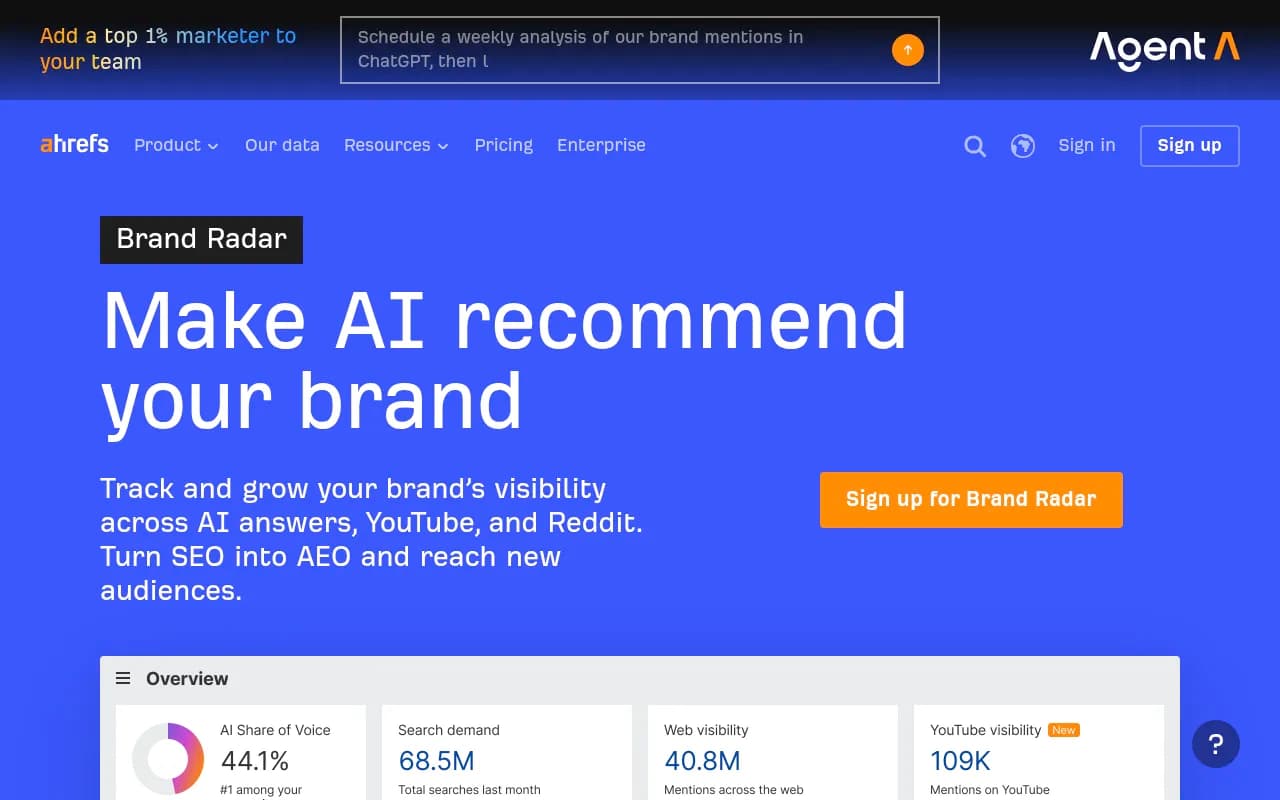
Ahrefs Brand Radar tracks your brand mentions across AI search engines including ChatGPT, though it focuses more on brand-level visibility than product-level shopping appearances.
Semrush's AI Visibility Toolkit covers AI search monitoring broadly. It uses fixed prompt sets, which can be limiting for product-specific tracking, but it's useful if you're already in the Semrush ecosystem.
Profound is strong for enterprise-level AI search analytics and has solid reporting capabilities, though it's priced accordingly.
For most e-commerce brands, the combination of a properly configured product feed, clean product page markup, and a dedicated AI visibility tracker will cover the majority of what you need.
Quick-start checklist
- Check robots.txt -- OAI-SearchBot is allowed
- Verify structured data markup on product pages (schema.org/Product)
- Submit product feed via chatgpt.com/merchants
- Set up feed refresh schedule (daily minimum, 15-minute intervals if possible)
- Write or expand product descriptions to include use cases, ideal customer, and key tradeoffs
- Set up a tracking tool to monitor which prompts surface your products
- Run a competitor analysis -- which prompts do they appear for that you don't?
- Create supporting content (buying guides, comparisons) that ChatGPT can cite in shopping research responses
- Check crawler logs for crawl errors or blocked pages
- Set up UTM parameters on Instant Checkout links to attribute revenue to ChatGPT
ChatGPT Shopping is still early enough that the brands paying attention now have a real advantage. The mechanics aren't complicated -- clean feeds, crawlable pages, useful content -- but most brands haven't done the work yet. That gap is the opportunity.