Key takeaways
- Your quickstart now has two audiences: humans and coding agents like Claude Code, Codex, and Cursor. The agent usually hits problems first, and silently.
- A weekly routine with a clean directory, a bounded prompt, a headless run, and a short written log is enough to catch most regressions.
- Run agents with read-only or tightly scoped permissions, in an isolated git worktree, and read credentials from environment variables rather than chat.
- Track three things every week: did the agent finish, how many turns did it take, and where did it stall. Fix the docs, not the agent.
- If you also care whether AI search engines recommend your SDK, that is a separate measurement problem, and tools like Promptwatch cover it.
Why test a quickstart against agents at all
A developer evaluating your SDK increasingly says "set this up for me" to an agent. The agent reads your docs, runs commands, hits an error, guesses, and either succeeds or gives up. You never see the failure. The developer just picks a different SDK.
Human testers are forgiving. They skim past a stale version number or infer that a step was skipped. Agents follow instructions literally. That makes them a harsh and useful QA audience: if an agent can go from zero to a working call using only your docs, a person can too.
I would not claim agents replace human usability testing. They don't. They are fast, cheap, and repeatable, which is exactly what a weekly routine needs.
What good agent-friendly quickstarts look like
The best public examples share a pattern. Cursor's Agent SDK docs open with a "Get started with your coding agent" prompt that tells the agent to read a Markdown version of the docs first (every page under /docs/agent-sdk/ is also served as Markdown by appending .md). The numbered steps then check that Node is 22.13 or newer, install the package globally, read the llms.txt shipped with the package, run login and wait for browser sign-in, scaffold with init, run validate, and run one agent turn. It ends by showing the reply. That is a quickstart an agent can run end to end, and it doubles as a test script. Details are at Cursor's Agent SDK docs.
The Claude Agent SDK quickstart takes a different angle: a venv, pip install claude-agent-sdk, and an agent that finds and fixes bugs. It also documents the most common failure up front. If you see "Not logged in" or "Invalid API key", set ANTHROPIC_API_KEY in the shell that runs the agent. Documenting your top failure next to the happy path is cheap and removes a lot of agent flailing.
TestCollab's agent flow adds two habits worth copying. It uses a single Markdown guide (agents.md) that the agent must read in full, not summarize. And it tells the agent to read its token from the TESTCOLLAB_TOKEN environment variable instead of asking for it in chat.
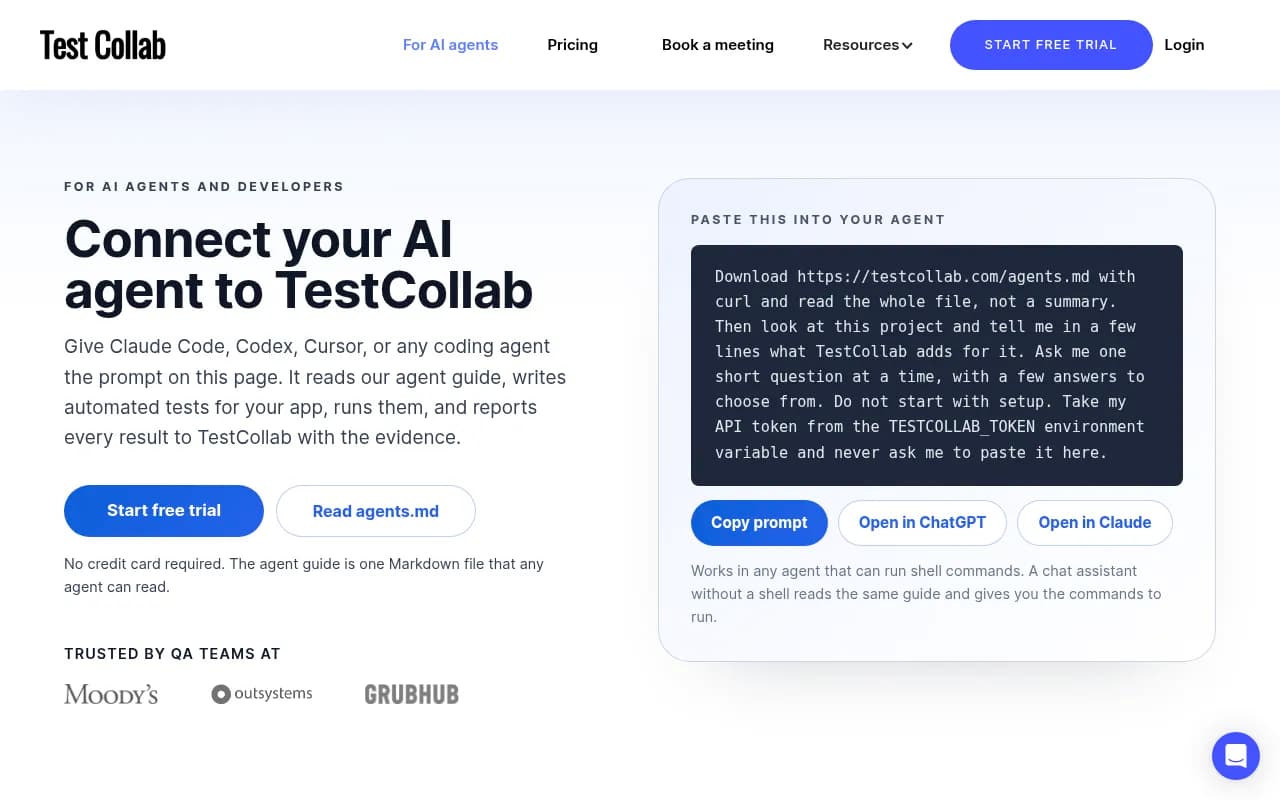
That page is a good template for your own: one prompt, one Markdown guide, secrets via environment variables, and one short question at a time.
The weekly routine
Pick a fixed day. Mondays work, because docs changes from the previous week are fresh and you have the week to fix problems. The whole thing should take under an hour once set up.
Step 1: prepare a clean sandbox
Every run starts from nothing. No cached packages, no leftover config, no logged-in sessions from last week. Otherwise you are testing your machine, not your quickstart.
If you run agents in parallel or on a schedule, give each job its own git worktree:
git worktree add ../quickstart-agent-2026-w47 -b agent/quickstart-w47 origin/main
cd ../quickstart-agent-2026-w47
Then create a fresh empty project directory inside it, with only the environment variables your docs tell users to set.
Step 2: write one bounded prompt
The prompt is your test case. Keep it identical week to week so results compare. A simple template:
Follow the quickstart at <URL or .md URL>. Read the whole page, not a summary.
Goal: install the SDK, authenticate, and make one successful call.
Use only information from the docs. Do not use prior knowledge of this SDK.
Take credentials from environment variables. Never ask me to paste them.
If you get stuck, stop and report the exact step and error. Do not work around it.
The last line matters most. An agent that quietly works around a broken step hides the very bug you are looking for. You want it to fail loudly.
The VS Code team's TDD guide uses a similar read-only baseline prompt: inspect the framework, identify the focused and full-suite commands, run the existing tests, report failures, and do not edit files, install dependencies, or change configuration. You can borrow that structure for a pre-flight check, then loosen permissions for the actual quickstart run. See Practice test-driven development with AI.
Step 3: run it headlessly
Claude Code runs non-interactively with --print (-p): it produces output and exits, which suits cron or CI. A bounded command looks like this:
claude --print "Follow the quickstart at https://example.com/docs/quickstart.md ... Stop and report on the first failure." > run-w47.txt
A caveat on permissions. Third-party posts and a GitHub issue report that --dangerously-skip-permissions can still show a confirmation dialog on the first run of a new session, and suggest --permission-mode dontAsk for non-interactive runs. I got that from an issue thread, not the official docs, so check the current Claude Code documentation before you rely on it. Whatever flag you use, run inside the disposable worktree so a bad guess cannot touch anything you care about.
Run the same prompt in at least two agents. Claude Code and Codex or Cursor often fail in different places, and the overlap is where your docs are genuinely unclear.
Step 4: capture evidence, not impressions
Save the full transcript. For each run, write down four numbers or facts:
- Did it reach a successful call (yes or no)?
- How many tool calls or turns did it take?
- Which step had the first error or hesitation?
- Did it ask the user for something it should not have (like a secret)?
If you want a managed home for this, TestCollab's approach is to have the agent write real automated tests (for example Playwright), run them with screenshots, video, and traces kept on failure, then report with tc report --auto-create so the evidence is attached to each result. That is a sensible fit if your quickstart includes a web console step. I could not verify TestCollab's pricing, so check it directly.
Step 5: classify failures and fix the docs
Almost every failure falls into one of a handful of buckets:
| Failure type | Typical symptom | Usual fix |
|---|---|---|
| Stale version or flag | Install or command errors | Pin versions, add a CI check on the docs |
| Missing prerequisite | Agent installs wrong runtime | State minimum versions at the top (like Node 22.13+) |
| Auth confusion | "Not logged in" or invalid key | Document the env var and the exact error |
| Browser-only step | Agent stalls or invents a workaround | Tell it to wait for the human, as Cursor's prompt does |
| Ambiguous step | Agents diverge from each other | Rewrite with one explicit command |
| Secret handling | Agent asks you to paste a key | Say to read it from an environment variable |
Fix the docs, then rerun the same prompt that day to confirm. Fixing the agent prompt to be smarter defeats the point, because real users will not have your tuned prompt.
Making the quickstart easier for agents to read
Small changes pay off quickly:
- Serve a Markdown version of each docs page, as Cursor does with the
.mdsuffix. - Ship an
llms.txtin the package or at the docs root. Our free llms.txt generator can draft one. - Put a copy-paste prompt at the top of the quickstart.
- Keep commands in single code blocks with no inline commentary the agent has to strip.
- Print a clear success message at the end of the quickstart so the agent knows it is done.
One honest limit: Promptwatch Data found that markdown files make up just 0.05% of AI search citations. Markdown serves agents that fetch your docs directly, not AI search engines that cite you. Do it for the coding-agent audience, not for rankings.
Testing UI and API pieces
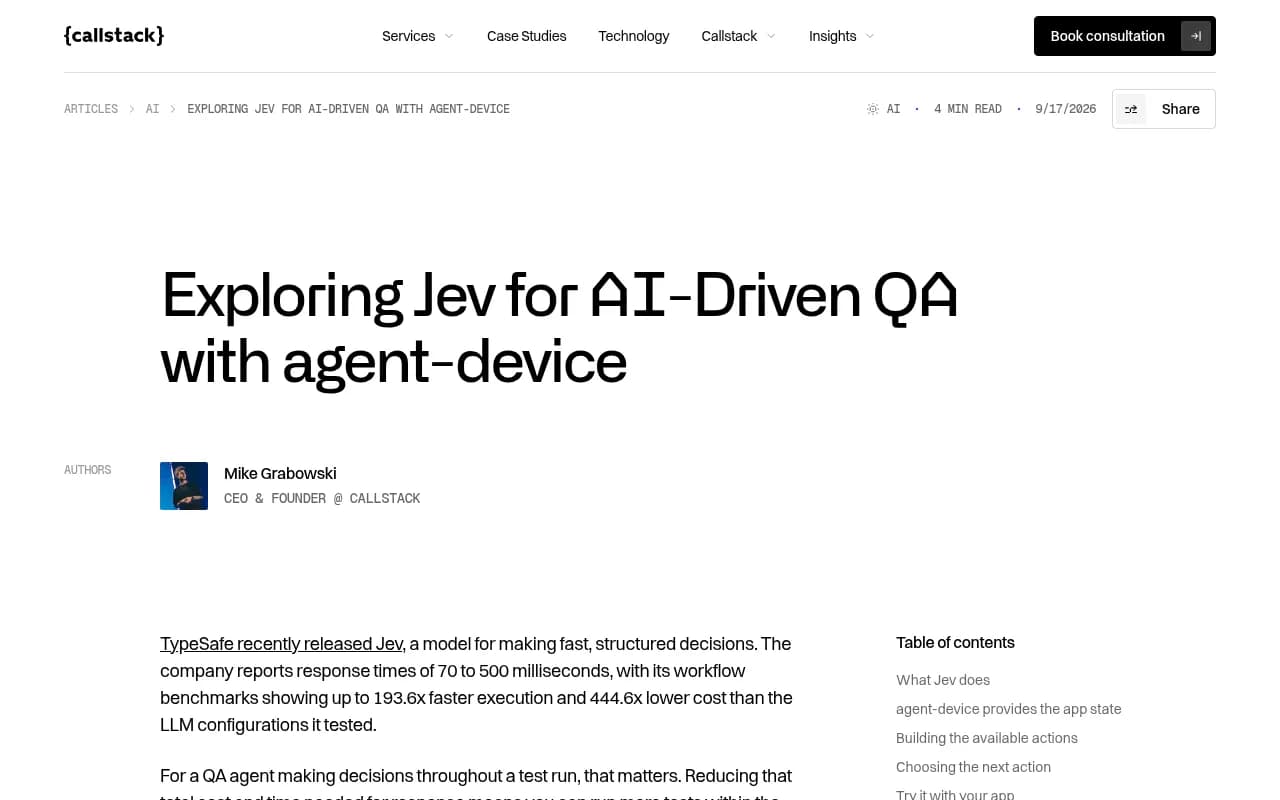
If your SDK quickstart ends in a dashboard or a mobile app, the loop gets heavier. Callstack's write-up on pairing TypeSafe's Jev model with their open-source agent-device tool is a useful reference: agent-device reads accessibility information (button labels, text, form values) as a snapshot with references the agent can act on, and Jev picks the next action. Their demo run took 14 seconds and cost $0.0023 in model inference. That is a vendor demo on a simple cart flow, so treat the numbers as indicative, but it shows that checking mobile flows with agents can be cheap.
For API-first SDKs, collections of agent skills exist for REST, GraphQL, and HTTP testing, such as the ones at qaskills.sh. Whether they beat a plain prompt is something to test yourself.
For browser flows, a roundup at Shiplight compares Shiplight AI, Playwright agent tooling, BrowserUse, BrowserStack, and Applitools. I have not verified their pricing or claims, so treat it as a starting list.
Tools that help with the browser side
If your quickstart has a console sign-up step, a browser infrastructure tool can run the agent against a real page.
Browserbase gives agents managed browser sessions.

Skyvern is open-source, LLM-powered browser automation.

Beyond QA: do agents and AI search recommend your SDK?
A working quickstart only matters if developers (and their agents) choose your SDK in the first place. That is a separate question: when someone asks ChatGPT or Claude Code which SDK to use, are you named, and do the answers cite your docs?
This is where an AI visibility platform fits. Promptwatch tracks how ChatGPT, Gemini, Perplexity, Claude, and AI coding agents like Codex, Claude Code, and OpenCode mention and cite a brand, and its AI crawler logs show which of your docs pages those bots actually read and where they hit errors. That pairs well with the weekly routine: your QA run tells you whether the docs work, the crawler logs tell you whether agents are reaching them.

For context on what gets cited, Promptwatch Data shows that for software prompts, GitHub, Microsoft's docs, and G2 lead ChatGPT citations, and documentation and help centers earn the largest share (Sep 28 to Oct 4, 2026). The full breakdown is in the software citation report. In practice that means your docs are the page most likely to be cited, which makes the quickstart worth the weekly attention.
If you want to compare other options, the GEO software directory at bestgeosoftware.com lists alternatives. You can also get a free baseline from the free AI visibility report.
A sample log you can copy
Keep it to a few lines per run. A shared doc or a plain Markdown file in your repo is enough.
Week 47, 2026
Agent: Claude Code, Codex
Prompt version: v3
Result: Claude Code pass (9 turns). Codex fail at step 4.
First failure: Codex tried pip install without the venv; docs never mention a venv.
Fix: add venv step, pin Python 3.11+.
Retest: pass on both after fix.
After a couple of months, the log shows which pages break repeatedly. Those are the ones to rewrite properly, or to cover with a CI check.
Common mistakes
- Letting the agent keep going after a failure, so you only see the final workaround.
- Reusing a warm environment, which hides missing prerequisites.
- Pasting real secrets into chat. Use environment variables, as TestCollab's and Claude's quickstarts both do.
- Changing the test prompt every week, which makes results impossible to compare.
- Testing only one agent.
- Treating a single pass as proof. Agents are non-deterministic, so rerun failures once or twice before deciding it is flaky rather than broken.
What to do this week
Pick your quickstart, write the bounded prompt above, and run it once in a clean worktree with two agents. Write down where each one stalls. That single hour will almost certainly surface at least one stale step, and from there the weekly routine is just repetition.