Key takeaways
- Daily tracking is the right default for almost every team. It catches trend changes without burning prompt credits.
- Hourly tracking earns its cost only around launches, PR pushes, migrations, and incident-style checks, not as a permanent setting.
- ChatGPT's biggest shifts come from platform changes (model rollouts, search behavior updates), which hit overnight. Daily data catches those fine.
- Cited pages tend to stay cited for weeks, so hourly polling adds little for steady-state content.
- A "refresh button" is not hourly monitoring. Ask vendors how many prompts can run hourly and whether extra runs consume credits.
Why refresh rate is a real buying decision
When you shop for a ChatGPT rank tracker, refresh rate looks like a line item. It is actually a cost multiplier. Every extra run of a prompt is another sample of ChatGPT's answer, and most tools charge for samples one way or another, through prompt caps, response quotas, or credits.
So the question is not "what is the fastest option?" It is "what cadence tells me something I can act on?"
A quick vocabulary check first, because vendors blur these terms:
- Daily tracking: the tool runs your prompts on a schedule once every 24 hours and stores the result. You see yesterday, not a live snapshot.
- On-demand refresh: you trigger an extra check outside the schedule, useful before a client call or right after a site change.
- Hourly tracking: automated checks every hour. Most tools either do not offer this or put it in a higher tier.
These are three different products. Hourly monitoring and a refresh button are not the same thing, and the gap shows up on the invoice.
What the market actually offers
The comparison roundups published in 2026 agree on one thing: daily is the norm. Rework's methodology table lists Otterly.ai, Trakkr, and Peec AI as daily-refresh tools. Searchable's review notes that ProRankTracker samples prompts daily per its pricing page. A TrueRanker roundup says most trackers refresh once a week or once a day, and singles out Rankscale for letting you set cadences down to hourly runs.
| Cadence | What it means | Typical fit | Watch out for |
|---|---|---|---|
| Weekly | One check per week | Low-stakes monitoring, tight budgets | Misses short-lived losses and model shifts |
| Daily | One check every 24 hours | Default for most brands and agencies | Confirm the full prompt set refreshes daily |
| On-demand | Manual extra check | Pre-meeting or post-change spot checks | Often consumes credits |
| Hourly | Automated check every hour | Launches, campaigns, migrations | Cost, and whether it covers all prompts or only some |
One caveat on pricing and quotas. Figures like Rankscale's $20/month Essentials plan, its zero included credits, and Rework's note that a ChatGPT check costs 0.25 credits come from third-party roundups. Check vendor pricing pages before you buy, because these change.
One sample is not a stable result
Here is the part most refresh-rate debates skip. ChatGPT answers are generated, not retrieved from a fixed ranking. Searchable's measurement across 6.9 million responses found an average of 1.74 underlying searches per ChatGPT response, which is why they argue a single check is one sample rather than a stable result.
I could not find a credible public number for how much the same prompt varies from run to run, so I will not invent one. What matters in practice: the useful question is how many samples you collect over a period, not just how frequently the clock ticks. Running 50 prompts daily for a month gives you a trend. Running 5 prompts hourly gives you a noisy view of very few questions.
This is the trade-off hiding inside refresh rate. With a fixed credit budget, faster cadence means fewer prompts. Broad prompt coverage on a daily schedule usually beats narrow coverage every hour.
What Promptwatch Data says about how fast ChatGPT changes
The case for or against hourly tracking depends on how quickly ChatGPT's behavior moves. Promptwatch publishes first-party research on this, and it points in a consistent direction: changes are step changes at the platform level, not hour-to-hour drift.
Model rollouts move everything at once
In the week before the GPT-5.3 rollout on March 4, 2026, ChatGPT cited about 6.4 sources per search-enabled response. By late March it settled around 4.7 to 4.9, roughly 27% fewer, with no recovery a month later. The drop hit GPT-5.3, GPT-5.4, and GPT-5-Mini within a day of the rollout. Details are in Promptwatch's ChatGPT citation drop report (chart window Feb 26 to Mar 11, 2026).
A daily tracker sees that cleanly. An hourly one would have shown the same cliff, just with 24 times more data points on it. The practical lesson is a different one: check the date against model releases before blaming your own content, and track citations per response so you can tell "we lost visibility" from "ChatGPT cites fewer sources across the board."
Fanout behavior shifts in steps too
Promptwatch's ChatGPT query fanout data shows ChatGPT averaging 2.15 web searches per response in early December 2025 and about 1.84 by early March 2026. Fanouts returned in April at exactly 1.0 per response, and average query length fell from about 117 characters to roughly 53. Separately, ChatGPT began using the site: operator at scale on August 8, 2026, taking it from about 0.4% to about 17% of fanout queries overnight, per Promptwatch's site: operator report.
Two things follow. These shifts happen on specific dates, and they change what your tracked prompts should look like. Phrase tracker prompts closer to short search queries rather than long paragraphs, and revisit your prompt set after major ChatGPT updates. More frequent polling of the same stale prompts fixes neither problem.
Cited pages stay cited
This is the strongest argument against hourly as a default. Promptwatch tracked every page ChatGPT cited on July 6, 2026 through October 4, 2026 in its content half-life report:
- After 30 days, ChatGPT still cited 78% of landing pages, 76% of docs, and 72% of comparisons.
- After 60 days those figures were 69%, 67%, and 63%.
- Product pages, reviews, and how-tos reach their half-life after 74 to 77 days.
- News is the exception: about 25% of pages are never cited again after day 0, and half are gone after 36 days.
If your pages are evergreen, a citation you hold today is very likely still there tomorrow. Hourly checks mostly confirm the same thing 24 times. News and PR content is the one place where a tighter cadence is defensible, which lines up neatly with the launch-and-campaign use case vendors pitch.
When hourly tracking is worth paying for
Hourly is a tool for a window of time, not a permanent setting. Good reasons to turn it on:
- A product launch or announcement, where you want to see how quickly AI answers pick up the news.
- A PR or media push, since news-type content decays fastest.
- A site migration or major change, where you need fast confirmation nothing broke.
- A reputation incident, where you want to watch what AI says about you while you respond.
- A client-facing event where you need fresh numbers on the day.
Bad reasons: it feels more thorough, the competitor offers it, or the dashboard looks busier. One vendor blog claims roughly 35% of rank tracking customers pay for faster-than-daily updates. That comes from a vendor (rankmonster.ai) and I could not verify it, so treat it as marketing, not a benchmark.
When daily is plenty
For the rest of the year, daily does the job:
- Trend reporting for stakeholders: weekly and monthly charts smooth out noise anyway.
- Spotting competitor moves: a rival publishing a page that starts getting cited shows up the next day.
- Catching platform shifts: model rollouts and fanout changes are visible in daily data.
- Evergreen content monitoring: citations persist for weeks.
The real risk with daily is the thing weekly tracking also misses: a single-day loss that recovers before you look. Weekly checks can hide that entirely, which is why daily is worth the premium over weekly.
Questions to ask any vendor
Before paying for a faster cadence, get specific answers:
- Does the stated frequency apply to all my prompts or only a subset?
- Do extra refreshes or hourly runs consume credits or count against response quotas?
- Can I switch cadence per monitor, or is it account-wide?
- Does the tool query the real ChatGPT interface or an API? User-facing answers and citations can differ from API output.
- Can I filter by model, country, and language so one market does not pollute another?
- What happens to data when I turn hourly off?
Tools and how their cadence compares
Here is how some of the tools in this category handle refresh. Treat third-party figures as a starting point and confirm on each vendor's site.
| Tool | Refresh options | Notes |
|---|---|---|
| Promptwatch | Daily on every plan; every 12, 6, or 1 hours on Business and Agency Scale (Enterprise on request) | Tracks the real interfaces of ChatGPT and other engines, per country and language |
| Rankscale | Adjustable down to hourly | Credit-based; cadence control is its main selling point per TrueRanker |
| Otterly.AI | Daily | Rework lists 15 prompts on Lite, shared across engines |
| Peec AI | Daily | Rework lists 50 prompts on Starter, 3 of 6 models |
| Trakkr | Daily | Rework lists 50 prompts a day, 1 brand |
| ProRankTracker | Daily | Per Searchable's review |
Promptwatch
Promptwatch is an end-to-end AI visibility platform, so refresh rate is one setting inside a larger loop of monitoring, tracing citations, acting on gaps, and measuring results. Prompts run daily on every plan. On the Business plan ($579/month) and Agency Scale ($799/month), a monitor can run every 12, 6, or 1 hours, which suits the launch-window case: turn it on for the campaign, then drop back to daily. Because monitors are set per panel of prompts, you do not need to speed up everything. Confirm current pricing at promptwatch.com/pricing, and you can start with the 7-day free trial or the free AI visibility report.
Rankscale
Rankscale is the one most often named for hourly control. Rework notes ChatGPT is among its cheapest engines to check at 0.25 credits, though the Essentials plan reportedly ships with zero included credits, so budget for credit packs.
Otterly.AI and Peec AI
Both are daily-refresh monitors aimed at straightforward brand tracking. They suit teams that want a clean dashboard and do not need sub-daily cadence.

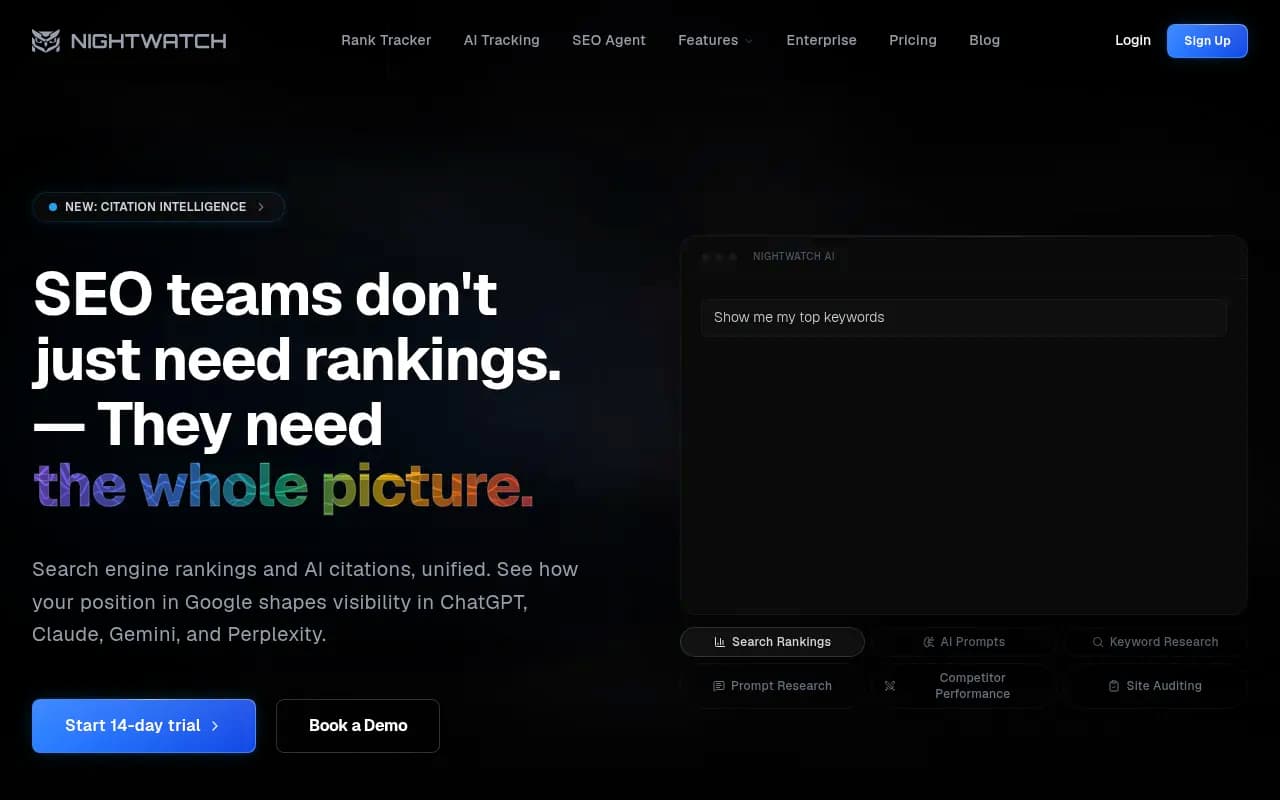
Trakkr and Nightwatch
Trakkr targets heavy daily prompt volume for one brand at a flat price. Nightwatch extends a long-standing rank tracker into AI search, which helps if you want classic and AI rank data in one place.
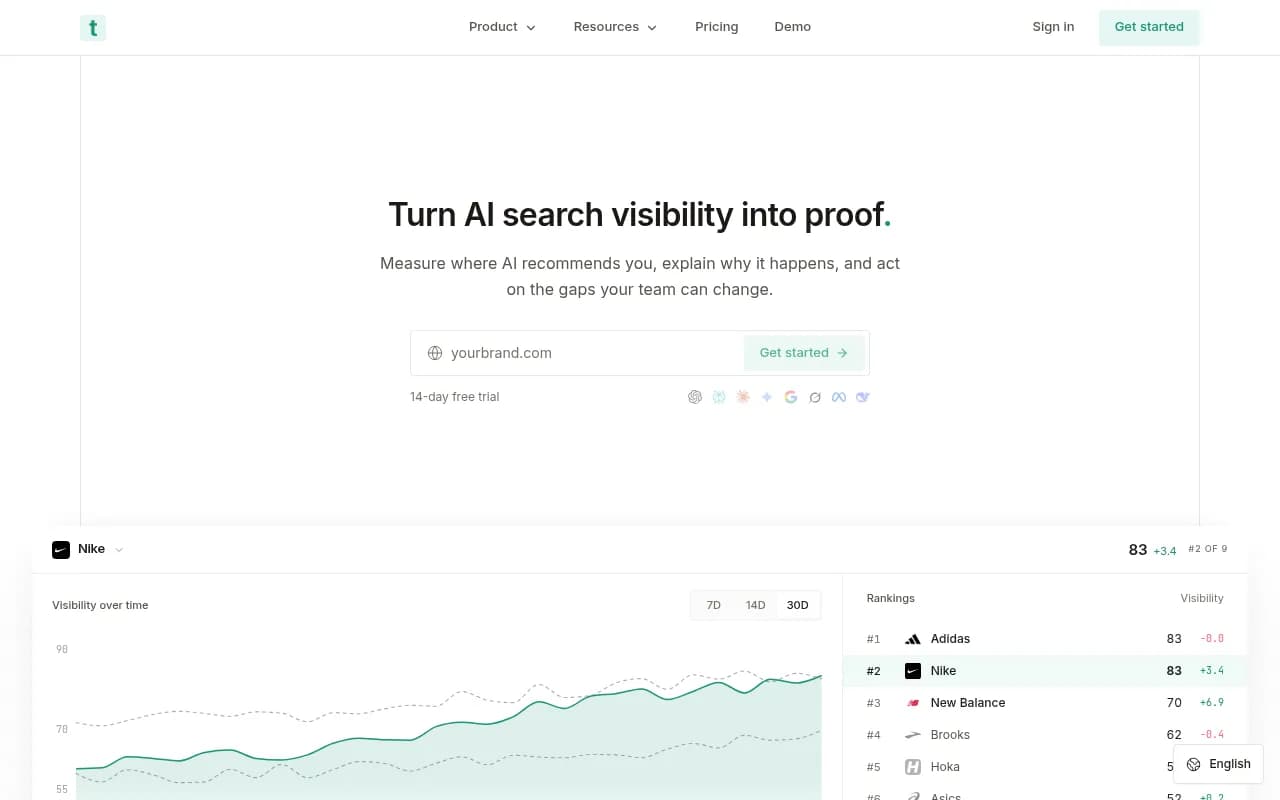
For a wider list, the GEO software directory at bestgeosoftware.com and the rank tracker listings at ai-rank-tools.com cover tools beyond these.
A practical cadence plan
Here is the setup I would start with:
- Put your core 30 to 100 commercial and comparison prompts on daily tracking. This is your baseline.
- Phrase prompts like short search queries, around 50 characters, since fanouts have shortened.
- Annotate your charts with known events: model rollouts, ChatGPT search changes, your own publishing dates.
- When a launch or campaign starts, move a small monitor of 10 to 20 prompts to hourly for one to two weeks.
- After the window, drop back to daily and compare the before and after.
- Re-audit your prompt set after any major ChatGPT update.
Track citations per response alongside your own visibility. If your numbers fall while the platform-wide average falls too, it is ChatGPT changing, not you.
Bottom line
Daily tracking is the right default, and the data backs it. ChatGPT changes in steps tied to dated platform updates, and cited pages stay cited for weeks. Pay for hourly only when you have a time-boxed reason, and make sure the vendor means automated hourly runs across the prompts you care about, not a manual refresh button. Spend the rest of your budget on broader prompt coverage, which will tell you far more than a faster clock.
For more AI search research, see the Promptwatch Data hub.