Key takeaways
- ChatGPT now receives over 84 million shopping-related questions from US consumers every week, making it a real acquisition channel -- not a future trend.
- OpenAI launched Instant Checkout (via the Agentic Commerce Protocol) in February 2026, meaning AI can now complete purchases, not just recommend products.
- Getting recommended requires clean structured data, strong review signals, accurate pricing/stock, and content that matches how buyers actually phrase their questions.
- Tracking your ChatGPT Shopping visibility requires a combination of manual prompt testing and dedicated AI visibility tools -- traditional SEO dashboards won't cut it.
- Promptwatch is one of the few platforms that tracks ChatGPT Shopping appearances and entity mentions specifically, alongside broader AI search visibility.
Why ChatGPT Shopping matters right now
Shoppers in the US ask ChatGPT more than 84 million shopping questions every week. That's not a rounding error. That's a channel.
For years, e-commerce brands optimized for Google Shopping, paid search, and comparison sites. The playbook was clear: bid on keywords, win the buy box, get the click. ChatGPT Shopping works differently. There are no bids. There are no ads. ChatGPT reads what's available on the web, weighs relevance and trust signals, and picks products to recommend -- and it doesn't tell you why it chose them.
The stakes got higher in February 2026 when OpenAI launched Instant Checkout through its Agentic Commerce Protocol (ACP). Retailers who implement ACP can let ChatGPT complete purchases directly inside the chat interface, with a 4% transaction fee. That's a meaningful shift: AI went from recommending products to selling them.
If your brand isn't appearing in ChatGPT's product recommendations, you're invisible to a growing segment of buyers who have already decided to spend money -- they just want to know what to buy.
This guide walks through how ChatGPT Shopping actually works, what determines whether your products appear, and how to set up proper tracking so you know where you stand.
How ChatGPT Shopping works
When a user asks something like "best noise-cancelling headphones under $300" or "what's a good gift for someone who loves cooking," ChatGPT doesn't pull from a product feed you submitted. It searches the web, reads product pages, reviews, comparison articles, and retailer sites, then synthesizes a recommendation.
The key things ChatGPT is looking for:
- Does this product match the buyer's specific intent?
- Is there consistent, accurate information about it across multiple sources?
- Are there credible reviews and trust signals?
- Is pricing and stock information current?
- Is the content safe and appropriate to recommend?
This is closer to how a knowledgeable friend would recommend a product than how a search engine ranks a page. ChatGPT is trying to be genuinely helpful to the person asking -- which means your job is to make sure your product is genuinely the right answer to the question, and that the information supporting that answer is easy to find and trust.
The Agentic Commerce Protocol (ACP) and what it changes
OpenAI's ACP, launched February 16, 2026, lets retailers connect their product catalog and checkout flow directly to ChatGPT. When a user is ready to buy, ChatGPT can complete the transaction without the user leaving the chat. The 4% fee is taken at checkout.
Google has its own competing standard called the Universal Commerce Protocol (UCP), aimed at a broader set of AI agents. Amazon is building its own separate infrastructure entirely.
For most e-commerce brands in 2026, the practical question is: should you implement ACP? If you're a mid-to-large retailer with a clean product feed and a development team, the answer is probably yes -- the friction reduction at checkout is real. If you're a smaller brand, the more immediate priority is making sure your products appear in ChatGPT's recommendations at all, before worrying about streamlining the checkout step.
What actually determines whether your products get recommended
This is where most brands get it wrong. They assume ChatGPT Shopping is like Google Shopping -- submit a feed, get listed. It's not. ChatGPT's recommendations are driven by what it can read and trust across the open web.
Structured data and schema markup
Product schema (schema.org/Product) is the clearest signal you can send. Make sure every product page includes:
name,description,brandofferswithprice,priceCurrency,availabilityaggregateRatingwithratingValueandreviewCountimagewith high-quality URLs
ChatGPT's crawlers can read this directly. If your schema is missing or broken, you're relying on the AI to infer product details from unstructured text -- which it can do, but less reliably.
Content that matches buyer intent
Your product pages are probably optimized for transactional keywords like "buy wireless headphones." That's fine for Google. But ChatGPT users ask questions: "what are the best wireless headphones for someone who works from home and takes a lot of calls?"
The brands that win in ChatGPT Shopping have product pages and supporting content that actually answer those questions. FAQ sections, use-case descriptions, comparison content, and "who is this for" copy all help ChatGPT understand when your product is the right fit.
Review signals
ChatGPT reads reviews -- on your site, on third-party retailers, on Reddit, on review platforms. A product with 4.7 stars and 800 reviews is a safer recommendation than one with 4.2 stars and 12 reviews. This isn't just about star ratings; the content of reviews matters too. Reviews that mention specific use cases help ChatGPT match your product to specific queries.
Third-party mentions and citations
If your product appears in "best of" lists, comparison articles, and editorial roundups across the web, ChatGPT is more likely to recommend it. This is the e-commerce equivalent of link building -- except instead of PageRank, you're building the evidence base that an AI model uses to decide what's trustworthy.
Accurate, current information
Stale pricing, out-of-stock products, and discontinued items are visibility killers. ChatGPT doesn't want to recommend something that turns out to be unavailable or mispriced. Keep your product data current, and make sure your structured data reflects real-time availability where possible.
Setting up ChatGPT Shopping tracking
Here's the honest situation: most traditional analytics tools have no idea when a visitor came from ChatGPT. The referral data is often missing or lumped into "direct" traffic. You need a different approach.
Step 1: Manual prompt testing (the baseline)
Before setting up any tools, run your own tests. Open ChatGPT (with web search enabled) and ask shopping questions the way your customers would:
- "What's the best [your product category] for [your target use case]?"
- "I'm looking for [product type] under [price point] -- what do you recommend?"
- "Compare [your brand] vs [competitor brand]"
Note whether your brand appears, where it appears in the list, and what ChatGPT says about it. Do this across different phrasings. This gives you a baseline before you start optimizing.
The limitation: manual testing is slow, inconsistent, and doesn't scale. You can't test 50 prompts every week by hand. That's where dedicated tools come in.
Step 2: Set up AI visibility tracking
You need a tool that monitors how AI models respond to shopping-relevant prompts in your category -- automatically, consistently, and across multiple models.
Promptwatch tracks ChatGPT Shopping appearances and entity mentions specifically, alongside visibility across 10 AI models including Perplexity, Google AI Overviews, Gemini, and Grok. It shows you which prompts your competitors are appearing for that you're not -- and it can generate content to close those gaps.
For e-commerce brands, the most relevant Promptwatch features are:
- ChatGPT Shopping tracking and entity monitoring
- Competitor heatmaps showing who's winning for each shopping prompt
- Answer gap analysis that surfaces the exact prompts you're missing
- Page-level tracking showing which product pages are being cited
- AI crawler logs that show when ChatGPT's crawlers visit your site and which pages they read
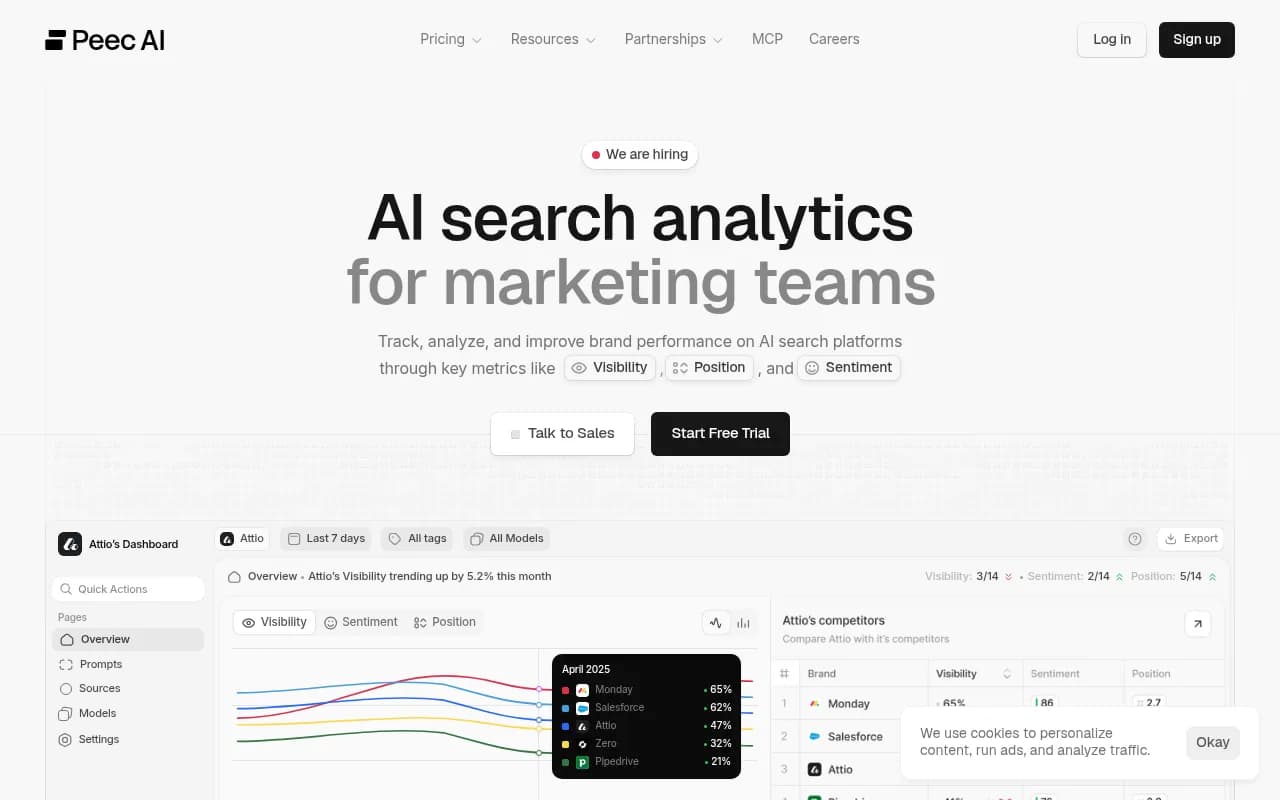
Other tools worth knowing about:
Step 3: Track AI-referred traffic in your analytics
Even without perfect referral attribution, you can set up some signals:
- Create a UTM-tagged landing page or use a dedicated URL for any ACP/Instant Checkout integration
- Monitor "direct" traffic spikes alongside your ChatGPT visibility scores -- correlation isn't causation, but it's a starting signal
- If you implement ACP, OpenAI provides transaction-level attribution through the protocol itself
Some AI visibility platforms now offer direct traffic attribution. Promptwatch connects through Cloudflare, Fastly, Vercel, server logs, or a tracking snippet to tie AI crawler activity to actual site visits and conversions.
Step 4: Monitor your brand entity
ChatGPT doesn't just recommend products -- it builds a mental model of your brand. If your brand is consistently described as "affordable," "durable," or "best for beginners" across the web, that's how ChatGPT will describe it too. If there's conflicting or thin information, it may not recommend you at all.
Track how ChatGPT describes your brand when asked directly: "Tell me about [brand name]" and "Is [brand name] a good choice for [use case]?" The answers reveal how the AI has characterized you -- and whether that matches how you want to be positioned.
The technical setup checklist
Here's what to actually implement, in rough priority order:
Product page fundamentals
- Add complete
schema.org/Productmarkup to every product page - Include
aggregateRatingschema with real review data - Add
offersschema with current price and availability - Write a proper product description that answers "who is this for and why"
- Add an FAQ section addressing common buyer questions
- Ensure product images have descriptive alt text
Site-level signals
- Submit an updated XML sitemap
- Check that ChatGPT's crawler (OAI-SearchBot) isn't blocked in your
robots.txt - Add your brand to your
schema.org/Organizationmarkup with consistent NAP data - Ensure your site loads quickly -- AI crawlers have the same patience as users: none
Off-site presence
- Audit which "best of" lists and comparison articles mention your products
- Identify gaps where competitors appear but you don't
- Build relationships with publishers who write product roundups in your category
- Encourage customers to leave detailed reviews that mention specific use cases
ACP implementation (if applicable)
- Review OpenAI's ACP documentation and feed spec requirements
- Prepare a product feed in the required format (similar to Google Shopping feed)
- Implement the Checkout API endpoints
- Test the end-to-end purchase flow in ChatGPT's sandbox environment
- Set up transaction attribution tracking
Comparing your tracking options
| Tool | ChatGPT Shopping tracking | Competitor comparison | Content gap analysis | AI crawler logs | Price |
|---|---|---|---|---|---|
| Promptwatch | Yes (entity + shopping) | Yes (heatmaps) | Yes | Yes | From $99/mo |
| Peec AI | Partial | Basic | No | No | Lower tier |
| Otterly.AI | Basic monitoring | Limited | No | No | Budget |
| Rankscale | Yes | Yes | Limited | No | Mid-range |
| Semrush AI Visibility | Partial | Yes | Limited | No | Bundled |
| Ahrefs Brand Radar | Partial | Limited | No | No | Bundled |
The core difference between most tools and Promptwatch is what happens after you see the data. Monitoring-only tools show you that you're not appearing for "best running shoes under $150." Promptwatch shows you that, then helps you create the content that would get you there.
Common mistakes that hurt ChatGPT Shopping visibility
Blocking OAI-SearchBot
Some brands have aggressive bot-blocking rules that inadvertently prevent ChatGPT's crawler from reading their product pages. Check your robots.txt and Cloudflare firewall rules. If OAI-SearchBot can't crawl you, ChatGPT can't recommend you.
Outdated or conflicting product information
If your product page says $89 but a comparison article from 2024 says $129, ChatGPT has conflicting information. It may skip your product rather than risk recommending something with unclear pricing.
Thin product descriptions
A product description that's three sentences of marketing copy doesn't give ChatGPT enough to work with. It needs to understand what the product does, who it's for, what problems it solves, and how it compares to alternatives. Write for the person asking "should I buy this?" not for the person who already decided to buy.
Ignoring Reddit and YouTube
ChatGPT cites Reddit threads and YouTube videos in shopping recommendations more than most brands realize. If there are Reddit discussions about your product category where your brand isn't mentioned, that's a gap. Promptwatch surfaces Reddit and YouTube signals specifically -- most other tools don't.
Only tracking your own brand
Your ChatGPT Shopping visibility is relative. If a competitor appears in 80% of relevant shopping prompts and you appear in 20%, that's the real story -- not just your absolute score. Track competitors alongside your own brand.
What good looks like: a realistic benchmark
For most e-commerce brands starting from scratch with ChatGPT Shopping optimization, here's a rough timeline:
- Weeks 1-2: Technical fixes (schema, robots.txt, site speed). ChatGPT's crawlers typically revisit pages within days of changes.
- Weeks 3-6: Content improvements (product descriptions, FAQs, comparison content). Expect to start seeing some citation activity in AI crawler logs.
- Months 2-3: Off-site work (outreach to publishers, review generation) starts showing results in visibility scores.
- Month 3+: With consistent effort, brands typically see measurable improvement in AI citation rates and, with proper attribution, some signal in traffic and conversions.
This isn't a one-time project. ChatGPT's recommendations shift as new content appears on the web, as competitors optimize, and as OpenAI updates its models. Ongoing tracking is what separates brands that maintain visibility from those that spike and fade.
Where to start
If you're new to this, don't try to do everything at once. The highest-leverage starting point is:
- Run 10-15 manual shopping prompts relevant to your products and note where you appear
- Fix your product schema if it's missing or broken
- Set up an AI visibility tracking tool so you have a baseline to measure against
- Pick your two or three highest-traffic product categories and rewrite the descriptions to answer real buyer questions
The brands winning in ChatGPT Shopping in 2026 aren't necessarily the ones with the biggest budgets. They're the ones who understood earliest that AI recommendations run on trust signals and content quality -- and started building both.