Key takeaways
- ChatGPT's shopping features now include product feeds that refresh every 15 minutes, making real-time visibility both possible and necessary to track
- OpenAI's scheduled tasks (launched June 17, 2026) let users -- and marketers -- set up monitoring workflows directly inside ChatGPT
- Getting your products into ChatGPT's merchant feed is step one; knowing when you appear, disappear, or lose ground to competitors is step two
- Manual spot-checking doesn't scale -- you need a system that watches AI shopping results automatically
- Platforms like Promptwatch track ChatGPT Shopping appearances alongside other AI models, so you can see citation trends over time without running queries by hand
Why ChatGPT shopping visibility actually matters now
For most of 2024 and 2025, ChatGPT's shopping features were more of a curiosity than a real channel. That changed. OpenAI's merchant portal is live, product feeds refresh every 15 minutes, and users are actively asking ChatGPT for product recommendations and buying decisions. According to OpenAI's own merchant documentation, products appear "when shoppers are actively evaluating what to buy" -- which is about as high-intent as discovery gets.
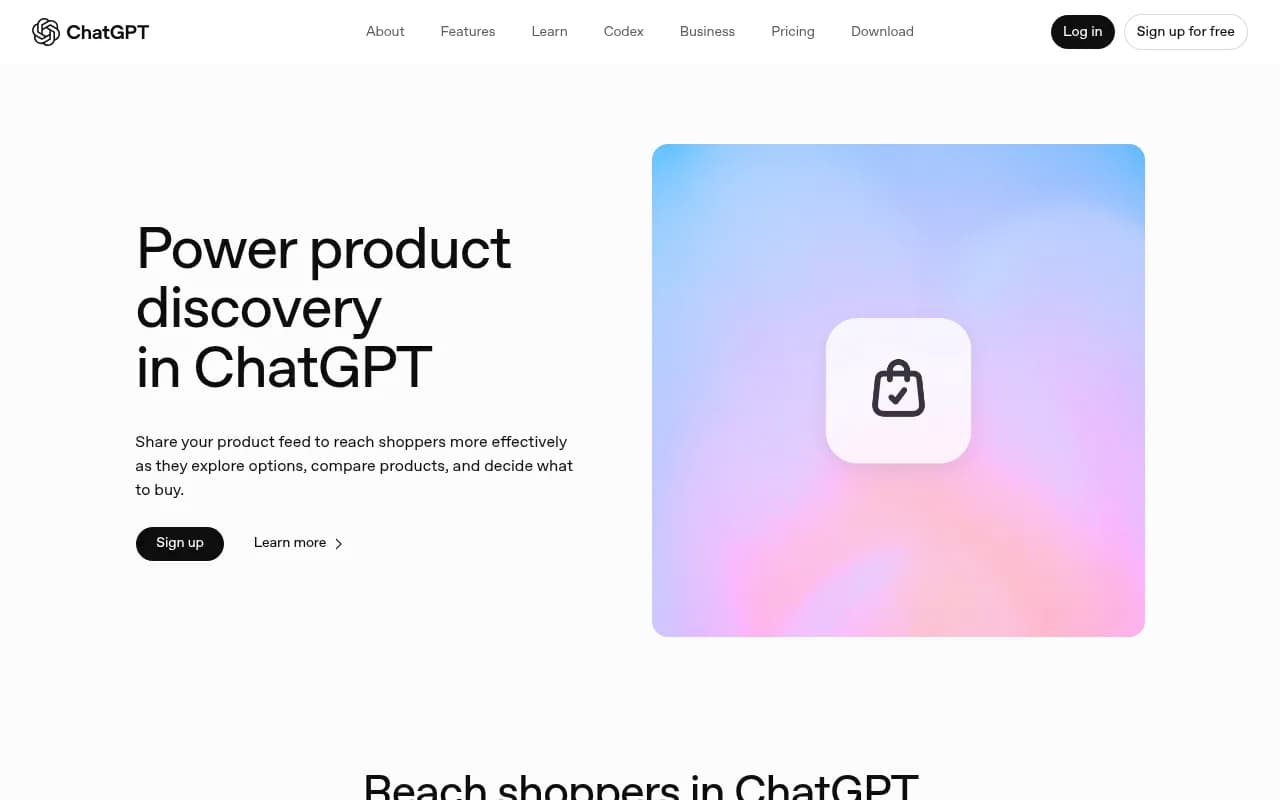
The problem is that ChatGPT's recommendations aren't paid placements. They're purely algorithmic -- based on relevance, feed quality, and how well your product data matches what the shopper is asking. That means you can appear, disappear, or get outranked by a competitor overnight, and unless you're actively checking, you won't know.
Most brands are still treating ChatGPT like a search engine they can't measure. This guide is about fixing that.
Step 1: Get your product feed into ChatGPT
You can't monitor what isn't there. Before setting up any alerts, make sure your products are actually eligible to appear.
Submit through the OpenAI merchant portal
OpenAI's merchant portal at chatgpt.com/merchants is the official way to connect your product catalog. The process involves:
- Signing up for merchant access
- Connecting your product feed through a supported provider or direct feed URL
- Ensuring your feed includes accurate pricing, availability, images, and variant data
Feed specs are similar to Google Shopping -- title, description, price, availability, image URL, product URL, and GTIN or MPN where applicable. The feed refreshes every 15 minutes once connected, which means price and stock changes propagate quickly.
What makes products actually rank
ChatGPT doesn't rank products by bid. According to HubSpot's breakdown of how ChatGPT product recommendations work, the model "analyzes shopping queries, searches across web sources, and ranks items purely by relevance -- not paid placement." That means:
- Clear, specific product titles beat vague ones
- Detailed descriptions that match how people actually ask questions perform better
- Accurate availability data matters (out-of-stock products don't help anyone)
- Images are shown in results, so quality counts
A LinkedIn analysis of ChatGPT shopping behavior found that "products win in ChatGPT by clarity" -- meaning the more precisely your feed data describes what you sell, the better your match rate against real shopper queries.
Step 2: Set up ChatGPT's own scheduled monitoring tasks
On June 17, 2026, OpenAI launched a significant update to scheduled tasks in ChatGPT. This is genuinely useful for marketers who want lightweight, free monitoring without building a full workflow.
What scheduled tasks can do
From OpenAI's release notes:
"Monitoring tasks can search the web and check connected apps for changes and notify users only when there is something worth reporting."
In practice, this means you can ask ChatGPT to:
- Check whether your brand appears in shopping results for specific queries on a recurring schedule
- Alert you when a competitor appears in results where you don't
- Run a daily or weekly sweep of key product categories and report back
How to set one up
Open ChatGPT (Plus, Pro, Business, or Enterprise -- scheduled tasks aren't available on the free tier), then simply describe what you want monitored:
Every morning, search for "[your product category] recommendations"
and tell me if [your brand name] appears in the results.
If it doesn't appear, note which brands do.
You can find and manage all your active tasks from the new Scheduled page in the sidebar. Tasks can run as frequently as once per hour, and you can set them for specific times or broader windows like "morning" or "evening."
A few caveats worth knowing:
- Tasks may auto-pause after extended inactivity
- You're limited in how many active tasks you can run per tier
- ChatGPT's own results are what it's checking -- so this is self-referential monitoring, not cross-model coverage
For single-model spot-checking, this works well. For anything more systematic, you'll want a dedicated tool.
Step 3: Build a manual monitoring baseline first
Before automating anything, spend a week running queries manually. This gives you a baseline to measure against and helps you understand which prompts actually trigger shopping results vs. informational responses.
Prompts worth testing
Try variations of:
- "[Product type] under $[price point]"
- "Best [product category] for [use case]"
- "What [product] should I buy for [specific need]"
- "Compare [your product] vs [competitor product]"
- "[Your brand name] reviews"
Note which ones return shopping carousels vs. text responses. ChatGPT doesn't show product cards for every query -- the format depends on how the model interprets intent. Queries with clear purchase intent are more likely to trigger visual product results.
Track your findings in a simple spreadsheet:
| Query | Date | Your brand appears? | Competitors shown | Result format |
|---|---|---|---|---|
| "best ceramic cookware under $150" | June 18 | Yes (position 3) | Brand A, Brand B | Shopping carousel |
| "non-stick pan recommendations" | June 18 | No | Brand C, Brand D | Text list |
| "cookware for induction stovetop" | June 18 | Yes (position 1) | Brand A | Shopping carousel |
Do this for 20-30 queries. After a week, you'll have a clear picture of where you're visible and where you're not.
Step 4: Automate monitoring with a dedicated platform
Manual checking doesn't scale past a handful of queries. If you're managing multiple product lines, competing in a crowded category, or running an agency with multiple clients, you need something that runs continuously and surfaces changes automatically.
What to look for in a monitoring tool
The key capabilities for ChatGPT shopping monitoring specifically:
- Tracks ChatGPT Shopping appearances (not just text mentions)
- Monitors entity and brand mentions across AI models
- Alerts you when visibility changes, not just reports a static score
- Shows competitor visibility so you can see who's gaining ground
- Connects visibility data to actual traffic and revenue
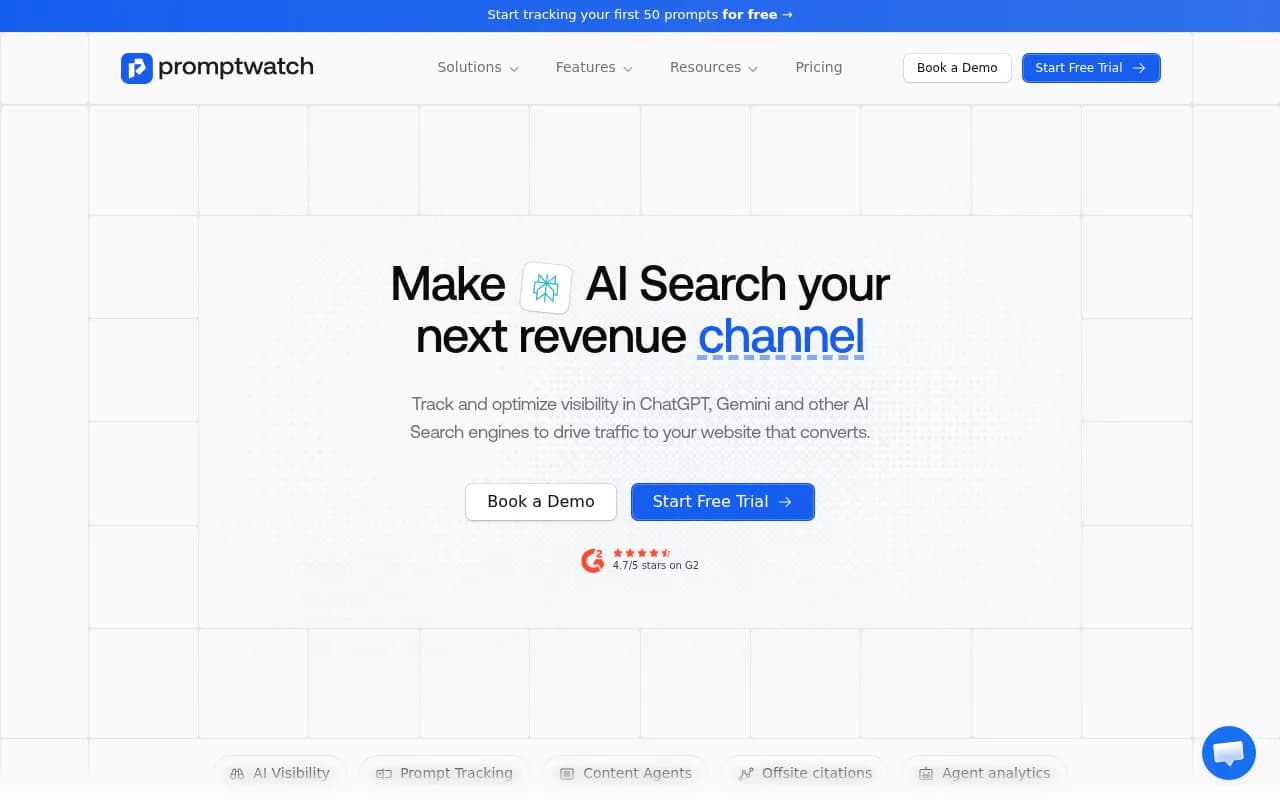
Promptwatch is one of the few platforms that specifically tracks ChatGPT Shopping appearances alongside brand mentions across 10+ AI models. It also logs AI crawler activity -- so you can see when ChatGPT's crawlers visit your product pages, which is an early signal of whether your content is being considered for citations.
Comparing your options
| Tool | ChatGPT Shopping tracking | Multi-model coverage | Crawler logs | Content gap analysis | Price |
|---|---|---|---|---|---|
| Promptwatch | Yes | 10+ models | Yes | Yes | From $99/mo |
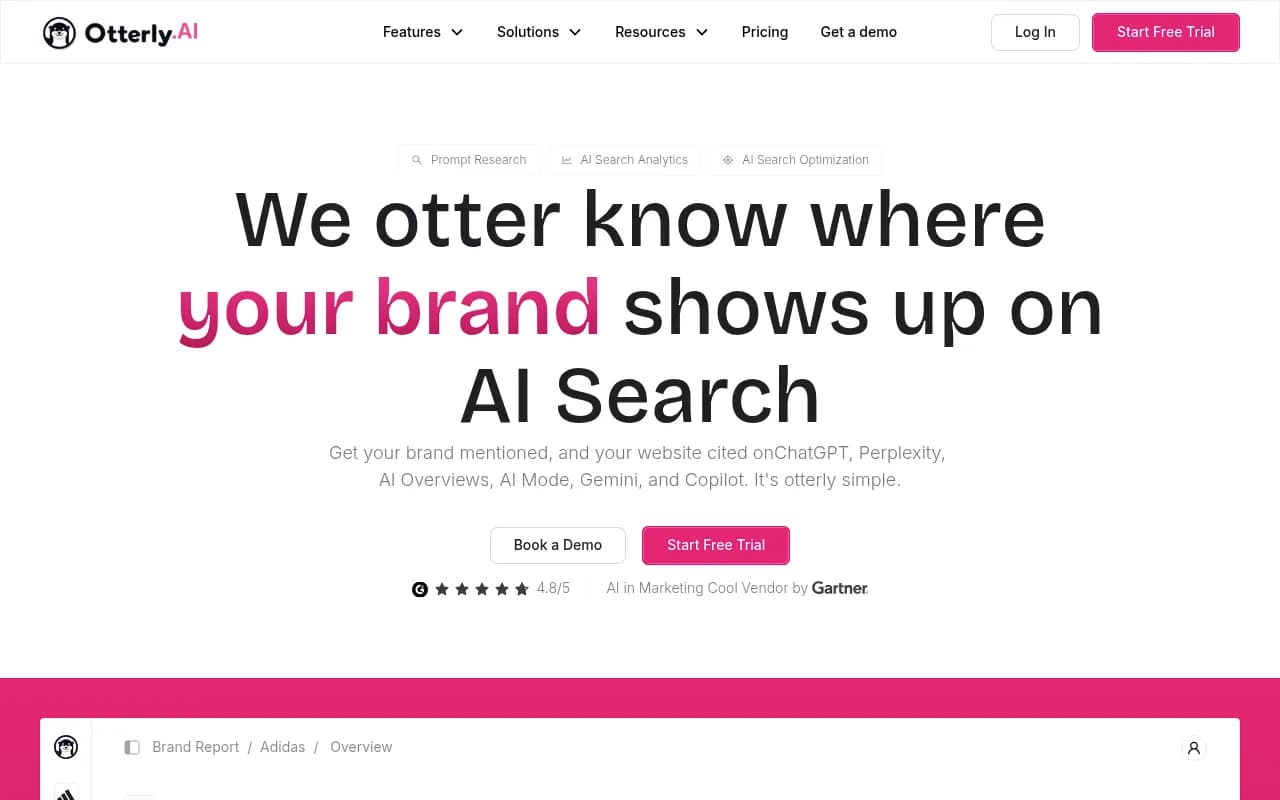
| Otterly.AI | Limited | 5-6 models | No | No | From ~$49/mo |
| AthenaHQ | No | 4-5 models | No | No | Custom |
| Profound | No | 6 models | No | No | Custom |
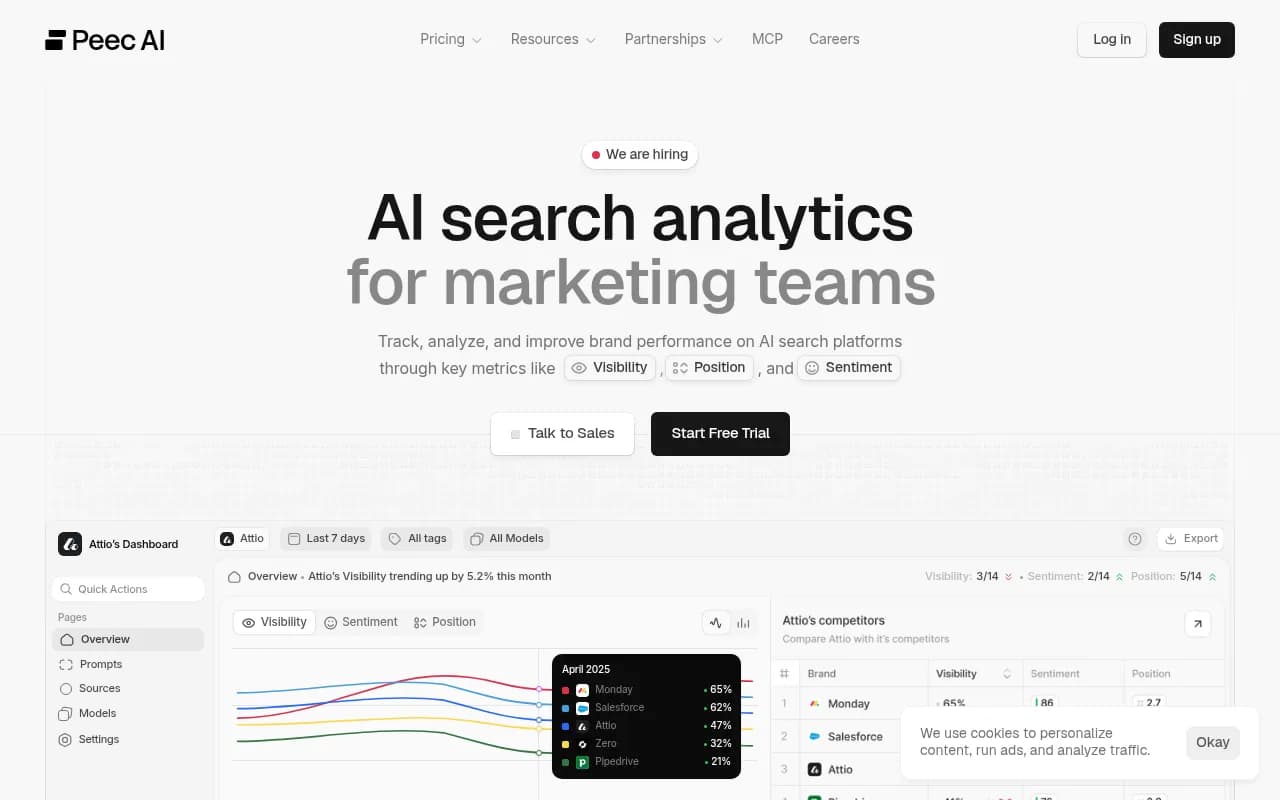
| Peec AI | No | 4 models | No | No | From ~$39/mo |
| Semrush AI Toolkit | No | 3 models | No | No | Add-on |
Most monitoring tools were built before ChatGPT Shopping existed as a distinct surface. They track text citations well but don't differentiate between "your brand was mentioned in a paragraph" and "your product appeared in a shopping carousel." For e-commerce brands, that distinction matters.

Step 5: Set up alerts for the changes that actually matter
Not every visibility change deserves a notification. The goal is to be alerted when something actionable happens, not to drown in data.
Alert types worth setting up
Disappearance alerts: You were appearing for a query last week and now you're not. This is the most urgent signal -- something changed, either in your feed, your content, or the competitive landscape.
New competitor appearances: A brand that wasn't showing up for your key queries is now ranking above you. Worth investigating why.
Feed errors: If your product feed has errors (bad URLs, missing required fields, price mismatches), ChatGPT may stop surfacing your products entirely. Crawler log monitoring catches this early.
Positive movement: You started appearing for a query you weren't visible for before. Worth noting so you can understand what changed and replicate it.
Using ChatGPT scheduled tasks for specific alerts
For the disappearance alert specifically, a scheduled task prompt like this works:
Every day at 9am, search ChatGPT for "[your top 5 product queries]"
and compare whether [your brand] appears.
Send me a summary only if something has changed from yesterday.
The "only if something has changed" instruction is important -- without it, you'll get a daily report even when nothing is different, which quickly becomes noise you ignore.
Step 6: Optimize your feed based on what you learn
Monitoring without action is just watching yourself lose. Once you have data on where you're not appearing, the fix usually comes down to one of three things.
Fix 1: Feed data quality
If you're not appearing for queries that should match your products, check your feed for:
- Titles that don't include the terms shoppers use (e.g., "Model X Pro" vs. "wireless noise-cancelling headphones")
- Descriptions that are too short or too generic
- Missing attributes that help with matching (material, size, compatibility, use case)
Fix 2: On-site content that supports the product
ChatGPT doesn't only use feed data -- it also reads your product pages. A product page with a thin description, no reviews, and no context about who the product is for will perform worse than one with detailed specs, use cases, and supporting content.
Fix 3: Third-party mentions and citations
ChatGPT's product recommendations pull from web sources, not just merchant feeds. If your product appears in review roundups, comparison articles, and Reddit threads, that signals relevance. Tracking which external sources are driving AI citations -- and which aren't -- helps you prioritize where to invest in PR and content.
Promptwatch's offsite citation analysis does exactly this: it shows which external pages (Reddit posts, review sites, YouTube videos) are being cited alongside your brand in AI responses. That's useful data for deciding where to pitch or publish.
Putting it all together: a practical monitoring workflow
Here's a realistic setup that doesn't require a full-time person to maintain:
Daily (automated):
- ChatGPT scheduled task checks 5-10 high-priority queries and reports changes
- Promptwatch (or equivalent) runs continuous monitoring across all tracked queries and models
Weekly (30 minutes):
- Review visibility score trends -- are you gaining or losing ground?
- Check for new competitor appearances in your key categories
- Review crawler logs for any feed errors or crawl gaps
Monthly (1-2 hours):
- Run a full audit of your product feed quality
- Identify queries where competitors consistently outrank you and investigate why
- Update product descriptions and on-site content based on gap analysis
- Check which external sources are driving citations and plan outreach accordingly
This isn't a set-it-and-forget-it system. ChatGPT's shopping behavior changes as OpenAI updates the model, and your competitors are optimizing too. The brands that stay visible are the ones treating AI shopping as an ongoing channel, not a one-time setup task.
Common mistakes to avoid
Submitting your feed and assuming you're done. Feed submission gets you eligible. It doesn't guarantee appearances. You still need to monitor, optimize, and respond to changes.
Only checking ChatGPT. Shoppers also ask Perplexity, Google AI Mode, and Gemini for product recommendations. A product that ranks well in ChatGPT but is invisible everywhere else is leaving traffic on the table.
Treating all queries the same. Some queries trigger shopping carousels; others return text recommendations. The optimization strategies are different. Know which format you're targeting.
Ignoring feed errors. A single malformed URL or price discrepancy can cause your entire feed to be deprioritized. Crawler log monitoring catches these before they become a bigger problem.
Monitoring without acting on the data. The point of alerts is to trigger a response. If you're collecting data but not changing anything based on it, the monitoring is just overhead.
ChatGPT shopping is still early enough that most brands aren't doing this systematically. That's actually an advantage -- the bar for standing out is lower now than it will be in 12 months. Getting your feed right, monitoring consistently, and fixing gaps as they appear is the kind of work that compounds over time.