Key takeaways
- Coding agents such as Codex, Claude Code and OpenCode now recommend tools, SDKs and docs, so a small devtool team has a new discovery channel to worry about.
- Most failures are boring. The agent cannot reach your docs, or your public evidence is thin or contradictory.
- Docs and help centers are the biggest cited source type for software prompts in Promptwatch's data, and GitHub is the single most cited domain.
- A lean team should do four things: fix identity and access, pick one narrow use case, publish proof, and re-test the same prompts every month.
- Be honest about what is unproven. Nobody has published solid data on how coding agents choose tools, so treat tactics like llms.txt as cheap experiments, not guarantees.
What coding agent visibility means
A developer used to find your tool through Google, a Hacker News thread, or a colleague. Now they often type "add auth to this Next.js app" into an agent and accept whatever package it picks. If your product is not in the answer, the developer may never know you exist.
Coding agent visibility is whether agents like Codex, Claude Code and OpenCode know your tool, describe it correctly, and recommend it for the job it is actually good at. Promptwatch tracks these three agents alongside ChatGPT, Gemini, Perplexity and the rest, which makes it one of the few places you can see this at all.

I should be upfront about the limits here. I could not find verified research on how coding agents select tools, and nobody has solid numbers on llms.txt, AGENTS.md or MCP registry adoption. So this playbook leans on the closest evidence we do have: how AI search cites software, how AI crawlers reach sites, and what startup AI visibility practitioners recommend. Where something is a hunch, I say so.
Why startups need a different plan
An established vendor has years of reviews, tutorials, Stack Overflow answers and GitHub issues. You have a launch post, a docs site and maybe 400 stars. Agents are trained on and retrieve from the public record, so a thin record means a thin presence.
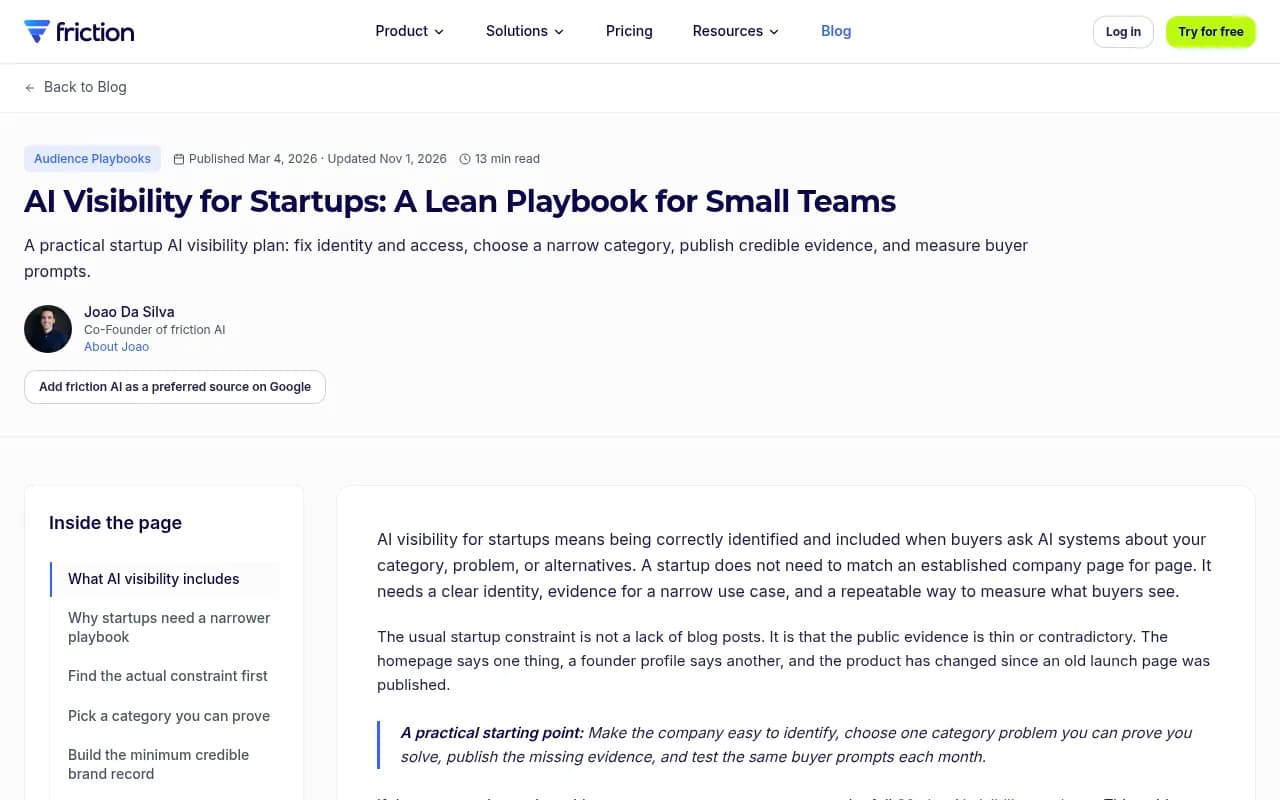
The friction AI startup playbook makes the point well: the usual constraint is not too few blog posts. It is that public evidence is thin or contradictory. The homepage says one thing, an old launch page says another, and the product has moved on. It suggests tracking four separate outcomes, which map neatly to devtools:
| Outcome | Devtool version of the question | Example check |
|---|---|---|
| Recognition | Does the agent know what your tool is? | Ask "what is [your tool]?" and check for errors |
| Category visibility | Do you appear when someone describes the problem? | "Best SDK for background jobs in TypeScript" |
| Recommendation | Does the agent pick you in a build task? | "Add rate limiting to this Express API" |
| Accuracy | Are the install steps, pricing and API correct? | Count factual errors per response |
You can be great at recognition and terrible at recommendation. Those need different fixes, so measure them separately.
Step 1: Make sure agents can actually reach you
This is the cheapest win and the one startups most often skip. If a crawler is blocked by your CDN, WAF, or a leftover robots.txt rule, nothing else matters.
Promptwatch's AI crawler traffic report counted only IP-verified requests, so spoofed user agents were excluded. OpenAI accounted for 79.8% of verified AI crawler requests in the week of Aug 31 to Sep 6, 2026, down from 94.8% in the week of Jun 8 to 14. The mix shifts quickly, which means a rule you set a year ago may be blocking a provider that now matters.
The report's practical advice is simple:
- Check robots.txt, CDN and WAF rules for every major provider.
- Compare your own crawler logs with the overall mix. A provider that is big overall but near zero in your logs suggests you are blocked or unreachable for it.
- Separate training crawlers from answer-time fetchers. Blocking one is a different decision from blocking the other.
For a quick, free check, Promptwatch has an Agentic Readiness Check that shows which AI crawlers can read your site and which agent standards you support. The robots.txt generator for AI helps if you want to write the rules cleanly, and the AI bots directory lists 400+ crawlers with guidance. If you want ongoing proof, AI crawler logs show which pages bots read and where they hit errors.
Check your docs render without JavaScript
Many docs sites are single-page apps that look fine in a browser and show an empty shell to a fetcher. Run curl -s https://yourdocs.com/quickstart | head -50 and see whether the actual text is in the response. If it is not, fix server rendering before anything else.
Step 2: Make your docs the main source
In Promptwatch's software citations report (Sep 28 to Oct 4, 2026), documentation and help centers earned the largest share of any source type, at 2.64% of all software citations. Vendor sites earned 2.01%. GitHub alone earned 1.2%, making it the single most cited domain. Review sites and analysts together earned 1.57%.
Those percentages look small because the citation pool across all software prompts is huge. The ordering is what matters. Vendor sites plus docs earned about three times the share of review sites and analysts. For a startup, that is good news: the thing you fully control beats the thing you have to beg for.
| Source type | Share of software citations |
|---|---|
| Docs and help centers | 2.64% |
| Vendor sites | 2.01% |
| Review sites and analysts | 1.57% |
| GitHub | 1.2% |
| App stores | 0.47% |
This is ChatGPT data, not coding agent data. Treat it as a proxy. But since OpenCode searches the web and Codex and Claude Code can fetch pages, the same logic probably holds: agents lean on documentation they can read.
What to put in your docs
- A quickstart that works in under five minutes, with copy-pasteable code.
- One page per common job, titled the way a developer would phrase it ("Send transactional email from Next.js").
- A plain comparison page that says when your tool is the wrong choice. Agents and developers both trust honest scoping.
- Current pricing, limits and version numbers in text, not buried in a screenshot.
- Consistent naming. If the package is called one thing, the repo another and the company a third, agents will blur them.
Promptwatch's content half-life report found that landing pages and docs stayed cited longest, while news lost half its pages within 36 days. Docs are the durable asset. A launch blog post is not.
Step 3: Stay visible on GitHub
GitHub being the top cited software domain should change how you treat your repo. It is not just a place to host code. It is a landing page agents read.
A lean checklist:
- A README that opens with what the tool does, who it is for, and a working install and usage snippet.
- Clear topics and a one-line description in the repo header.
- Examples directories that cover the top five jobs people use you for.
- Issues answered publicly. A closed issue with a clear fix is evidence.
- An AGENTS.md or similar file telling coding agents how to use your SDK correctly. I will be honest: I have no adoption data on this. It costs an hour and may reduce wrong-API hallucinations, so I think it is worth trying, but do not oversell it internally.
The same goes for llms.txt. Promptwatch has a free LLMs.txt generator if you want to test it. Keep markdown in perspective, though: Promptwatch's markdown report found markdown files are only 0.05% of AI search citations, so it serves AI agents rather than AI search. Publish clean HTML docs first, markdown extras second.
Step 4: Pick one narrow job and prove it
Small teams lose by trying to be the answer to everything. Agents recommend tools for specific jobs. "Best database" is a fight you will lose. "Postgres branching for preview environments" is a fight you can win.
The friction AI guide recommends choosing one category problem you can prove you solve and publishing the missing evidence. For devtools, evidence looks like:
- A benchmark with the method and code published.
- A migration guide from the incumbent, written fairly.
- A customer story with real numbers and a named company.
- A public changelog showing the product is alive.
- A comparison table with your own weaknesses in it.
Then write the prompts a developer would type for that job, including the ones that name competitors. Promptwatch's query fan-out generator can show the sub-searches an AI is likely to run, which tells you what pages you need. Its site: operator report is also worth a read: on Aug 8, 2026, ChatGPT went from about 0.4% to about 17% of fan-out queries using the site: operator, which means well-organized docs on your own domain are being searched directly.
Step 5: Fix third-party profiles, but do not overspend
Review sites still matter. G2, Gartner, Capterra and Software Advice together earned 1.57% of software citations, more than any single vendor including Microsoft. Promptwatch's own takeaway is to keep G2 and Capterra profiles complete and current.
For a team of three, that means one afternoon: claim the profiles, write accurate descriptions, add screenshots and ask five happy customers for reviews. Do not build a program around it.
Social is a different story. In Promptwatch's November 2026 social citations report (Oct 11 to Nov 9), social platforms made up 13.16% of Google AI Overviews citations but only 0.64% for ChatGPT and 1.94% for Perplexity. YouTube alone earned 6.71% of AI Overviews citations. Reddit in ChatGPT rose from 0.09% to 0.40%, which is still tiny. One caveat from the report: the earlier comparison covered 7 days and this one covers 30, so treat the change loosely.
So a short YouTube walkthrough of your quickstart is a reasonable bet for Google audiences. Do not expect Reddit posts to move ChatGPT. For more, see Promptwatch's Reddit and YouTube strategy guide.
Step 6: Measure monthly, with a fixed prompt set
You do not need a big program. You need the same 20 to 30 prompts, run on a schedule, with notes. Split them into four groups:
- Direct brand prompts ("What is X? How do I install X?")
- Category prompts ("Best tool for [job]")
- Competitor comparisons ("X vs Y")
- Task prompts in an agent ("Add [capability] to this repo")
Record whether you appear, in what position, whether the facts are right, and which sources were cited. The Promptwatch Academy explains citations versus mentions, a distinction that matters: being named without a citation usually points to a content or crawlability problem.
For agent-style task prompts, you can also test manually. Open Claude Code or Codex in an empty project, ask it to solve your target job, and watch what it installs. It takes ten minutes and is humbling.
Tools for tracking
Pick based on stage and budget. Here is how the options I would shortlist compare for a small devtool team:
| Tool | Good for | Watch out for |
|---|---|---|
| Promptwatch | Tracks Codex, Claude Code and OpenCode plus ChatGPT, Gemini and Perplexity; crawler logs and content tools in one place | Content Agent starts on the Business plan |
| Otterly.AI | Cheap basic monitoring | Monitoring only |
| Peec AI | Simple prompt tracking | No crawler logs or content generation |
| Elmo | Open-source and self-hosted | You run it yourself |
| Profound | Enterprise analytics | Higher price point |



Promptwatch's pricing starts at $95/month for Essential (50 prompts, daily tracking, 7-day free trial on monthly billing), $245 for Professional and $579 for Business. Confirm current numbers at promptwatch.com/pricing. If you want to see where you stand before paying anything, run the free AI visibility report. For more options, the GEO software directory lists dozens of trackers.
A 30-day plan for a three-person team
| Week | Task | Owner |
|---|---|---|
| 1 | Audit robots.txt, CDN and WAF rules; check docs render without JavaScript; run the agentic readiness check | Engineer |
| 1 | Write your 25-prompt baseline and record results | Founder or marketer |
| 2 | Rewrite quickstart and top five job pages; fix naming inconsistencies | Engineer and docs owner |
| 3 | Tighten README, add examples, try AGENTS.md and llms.txt | Engineer |
| 3 | Claim G2 and Capterra profiles | Marketer |
| 4 | Publish one honest comparison and one benchmark; record a quickstart video | Founder |
| 4 | Re-run the prompt set and compare | Marketer |
Then repeat monthly. Pages that were crawled but not cited need better content. Pages that were never crawled need access fixes. That diagnostic split saves a lot of wasted writing.
Running your own coding agents leanly
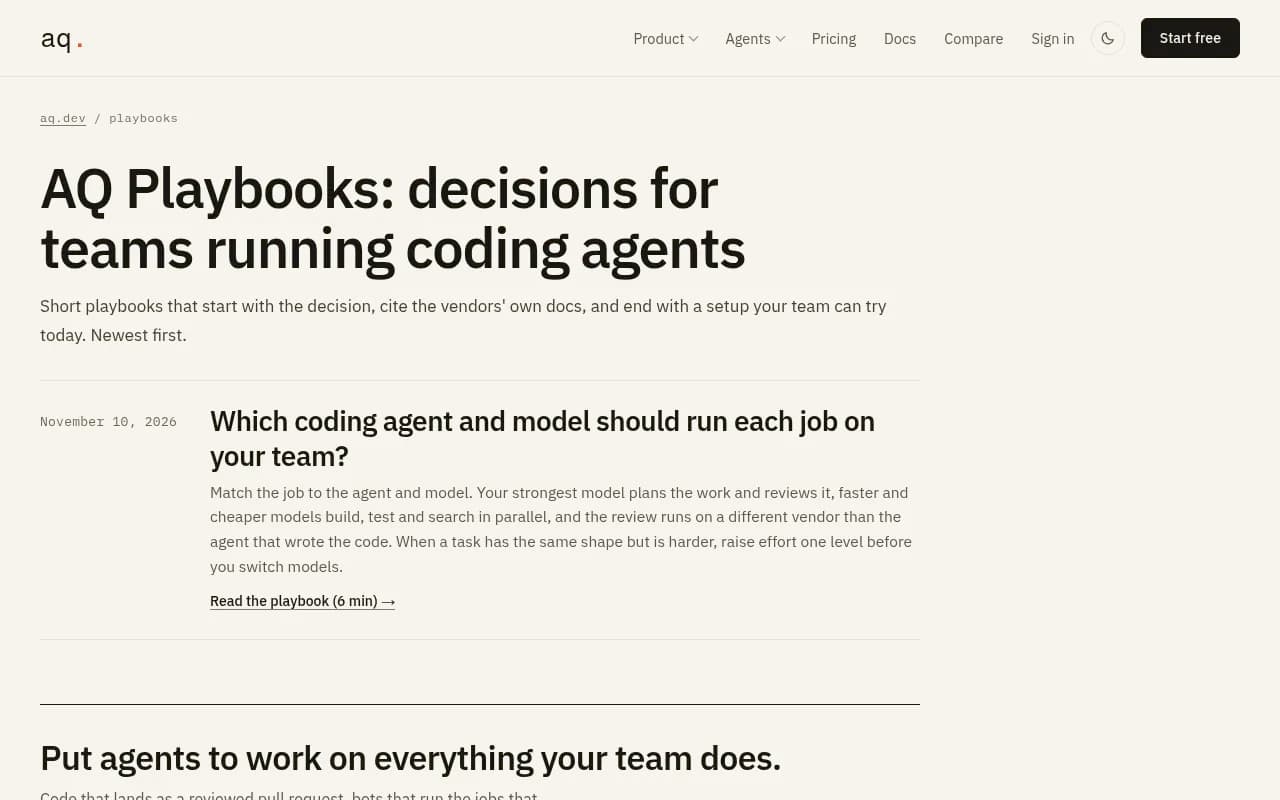
A side note, since many readers of this guide are also heavy agent users. The AQ playbook on which agent and model should run each job (Nov 10, 2026) suggests your strongest model plans and reviews the work, cheaper and faster models build and test in parallel, and review runs on a different vendor than the one that wrote the code. That is about running agents, not being found by them, but it applies if you use agents to draft docs and examples. Have a different model check your docs for accuracy, because wrong code samples hurt you twice: once with developers, and again if agents learn them.
What I would not bother with yet
- Paying for expensive enterprise visibility suites before you have a baseline.
- Publishing dozens of thin SEO articles. Evidence beats volume.
- Obsessing over a single visibility score. Read recognition, position and accuracy separately.
- Assuming ChatGPT results predict Claude Code results. They use different retrieval, and some models answer from training data.
Final word
Coding agent visibility is mostly unglamorous: let the bots in, make the docs readable, keep GitHub tidy, say plainly what you are good at, and re-test the same prompts each month. The data that exists points to docs and GitHub as the sources software prompts lean on. The rest is experimentation, so run small tests, log the results and keep what works.
For more of Promptwatch's research on how AI answers get built, browse the Promptwatch Data hub.