Key takeaways
- Monitoring tells you whether AI mentions your brand. Fact-checking tells you whether what it says is true. They are different jobs.
- Work at the claim level: pull out single statements ("starts at $49 per month"), mark each Accurate or Inaccurate, and verify against a source of truth.
- Most wrong answers trace back to a specific page, either yours, a stale third-party listing, or a competitor's comparison. Find the page before you try to fix anything.
- Prioritize by how many responses repeat the claim and how much it costs you (pricing and security errors beat trivia).
- Re-check after every fix. A correction that does not change the answers is not finished.
Why this is worth doing at all
Buyers now ask ChatGPT, Gemini or Perplexity what your product costs, whether it integrates with Salesforce, and whether people like it. Those answers shape the shortlist before anyone visits your site.
They are often wrong. A 2025 study by the EBU and the BBC looked at more than 3,000 answers from ChatGPT, Copilot, Gemini and Perplexity and found that almost half had at least one significant issue. That study was about news, not brands, but I see no reason your pricing page is treated more carefully than a news story.
Here is the part that makes it tractable. AI errors about a brand are rarely random. They usually come from a specific source: an old pricing page, a review site that never updated, a Reddit thread, a competitor's "X vs Y" article. If you can find the source, you can usually fix the answer.
Monitoring is not fact-checking
These get blurred together, so it helps to separate three layers.
| Layer | Question it answers | Example output |
|---|---|---|
| Monitoring | Is my brand mentioned, where, and how often? | Visibility score, share of voice, citation counts |
| Sentiment | How does the answer feel? | 72/100, mostly positive |
| Fact-checking | Is this specific statement true? | "Starts at $49/month" is Inaccurate |
Sentiment can hide errors. A flattering claim about a feature you do not offer is still an error, and it will generate support tickets and refund requests. A dashboard that says "positive" is not telling you that.
If you want the monitoring layer first, the directory at bestgeosoftware.com lists the tools in that category. This guide is about the layer on top.
The workflow at a glance
Whatever tool you use, the process has the same six steps:
- Build a ground truth document.
- Collect real AI answers about your brand.
- Extract individual claims.
- Mark each claim Accurate or Inaccurate (or dismiss it).
- Trace inaccurate claims to the pages causing them.
- Fix, then re-check.
The rest of this guide walks through each one.
Step 1: Build a ground truth document
You cannot mark something Inaccurate if nobody agreed on what is true. Before you look at a single AI answer, write down the facts that matter, with an owner and a date for each.
A good ground truth covers:
- Pricing, plans, trial terms, and what is included at each tier
- Integrations you support and the ones you explicitly do not
- Security and compliance claims (certifications, data residency, uptime)
- Founding date, headquarters, funding, customer counts
- Product limits (seats, API rate limits, supported languages)
- Policies like refunds, cancellation and support hours
Two habits save a lot of arguments later. First, write facts as checkable sentences, not marketing copy. "Free same-day ACH and wires" is checkable. "Best-in-class payments" is not. Second, record where each fact lives on your site. When AI contradicts it, you want to know whether your own page states it clearly.
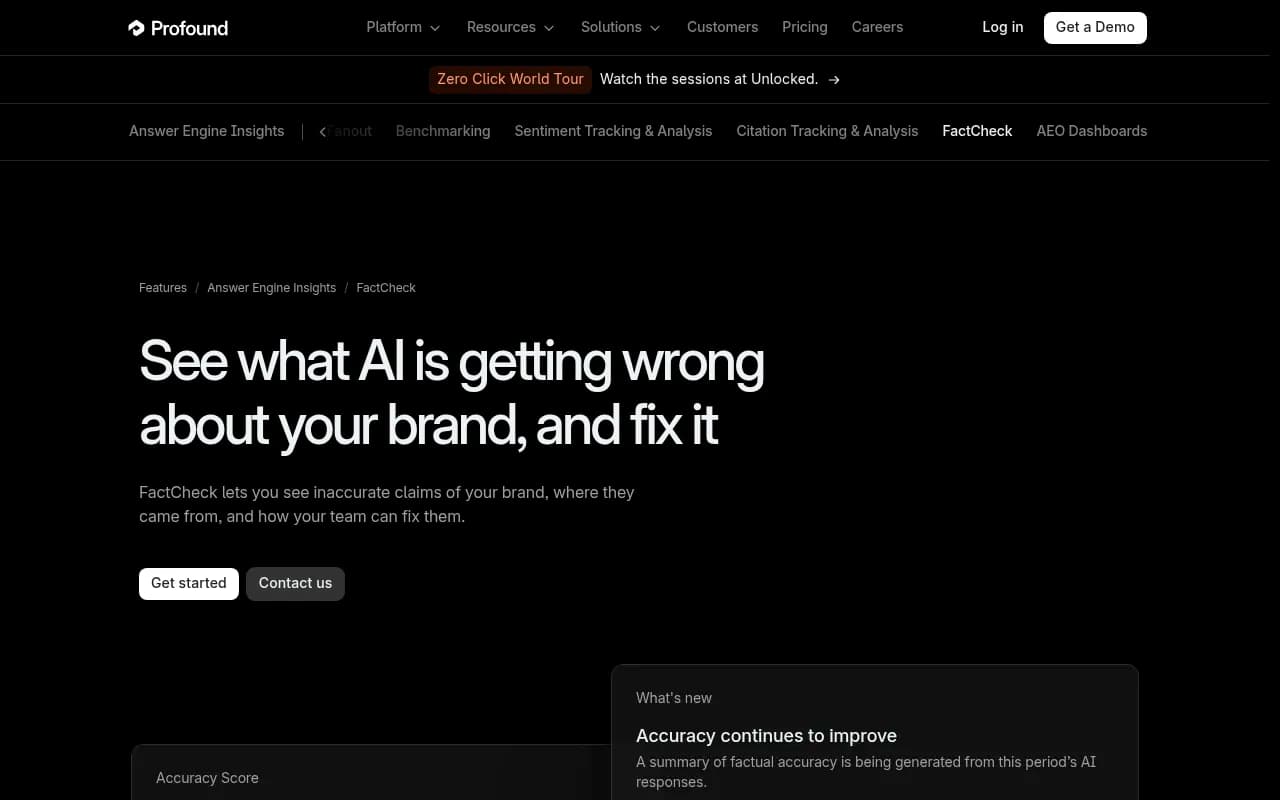
Profound's FactCheck page shows this idea well. Its example brand, Rho, has ground-truth statements like "FDIC insurance coverage up to $75M" and "checking accounts are held at Webster Bank," and the tool compares AI claims against them.
Step 2: Collect real AI answers
You need a representative set of answers, and "representative" means a few things.
- Prompts that real buyers would use: pricing questions, comparisons, "does X integrate with Y," "is X any good for small teams."
- Several models. ChatGPT, Gemini, Perplexity, Claude and Google AI Overviews can say different things about the same brand.
- The real interfaces where possible. Answers from the consumer apps, with citations, can differ from raw API output.
- Your actual markets. Pricing, availability and language change by country.
You can do this by hand for a first pass. Ask 20 to 30 buyer-style questions across three or four assistants, paste the answers into a spreadsheet, and note the cited sources. It is tedious but it teaches you what the failure modes look like. After that, a platform that runs the same prompts on a schedule saves enormous time. Promptwatch's prompt tracking does this against the real interfaces by country and language.
Step 3: Extract individual claims
This is where most manual attempts fall apart. An AI answer is a paragraph with five or six factual statements tangled together, and you cannot mark a paragraph Accurate. You have to split it.
Take this made-up answer:
Acme is a project management tool that starts at $49 per month, integrates with Slack but not Salesforce, and is popular with small agencies. Support is email-only.
That is four claims:
- Starts at $49 per month
- Integrates with Slack
- Does not integrate with Salesforce
- Support is email-only
("Popular with small agencies" is a sentiment-ish statement; you can log it separately or dismiss it.)
Now each one can get its own verdict. Maybe two are right and two are stale. Without the split, you would have marked the whole thing "mostly fine" and moved on.
Group duplicates too. If 12 responses say "no free trial" in slightly different words, that is one claim with a frequency of 12, not 12 separate problems. Frequency matters in step 4.
The tools that do this automatically keep the exact quote next to each extracted claim, which matters for evidence. Promptwatch Fact Check extracts statements about your brand and your competitors from every tracked answer, keeps the quote, and groups claims by meaning.

Step 4: Mark each claim Accurate or Inaccurate
This is the human step, and it should stay human. For each claim, three outcomes:
- Accurate: matches your ground truth.
- Inaccurate: contradicts it.
- Dismiss: not worth tracking (vague, subjective, or irrelevant).
Dismissing is underrated. A fact-check queue of 400 claims is useless. Dismiss the low-stakes ones so the list reflects things that can cost you money.
How to prioritize
I rank inaccurate claims on two axes: how often the claim appears, and how much damage it does.
| Claim type | Typical damage | Priority |
|---|---|---|
| Wrong pricing or "no free trial" | Buyers rule you out before talking to you | High |
| Missing or false integrations | Lost deals, support tickets | High |
| Security or compliance errors | Fails procurement review | High |
| Outdated feature descriptions | Confusion, churn | Medium |
| Wrong founding year or HQ | Cosmetic | Low |
Profound's example flagged one claim as showing up in 6.7% of responses. That kind of frequency number is the thing to sort by. A wrong claim in 7% of answers about your pricing is a bigger problem than a wrong claim in 0.5% of answers about your history.
What the verdicts look like
Some tools go beyond binary. Promptwatch's Fact Check, for example, verifies each marked claim against the pages of your crawled site and the top 50 sources AI cites, then labels it Confirmed, Leans confirmed, Conflicting, Leans conflicting, or Inconclusive. "Inconclusive" is the interesting one. It means AI keeps saying something your site never addresses, which is a signal to publish a page, not to fix one.
The vendor itself says the tool uses AI to read your pages, so it can sometimes surface a page that is only loosely related to a claim. That is why the final Accurate or Inaccurate call stays with a person.
Step 5: Trace the claim to its source
A verdict without a source is a complaint. A verdict with a source is a task.
For each inaccurate claim, find where the model got it. Check the citations in the answers where the claim appears. Then sort the offending pages into three buckets.
| Source type | What it usually means | Who fixes it |
|---|---|---|
| Your own page | Stale, ambiguous or buried information | You |
| Third-party review or listing | Out-of-date profile, old pricing screenshot | Site owner, or you via the listing |
| Competitor or affiliate comparison | Biased or lazily written | Outreach, or out-compete with better content |
The own-page bucket is usually bigger than people expect. Common causes: an old pricing page still indexed, a blog post from 2023 with outdated numbers, a PDF datasheet nobody updated, or a page that is blocked from AI crawlers so models fall back on third-party descriptions. If you suspect the last one, check your crawler logs and robots.txt. Promptwatch's AI crawler logs show which bots read which pages and where they hit errors, and the free Agentic Readiness Check tests which AI crawlers can reach your site.
If you are citing how AI picks its sources in a report to your boss, Promptwatch Data has useful context. For software prompts, GitHub, Microsoft's docs and G2 led ChatGPT citations from Sep 28 to Oct 4, 2026, with documentation and help centers earning the largest share. So for software brands, your docs and your G2 profile are often the pages doing the talking.
Step 6: Fix and re-check
Fixing your own pages
Make the correct fact easy to find and impossible to misread.
- State it plainly near the top of the relevant page, in a sentence a model can quote.
- Put pricing in HTML text, not only in images or interactive calculators.
- Add a dated "last updated" line to pricing and feature pages.
- Redirect or delete old pages that contradict current facts.
- Publish a page for any topic where AI is guessing because you never addressed it.
Then make the same change everywhere the fact appears. A corrected pricing page does little if the old blog post still says the opposite.
Fixing third-party sources
This is slower. Update your profiles on review sites and directories first, since you control those. For publisher or affiliate pages, send a short, polite email with the correct fact and a link to your canonical page. Keep expectations low and volume high.
Using a platform for the fixes
Some platforms close this loop. In Promptwatch, conflicting pages on your own site can go to the Content Agent, which can refresh up to 10 pages at once and publish to your CMS, while third-party conflicts are shown so you can contact the owner. Profound's FactCheck offers agent remediation too. Either way, the value is that the fix and the re-check happen in one place. Fact Check on Promptwatch is part of Business, Agency Scale and Enterprise plans, so check pricing before planning around it.
Re-checking
AI answers do not update instantly. Models retrieve fresh pages quickly in some cases and slowly in others, and models answering from training data may not change at all until a new version ships. So:
- Re-run the same prompts one to two weeks after the fix.
- Watch the claim's frequency, not just whether it vanished.
- Keep inaccurate claims open until the frequency drops to near zero.
- If a claim persists, go back to step 5. There is probably a source you missed.
Tools for the job
Claim-level fact-checking is a smaller category than monitoring. Most tools in the catalog track mentions, citations and sentiment but do not verify individual statements. Here is how the options I can speak to compare. Note that I only verified details for the first two from their own pages, and both are vendor material.
| Tool | What it checks claims against | How you mark claims | Fix path |
|---|---|---|---|
| Promptwatch Fact Check | Your crawled site pages plus top 50 cited sources | Mark Accurate/Inaccurate or dismiss; five verdict statuses | Content Agent refreshes pages, shows conflicting third-party sources |
| Profound FactCheck | Ground truth you supply | Compares claims to ground truth; accuracy score by engine and theme | Agent remediation |
| Manual spreadsheet | Whatever you decide | Whatever you decide | Whatever you do by hand |
Other monitoring tools such as [tool:peec-ai] and [tool:otterly-ai] cover the presence and citation layer. I did not find claim-level verification details for them, so check their current feature pages before assuming they do it. For a wider scan of the category, the AI rank tracking directory is a reasonable starting point.
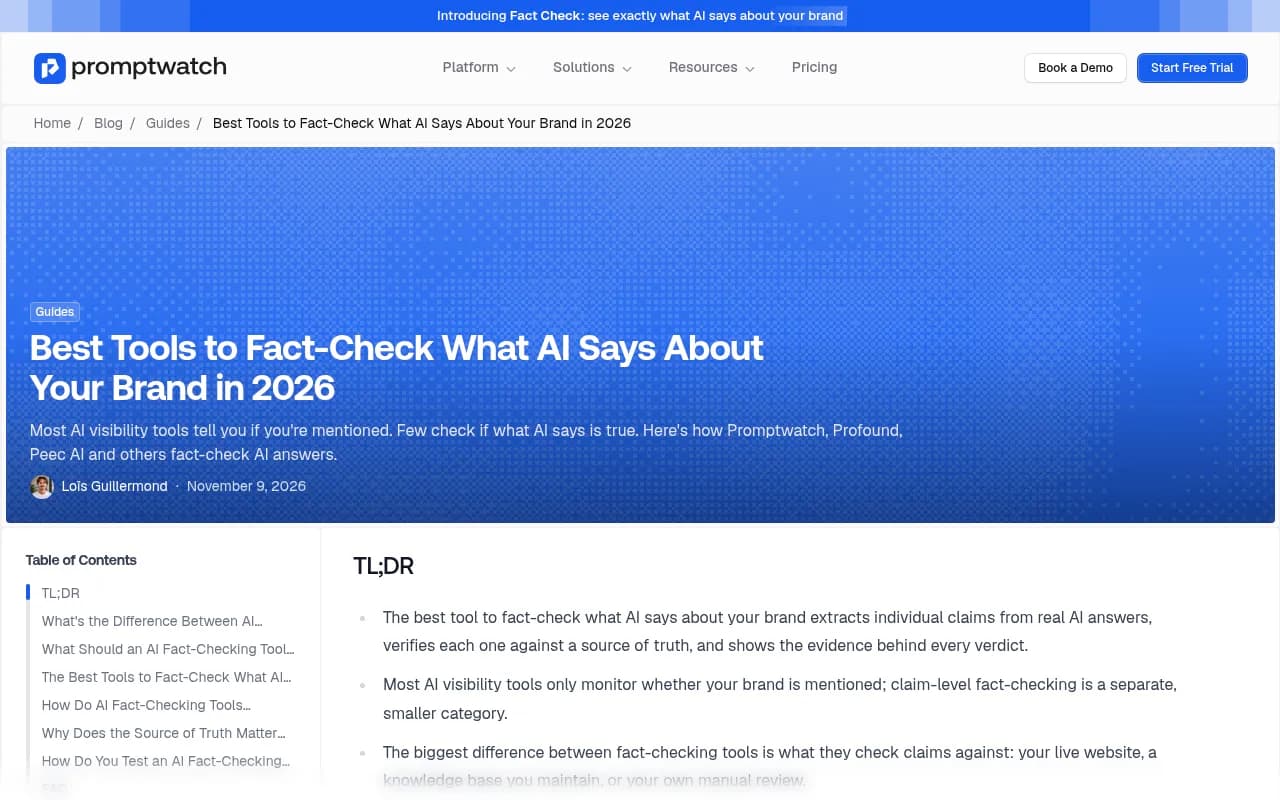
The main difference between tools, as Promptwatch's own comparison puts it, is what they check against: your live website, a knowledge base you maintain, or your own manual review. Think about which of those you can keep current. A knowledge base nobody updates will mark true claims as false.
Mistakes I would avoid
- Checking the paragraph instead of the claim. You will average away the errors.
- Treating your own ground truth as fixed. Prices change; so should the document.
- Trusting an automated verdict without reading the evidence. Even the vendors say a human should confirm.
- Ignoring the Inconclusive pile. Those are content gaps, and they tend to be the cheapest wins.
- Chasing every error. Dismiss the low-stakes ones or you will burn out by week three.
- Fixing the symptom. Rewriting your homepage will not help if the bad answer comes from a G2 profile.
Also worth remembering: general fact-checking habits still apply to the content you produce. Articulate's guide on fact-checking AI content recommends checking citations, cross-referencing statistics against trusted sources, verifying timeliness, and having experts validate the material. That is good advice for anything an AI drafts for your own site, including the pages you write to correct the record.
A simple cadence
| Frequency | Task |
|---|---|
| Weekly | Review new claims, mark them, dismiss noise |
| Monthly | Update the ground truth, review accuracy trend by model and theme |
| After any launch or price change | Re-run pricing and feature prompts, update pages first |
| Quarterly | Audit third-party profiles and the top cited sources |
If you want to try the claim-level approach without committing, Promptwatch has a 7-day free trial on monthly billing and a free AI visibility report that shows how ChatGPT, Gemini and Perplexity currently talk about your brand. That is a decent way to see your first batch of claims before deciding how much tooling you need.
The short version
Write down what is true. Collect real answers. Split them into claims. Mark each one. Find the page that caused each wrong one. Fix it, then check again in a couple of weeks. The first pass will show you a handful of errors that are quietly costing you deals, and most of them will trace back to pages you can edit this week.