Key takeaways
- An executive GEO report should answer three questions on one page: are we visible in AI answers, is that visibility sending traffic and revenue, and what are we changing next month.
- Keep it to 5-7 headline KPIs. Report each AI engine separately, never one blended "AI visibility" number.
- Add an annotation row for platform changes. ChatGPT's Reddit citations collapsed overnight in August 2026, and a dashboard without notes makes that look like your failure.
- Pair outside-in metrics (mentions, citations, share of voice) with inside-out ones (AI crawler logs, AI referral traffic, conversions).
- End every report with a narrative paragraph and three actions with owners. The numbers are the evidence, not the message.
Why GEO reports fail in front of executives
I have seen the same GEO report a dozen times. It opens with a screenshot of a tracker, lists 30 prompts with green and red dots, and closes with "visibility is up 4%." The CMO nods, asks what that means for pipeline, and the meeting moves on.
The problem is altitude. Improvado's CMO dashboard guide frames an executive dashboard as something that answers three questions in under 30 seconds: are we hitting pipeline, where is spend leaking, and what changed. It also notes that marketing budgets fell to 7.7% of company revenue in 2024 from 9.1% the year before, so every channel, including AI search, has to justify itself in financial terms.
The 1ClickReport team cites a similar rule: executive dashboards work with 5-7 KPIs, and 20+ metrics reduce clarity rather than improve it. GEO is especially prone to metric sprawl because every tool invents its own scores. Your job is to pick a few and defend them.
The two-layer reporting model
Split your GEO reporting into two artifacts.
- The executive page. One page, monthly, read in two minutes. This is the template below.
- The working dashboard. Live, used by the SEO and content team weekly. Prompt-level detail, crawler errors, citation sources, action lists.
The eSEOspace GEO reporting guide makes a similar distinction, describing a detailed monthly report for the core marketing team on top of dashboards that unify off-site AI monitoring, on-site analytics and technical audit data. Executives get the summary. The team keeps the detail one click away.
The monthly executive template
Here is the structure I would hand to a marketing team. Every block earns its place by answering a question an executive will actually ask.
Block 1: Headline scorecard (5-7 KPIs)
| KPI | Question it answers | Source | Cadence note |
|---|---|---|---|
| Visibility score per engine | Do AI engines surface us at all? | AI visibility tracker | Report ChatGPT, AI Overviews, Perplexity separately |
| Share of voice vs 3 named competitors | Are we winning or losing the category? | AI visibility tracker | Same prompt set every month |
| Citation rate (own domain cited) | When we are mentioned, do we get the link? | Tracker plus citation data | Mentions without citations signal a content problem |
| AI-referred sessions | Is it sending traffic? | Analytics, AI referral segment | Month over month |
| AI-referred conversions | Is it worth money? | Analytics, CRM | The number the CFO cares about |
| Sentiment | Is what AI says about us accurate and positive? | Tracker | Flag any factual errors |
| AI crawler health | Can AI systems read our site? | Server or CDN crawler logs | Errors and blocked bots |
Seven is the ceiling. If your executives only care about three, show three.
Block 2: Trend and comparison
Show the last six months as a simple line per KPI, with the previous month and the same month last quarter as comparison points. Executives read direction faster than absolute values. Add one competitor line to the share-of-voice chart so the number has context.
Block 3: The annotation row
This is the part most templates skip, and it is the one that saves you in a review meeting. AI platforms change behavior without warning, and a flat or falling line often has nothing to do with your work.
Examples from 2026 that would belong in an annotation row:
- ChatGPT's average citations per response dropped across GPT-5.3, GPT-5.4 and GPT-5-Mini around the March 4 rollout (Promptwatch Data on the ChatGPT citation drop).
- On August 8, ChatGPT began using the site: operator at scale, jumping from roughly 0.4% to about 17% of fanout queries (Promptwatch Data on site: operator fanouts).
- reddit.com's share of ChatGPT citations fell from about 4% to 0.5% on August 14 (Promptwatch Data on Reddit citations in ChatGPT).
If your brand relied on Reddit threads for ChatGPT visibility, the August line looks like a decline you caused. With a dated annotation it reads as a market event, and the conversation shifts to what you do about it.
Block 4: What changed and why
Three to five sentences, written by a human. Which prompts or topics moved, which pages gained or lost citations, which competitor shifted. This is the paragraph executives actually read. Everything else is evidence.
Block 5: Next month's actions
Three actions, each with an owner and an expected effect. For example: refresh the two product pages that lost citations, fix the WAF rule blocking a crawler, publish comparison content for the topic where a competitor holds the lead. Closing with actions turns the report from a scoreboard into a plan.
Why you must report engines separately
A single blended "AI visibility" number is tempting and misleading. The engines behave differently enough that an average hides the story.
Take social citations. In Promptwatch's data for Sep 28 to Oct 4, 2026, social platforms made up just 0.46% of ChatGPT's citations, versus 12.2% for Google AI Overviews and 2.7% for Perplexity (Promptwatch Data: social media citations by AI model, October 2026). A YouTube or LinkedIn strategy could be doing real work in AI Overviews and be invisible in ChatGPT. Blend them and you learn nothing.
The number of citation slots also differs. Promptwatch's average sources per response data (an older report, so check current figures) showed ChatGPT citing about 5 sources per web-search answer, while AI Overviews and Perplexity sit near 10. A "share of citations" of 5% means something different in each. Copilot was volatile enough that the same report advises judging it on monthly trends rather than weekly snapshots, which suits a monthly report well.
Connecting visibility to business outcomes
Mentions are not revenue. Executives know this, and the fastest way to lose them is to present visibility alone.
AI referral traffic and conversions
Segment sessions from AI platforms (ChatGPT, Perplexity, Gemini, Claude, Copilot) in your analytics and tie them to conversions. Expect messy attribution: some AI visits arrive with no referrer and land in direct traffic. Say so in the report, and report the measurable floor rather than an inflated guess. Some visibility platforms ship their own visitor analytics, which helps close the gap.
Crawler logs as a leading indicator
If an AI system cannot reach your pages, nothing else matters. Server-side logs show which AI crawlers visit, what they read and what errors they hit. Promptwatch's AI crawler traffic report (IP-verified requests, Jun 8 to Sep 6, 2026) gives a benchmark: OpenAI's share of verified AI crawler requests was 79.8% in the week of Aug 31 to Sep 6, down from 94.8% in early June. The report's advice is practical. Compare your logs to that mix, and if a provider is large in the benchmark but near zero in your logs, check robots.txt, CDN and WAF rules for accidental blocking.
Note that those shares are a 100% split per week, so a growing share is not necessarily more absolute traffic. Put the same caution in your footnotes.
Content-level signals
For the team view, track which content types earn citations. Product pages were the most cited ChatGPT content type at 22.4% of citations (Sep 28 to Oct 4, 2026), followed by landing pages and listicles (content type report). And freshness matters differently by format: news lost half its cited pages within 36 days, while landing pages and docs stayed cited longest (content half-life report). That tells you which pages deserve a monthly refresh and which can sit.
Choosing tools to feed the dashboard
You need a source for each block. Most teams end up with an AI visibility platform, web analytics, and a log source, then a BI layer to join them. Looker Studio, Power BI or a native dashboard all work. What matters is that metric definitions are fixed and documented, so the number means the same thing in March and October.
Promptwatch covers most of the stack in one place: real-interface prompt tracking across ChatGPT, AI Overviews, Perplexity and others, IP-verified crawler logs, AI visitor analytics, and PDF or scheduled reports with a Looker Studio connector. It also has an Action Board that produces the prioritized to-do list for Block 5.

Other options worth a look, depending on your setup:



| Tool type | Good for | Gap to watch |
|---|---|---|
| Full AI visibility platform (e.g. Promptwatch, Profound) | Visibility, citations, and often traffic in one view | Check whether crawler logs and traffic attribution are included |
| Lightweight prompt trackers (e.g. Peec AI, Otterly.AI) | Fast, affordable visibility scorecards | Usually no crawler logs or content workflow |
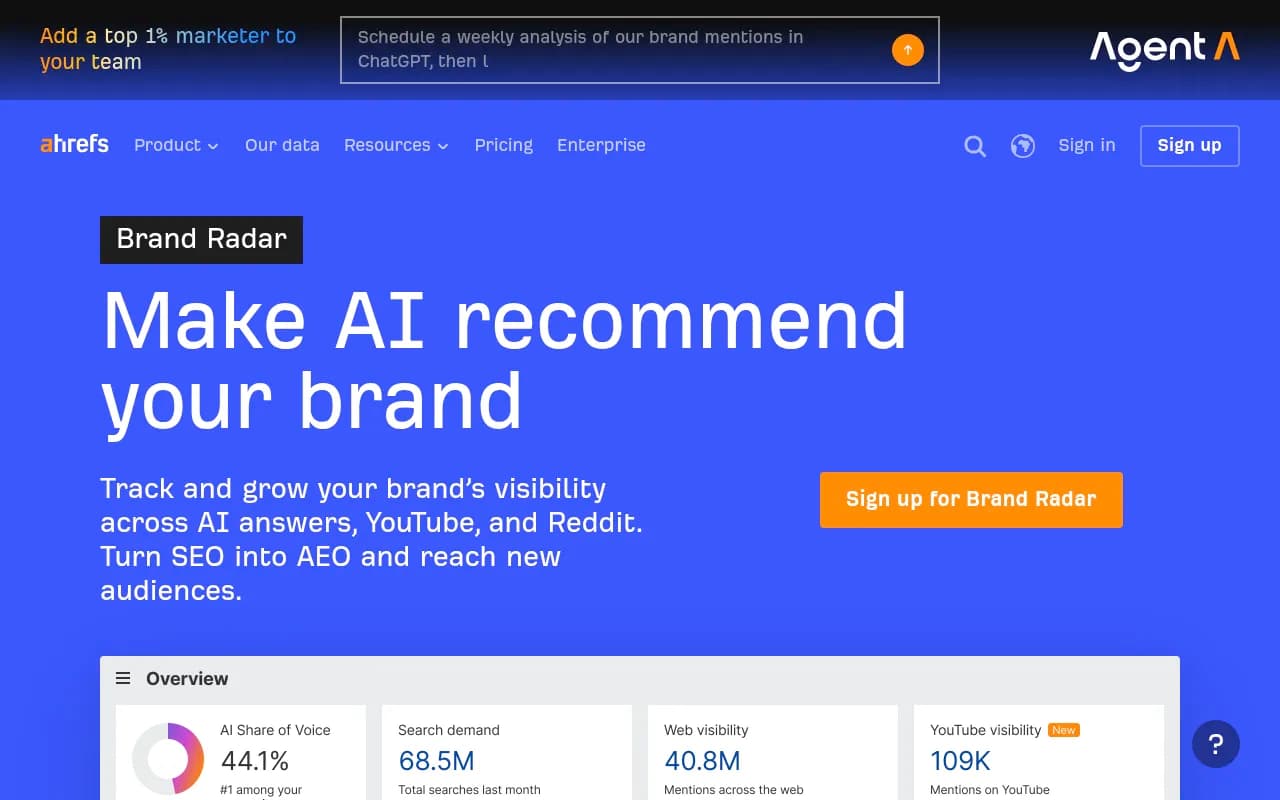
| SEO suite add-ons (Semrush, Ahrefs Brand Radar) | Teams already living in those suites | Prompt sets and AI-specific depth can be limited |
| Analytics plus BI | Traffic, conversions, executive layout | Needs a visibility source feeding it |
For a broader comparison, the GEO software directory at bestgeosoftware.com lists tools by category.
Building the page in practice
Step 1: Freeze your prompt set
Pick 40-150 prompts across brand, category and competitor-comparison intent, grouped by topic. Change them quarterly, not monthly, or your trend lines break. Document every change.
Step 2: Name your competitors
Three to five. Share of voice is only meaningful against a fixed field.
Step 3: Set definitions on a second tab
Write one line per KPI: what it measures, where it comes from, how it is calculated. An executive who doubts a number will ask. Having the answer ready is worth more than a prettier chart.
Step 4: Set the review rhythm
- Weekly: the team looks at the working dashboard and crawler errors.
- Monthly: the executive page goes out in the first week, with the narrative.
- Quarterly: revisit prompts, competitors and KPI choices.
Step 5: Write the narrative last
Only after the numbers are final. Lead with the business outcome, then the cause, then the action. If the paragraph cannot be written in five sentences, the report is trying to say too much.
Common mistakes
- Reporting rank-style numbers. AI answers vary run to run. Report averages over many prompts and runs, not a single "we are #2" screenshot.
- Mixing engines. Covered above. Separate them.
- No baseline. Capture month zero before you start optimizing, or you cannot prove anything later.
- Skipping the annotations. Platform changes will happen every quarter. Log them.
- Treating GEO as separate from SEO. Put Google and Bing search data next to AI data. Pages that rank but never get cited are usually your best opportunities.
- Too many charts. If a block does not change a decision, cut it.
A one-page layout you can copy
| Section | Content | Length |
|---|---|---|
| Header | Month, prompt set version, engines covered | 1 line |
| Scorecard | 5-7 KPIs with month-over-month and 6-month trend | 1 table |
| Share of voice | Us vs named competitors, per engine | 1 chart |
| Traffic and revenue | AI sessions and conversions, with attribution caveat | 1 chart plus note |
| Annotations | Dated platform changes and your own releases | 3-5 bullets |
| Narrative | What changed, why, what it means | 5 sentences |
| Actions | Three items, owner, expected effect | 3 bullets |
If you do not have an in-house analyst to own this, an agency can set it up and keep definitions consistent. 1001 SEO Media builds this kind of GEO reporting for clients, and uses Promptwatch for the visibility data.
Final check before it goes out
Hand the page to someone outside marketing and give them two minutes. If they cannot tell you whether AI search is helping the business and what happens next, rewrite the narrative. Then send it, and keep the same layout next month so the trend is the story.
For more research to benchmark against, browse Promptwatch Data.