Key takeaways
- Free AI search tools are good for one-off checks: does ChatGPT mention us, can AI crawlers read our site, what does our page look like to a model. They are weak at ongoing tracking.
- Most free tiers cap prompts, models or projects hard. Treat them as a trial of the workflow, not a monitoring system.
- Google Search Console and Bing Webmaster Tools are still the best free data you have, and they matter more now that AI answers lean on indexed pages.
- Pick tools by the question you need answered: visibility, crawlability, content gaps, or traffic. Few free tools answer more than one.
- Pricing and limits change often. Confirm on each vendor's site before you build a process around a free plan.
What counts as an AI search tool here
The phrase gets used for two different things. One is AI search engines you use to research (Perplexity, ChatGPT, Gemini). The other is tools that measure how your brand shows up inside those engines. This guide is about the second group, plus the free generalist tools marketing teams already use around them.
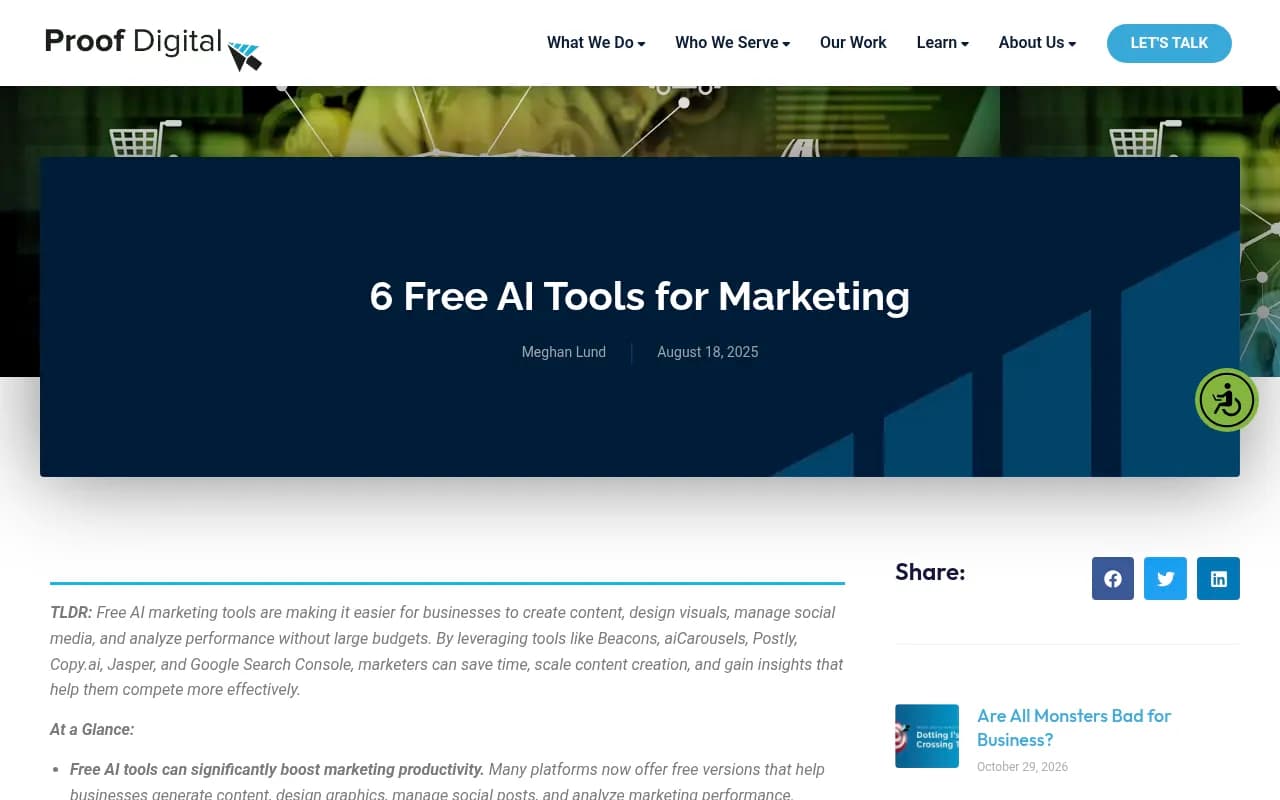
I'm going to be blunt about the research behind this topic. Most of the roundups ranking "free AI marketing tools" are lists of writing assistants and design apps. One of the sources I reviewed, a Proof Digital post, covers Beacons, aiCarousels, Postly, Copy.ai, Jasper and Google Search Console. It is dated August 2025, so free-tier details there may be stale. A podcast episode on the best AI marketing tools of 2026 turned out to be mostly about agents and token costs, not free tiers. So I've built this guide around what you can verify yourself in an afternoon.
Why free checks are worth doing first
AI engines do not behave alike, and the differences affect how much a free scan can tell you. According to Promptwatch's average sources per response data, ChatGPT cites about 5 sources per web-search answer, while Google AI Overviews and Perplexity cite about 10. Copilot swung from under 2 to nearly 17 sources within a few weeks before settling low.
Two practical consequences. A single free scan of one engine gives you a snapshot, not a trend. And a brand that is invisible in ChatGPT, where there are only five slots, may still show up in AI Overviews, where there are ten.
Social sources differ too. In Promptwatch's October 2026 social citation data (Sep 28 to Oct 4, 2026), social platforms made up 0.46% of ChatGPT citations but 12.2% of Google AI Overviews citations. YouTube led AI Overviews at 4.28%. If your free scan shows you missing from ChatGPT, don't spend a quarter on Reddit threads. The same report shows Reddit's ChatGPT share has collapsed (see the Reddit citation drop report).
Free tools worth using, by job
Check whether AI mentions your brand
The quickest first step is a no-login brand scan. Promptwatch offers a free AI Visibility Report that shows how ChatGPT, Gemini and Perplexity talk about your brand, and a free Explore plan (1 project, 10 prompts, ChatGPT only) if you want something that keeps running. Ten prompts is enough to test the idea, not to run a program.

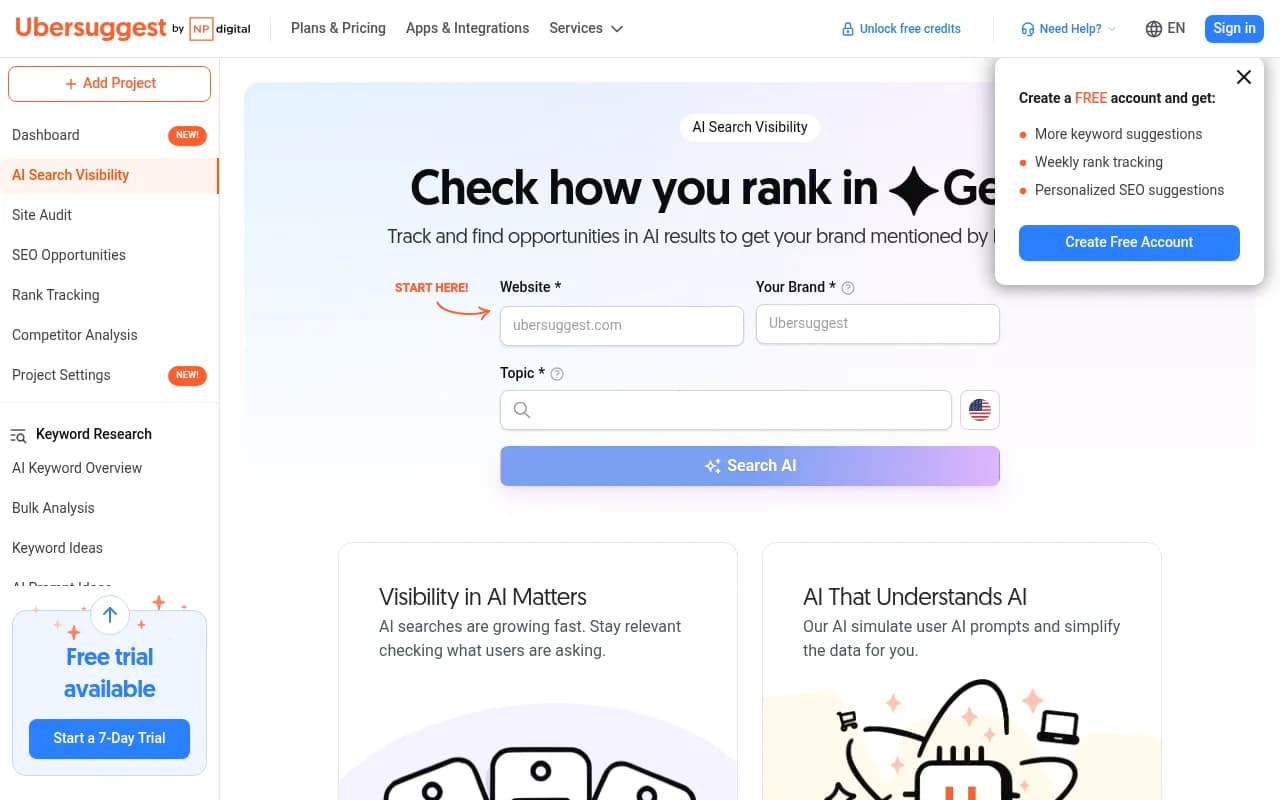
Other trackers in this category list free audits or entry plans. Geoptie advertises free GEO audit tools alongside tracking, Ubersuggest includes an AI brand visibility feature next to its keyword research, and Elmo and AI Monitor are open source, so you can self-host them if you have an engineer to spare. Check each vendor's current limits.

Check whether AI crawlers can read your site
This is the most underrated free check. If GPTBot or ClaudeBot gets blocked or errors out, no amount of content work helps. Promptwatch's free Agentic Readiness Check shows which AI crawlers can read your site and which standards, like llms.txt, you support. Its free AI Crawler URL Inspector and Robots.txt Generator for AI cover the follow-up fixes. Your own server logs or CDN dashboard also work if you know how to filter by user agent.
On a related note, markdown files make up just 0.05% of AI search citations per Promptwatch's markdown report. An llms.txt file is fine to add, but it won't move your citations on its own.
See what ChatGPT actually searches
The free GEO Inspector for ChatGPT is a Chrome extension that shows query fan-outs and fetched versus cited sources, running locally. It is useful for content planning because it shows the real searches behind an answer. Fan-out behavior also shifts: Promptwatch's data shows ChatGPT started using the site: operator at scale on August 8, 2026, jumping from about 0.4% to about 17% of fan-out queries. That is the kind of thing a one-time look can't catch, so recheck periodically.
Use the search data you already own
Google Search Console and Bing Webmaster Tools cost nothing and tell you which pages are indexed and ranking. This matters for AI search: Promptwatch's advice in its sources report is to make sure Bing indexes and ranks your key pages well if you care about Copilot. Most teams verify Google and skip Bing. Fix that first, it takes ten minutes.
Free tiers of the big assistants
ChatGPT, Claude and Gemini all have free plans. They are fine for manually spot-checking answers to your category's prompts. Ask the same ten questions weekly, paste the results into a spreadsheet, and you have a crude tracker. It's tedious, and responses vary by location and session, but it costs nothing.
Free content and SEO helpers
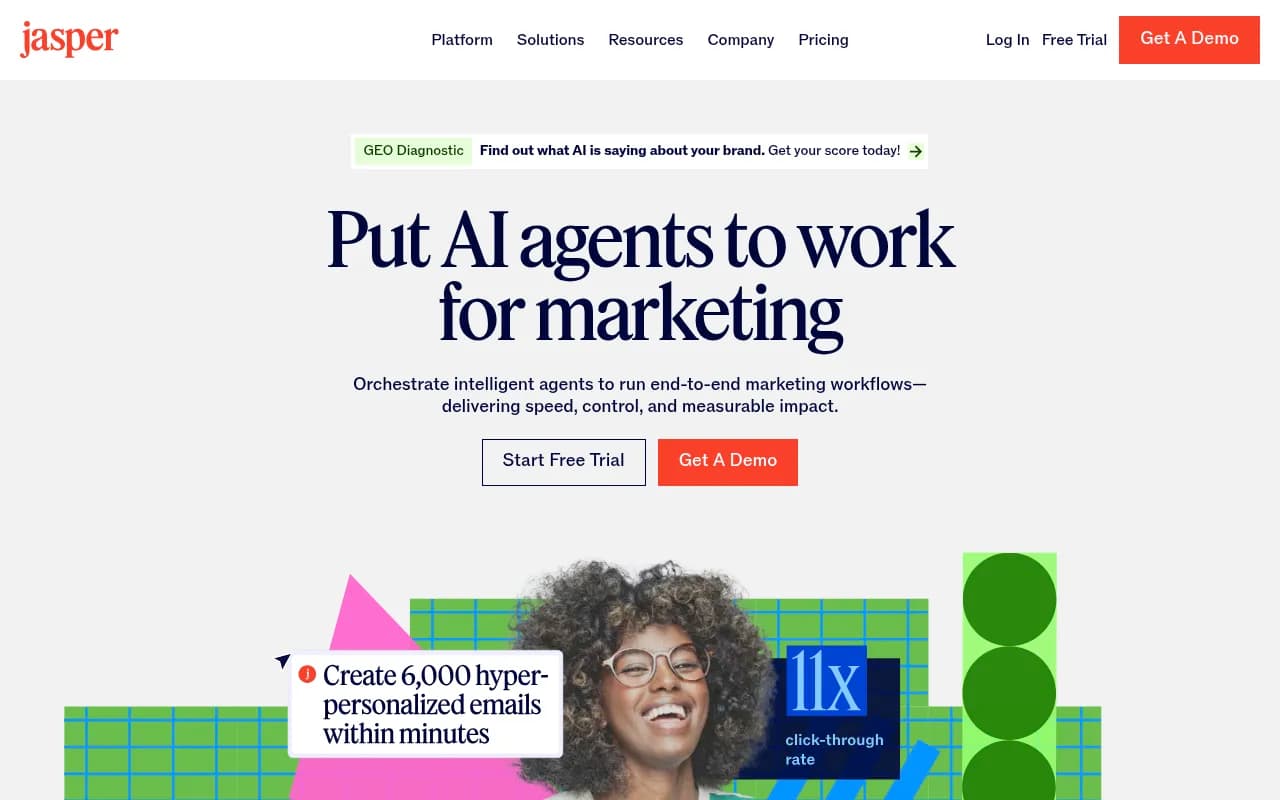
If your goal is content, not measurement, the usual suspects have free or trial tiers: Copy.ai, Jasper, Grammarly and Ubersuggest among them. They don't tell you anything about AI visibility, though. Use them after you know what gap you're filling.

Comparison: what the free option gives you
| Job | Free option | What you get | What's missing |
|---|---|---|---|
| Brand mentions in AI | Promptwatch free report / Explore plan | One-off scan; 10 prompts on ChatGPT | Other models, volume, history |
| Crawler access | Agentic Readiness Check, robots.txt tools | Which bots can read you | Ongoing crawl logs |
| Fan-outs | GEO Inspector (Chrome) | Live ChatGPT search queries | Trends across prompts |
| Self-hosted tracking | Elmo, AI Monitor | Own your data and setup | Support, UI polish, maintenance |
| Search data | Search Console, Bing Webmaster | Indexing and rankings | AI citation data |
| Manual checks | ChatGPT, Claude, Gemini free plans | Spot answers | Consistency, scale |
Free versus paid: where the line really is
Free tools answer "are we visible right now?" Paid tools answer "why, and what do we do about it?" The difference shows up in a few places.
- Volume. 10 prompts will not cover a product line, competitors and several markets.
- Models. Free plans often cover one engine. Promptwatch's free Explore tier is ChatGPT only, while paid plans unlock all models.
- History. Without daily runs you can't tell a real drop from noise.
- Attribution. Mentions don't pay the bills. Traffic and conversions from AI platforms do, and that needs visitor analytics or log data.
- Action. A monitor that tells you you're missing is only half the job. Some paid platforms add content gap analysis and publishing; most trackers stop at monitoring.
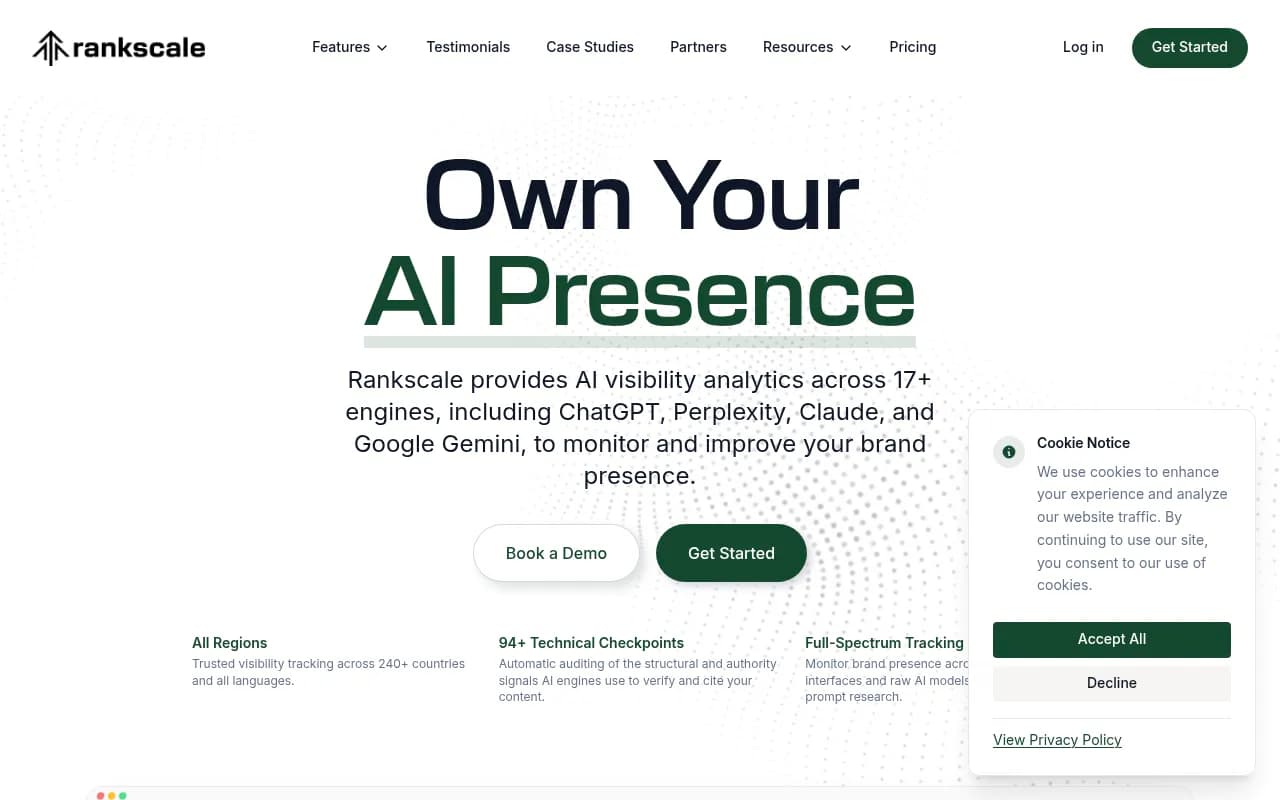
Promptwatch's entry paid plan, Essential, is $95/month with 50 prompts and all AI models, and annual billing gives 12 months for the price of 10. Check promptwatch.com/pricing for the current numbers. Otterly.AI, Peec AI and Rankscale sit in the same lower-cost monitoring range if you want a basic tracker.


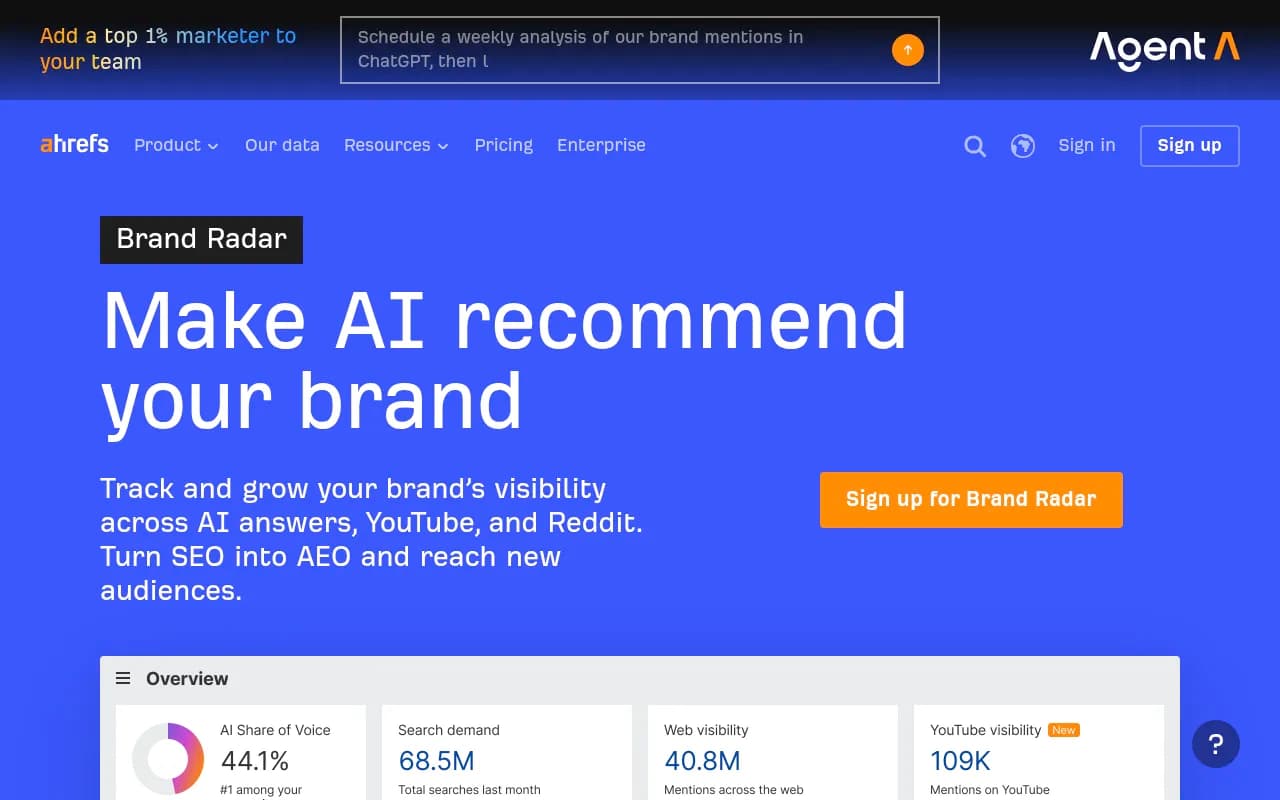
Teams already on an SEO suite may find an AI add-on cheaper than a new vendor, though these are usually shallower on AI-specific data:
For more options by category, the GEO software directory at bestgeosoftware.com lists dozens of trackers with reviews.
A free 5-step workflow for a marketing team
- Run a free brand scan on ChatGPT, Gemini and Perplexity. Save the screenshots as your baseline.
- Run the crawler readiness check. Fix robots.txt blocks and obvious errors.
- Verify Search Console and Bing Webmaster Tools. Submit sitemaps to both.
- Pick 10 prompts your buyers actually use. Check them manually, or load them into a free plan. Use the GEO Inspector to see the searches behind the answers.
- Write down what's missing: pages that don't exist, competitors that dominate, engines where you're absent. That list is your business case for a paid tool.
The last step matters most. Teams that skip it end up paying for dashboards nobody acts on.
Match content to the engine
Free data is only useful if you know what to do with it. Promptwatch's guidance from its source-count data is worth keeping on a sticky note:
- ChatGPT: tightly focused pages that each answer one question fully.
- AI Overviews: the easier engine for newer or mid-authority domains.
- Perplexity: a stable test bench, since it cites almost exactly 10 sources daily.
- Copilot: Bing indexing and ranking.
And for social, put YouTube first for Google audiences, publish on LinkedIn for Perplexity, and skip X.
Mistakes I see with free tools
The first is trusting one run. AI answers vary, so a single scan that says you're absent might be wrong in the other direction next week. The second is mixing up free generalist assistants with measurement tools. Asking ChatGPT "do you recommend our brand?" is a data point, not a tracker. The third is building a reporting process on a free tier that can change or disappear. GummySearch, a Reddit research tool in the catalog, closed in November 2025, which is a good reminder.
Where to go from here
Start with the free scan and crawler check this week. If the baseline shows real gaps and you need ongoing tracking across models, compare paid options in a directory like ai-rank-tools.com and pick based on whether you need monitoring only or also content and traffic attribution. If you'd rather have help interpreting the results, an agency such as 1001 SEO Media works on AI search and GEO alongside traditional SEO.
For current citation numbers by engine and industry, the research hub at Promptwatch Data is free to browse.