Key takeaways
- Grammarly is the best all-round editor: grammar, tone and clarity checks that work in your browser, docs, email and Slack.
- Wordtune is a sentence-level rewriter. It makes your phrasing sound more natural, but it isn't built to catch every error or generate a first draft.
- HyperWrite is the odd one out. It is a generation and autocomplete tool (TypeAhead) in the browser, not a dedicated editor.
- The cheapest paid entry points are Wordtune Advanced ($4.89/mo billed annually), Grammarly Pro ($12/mo billed annually) and HyperWrite Premium ($16/mo billed annually). The usage caps differ more than the prices do.
- Most of the head-to-head benchmark numbers floating around come from a single Reddit post. Treat them as anecdotes.
The short version
These three tools get lumped together as "AI writing assistants," but they sit at different points in the writing process. Grammarly fixes and polishes. Wordtune rephrases. HyperWrite produces text as you type.
If you only want one thing from this guide: pick Grammarly if you need a reliable editing pass, Wordtune if your problem is clunky sentences rather than errors, and HyperWrite if you want an AI that drafts alongside you in the browser. Plenty of people end up using two of them.
| Tool | Core job | Best for | Free tier | Paid from (annual billing) |
|---|---|---|---|---|
| Grammarly | Editing and proofreading | Professionals, teams, non-native speakers | Yes | $12/mo (Pro) |
| Wordtune | Sentence rewriting | Fluency, tone, ESL writers | Yes (10 rewrites/day) | $4.89/mo (Advanced) |
| HyperWrite | Generation and autocomplete | Solo writers who want AI drafting in the browser | Yes (limited credits) | $16/mo (Premium) |
Grammarly: the editor you run last
Grammarly is the one most people already know. It checks grammar, spelling and punctuation, then layers on tone detection, clarity suggestions and, on paid plans, one-click full-sentence rewrites. The real selling point is where it runs: browser, desktop apps, Gmail, Outlook, Google Docs, Word, Slack. You rarely have to leave the place you're writing.

One roundup from Rework describes it as less a drafting tool than "what catches what your drafting tool misses." I agree with that framing. If you draft in ChatGPT or Claude, Grammarly is a sensible final pass before something goes out under your name.
What you get on each plan
Grammarly folded its old Premium and Business plans into two: Pro and Enterprise. Per Grammarly's plans page:
- Free: grammar and spelling checks, tone detection (you can see your tone but not adjust it), and 100 AI prompts a month.
- Pro: one-click full-sentence rewrites, tone adjustment, plagiarism and AI-text detection, 2,000 AI prompts per member per month, one style guide and brand tone, team analytics, snippets and priority support. It has a free trial.
- Enterprise: contact sales. Unlimited prompts, style guides and brand tones, plus SAML SSO, SCIM, BYOK encryption and audit logs.
The Pro price shows as $12/month on the page. A third-party roundup gives that as the annual rate, with $30/month billed monthly, and says Pro now scales to 149 seats. Confirm both on the pricing page before you budget, since I couldn't verify them against Grammarly's own text.
Where it falls short
Grammarly is not a drafting tool. It improves what you wrote rather than producing new ideas. Some tone suggestions also still need a human call, and in one reviewer's testing against RewriteBar, its rephrasings for complex sentences felt a bit formulaic. Fine for business email. Less fine if you care about voice.
Wordtune: for sentences that are correct but clunky
Wordtune starts from a different question. Instead of "is this wrong?" it asks "could this read better?" Highlight a sentence and it offers several rewrites, with toggles for tone (casual, formal, shorter, longer). It also does summaries, and spelling and grammar checks are unlimited on every plan.

That makes it popular with non-native English speakers, and Wordtune's own comparison page says the tool "improves fluency" and rephrases, where Grammarly is strongest at removing errors, passive voice and repeated words. That is a vendor page, so take the framing with a pinch of salt, but it matches how most independent reviewers describe the split.
Plans and caps
Per Wordtune's plans page, prices below are with annual billing and a shown 50% promotion:
| Plan | Price | Rewrites and suggestions | AI summaries |
|---|---|---|---|
| Basic (free) | $0 | 10 per day | 3 per month |
| Advanced | $4.89/mo (list $6.99) | 30 per day | 15 per month |
| Unlimited | $6.99/mo (list $9.99) | Unlimited | Unlimited |
Both paid plans have a 3-day free trial. The daily caps are the catch. If you edit in long sessions, 30 rewrites a day disappears quickly, and the free tier's 10 is more of a taster than a workflow. For anyone who'd use it seriously, Unlimited is the plan to look at, and at $6.99 it is the cheapest of the three tools' serious tiers.
Where it falls short
Wordtune isn't built for first-draft generation, and it's weaker than Grammarly on structural or full-document feedback. It works clause by clause, which is precise but slow if you want a quick whole-page cleanup.
HyperWrite: autocomplete and generation, not editing
HyperWrite (made by OthersideAI) is a browser extension whose headline feature is TypeAhead: a gray inline suggestion that predicts your next sentence as you type, and you hit Tab to accept it. It also has a Personal Assistant mode for building custom agents, plus HyperWrite Scholar, which searches scholarly articles to give citation-backed answers.

This is the key point of the whole comparison. HyperWrite is the closest of the three to a generator. The TextExpander roundup puts it plainly: Grammarly leads on editing and style refinement, HyperWrite leads on raw text generation and in-browser autocomplete. If your problem is blank-page paralysis, HyperWrite helps. If your problem is a messy draft, it isn't the right tool.
Pricing
From HyperWrite's pricing page:
- Free: limited monthly credits on a basic model.
- Premium: $19.99/mo monthly or $16/mo annually. 250 AI messages a month, citations and real-time info, 3 custom personas, unlimited TypeAheads.
- Ultra: $44.99/mo monthly or $29/mo annually. Unlimited AI messages, 10 personas, early access to experimental features.
Annual billing saves 20%, and the page advertises a promo code for 50% off the first month. The FAQ also tells you to fact-check and edit before publishing, which is a polite way of saying it can hallucinate.
Where it falls short
TextExpander points out that HyperWrite personalizes to one writer. There are no shared libraries, group permissions or org-level admin controls, so it's weak for teams that need consistent language. It's also less capable than ChatGPT or Claude on long, complex documents, and the ecosystem of integrations is smaller than the business-focused tools.
Head-to-head: what actually differs
| Question | Grammarly | Wordtune | HyperWrite |
|---|---|---|---|
| Catches grammar and spelling errors | Excellent | Good, unlimited on all plans | Basic |
| Rewrites for fluency and tone | Good (Pro) | Excellent | Moderate |
| Generates new text | Limited | No | Yes, its main strength |
| Works where you write | Browser, desktop, Office, Slack, mobile | Browser extension and apps | Chrome extension |
| Team features and governance | Strong (style guides, analytics, SSO on Enterprise) | Business support and SSO listed | Weak |
| Plagiarism and AI-text detection | Yes (Pro) | No | No |
| Citations and research | Consistent citations (Pro) | No | Yes (Scholar, citations) |
Rewrite quality: treat the benchmarks carefully
You'll see a comparison table online claiming Wordtune preserves meaning 95% of the time against Grammarly's 92%, while Grammarly wins on factual alignment (98% vs 93%), responds in 1.2 seconds versus 1.9, and that Grammarly's VoiceLock improved team tone consistency by 37%. Every one of those figures traces back to a single Reddit post in r/AiReviewInsiderHQ, relayed by eesel. It is not a rigorous study, and I wouldn't make a purchase decision on it.
The qualitative direction is plausible, though: Grammarly is conservative and keeps facts intact, and Wordtune is looser and more fluent. Test both on your own text.
A note on vendor bias
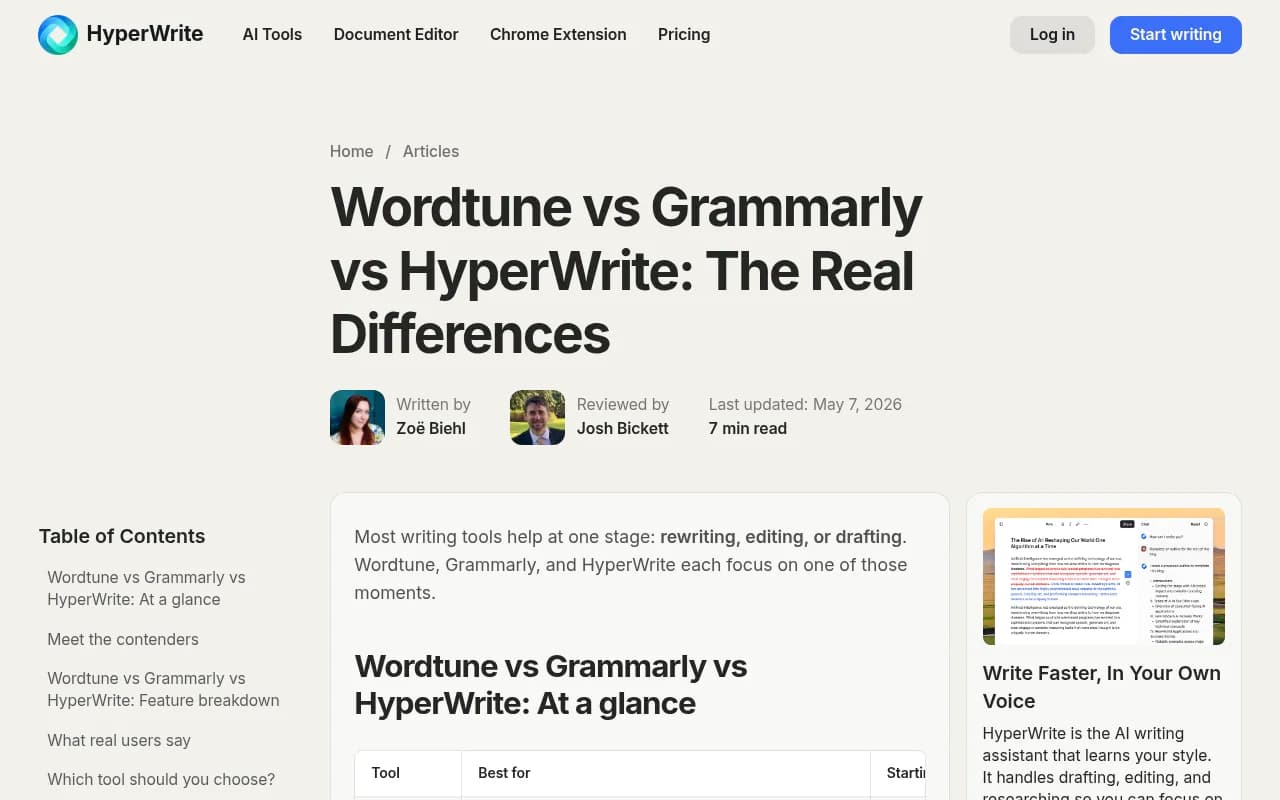
The article "Wordtune vs Grammarly vs HyperWrite: The Real Differences" is hosted on hyperwriteai.com. It's vendor-authored, and it characterizes HyperWrite as covering the basics but "not built for editing," which is actually a refreshingly honest line. Still, read it as marketing.
Comparing usage caps, not just prices
The headline prices are close enough that they're not the deciding factor. The meters are.
| Tool | What's metered | Mid-tier cap |
|---|---|---|
| Grammarly Pro | AI prompts | 2,000 per member per month |
| Wordtune Advanced | Rewrites | 30 per day |
| Wordtune Unlimited | Rewrites | Unlimited |
| HyperWrite Premium | AI messages | 250 per month |
These units aren't the same thing. A Grammarly prompt, a Wordtune rewrite and a HyperWrite message don't cost the same effort or deliver the same value, so a straight price comparison misleads. If you're a heavy user, compare the caps against how many sentences or drafts you actually process in a week.
Which one should you pick?
Choose Grammarly if
- You write emails, reports and docs for work and want fewer mistakes.
- You need one tool across browser, Office, Google Docs and Slack.
- You manage a team and want style guides, brand tones and analytics.
- You use ChatGPT or Claude to draft and want a final tone and clarity pass.
Choose Wordtune if
- Your text is mostly correct but reads stiff or repetitive.
- English isn't your first language and you want more natural phrasing.
- You work sentence by sentence and like to see several options side by side.
- You'd rather pay under $7 a month for unlimited rewrites.
Choose HyperWrite if
- You struggle to start and want inline suggestions as you type.
- You do research-heavy writing and want citation-backed answers.
- You're a solo writer and don't need team controls.
Combining them
The pairing that makes the most sense to me is Wordtune or HyperWrite for shaping and generating, then Grammarly as the last gate. Running all three would be overkill for most people, and the cumulative subscription cost isn't trivial.
Other tools worth a look
If none of these fits, a few other tools in the same space cover different needs:
- Writer is an enterprise writing platform with brand controls, aimed at teams that want governance.
- Jasper is a marketing-focused AI writing assistant, closer to generation than editing.
- Rytr is a cheap generator for solo creators.



The wider market also includes QuillBot (paraphrasing and citations for students), ProWritingAid (deep manuscript analysis for long-form) and RewriteBar (a macOS menu-bar editor with local model support), according to a 2026 roundup from RewriteBar. For broader software comparisons across categories, browse the directory at surferstack.com.
A practical way to decide
Spend an afternoon rather than an hour reading reviews.
- Take a real piece of your writing, around 500 words, with a few awkward sentences.
- Run it through Grammarly's free tier and note what it catches.
- Run the same text through Wordtune's free plan and see whether the rewrites sound like you.
- Try HyperWrite's free TypeAhead on a fresh paragraph and judge whether the suggestions save time or just need correcting.
- Count how many suggestions you actually accepted. That's your answer.
One caution that applies to all three: none of them replaces a human read for facts and voice. HyperWrite says so outright in its FAQ, and the same goes for any generated or rewritten text.
Final verdict
For most people, Grammarly is the safest default because it does the job the other two don't: catching errors and keeping tone consistent across every place you write. Wordtune is the better pick when fluency is the problem and you want a cheap rewriter. HyperWrite is only the right choice if you want an AI that writes with you, and even then you'll want an editor behind it. Start with the free tiers, test on your own text, and only pay once you hit a cap you actually care about.