Key takeaways
- Most AI visibility tools offer a 7 to 14 day trial, so you need a plan before you sign up, not after.
- Build one fixed prompt set of 25 to 50 prompts and run it identically in every tool you test. Without that, you are comparing prompt choices, not tools.
- Score engines separately. Promptwatch Data shows citation counts per answer differ a lot between ChatGPT, AI Overviews and Perplexity, so a blended score hides what matters.
- Test the follow-up work, not just the dashboard. Whether a tool tells you what to do next, and whether it helps you do it, usually decides the purchase.
- Log model changes during the trial. The engines move under your feet, and a tool should help you explain why numbers shifted.
Why a trial needs a plan
I have watched teams sign up for three AI visibility tools on the same Monday, poke around for a few days, and then pick whichever one had the nicest charts. That is not an evaluation. That is a mood.
The category is crowded. The tools catalog on this site lists well over a hundred products that track brand mentions in AI answers, and the free trials are short. Profound's own buying guide notes its Solo and Pro plans carry a 14-day trial, and trackers like Trakkr and SE Ranking advertise the same window. Fourteen days is enough to learn a lot, but only if you decide in advance what you are trying to learn.
This guide gives you a day-by-day structure. It works for a two-person marketing team testing two tools or an in-house group comparing four.
Before day 1: set up the evaluation
Decide what job the tool needs to do
AI visibility software does one of three jobs, and mixing them up is the most common mistake.
- Monitoring: did we show up, how often, next to whom.
- Diagnosis: why did or didn't we show up. Crawler access, citations, which pages get pulled.
- Action: what should we publish or fix, and can the tool help do it.
A team with a strong content function may only want monitoring data. A two-person team may need drafts and a to-do list. The 3RD buyer's checklist makes the same point: ask whether your team can act on the data. Write down which job matters most to you. That one sentence will break most ties later.
Build the prompt set
This is the part that makes or breaks the trial. Create a spreadsheet with 25 to 50 prompts split like this:
- 10 to 15 organic category prompts ("best project management software for agencies")
- 5 to 10 brand-specific prompts ("is [your brand] good for X")
- 5 to 10 competitor comparison prompts ("[your brand] vs [competitor]")
- A few long-tail questions your sales team actually hears
Load the same prompts into every tool. If a tool imports prompts from Search Console or suggests new ones, great, note it, but keep your fixed set untouched so results stay comparable. Wellows makes a useful distinction here: a one-time check answers "did we appear in this run?", while ongoing monitoring answers "how often do we appear on a consistent prompt set?" You want the second one.
Pick engines and markets
Choose the two or three engines your buyers use and the countries you sell in. Check whether each tool queries the real interface or an API. User-facing answers and citations can differ from API output, and a tool that only hits an API may tell you what a model believes rather than what a customer sees.
Assign roles and a scorecard
Name one owner per tool and one person who scores. Decide the scoring rubric now (template below). Block 30 minutes a day on calendars. A trial nobody has time to look at is a wasted trial.
The scorecard
Score each criterion 1 to 5 per tool. Weight them by the job you picked earlier.
| Criterion | What to check | Weight if monitoring is the job | Weight if action is the job |
|---|---|---|---|
| Data fidelity | Real UI vs API, engines covered, country and language support | High | Medium |
| Prompt handling | Import, volumes or difficulty, fan-outs, tags, personas | Medium | Medium |
| Diagnosis | Crawler logs, citation sources, page-level detail | Medium | High |
| Action layer | Prioritized to-dos, content briefs, drafts, CMS publishing | Low | High |
| Traffic proof | AI referral visits, conversions, GA4 or Search Console joins | Medium | High |
| Reporting | Exports, scheduled reports, white-label, API or MCP | High | Medium |
| Time saved | Hours your team would reclaim per week | Medium | High |
| Price at your volume | Prompts, responses, seats at the tier you would really buy | High | High |
The 3RD checklist says that on day 14, hours saved for your team usually decide it. I agree, and I would add that most teams under-weight it until they are living with a tool they have to babysit.
The 14-day plan
Days 1 and 2: setup and sanity checks
Load the prompt set, connect the integrations, and install any tracking script. Then do a manual check. Run five of your prompts by hand in each engine and compare the answers to what the tool reports.
Check these things:
- Does the tool's recorded answer match what you see?
- Are your brand and competitors detected correctly, including aliases and misspellings?
- How long did setup take, and did you need support?
If a tool misreads your own brand name on day one, that tells you something about week twelve.
Days 3 to 5: first data and baseline
Most tools take a day or two to produce a full run. Record baseline numbers for visibility or share of voice, average position, sentiment, and citation counts. Keep a note of how each tool defines these. A "visibility score" in one product is not the same as in another, so ask what the denominator is. Wellows recommends asking for a report that explains the prompt sample and the denominator, and that is good advice for every vendor.
Separate the engines in your notes. Promptwatch Data on average sources per response shows ChatGPT cites about 5 sources per web-search answer while Google AI Overviews cites about 10 and Perplexity sits almost exactly at 10 daily. Copilot's average swung from under 2 to nearly 17 within a few weeks. Those engines are different games, and one blended number would hide that.
Days 6 and 7: test the diagnosis layer
Pick three prompts where you are not showing up. Now ask each tool: why?
A monitor will show you that a competitor was named. A better tool shows which pages were cited, what the engine searched for, and whether AI crawlers can read your site at all. Promptwatch Data on ChatGPT query fanouts found a single prompt can trigger 3 to 8 or more separate searches, so a tool that exposes those fan-out queries gives you a real handle on why a page was or wasn't cited.
Also check crawler visibility. Some tools show IP-verified logs of AI bots hitting your site, and some do not. If a page never gets crawled, no amount of rewriting helps.
Days 8 and 9: test the action layer
This is where tools separate. Ask each one for the next three things your team should do, then see how specific the answer is.
- Does it point to a missing topic, a weak page, or a third-party source worth pursuing?
- Can it generate a brief or draft grounded in your data?
- Can it publish to your CMS, or does it hand you a PDF?
- Does it track the published page afterward?
Pick one real action and do it, even a small one like refreshing a single page. You will not see a result in the trial window, but you will learn how much friction sits between insight and shipping.
A note on expectations. The 3RD data on 117 completed optimization tasks compared targeted prompts against an untouched control group. Roughly 29% moved up by more than 5 points, 26% moved down by more than 5, and 44% stayed within 5 points. Expect days to weeks between publishing and a measurable shift. If a vendor promises visible gains in a 14-day trial, be skeptical.
Days 10 and 11: traffic and reporting
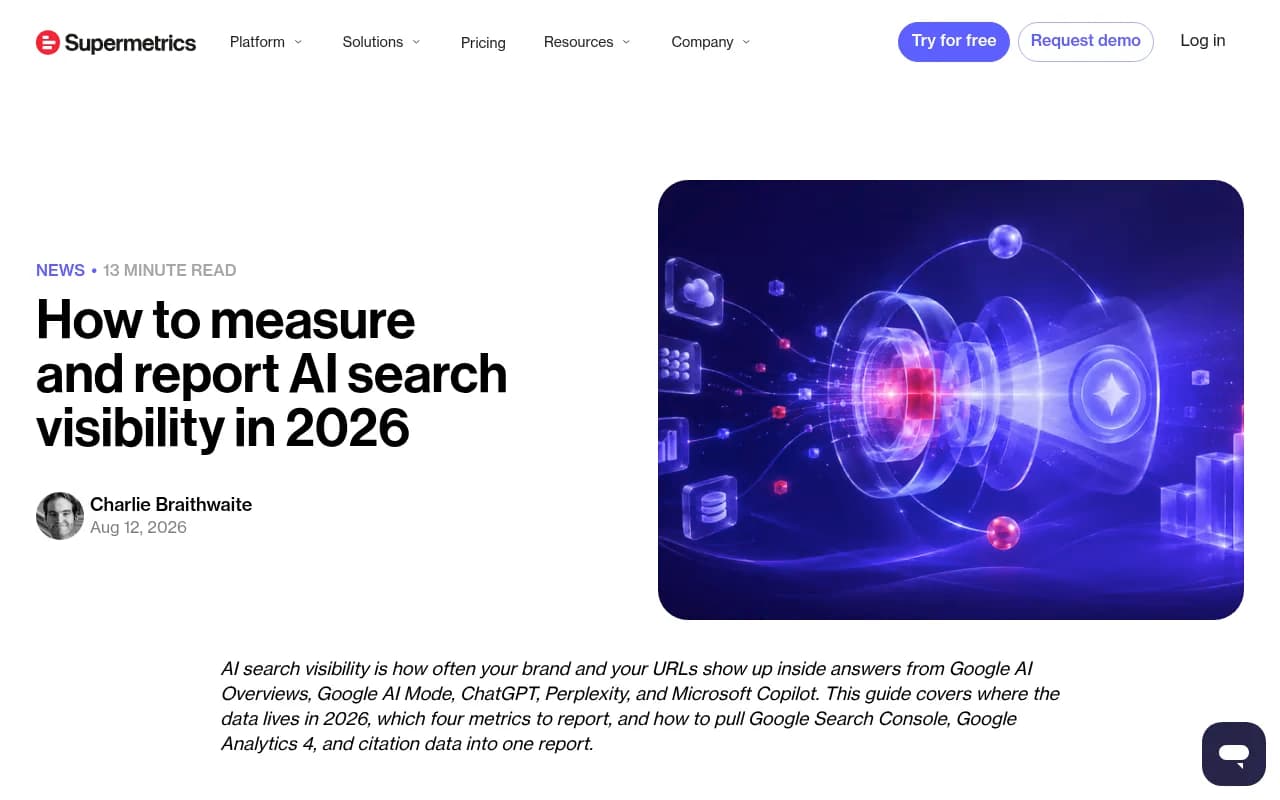
Mentions are not revenue. Check whether the tool can tie AI visibility to actual visits. Options include a tracking script, GA4 integration, or Search Console and Bing data joined to AI citations. Supermetrics' guide to measuring AI visibility points out that Search Console's generative AI reports (announced June 2026) show impressions for AI Overviews and AI Mode but carry no click or query data, so you may need to combine several sources.
Then build the report your CMO would actually read. Time how long it takes. Export it. Schedule it. If you are an agency, test white-label output and multi-client views.
Day 12: stress the edges
Try the things you will need in month three.
- Add a new competitor and see how fast data appears.
- Add a second country or language.
- Pull data through the API or an MCP connection if your team uses one.
- Contact support with a real question and time the reply.
Day 13: check for engine drift
Go back through your log. Did anything change in the engines during the trial? Promptwatch Data documents ChatGPT's citation drop around the GPT-5.3 rollout on March 4, 2026, and ChatGPT's overnight shift to the site: operator on August 8, 2026, when site: queries jumped from about 0.4% to about 17% of fan-out queries. Changes like these move your numbers regardless of anything you did. A good tool lets you see when something shifted and lets you annotate it. A weak one leaves you guessing whether the dip was your content or the model.
Day 14: score and decide
Fill in the scorecard together. Then answer three plain questions:
- Which tool would we open on a Monday morning without being asked?
- Which one gave us something to do, not just something to look at?
- At the tier we would actually buy, what does it cost per response or per prompt?
If two tools tie, choose the one that saved more hours.
Who to put on your shortlist
You cannot trial everything. Here is a sensible way to choose two or three, based on the job you named earlier.
| Need | Tools worth trialing | Notes |
|---|---|---|
| Monitoring plus action in one place | Promptwatch, Profound | Both track many engines; compare the action layer closely |
| Low-cost monitoring | Otterly.AI, Peec AI, Trakkr | Check which engines are included at the base price |
| SEO suite with AI add-on | Semrush AI Visibility Toolkit, SE Ranking, Ahrefs Brand Radar | Convenient if you already pay for the suite |
| Enterprise and technical SEO | Botify, BrightEdge, Conductor | Usually sales-led demos rather than self-serve trials |
| Ecommerce catalogs | Alhena AI, Yotpo Discover, Ranketta | Product-level tracking |
| Local and multi-location | Birdeye Search AI, BrightLocal | Location-level tracking |
Promptwatch is a reasonable first candidate if your job is action rather than just monitoring. It tracks real interfaces across ChatGPT, Google AI Overviews, Gemini, Perplexity and others, shows IP-verified AI crawler logs and AI referral traffic, and includes a Content Agent that plans, writes and publishes to Webflow, Framer or WordPress. It has a free tier plus a 7-day trial on monthly Essential and Professional plans, so build your prompt set first and start the clock afterward. Confirm current terms at promptwatch.com/pricing.

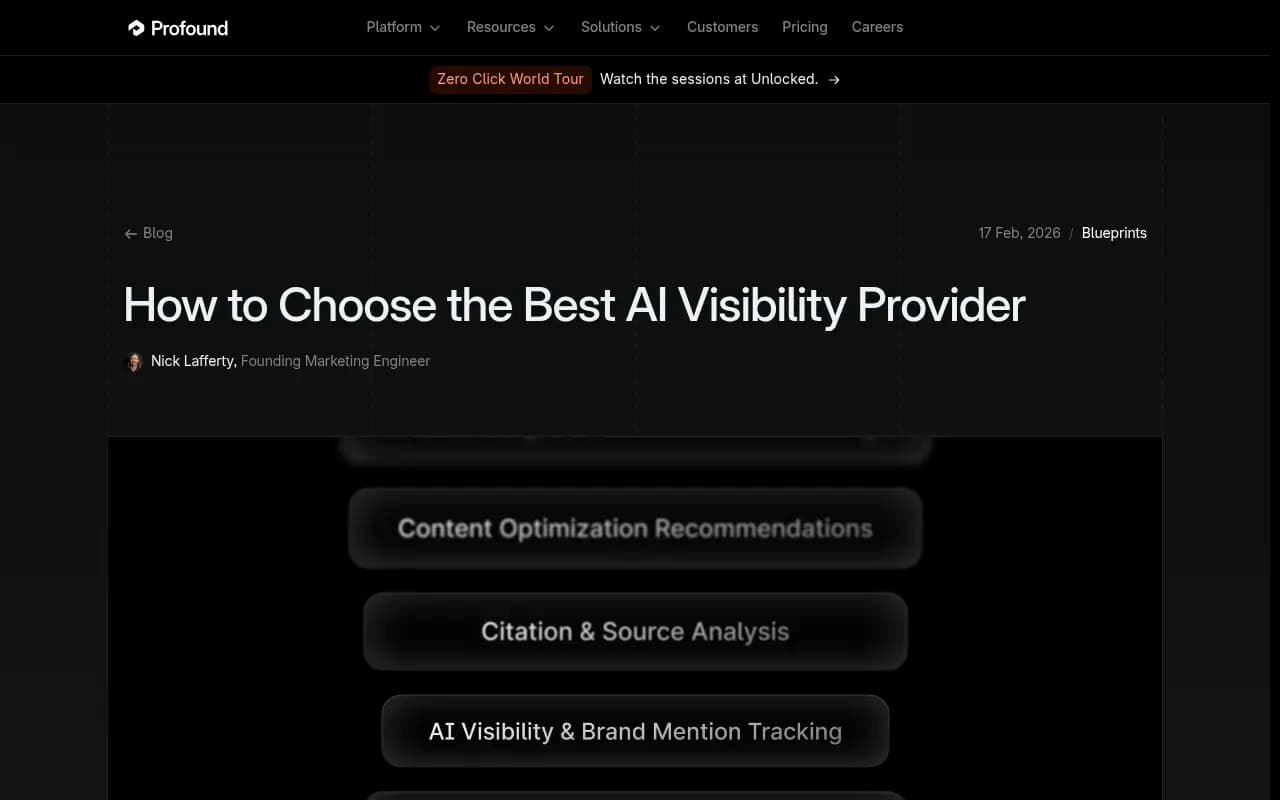
Profound is the other common enterprise pick. Its own buyer's guide lists plans starting at $99 a month, positioned for deep reporting and content optimization.

For budget monitoring, Otterly.AI and Peec AI are the usual starting points. Peec's base plan covers ChatGPT, Perplexity and AI Overviews, with other engines at extra cost, which matters if Gemini or Claude is in your prompt set.


If you already live inside an SEO suite, trial the add-on before buying a second product.
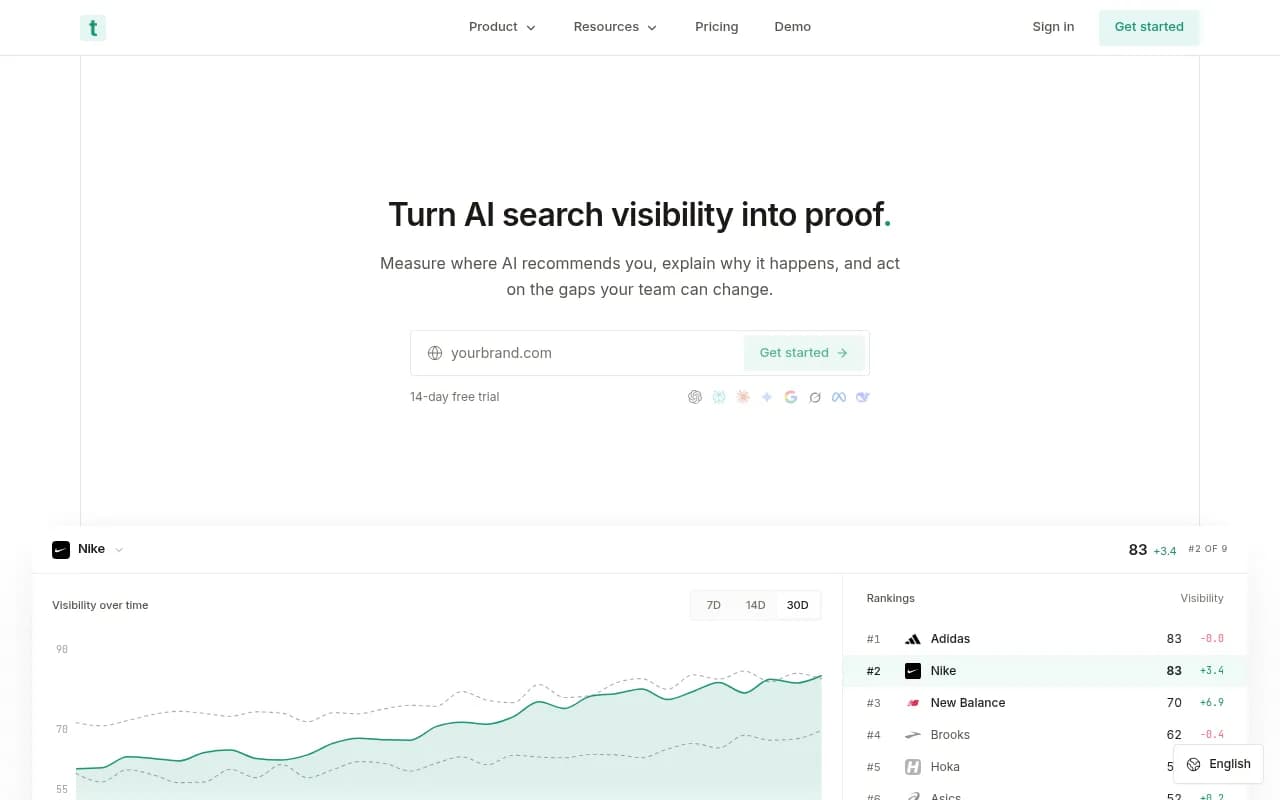
For a wider view of the category, the GEO software directory at bestgeosoftware.com lists more options by use case.
Questions to ask each vendor during the trial
Put these in an email on day 1 so answers arrive before day 14.
- Do you query the real consumer interface, an API, or both?
- How is your visibility score calculated, and what is the denominator?
- How often do prompts run, and can I change that?
- Are response limits shared across engines and countries?
- What happens to my historical data if I downgrade or leave?
- Can I export everything, including raw responses and citations?
- What does the plan I would actually need cost at my prompt count?
The trial tier is rarely the tier you will buy. Check the real one.
Common mistakes
Changing the prompt set mid-trial
It feels productive to add prompts when you spot a gap. Do it in a separate list. Keep the original set fixed so you can compare tools and days.
Reading one day of data as a trend
AI answers are non-deterministic. The same prompt can produce different brand mentions on consecutive runs. Look at repeated observations, not a single snapshot, and judge volatile engines on weekly or monthly patterns.
Judging by dashboard polish
A nice interface is worth something, since your team has to use it. But it is the easiest thing to evaluate and the least predictive of value. Put more weight on diagnosis and action.
Skipping the stakeholder view
Show the report to the person who funds the tool, not just the person who will use it. If they cannot read it in two minutes, you will be rebuilding it in Slides every month.
Expecting results in two weeks
A trial measures the tool, not your optimization results. Be honest with leadership about that, and set a 60 to 90 day follow-up to measure outcomes after you buy.
What to do after the trial
Pick one tool, negotiate or choose the tier that matches your real prompt volume, and set a 30, 60 and 90 day review. At each checkpoint, compare visibility on targeted prompts against an untouched control group of prompts, the same method the 3RD data used. Document every content change and every known engine update so you can separate cause from noise.
If you would rather hand the whole program to specialists, agencies such as 1001 SEO Media run GEO and AI search work alongside technical SEO and content, so the tool choice can sit with someone who does this daily. Either way, the trial plan above gets you to a decision based on evidence rather than a nice-looking demo.
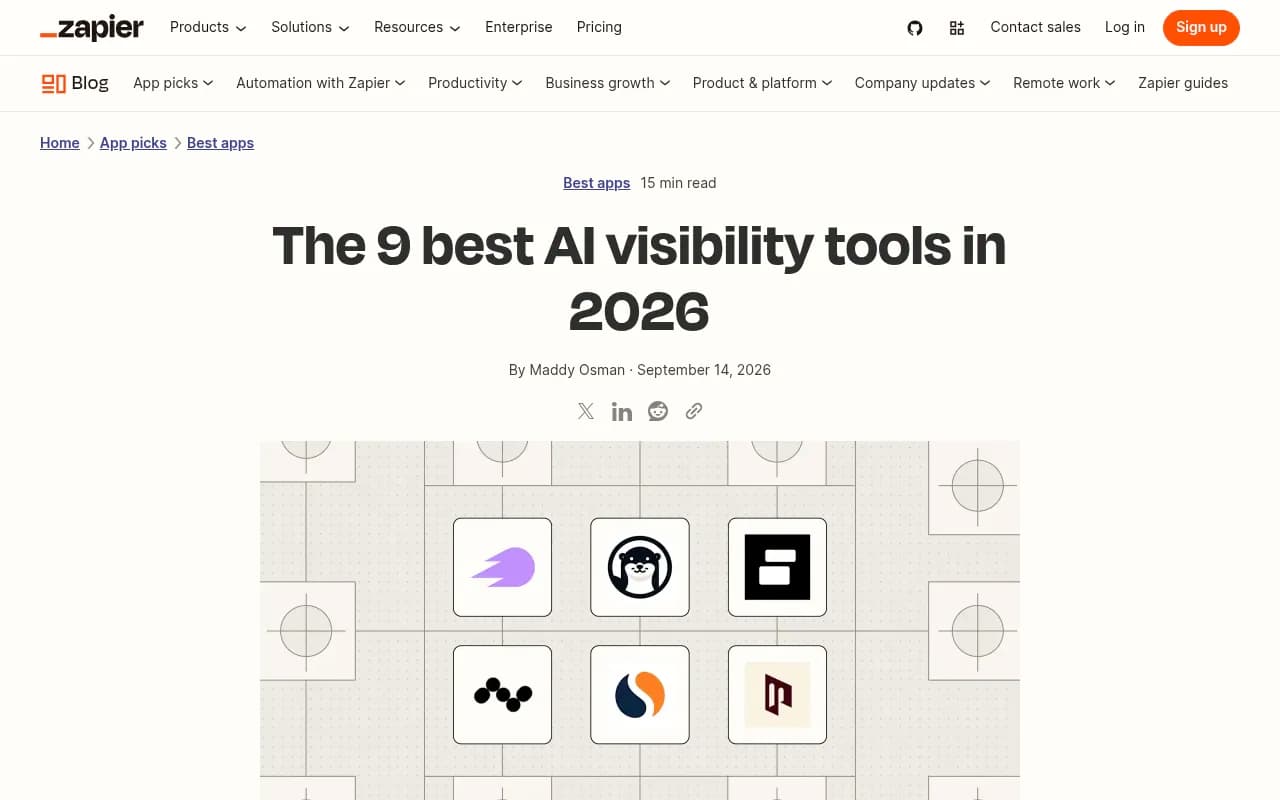
For a Zapier take on what separates passive monitors from tools that interpret and suggest next steps, their roundup is a decent second opinion.
Fourteen days is short. Spend the first two on setup, the last one on scoring, and the eleven in between answering a single question: which tool will make our team faster at getting cited?