Key takeaways
- Browse AI is the easier starting point for watching a handful of known pages: you train a robot by clicking, and it monitors prices, text, and listings on a schedule.
- Apify is better when you need to cover many sites or awkward page structures, because you pick a ready-made Actor from its store instead of training anything.
- The two cost models differ. Browse AI charges credits per page or row and caps domains (2 on Free, 5 on Personal, 10 on Professional). Apify bills compute units plus any per-Actor fees, with no domain cap.
- A sensible setup uses both: Browse AI for your top five competitors, Apify for the wide net, and a Google Sheet or Airtable base as the shared output.
- Check each vendor's pricing page before you commit, since plans and credit rules change.
What a competitor monitoring system actually needs
Most people overbuild this. You do not need a data warehouse. You need four things: a list of what to watch, a collector that visits those pages on a schedule, a place where results land, and a way to get told when something changes.
What is worth watching? In my experience the useful list is short:
- Pricing pages and plan tables
- Product catalogs and stock status
- Job postings (a hiring spree often precedes a product launch)
- Blog and changelog pages
- Review profiles and app store listings
- Landing pages for paid campaigns
Start with pricing and product pages. They change least often but matter most when they do.
Browse AI vs Apify: which collector for which job
The two tools solve the same problem from opposite directions. Browse AI asks you to show it what you want by clicking on a page. Apify gives you a store of ready-made scrapers called Actors, and you choose and configure one.

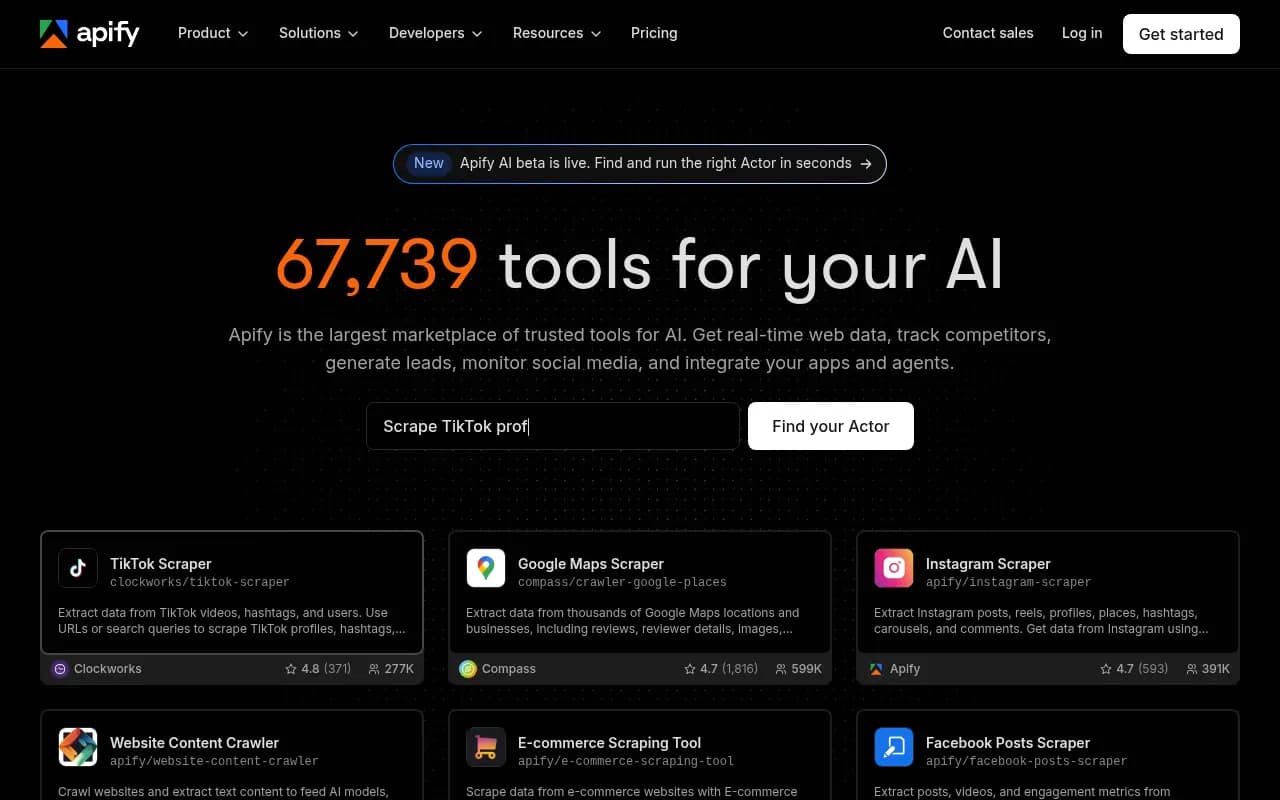
A comparison from Sim puts it simply: Browse AI for a small set of known page elements, Apify for crawling many sites or difficult structures. I think that is a fair split, with one caveat. Apify is not code-free in the way Browse AI is. Running a store Actor from a form is no-code, but picking the right one and reading its parameters takes some patience.
| Browse AI | Apify | |
|---|---|---|
| How you set up | Train a robot by pointing and clicking | Pick a store Actor, fill in its input form |
| Best for | A small set of known pages and elements | Many sites, large crawls, tricky layouts |
| Pricing model | Credits per page or per 10 rows | Compute units plus per-Actor fees |
| Free plan | 50 credits/month, 2 domains | $5 monthly prepaid usage |
| Entry paid plan | Personal, $19/mo billed annually | Starter, $19/mo plus pay as you go |
| Built-in monitoring | Yes, scheduled with change alerts | Via schedules and webhooks |
| Integrations | Google Sheets, Airtable, Zapier, Make, Pabbly | API, webhooks, integrations and MCP server |
| Limit to watch | Domain cap per plan | Costs vary by Actor |
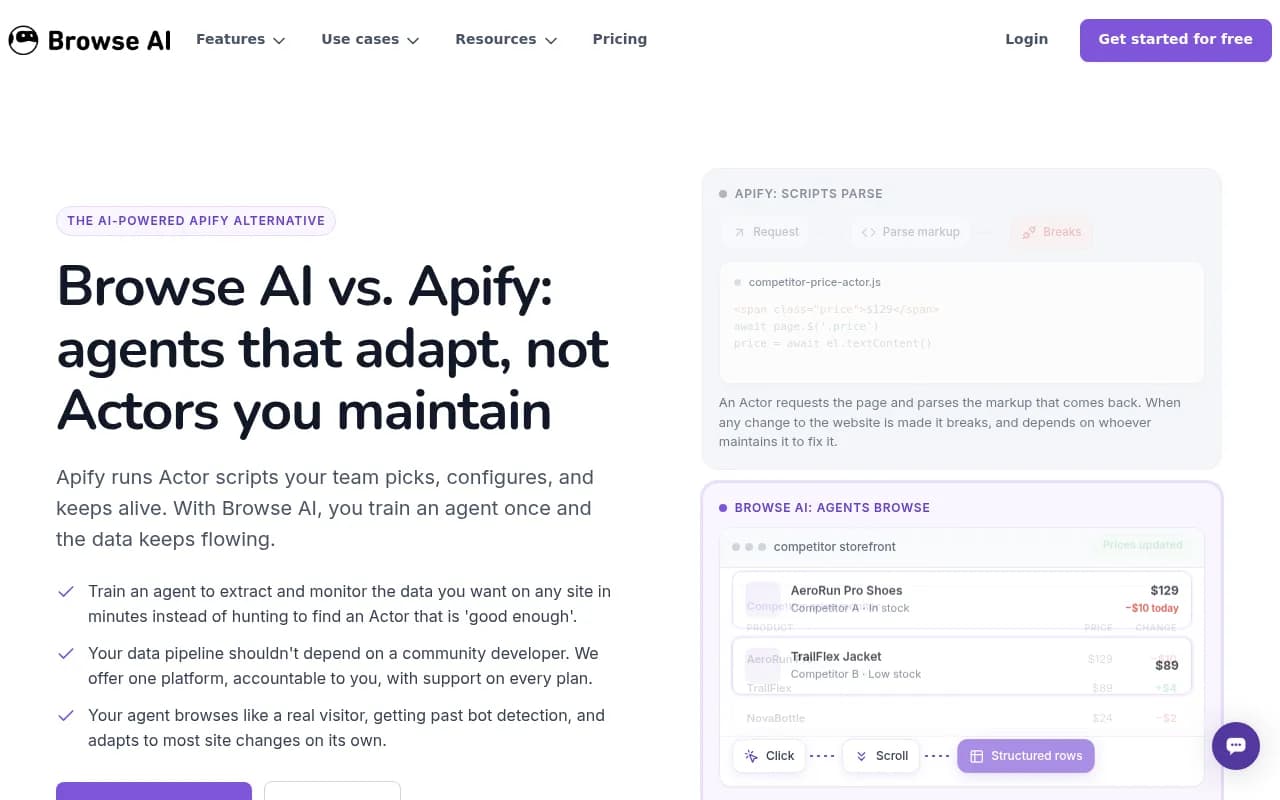
Browse AI's own comparison page claims its agents adapt to most layout changes while script-based Actors can break when markup shifts. That is a vendor claim, so treat it as a reason to test rather than a guarantee. Community-maintained Actors do depend on their authors, which is worth remembering for anything business-critical.
Step 1: Decide who you are tracking and what
Open a spreadsheet and make three columns: competitor, URL, and what you care about on that page. Cap the first list at five competitors. This matters because of Browse AI's domain limit. A domain there includes its subdomains, so company.com/pricing, help.company.com and jobs.company.com count as one. Five competitors fit on the Personal plan, and the Free plan stops at two.
Split the list into two groups:
- Core competitors, where you want specific fields (price, plan name, stock status). These go to Browse AI.
- Wider market, where you want volume (many retailers, many listings, social profiles, map listings). These go to Apify.
Step 2: Build your first Browse AI robot
Sign up for the free plan. It needs no card and gives you 50 credits a month, enough to test the full workflow on a couple of pages.
Train the robot
Working from Browse AI's documented point-and-click approach, the flow looks like this. Check help.browse.ai for the current screens, since I have not verified every step of the UI.
- Create a new robot and paste a competitor's pricing page URL.
- Use the built-in browser to click the elements you want. Name them clearly: plan_name, monthly_price, annual_price.
- For a list (a product grid, a jobs board), capture it as a list so the robot pulls every row.
- Run the robot once and confirm the extracted table matches what you see on the page.
Before building from scratch, look through the 250+ prebuilt robots. If your target is Amazon, LinkedIn, Indeed or Yelp, a template can save the training step entirely.
Turn it into a monitor
Once the robot works, set it to run on a schedule and to alert you when values change. Browse AI lists monitoring frequency as often as every few minutes, but you almost never need that. Daily is plenty for pricing pages and weekly is fine for job boards. Frequent runs burn credits for no benefit.
Understand the credit math
This is where people get surprised, so do it before you schedule anything.
- A standard page costs 1 credit each time it is scraped or monitored.
- Rows cost 1 credit per 10 rows, and you pay whichever is higher. A list page with 50 products costs 5 credits.
- Screenshots cost credits too.
- Premium sites like Amazon and eBay need residential proxies and cost 2 to 10 credits per run.
A worked example. Five competitor pricing pages checked daily is 5 credits a day, around 150 a month. That blows through the free tier's 50 credits and fits easily inside Personal's 12,000 a year (1,000 a month). Add a product list of 50 items checked daily and you spend another 150 or so credits monthly. Still comfortable. Deep scraping that chains robots through detail pages is what gets expensive, so avoid it unless you really need that data.
Step 3: Send the data somewhere useful
Every Browse AI plan, including free, includes Google Sheets, Airtable, Zapier, Make and Pabbly integrations, plus a REST API and webhooks. For a no-code system, Google Sheets is the simplest destination.
A layout that works well:
- One tab per competitor, filled automatically by the robot.
- A summary tab with formulas comparing your price against each competitor's latest value.
- A column for the date of the last change.
If you want alerts in Slack or email, connect the robot to Zapier or Make and trigger a message whenever a monitored value changes. Keep the message short: competitor, what changed, old value, new value, link. Nobody reads a long one.
Step 4: Add Apify for the wide net
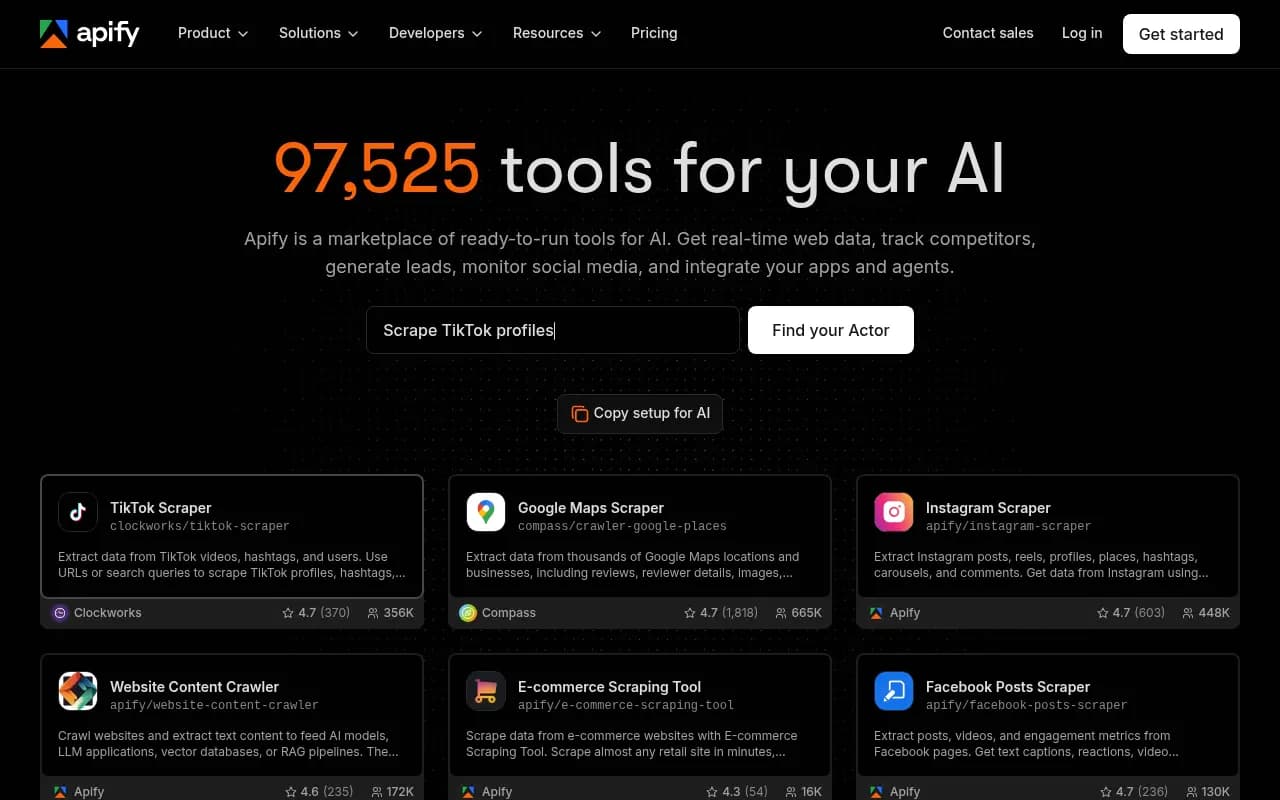
Browse AI covers your core five. Apify covers everything else. The Apify Store lists 95,000+ pre-built tools, so for many common targets an Actor already exists.
Pick an Actor
Search the store for the site or platform you care about. Popular examples include scrapers for Google Maps (places, reviews, contact info), Instagram (posts, profiles, hashtags) and TikTok. I did not verify a specific website change monitor Actor, so search for one yourself and judge it by its rating, number of users and recent update date.
A few checks before you rely on any Actor:
- Read its pricing model. Store Actors charge per event, per usage, or both.
- Look at when it was last updated. A stale Actor is a broken Actor waiting to happen.
- Run it once on a small input and inspect the output.
Schedule it and export results
Apify lets you schedule runs and send results out through integrations or its API. I did not verify the exact Google Sheets or Slack setup steps, so follow Apify's current integration docs. The principle is the same as before: on a schedule, run the Actor, push the dataset into the same spreadsheet or Airtable base your Browse AI robots use.
Watch the costs
Apify's Free plan includes $5 of monthly prepaid usage. Starter is $19 a month plus pay as you go, with the Compute Unit rate at $0.20. One compute unit is 1 GB of RAM for one hour. Proxies are billed separately: residential proxies run $8 per GB on Free and Starter. If a target blocks easily, proxy spend can outweigh the compute.
Apify cites monitoring 800+ retailers across the EU on its pricing page, which gives you a sense of the scale it is built for. That is far beyond what a 10-domain Browse AI plan handles.
Step 5: Combine both into one dashboard
The trick is a consistent schema. Whatever tool collects the data, normalize it into the same columns:
| Column | Example |
|---|---|
| competitor | Competitor A |
| source | Browse AI or Apify |
| item | AeroRun Pro Shoes |
| field | price |
| value | 129 |
| captured_at | 2026-10-24 |
Formula columns in Browse AI help with cleanup (stripping currency symbols, for example). A long-format table like this makes it simple to chart changes over time with a pivot table or Looker Studio, and to add new competitors without redesigning anything.
Costs at a glance
| Plan | Price | What you get |
|---|---|---|
| Browse AI Free | $0 | 50 credits/month, 2 domains, 3 team members |
| Browse AI Personal | $19/mo billed annually | 12,000 credits/year, 5 domains |
| Browse AI Professional | $69/mo billed annually | 60k to 360k credits/year, 10 domains, priority email support |
| Apify Free | $0 | $5 monthly usage, 5 concurrent runs |
| Apify Starter | $19/mo plus usage | $19 prepaid usage, 32 concurrent runs |
| Apify Scale | $199/mo | $0.16 per CU, 128 concurrent runs |
Confirm current numbers on each vendor's pricing page. A realistic starting budget for a small team is Browse AI Personal plus Apify Free, under $20 a month, and you only upgrade Apify once you hit the $5 ceiling.
Common mistakes
- Monitoring too often. Hourly checks on a pricing page that changes twice a year waste credits.
- Ignoring the domain cap. Count domains before you pick a plan.
- Trusting scraped data blindly. Spot-check the sheet against the live page every few weeks.
- Tracking everything. A dashboard with 40 columns gets ignored. Track the five fields that trigger a decision.
- Skipping the terms. Review each target site's terms and robots rules, and stick to public pages.
When to look beyond these two
If you outgrow them, look at heavier infrastructure like Bright Data or developer-oriented tools such as Firecrawl or Skyvern.


Browse AI and Apify only tell you what competitors publish on their own sites. They do not show how competitors appear inside AI answers. If that matters to you, a GEO platform like Promptwatch tracks brand visibility across ChatGPT, Perplexity, Google AI Overviews and others, which is a different job from page monitoring. For more options, the GEO software directory at bestgeosoftware.com is a good place to compare.

A simple rollout plan
- Week one: list five competitors and the pages to watch. Build two Browse AI robots on the free plan and send them to a Google Sheet.
- Week two: add a Slack or email alert through Zapier or Make for price changes only.
- Week three: find one Apify Actor for a broader source, such as map listings or social profiles, and schedule it weekly.
- Week four: review the data, delete the fields nobody used, and upgrade only if you hit a real limit.
That is the whole system. It is not fancy, and that is the point: a monitor you actually check beats an elaborate one you forget about.
For general software comparisons beyond this stack, the directory at surferstack.com covers reviews and alternatives.