Key takeaways
- Alexa for Shopping is now the default search experience for signed-in U.S. Amazon shoppers, so being absent from its answers costs you real discovery.
- I found no confirmed native share-of-voice report for Alexa recommendations. Tracking today means repeated prompt sampling plus proxy metrics like conversion rate, new-to-brand rate and branded search volume.
- Results are personalized by account memory, so a single prompt run tells you very little. Sample many prompts, many times, from more than one account.
- Amazon's own advertising reporting and Vendor Central category data can surface shifts in AI-driven visibility, but they are indirect.
- Dedicated AI visibility tools can run the prompt sampling for you, and some cover shopping surfaces specifically.
What you are actually tracking
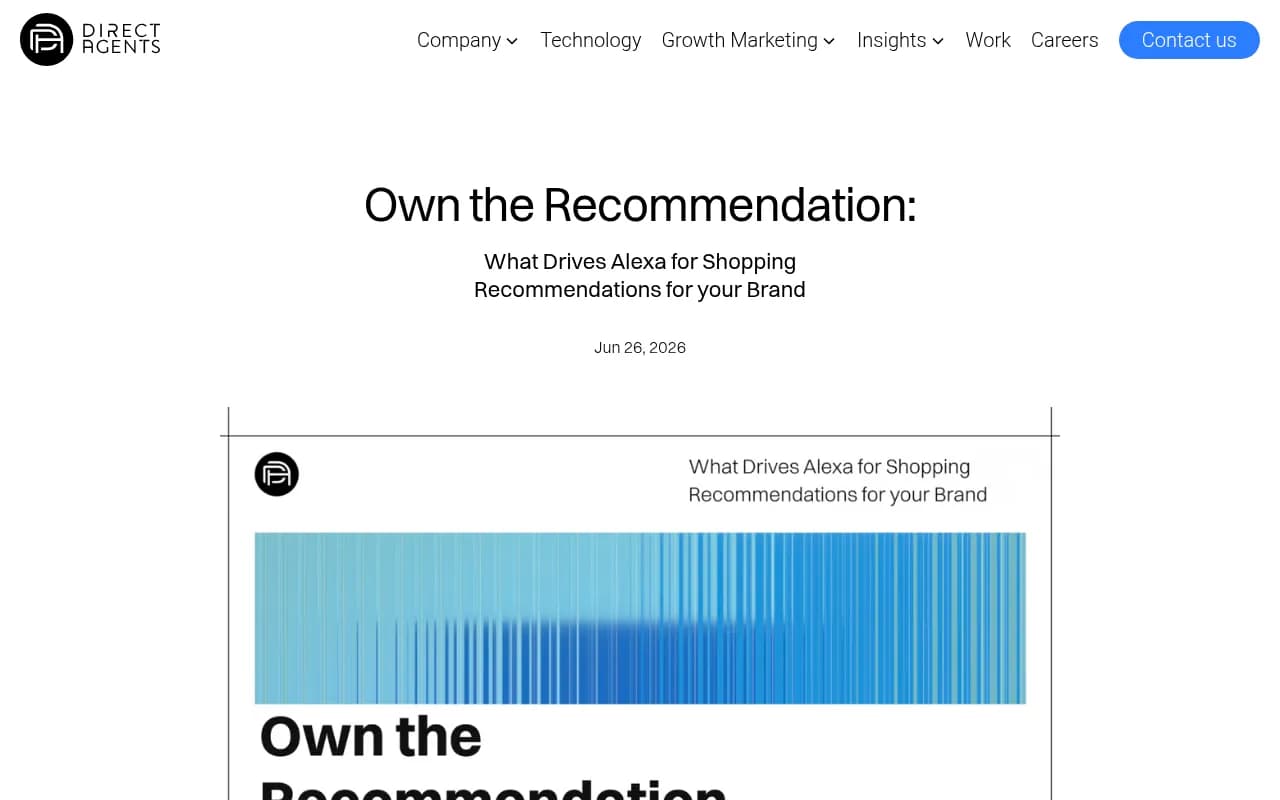
Amazon replaced Rufus with Alexa for Shopping in May 2026. Sources disagree on the exact day (one claims May 13, which I could not verify), but Direct Agents and Perpetua both agree on May. The assistant sits in the search bar, on results pages and on product detail pages. It is available in the Amazon Shopping app, on desktop and on Echo Show, and it needs no Prime membership, Echo device or opt-in.
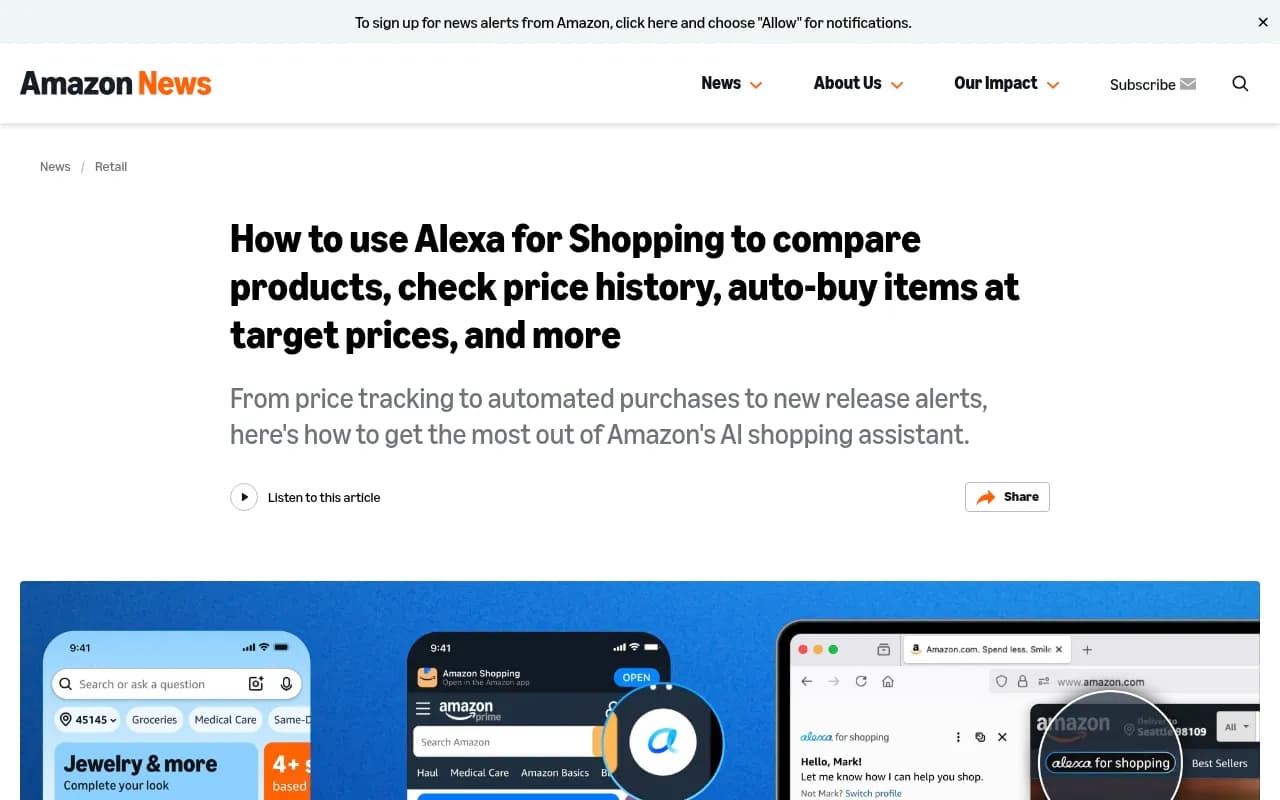
That matters because Rufus lived in a chat window most shoppers never opened. Alexa for Shopping writes AI overviews above results, builds side-by-side comparisons, shows 30-, 90- and 365-day price history, and can auto-buy at a target price or schedule repeat purchases. Amazon's own how-to by Rajiv Mehta, VP of Conversational Shopping, lists these features and was updated in September 2026.
So "tracking Alexa recommendations" is really four separate things:
- Whether your product is named in an answer to a shopping question.
- Where it appears among the products recommended.
- What the assistant says about it (features, sentiment, comparisons).
- Whether any of that moves sales.
The first three are observable only by asking. The fourth you infer.
Why tracking is harder than it sounds
Be honest with yourself about three limits before building a process.
There is no official share-of-voice dashboard
I looked through the sources available and found no confirmation of a native Amazon API or dashboard that reports how often Alexa for Shopping recommends your ASIN. Perpetua notes that reporting exists in Sponsored Brands and Amazon DSP, and that Vendor Central category-search performance can surface changes in AI-driven visibility. Useful, but these are signals, not a recommendation count. Check what your own account exposes, because Amazon changes reporting often.
Personalization breaks single-run tests
Perpetua describes account-level memory (announced November 2025), meaning two shoppers asking the same question can get different answers. Alexa also carries context across the Amazon app, desktop, Echo, Fire devices and the Alexa app. If you test from your own heavily used seller account, you are measuring a distorted view. Use clean or varied accounts and repeat each prompt several times.
The answer is built from many sources
Direct Agents says Amazon pulls from listings, customer reviews, community Q&A, licensed content partners and information from across the web. Perpetua adds that the system runs retrieval over title, bullets, description, A+ Content, reviews and Q&A, uses a knowledge graph called COSMO that maps products to shopper intents, and analyzes review sentiment. It says the stack is built on Amazon Bedrock. Treat those architecture details as a vendor's description, not Amazon's own documentation. The practical point holds either way: a weak review profile or a thin attribute set can keep you out of answers.
Step 1: build a prompt set
Start with the questions shoppers ask, not your keyword list. Alexa for Shopping interprets intent, and the A9/A10 keyword search runs in parallel with it, so conversational prompts are the right test.
Group prompts like this:
- Category discovery: "What's the best office chair for lower back pain under $300?"
- Use case: "What do I need for a weekend camping trip?"
- Feature questions: "What's the battery life of this laptop?"
- Comparisons: use the Compare with Similar button on a competitor's detail page and note who appears.
- Brand-specific: "Is [your brand] worth it?" and "[your brand] vs [competitor]".
Aim for 30 to 50 prompts per product line to start. Perpetua suggests a manual check monthly for your top 10 ASINs as a minimum. I would go weekly for anything you spend ad money on, since the assistant's behavior is still shifting.
Step 2: log results in a repeatable sheet
A spreadsheet is enough to start. Each row is one prompt run, with these columns:
- Date and time
- Prompt text and prompt group
- Device (app, desktop, Echo Show) and account used
- Products recommended, in order
- Whether your ASIN appeared, and in what position
- Whether a sponsored placement appeared
- Any claim made about your product, copied verbatim
- Screenshot filename
Screenshots matter. Answers change, and without a record you cannot tell a real decline from noise. Run each prompt at least three times and report the percentage of runs where you appear rather than a yes or no.
Watch the ads
Amazon confirmed ads run inside Alexa for Shopping where relevant, and Direct Agents reports that sponsored placements appear alongside AI recommendations rather than instead of them. Log which competitors are paying to show up on your prompts. That tells you where organic recommendation is weak enough that rivals buy their way in.
Step 3: use Amazon's own data as proxies
Since direct measurement is limited, set baselines now and watch for movement. Perpetua recommends tracking:
- Conversion rate per ASIN
- New-to-brand (NTB) rate
- Branded search volume
- Category search performance in Vendor Central, if you are a vendor
- Sponsored Brands and Amazon DSP reporting for AI-related breakouts
The logic is simple. If Alexa starts naming you in category answers, you might see branded search climb and NTB rise before any dashboard says why. If a competitor starts being named instead, conversion on your non-branded traffic tends to soften. This is correlation, and you should say so in any internal report.
Mind your price history
Shoppers now see up to a year of pricing on product pages. Heavy, frequent discounting leaves a visible trail the assistant can summarize. When you review recommendation changes, overlay your pricing history. A deal cadence can be the cause.
Step 4: audit the inputs Alexa reads
Tracking tells you the score. Fixing the listing changes it. Use the sampling results to find which questions Alexa answers badly about your product, then check the source material.
- Fill every blank field in the Attributes tab. Perpetua lists this as a first action.
- Make sure the title, bullets, description and A+ Content answer real questions in plain language.
- Read your Q&A and reviews. Recurring complaints will show up in generated summaries.
- Run a Reverse ASIN on the 3 to 5 products Alexa tends to recommend in your category, a tactic SellerSprite suggests, to see which terms and attributes they cover that you do not.
Direct Agents puts it bluntly: if your detail page cannot answer a question, the assistant cannot recommend you. I think that is slightly overstated, since reviews and outside sources also feed answers, but it is the right way to prioritize.
Step 5: automate the sampling
Manual checks do not scale past a handful of ASINs. You have a few routes.
Scripted capture
Browser automation and scraping tools can run prompts and save screenshots. Options in the catalog include Apify, Browserbase and Bright Data. Expect friction: Amazon requires sign-in for personalized answers, and automated access may conflict with its terms. Check that before building anything on it.


AI visibility platforms
I could not verify which third-party tools track Alexa for Shopping specifically, or what they charge, so confirm coverage with each vendor before you buy. Based on how they describe themselves, these are worth asking:
Promptwatch lists Amazon Alexa product results among the surfaces it monitors through the real interface, and you can upload your catalog to track your own products. It also covers ChatGPT shopping carousels, so one tool can compare your product visibility across both. Pricing is at promptwatch.com/pricing.

Among commerce-focused trackers in the catalog, Alhena AI, Ranketta, Yotpo Discover and Azoma position themselves around ecommerce catalogs, product-level visibility or agentic commerce.
Yotpo Discover
| Tool | Positioning | Ask the vendor |
|---|---|---|
| Promptwatch | AI visibility with Alexa and ChatGPT shopping coverage | Catalog upload, markets, refresh frequency |
| Alhena AI | Visibility tracking for ecommerce catalogs | Does it cover Amazon's assistant? |
| Ranketta | Product-level AI visibility | Which surfaces are sampled? |
| Yotpo Discover | Catalogs and reviews | Amazon-specific coverage |
| Azoma | Agentic commerce for AI shopping agents | Alexa support and reporting |
| Apify / Browserbase / Bright Data | Build-your-own capture | Terms of use, sign-in handling |
Step 6: cross-check ChatGPT shopping
Alexa is not the only place shoppers get product recommendations. Promptwatch Data found that ChatGPT attaches shopping features to only a low single-digit share of web-search responses, concentrated on commercial and transactional prompts, with the rate jumping in steps. Separately, ChatGPT ads over time shows ads in 20.1% of web-search responses on average between May 20 and August 17, 2026, with the daily rate peaking at 43.9%.
Two lessons carry over. Check several days before drawing conclusions, because platforms move in jumps. And record which brands fill the slots, not just whether you are there. The advice in that data for ChatGPT, complete Product schema, accurate price and availability and a clean merchant feed, is also good hygiene for your own site, which feeds the off-Amazon web information Alexa can draw on. For more options in this category, the AI rank tracking directory is a reasonable place to browse.
Step 7: report it sensibly
A monthly report that leadership will trust has four parts:
- Appearance rate: percent of sampled prompt runs that name your product, by prompt group.
- Position: average rank among recommended products.
- Competitor set: who appears most often, and who is buying sponsored slots.
- Proxy trend lines: conversion, NTB rate, branded search, with your own price and ad changes annotated.
Be explicit about the margin of error. Personalization means your numbers describe a sample, not the whole market.
A starter plan for the first 30 days
- Week 1: pick your top 10 ASINs, write 30 or more prompts, and capture baseline conversion, NTB rate and branded search.
- Week 2: run each prompt three times across at least two accounts and devices. Log everything with screenshots.
- Week 3: fix attribute gaps, tighten bullets and A+ Content to answer the questions where you are missing.
- Week 4: rerun the sample, compare, and decide whether to automate with a tool.
The measurement here is still immature. Anyone selling you a precise "Alexa share of voice" number should be able to explain exactly how they sampled it. Until Amazon ships native reporting, careful sampling plus proxy metrics is the most honest way to know where you stand.