Key takeaways
- ChatGPT gives you no store-level report. Store-by-store visibility has to be built from geo-pinned prompt monitors, local listing data, and analytics on your own site.
- Since October 10, 2026, ChatGPT adds a Shop at button under recommended products. In WISLR's tracking, 56% of those buttons went to big-box retailers and about 5% to the brand's own store, so your retail partners' pages now count as part of your AI visibility.
- Product pages are the most cited content type in ChatGPT (22.4% of citations, Sep 28 to Oct 4, 2026, per Promptwatch Data), so each store's product and landing pages are where citations are won.
- Track four layers: local prompts by location, shopping cards and buttons, source citations, and referral traffic. Any one alone misleads you.
- Start with 5 to 10 pilot stores, not your whole footprint.
Why store-level tracking is harder than brand-level tracking
Brand tracking is simple. You pick prompts, run them daily, and count mentions. Retail chains have a messier problem. A shopper in Tulsa asking about a winter coat gets a different answer than one in Boston, and neither answer says anything about your Tulsa store versus your Boston store.
There are three reasons this is hard:
- ChatGPT answers vary by location signal, and many prompts have no location at all.
- The recommended product and the recommended seller are chosen separately. Since October 2026 the seller shows up as a button, not just as a citation.
- Referral data is thin. WISLR reported that from October 8 to 15, 2026, none of the ChatGPT clicks it tested told the destination store where the visit came from, until ChatGPT's tracking tag was restored.
So be honest about what you can measure. You are not going to get a clean report that says Store 114 was recommended 37 times. You can get a good approximation, and for most chains that is enough to decide where to act.
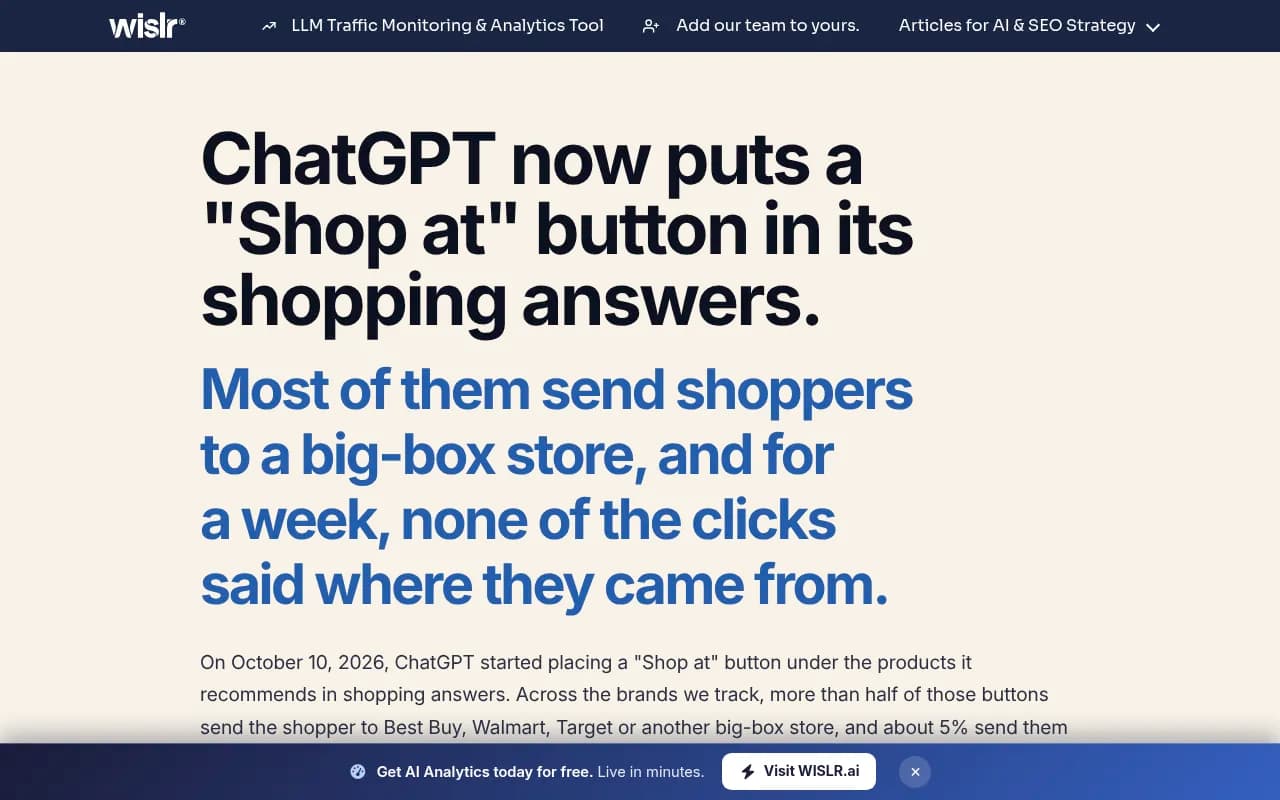
What changed in October 2026: the Shop at button
On October 10, 2026, ChatGPT started placing a Shop at button under products in shopping answers. WISLR's test across four product brands, October 10 to 13, found this split:
| Where the button pointed | Share of buttons |
|---|---|
| Big-box retailers (Best Buy, Walmart, Target, Amazon) | 56% |
| Competitor brands and specialist retailers | 39% |
| The brand's own store | 5% |
One example from WISLR: asked for a durable carry-on, ChatGPT recommended a Travelpro with Shop at Nordstrom, a Briggs & Riley with Shop at Macy's, and a Samsonite with Shop at Walmart. The brand was named. The sale went somewhere else.
Profound's earlier analysis of 22.5 million buy offers (March 10 to 20, 2026) points the same way. Walmart held 8.78% of first-position retailer offers, and Target had the broadest presence at 7.16%. Both figures are national, not per store, but they show that ChatGPT routes purchases through a small group of retailers regardless of which product it recommends. The top 20 merchants took roughly 40% of all offers.
For a retail chain, this changes the question. It is no longer only whether ChatGPT recommends your products. It is whether ChatGPT sends the buyer to your store, a competitor's store, or a wholesaler that stocks you.
The four layers of store-level tracking
Layer 1: location-pinned prompt monitoring
This is the closest thing to store-by-store tracking. You run the same set of shopping and local-intent prompts as if asked from each store's location, then compare results.
What to set up:
- A prompt set per category (for example, best running shoes, where to buy a mattress near me, in-stock air fryers today).
- A location pin for each pilot store, or at minimum each metro area you operate in.
- Daily runs against the real ChatGPT interface rather than the API, because user-facing answers and shopping cards can differ from API output.
- A fixed record of which brands, retailers, and buttons appear.
Promptwatch supports this directly: you can pin a monitor to exact coordinates (accuracy radius from 20 m to 5 km) so ChatGPT, Google AI Overviews, and Google AI Mode answer as if asked from that spot. It sits on the Business, Agency Scale, and Enterprise plans, so confirm current limits at promptwatch.com/pricing.

Birdeye Search AI is another option built around location-level AI visibility, which suits chains that already use Birdeye for reviews.
Layer 2: shopping cards, buttons, and product-level visibility
GrowByData ran one week of running-shoe prompts (September 15 to 21, 2026) and found ChatGPT and Google AI Mode never once put the same product first on the same day. Shopping results are volatile. A single weekly check will tell you almost nothing.
Promptwatch Data shows shopping features such as product cards and price comparisons appear on only a low single-digit percentage of ChatGPT web-search responses overall, and the rate moves in steps, not smoothly. Trigger rates are much higher on commercial and transactional prompts. Read the ChatGPT shopping usage data before you decide how many commercial prompts to track per store. The report is dated November 2025, so treat the exact rates as a baseline and check current behavior yourself.
What to record for every run:
- Whether a product card appeared at all.
- Which products filled it, and in what order.
- The retailer on each Shop at button.
- Whether your store, your site, or a partner got the button.
Tools built for product-level tracking in ecommerce catalogs include Ranketta, Alhena AI, and Yotpo Discover. They are catalog-centric, so you will likely need to pair them with a location-aware tool.
Yotpo Discover
Layer 3: citations and the pages behind them
Even when a store is not named, its pages may be what the answer was built from. Promptwatch Data on ChatGPT citation share by content type (Sep 28 to Oct 4, 2026) found:
| Content type | Share of all citations | Share on commercial prompts |
|---|---|---|
| Product pages | 22.4% | 26.0% |
| Landing pages | 16.8% | 20.6% |
| Listicles | 13.6% | 15.0% |
| Comparisons | 5.9% | 7.9% |
| Reviews | 1.7% | 5.6% on branded prompts |
The full content type report is worth reading. The practical takeaway for chains is that store pages and product pages with clear pricing, specs, and availability are the citation surface. A store locator page with nothing but an address is not.
Also check the other side. A separate LinkedIn-shared finding says retailer product pages now appear in 53% of AI shopping recommendations, up from 35% eight months earlier, passing brand direct-to-consumer pages. If you are a brand that sells through retailers, their listings matter as much as yours.
Layer 4: traffic and conversion data
Prompt monitoring shows what ChatGPT says. Analytics shows what shoppers do next. You need both, and you need to be skeptical of the second for now, since attribution broke for a week in October.
- Install visitor analytics that identifies AI referrers, not just default web analytics.
- Look at AI crawler logs to see which store pages ChatGPT's bots actually fetch, and whether they hit errors.
- Tag store-level landing pages (store pages, click-and-collect pages) so a ChatGPT visit can be tied to a location when it does arrive.
Attentive's 2026 State of AI in Retail report found that 80% of surveyed shoppers bought a product a chatbot recommended, which is why this traffic is worth chasing even while attribution is imperfect.
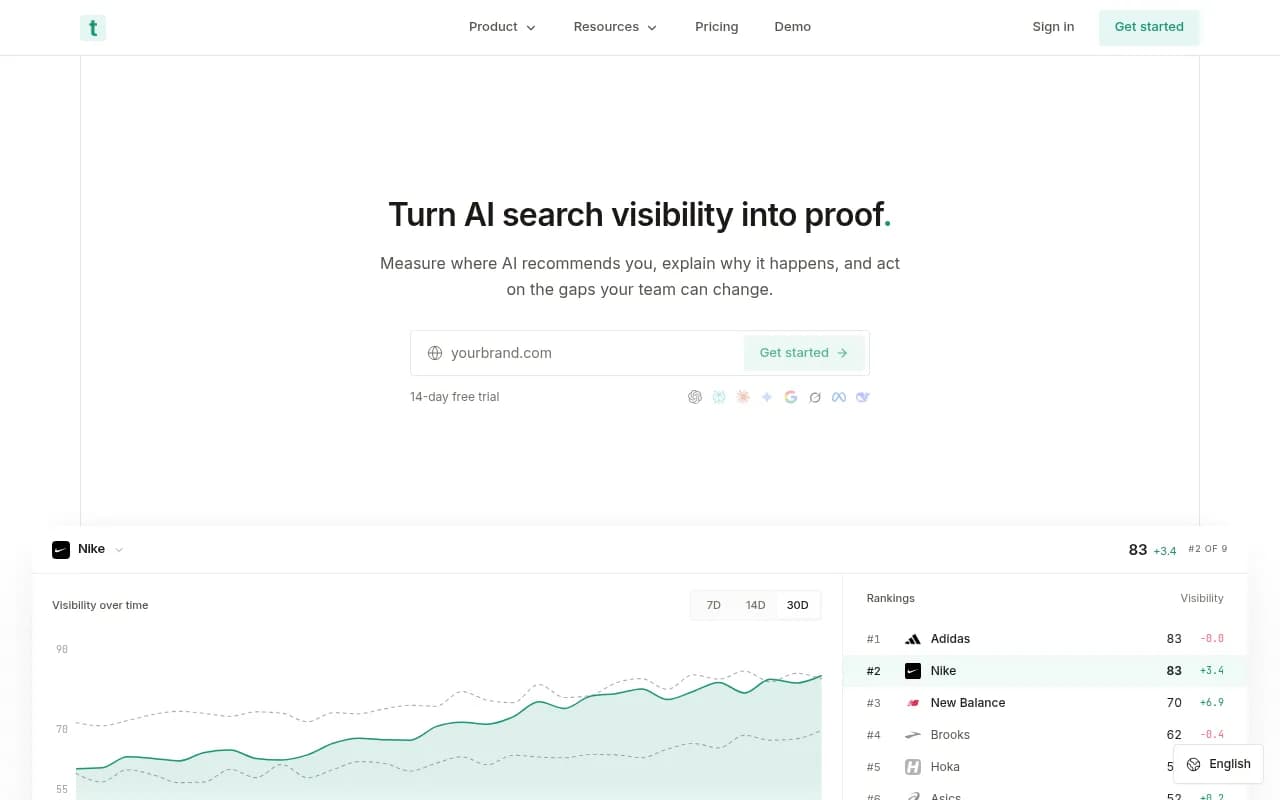
Trakkr and LLMclicks.ai focus on AI referral traffic if you want a lighter tool for this layer.
Build the store-level view with local listing tools
ChatGPT does not invent local facts from nothing. Hours, addresses, inventory, and reviews come from sources it can read, and listing platforms are the usual starting point for multi-location brands.
The local platforms below do not track ChatGPT recommendations store by store by themselves in every case, so check each vendor's current AI features. They are still where your store-level data lives, and where fixes happen.
| Tool | Strength for multi-location retail | Best used for |
|---|---|---|
| Yext Scout | AI search competitive intelligence from a verified-data vendor | Enterprise chains already on Yext |
| BrightLocal | Local rankings, listings, reviews, and AI visibility | Mid-size chains and agencies |
| Chatmeter | Reviews, listings, and local pages in one place | Franchise and regional brands |
| SOCi | AI agents for local search, reviews, and social | Large footprints needing automation |
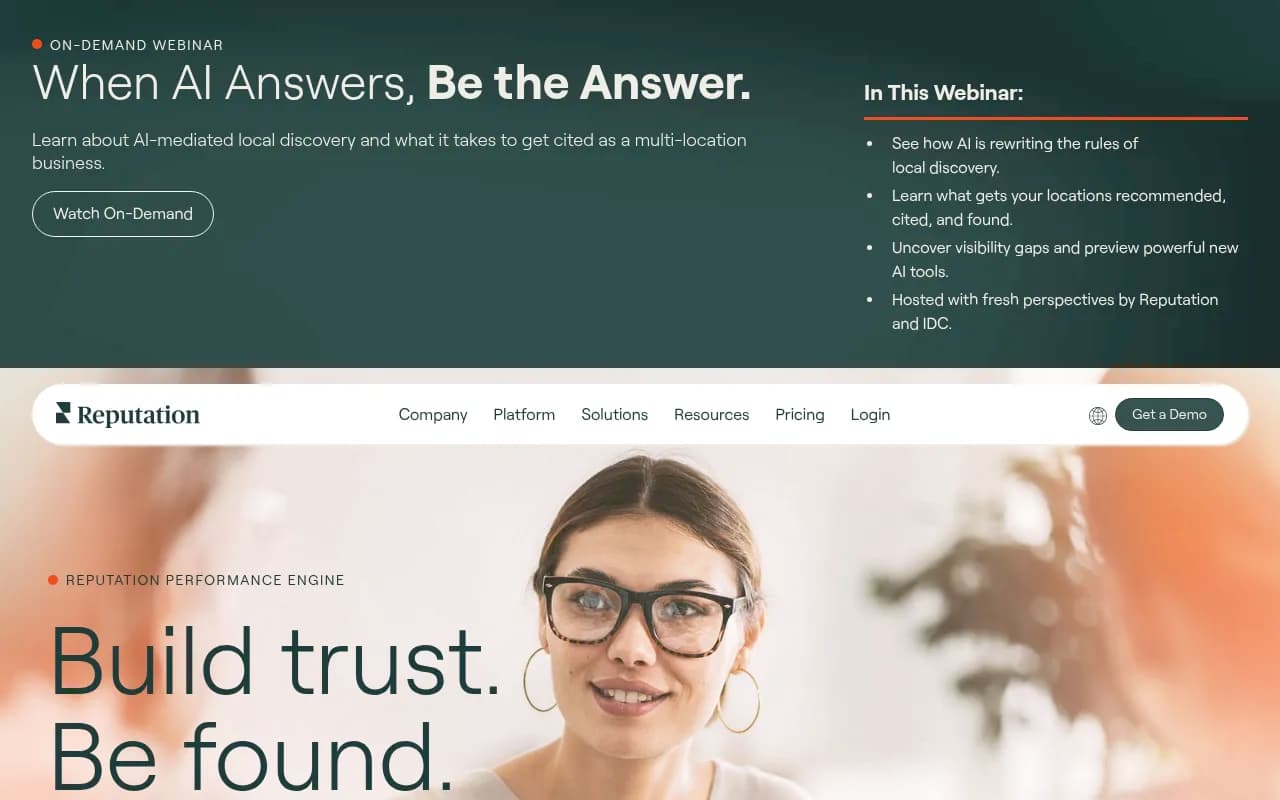
| Reputation.com | Reviews, listings, and surveys | Review-heavy categories |
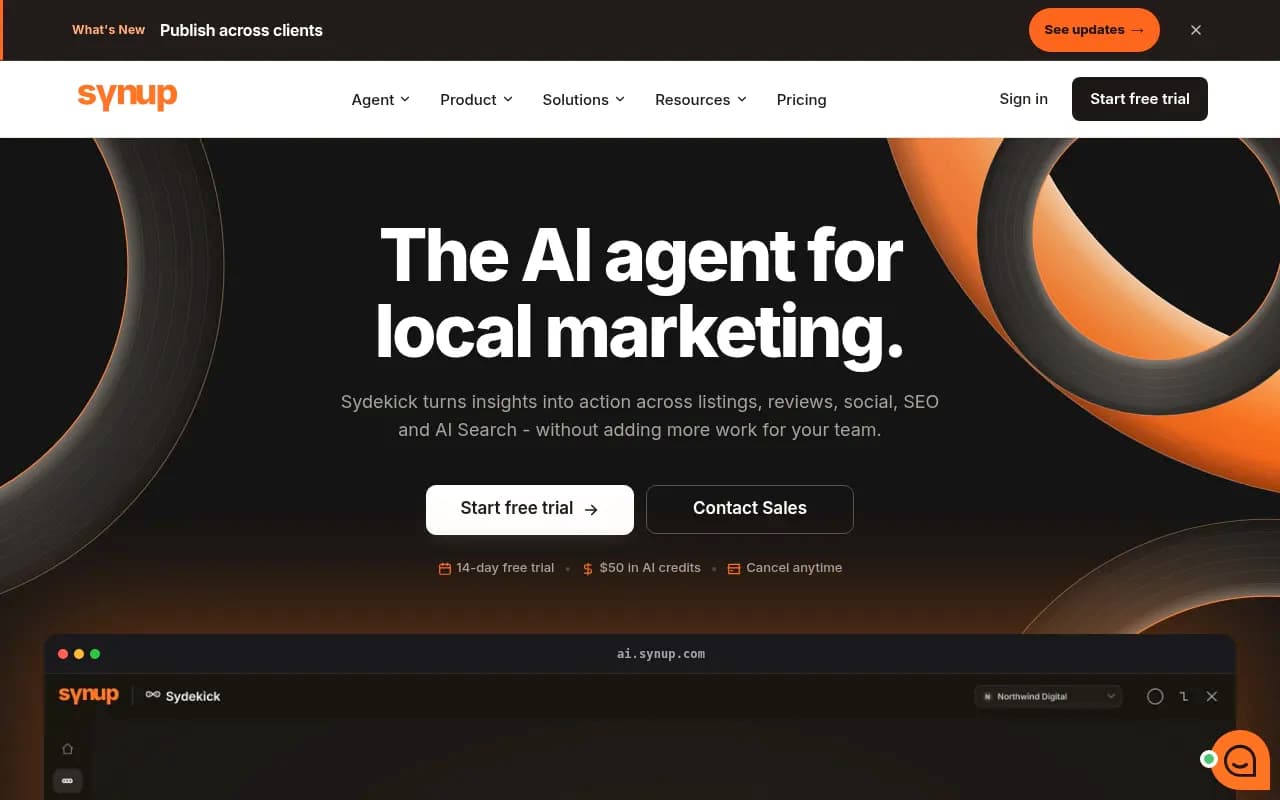
| Synup | Local marketing agent that fixes listings | Cleaning up listing inconsistencies |
| Birdeye Search AI | Location-level AI visibility | Chains already using Birdeye |
Yext Scout
If you want to browse more options, the GEO software directory lists dozens of AI visibility platforms by category.
A practical setup for a retail chain
Step 1: pick pilot stores
Choose 5 to 10 locations that differ on purpose. A flagship in a dense city, a suburban store, a store next to a big-box competitor, and one in a market where you have no brand awareness. Running every store from day one burns budget and produces noise.
Step 2: write three prompt families
- Category prompts without a brand name: best waterproof hiking boots, where to buy a queen mattress.
- Local prompts: hiking boots near me, same-day pickup for a mattress.
- Brand and comparison prompts: your brand versus a named competitor, is your brand any good.
Keep the wording fixed across stores so differences come from location, not phrasing.
Step 3: pin and schedule
Pin each prompt set to each pilot store's coordinates and run daily. Because shopping behavior shifts in steps, a daily cadence catches the days when ChatGPT opens or closes a window for your category.
Step 4: log the retailer, not just the brand
Add a column for the Shop at destination. Your core question is the share of buttons that go to your store, your site, a partner, or a rival. Based on WISLR's numbers, expect your own store to be the minority outcome unless you do something about it.
Step 5: compare stores, then investigate gaps
When Store A shows up and Store B does not, check in order:
- Is the listing accurate and complete (hours, category, phone, address)?
- Does the store have its own indexable page with unique content?
- Is the product feed current on price and availability?
- Can AI crawlers reach the page, or is it blocked or erroring?
- Do reviews for that location exist on sources ChatGPT trusts?
Promptwatch's AI crawler logs and weekly site audit cover the fourth item, and its Action Board turns gaps into a prioritized to-do list. Dedicated listing tools cover the first and fifth.
Fixing what you find
The fixes that show up repeatedly:
- Complete Product schema markup, accurate prices and availability, and a clean merchant feed. This is straight from Promptwatch's shopping data notes.
- Unique store pages that include local inventory, services, and staff or event details, not template text with the city swapped.
- Reviews collected on trusted sites, since reviews take a much larger share of branded-prompt citations than overall.
- Presence in the best-of listicles ChatGPT cites. Listicles are the third biggest citation type at 13.6%.
- Retail partner listings. If Walmart or Target is going to get the button, make sure their listing for your product has strong content, correct pricing, and stock.
One caution on freshness. Promptwatch Data on content half-life (pages cited on July 6, 2026) found that landing pages and docs stay cited longest, while news loses half its pages within 36 days. Evergreen store and product pages are a better investment than seasonal promo posts.
Choosing a tool stack
No single product covers everything here. A realistic stack for a chain with 50 to 500 stores:
| Need | Option |
|---|---|
| Location-pinned ChatGPT monitoring with crawler logs and content actions | Promptwatch |
| Enterprise AI search intelligence tied to a listings platform | Yext Scout |
| Retail-focused competitive visibility and shopping offers | Profound |
| Product-level catalog visibility | Ranketta, Alhena AI |
| Listings, reviews, and local rank | BrightLocal, Chatmeter, Synup |
| Budget AI visibility monitoring | Otterly.AI, Peec AI |



Many of the cheaper trackers run prompts without location pinning, so ask any vendor directly whether they can run prompts from specific coordinates in the real ChatGPT interface. If the answer is no, you can track the brand but not the store. For comparing rank-tracking options more widely, the AI rank tracking directory is a handy pointer.
What you still cannot measure
Be straight with your leadership team about the limits:
- ChatGPT does not publish store-level recommendation counts.
- Two runs of the same prompt can differ, so you are reading rates and trends, not single answers.
- Attribution from ChatGPT clicks was broken from October 8 to 15, 2026, according to WISLR, so traffic figures for that window are unreliable.
- Shopping rollouts differ by country. Google's Merchant Center documentation, for example, lists a rollout across the US, Canada, Australia, India, and New Zealand in the coming months.
What you can do is build a repeatable measurement program, and compare each store against its own baseline and against the others. That is more useful than a precise-looking number that nobody can verify.
A starting checklist
- Choose 5 to 10 pilot stores and write fixed prompt sets.
- Pin each monitor to store coordinates and run daily.
- Record cards, product order, and the Shop at retailer.
- Audit each store's listing, page, feed, and crawl access.
- Track AI referral traffic and tag store landing pages.
- Review monthly, fix the weakest stores, and expand the pilot.
The chains that win will be the ones that treat the retailer on the button as something they can influence, not something that just happens to them.