Key takeaways
- The Promptwatch MCP server lets Claude Code pull your real visibility, citation, competitor and traffic data into a terminal session instead of guessing.
- Setup is one command plus an OAuth consent screen:
claude mcp add --transport http promptwatch https://server.promptwatch.com/mcp. - Do not pass
--headerif you want OAuth. A header switches the connection to API-key auth. - Verify the pipe first by asking for a number you already know, like this week's visibility score, and comparing it with the dashboard.
- Promptwatch Skills turn common checks (audits, competitor benchmarks, weekly reports) into one-command routines.
Why bother with MCP at all
Most AI visibility data stays inside a dashboard. That is fine until you want to ask a follow-up question, mix the numbers with your codebase, or turn a finding into a pull request. Then you are copying screenshots into a chat window.
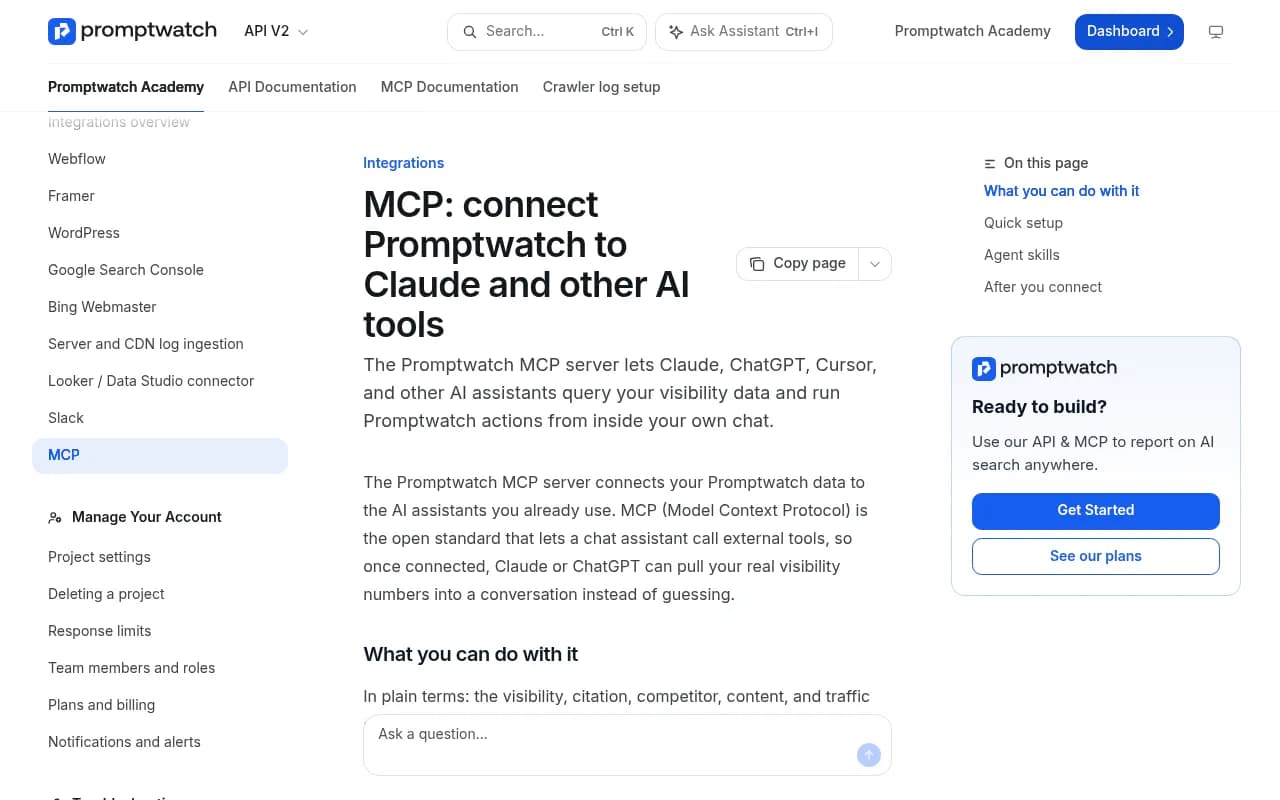
MCP (Model Context Protocol) is the open standard that lets an assistant call external tools. Once Promptwatch is connected to Claude Code, the assistant can query your monitors, responses, citations, competitors, content gaps and traffic directly. It answers from live data, not from whatever it half remembers about your brand.

The obvious question is how this differs from Agent Chat, the analyst built into Promptwatch. The data is the same. The difference is where the conversation happens. Agent Chat lives inside Promptwatch. MCP brings the data into your own tools, next to your repo, your docs and anything else you have connected. If you are a developer or technical SEO who already lives in a terminal, that matters more than it sounds.
What you need before you start
- Claude Code installed and working in your terminal.
- A Promptwatch account with at least one project and some tracked prompts. If you have nothing tracked yet, the answers will be thin. The free AI visibility report is a no-login way to get a first look, and the 7-day free trial gets you a real project.
- Access to the right organization. During authorization you pick which organization and projects the connection can see.
MCP and API access are included on every Promptwatch plan, though rate limits scale with the tier (500 requests per hour on Essential up to 10,000 on Business). Check promptwatch.com/pricing for current numbers.
Step 1: add the server with OAuth
OAuth is the recommended route. Run this in your terminal:
claude mcp add --transport http promptwatch https://server.promptwatch.com/mcp
That is the whole command. One thing trips people up: do not add a --header flag here. The moment you pass a header, Claude Code assumes API-key auth and skips the OAuth flow entirely, so you end up with a confusing authentication error.
Step 2: authenticate
Start a Claude Code session and run:
/mcp
Select promptwatch from the list and choose Authenticate. Your browser opens a Promptwatch consent page. This is the screen that matters most for security, because you choose which organization and projects the connector can access.
If you are an agency, this is where you scope the connection to a single client's project. A Claude Code session set up for client A never sees client B's data. That one detail makes the MCP setup much easier to defend in a procurement conversation.
Step 3: confirm it is connected
Back in your shell:
claude mcp list
The promptwatch entry should show Connected. If it does not, rerun /mcp and authenticate again.
The API key alternative
Some setups, like CI jobs or shared machines, are better served by a key. Create one in the dashboard under Settings, then API Keys, then Create API Key. Then:
claude mcp add --transport http promptwatch https://server.promptwatch.com/mcp --header "Authorization: Bearer YOUR_API_KEY"
Verify with claude mcp list again. Treat the key like a password. Do not paste it into prompts, screenshots or committed config files.
If your client cannot do remote HTTP
Some MCP clients only speak local stdio. For those, the mcp-remote proxy bridges the gap:
npx -y mcp-remote https://server.promptwatch.com/mcp --header "Authorization: Bearer KEY"
The transport for any client is Streamable HTTP at https://server.promptwatch.com/mcp with a bearer key.
Step 4: verify before you trust it
This is the step people skip, and it is the one I would not skip. Ask Claude Code something you already know the answer to:
What is my brand's Visibility Score this week, and which AI model is it highest on?
Now open the Promptwatch dashboard and compare. If the numbers match, you can trust the pipe. If they do not, check which project the connection is scoped to. Nine times out of ten the assistant is looking at a different project or date range than the one on your screen.
It also helps to understand what the metrics mean before you interpret them. Promptwatch's Academy explains the Visibility Score and Share of Voice definitions, and Claude will use the same ones.
Step 5: ask real questions
Here are prompts that work well, grouped by what you are trying to find out.
Where do I stand
- "How visible is my brand in AI search results?"
- "How did my brand visibility change over the last 30 days, and which model dropped?"
- "Compare my visibility against my top three competitors this month."
The third one is the most useful for a quick sanity check before a meeting. Claude pulls the numbers, and you can immediately ask it to explain the gap in plain language.
Where does AI get its answers
- "Which sources are LLMs citing when they mention us?"
- "Which domains does ChatGPT cite most in my category, and am I on any of them?"
This is where citation data earns its keep. Mentions without citations usually point to a content or crawlability problem. If you want background on why, the Academy page on citations vs mentions is short and worth reading.
A data point to keep in mind while interpreting results: in Promptwatch Data's analysis of social platform citations for Sep 28 to Oct 4, 2026, ChatGPT got only 0.46% of its citations from social platforms, while Google AI Overviews got 12.2%. So if Claude tells you Reddit and LinkedIn matter a lot for you, check which model it is talking about.
What should I fix
- "What content gaps should I address?"
- "Find my biggest content gaps and draft a brief for the top one."
- "Generate a blog post for prompt X using persona Y."
The tools also cover Content Agent drafts and publishing, so on plans that include the Content Agent you can go from gap to draft inside the same session. Read what it writes before it goes anywhere near production. Treat the output as a first draft from a fast junior colleague.
Is it driving traffic
- "How much traffic are we getting from AI tools?"
- "Which pages do AI crawlers read most, and where do they hit errors?"
Crawler and visitor analytics are part of the tool set, which is how you separate an access problem (bots cannot read the page) from a content problem (they read it and still do not cite it). One caveat on traffic: ChatGPT stopped sending a referrer on October 8, 2026, so the optional setting that counts utm_source=chatgpt.com visits as ChatGPT traffic is worth turning on. The Academy guide to attributing AI traffic covers it.
Step 6: install Promptwatch Skills
Typing good prompts every time gets old. Promptwatch publishes Agent Skills, which are pre-built workflows that sit on top of the MCP tools. They follow the open Agent Skills spec, so they run in Claude Code, Cursor, Codex and 50+ other agents.
npx skills add promptwatch-com/skills
You then pick which skills to install and for which agents. Connect the MCP server first, because the skills call it. The source lives at github.com/promptwatch-com/skills.
The skills fall into three groups:
| Group | What is in it | When to use it |
|---|---|---|
| MCP workflow skills | Visibility audits, competitor benchmarks, content gap analysis, citation deep dives, crawler health checks, AI traffic analysis, weekly reports, content briefs, prompt discovery, sentiment monitoring | Recurring checks on your own data |
| GEO skills | Content optimization, technical setup, off-site strategy, SEO+GEO audits, programmatic content, schema markup, AI Overview recovery | Knowing what to change once you see the problem |
| Platform skills | Project onboarding, prompt strategy design, dashboard interpretation | Setting up a new project or training a teammate |
My suggested starting trio: a visibility audit, a competitor benchmark and the weekly report. Run the audit once, read it critically, then schedule the weekly report as your Monday habit.
A sample session, end to end
Here is roughly how a 15 minute check looks in practice.
- Run the visibility audit skill and read the summary.
- Ask: "Which prompts lost visibility on Perplexity this month, and what changed in the cited sources?"
- Follow up: "Which of my pages are cited, and which of my competitors' pages replaced them?"
- Ask for a content gap analysis and have Claude draft a brief for the top gap.
- Ask for crawler errors on the page you are about to rewrite, so you do not polish a page bots cannot reach.
The value is not any single answer. It is that each question builds on the last without you switching tabs or exporting a CSV.
Coding agent visibility is a separate question
A quick clarification, because the two get confused. Everything above is about using Claude Code as your interface to your data. Promptwatch can also track Claude Code and Codex as models, to see whether those agents recommend your product when a developer asks them to plan or build something. That matters for developer-tool and API companies. The write-up on coding agent visibility explains the metrics.
In other words, you can use Claude Code to query your visibility data, and also measure your visibility inside Claude Code. Different directions, same product.
Other clients and alternatives
Claude Code is not the only route. Claude web and Desktop connect through Customize, then Connectors, then searching for Promptwatch. ChatGPT has an official Promptwatch plugin. Cursor installs via deeplink or .cursor/mcp.json. Some third-party platforms, like Truto's managed MCP servers, also wrap the Promptwatch API, which makes sense if you are building Promptwatch into your own product rather than using it yourself.
It is also worth knowing the category has other MCP-capable options. Otterly.AI, Ahrefs Brand Radar and others offer hosted MCP servers of their own, mostly focused on monitoring and reporting. If you are comparing, the AI rank tracking directory is a decent place to browse.

| Client | Setup path | Best for |
|---|---|---|
| Claude Code | claude mcp add plus OAuth | Developers, technical SEOs, repo-adjacent work |
| Claude web / Desktop | Connectors directory | Non-technical teammates |
| ChatGPT | Official Promptwatch plugin | Teams already living in ChatGPT |
| Cursor | Deeplink or .cursor/mcp.json | Editor-based workflows |
| Any other MCP client | Streamable HTTP plus API key, or mcp-remote | Custom setups |
Full documentation is in the MCP docs and the MCP integration page.
Troubleshooting
- Server shows as not connected. Rerun
/mcp, select promptwatch, and authenticate again. - Auth errors right after adding the server. You probably passed
--header. Remove the server and add it again without the flag. - Numbers do not match the dashboard. Check the project scope you approved on the consent screen, and the date range Claude used.
- Empty or thin answers. You may not have enough tracked prompts yet. Add more in a monitor, or use Prompt Explorer suggestions.
- Rate limit hits. Large multi-step workflows make many calls. Ask Claude to narrow the date range or scope before it fans out.
Security habits worth having
- Use OAuth and project scoping rather than a key wherever you can.
- If you do use an API key, use a scoped or read-only one, and keep it out of version control.
- Write tools can add prompts, queue content and update monitors. Review what Claude proposes before approving writes, particularly on a client project.
The short version
Add the server, authenticate, check one number against the dashboard, then start asking questions. Install the skills once you know which questions you repeat. If you want to track more of the AI search category beyond this one product, the GEO software directory lists the alternatives. Otherwise, the next concrete step is claude mcp add and a two-minute OAuth click.