Key takeaways
- Lovable and Cursor choose dependencies in different ways. Lovable ships platform defaults (React, Tailwind, Supabase). Cursor works inside whatever codebase and context the developer gives it.
- No authoritative public source explains exactly how either tool picks a library. Anyone claiming a precise formula is guessing, and this guide marks which parts are documented and which are inference.
- Crawlable docs, a public GitHub presence and accurate review-site profiles are the best-supported levers, based on Promptwatch Data on software citations in ChatGPT.
- Measure first. Check AI crawler access, test the prompts a developer would type, and watch whether your tool shows up in answers.
Why this question matters now
A few years ago a developer picked a database by reading blog posts, asking colleagues, or copying a tutorial. Now a growing share of them type "add auth and a Postgres database to this app" into an AI builder and accept what comes back.
If you sell a dev tool, API or SDK, that is a distribution channel you may not be tracking. Your product can be great and still never appear in generated code, because nobody, human or model, thought of it at the moment of choice.
I want to be upfront about what this guide can and can't tell you. I looked for solid evidence on how Cursor and Lovable choose libraries and services: system prompts, model bias, the role of docs, MCP servers or llms.txt. I did not find an authoritative source. What exists is documentation on how each product works, plus data on how AI search engines pick sources. I'll use the first to explain the mechanics and the second as a proxy, and I'll say which is which.
Cursor and Lovable are different problems
People lump them together as "AI coding tools", but for a vendor they are almost opposite situations.
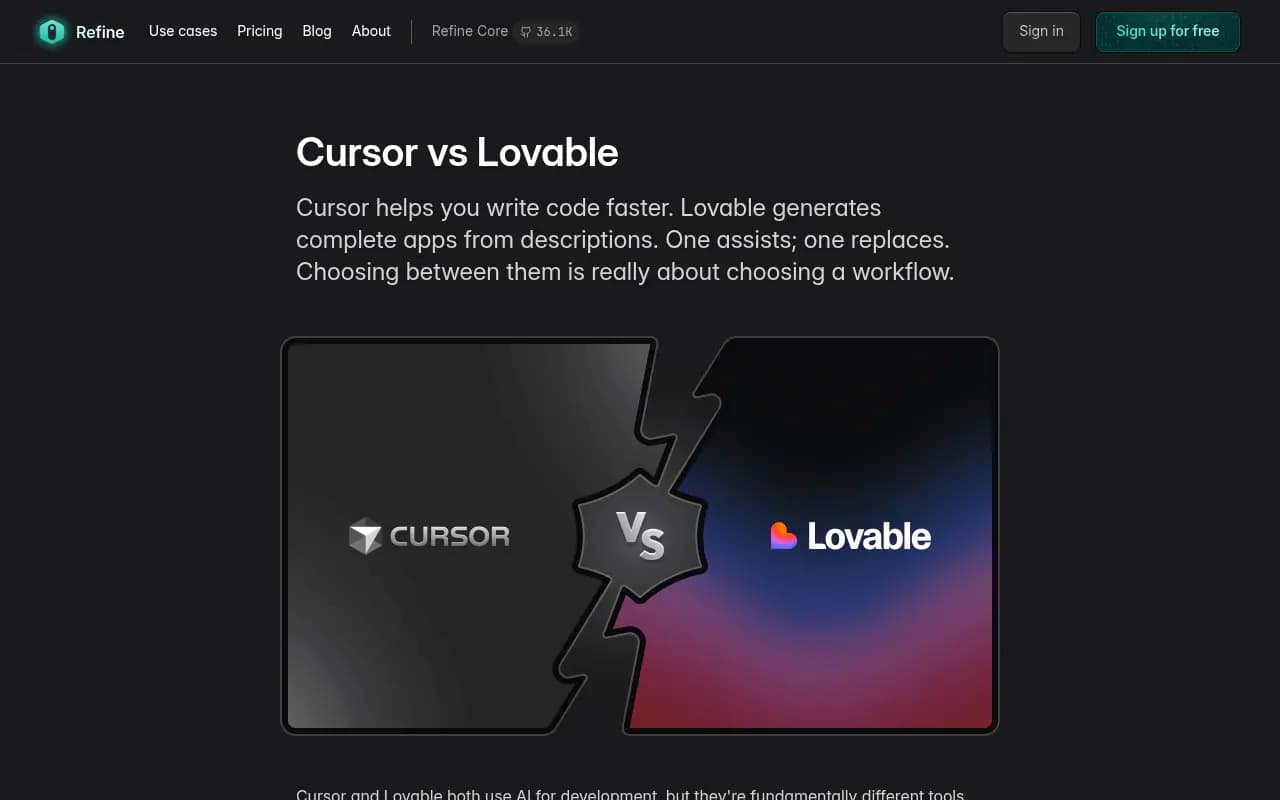
As the Refine comparison puts it, Cursor helps you write code faster while Lovable generates complete apps from descriptions. One assists; one replaces.
| Cursor | Lovable | |
|---|---|---|
| What it is | AI code editor, a VS Code fork | Browser-based AI app generator |
| Who drives choices | The developer, with AI suggestions | The platform, with the prompt as input |
| Starting point | Your existing codebase | A blank prompt |
| Typical stack | Anything | React, Tailwind, Supabase |
| Where your tool gets in | Existing dependencies, docs, MCP servers, model knowledge | Built-in integrations and model knowledge |
| Typical user | Professional developers | Founders and non-developers |
Pricing is in flux, so check it directly. One review reports Lovable Pro at $25 a month with credit-based usage. Cursor's pricing changed recently: an update dated October 16, 2026 says new buyers get different subscription tiers, while the older $20 Pro price applies to existing subscribers. The Refine page still shows the old figure.
How Lovable picks the stack
Lovable is the easier one to reason about, because it is opinionated.
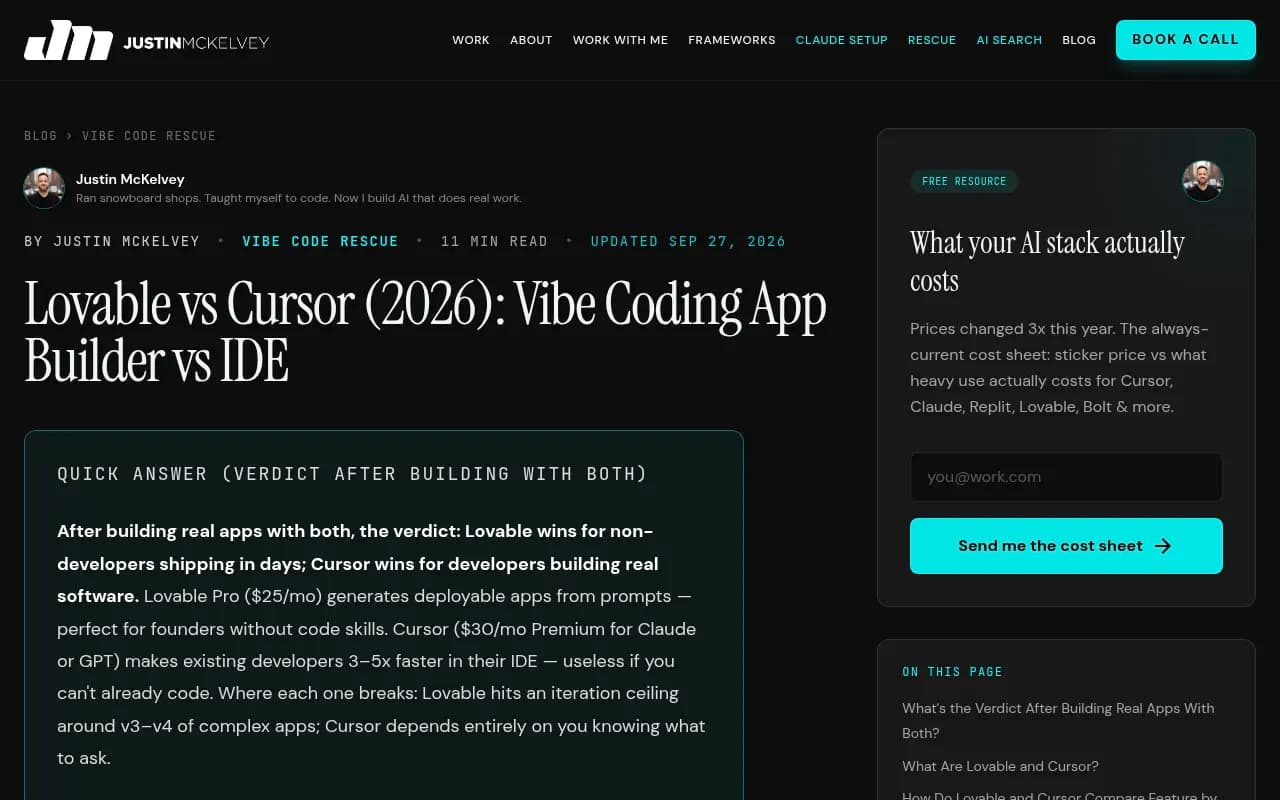
According to Justin McKelvey's review, Lovable generates a React, Tailwind and Supabase app with frontend, backend, database and auth, and it is effectively locked to that stack. A separate November 2025 review says Lovable Cloud is backed by Supabase and scaffolds missing frontend and backend pieces when you don't specify them. It also integrates Gemini for AI features so users don't manage API keys.
The implication is blunt. For the core layers (database, auth, hosting, the default AI model), the platform has already chosen. A user who types "add a login screen" gets whatever Lovable's integration provides, not the result of an open comparison.
To be clear, that is my reading of the defaults. Neither review states it as a finding about vendors. But it follows from the way the product is described.
So for Lovable, vendors fall into two groups:
- Categories the platform already covers. Competing with a built-in default is hard. You need to be the thing users ask for by name, or the thing they switch to when they outgrow the default.
- Categories it leaves open. Payments, email, analytics, search, maps, monitoring, CMS, and most third-party APIs. This is where a user's prompt, and the model's knowledge of your product, matter.
Two facts help here. Lovable has bi-directional GitHub sync, so people move work into Cursor and back. And the McKelvey review says Lovable hits an iteration ceiling around v3 or v4 of complex apps. That means a lot of projects graduate from a Lovable prototype into a developer's editor, which changes who is picking dependencies next.
How Cursor ends up recommending a library
Cursor works with any language and project type and understands your whole codebase. The research says it suggests and you approve.
That gives you a rough order of influence, which I'm inferring rather than quoting from documentation:
- What is already in the project. If a repo imports a given SDK, the editor will tend to keep using it. Existing usage is the strongest signal.
- What the developer asks for by name. "Use Stripe" beats any recommendation logic.
- Context the developer attaches, such as docs, files or tool servers. This is where a vendor can legitimately be present at the moment of choice.
- The underlying model's training knowledge. When the developer asks an open question like "what should I use for background jobs?", the model answers from what it learned.
Point 4 is the one most vendors worry about, and it is the one I can least verify. I found no documentation of how Cursor weighs these. A follow-up worth doing is reading Cursor's docs on MCP and docs indexing, and Lovable's integration and connector docs, since those are the places a vendor can actually plug in.
What the closest data says
There is no first-party dataset on Cursor or Lovable behavior. There is, however, relevant data on how ChatGPT cites sources for software questions, which is the nearest public proxy for "what do models trust when asked about dev tools". Treat it as an indicator, not a measurement of either product.
In Promptwatch Data's report on software prompts (organic ChatGPT prompts, September 28 to October 4, 2026), the most cited domains were:
| Domain | Share of software citations |
|---|---|
| GitHub | 1.2% |
| learn.microsoft.com | 0.98% |
| G2 | 0.73% |
| AWS docs | 0.41% |
| Google Cloud docs | 0.35% |
| Gartner | 0.34% |
| Capterra | 0.32% |
| Intercom | 0.28% |
| Zapier | 0.24% |
By source type, docs and help centers earned the largest share at 2.64%, vendor sites 2.01%, review sites and analysts 1.57%, GitHub 1.2% and app stores 0.47%. Vendor sites and docs together earned 4.65%, roughly three times the share of review sites and analysts. These are shares of all software citations, so the numbers look small, but the ordering is what matters.
The pattern: models lean on the places where a tool describes itself accurately and in detail. Documentation, code repositories and structured vendor pages beat third-party commentary. Whether the same holds inside a code editor is plausible but unproven.
A related data point is crawler access. In Promptwatch Data's AI crawler traffic report (June 8 to September 6, 2026), OpenAI made up 79.8% of IP-verified AI crawler requests in the week of August 31, down from 94.8% in mid-June, so other providers are growing their share. If you block any of them in robots.txt or at your CDN, you are invisible to that provider's models and search features, whatever your product quality.
What you can do about it
None of this is guaranteed to move recommendations inside a particular editor. All of it is cheap, and most of it helps developers and search engines regardless.
Make your docs readable by machines
Publish crawlable docs and help pages. Server-rendered HTML, stable URLs, a clear quickstart that shows the install command and a minimal working example. Promptwatch's own takeaway from the software data is the same: crawlable docs, a public GitHub presence for dev tools, and current G2 and Capterra profiles.
A few specifics that matter to a model reading your docs:
- Put the install command and import statement near the top of the page.
- Show complete, copy-pasteable examples rather than fragments.
- State what the tool is for and what it is not for, in one plain sentence.
- Keep version information explicit so models don't blend old and new APIs.
Check that AI crawlers can reach you
Review robots.txt, CDN and WAF rules for every provider, not just one. Compare your own server logs with the market mix above: a provider that is large in the benchmark but near zero in your logs suggests you are blocked.
A free AI crawler check and the Robots.txt generator for AI help here, and the bots directory lists 400+ AI crawlers with guidance.
Ship the integrations builders actually use
For Lovable-style tools, the answer is partly commercial: becoming a supported integration or connector is a different channel from being "found". For editors like Cursor, an MCP server or similar tool interface gives an agent a direct, structured way to use your service, and a docs index gives it accurate context. I could not confirm the exact current mechanics for either product, so read their integration docs before building.
A quickstart written for a prompt, not a human, also helps. Think a short block someone can paste into an AI builder: "Use [Tool] for X. Install with this command. Initialize like this."
Keep a public repository and review profiles
GitHub is the top cited domain in the software data, and review sites together earn a real share. Keep a maintained public repo with a good README, examples and recent commits, and keep G2 and Capterra profiles accurate. Stale pricing or feature descriptions there get repeated by models.
Own the comparison pages
Developers ask "X vs Y" and "best Z for app type" questions. If you don't publish an honest comparison, someone else's page, with their framing, becomes the source. Write the page with real trade-offs, including where a competitor is better.
How to test whether you're visible
Stop guessing and run a small experiment.
- List 20 prompts a developer or founder would type into Cursor or Lovable. Mix categories: "add payments to this app", "best database for a realtime app", "send transactional email", plus branded and competitor comparison prompts.
- Run them in both tools on a fresh project and record what gets chosen. Repeat a few times, because output varies.
- Run the same prompts in ChatGPT, Gemini and Perplexity to see which sources get cited. That tells you which pages shape the answer.
- Check your server logs for AI crawler hits on your docs and pricing pages.
- Repeat monthly, and after each docs or integration change.
Steps 1 and 2 are manual and Cursor and Lovable results can't be pulled from a dashboard that I know of. Steps 3 and 4 can be automated.
Tools that help with the measurable part
Promptwatch tracks how ChatGPT, Gemini, Perplexity, Claude and Google AI engines mention and cite a brand, and it also monitors how coding agents like Codex, Claude Code and OpenCode recommend tools, SDKs and docs, which is closer to your use case than classic AI search tracking. Its IP-verified crawler logs show whether AI bots can read your docs, and the coding agent and API docs are worth a look if you sell to developers. Note that this is not the same as tracking Cursor or Lovable output, which it does not claim to cover.

Other trackers in the same category include Profound, Peec AI and Otterly.AI. They are mostly prompt-monitoring tools, so check whether they cover crawler logs and developer-focused prompts before you commit.


For a wider shortlist, the GEO software directory lists options by feature.
| Need | What to use |
|---|---|
| See which pages AI cites for dev prompts | An AI visibility platform such as Promptwatch |
| Check if AI bots can read your docs | Crawler logs, or the free crawler inspector |
| Test Cursor and Lovable output | Manual prompt runs, repeated and logged |
| Track docs and repo quality | Your own analytics, GitHub insights |
What I'd do first
If I ran developer marketing for an API company, I would not start by trying to "optimize for Cursor". I'd spend a week on the basics: unblock crawlers, fix the docs so a quickstart works in under ten lines, tidy the GitHub README, and refresh the G2 profile. Then I'd run the 20-prompt test and see where we land.
If we were absent in Lovable because the category is covered by Supabase or Gemini, I'd accept that and focus on being the obvious choice once someone outgrows the default. A Lovable prototype that moves to Git and a Cursor session is exactly when a developer starts making independent choices.
The honest summary: the mechanics are partly documented (Lovable's defaults, Cursor's codebase-first behavior), partly inferred (model bias and docs influence), and partly unknown. Anyone selling a guaranteed way to be recommended inside these tools is overselling. What you can do is make your product easy to find, read and use correctly, then measure what happens.
FAQ
Does Lovable always use Supabase?
According to the reviews I found, Lovable generates a React, Tailwind and Supabase stack and scaffolds missing pieces when you don't specify them. Check Lovable's current documentation for integration options, since this changes.
Can I pay to be recommended by Cursor?
I found no evidence of such a program. Cursor's behavior depends on the project's context and the underlying model.
Is llms.txt worth adding?
It is cheap, and a generator takes minutes. I found no evidence that Cursor or Lovable read it, so don't expect results from it alone. Promptwatch Data also found that markdown files make up just 0.05% of AI search citations, which suggests markdown serves agents more than search.
Where should I read next?
Start with each tool's own docs on integrations and MCP, then compare what AI engines cite for your category using Promptwatch Data.