Key takeaways
- Attackers buy Google search ads for popular software names, send clicks to cloned download pages, and deliver stealers such as Vidar, DanaBot, IcedID and Poseidon. Your brand is the bait.
- Documented targets include Slack, Notion, Calendly, Odoo, Basecamp, Audacity, 7-Zip, Notepad++, LibreOffice, Rufus, VLC and Blender. If you ship a download, you are a candidate.
- Google says it removed over 8.3 billion ads and suspended 24.9 million advertiser accounts in 2025. The volume is huge and some bad ads still get through.
- Brands can file trademark complaints, but Google processes them against specific advertisers and URLs, and takedown does not help people who were already infected. Evidence, speed and a paper trail matter.
- I could not verify 2026-specific campaign counts, so this tracker is built from dated, sourced reports. Treat it as a pattern guide, and check each source for freshness.
Why this problem keeps coming back
Search ads sit above organic results. Someone types "download Slack for Mac", sees a result with the right logo, the right domain-looking text and a tidy description, and clicks. The real site is usually right below it. That's the whole trick.
Krebs on Security put it plainly in January 2024: Google keeps struggling with criminals running malicious ads that trick people into downloading booby-trapped copies of popular free software, and the ads often appear before the links to the legitimate source. PCWorld's headline says it more bluntly: don't click Google ads for software downloads. Malvertising never goes away, it just changes tactics.
For software brands this is awkward. You didn't buy the ad. You may not even advertise on Google. But the victim blames you, support tickets land on your desk, and your brand name now shows up next to "malware" in search results.
A tracker of documented campaigns
The table below collects the campaigns I could source. It is not a complete census. It is a record of what researchers published and when.
| Period | Source | What happened | Brands or lures named |
|---|---|---|---|
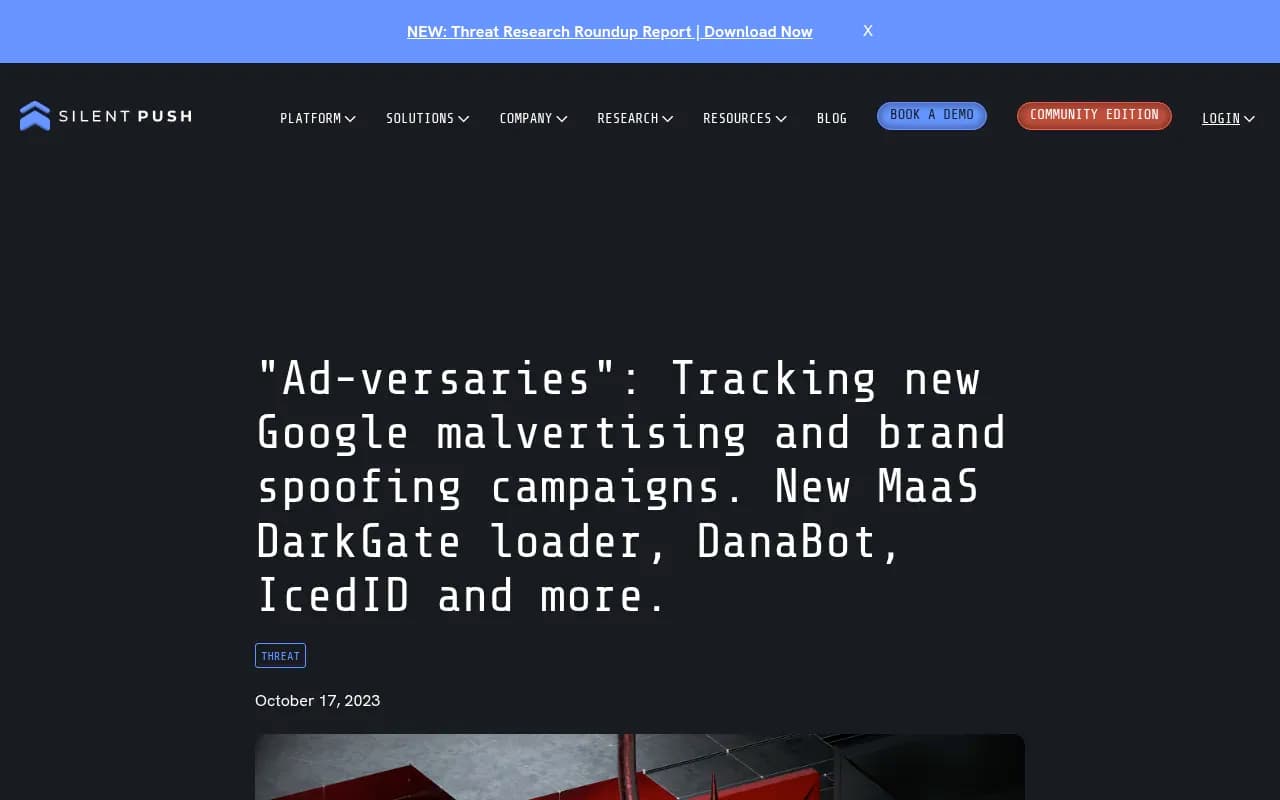
| Q4 2022 to Q1 2023 | Silent Push | Malvertising delivered banking trojans and infostealers including Ursnif and Vidar. Activity peaked January to March 2023, then tailed off after industry takedown efforts. | AnyDesk and others |
| Jan 2023 | UCSF IT | Malicious Google Ads appeared as sponsored links at the top of results. | Various |
| Q3 2023 onward | Silent Push | Resurgence. New DarkGate loader variant plus DanaBot and IcedID, using brand impersonation. | Network tools, tech utilities, multimedia suites |
| Jan 2024 | Krebs on Security | Malicious ads for popular free software appearing above legitimate links. | Free software generally |
| Jun 2024 | Malwarebytes | Poseidon Mac stealer distributed via Google ads. | Mac software |
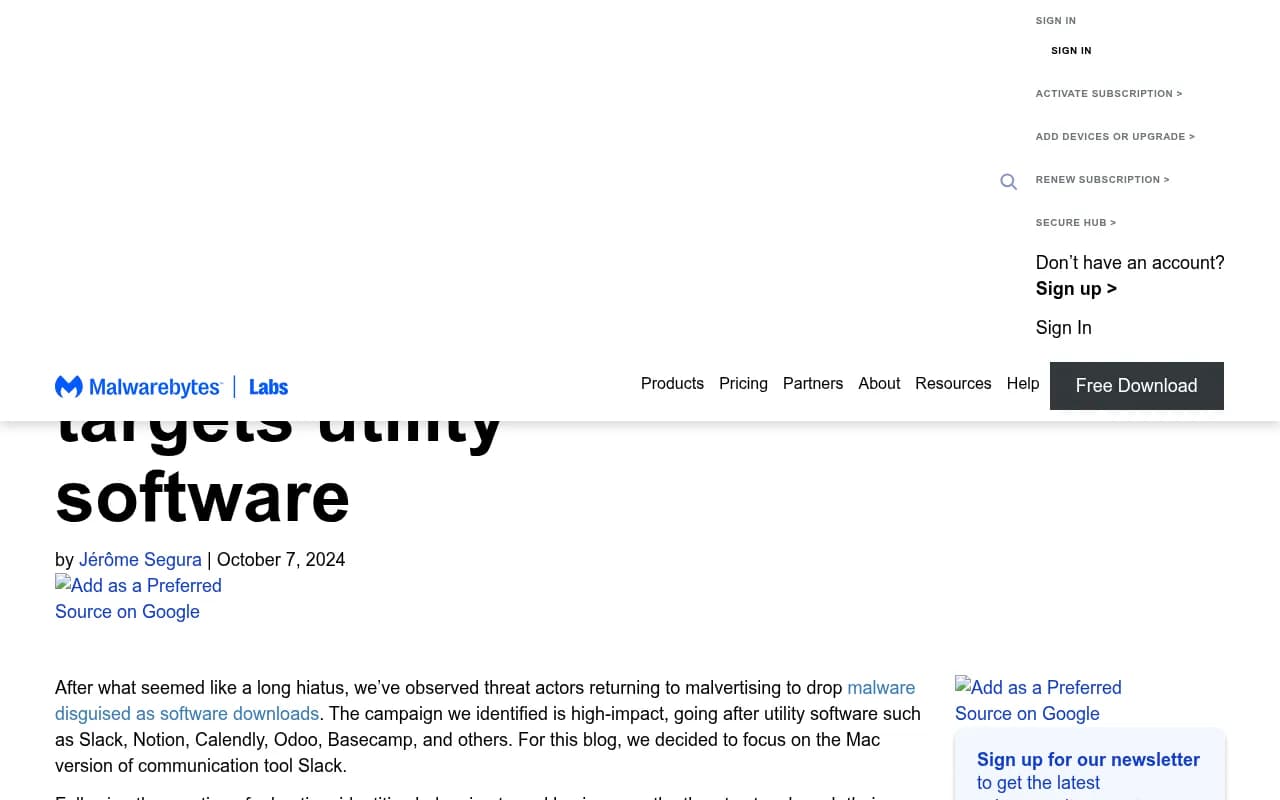
| Oct 2024 | Malwarebytes | Large-scale campaign against utility software, with advertiser identities built from real businesses. | Slack, Notion, Calendly, Odoo, Basecamp, Clockify |
| Jan 2025 | Malwarebytes | "The great Google Ads heist": criminals take over legitimate advertiser accounts via fake Google ads, then use them for other malware and scam campaigns. | Advertiser accounts |
| Undated, check before citing | Bitdefender | Hijacked ads pushing fake downloads to Mac users via Evernote pages. | 7-Zip, Notepad++, LibreOffice, Final Cut Pro |
| Undated | 1Password | "Open source malvertising": fake Audacity ads delivering Vidar Stealer, plus lures for Rufus, Notepad++, 7-Zip, Blender 3D, VLC and the Arc browser. | Open source and indie tools |
Nudge Security also flagged a campaign aimed at popular SaaS downloads, which matches the October 2024 pattern of going after workplace tools rather than only consumer utilities.
The pattern across two-plus years is a cycle: a surge, a coordinated cleanup, a lull, then a return with new brands. Silent Push described exactly this arc between early 2023 and the autumn of that year.
How these campaigns are built
Step 1: get an advertiser identity that passes checks
Malwarebytes found that the threat actors created advertiser identities belonging to real businesses. When they searched for Slack from the US, the top result had the brand's logo, the official website shown and a detailed description. Clicking the three dots next to the ad showed the actual advertiser, which in that case was a law firm and had nothing to do with Slack.
That three-dot menu is the cheapest detection step available to anyone, and almost nobody uses it.
Step 2: hide the real infrastructure
Malwarebytes described layers of fingerprinting and cloaking. Google's reviewers and security scanners see a harmless page. Targeted visitors from the right country, with the right browser, see the fake download page. This is why you can search for your own brand and see nothing wrong, while a user in another region gets the malicious ad.
Step 3: host the payload somewhere forgettable
In the October 2024 campaign, Windows payloads sat in GitHub accounts. Mac payloads came from PHP scripts on a single domain, apparently generated per download with identifiers, while links named after the software (a clockify_mac.php style path) worked regardless. HP Threat Research, as cited by 1Password, noted a Vidar payload wrapped in a 343MB file to mimic a plausible installer size and slip past detection.
Step 4: abuse policy gray areas
1Password notes that Google's policy puts malvertising under "malicious software" and "evasive ad content", the latter meaning manipulating ad components to bypass detection or enforcement. The policy exists. The difficulty is catching it before the first clicks.
What Google says it is doing
Google's 2025 Ads Safety Report says it blocked or removed over 8.3 billion ads and suspended 24.9 million advertiser accounts in 2025. Of those, 602 million ads and 4 million accounts were tied to scams. Google credits Gemini for catching harmful ads before people see them, and a third-party recap says over 99% of policy-violating ads were stopped before being served.
For comparison, the Krebs piece cites Google's 2022 numbers: 5.2 billion ads removed and 6.7 million accounts suspended. By my own arithmetic that is roughly a 3.7x increase in suspended accounts between the two reports. Either enforcement got much more aggressive, or the attacker volume grew, or both.
Two cautions. First, StubGroup's critical read of the report points out what it leaves out, and the report is Google's own accounting. Second, a 99% catch rate still leaves room: if billions of ads are bad, even a small miss rate puts real ads in front of real people. Attackers only need a few hours of live ads.
What software brands can do
Check your own brand searches like a user would
Search your product name plus "download", "install", "Mac", "Windows" and "free". Do it from different countries with a VPN or a monitoring service, in a clean browser profile. Click the three-dot menu on every ad and write down the advertiser name. Cloaking means one clean check proves very little, so repeat it on a schedule.
Use Google's trademark complaint route
Google's Trademarks policy has a few details that shape how you should work:
- Complaints go through "Report Content on Google".
- Google accepts them only against specific advertisers identified by URL, within the countries and industries where you have shown trademark rights.
- If Google restricts a trademark, the restriction generally applies to any ads using the same second-level domain in their final URL.
- There is a Google Ads Trademark Troubleshooter for checking your own setup.
The vendor MarqVision says both Google and Meta require documented trademark registration before they process impersonation complaints. Their checklist for each complaint:
- Screenshots of the ad creative
- The advertiser name shown on the ad
- Landing page URLs after redirects
- Proof of registration covering the jurisdiction
They and another vendor, Trama, say takedowns usually happen within a few business days. That is vendor-reported and I would not treat it as a guarantee. Keep a log of complaint numbers and dates. When the same advertiser entity or a related one returns, a paper trail helps.
Do the uncomfortable thing about timing
Takedown does not help anyone who already clicked and installed. So the work has to include user-facing steps:
- Put a clear "official downloads" page on your domain and link to it everywhere.
- Publish the checksums or signing details for your installers.
- Say publicly, as the OBS project did, if you do not run Google ads. That gives support teams and journalists something to point to.
- Tell your customer support team what a victim looks like: a stealer infection, a strange installer size, or a download from a domain that is not yours.
Consider running your own brand ads
Bidding on your own name keeps the top slot occupied by a legitimate result. It costs money and it does not stop impersonators, who can still outbid or sit alongside you. But for brands where users clearly search "[name] download", it reduces the easy win for attackers. Whether it is worth it depends on how often your name is searched with download intent.
Evaluate brand protection vendors carefully
BrandShield and MarqVision both offer ad-impersonation takedown services. I found no public pricing for either, so expect to ask for quotes. MarqVision's own advice is to confirm that any tool explicitly covers paid ad impersonation, not just fake domains or marketplace listings. That is the right question to ask first.
What users should be told
Google's Chrome Help guidance on unwanted ads and malware is blunt: go to the program's official website instead of clicking a suspicious update or download prompt. Pass that on. A short version for your documentation:
- Type your domain directly, or use a saved bookmark.
- Do not click sponsored results for software downloads.
- Check the advertiser behind an ad using the three-dot menu.
- Be suspicious of installers that are far larger or smaller than expected.
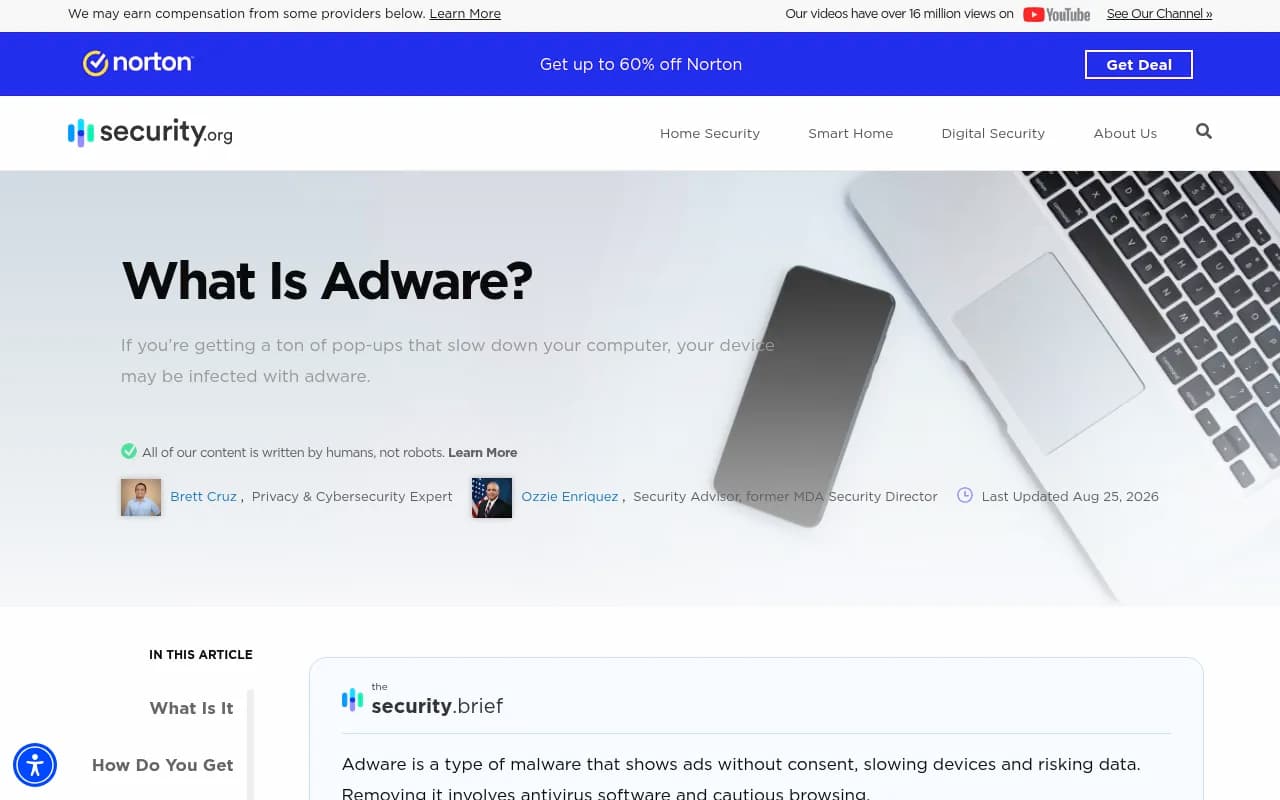
Security.org's adware guide covers consumer-level cleanup and prevention, and is a reasonable link to hand someone who already clicked.
Is any of this an AI search problem too?
Possibly, and it is worth watching. When people ask an AI assistant where to download your software, the answer comes from whatever sources the model retrieves. I did not find research showing malvertising leaking into AI answers, so I will not claim it. But knowing what AI systems say about your download process is cheap to check. Tools like Promptwatch can show which pages AI models cite for prompts such as "download [your product]", so you can catch a spoofed or outdated source before it becomes the default answer.

For context on how much AI citation patterns shift, Promptwatch Data's software citation report found that for software prompts between Sep 28 and Oct 4, 2026, documentation and help centers earned the largest share of ChatGPT citations, led by GitHub, Microsoft's docs and G2. That is a good reminder to keep your own docs and download pages clear and authoritative. If you want to compare monitoring options, the GEO software directory at bestgeosoftware.com lists them.
A simple monitoring routine
| Frequency | Task | Output |
|---|---|---|
| Weekly | Search brand + download terms in 3 to 5 key countries, check advertiser names | Screenshot log |
| Weekly | Review support tickets for "I downloaded from Google and..." | Incident count |
| On any hit | File Google trademark complaint with the four evidence items | Complaint ID and date |
| On any hit | Report the payload host (GitHub account, domain) to its provider | Takedown request |
| Monthly | Review complaint log for repeat advertisers or domains | Escalation list |
| Quarterly | Re-check trademark registrations cover your active markets | Registration gaps |
What I would do first
If you only have an afternoon: run the brand searches, check the three-dot menus, and make sure your trademark registrations cover every country where you have users. Google will not process complaints without that proof, and discovering the gap while an active campaign is running is a bad time to learn it.
Then add a visible "official download" page and a line in your support macros. None of it stops attackers from trying. It does shrink the window between the first fake ad and the first takedown, which is the only part you control.