Key takeaways
- Local AI visibility is not a rank. It is how often your business is named, cited, and recommended in AI answers for a specific place, so you track mentions, citations, and share of voice by location.
- Start with 15 to 20 location-specific prompts, run them manually in a fixed setup for 2 to 4 weeks, then move to automated tracking once you have a baseline.
- ChatGPT and Google AI Overviews pull from very different sources. Third-party listings matter for ChatGPT, while public social profiles matter more for AI Overviews.
- ChatGPT now searches your domain directly with the site: operator, so crawlable location pages are a retrieval surface you control.
- Track weekly, tie every finding to an action, and re-measure after each change.
What local AI search visibility actually means
Traditional local SEO gave you a map pack position. You could check it today, check it tomorrow, and see roughly the same thing. AI search does not work that way. Ask ChatGPT for "best dentist near downtown Seattle" twice, a few minutes apart, and you can get different brands, different order, and different sources.
So you stop tracking a position and start tracking inclusion. Four things matter:
- Presence: does your business appear in the answer at all?
- Share of voice: out of all the businesses named across your prompts, what percentage are you?
- Citations: does the AI link to your site, your Google Business Profile, or a third-party page that mentions you?
- Geographic variance: does the answer change by city, neighborhood, or country?
That last one is the local twist. A national brand might be visible in New York and invisible in Denver. A single "are we in ChatGPT?" check hides that completely.
I will be upfront about one thing: first-party data on "near me" queries specifically is thin right now. The Promptwatch Data reports I reference below cover how AI engines cite sources by industry and platform, not local intent in isolation. Use them as directional guidance, and let your own tracking confirm what applies to your market.
Step 1: Define your locations, platforms, and competitors
Before you write a single prompt, fix your variables. Inconsistent setup is the number one reason manual tracking produces noise.
Pick the locations
Start with your primary market. If you run a multi-location business, pick the two or three locations that drive the most revenue and add the rest later. For each, decide the granularity: city, neighborhood, or ZIP code. Neighborhood-level prompts ("italian restaurant in Capitol Hill") behave differently from city-level ones.
Pick the platforms
At minimum, cover ChatGPT, Google AI Overviews, and Perplexity. Add Google AI Mode and Gemini if your customers use them. Report each engine separately. Blending them into one score hides the fact that you might win in one and be absent in another.
Pick 3 to 5 competitors
Choose the businesses that actually compete for the same customers in the same area, not the biggest names in your category. Share of voice only means something against a realistic set.
Step 2: Build a location-aware prompt set
Keyword lists do not transfer well to AI search. People ask full questions, and the AI often runs several searches behind the scenes to answer them. Build your prompts from real buyer questions.
Prompt types to include
| Prompt type | Example | What it tells you |
|---|---|---|
| Discovery | "Best family dentist in Seattle" | Whether you are recommended at all |
| Near me / neighborhood | "Dentist open Saturday near Capitol Hill" | Hyperlocal inclusion |
| Service-specific | "Emergency tooth extraction Seattle" | Whether you win on specific services |
| Comparison | "Downtown Dental Care vs Smile Seattle" | How you are positioned against competitors |
| Brand | "Is Downtown Dental Care good?" | Sentiment and accuracy of facts (hours, address, phone) |
| Trust and price | "How much does a dental cleaning cost in Seattle?" | Whether you get cited for pricing information |
Aim for 15 to 20 prompts per location to start. Mix in different phrasing for the same intent, because AI answers shift with wording.
If you want to see what the AI is actually searching for under the hood, a free option is the GEO Inspector Chrome extension from Promptwatch, which shows ChatGPT's fan-out queries and which sources were fetched versus cited. That is useful for seeing whether ChatGPT is adding your city name and phrases like "reviews" to its searches.
Step 3: Run a manual baseline
For 10 to 20 prompts, manual tracking is fine and teaches you more than any dashboard will. It also gives you intuition about what a good answer looks like in your market.
The setup
- Use a clean browser session (incognito) and keep it the same every time.
- Set location deliberately. For city-level checks, use a VPN or the platform's location setting. Do not rely on your own office IP unless that is the market you care about.
- Fix your language, platforms, and cadence before you begin.
- Run each prompt once per platform, then log it.
What to log in your spreadsheet
- Date, platform, location, and exact prompt
- Whether your business was mentioned (yes/no)
- Position in the answer (first named, second, buried)
- Which competitors were named
- Which URLs were cited, and whether any were yours
- Whether the details were correct: name, address, hours, phone, services
- Sentiment: recommended, neutral, or warned against
Repeat for 2 to 4 weeks
Patterns matter more than any single run. One answer where you are missing means little. Eight out of ten weeks missing for the same prompt means a real gap.
Manual tracking has a ceiling. Past about 20 prompts, or past two or three locations, it gets slow and inconsistent. That is when to automate.
Step 4: Set up infrastructure to see AI traffic and crawlers
Prompt tracking tells you what AI says. It does not tell you whether anyone acted on it. Add two layers.
Analytics for AI referrals
In your analytics tool, create a segment for referral traffic from chatgpt.com, perplexity.ai, gemini.google.com, and similar sources. For local businesses, the conversions that matter are usually calls, direction requests, and booking form submissions, so tag those as events and look at them by source.
AI crawler access
If AI crawlers cannot read your location pages, they cannot cite them. Check your robots.txt and CDN rules for GPTBot, OAI-SearchBot, ChatGPT-User, ClaudeBot, and PerplexityBot. Server logs or a log-based tool will show who is actually visiting.
This matters more than it used to. According to Promptwatch Data on ChatGPT's site: operator change, ChatGPT began using the site: operator at scale on August 8, 2026. Queries using it jumped from 0.37% to 16.8% of all fan-out queries, and average searches per response rose from about 1.08 to about 1.83. In plain terms, ChatGPT now goes looking directly on specific domains more often. Your own location pages are a retrieval surface, so make sure each one is crawlable, indexed, and says clearly who you are and where you operate.
It also means any keyword or fan-out mapping you built before August 8 is stale. Re-run it.
Step 5: Map where AI actually finds local businesses
Here is the part most local businesses miss. AI engines do not only cite your website. They cite aggregators, review platforms, and social profiles, and the mix varies a lot by engine.
Third-party listings matter
In Promptwatch's travel citation data (Sep 28 to Oct 4, 2026), booking and search sites earned the largest share of the charted citations, with Skyscanner, Going, and Tripadvisor leading and Kayak, Airbnb, and Expedia following. The takeaway for any location-based business: ChatGPT cites the platforms where you are listed, not just your own site. Check that your listings on the relevant review and directory platforms for your industry are accurate and consistent.
The pattern holds in other verticals. In healthcare prompts, government and public health sites earn almost half of ChatGPT's citations, which means a local clinic competes for a thin slice and benefits from being referenced by trusted institutions. In automotive prompts, marketplaces like Autotrader and Cars.com outrank every car brand. If you are a local dealer, your marketplace listings may be doing more work than your website.
Social profiles matter differently by engine
According to Promptwatch's social media citation data for Sep 28 to Oct 4, 2026:
| Engine | Social share of citations | Notes |
|---|---|---|
| ChatGPT | 0.46% | Reddit fell to 0.09%, LinkedIn is the top social platform at 0.3% |
| Google AI Overviews | 12.2% | YouTube 4.28%, Facebook 2.38%, Reddit 2.15%, Instagram 1.61% |
| Perplexity | 2.7% | LinkedIn and Reddit tie at 0.86%, YouTube 0.79% |
For a local business, this is a practical split. Keep your Facebook, Instagram, and YouTube profiles complete and active because AI Overviews draws from them. Do not count on Reddit mentions to carry you in ChatGPT. The Reddit decline in ChatGPT is documented: reddit.com's share of ChatGPT citations fell from roughly 4% to 0.5% on August 14, 2026.
When you review your manual baseline, record every cited domain. After a few weeks you will see which third-party sources dominate your market. Those are your priority listings.
Step 6: Choose your tools
Once you outgrow the spreadsheet, automated monitoring gives you consistent reruns, multi-engine coverage in one dashboard, country or city views without VPN switching, automatic brand extraction, and share of voice trends.
The key buying question for local businesses is granularity. Many trackers support country-level tracking. Fewer let you set city or state. Check that before you pay.
Tools worth looking at
Promptwatch tracks real user interfaces of ChatGPT, Google AI Overviews, Google AI Mode, Gemini, Perplexity, and Copilot, with country tracking on every paid plan and state and city tracking from the Business plan. Beyond monitoring, it includes IP-verified AI crawler logs, per-page citation tracking, and an Action Board of prioritized fixes, which is useful when you want to know why a location page is not being cited. Confirm current plans at promptwatch.com/pricing.

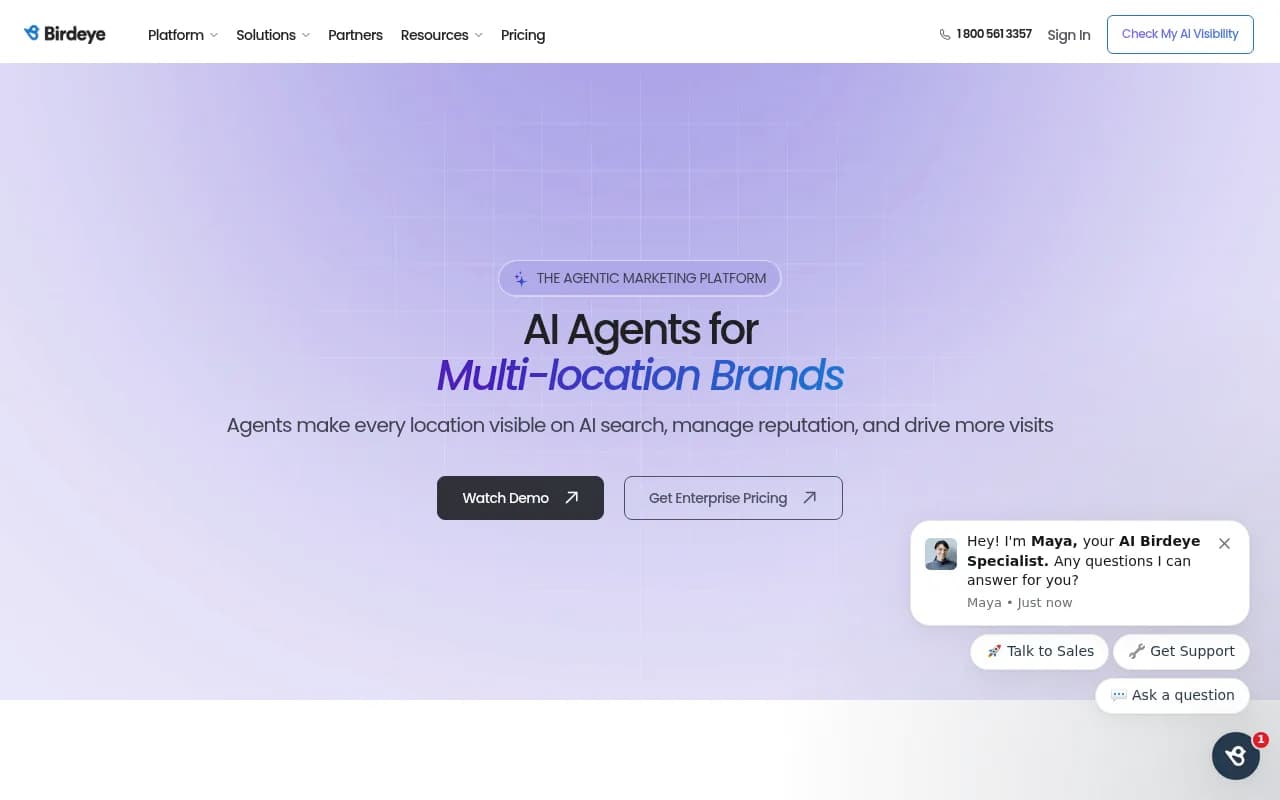
Birdeye Search AI is built around local AI visibility with location-level tracking, which makes it a natural fit for multi-location brands.
Yext Scout targets enterprise brands that already manage listings at scale and want AI search competitive intelligence alongside that.
Yext Scout
Otterly.AI is an affordable prompt-level monitor if you are a single-location business that mainly needs a simple baseline.

Peec AI offers AI visibility tracking with smart prompt suggestions.

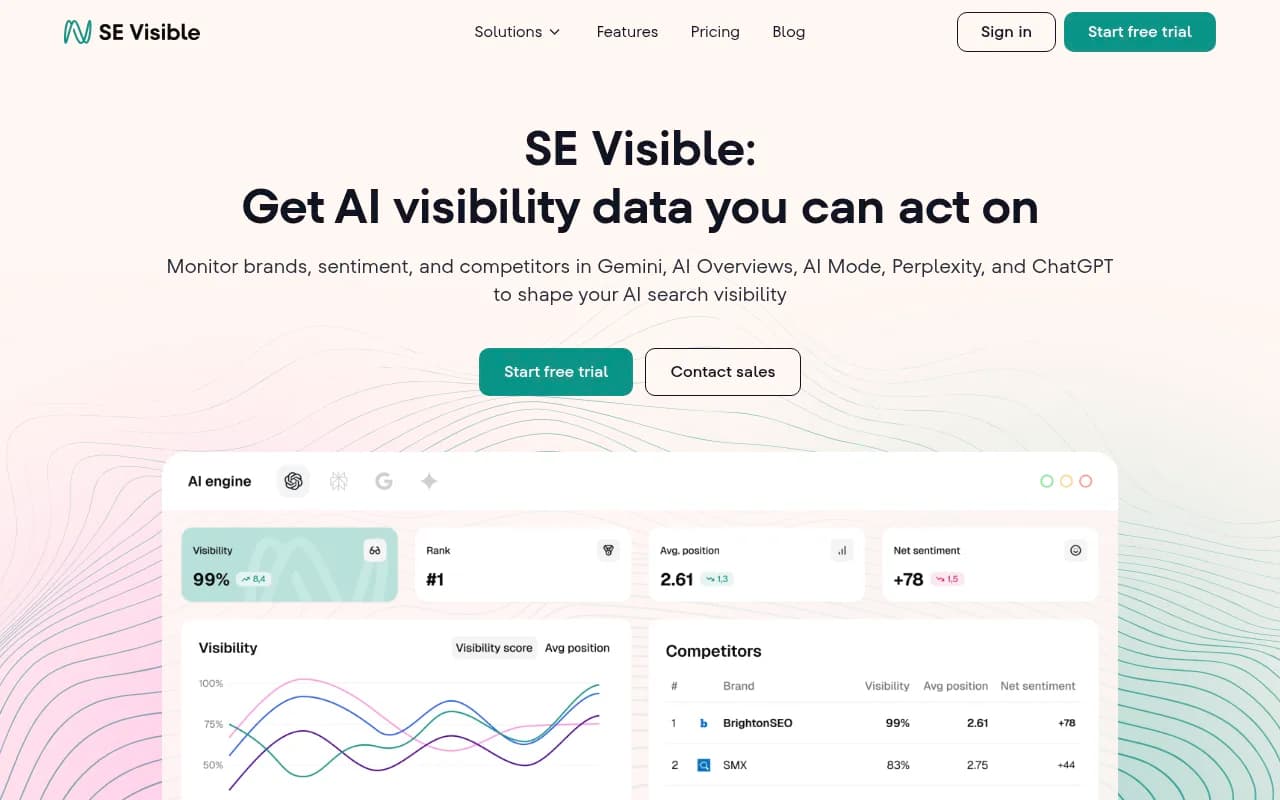
SE Ranking Visible comes from a long-standing SEO vendor and may suit teams already inside that ecosystem.
Comparison at a glance
| Tool | Best for | Local granularity | Beyond monitoring |
|---|---|---|---|
| Promptwatch | Teams that want to track and fix | Country on all paid plans, state/city from Business | Crawler logs, content gap analysis, Content Agent, Action Board |
| Birdeye Search AI | Multi-location brands | Location-level | Tied to Birdeye's local marketing suite |
| Yext Scout | Enterprise listings managers | Enterprise-level | Competitive intelligence |
| Otterly.AI | Budget single-location baselines | Check current plans | Monitoring-focused |
| Peec AI | Small teams starting out | Check current plans | Prompt suggestions |
| SE Ranking Visible | Existing SE Ranking users | Check current plans | Part of broader SEO suite |
I deliberately have not listed prices for most of these. Plans change, and prompt caps on entry tiers (often in the 15 to 50 range) are the real limit, so check the cap before the sticker price. If you want to browse more options, the GEO software directory lists many more.

Step 7: Track the right metrics
Avoid vanity numbers. For local AI visibility, six metrics cover most of what you need:
- Visibility rate: the percentage of tracked prompts where you are mentioned, by location and by engine
- Share of voice: your mentions divided by all business mentions across the same prompts
- Average position: where you appear in the answer when you do appear
- Citation rate: how often your own domain is linked, versus how often others talk about you
- Accuracy: whether the AI states your hours, address, phone, and services correctly
- Sentiment: whether you are recommended, mentioned neutrally, or discouraged
Read them together, because each one points to a different problem. Low share of voice is a coverage problem: you are not showing up for enough prompts. Late position is a prominence problem. Mentions without self-citations usually mean the AI knows about you from third-party pages but does not find enough on your own site to cite, which is a content or crawlability problem.
Track weekly. Monthly is too slow to see what a change did, and daily is only worth it if you are shipping updates fast.
Step 8: Diagnose gaps and fix them
Monitoring that does not produce a to-do list is just a dashboard. Once you have a few weeks of data, sort what you see into buckets.
You are missing from prompts competitors win
Look at the pages AI cites for those prompts. Are they listicles, directory pages, or competitor location pages? That tells you what format to publish or where to get listed.
Your details are wrong
This is the easiest win. Fix the source of the wrong information, usually an old directory listing, and update your own pages. Keep your Google Business Profile complete: hours, phone, website, services, attributes, photos, and detailed responses to reviews.
You are cited, but not on your own site
Build stronger location pages. Include the address, service area, services, local proof points, and FAQs written the way customers ask them. Add LocalBusiness schema so machines can read the basics:
{
  "@context": "https://schema.org",
  "@type": "LocalBusiness",
  "name": "Downtown Dental Care",
  "description": "Family dentistry serving downtown Seattle since 2015",
  "address": {
    "@type": "PostalAddress",
    "streetAddress": "123 Main Street",
    "addressLocality": "Seattle",
    "addressRegion": "WA",
    "postalCode": "98101"
  },
  "telephone": "+1-206-555-0199",
  "openingHours": ["Mo-Fr 08:00-17:00", "Sa 09:00-15:00"],
  "geo": {
    "@type": "GeoCoordinates",
    "latitude": "47.6062",
    "longitude": "-122.3321"
  }
}
Only mark up what is actually true and visible on the page. Fake review counts in schema are a quick way to lose trust.
Your pages are not being read at all
Check crawler logs and your site audit. Blocked bots, broken links, and orphaned location pages are common. Given the site: operator shift above, an unindexed location page is a missed chance for direct retrieval.
Refresh content that decays
According to Promptwatch's content half-life data, landing pages and docs stay cited longest, while news lost half its pages within 36 days (pages cited on July 6, 2026, tracked for 90 days). For local businesses, that argues for durable location and service pages over news-style posts, and for keeping them fresh.
Step 9: Re-measure and build a weekly loop
After you ship a change, rerun the same prompts, on the same platforms, with the same location settings. Compare against your baseline, not against how you feel.
A simple weekly routine:
- Monday: run or review the automated report. Note visibility rate, share of voice, and new competitors.
- Midweek: ship one or two fixes from the gap list.
- Friday: check crawler activity and AI referral traffic for the pages you changed.
- Monthly: refresh the prompt set. Add new service lines and drop prompts that never produce signal.
AI visibility can move faster than classic SEO. Omnia reports a customer case where visibility in one topic rose from 16% to 53% within 10 days after publishing a single well-structured listicle with comparison tables, FAQs, and schema. Treat that as one vendor's case study, not a promise, but it shows why a weekly cadence beats a quarterly review.
Common mistakes to avoid
- Checking once from your own office and calling it a baseline. Location and wording change the answer.
- Treating all AI engines as one. A win in AI Overviews says nothing about ChatGPT.
- Ignoring third-party listings. The AI is often quoting someone else's page about you.
- Over-trusting a single run. Variance is normal, so repeat.
- Reporting mentions without actions. If a metric does not change what you do next week, drop it.
- Not re-running old fan-out and keyword mappings after platform changes, like the August 8 shift.
A 15-day starter plan
- Days 1 to 2: pick locations, platforms, and 3 to 5 competitors.
- Days 3 to 4: write 15 to 20 prompts per primary location.
- Days 5 to 7: run the manual baseline and log everything.
- Days 8 to 9: set up AI referral segments, conversion events, and check crawler access.
- Days 10 to 11: list the top cited domains and audit your presence on each.
- Days 12 to 14: fix wrong details, update location pages, add schema.
- Day 15: rerun the prompts, compare to baseline, and decide whether to move to automated tracking.
Start small, keep the setup identical every time, and let the data tell you which listings, pages, and platforms deserve your time. For more options when you are ready to automate, the AI rank tracking tools directory is a good place to compare trackers side by side.