Key takeaways
- Coding agents recommend an MCP server only if they can find it, read about it, and understand what it does. The test shows which of those three steps breaks.
- Twenty-five prompts is enough: five each for discovery, comparison, task-fit, integration, and failure modes. Run them unbranded first, branded second.
- Score every answer on four things: mentioned, ranked, described correctly, and given a working install snippet.
- Results go stale quickly. Promptwatch Data showed ChatGPT's search behavior changing overnight in August 2026, so log the date and model version and re-run monthly.
- Most fixes are boring: crawlable docs, a clear GitHub README, an llms.txt, and a pinned config snippet people can paste into their agent files.
Why you need a test, not a hunch
You built an MCP server. You know it is good. Then a developer asks Claude Code or Cursor for something your server does perfectly, and the agent suggests a competitor, or writes a custom script, or invents a package that does not exist.
That is the problem this test checks for. I would not trust anecdotes here. One lucky answer in one session tells you nothing, and one bad answer tells you almost as little. Twenty-five structured prompts, run the same way each time and logged, give you something you can compare month over month.
There is also a gap in the public evidence. I could not find solid documentation on how Cursor, Claude Code, Copilot or Codex choose MCP servers internally, so treat any claim that sounds certain about that with suspicion. What you can do is measure the outputs. That is what the test does.
What actually influences an agent's recommendation
An agent recommends your MCP from three sources: what it learned in training, what it retrieves from the web at answer time, and what is already in the project (rules files, config, existing MCP entries). You control the second and third far more than the first.
For the retrieval side, Promptwatch's October 2026 data on software prompts is a useful reference. In the week of Sep 28 to Oct 4, 2026, Promptwatch Data found that github.com earned 1.2% of ChatGPT's software citations, learn.microsoft.com 0.98%, and g2.com 0.73%. Docs and help centers were the largest source type at 2.64%, and vendor sites plus docs together earned about three times what review sites and analysts did. The practical read for an MCP author: a public GitHub repo with a readable README and crawlable docs are the pages an AI system is most likely to pull.
There is a second wrinkle. On August 8, 2026, ChatGPT started using the site: operator at scale, taking site:-scoped fanout queries from about 0.4% to about 17% of all fanouts. A site: query only returns what search engines have indexed from your domain, so if your docs are not indexed, they may as well not exist.
How to set up the test
Before you run a single prompt, fix the conditions. Otherwise you are comparing noise.
Pick your agents
Test at least the three that most developers use, plus one more if your audience skews that way.
| Agent | Persistent context file | Where your MCP might show up |
|---|---|---|
| Cursor | .cursor/rules/*.mdc | Chat and agent mode suggestions, MCP settings |
| Claude Code | CLAUDE.md | Terminal sessions, skills, MCP config |
| GitHub Copilot | .github/copilot-instructions.md | Copilot Chat and agent mode |
| Codex | AGENTS.md | One-shot task runs |
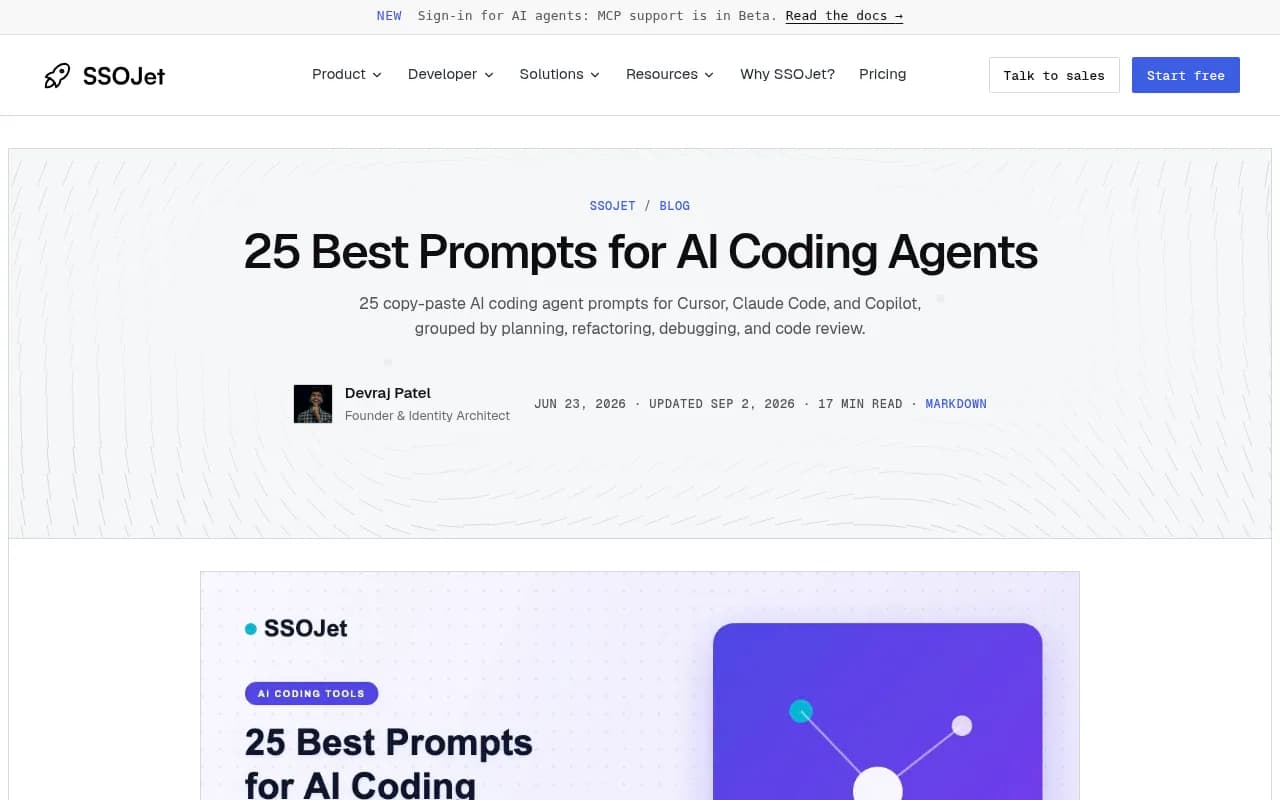
The file names come from SSOJet's 25 best coding agent prompts guide, which is a good reference for how these agents take persistent instructions.
Control the variables
- Use a clean project with no MCP servers installed and an empty rules file. Otherwise you are testing your own setup.
- Run each prompt in a fresh session. Context carryover will flatter the results.
- Run each prompt three times. Agents are not deterministic, and a single run lies.
- Record the agent, model, date, whether web search was on, and the full response.
Define your scoring
For each response, score four binary checks:
- Mentioned: does your MCP appear at all?
- Ranked: is it first, or at least in the top three?
- Accurate: is the description of what it does correct?
- Actionable: does the agent give a working install or config snippet?
That gives you a score out of four per run. A response that names you but hallucinates the install command is a failure on step four, and that is worth knowing separately from not being named.
The 25 prompts
The prompts are grouped into five sets. Swap the bracketed placeholders for your category and use cases. Keep them natural. Real developers do not write like marketers.
Set 1: discovery, unbranded (prompts 1 to 5)
These never mention your name. They measure whether you exist in the agent's mind for your category.
- What MCP server should I use to [core job, e.g. search my project docs]?
- I want my coding agent to be able to [capability]. What are my options?
- List the best MCP servers for [category] in 2026.
- Is there an MCP server for [product or API you integrate with]?
- How do I give Claude Code live access to [your domain, e.g. speech-to-text documentation] instead of relying on training data?
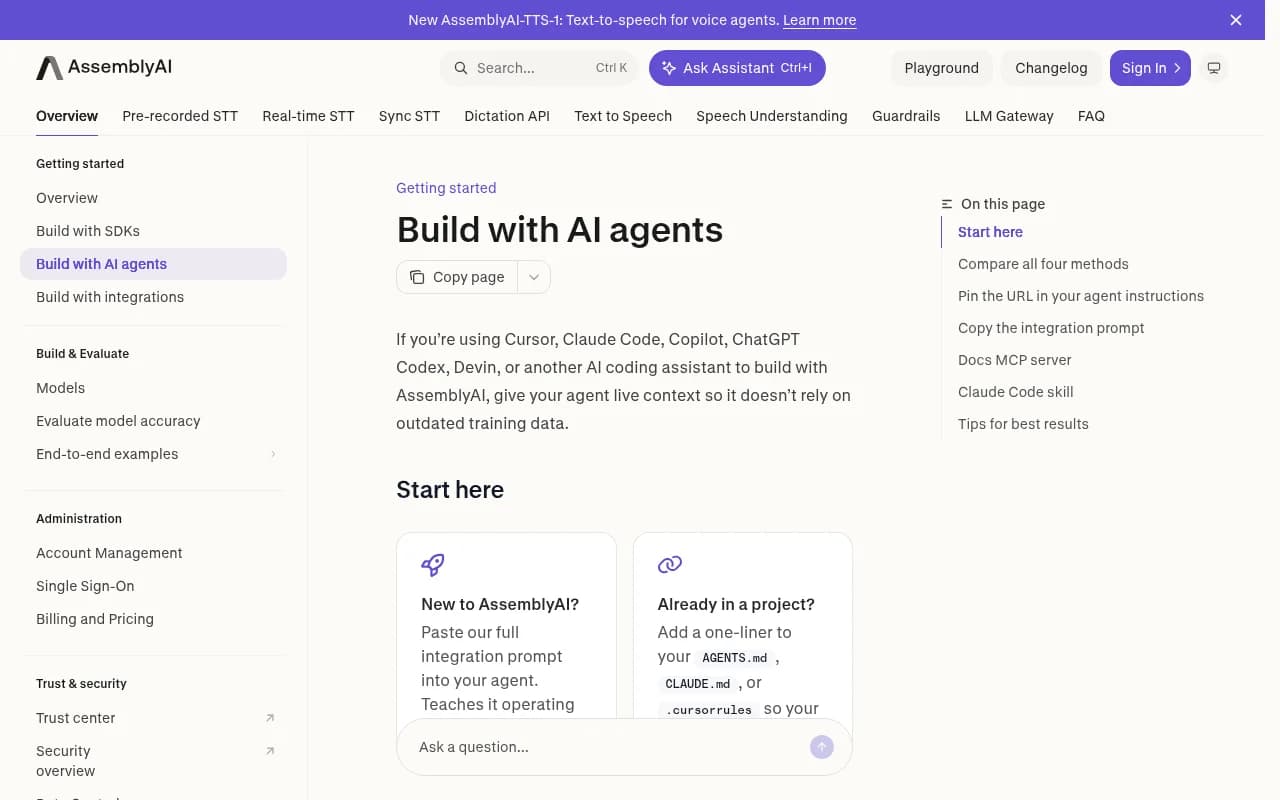
Prompt 5 matters more than it looks. AssemblyAI's guide for building with AI agents is framed around exactly this problem: giving agents live context so they do not lean on outdated training data. If an agent can answer prompt 5 without pointing at a docs MCP or a pinned URL, it is guessing.
Set 2: comparison and competitor (prompts 6 to 10)
Now name names. These tell you how you are positioned.
- Compare [your MCP] and [competitor MCP] for [use case].
- What are the best alternatives to [competitor MCP]?
- Should I use [your MCP] or build my own integration for [API]?
- What are the downsides of [your MCP]?
- Which is more reliable for production use, [your MCP] or [competitor]?
Prompt 9 is uncomfortable and useful. If the agent surfaces a limitation you fixed a year ago, your docs or changelog are not reaching it.
Set 3: task-fit (prompts 11 to 15)
These are real jobs. A developer does not ask for an MCP; they ask for an outcome and the agent decides whether a server helps.
- Build a script that [specific task your MCP handles]. Use whatever tools make it easiest.
- My agent keeps getting [API] parameters wrong. How do I fix that?
- I need my agent to look up the latest docs for [product] mid-task. Set that up.
- Write the config so Cursor can [capability] directly.
- What is the lowest-effort way to get [outcome] working in this repo?
This set is where most MCPs lose. The agent often writes custom code and never mentions a server. That is not necessarily a ranking problem; it can mean the task framing does not connect to your listing at all.
Set 4: integration and setup (prompts 16 to 20)
These check whether the agent can install you correctly once it knows you exist.
- Show me how to install [your MCP] in Claude Code.
- Give me the JSON config to add [your MCP] to Cursor.
- What authentication does [your MCP] need, and where do I get the key?
- What tools does [your MCP] expose?
- Write an example prompt I can use once [your MCP] is connected.
Compare the output to your real config. AssemblyAI's published snippet is a good model of what the correct answer looks like: a short mcpServers block with a name and a URL. If your server needs more than that, an agent will likely get it wrong unless the correct version is easy to retrieve.
Set 5: failure modes and trust (prompts 21 to 25)
The last set probes the edges, where hallucination lives.
- Is [your MCP] safe to give access to my repo?
- Is [your MCP] still maintained?
- What is the pricing for [your MCP]?
- What is the npm or pip package name for [your MCP]?
- Who makes [your MCP] and what else do they build?
Watch prompt 24 closely. Wrong package names are the most dangerous failure, because they send developers to the wrong install, or to a lookalike package.
Reading the results
After 25 prompts across 3 agents and 3 runs each, you have 225 responses. Do not average everything into one number. Look at where the failures cluster.
| Pattern | Likely cause | First fix |
|---|---|---|
| Never mentioned in Set 1, fine in Set 2 | Agent knows you when asked by name but not by category | Strengthen category language in README and docs |
| Mentioned but inaccurate | Stale or thin docs | Update docs, changelog, and README together |
| Named correctly, wrong install snippet | Config not easily retrievable | Publish a copy-paste snippet in one obvious place |
| Never mentioned in Set 3 | Task framing does not match your listing | Write task-first docs and examples |
| Strong in one agent, weak in others | Different retrieval and context behavior | Check each agent's rules-file and web-search behavior |
| Competitor dominates Set 2 | They own more public documentation | Publish a comparison page and keep GitHub active |
The fixes that usually matter
None of this is exotic.
Make your docs retrievable
Publish docs on a crawlable URL, make sure they are indexed, and keep a clear README in your GitHub repo. Given how site: queries work, an unindexed docs site cannot be returned. AssemblyAI also publishes a /docs/llms.txt as an index for agents, which is cheap to copy.
Give people a pinnable snippet
AssemblyAI's guide lists four ways to give an agent context and recommends pinning a URL in AGENTS.md, CLAUDE.md or .cursorrules as the default. Its full integration prompt adds around 770 lines, which is why they treat it as the fallback. Offer the same: a one-line snippet people can drop into their agent instructions, so the agent refetches your latest docs instead of guessing.
# In AGENTS.md or CLAUDE.md
Before writing code that uses [YourProduct], fetch the latest docs at https://yourdomain.com/docs/llms.txt
Keep third-party profiles current
In the same Promptwatch software data, G2 and Capterra both appear among the cited domains, at 0.73% and 0.32%. They are small shares, but they show up. A stale listing that describes your server wrongly can be what the agent quotes.
Write for tasks, not features
Set 3 is where you lose most often. Add pages titled after the job, such as "Keep your agent's API parameters correct" rather than "Features". Developers ask for outcomes.
Tools to track this over time
A spreadsheet works for the first run. After that, you want something that repeats the prompts on a schedule and shows trends. Several AI visibility tools can do this, though most are built for brand mentions in general chat assistants, not coding agents specifically.
Promptwatch is the one I would look at first here, partly because it tracks Codex, Claude Code and OpenCode recommendations alongside the usual chat models, which matters for developer-tool and API companies. It also shows crawler logs, so you can check whether AI bots are actually reading your docs.

If you want to compare options, the GEO software directory at bestgeosoftware.com lists more of them. A few from our catalog worth a glance:



| Tool | Good for | Limitation for this use case |
|---|---|---|
| Promptwatch | Coding agent tracking, crawler logs, content actions | Paid plans needed for all models |
| Profound | Enterprise monitoring | Higher price point |
| Peec AI | Simple prompt tracking | Monitoring only |
| Otterly.AI | Affordable brand monitoring | No crawler logs |
Whichever you choose, check that it covers the specific agents you care about. Many trackers only cover ChatGPT, Gemini and Perplexity.
Keeping the test honest
A few habits stop you fooling yourself.
- Re-run monthly, not once. After ChatGPT's August 8, 2026 shift, Promptwatch noted that keyword mappings built before that date were stale. Agent behavior changes the same way.
- Log model versions. A result from one model tells you nothing about another.
- Do not rewrite prompts after seeing results. If you need new prompts, add them, and keep the original 25 fixed so trends are comparable.
- Separate bias from signal. If your own team runs the prompts from machines full of your MCP config, the results are contaminated. Use clean environments.
- Test as a skeptic. Ask the awkward questions in Set 5. Your users will.
A simple starting plan
If you only have an afternoon: run Sets 1 and 4 across Claude Code and Cursor, one run each. Set 1 tells you whether you are discoverable. Set 4 tells you whether the install works when someone finds you. Fix the worst failure, wait a few weeks for indexing, and run again.
Then do the full 25. The first result is usually humbling. Most MCP authors find they are invisible in Set 1 and wrong in Set 4, and both are fixable with documentation work you could start today.