Key takeaways
- AI answers about individual locations are frequently wrong. Birdeye's study of 16,240 ChatGPT scans found only 0.6% of locations returned fully accurate information across every measured field.
- The most common errors are mundane: wrong website (57% of locations), wrong phone number (35%), wrong postcode, stale hours.
- Brand-level dashboards hide the problem. Averages blend strong locations with ones that are invisible or misdescribed.
- Fixes start at the source: Google Business Profile, your own location pages, and third-party listings. Correct those, then verify in the AI tools.
- Ownership matters more than tooling. Someone has to be responsible for location data accuracy, and marketing alone cannot do it.
Why wrong local details are a bigger problem than they look
Traditional local search gave customers options. A map pack, some reviews, your site, a competitor's site. They compared and picked. AI search folds that into one synthesized answer that describes your business before anyone visits your website.
Being described is different from being ranked. Rankings move around, but a description can be flat wrong and still sound confident. A chatbot that says your downtown branch closes at 5 p.m. when it closes at 9 p.m. just cost you the evening customer, and you will never see that in your analytics.
The numbers are not comforting:
- In a vendor-run test, AI tools returned at least one false fact for about 64% of UK high street retailers, according to figures Searchable shared with Retail Focus, as reported by Search Engine Journal. The most common error was the wrong postcode.
- Birdeye's study covered 16,240 location-level ChatGPT scans across 1,762 multi-location brands. 18.6% of locations were invisible. Only 0.6% returned fully accurate information across every field measured. ChatGPT showed the wrong website for 57% of locations and the wrong phone number for 35%.
Treat the vendor-run figures as directional, since the companies publishing them sell location data products. Still, the pattern is consistent across sources, and it matches what anyone who has spot-checked their own branches sees.
Where AI Overviews show up for local queries
Whitespark's analysis, cited by Search Engine Journal, found AI Overviews appear in 15% of direct local-intent searches like "personal injury lawyers in Phoenix". For informational questions they show up 92% of the time, and for hybrid questions (should I hire a lawyer after an accident) 97%. Local packs appeared for 93% of direct local searches.
So the classic "near me" query is still mostly map-pack territory. The exposure to wrong details is bigger on the research-style questions that come before a purchase: which clinic takes walk-ins, does this branch offer notary service, is the Saturday desk open.
The four kinds of errors you will see
When you audit, errors tend to fall into four groups. Sorting them matters because each has a different fix.
| Error type | Typical example | Usual source |
|---|---|---|
| Hours | Says open when closed, misses holiday hours | Old Google Business Profile data, aggregator listings, outdated location page |
| Address and contact | Wrong postcode, old address after a move, wrong phone or website | Duplicate listings, unsuppressed legacy profiles, franchise or corporate URL mix-ups |
| Services | Lists services the branch does not offer, or omits ones it does | Brand-wide copy applied to every location, third-party directories |
| Existence | Says the location is closed or never mentions it | Thin location pages, conflicting data, no strong source to cite |
An existence error is the nastiest. Birdeye found nearly half of brands had a gap of 50 points or more between their best and worst locations, and brand-level dashboards hid that by averaging. Their ChatGPT brand-level average visibility score was 9.6 out of 100 with 51% of brands at zero, while local "near me" searches averaged 29.9.
Step 1: Run a manual check before buying anything
You do not need a tool to start. Triadex describes a 10-prompt location check that takes about two hours. The idea is simple and you can copy it.
- Pick a sample of locations. Include your best performer, a middle one, a recent opening, a relocated branch, and one with unusual hours or services.
- Write prompts the way customers ask. "Is [brand] on Main Street open on Sunday?" "Which [brand] near [neighborhood] offers [service]?" "What is the phone number for [brand] in [city]?"
- Run each prompt in ChatGPT, Google AI Overviews and AI Mode, Gemini, Perplexity and Copilot. Answers differ by platform, so checking one is not enough.
- Log what the AI said, the correct fact, and any source it cited.
- Repeat from a few different places if you can. AI does not always know where the person is, and location context changes the answer.
The cited sources column is the useful part. A wrong answer with a visible source tells you exactly which page to fix.
Step 2: Trace each error to its source
AI systems pull from a short list of places. Fix the data there, not in the chatbot.
Your Google Business Profile
Start here. If an answer got your hours wrong, confirm that your Google Business Profile, your website, and your location pages agree with each other and with reality. Name, address and phone consistency is the same foundation local SEO has always needed, and Search Engine Journal notes it gets more complex once you run multiple locations. Check categories, services, attributes, special hours for holidays, and the description.
Your own location pages
Promptwatch Data shows why these pages matter. In its analysis of which content types ChatGPT cites (Sep 28 to Oct 4, 2026), product and landing pages made up 22.4% and 16.8% of classified citations. For branded prompts, the ones that name a company, landing pages were 22.8%, product pages 23.3% and FAQ pages 4.8%. For a multi-location brand, your location pages are the first-party surface ChatGPT quotes directly. If they are thin or contradict the profile, the model has nothing reliable to quote.
A good location page has the address, phone, hours (including holidays), services actually offered at that site, and a few facts only that location would know. Uberall's analysis of 11,705 AI responses points to the same set: dedicated location pages with address, hours and services, plus reviews and local listings.
Third-party listings and review sites
Brand-specific prompts cite fewer sources than open-ended ones. In Promptwatch's unique domains per response data for the same week, 40.7% of brand-specific responses cited five or fewer domains and only 21.3% cited ten or more, versus 52.5% for organic prompts. With a shorter source list, each source carries more weight. One stale directory listing on that short list can set the answer.
Look at which domains get cited for prompts about your brand, then audit those listings first.
Stale pages that keep getting cited
Pages do not fall out of AI answers quickly. Promptwatch's content half-life data tracked pages ChatGPT cited on July 6, 2026 through Oct 4, 2026. After 30 days ChatGPT still cited 78% of landing pages and 76% of docs; after 60 days, 69% and 67%. Product pages had a half-life of roughly 74 to 77 days. If a location page carries last season's hours, expect it to keep circulating for months. Update it, do not just add a new one beside it.
Step 3: Fix the data at scale
Fixing ten branches by hand is fine. Fixing 800 is a data governance job. Both Birdeye's interviewees, Clay McMurray at Benchmark Mortgage (80 branches) and Lauren Mack at Wyndham Hotels (7,000+ properties), reached the same conclusion: this is less a marketing problem than an ownership problem. Someone has to own the accuracy of every location's data.
A workable setup:
- One source of truth for name, address, phone, hours, services and attributes, kept in a single system rather than spreadsheets per region.
- Push changes from that source to Google, Apple, Bing, Facebook and the main directories, instead of editing each by hand.
- Named owners per location or region for hours changes, relocations, temporary closures and holiday schedules.
- A trigger process: any change in operations (new hours, new service, closure) creates a data update the same day.
- Duplicate and legacy listing cleanup, since old profiles are a common source of wrong addresses.
Tools for the listing side
Several platforms specialize in keeping location data consistent across directories.
Yext is built around verified brand data distributed to search and AI channels.
Birdeye Search AI tracks AI visibility at the location level, which is the view the brand-level dashboards miss.
Other multi-location platforms worth a look: SOCi, Chatmeter, Synup, Reputation.com and BrightLocal.
I have not compared pricing or depth across these, so evaluate them against your location count and how many directories you need to cover. Run a pilot on 20 to 30 locations before committing.
Step 4: Monitor what AI says, per location
Fixing sources is half the job. The other half is checking whether the AI answers actually changed, and catching new errors as they appear. Manual checks do not scale past a few dozen locations.
What to look for in a monitoring tool:
- Location-level prompts, not only brand-level prompts.
- Responses collected from the real AI interfaces, since user-facing answers can differ from API outputs.
- Citations visible for each answer so you can trace errors.
- Multiple AI platforms and countries or cities.
- A way to flag claims that are factually wrong, not just whether you were mentioned.
Promptwatch covers much of this. It tracks real ChatGPT, Google AI Overviews, Google AI Mode, Gemini, Perplexity and Copilot interfaces, and its local GEO/SEO targeting pins a monitor to exact coordinates so answers are collected as if asked from that spot (Business plan and up; confirm current details on the pricing page). Brand Narrative pulls out the individual claims AI makes, and Fact Check lets you mark one as inaccurate and then finds the pages on your site that state it, which is useful when a wrong service claim is coming from your own copy. Crawler logs show whether AI bots can read your location pages at all.
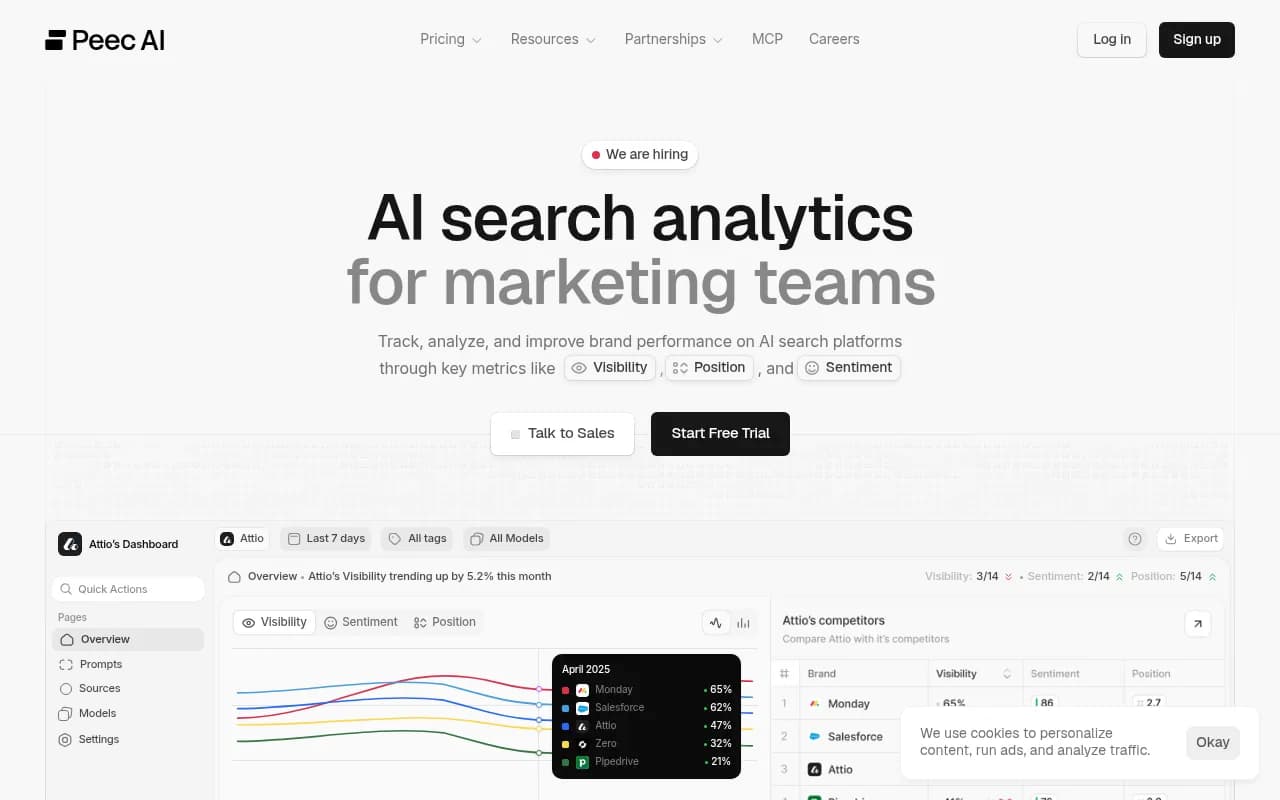
Other options in the visibility tracking category include Profound, Peec AI, Scrunch and Otterly.AI. Most are brand-level trackers, so check whether they support location-specific monitors. For a wider list, the GEO software directory at bestgeosoftware.com is a good place to compare.
| Approach | Cost | Scale | Best for |
|---|---|---|---|
| Manual 10-prompt check | Free, about 2 hours | A sample of locations | First audit, proving the problem to leadership |
| Listing management platform (Yext, Synup, SOCi, Chatmeter) | Subscription | Hundreds to thousands of locations | Fixing and syndicating the data |
| Location-level AI tracking (Birdeye, Promptwatch) | Subscription | Ongoing monitoring | Detecting wrong answers and measuring recovery |
| Brand-level AI tracker | Subscription | Brand only | Share of voice, not location accuracy |
Step 5: Know what you cannot control
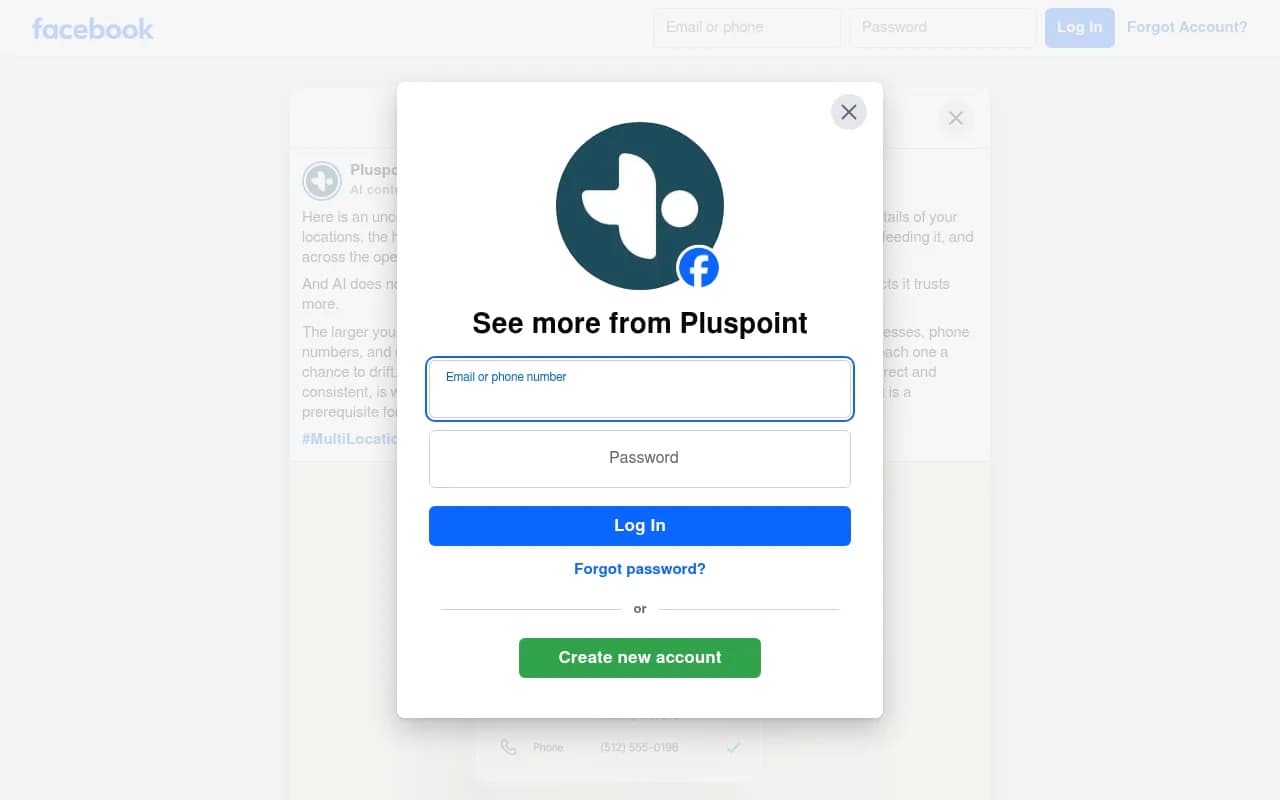
Some of this is outside your reach. A Facebook post from a local agency put it bluntly: AI does not always know where the user is, so local results can be inaccurate, and Google Maps or regular search gives more reliable info. That is a platform limitation. You cannot make ChatGPT understand that a user means the branch two blocks away.
What you can do is make the data so consistent and so widely repeated that the wrong answer has less to grab onto. Uberall's summary is that any inconsistency in name, hours, address or services reduces the AI's confidence in your business. Consistency is the goal, not a perfect score.
Also be careful with claims about relative performance. A widely shared LinkedIn post attributed to Neil Patel says brands with thousands of locations show in Google's top three about 36% of the time while ChatGPT recommends the same locations 1.2% of the time. I could not verify the underlying data, so treat it as an anecdote, not a benchmark.
A 30-day plan
Week 1: audit
Run the 10-prompt check on 10 to 20 sampled locations across at least four AI platforms. Log errors and cited sources.
Week 2: fix the sources
Correct Google Business Profiles first. Then your own location pages. Then the third-party listings that appeared in the cited sources. Remove duplicates.
Week 3: assign ownership
Name an owner for the central data record and one per region or franchise group. Write down the change process for hours, services and closures.
Week 4: re-test and set up monitoring
Rerun the same prompts. Some changes show up within days on Google surfaces, others take longer on models that lean on older cached pages. Set up ongoing monitoring so the next error does not wait for a customer complaint.
What to put in your reporting
Traffic is a poor measure here. A customer who gets a wrong answer never clicks. Better measures:
- Percentage of sampled locations with fully accurate details across hours, address, phone, website and services.
- Percentage of locations that appear at all in location-level prompts.
- The spread between your best and worst locations, since Birdeye found averages hide gaps of 50 points or more.
- Time from a real-world change (new hours) to the AI answer reflecting it.
If you want outside help with the strategy side, such as local SEO, GEO and content for a large location footprint, agencies like 1001 SEO Media cover local SEO and AI search work. For the data layer itself, the work sits with whoever owns your location records.
Bottom line
Wrong hours and addresses in AI answers are mostly a data hygiene problem that AI has made visible. Audit a sample this week, trace each error to a page you can edit, and put a named person in charge of location data. Then monitor, because the fixes decay the moment a branch changes its hours and nobody updates the record.