Key takeaways
- Google AI Mode answers are a different surface from AI Overviews and ChatGPT, so a tracker needs real AI Mode coverage, not just a generic "Google AI" checkbox.
- An API is for code (warehouses, BI, scheduled jobs). An MCP server is for assistants like Claude, Cursor or ChatGPT. Many tools ship one without the other, and plan gating differs a lot.
- Pricing and quotas below come partly from vendor-authored listicles. Treat them as unverified and confirm on each vendor's pricing page before buying.
- MCP request quotas can disappear fast, because an assistant often chains several calls to answer one question.
- Promptwatch is the one I would shortlist first if you want AI Mode tracking plus API, MCP, and the ability to act on what you find.
Why AI Mode tracking needs its own checklist
Google AI Mode is not just AI Overviews with a bigger box. The citation mix is different, and it leans on Google's own properties. According to Promptwatch Data's Google AI Mode citation share report for June 2026 (May 31 to Jun 26), google.com took 7.31% of all AI Mode citations, more than YouTube (2.88%) and Reddit (2.52%) combined. It rose from 4.24% in May. No independent website in the top 17 cleared 1%.
That tells you two things about buying a tracker. First, it should break citations out by domain and by source type, otherwise Maps, Business Profile and YouTube noise swamps the signal. Second, engines behave differently. In June, Reddit led ChatGPT citations while google.com was nowhere near the top. A tool that blends engines into one score hides that.
Social sources show the same split. Promptwatch's social media citations by AI model report (Sep 28 to Oct 4, 2026) found social platforms made up 12.2% of Google AI Overviews citations but only 0.46% of ChatGPT's. Per-engine data matters.
API vs MCP: what you actually need
The research I pulled makes the same point: AI visibility data usually stays in the vendor dashboard, while the people who need it work in BigQuery, Looker Studio, client reports, or an assistant such as Claude Code or Cursor.
- REST API. Best for scheduled pulls into a warehouse, BI dashboards, client reporting. You control the cadence and the schema.
- MCP server. Best when you want to ask "which prompts did we lose AI Mode visibility on this week?" in plain language. Some are read-only, some can write.
- Both. The most flexible. Plan gating is where the tools split: some include access under $100 a month, others reserve it for Enterprise.
If you are building from scratch, there is also the raw route. Rankability points out that SERP APIs such as SerpApi, DataForSEO and Bright Data return AI Overviews data, but you then own the build, QA and maintenance. And Search Console's Generative AI view blends AI Overviews and AI Mode data and gives no queries, so it is a baseline, not a tracker.
Quick comparison
Prices come from a vendor-authored comparison (Geoptie's blog) and are unverified. AI Mode coverage for each tool is as listed in that comparison, which did not list it for Otterly or Scrunch.
| Tool | Google AI Mode | MCP | REST API | Reported entry price for access |
|---|---|---|---|---|
| Promptwatch | Yes, from real AI Mode UI | Yes, 110+ tools, all plans | Yes, REST API v2 | Essential $95/mo |
| SE Ranking | Yes | Yes | Yes | $129/mo |
| Peec AI | Yes | From $95/mo | Enterprise | $95/mo (MCP) |
| Ahrefs Brand Radar | Yes | Yes | Yes | $129/mo |
| Otterly.AI | Not listed | Yes | Yes | $189/mo |
| Profound | Yes | Enterprise | Enterprise | Enterprise |
| Scrunch | Not listed | Yes | Yes | $500/mo |
| Rankscale | Yes (AI Overviews and AI Mode) | Yes | Yes, plus Looker Studio | Check vendor |
| LLM Pulse | Multi-model | OAuth and API-key MCP | Yes | Check vendor |
| ZeroRank | Not confirmed | Yes | Yes | $39/mo (reported) |
The tools, one by one
Promptwatch
Promptwatch is where I would start if AI Mode is a priority. It collects AI Mode answers from the real user interface, in the country and language you choose, rather than from an API, which matters because user-facing citations can differ from API output. Given how Google-heavy AI Mode citations are, that distinction is not academic.
On the access side, every plan includes MCP and API access. The hosted MCP server has 110+ read and write tools and works with Claude, Claude Code, ChatGPT, Cursor, Lovable and Codex, with one-click OAuth or an API key. REST API v2 covers visibility, prompts, responses, citations, sentiment, crawler and visitor analytics, site audit and content, with date ranges up to 92 days, so a full quarter fits in one request. Details are in the API and MCP docs.
What separates it from pure trackers is what happens after the data comes out. Most tools stop at "here is your score." Promptwatch adds an Action Board, a Content Agent that writes and publishes to WordPress, Webflow or Framer, and IP-verified AI crawler logs, then measures whether the new page got crawled, cited and clicked. Pricing starts at $95/mo for Essential, $245 for Professional, and $579 for Business, with a 7-day free trial on monthly billing. Confirm at promptwatch.com/pricing. You can also run the free AI visibility report first. A fuller comparison is at Promptwatch's 2026 GEO platform comparison.
SE Ranking
A good fit if your team already lives in classic SEO data and wants AI Mode next to it. The reported pitch is an MCP server and AI visibility API on every paid plan, with a connector you can add straight to ChatGPT or Claude. The $129 figure is from a third-party listicle, so check it.
The trade-off is depth. It is an SEO suite adding AI tracking, so expect less granularity on citation types and no crawler-level views.
Peec AI
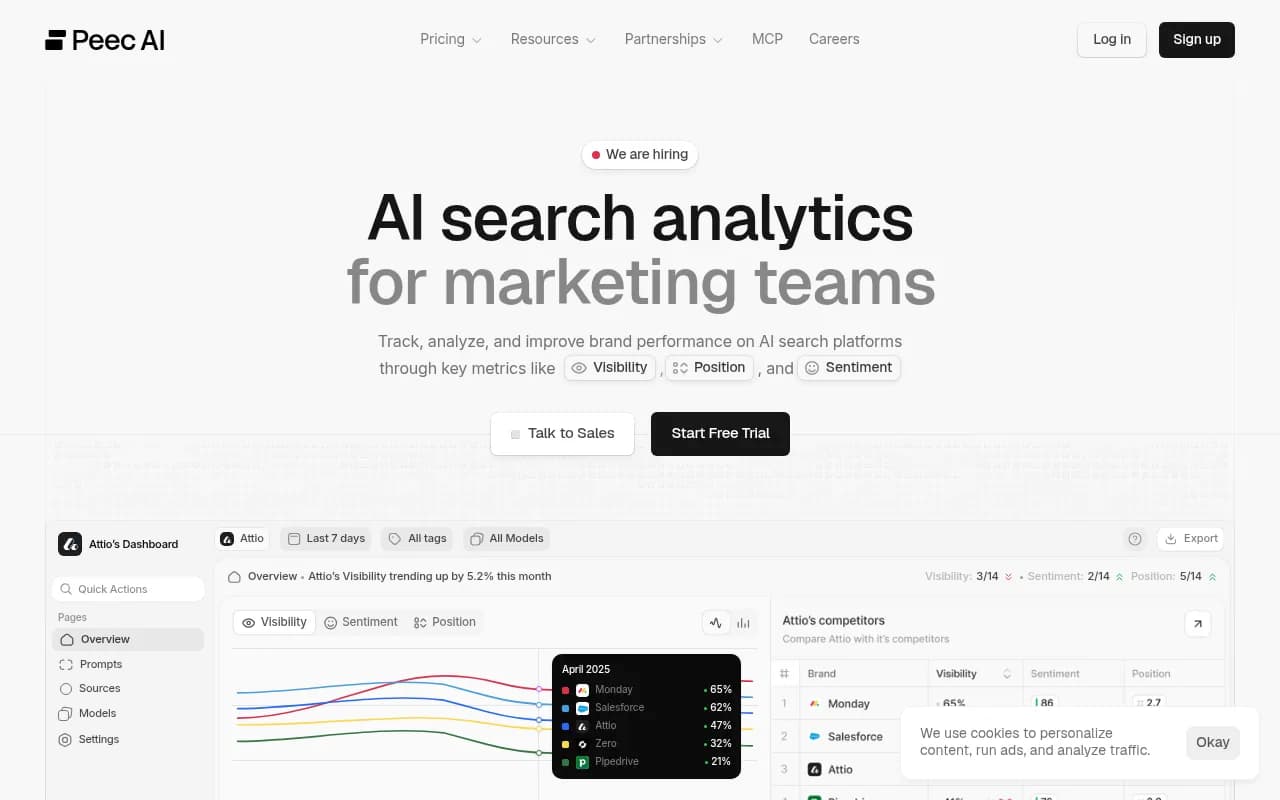
Peec is popular with teams that mostly want to ask an assistant about their data. MCP is reportedly on every paid plan from $95, while the API is Enterprise only. That is the catch: if you need scheduled warehouse pulls, you may be priced out of the API.
Ahrefs Brand Radar
Best if you are an Ahrefs user who wants AI mentions beside backlink and keyword data. Coverage includes AI Mode, and API access sits on higher plans according to one of the sources. Verify which tier you need; Ahrefs API gating has historically been tiered and unit-based.
Otterly.AI
Otterly has a documented API and MCP, but the reported Standard quota of 2,000 API and 2,000 MCP requests a month is the thing to watch. Access reportedly starts at $189. An assistant that makes five calls per question burns through 2,000 requests in a few hundred questions. Also confirm AI Mode coverage before paying, since it was not listed in the comparison I used.
Profound and Scrunch
Profound is the enterprise pick: the widest engine set, SDKs and SSO, but access is Enterprise-only. Scrunch is reported at $500/mo for access and suits agencies already running client work there. Neither is a cheap way to experiment.
Rankscale and LLM Pulse
Rankscale advertises a REST API, a Looker Studio connector and an MCP server, and it is tagged for both AI Overviews and AI Mode tracking. LLM Pulse offers OAuth MCP, a REST API, and a headless API-key MCP, which is handy for automations where no human can click through an OAuth screen.

Budget and newer options
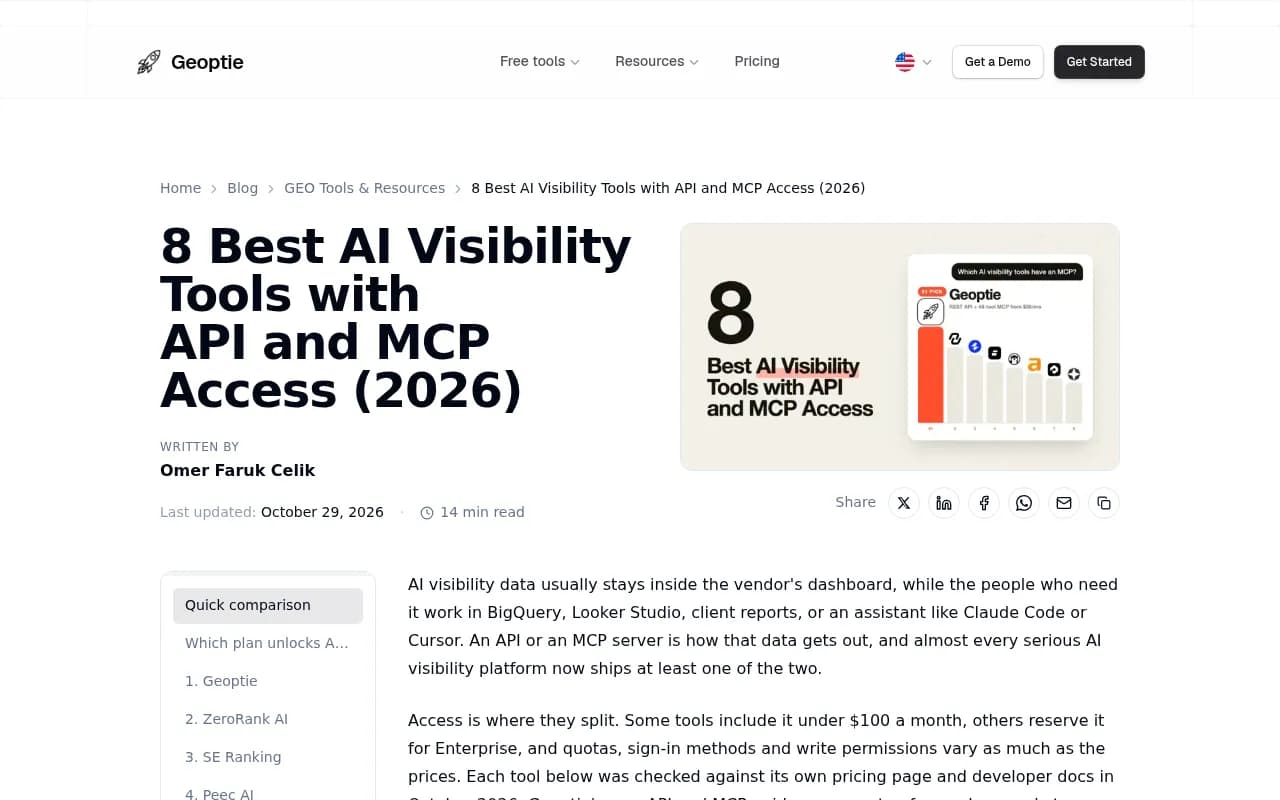
ZeroRank is reported to include both API and MCP from $39, which would be the cheapest entry in this list. Geoptie reports API and MCP on its $99 plan with no monthly request cap. Both claims come from Geoptie's own blog, so I would trial them before committing, and check AI Mode coverage specifically.
How to choose
- Confirm AI Mode is tracked separately. Ask whether results are collected from the real AI Mode interface or an API, and whether you can filter by engine.
- Match access to your workflow. Warehouse and BI need the API. Analysts working in Claude or Cursor need MCP. Check which plan unlocks each one.
- Do the quota math. Multiply questions per day by roughly five calls and compare against monthly caps.
- Check write permissions. Read-only MCP is fine for reporting. If you want an assistant to queue content or update monitors, you need write tools.
- Look for citation breakdowns. Given how much AI Mode leans on Google properties, domain and source-type splits are essential.
- Trial before annual billing. Run the same 20 prompts through two tools and compare the answers against what you see in AI Mode manually.
A note on pricing claims
Most entry prices in this guide trace back to one vendor-authored listicle, plus short snippets from others. I did not independently verify them on each pricing page. Vendors change plans often. Use the table to build a shortlist, not to budget.
For wider browsing, the GEO software directory at bestgeosoftware.com and the AI rank tracking directory at ai-rank-tools.com list more options in each category.
Bottom line
If you only want an assistant to answer questions about your data, Peec or SE Ranking are reasonable. If you want a warehouse feed on a budget, check ZeroRank and Geoptie. If you want AI Mode tracked from the real interface, with API and MCP on every plan, plus the tooling to fix gaps and measure the result, Promptwatch is the most complete option I found. Start with its 7-day trial or the free visibility report and run your own prompts through it.