Key takeaways
- Your AI brand narrative is the set of claims ChatGPT, Gemini, Perplexity and others repeat about you when buyers ask. It is built from your pages, reviews, comparisons and other third-party content.
- Tracking a mention count is not enough. You need the individual claims (pricing, features, support, reputation) and whether each one is true.
- Stale claims stick. In Promptwatch Data, landing pages, docs and comparisons stayed cited for 60 to 90 days or longer, so an old price can keep getting repeated.
- A manual audit works for a first pass. Anything ongoing needs a fixed prompt set, a recurring cadence and a tool that groups claims by meaning.
- The fix is usually on pages you control first (pricing, product, docs, FAQ), then on the third-party pages AI cites.
What a brand narrative in AI search actually is
Ask ChatGPT "What is [your brand]?" The answer is your AI brand narrative. BeRecommended puts it plainly: it isn't what you say about yourself, it's what AI systems say about you when users ask.
That matters because the shortlist often forms before anyone visits a website. HubSpot's AI Search Grader page describes the same zero-click pattern: a prospect asks "is [Your Brand] trustworthy," gets a synthesized answer, and may never click through.
A narrative is not one thing. It is a pile of small claims:
- "Affordable for small teams"
- "Pricing starts at $99 a month"
- "The mobile app lacks features"
- "Good for startups, weak for enterprise"
- "Support is slow"
Each claim can be right, wrong, outdated or simply unflattering. Your job is to find them, sort them, and decide which ones need action.
Why claims go wrong
The 01net guide on tracking brand mentions has a story worth repeating. One brand they track was described as "expensive" in Gemini answers six months after a price cut. Nobody on the marketing team had noticed, because nobody was looking.
Two mechanisms explain most of these errors.
Models repeat what they retrieve
When ChatGPT answers a prompt that names your company, it leans on pages describing what you sell. In Promptwatch Data's content type report (Sep 28 to Oct 4, 2026), product pages made up 22.4% of ChatGPT citations and landing pages 16.8%. For branded prompts, such as "is HubSpot good for startups," product pages were 23.3% and landing pages 22.8%. Reviews rose to 5.6%, more than three times their share across all prompts, and social posts reached 3.0%.
The report notes that ChatGPT quotes product-page specs, prices and positioning directly. So the first place to look for a wrong claim is your own site.
Stale pages stay cited
In Promptwatch's content half-life data (pages cited on Jul 6, 2026, tracked to Oct 4), 78% of cited landing pages and 76% of docs were still cited after 30 days. After 60 days, 69% of landing pages, 67% of docs and 63% of comparisons were still cited. Product pages, reviews and how-tos had a half-life of roughly 74 to 77 days. News was the exception, with a half-life of 36 days.
Pricing pages are classified as landing or product pages. So an outdated price on your site, or on a third-party comparison page, can keep resurfacing for months.
| Content type | Still cited after 60 days | Half-life |
|---|---|---|
| Landing pages | 69% | Close to or beyond 90 days |
| Docs | 67% | Close to or beyond 90 days |
| Comparisons | 63% | Close to or beyond 90 days |
| Listicles | 60% | Close to or beyond 90 days |
| Product pages, reviews, how-tos | 55% | 74 to 77 days |
| News | 41% | 36 days |
Step 1: build a fixed prompt set
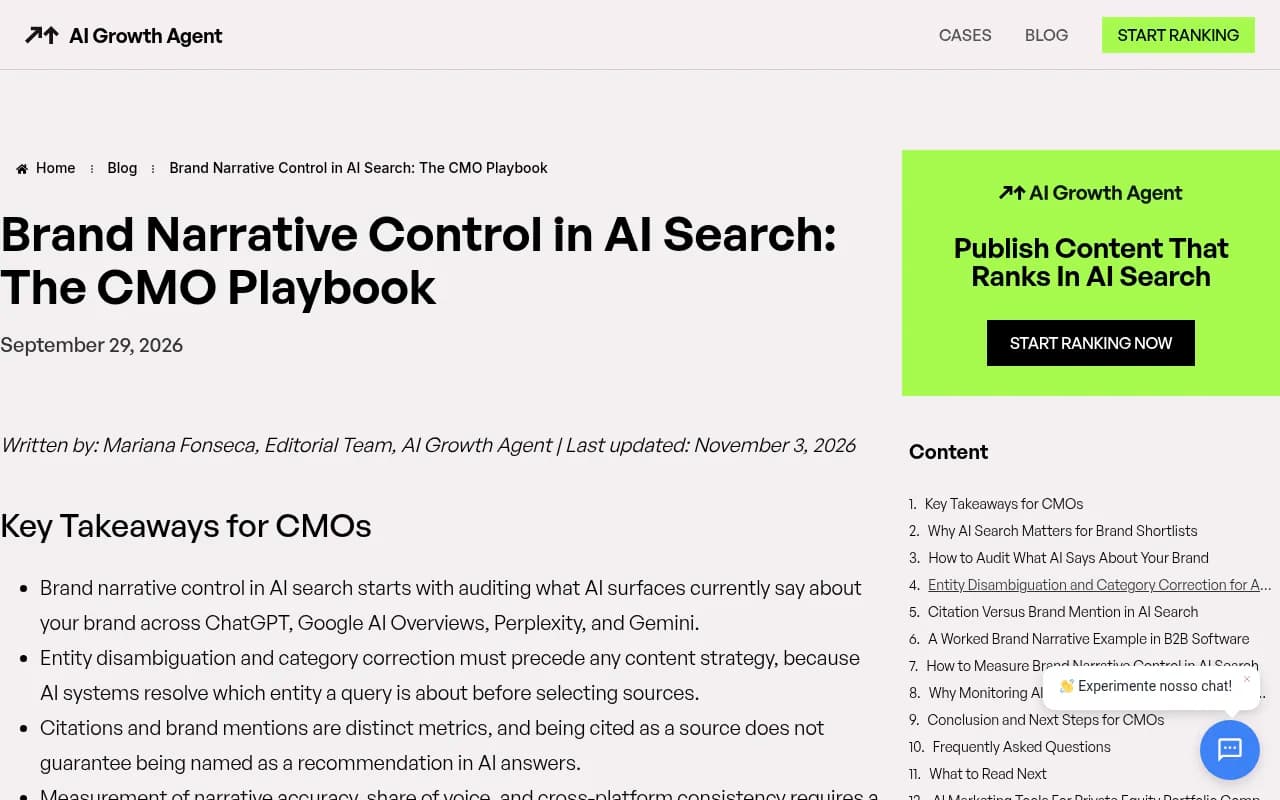
Mentions without a method are anecdotes. The AI Growth Agent playbook makes a point I agree with: measuring narrative accuracy and cross-platform consistency needs a fixed prompt set run on a recurring cadence, so you can see trends rather than one-off answers.
Build yours around the questions buyers ask when a brand name is already in the prompt:
- What is [brand], and who is it for?
- How much does [brand] cost?
- Is [brand] good for [segment]?
- [Brand] vs [competitor]
- [Brand] alternatives
- What are the downsides of [brand]?
- Does [brand] integrate with [tool]?
- Is [brand] trustworthy / reliable / secure?
Keep 20 to 50 prompts. Tag each as branded, competitor comparison or category. Then add two or three phrasings of the same question, because the wording changes the answer.
Step 2: run a manual audit first
Before you pay for anything, do one pass by hand. It teaches you what the problem looks like.
- Open an incognito window and log out, so personalization doesn't skew results (the 01net guide recommends this for ChatGPT, Gemini and Perplexity).
- Run each prompt in ChatGPT, Gemini, Perplexity and Google AI Overviews.
- Paste each answer into a spreadsheet.
- Add columns for cited sources. Perplexity always shows them, and ChatGPT does in search mode.
- Split every answer into individual claims, one per row.
- Mark each claim accurate, inaccurate, outdated or missing context.
This is slow. Thirty prompts across four engines is 120 answers, and each has several claims. But the first audit is where you find the embarrassing ones.
What to record
| Column | Why it matters |
|---|---|
| Prompt and engine | Claims differ by model and by wording |
| Exact quote | You need the sentence, not your paraphrase |
| Claim theme | Pricing, features, support, reputation, security |
| Accurate / inaccurate | The core judgment |
| Cited sources | Tells you where to fix it |
| Date | Claims change, so you need a baseline |
Step 3: understand what each free check can and cannot tell you
HubSpot's free AI Search Grader is a decent starting point. It asks for a company name, location, product and industry, then reports what ChatGPT, Perplexity and Gemini say. It needs no account.
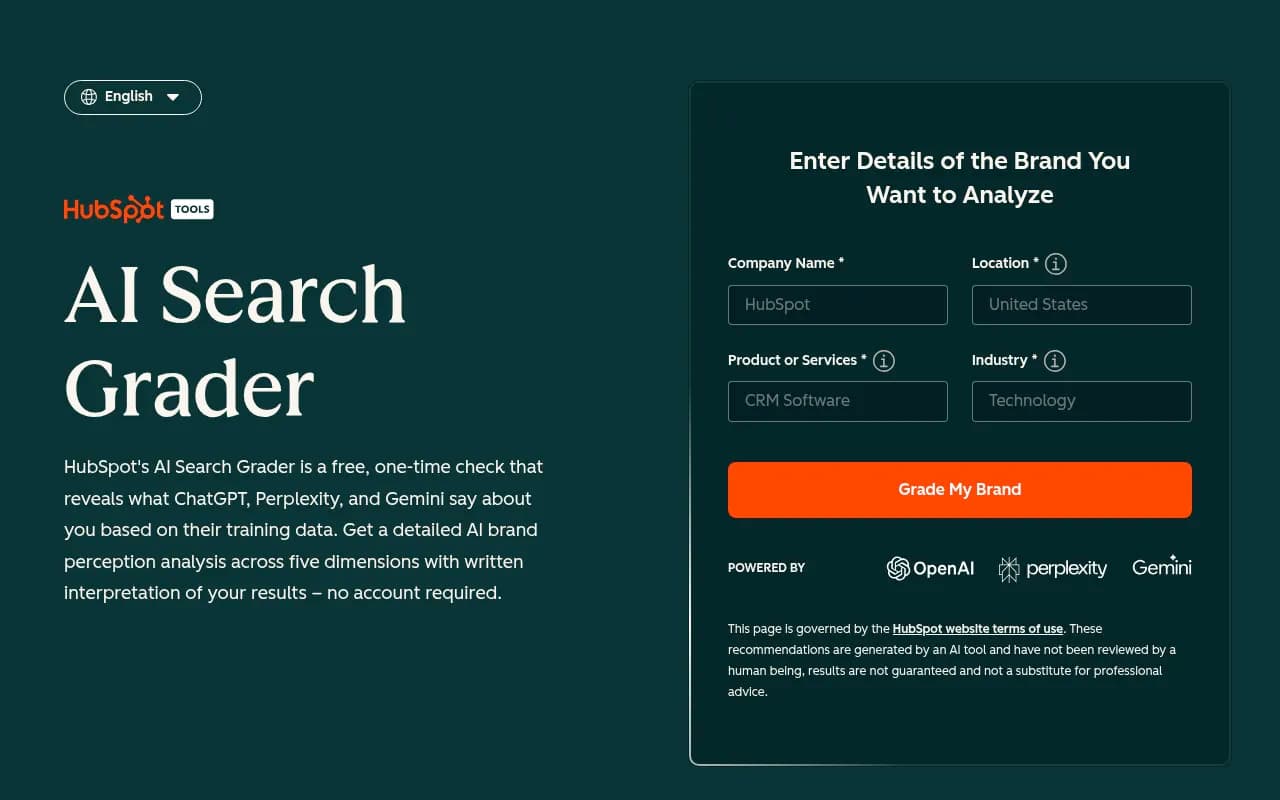
The limit is stated on the page itself: it reflects what those models say based on their training data. That is not the same as live-search answers with citations, which is where many current buying prompts land. It is also one-time. Treat it as a smoke test, not a monitor. HubSpot sells HubSpot AEO for continuous tracking.

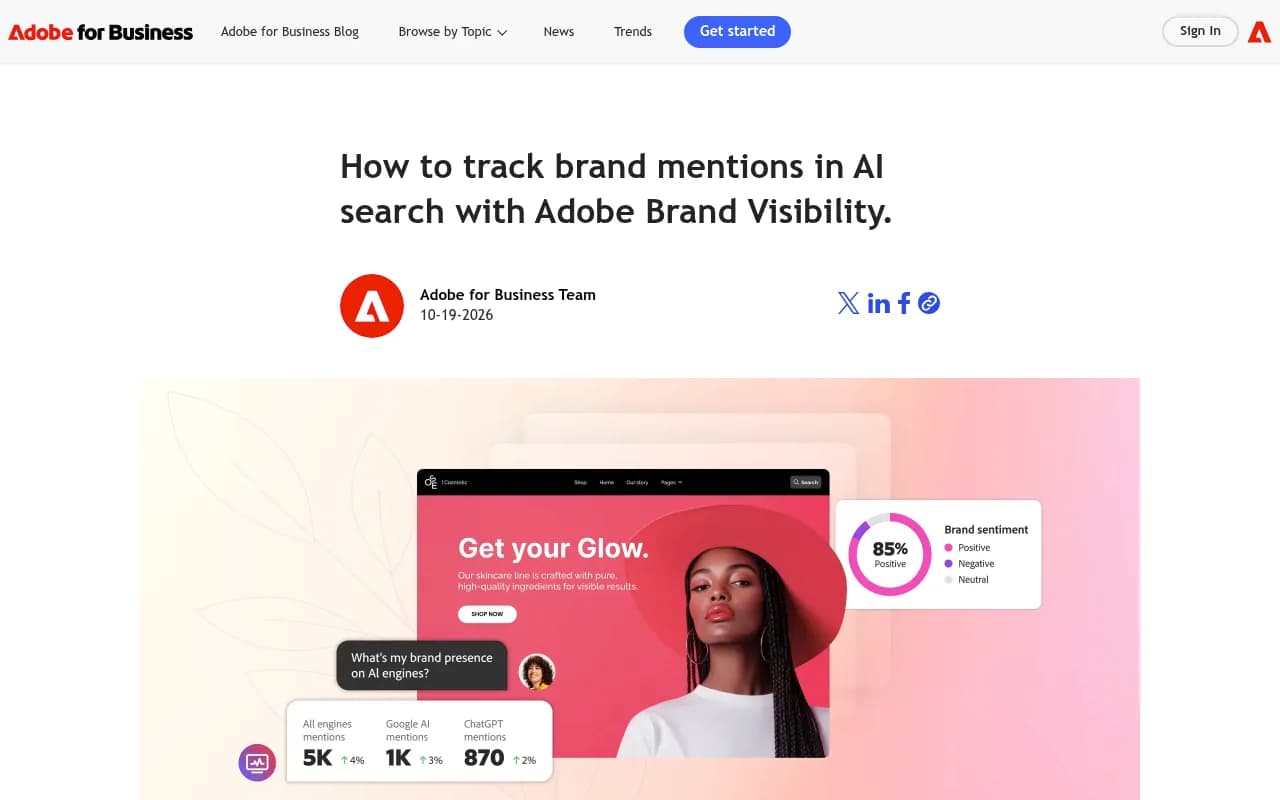
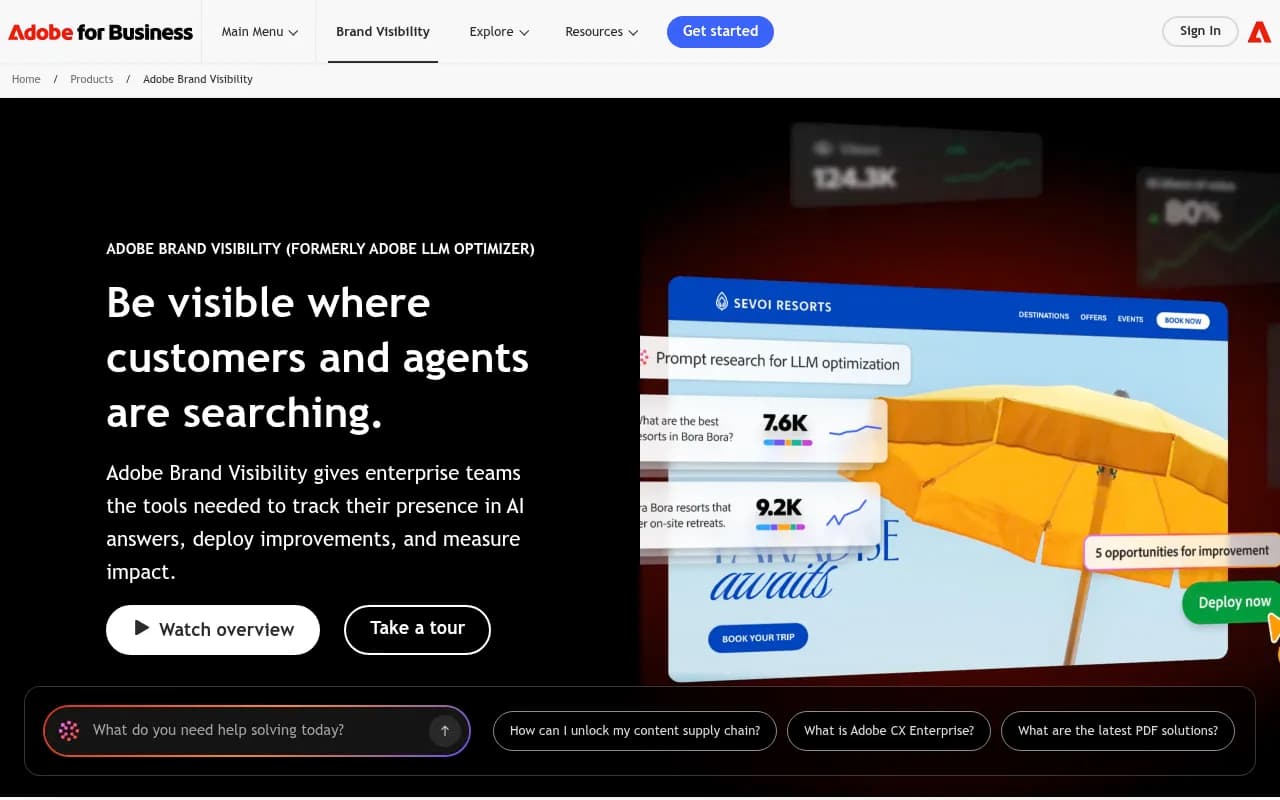
Adobe's guide to tracking brand mentions in AI search is a useful framework for enterprise teams, with a step on choosing which platforms to test. Adobe's own product in this space is Adobe LLM Optimizer.
Step 4: group claims by meaning, not wording
Here is where manual work breaks down. "Starts at $99 a month," "from $99 per month" and "around a hundred dollars monthly" are one claim. A spreadsheet treats them as three rows.
Grouping repeated claims, counting how many responses make them, and noting which models repeat them is what turns a pile of quotes into a narrative you can act on. Read it by theme (pricing, features, support, reputation) and score each theme against competitors.
The 01net guide adds a warning I'd pin above any dashboard: a rising mention count with falling sentiment is a reputation problem dressed as a win. Counting mentions without reading the claims will fool you.
Step 5: verify each claim against your own site
A claim is only a problem if it's wrong, or right but damaging. So check every claim against what's true.
Start with these categories, which cause most of the damage:
- Pricing and plan names
- Discontinued or renamed features
- Integrations you no longer support
- Who the product is for
- Old controversies, outages or leadership changes
- Company facts such as founding year, headquarters and size
Then search your own site for the claim and for its opposite. A claim of "pricing starts at $99" might exist in a 2023 blog post, a docs page or a PDF you forgot about. The wrong page on your own domain is the best case, because you can fix it today.
Promptwatch automates this loop with Brand Narrative and Fact Check. Brand Narrative pulls the individual claims AI makes about you and your competitors out of every tracked response, groups repeated claims, shows which models say each one, and files them under themes with a 0 to 100 score you can compare against competitors. Fact Check lets you mark a claim Accurate or Inaccurate, then reads the pages crawled from your site to find the ones that state it or its opposite, with quotes and a recommended next step. Brand Narrative is on every plan. Fact Check is on Business, Agency Scale and Enterprise, and uses Agent Credits. Confirm current plans at promptwatch.com/pricing.

Step 6: trace where the claim comes from
Once you know a claim is wrong, you need its source. Otherwise you fix your site and the claim keeps coming back from somewhere else.
The branded-prompt data points at three places to check:
- Your own product, pricing and landing pages.
- Review sites. Reviews are 5.6% of citations for branded prompts, and the Promptwatch report recommends collecting reviews on the sites trusted in your category.
- Third-party comparison pages. Comparisons are 7.9% of citations for commercial prompts, and a competitor's "X vs Y" page can spread a wrong claim about you for months.
Social sources matter less in ChatGPT than you might expect. Promptwatch Data found ChatGPT got just 0.46% of its citations from social platforms (Sep 28 to Oct 4, 2026), while Google AI Overviews got 12.2%. See the social media citations by AI model report. Reddit's share of ChatGPT citations also fell from about 4% to 0.5% on August 14, 2026, per Promptwatch's Reddit report. So if a wrong claim shows up in ChatGPT, look at pages and reviews before forums. In AI Overviews, forums and video deserve a look too.
Also note that almost half of ChatGPT responses cite 10 or more unique domains, per Promptwatch's unique domains report. A single answer may blend a dozen sources, so the claim you're chasing may come from several.
Why retrieval wording matters
ChatGPT doesn't search with the user's prompt verbatim. Promptwatch's query fanout data shows average searches per response fell from about 2.15 in early December 2025 to about 1.84 by early March, and returned at 1.0 in April. With fewer searches per answer, each retrieved page carries more weight. Your content has to match the generated queries, such as "X vs Y," pricing and alternatives, not just the user's original question. The related site: operator report shows ChatGPT began using site: queries at scale on August 8, 2026, from about 0.4% to about 17% of fanout queries, which makes your own domain's pages easier to pull directly.
Step 7: fix the claims
Fix in this order.
Fix your own pages first
Make the homepage, product pages and docs answer pricing, features and who the product is for, in plain language. That's Promptwatch's own recommendation for branded prompts, and it matches how ChatGPT quotes specs. Add a plain-language FAQ about the brand. Update or redirect old pricing posts, and remove contradictory numbers.
Write headings like search queries and put the entity and category first. "Acme pricing: plans and cost per seat" beats "Simple, honest pricing."
Then work the third-party pages
Email the owners of comparison and listicle pages with wrong data. Update your listings on review and directory sites. Ask happy customers for reviews on the platforms your category trusts. Digital PR can help here, though results are slow.
Use news and press for bursts only
News pages lost half their cited pages within 36 days, and almost a quarter were never cited again after day 0. A press release won't correct a pricing claim for long. Landing pages, docs and comparisons last far longer, so put corrections there.
Re-run the same prompts
After changes, re-run the fixed prompt set on a schedule. Given half-lives of two to three months, expect corrections to take weeks to show up, not days.
Tools for tracking brand narrative
Most AI visibility tools count mentions, citations and share of voice. Fewer extract claim-level text and verify it. Choose based on how far you need to go.
| Need | Option | Note |
|---|---|---|
| One-time smoke test | HubSpot AI Search Grader | Free, training-data based, no account |
| Continuous monitoring inside HubSpot | HubSpot AEO | Tracks ChatGPT, Perplexity and Gemini |
| Claim extraction, fact checking and fixes | Promptwatch | Brand Narrative on every plan, Fact Check on Business and above |
| Enterprise suite in Adobe stack | Adobe LLM Optimizer | Suited to Experience Cloud teams |
| Brand perception tracking | Waikay | AI brand perception and visibility |
| Sentiment and reputation | LLM Pulse | Visibility and reputation platform |
| Citation source analysis | MentionBird | Shows which sources AI engines cite |
| Budget monitoring | Otterly.AI | Affordable prompt monitoring |


MentionBird

I haven't compared the feature depth of the competing tools beyond their positioning, so run a trial on your own prompts before committing. The GEO software directory lists more options by category.
If you also want the fixes handled, Promptwatch's Fact Check points to the conflicting pages on your own site, shows what's true, and lets the Content Agent rewrite the sentences for you to review and publish to a connected CMS. Agencies that would rather outsource the whole job can work with an SEO and GEO team such as 1001 SEO Media.
A simple cadence that works
| Frequency | Task |
|---|---|
| Weekly | Skim new claims, flag anything inaccurate on pricing or features |
| Monthly | Review narrative themes against two or three competitors, update pages |
| Quarterly | Rebuild the prompt set, audit third-party pages, review sentiment trends |
| After any launch or price change | Re-check every pricing and feature claim within days |
The price-change line is the one teams forget. The Gemini "expensive" example above is what happens when no one runs it.
Common mistakes
- Treating one answer as the truth. Models vary run to run, so rely on repeated observations and trends.
- Testing only your brand name. Competitor comparison prompts are where your weakest claims show up.
- Confusing citations with recommendations. Being cited as a source doesn't mean the answer names you as a pick.
- Ignoring tone. A claim can be accurate and still hurt, such as "best for small teams" when you sell to enterprise.
- Fixing only the claim, not the source. If a comparison page keeps spreading it, the claim returns.
What to do this week
Write 25 branded and comparison prompts. Run them across ChatGPT, Gemini, Perplexity and AI Overviews. Split the answers into claims and mark each true or false. For every false one, find the page it came from. Fix your own pages first, and put the rest on a list.
If you'd rather skip the spreadsheet, start with Promptwatch's free AI visibility report or its 7-day free trial, and see which claims come back about your brand.